


Let’s cut to the chase: the ideal number of hashtags for an Instagram post is between 5 and 15.
While Instagram's official limit is 30 hashtags per post, using the maximum is a common mistake that can hurt your reach. Using too many hashtags can look spammy to users and, more importantly, it sends confusing signals to the Instagram algorithm.
This guide will explain exactly why this happens, how to choose the right number of hashtags for your account size, and provide a step-by-step process for building a strategy that works.
(Hashtags live inside the caption, and caption length has its own measurable effect: our Instagram caption length study covers what 4,408 posts say about it.)
The Quick Answer: What is the Optimal Number of Hashtags?

If you only remember one thing from this guide, make it this: the old strategy of stuffing your posts with 30 hashtags is no longer effective. Instagram's algorithm has become much more sophisticated; it now prioritizes context and relevance over the sheer volume of tags.
Think of hashtags as signposts for the algorithm. Their primary job is to tell Instagram what your content is about so it can be shown to the right audience. When you use too many hashtags, especially broad or irrelevant ones, you create conflicting signals. This dilutes your post's focus and reduces its chances of reaching people who will actually engage with it.
Why Quality Over Quantity is the Rule Now
A smaller, carefully curated set of hashtags provides a clearer, more accurate description of your content. This focused approach helps Instagram understand your niche, which is essential for reaching new followers who are genuinely interested in what you do.
Additionally, using fewer, more specific tags improves the look of your posts. Your captions appear cleaner and more professional, which helps build trust with your audience. Your goal isn't just to reach more people—it's to reach the right people. This is as critical as knowing the best time to post on social media to maximize visibility.
Key Takeaway: Hashtags have evolved from a simple tool for reach into a precision instrument for content categorization and audience targeting.
To provide a clear benchmark, here's a comparison of Instagram's official limits versus the recommended usage for optimal growth.
Instagram Hashtag Limits vs. Recommended Usage
It's common to assume that using the maximum number of hashtags is best, but data shows the opposite. This table breaks down Instagram's official limits against the numbers proven to drive growth.
| Content Type | Official Instagram Limit | Recommended Number for Growth |
|---|---|---|
| Feed Posts | 30 Hashtags | 5-15 Hashtags |
| Reels | 30 Hashtags | 5-15 Hashtags |
| Stories | 10 Hashtags | 2-5 Hashtags |
| Comments | 30 Hashtags | 5-15 Hashtags (if placing there) |
As shown, the ideal number for performance is consistently well below the maximum allowed. The focus should be on strategic selection, not just filling space.
Why Using Fewer Hashtags is More Effective Now
If your current strategy involves pasting a block of 30 hashtags on every post, it's time for an update. The "more is more" approach is outdated because Instagram's algorithm now values context above all else.
Hashtags have shifted from being a basic visibility tool to a powerful signal for content categorization. By using a curated set of 5 to 15 highly relevant hashtags, you send a clear message to the algorithm: "This content is about this specific topic for this specific audience." This precision helps Instagram show your post to users who are most likely to engage.
The Problem with Using Too Many Hashtags
Using too many hashtags, especially a mix of broad and unrelated ones, creates conflicting signals that confuse the algorithm. This dilutes your post's categorization and limits its potential to reach the right people.
This "spray and pray" approach can also damage your credibility with your audience. A long list of hashtags at the end of a caption can appear desperate or spammy, undermining the trust you're trying to build. A clean, focused set of tags communicates confidence and authority, signaling to both your followers and the platform that you are a high-quality creator.
The data supports this shift. Research from Social Insider found no significant increase in reach or engagement for posts with a high volume of hashtags. Furthermore, HubSpot reported that overall engagement rates have declined by over 30% since 2019, and simply adding more hashtags has not reversed this trend. For a detailed data analysis, see the breakdown on financial-marketer.com.
From Visibility to Specificity
Your hashtag strategy should be less like casting a wide fishing net and more like using a targeted lure. The objective is not to be seen by everyone but to be discovered by the right people—those who will follow, comment, and become genuine members of your community. This principle is consistent across platforms, as detailed in our guide on scheduling Instagram Reels vs. TikTok videos.
 PostPlanify
All your social media in one simple dashboard
Schedule posts, track analytics, and reply to comments/DMs without switching tabs.

Engagement
+18%
Views
52.8k
By focusing on fewer, more relevant hashtags, you align your content with how Instagram's algorithm operates today, leading to higher-quality engagement and more sustainable growth.
How to Tailor Your Hashtag Count to Your Follower Size
A one-size-fits-all hashtag strategy is ineffective. The optimal number of hashtags changes as your account grows. What works for a new creator is different from what a large brand needs.
The strategy that gets you your first 1,000 followers won't get you to 100,000. The key is to adapt your hashtag count to your current follower size to maximize your connection with the right audience at each stage.
This infographic illustrates the strategic shift from a broad approach to a more targeted one as an account matures.
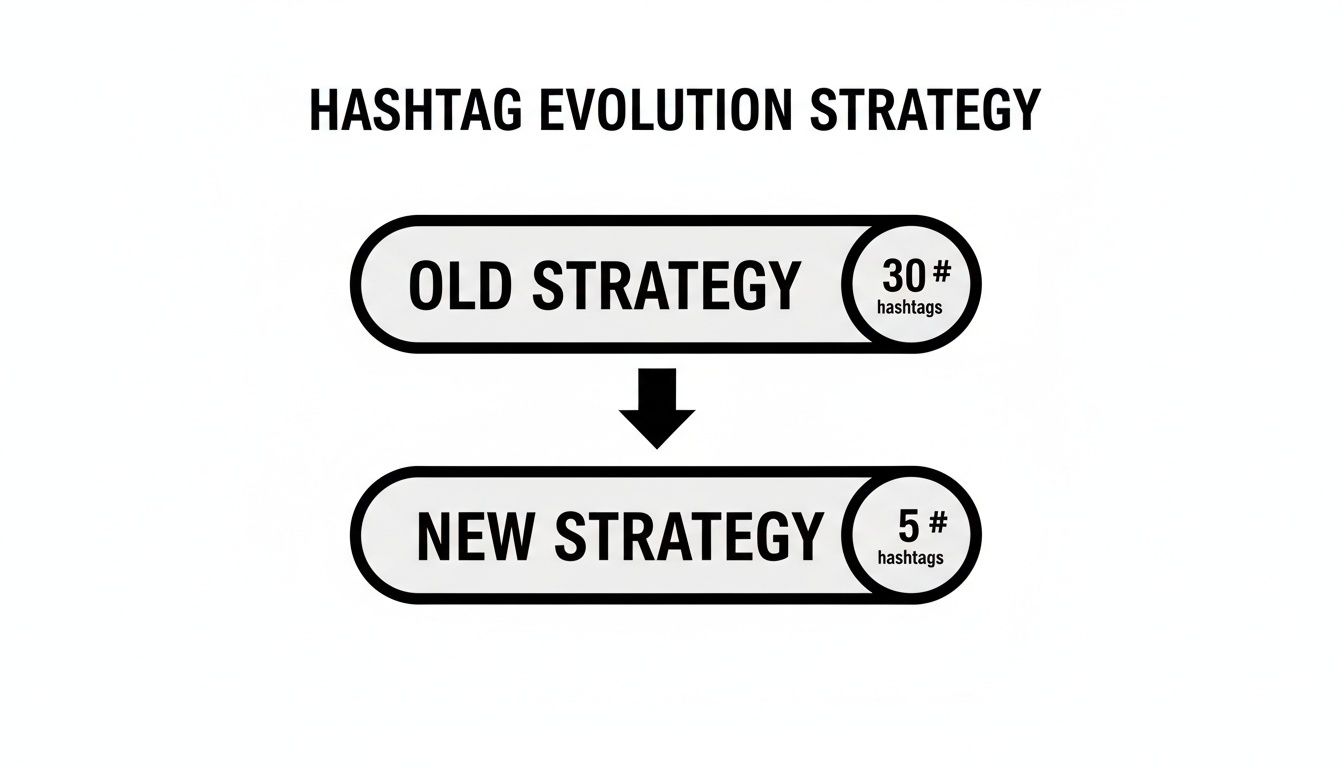
As you can see, established accounts are moving away from high-volume hashtag usage in favor of a more precise, low-volume strategy.
Small Accounts (Under 5,000 Followers)
For new accounts, the primary goal is discovery. You need to cast a wider—but still strategic—net to attract an initial audience. This is the stage where using more hashtags is beneficial.
- Recommended Count: 10-20 hashtags
- Why it works: A mix of niche and community-specific hashtags increases your chances of being discovered. Each tag offers an opportunity to appear in a different search or on an Explore Page. This helps you compete in smaller, less crowded hashtag pools where your content is more likely to be seen.
Mid-Sized Accounts (5,000 - 50,000 Followers)
Once you have an established follower base, your focus should shift from broad discovery to reinforcing your authority and serving your existing community. It's time to become more targeted.
- Recommended Count: 5-15 hashtags
- Why it works: At this stage, you have an audience that already engages with your content. Using a tighter, more curated set of hashtags reinforces your brand's identity. This helps the algorithm solidify your niche, showing your content to users who are highly likely to be interested, resulting in better engagement quality. You can monitor performance changes with tools like an Instagram engagement calculator.
Large Accounts (Over 50,000 Followers)
For large accounts and established brands, hashtags are no longer about basic discovery. Reach is primarily driven by the existing follower base, shares, and brand recognition. Hashtags serve a more specific, strategic purpose.
- Recommended Count: 2-5 hashtags
- Why it works: For large accounts, hashtags are used for branding, campaigns, and content organization. Using just a few highly specific tags—like a branded hashtag (#PostPlanifyTips) or a campaign tag (#SummerSale2025)—maintains a clear message and encourages community-generated content.
The data supports this approach. One analysis found that the average Instagram post contains 10.7 hashtags. For small accounts under 1,000 followers, using 11+ hashtags resulted in a 79.5% increase in engagement.
How to Build and Organize Your Hashtag Sets
Searching for relevant hashtags before every post is time-consuming and inefficient. A better approach is to build curated sets of hashtags that you can reuse. This workflow saves time and ensures every post is optimized for the right audience.
Here is a simple, three-step process for researching and organizing your hashtags to create core groups that align with your main content pillars. For a deeper dive into finding hashtags your target audience uses, explore techniques for Mastering Audience Research With AI.
Step 1: Brainstorm Your Core Hashtag Categories
Before searching for hashtags, start by brainstorming categories related to your brand and content. This will form the foundation of your strategy.
- Topic Hashtags: These are broad tags that describe your industry or subject matter (e.g.,
#socialmediamarketing,#healthylifestyle). - Niche Hashtags: These are more specific tags that target a smaller, more engaged community within your topic (e.g.,
#instagramgrowthtips,#veganmealprep). This is where you can gain the most traction. - Branded Hashtags: This is a unique tag for your business or a specific campaign (e.g.,
#PostPlanifyTips,#SummerStyleGuide). It helps you track user-generated content and build brand recognition.
Step 2: Research and Validate Your Hashtags
Once you have your categories, it's time to find and validate your hashtags.
- Enter your brainstormed tags into Instagram’s search bar.
- Review the "Top" posts for each hashtag. If the content is similar to yours, it's a good fit.
- Check the post volume. Avoid hashtags with billions of posts (too competitive) or only a few thousand (too inactive). The most effective tags are often in the middle range.
- Analyze competitor accounts in your niche. See which hashtags they use consistently, but use their lists as inspiration rather than copying them directly.
Step 3: Group and Save Your Hashtag Sets
The final step is to organize your validated hashtags into logical sets based on your content topics. For example, you might create one set for educational posts, another for behind-the-scenes content, and a third for product features.
Managing these sets in a notes app can be disorganized. A more efficient method is to use a scheduling tool.

Within the PostPlanify dashboard, you can save these curated hashtag groups, turning a manual task into a one-click action. This not only saves time but also builds a consistent system that helps you leverage the benefits of Instagram post scheduler tools.

Common Hashtag Mistakes That Hurt Your Reach
Using the wrong hashtags can be more damaging to your visibility than using none at all. Many common hashtag practices are outdated and can sabotage your growth. Avoiding these mistakes is the first step toward building an effective strategy.
Mistake 1: Using Banned or Broken Hashtags
One of the quickest ways to have your content hidden is by accidentally using a banned or "broken" hashtag. This occurs when a normal tag becomes overwhelmed with spam or inappropriate content, prompting Instagram to block it from search results.
If you use a banned tag, your post will not be visible to anyone who doesn't already follow you. To avoid this, search for any new tag on Instagram before using it. If you see a message stating that recent posts are hidden, the tag is broken and should be avoided.
Mistake 2: Copying and Pasting the Same Hashtag Block
It may seem efficient to use the same block of hashtags on every post, but this is a red flag for the algorithm. It can be interpreted as low-effort or spammy behavior, which may lead to your reach being reduced over time.
Each post is unique, and your hashtags should reflect that. Reusing the same generic list prevents you from connecting with the diverse niche audiences your content could attract. For more on creating clean and readable captions, see our guide on how to put spaces in your Instagram caption.
Mistake 3: Relying on Overly Competitive Hashtags
In the past, using large, popular hashtags was a key strategy. Today, a tag like #love has been used on over 2 billion posts, according to Statista's data on the most used hashtags on Instagram.
When you use a hashtag with hundreds of millions of posts, your content is buried almost instantly. Unless you have a very large account with high engagement, your chances of being discovered through such a tag are nearly zero.
The Shadowban Myth: The term "shadowban" is often used to describe a sudden drop in reach. In most cases, this is not a mysterious penalty but the direct result of common hashtag mistakes. Using irrelevant, repetitive, or overly competitive tags sends the wrong signals to the algorithm, causing your reach to decline. The solution is to focus on relevance and specificity, not volume. If you're experiencing this on TikTok, our TikTok shadowban guide covers exactly how to diagnose and fix it.
Your Instagram Hashtag Strategy Checklist
A successful hashtag strategy requires a practical, repeatable process. This checklist provides a framework for building a strategy that delivers results.
Your Go-To Framework
This process is designed to be adapted and improved over time, providing a solid foundation for sustainable growth.
-
Determine Your Optimal Number: Adjust your hashtag count based on your account size. For accounts under 5k followers, use 10-20 hashtags. For accounts between 5k and 50k, use 5-15. For accounts over 50k, use a focused 2-5.
-
Research a Mix of Hashtags: Build a diverse portfolio of hashtags, including broad topic tags, specific niche tags, and your own branded tags. Niche hashtags are particularly effective for reaching highly engaged users.
-
Create Reusable Hashtag Sets: Save time by creating curated groups of hashtags for your main content pillars. Store them in a document or a tool like PostPlanify for easy access.
An effective hashtag strategy is dynamic. It requires consistent monitoring and adaptation based on performance data. What works today may need to be adjusted next month.
-
Place Hashtags in the First Comment: To keep your captions clean and readable, post your hashtags in the first comment immediately after publishing. This maintains their discovery function without cluttering your main message.
-
Analyze and Refine: Regularly review your Instagram Insights to identify which posts are receiving the most reach from hashtags. Identify patterns, focus on what works, and eliminate what doesn't.
For a broader perspective on hashtag strategy, exploring how other platforms operate can be beneficial. Our guide on the best hashtag strategies for YouTube offers valuable insights into using hashtags for discovery.
Instagram Hashtag FAQs
Here are answers to some of the most common questions about Instagram hashtags.
Should I Put Hashtags in the Caption or First Comment?
The recommended practice for most brands is to place hashtags in the first comment.
While Instagram has stated there is no algorithmic difference, placing hashtags in the first comment keeps your caption clean and professional. It prevents the main message from being overshadowed by a block of tags. As long as you post the comment immediately after the post goes live, the hashtags will function the same for discovery.
Do Hashtags Work in Instagram Stories?
Yes, hashtags are an effective tool for discovery in Instagram Stories. You can use up to 10 hashtags, but the optimal number is 2-5 highly relevant tags. This helps your Story appear in hashtag-specific searches and on the Explore Page, extending its reach beyond your followers.
You can add hashtags using the sticker feature or by typing them in a text box. To maintain a clean look, you can shrink the hashtags until they are nearly invisible or hide them behind another element like a sticker or GIF.
Is Using the Same Hashtags on Every Post Bad?
Yes, using the exact same block of hashtags on every post can be detrimental. The Instagram algorithm may flag this repetitive behavior as low-effort or spammy, which can negatively impact your reach over time.
Key Takeaway: Each post is unique, and your hashtags should be too. Tailor your hashtag set to the specific topic of each post to signal relevance to the algorithm and connect with different segments of your target audience.
By customizing your hashtags for each post, you maximize your chances of reaching the right people for that specific piece of content.
Frequently Asked Questions About Instagram Hashtags
Here is a quick-reference table to address other common questions.
| Question | Answer |
|---|---|
| How many hashtags should I really use? | Instagram allows up to 30, but data suggests using 5-15 well-researched hashtags is often the most effective for growth. |
| Can I edit hashtags after I post? | Yes, you can edit hashtags in your caption at any time. If they are in the first comment, you can delete and repost the comment with the updated hashtags. |
| Do hashtags work on private accounts? | No. On a private account, your posts and their associated hashtags are only visible to your approved followers. |
| Does capitalization matter in hashtags? | No. #SocialMediaTips and #socialmediatips lead to the same hashtag page. However, using title case can improve readability. |
| Can I use hashtags in my Instagram bio? | Yes. You can add clickable hashtags to your bio, which is useful for promoting a branded hashtag or highlighting a specific community. |
This information should provide the clarity and confidence needed to build a hashtag strategy that works. The keys to success are being thoughtful, relevant, and willing to experiment.
Ready to stop wasting time on manual hashtag research and scheduling? With PostPlanify, you can save your curated hashtag sets and add them to your posts in one click, ensuring every post is optimized without the repetitive work.
Start your free trial today and streamline your entire social media workflow!
PostPlanifyAll your social media in one simple dashboard
Schedule posts, track analytics, and reply to comments/DMs without switching tabs.
Engagement
+18%
Views
52.8k
About the Author

Hasan Cagli
Founder of PostPlanify, a content and social media scheduling platform. He focuses on building systems that help businesses, agencies, and teams plan, publish, and manage content and social media more efficiently across platforms.


