


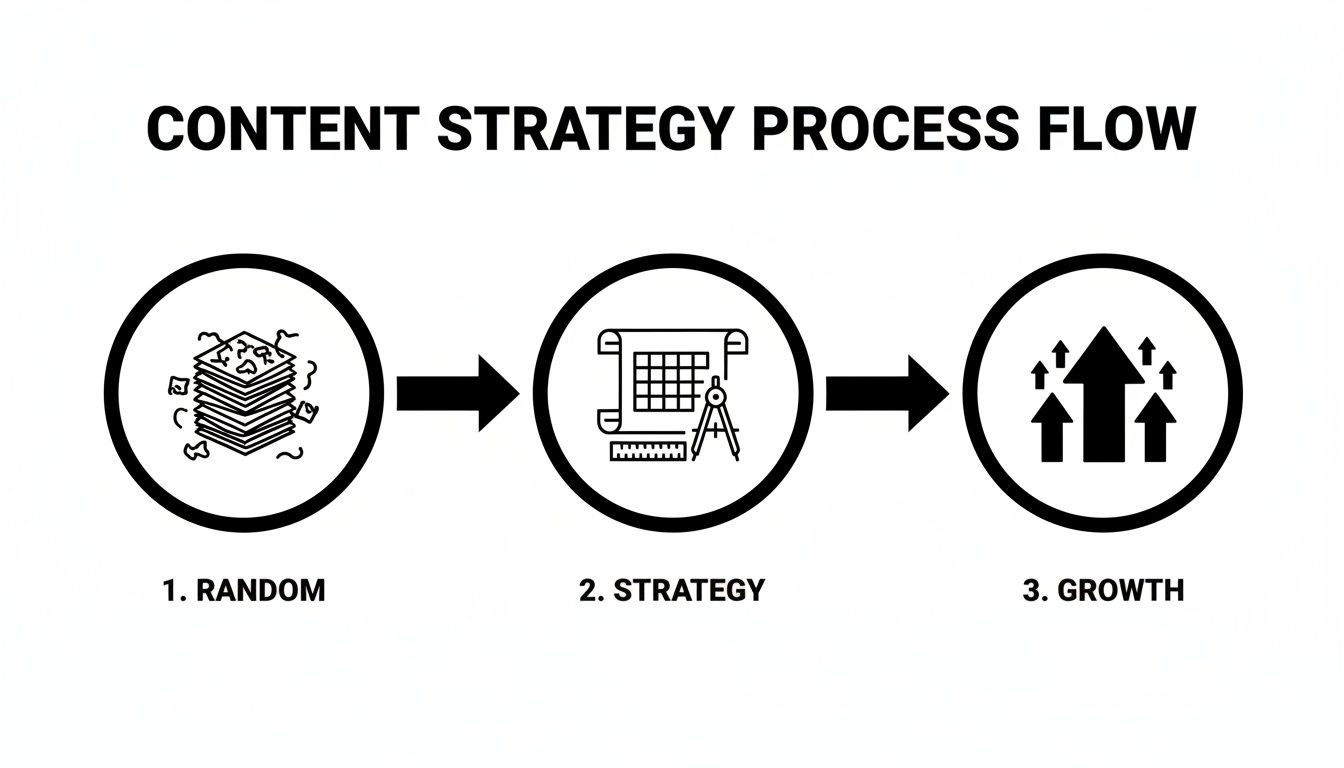
Posting on social media without a plan is like driving without a map. You might move, but you won't get where you want to go. The daily scramble to find something to post leads to inconsistent messaging, confused followers, and eventually, burnout.
The fix is to shift from random acts of content to a purpose-driven strategy. This guide will walk you through the exact steps to build a content plan that stops the daily chaos and starts delivering measurable results.
Step 1: Define Your Goals and Content Pillars
Before creating a single post, you need to answer two questions:
- Why are we posting on social media? (Your goals)
- What will we talk about? (Your content pillars)
Without clear answers, your content will lack direction and fail to connect with your audience.
Why This Problem Happens
Many businesses jump onto social media because they feel they have to be there. They start posting without a clear objective, leading to a feed filled with random updates, disconnected promotions, and off-brand memes. This "post-and-pray" approach doesn't build an audience or drive business results because it isn't tied to a specific outcome.
Common Scenarios:
- A small business posts product photos one day, a personal update the next, and a random industry article the day after. The audience has no idea what to expect or why they should follow.
- A B2B company posts exclusively about its product features, ignoring the actual problems their customers face. Engagement is low because the content is self-serving, not helpful.
Actionable Fix: Establish Your "Why" and "What"
Follow these steps to build a solid foundation for your content plan.
-
Set SMART Goals: Define what you want to achieve. Don't just say "more followers." Get specific.
- Bad Goal: "Grow our Instagram."
- Good Goal: "Increase Instagram engagement rate by 2% and generate 20 qualified leads per month through link-in-bio clicks within Q3." Your goals could be brand awareness, lead generation, community building, or driving sales. Each goal requires a different type of content.
-
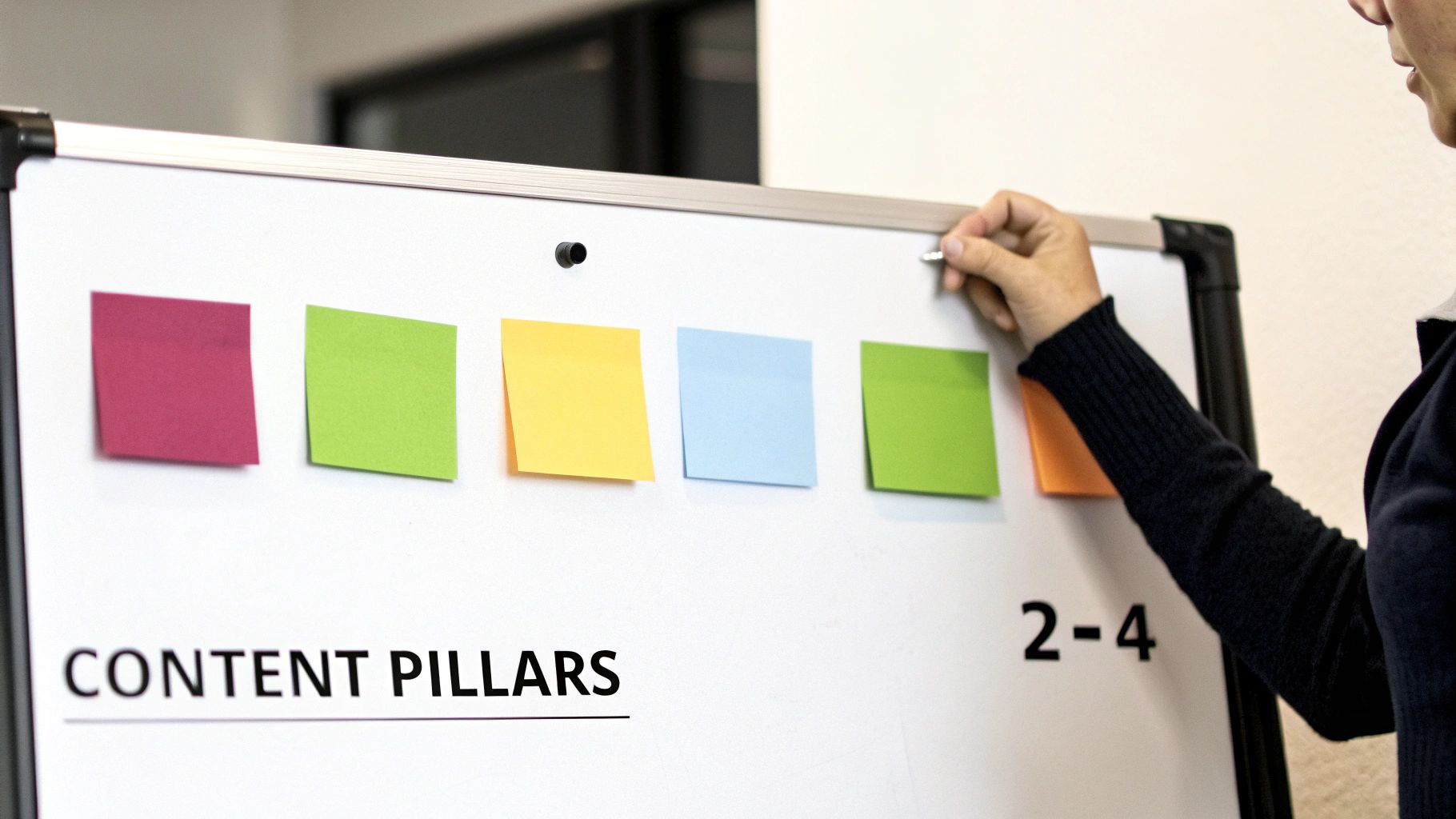
Identify Your Content Pillars: These are the 3-5 core themes your brand will consistently talk about. They should be at the intersection of your expertise and your audience's interests.
- Why they work: Pillars prevent you from chasing irrelevant trends and ensure every post reinforces your brand's authority on specific topics.
Real-World Example: A SaaS company that sells accounting software for freelancers.
- Goal: Generate 50 free trial sign-ups per month from social media.
- Content Pillars:
- Freelance Finance 101: (e.g., "How to calculate quarterly estimated taxes")
- Productivity for Solopreneurs: (e.g., "5 tools to automate your invoicing")
- Customer Success Stories: (e.g., A video testimonial from a graphic designer)
- Software Tips & Tricks: (e.g., A screen-recording tutorial of a key feature)
Now, every piece of content must fit into one of these pillars and support the primary goal of driving trial sign-ups. For more on this, our guide on how to improve social media engagement connects directly to building a pillar-based strategy.
 PostPlanify
All your social media in one simple dashboard
Schedule posts, track analytics, and reply to comments/DMs without switching tabs.

Engagement
+18%
Views
52.8k
Step 2: Build a System for Generating Content Ideas
Once you have your pillars, you need a system to generate a steady stream of post ideas. Relying on last-minute inspiration is unsustainable. The goal is to build a backlog of vetted ideas you can pull from at any time.
Why This Problem Happens
Many creators hit a wall because their idea generation process is reactive. They wait until they need a post idea, then frantically search for one. This leads to low-quality, rushed content that doesn't align with their strategy.
Common Scenarios:
- You spend an hour every morning scrolling through feeds, hoping for inspiration to strike.
- You keep recycling the same few content formats because you're out of fresh ideas.
- You see a competitor's post and try to create a quick copycat version, which ends up feeling inauthentic.

Actionable Fix: Create an "Idea Engine"
Use these proven methods to systematically fill your content backlog.
-
Listen to Your Audience: Your customers and followers are your best source of ideas.
- Action: Go through your DMs, comment sections, and customer support tickets. What questions do people ask over and over? Each question is a potential post.
-
Analyze Your Competitors: Look for what they're doing well and where they have gaps.
- Action: Review the top 3-5 competitors in your space. What topics get the most engagement for them? More importantly, read their comments. What follow-up questions are their audience asking that they aren't answering? That's your opportunity.
-
Use SEO Research Tools: Find out what your audience is actively searching for online.
- Action: Go to Google and type in a keyword related to one of your pillars. Look at the "People Also Ask" box. These are questions your audience wants answers to. Tools like AnswerThePublic or Ubersuggest can provide hundreds of ideas based on a single keyword.
-
Talk to Other Departments: If you're in a larger company, your sales and support teams are on the front lines.
- Action: Set up a brief monthly chat with your sales team. Ask them: "What are the biggest objections you hear from potential customers?" and "What 'aha!' moment convinces them to buy?" These insights are content gold.
Organize these ideas in a simple spreadsheet or a project management tool. A social media tool with a content calendar, like PostPlanify, allows you to create "draft" posts directly in your calendar, so your ideas are waiting for you right where you need them. And if your focus is Instagram, our guide on how to grow Instagram followers organically offers more platform-specific idea generation tips.
Step 3: Structure Your Content with a Calendar
An idea is just an idea until it's on a calendar. A content calendar turns your strategy into an actionable plan. It's the central source of truth for what gets posted, where, and when.
Why This Problem Happens
Without a calendar, content planning is chaotic and inefficient. Teams rely on scattered spreadsheets, disconnected documents, and last-minute Slack messages. This leads to missed deadlines, inconsistent posting frequency, and an unbalanced content mix (e.g., too many promotional posts in a row).
Common Scenarios:
- You realize at 4 PM that you haven't posted anything for the day.
- You accidentally post the same content to two different platforms without adapting the caption.
- Your feed becomes 90% sales pitches because you didn't plan for educational or community-building content.
Actionable Fix: Build a High-Detail Content Calendar
A good calendar is more than just a date and a topic. Each entry should be a mini-creative brief. For a deep dive, check out this guide on how to create an editorial calendar.
For each post in your calendar, include these fields:
- Publish Date & Time: Be specific. (e.g., Oct 26, 9:15 AM ET)
- Platform(s): Where will it be published? (e.g., Instagram Feed, LinkedIn)
- Content Pillar: Which pillar does it support?
- Format: (e.g., Reel, Carousel, Text-only, Story)
- Final Caption: The exact copy, including hashtags and @mentions.
- Visuals: A direct link to the approved asset in Google Drive or Canva.
- Call-to-Action (CTA): What do you want the user to do? (e.g., "Save this post," "Comment below," "Link in bio")
- Status: (e.g., Idea, In Progress, Ready for Review, Scheduled)
Platform-Specific Content Planning
Don't just copy-paste. Tailor your content for each platform's audience and algorithm.
| Platform | Best For | Content Formats | Key Considerations |
|---|---|---|---|
| Visual storytelling, community building | Reels, Carousels, Stories | Aesthetics are key. Reels are crucial for reach. Captions can be longer and more personal. | |
| TikTok | Short-form video, trends, entertainment | Vertical video (under 60s) | Be authentic and fast-paced. Sound is critical. Don't be afraid to be informal. |
| B2B, professional networking, authority building | Text posts, Carousels (PDFs), Articles | Focus on value and insights. Maintain a professional tone. Personal stories perform well if they have a business lesson. | |
| X (Twitter) | Real-time news, conversations | Short text updates, Threads, Polls | High frequency is expected. It's a conversational platform—ask questions and reply quickly. |
| Broad audience, community engagement | Video (short & long), Links | Great for community groups. Algorithms favor video and posts that spark conversation in the comments. |
Limitations & Edge Cases:
- API Restrictions: Not all platforms allow third-party tools to schedule every content type. For example, some advanced Instagram Story features (like certain stickers) may require manual posting.
- Account Types: Instagram requires a Business or Creator account to use scheduling APIs.
- Approval Workflows: For teams, a spreadsheet can become a bottleneck. A tool like PostPlanify with built-in approval queues prevents unapproved content from going live. Our guide on how to collaborate on Instagram breaks down the full approval process step by step.
Timing is critical. Don't post your perfectly crafted content when your audience is asleep. For a detailed breakdown, see our guide on the best time to post on social media.
Step 4: Systematize Content Creation with Batching
Your calendar is planned. Now you have to actually create the content. The daily grind of creating, editing, and posting is a recipe for burnout. The solution is content batching.
Why This Problem Happens
Creating content on-the-fly is incredibly inefficient. Your brain loses energy every time it switches between different types of tasks (e.g., writing, designing, filming). This "context switching" means you produce lower-quality work in more time.
Common Scenarios:
- You spend 30 minutes setting up your lighting and microphone just to film one 30-second video.
- You try to write a thoughtful caption while also designing the graphic for it, doing both tasks poorly.
- Your content quality varies wildly from day to day depending on your mood and energy levels.
Actionable Fix: Group Similar Tasks into Focused Blocks
Instead of doing a little bit of everything each day, dedicate specific blocks of time to one type of task.
-
Block 1: Ideation & Scripting (2-3 hours):
- Goal: Plan out all your content for the next two weeks.
- Action: Write all your video scripts. Outline your carousels. Finalize your text posts. Don't create anything yet, just plan.
-
Block 2: Filming & Recording (3-4 hours):
- Goal: Film all video content for the planned period.
- Action: Set up your camera and lights once. Film all your Reels and TikTok videos back-to-back. Change your shirt or background between videos to create variety.
-
Block 3: Design & Graphics (2-3 hours):
- Goal: Create all static visuals.
- Action: Open Canva or Photoshop. Create all the graphics for your carousels, quote cards, and thumbnails in one session. Use templates to stay on-brand and move quickly.
-
Block 4: Writing & Finalizing (2-3 hours):
- Goal: Write all captions and prepare posts for scheduling.
- Action: With all visuals complete, write every caption. Proofread, add hashtags, and gather your links. Use proven frameworks like AIDA or PAS to structure each caption — our social media copywriting guide walks through each formula step by step.
This approach transforms your workflow from a chaotic daily scramble into a predictable, efficient system. For a deeper dive, read our guide on how content batching can transform your productivity. This process is even smoother when your tools are connected, which brings us to the final step.
Step 5: Schedule, Analyze, and Refine Your Plan
Creating great content is only half the battle. To get results, you need to publish it at the right time and then analyze its performance to see what's working. Manually posting every day is not scalable.
Why This Problem Happens
Manual posting is time-consuming and prone to error. You forget to post, publish at the wrong time, or post with a typo because you're rushing. Furthermore, if you don't analyze your performance, you're just guessing what your audience wants. You'll keep making the same mistakes and wondering why you're not growing.
Common Scenarios:
- You're on vacation and your social media goes silent, killing your momentum.
- You post a brilliant video at 10 PM, and it gets almost no views because your audience is offline.
- You think your followers love your video series, but the data shows your text-based posts actually get 3x the engagement.
Actionable Fix: Use a Scheduler and Track Meaningful Metrics

-
Schedule Everything in Advance: Use a social media scheduling tool to load up your batched content for the week or month. This ensures consistency and frees you up to engage with your audience in real-time.
- Platform-Specific Details:
- Instagram: Tools can auto-publish to the Feed, Reels, and Stories (with some limitations).
- LinkedIn: API allows for scheduling text, images, and video. PDF carousels often need to be scheduled through the tool's specific functionality.
- TikTok: Many schedulers now offer direct posting, but some may still use a notification-based system where it reminds you to post manually at the scheduled time.
- Platform-Specific Details:
-
Find Your Optimal Posting Times: Use your analytics to see when your audience is most active.
- Action: Check your Instagram Insights (
Followers > Most Active Times) or TikTok Analytics (Followerstab) to see a daily and hourly breakdown of audience activity. Schedule your most important content for these peak windows.
- Action: Check your Instagram Insights (
-
Review Performance Weekly: Set aside 30 minutes each week to review your analytics. Don't just look at follower count.
- Key Metrics to Track:
- Engagement Rate:
(Likes + Comments + Shares + Saves) / Followers. This is the best measure of content quality. - Reach: How many unique people saw your post? Is your content reaching new audiences?
- Website Clicks: How many people clicked the link in your bio or post? This measures your ability to drive traffic.
- Saves (Instagram/Pinterest): This is a strong indicator that your content is valuable and educational. The algorithm loves it.
- Engagement Rate:
- Key Metrics to Track:
-
Double Down on What Works: Use your analysis to inform your next content batch.
- Action: Did a certain topic or format outperform everything else? Make more of that. Did a post completely flop? Analyze why and avoid making the same mistake. This data-driven feedback loop is how you achieve sustainable growth.
Many of the top free social media scheduling tools for creators offer basic analytics, while paid tools like PostPlanify provide more advanced reporting to help you spot trends faster.
Troubleshooting & FAQs
How far in advance should I plan content?
Plan your high-level themes and pillars monthly or quarterly. This gives you a strategic direction. However, create and schedule the actual, detailed posts on a weekly or bi-weekly basis. This provides the structure of a long-term plan but leaves you flexible enough to jump on trends or react to current events.
What’s the best way to repurpose content?
Don't just copy-paste. Adapt and deconstruct.
- A long-form blog post can be broken down into:
- A 10-slide Instagram Carousel summarizing the key points.
- A short Reel highlighting one surprising statistic from the article.
- A LinkedIn text post sharing a personal story related to the topic.
- An X (Twitter) thread breaking down the main arguments step-by-step. The goal is to extract maximum value from a single piece of core content.
How do I stay consistent when I'm a one-person team?
Simplify everything.
- Choose 1-2 platforms to focus on, not all of them.
- Reduce your posting frequency. Three high-quality posts per week are better than seven rushed ones.
- Lean heavily on batching. A single 4-hour block on a Sunday can prepare your entire week of content.
- Use templates. Create a set of branded templates in Canva for different post types to speed up creation.
Your Social Media Planning Checklist
- Define Your Goals: Set specific, measurable social media objectives (e.g., leads, sales, engagement).
- Establish Content Pillars: Choose 3-5 core themes you will consistently talk about.
- Build an Idea Backlog: Systematically collect and organize content ideas.
- Create a Detailed Calendar: Plan what, where, and when you will post.
- Batch Your Content Creation: Dedicate focused blocks of time to scripting, filming, and designing.
- Schedule Your Posts: Use a scheduling tool to automate publishing and ensure consistency.
- Analyze and Refine: Review your analytics weekly to see what's working and improve your plan.
PostPlanifyAll your social media in one simple dashboard
Schedule posts, track analytics, and reply to comments/DMs without switching tabs.
Engagement
+18%
Views
52.8k
About the Author

Hasan Cagli
Founder of PostPlanify, a content and social media scheduling platform. He focuses on building systems that help businesses, agencies, and teams plan, publish, and manage content and social media more efficiently across platforms.


