


Facebook still drives more referral traffic than any other social platform, and Pages that post consistently get significantly more reach than those that show up randomly. But keeping up with that pace across regular posts, Reels, carousels, and Stories, especially if you manage multiple Pages, turns into a time sink fast.
The best Facebook scheduling tool for most teams is PostPlanify, which auto-publishes Reels and carousels, writes captions with AI, and covers 10 platforms from $39/mo per workspace. Meta Business Suite is the free pick, and the only one that still posts to Groups. Buffer is the simplest option for one or two Pages, and Hootsuite suits enterprise teams that need bulk scheduling and approval governance.
The problem is that Facebook scheduling has gotten more complicated, not simpler. Meta killed the Groups API in April 2024, which means no third-party tool can auto-publish to Facebook Groups anymore. Reels and Stories scheduling works for Pages but not personal profiles. And Meta Business Suite, while free, caps scheduling at roughly 30 days and lacks the multi-brand workflows that teams actually need.
This guide compares thirteen of the best Facebook scheduling tools for 2026 and covers:
- which tools support auto-publishing for Facebook Reels and carousels
- what actually happened with Groups scheduling and what workarounds exist
- which platforms offer a real free tier versus a trial disguised as one
- what each tool costs once you add the Pages and team members you need
For a broader overview of scheduling across all platforms, see our guide to the best social media scheduling tools. If measurement rather than publishing is the gap, our best Facebook analytics tools comparison covers the tools built for reporting.
Quick Comparison: Best Facebook Schedulers 2026
| Tool | Starting Price | Free Option | Reels | Carousels | Groups | Best For |
|---|---|---|---|---|---|---|
| PostPlanify | From $39/mo per workspace | 7-day trial | Yes | Yes | No | Agencies, teams & businesses |
| Meta Business Suite | Free | Full access | Yes | Yes | Yes (native) | Solo Page owners |
| Buffer | $6/channel | 3 channels free | Yes | No | No | Simple scheduling |
| Hootsuite | $99/user/mo | 14-day trial | Yes | Yes | No | Enterprise teams |
| SocialBee | $29/mo | 14-day trial | Yes | No | Reminder | Evergreen content |
| Metricool | $25/mo | Free (1 brand) | Yes | Yes | No | Analytics-focused |
| ContentStudio | $29/mo | 7-day trial | Yes | Yes | No | AI content + agencies |
| Later | $25/mo | 14-day trial | Yes | No | No | Visual planners |
| SocialPilot | $30/mo | 14-day trial | Yes | Yes | No | Agencies at scale |
| Sprout Social | $99/seat/mo | 30-day trial | Yes | Yes | No | Enterprise + listening |
| Planable | $39/workspace/mo | 50 posts free | Yes | No | No | Team approvals |
| Publer | $12/mo | 3 accounts free | Yes | Yes | Reminder | Budget scheduling |
| Sendible | $35/mo | 14-day trial | Yes | Yes | No | Agency client work |
Best overall: PostPlanify offers Facebook scheduling including Reels and carousels, AI captions, and cross-posting to 10 platforms, with unlimited posts on every plan from $39/mo.
How these tools were evaluated: every price here was checked against the vendor's own pricing page in September 2026, and the plan names and limits reflect what the vendor publishes today rather than older lineups. Facebook capability claims (Reels, carousels, Stories, Groups) were checked against what Meta's Graph API actually supports, since no tool can offer what the API does not. Ratings come from G2 and Trustpilot, with both scores shown for each tool because they often disagree sharply.
What Facebook Content Can Be Scheduled via API
Before choosing a tool, it helps to understand what Meta's Graph API actually supports. This determines what any third-party tool can do.
| Content Type | Auto-Publish via API | Notes |
|---|---|---|
| Page posts (text, image, link, video) | Yes | Full support, up to 75 days ahead |
| Page Reels | Yes | Pages only, not personal profiles or Groups |
| Page carousels | Yes | Supported by most tools |
| Page Stories | Limited | No interactive elements (stickers, music, polls). |
| Group posts | No | API deprecated April 2024. Only Meta Business Suite can still schedule to Groups |
| Personal profile posts | No | Not supported by the API at all |
If a tool claims to "schedule Facebook posts," it means Page posts. Personal profiles and Groups are out of scope for every third-party tool.
1. PostPlanify
PostPlanify is a social media management platform built for agencies, teams, and businesses that manage multiple Facebook Pages alongside other social channels, with a separate workspace per client or brand from $39/mo.
For Facebook specifically, PostPlanify auto-publishes posts, Reels, and carousels to your Facebook Pages, writes on-brand captions with its AI assistant, and shows a live preview of every post before it goes live. Because the same dashboard also schedules Instagram, TikTok, YouTube, LinkedIn, and five more networks, you can plan a full week of Facebook content alongside the rest of your channels in one session, then track reach, engagement, and best times to post from the built-in analytics.

Supported Platforms:
Facebook-Specific Features:
- Auto-publish posts, Reels, and carousels to Facebook Pages
- AI Caption Writer: generates captions matched to each brand's voice and audience
- Post Previews: see exactly how posts, Reels, and carousels will appear on Facebook before scheduling
- Cross-posting: schedule the same content to Facebook and Instagram, TikTok, YouTube, or any combination of 10 platforms in one workflow
Additional Features:
- Unlimited scheduling on every plan
- Analytics across all 10 platforms with historical trend charts and best time to post suggestions
- Team collaboration with single and multi-step approval workflows, included from the entry plan, with unlimited team members and client approvers on every plan
- Social inbox: manage Facebook Page comments and messages from one dashboard
- Link in bio page for each workspace
- Client reports on Premium and full white labeling on Scale, covering the dashboard, client emails, and reports
- Bulk scheduling and media library
- Weekly and monthly calendar views
- Canva, Google Drive, and Dropbox integrations for pulling finished creative straight into a post
 PostPlanify
All your social media in one simple dashboard
Schedule posts, track analytics, and reply to comments/DMs without switching tabs.

Engagement
+18%
Views
52.8k
Pricing:
| Workspaces | Growth | Premium | Scale |
|---|---|---|---|
| 1 workspace | $39/mo | $49/mo | $59/mo |
| 3 workspaces | $97/mo | $127/mo | $157/mo |
| 5 workspaces | $155/mo | $205/mo | $255/mo |
| 10 workspaces | $250/mo | $350/mo | $450/mo |
| Social accounts per workspace | 4 | 6 | 8 |
Unlimited team members on every plan, no per-seat fees. Yearly billing saves 20%. All plans include a 7-day free trial with a 14-day money-back guarantee.
You pay per workspace, and each one after the first costs less: $39/mo for one, $97/mo for three, $155/mo for five. Each Growth workspace holds 4 social accounts, and team members are unlimited on every plan.
- Growth covers unlimited posts, analytics, social inbox, best time to post, bulk scheduling, and approvals.
- Premium (from $49/mo) adds client reports, team comments, and API access.
- Scale (from $59/mo) adds full white labeling.
Best For: Agencies, teams, and businesses that post to Facebook Pages alongside other platforms, and need Reels + carousel support, AI captions, and unlimited scheduling in one dashboard.
User ratings: 5/5 on G2
👉 Learn more about the PostPlanify Facebook Scheduler
2. Meta Business Suite (Free Native Scheduler)
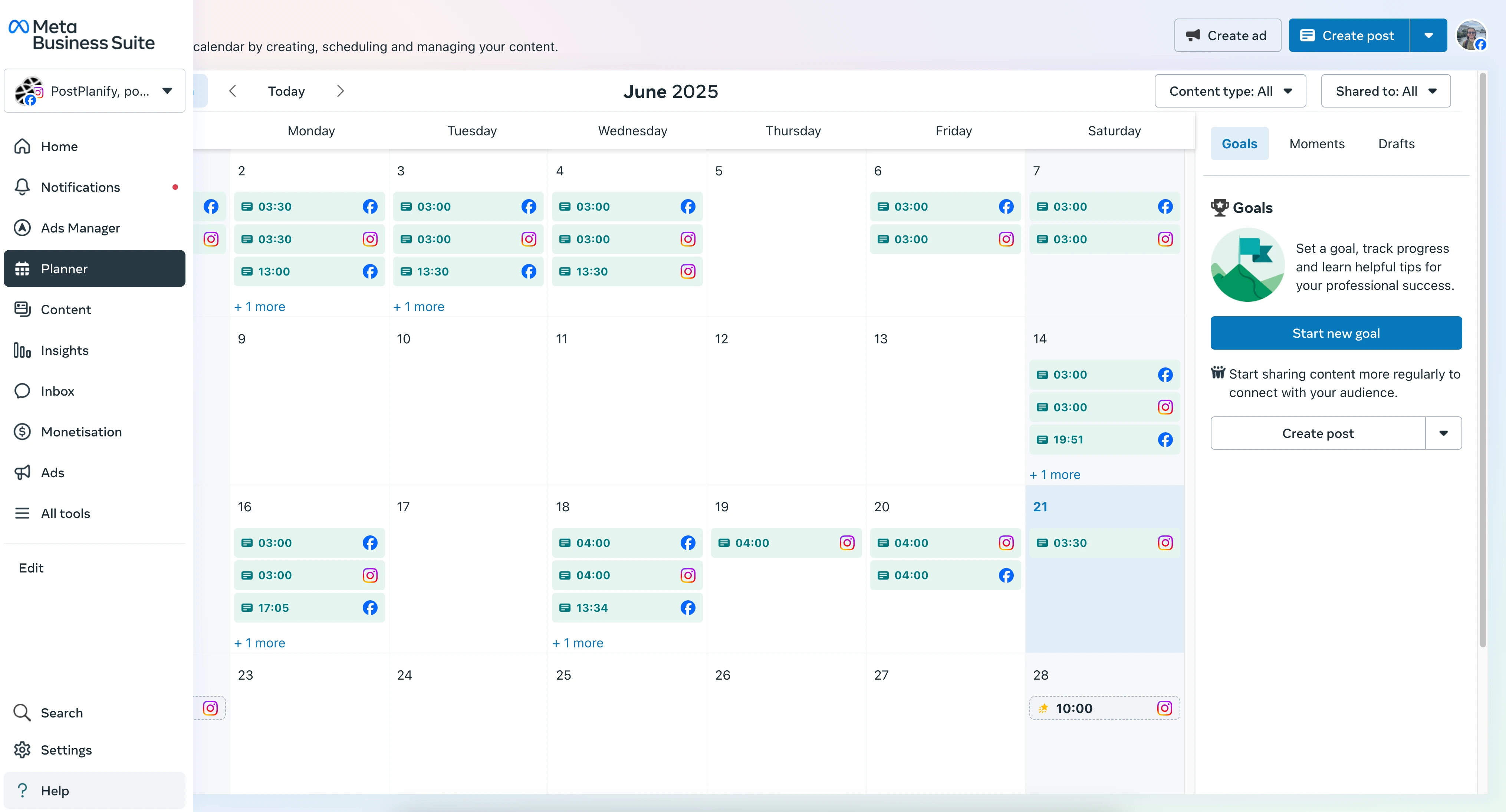
Meta Business Suite is Facebook's official, free scheduling tool. Because it's built by Meta, it has access to features that no third-party tool can match. Most notably, it's the only tool that can still schedule posts to Facebook Groups.
For Facebook scheduling, Meta Business Suite lets you queue posts, Reels, Stories, and carousels to your Pages and, uniquely, schedule directly to Facebook Groups you manage, which no third-party tool can do since the Groups API was deprecated. The trade-off is depth: the scheduling window is capped at roughly 30 days in practice, there are no multi-brand workspaces or approval workflows, and the analytics aren't exportable for client reporting.
What it supports:
- Page posts (text, image, video, link)
- Reels
- Carousels
- Stories
- Group posts (the only tool that can)
- Facebook + Instagram cross-posting
- Basic performance insights
Scheduling capabilities:
- Schedule roughly 29-30 days ahead in practice (Meta documentation says 75 days, but users consistently report a ~30-day cap)
- Manage Facebook Pages + Instagram from one planner
- Draft posts for later editing
Strengths:
- 100% free
- The only tool that still schedules to Facebook Groups
- Most reliable for Facebook publishing (first-party access)
- Supports all Facebook content types including Stories with interactive elements
Limitations:
- Scheduling window capped at ~30 days despite documentation claiming 75
- Interface is buggy, with blank screens, loading issues, and scheduling glitches frequently reported
- No AI caption tools
- No multi-brand workspaces or team approval workflows
- Analytics are basic and not exportable for client reporting
- Cannot manage platforms outside the Meta ecosystem
Best For: Solo Page owners or small businesses that only need Facebook + Instagram scheduling, especially if Facebook Groups are central to their strategy.
👉 How to Schedule Facebook Posts: Full Guide
3. Buffer
Buffer is known for its clean interface and fast scheduling workflow. It supports Facebook Page auto-publishing and is a solid fit for creators who want simple scheduling without complexity.
For Facebook scheduling, Buffer auto-publishes posts and Reels to your Pages, drafts captions with its AI Assistant, and lets you rearrange the queue from a clean calendar view. It's a strong fit for solo creators and small teams managing one to three Facebook Pages, though per-channel pricing climbs as you connect more Pages, and Buffer doesn't support Facebook carousel scheduling or Groups posting.
Facebook-Specific Features:
- Auto-publish posts and Reels to Facebook Pages
- AI Assistant for generating and rewriting captions
- Hashtag manager for organizing reusable tag sets
- Browser extension for saving content ideas from the web
- Calendar and queue views for rearranging scheduled posts
Pricing:
- Free: 3 channels, 10 posts per channel
- Essentials: $6/channel/month (unlimited posts, analytics)
- Team: $12/channel/month (approval workflows, unlimited users)
User ratings: 4.3/5 on G2 (1,023 reviews) and 2.1/5 on Trustpilot (93)
👉 Buffer Pricing in detail · Buffer Reviews
Strengths:
- Very easy to learn and use
- Affordable for a single Facebook Page
- Good AI tools for caption drafting
Limitations:
- Per-channel pricing adds up quickly with multiple Pages
- No Facebook carousel support
- No Groups scheduling (API deprecated)
- Analytics are basic unless you upgrade
Best For: Solo creators or small teams managing 1-3 Facebook Pages who value speed and simplicity. See how Buffer compares: Buffer vs Hootsuite, Buffer vs Later, and Buffer vs Publer.
4. Hootsuite
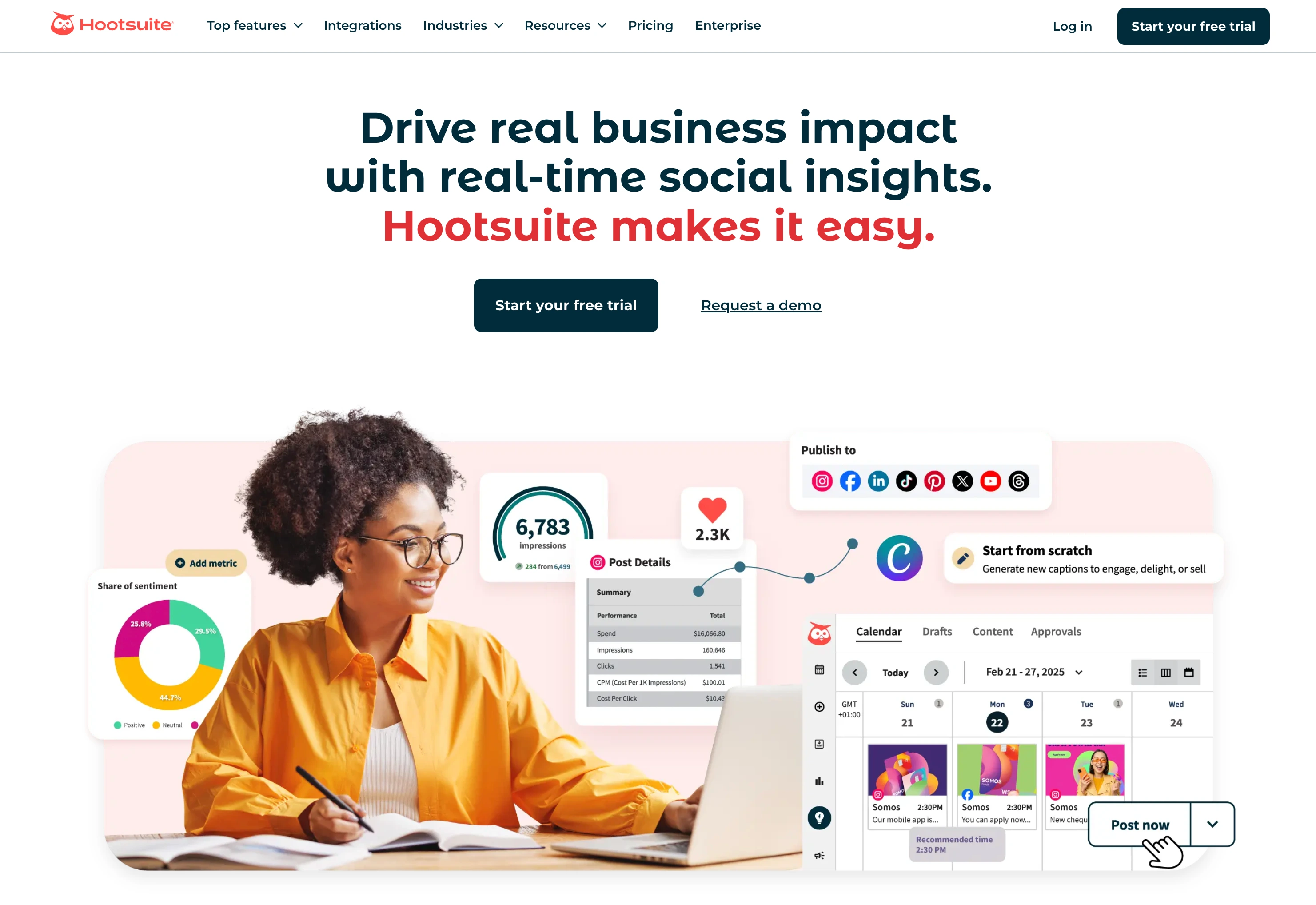
Hootsuite is an enterprise social media management platform with deep analytics, team workflows, compliance tools, and social listening. It supports Facebook Page auto-publishing and is built for organizations managing social at scale.
For Facebook scheduling at volume, Hootsuite auto-publishes posts, Reels, and carousels, and its Bulk Composer can queue up to 350 Facebook posts at once via CSV. Add OwlyGPT for captions, multi-level approval workflows, social listening for Facebook brand mentions, and a unified inbox for Page comments and messages, and it becomes a full Facebook command center, but per-user billing from $99/month makes it overkill for solo creators and small Pages.
Facebook-Specific Features:
- Auto-publish posts, Reels, and carousels to Facebook Pages
- Bulk Composer: schedule up to 350 posts at once via CSV (Advanced plan)
- OwlyGPT AI for captions, hashtag suggestions, and content strategy
- Advanced analytics dashboards with custom reporting
- Social listening for brand and competitor mentions
- Unified inbox for managing Facebook comments and messages
- Multi-level approval workflows for teams (Advanced plan)
Pricing:
- Standard: $99/user/month (10 accounts)
- Professional: $199/user/month (unlimited accounts)
- Advanced: $399/user/month (unlimited accounts, approval workflows, bulk scheduling)
- Enterprise: custom pricing
User ratings: 4.3/5 on G2 (6,615 reviews) and 1.8/5 on Trustpilot (511)
👉 Hootsuite Pricing in detail · Hootsuite Reviews
Strengths:
- Best-in-class analytics and reporting
- Excellent for large teams with strict approval processes
- Bulk scheduling saves hours for high-volume publishers
- Social listening covers Facebook brand mentions
Limitations:
- Per-user billing adds up fast: three users on Standard is $297/month, and approval workflows only start on Advanced at $399/user
- No Groups scheduling (API deprecated)
- Overkill for solo creators or small teams
- Steeper learning curve
Best For: Enterprise marketing teams and agencies with complex approval workflows and reporting needs. See how Hootsuite compares: Hootsuite vs Buffer, Hootsuite vs Later, and Hootsuite vs Sendible.
5. SocialBee
SocialBee focuses on category-based content organization and evergreen content recycling. It auto-publishes to Facebook Pages and offers a notification workaround for Groups.
For Facebook scheduling, SocialBee auto-publishes posts and Reels and sorts them into content categories, so your Facebook Page keeps a balanced mix of tips, promotions, and engagement posts on autopilot. Evergreen recycling reposts proven content on a set schedule, and SocialBee is one of only two tools here with a Facebook Groups notification workaround, though that workaround is manual and there's no native carousel support.
Facebook-Specific Features:
- Auto-publish posts and Reels to Facebook Pages
- Category queues for balanced posting across content themes (tips, promotions, engagement posts, etc.)
- Evergreen content recycling: automatically repost proven content on a schedule
- AI assistant for caption generation and rewriting
- Canva integration
- Bulk upload via CSV and RSS feed imports
- Groups notification workaround: prepares your post and sends a push reminder to paste it manually
Pricing:
- Bootstrap: $29/mo (5 profiles, 1 user)
- Accelerate: $49/mo (10 profiles, 1 user)
- Pro: $99/mo (25 profiles, 3 users)
- All plans include a 14-day free trial
User ratings: 4.8/5 on G2 (472 reviews) and 4.0/5 on Trustpilot (43)
👉 SocialBee Pricing in detail · SocialBee Reviews
Strengths:
- Category system keeps Facebook posting balanced and organized
- Evergreen recycling is ideal for Facebook Pages with large content libraries
- One of the few tools with a Groups notification workaround
- Strong bulk scheduling
Limitations:
- No Facebook carousel support
- Groups workaround is manual (not auto-publish)
- Category system can feel complex for simple scheduling needs
- Prices increase significantly when adding profiles
Best For: Agencies and creators with evergreen Facebook content who want automated rotation and a Groups notification workaround. See how SocialBee compares: SocialBee vs Buffer, SocialBee vs Hootsuite, and SocialBee vs Publer.
PostPlanifyAll your social media in one simple dashboard
Schedule posts, track analytics, and reply to comments/DMs without switching tabs.
Engagement
+18%
Views
52.8k
6. Metricool
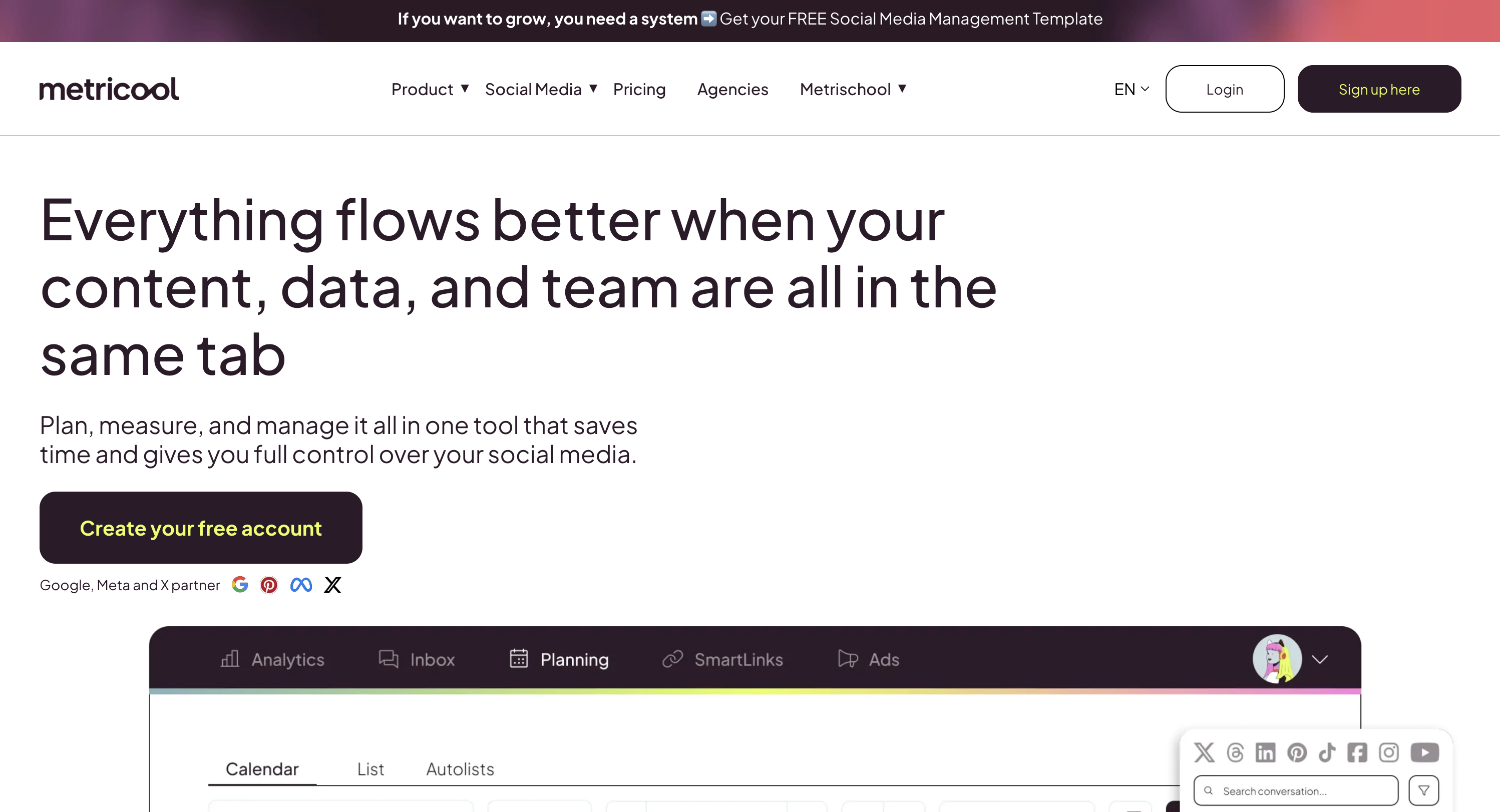
Metricool combines Facebook scheduling with detailed analytics, competitor tracking, and performance reporting. It's one of the few tools that supports scheduling Facebook Stories alongside posts and Reels.
For Facebook scheduling, Metricool auto-publishes posts, Reels, and carousels, then layers on one of the strongest Facebook analytics dashboards in the category: reach, engagement, impressions, follower growth, competitor benchmarking, and a best-time heatmap that shows when your Facebook audience is actually online. A generous free plan makes it easy to test, though the deepest reporting and competitor tracking sit on the paid tiers.
Facebook-Specific Features:
- Auto-publish posts, Reels, and carousels to Facebook Pages
- Best-time heatmap showing when your Facebook audience is most active
- Bulk scheduling with CSV and ZIP imports
- Competitor analysis for Facebook Pages (paid tiers)
- Facebook-specific analytics: reach, engagement, impressions, follower growth
- Exportable reports (PDF, PPT, Looker Studio integration)
Pricing:
- Free: 1 brand, 20 posts/month, 30 days of analytics history, no LinkedIn or X
- Starter: From $25/mo (up to 10 brands, unlimited scheduling)
- Advanced: From $67/mo (up to 50 brands, extended analytics)
- Higher tiers unlock more brands and reporting depth
User ratings: 4.5/5 on G2 (83 reviews) and 4.2/5 on Trustpilot (519)
👉 Metricool Pricing in detail · Metricool Reviews
Strengths:
- One of the strongest analytics dashboards for Facebook
- Best-time heatmap helps optimize posting schedules
- Supports Reels and carousels
- Genuinely free tier for a single brand (20 posts/month)
Limitations:
- No Groups scheduling (API deprecated)
- Interface can feel complex for first-time users
- Advanced reporting locked behind higher tiers
- Free plan is limited
Best For: Data-driven marketers who need deep Facebook analytics alongside scheduling, especially for competitor benchmarking and performance reports. See how Metricool compares: Metricool vs Buffer, Metricool vs Later, and Metricool vs Hootsuite.
7. ContentStudio
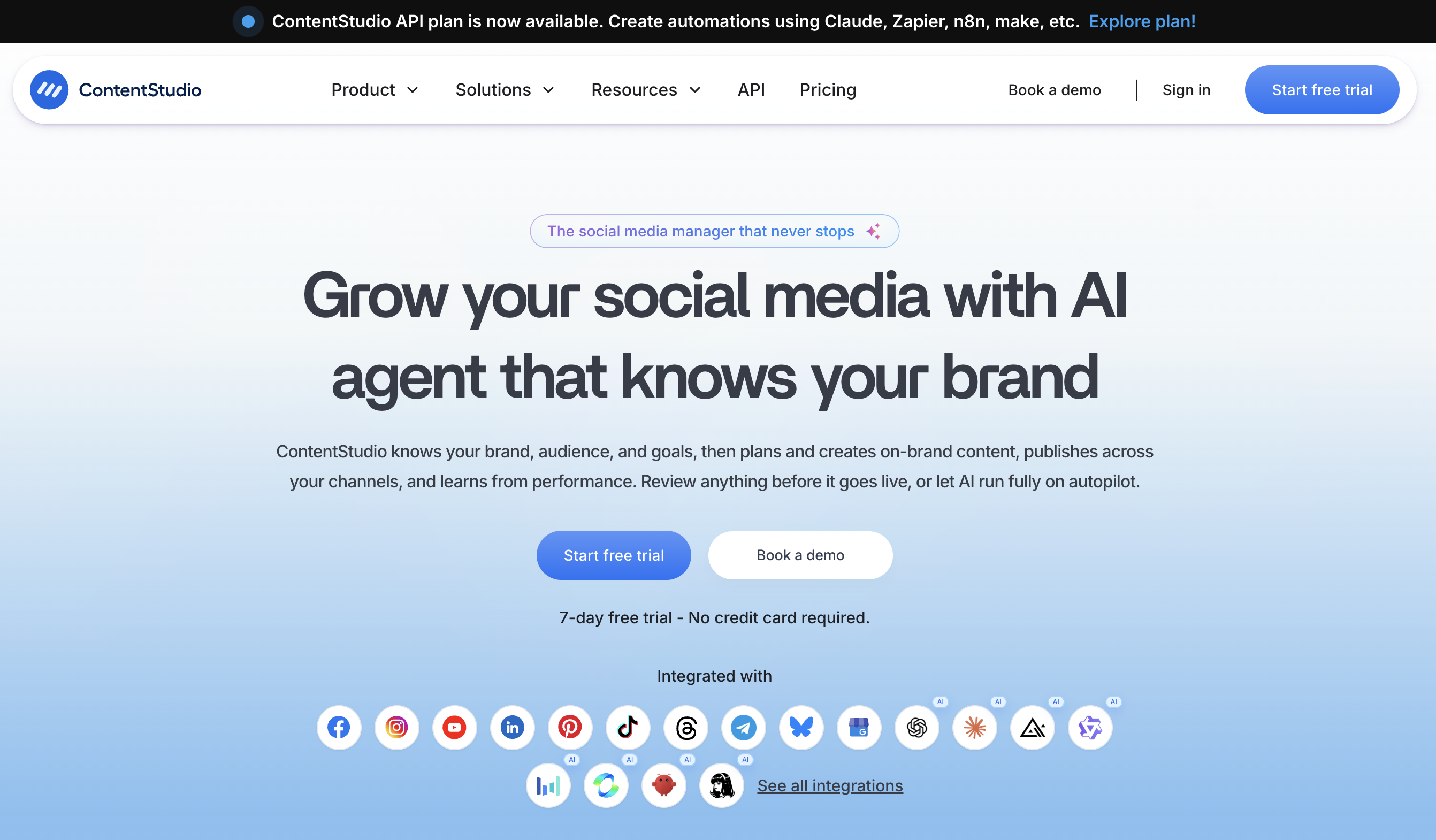
ContentStudio is an AI-powered, all-in-one social media management platform built for agencies, brands, and marketing teams that manage multiple Facebook Pages alongside other social channels.
For Facebook, it auto-publishes posts, Reels, Stories, and carousels to your Pages, and the built-in AI Studio generates captions, hashtags, images, and short video. Because the same dashboard covers Instagram, LinkedIn, X, TikTok, YouTube, and six more networks, you can plan a week of Facebook content alongside every other channel in one session. Competitor analytics benchmark your Pages against rivals, and a unified inbox pulls Facebook comments and messages into one view.
Facebook-Specific Features:
- Auto-publish posts, Reels, Stories, and carousels to Facebook Pages
- AI Studio for captions, hashtags, AI images, and short-form video
- Post previews for every format before scheduling
- First comment, to add links without cluttering the caption
- Competitor analytics for your Facebook and Instagram Pages
- Unified inbox for Facebook comments, messages, and mentions
- Cross-posting to nine other networks
Pricing:
- Standard: $19/mo billed yearly ($29 monthly), with 5 accounts, 1 workspace, 1 user
- Advanced: $49/mo yearly ($69 monthly), with 10 accounts, social inbox, approvals, competitor analytics
- Agency Unlimited: $99/mo yearly ($139 monthly), with unlimited workspaces and users, plus white-label
- Enterprise: custom, with SSO and full API access
- 7-day free trial, no credit card, 30-day money-back guarantee
Strengths:
- No per-seat pricing, so adding team members doesn't push you up a tier
- AI Studio covers captions, hashtags, images, and short video in one place
- Competitor analytics goes beyond basic scheduling
- Full-featured entry plan at $19/month billed yearly
Limitations:
- No free forever plan, only the 7-day trial
- Social inbox and approval workflows need the Advanced plan, not the $19 entry tier
- Deeper social listening is a paid add-on rather than bundled into the core plans
- No Facebook Groups support, not even the reminder workaround SocialBee and Publer offer
Best For: Agencies and marketing teams publishing to Facebook Pages alongside many other networks, who want AI content creation and competitor analytics in one dashboard without per-seat fees.
8. Later
Later is a visually focused scheduling tool built for creators and brands who want to plan content with a drag-and-drop calendar. It supports Facebook Page auto-publishing for posts and Reels.
For Facebook scheduling, Later auto-publishes posts and Reels through a visual, drag-and-drop content calendar that makes planning a week of Facebook content fast and intuitive. Built-in hashtag suggestions, best-time-to-post recommendations, and a polished mobile app round it out, but Later skips Facebook carousels and Stories, and the monthly post caps on lower tiers can pinch high-volume Pages.
Facebook-Specific Features:
- Auto-publish posts and Reels to Facebook Pages
- Visual content calendar with drag-and-drop scheduling
- Hashtag suggestions built into the caption editor
- Best time to post recommendations
- Link-in-bio page for driving traffic
- Mobile app for scheduling on the go
Pricing:
- Free trial: 14 days
- Starter: $25/mo (1 social set (8 profiles), 30 posts per profile)
- Growth: $50/mo (2 social sets (16 profiles), 2 users, 180 posts per profile)
- Scale: $110/mo (6 social sets (48 profiles), 4 users, unlimited posts)
User ratings: 4.5/5 on G2 (347 reviews) and 1.3/5 on Trustpilot (329)
👉 Later Pricing in detail · Later Reviews
Strengths:
- Clean visual planner
- Easy to learn
- Good mobile app
Limitations:
- No Facebook carousel support
- No Facebook Stories scheduling (API limitation)
- No Groups scheduling
- Monthly post caps on lower tiers
- Costs rise quickly for multi-brand teams
Best For: Creators who want a visual calendar for Facebook alongside Instagram planning. See how Later compares: Later vs Buffer, Later vs Hootsuite, and Later vs Sendible.
9. SocialPilot
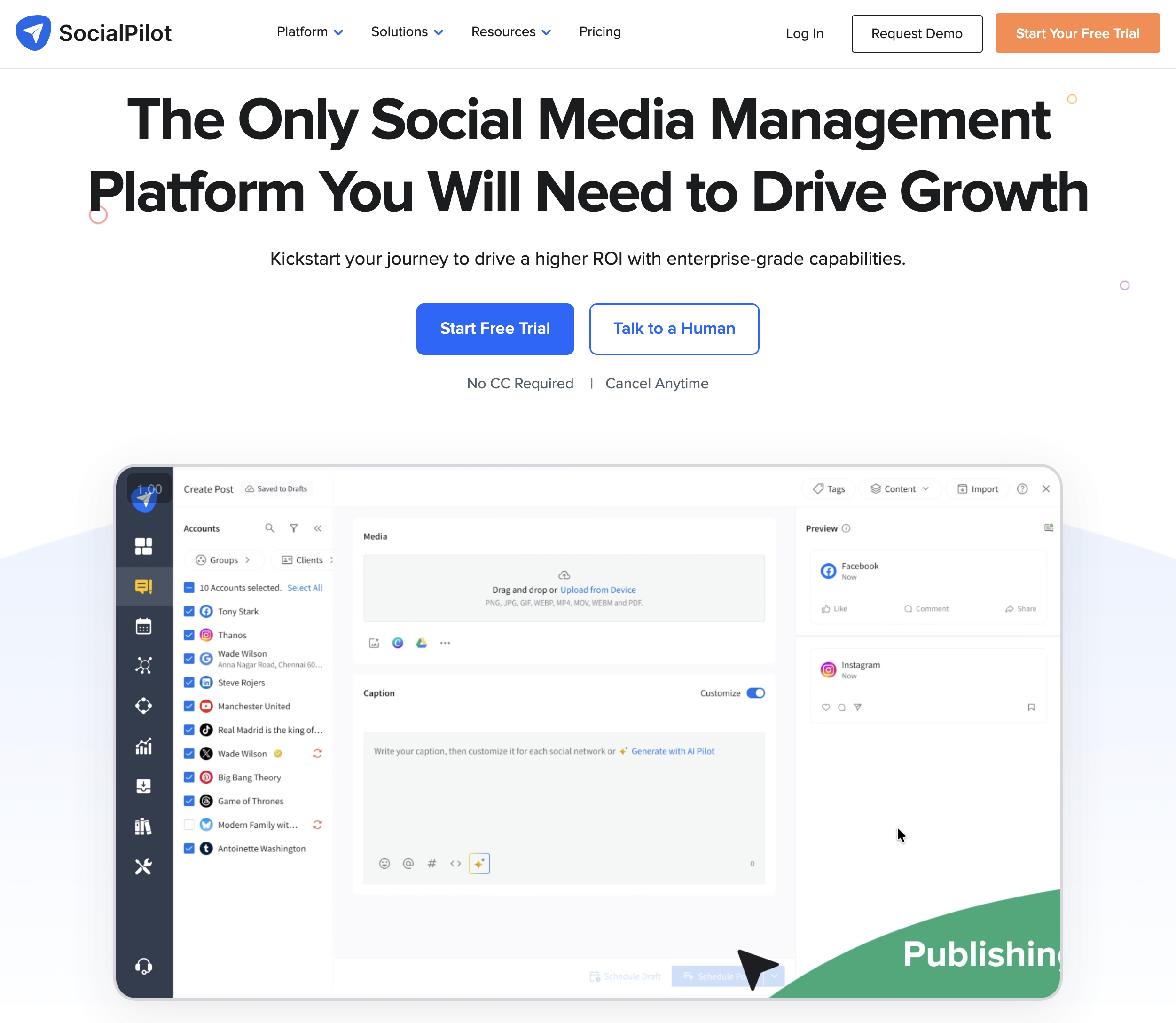
SocialPilot is an agency-focused scheduling platform with strong bulk scheduling, white-label reporting, and client management features. It supports Facebook Page auto-publishing including Reels and carousels.
For Facebook scheduling, SocialPilot auto-publishes posts, Reels, and carousels, and its bulk uploader can schedule up to 500 Facebook posts at once from a single CSV, one of the most capable bulk tools on this list. Client management, approval workflows, and white-label PDF reports make it a practical pick for agencies running many client Facebook Pages at a mid-range price, well below Hootsuite or Sprout Social.
Facebook-Specific Features:
- Auto-publish posts, Reels, and carousels to Facebook Pages
- Bulk scheduling: upload up to 500 posts via CSV
- Content calendar with drag-and-drop rearranging
- AI assistant for caption generation
- Client management and approval workflows
- White-label PDF reports (higher tiers)
Pricing:
- Essentials: $30/mo (7 social accounts, 1 user)
- Standard: $50/mo (15 accounts, 3 users)
- Premium: $100/mo (25 accounts, 6 users)
- Enterprise: custom pricing (50+ accounts)
- All plans include a 14-day free trial
User ratings: 4.5/5 on G2 (841 reviews) and 2.4/5 on Trustpilot (33)
👉 SocialPilot Pricing in detail · SocialPilot Reviews
Strengths:
- Bulk CSV upload is one of the most capable (500 posts at once)
- Affordable agency pricing compared to Hootsuite and Sprout Social
- Supports Reels and carousels
- White-label reports for client work
Limitations:
- No Groups scheduling (API deprecated)
- Interface feels dated compared to newer tools
- Analytics are less detailed than Metricool or Hootsuite
- No permanent free tier
Best For: Agencies managing multiple client Facebook Pages who need bulk scheduling, client approvals, and white-label reporting at a mid-range price.
10. Sprout Social
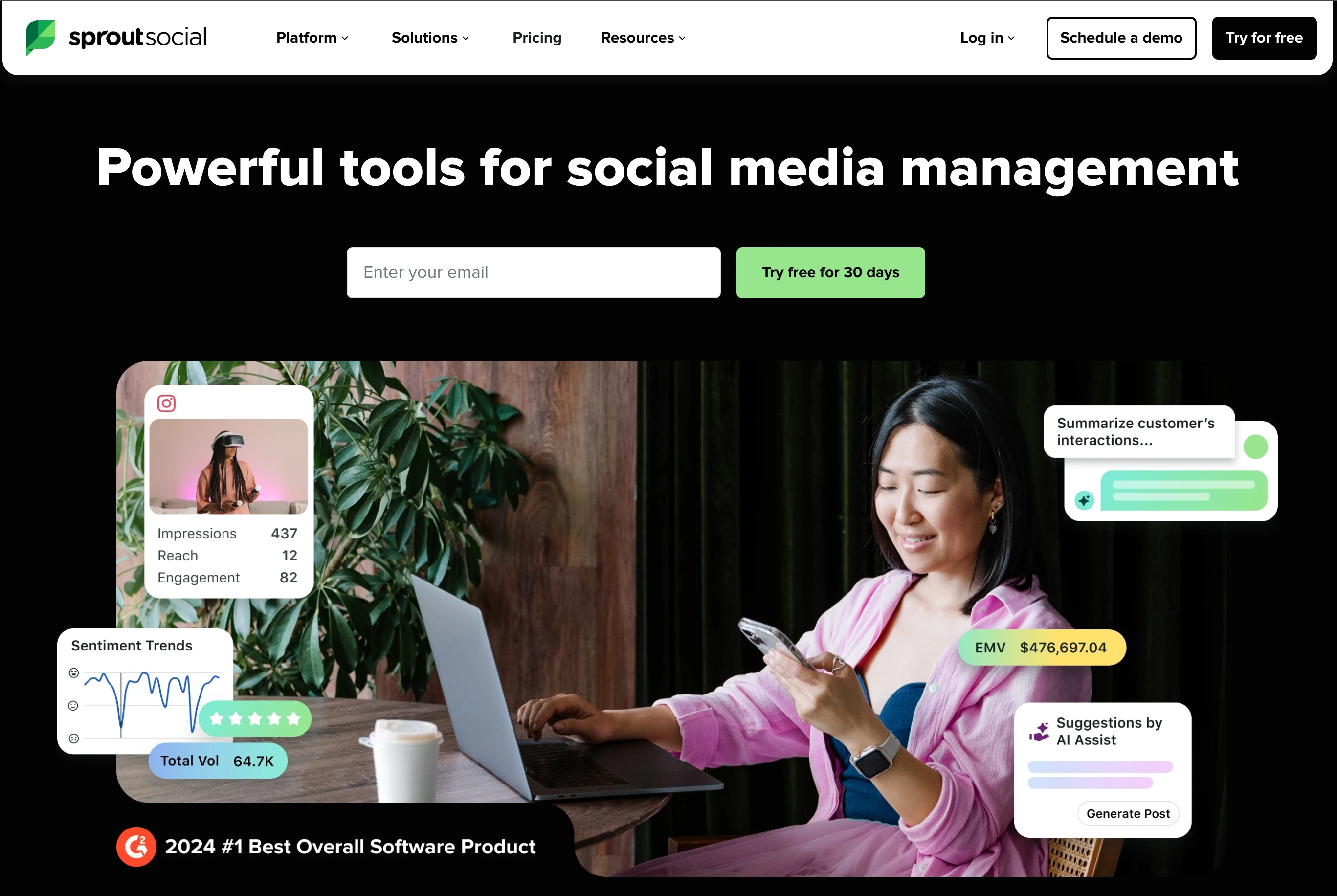
Sprout Social is a premium enterprise social media management platform with advanced analytics, social listening, CRM features, and Facebook auto-publishing. It's designed for organizations where social media is a core business function.
For Facebook scheduling, Sprout Social auto-publishes posts, Reels, and carousels and pairs them with the deepest Facebook analytics and social listening on this list: custom date ranges, competitor benchmarking, CRM-style audience profiles, and a unified Smart Inbox for Facebook comments, messages, and mentions. That depth comes at a premium: per-seat pricing from $199/seat/month makes it far more than most creators or small businesses need.
Facebook-Specific Features:
- Auto-publish posts, Reels, and carousels to Facebook Pages
- Advanced Facebook analytics with custom date ranges and benchmarking
- Social listening for Facebook trends, brand mentions, and competitor activity
- CRM-style contact profiles for audience management
- Team collaboration with multi-level approval workflows
- Automated reporting with scheduled PDF/CSV exports
- Unified Smart Inbox for Facebook comments, messages, and mentions
Pricing:
- Essentials: $99/seat/month, or $79 billed annually (5 profiles)
- Standard: $199/seat/month (5 profiles)
- Professional: $299/seat/month (unlimited profiles)
- Advanced: $399/seat/month (premium analytics and automation)
- Enterprise: custom pricing
User ratings: 4.4/5 on G2 (5,731 reviews) and 2.2/5 on Trustpilot (75)
👉 Sprout Social Pricing in detail · Sprout Social Reviews
Strengths:
- Deepest analytics and social listening available for Facebook
- CRM-style audience management
- Enterprise-grade security and compliance
- Excellent reporting for stakeholders and executives
Limitations:
- Most expensive tool on this list by a wide margin
- Per-seat pricing makes teams very costly
- No Groups scheduling (API deprecated)
- Far more than most creators or small businesses need
Best For: Enterprise organizations with dedicated social media teams that need advanced Facebook analytics, social listening, and CRM integration alongside scheduling.
PostPlanifyAll your social media in one simple dashboard
Schedule posts, track analytics, and reply to comments/DMs without switching tabs.
Engagement
+18%
Views
52.8k
11. Planable
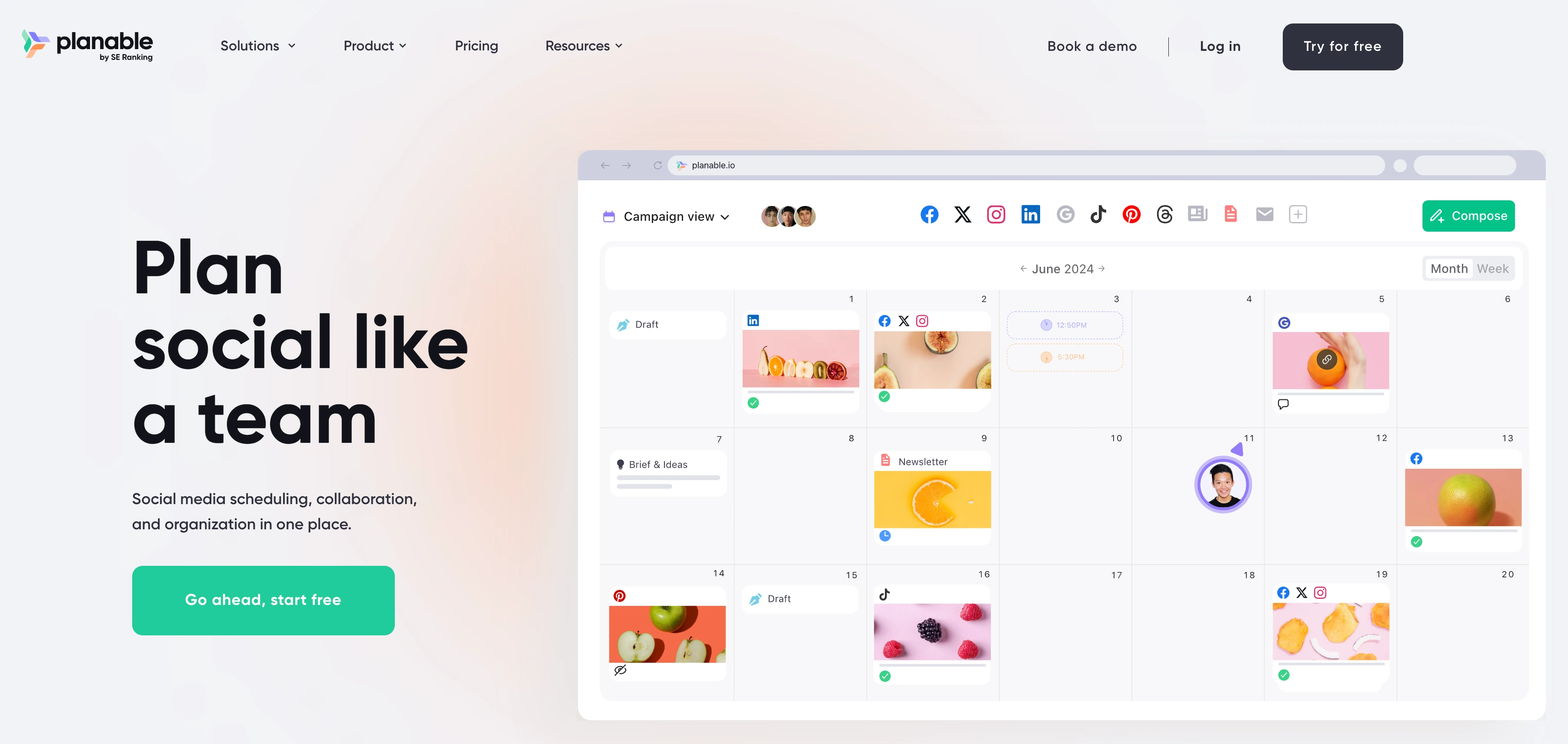
Planable is a collaboration-first scheduling tool built around content approval workflows. It supports Facebook Page auto-publishing and is designed for teams where multiple stakeholders review posts before they go live.
For Facebook scheduling, Planable auto-publishes posts and Reels, but its real strength is the approval layer in front of publishing: feed, grid, calendar, and list previews show exactly how each Facebook post will look, while comments, annotations, and multi-level approvals keep clients and stakeholders aligned before anything goes live. The trade-offs are minimal analytics, no Facebook carousel support, and per-workspace pricing that grows with the number of brands.
Facebook-Specific Features:
- Auto-publish posts and Reels to Facebook Pages
- Multi-level approval workflows (none, optional, required, multi-level)
- Visual content calendar with feed, grid, calendar, and list views
- Real-time collaboration with comments and annotations on posts
- Role-based permissions for internal teams and external clients
- Version history for tracking content changes
Pricing:
- Free: 50 total posts (lifetime, not monthly)
- Basic: $39/workspace/month (60 posts/month, unlimited users)
- Pro: $59/workspace/month (150 posts/month, approval workflows, custom roles)
- Enterprise: custom pricing
User ratings: 4.6/5 on G2 (937 reviews) and 4.5/5 on Trustpilot (69)
👉 Planable Pricing in detail · Planable Reviews
Strengths:
- Best approval workflow system in this list
- Real-time collaboration is excellent for agency-client relationships
- Clean, modern interface
Limitations:
- Per-workspace pricing adds up if you run many separate brands
- Free plan is 50 total posts, not 50 per month, so once they're used they're gone
- No Facebook carousel support
- No Groups scheduling
- Analytics are minimal
Best For: Agencies and teams where Facebook content approval is critical and multiple stakeholders need to review posts before publishing.
12. Publer
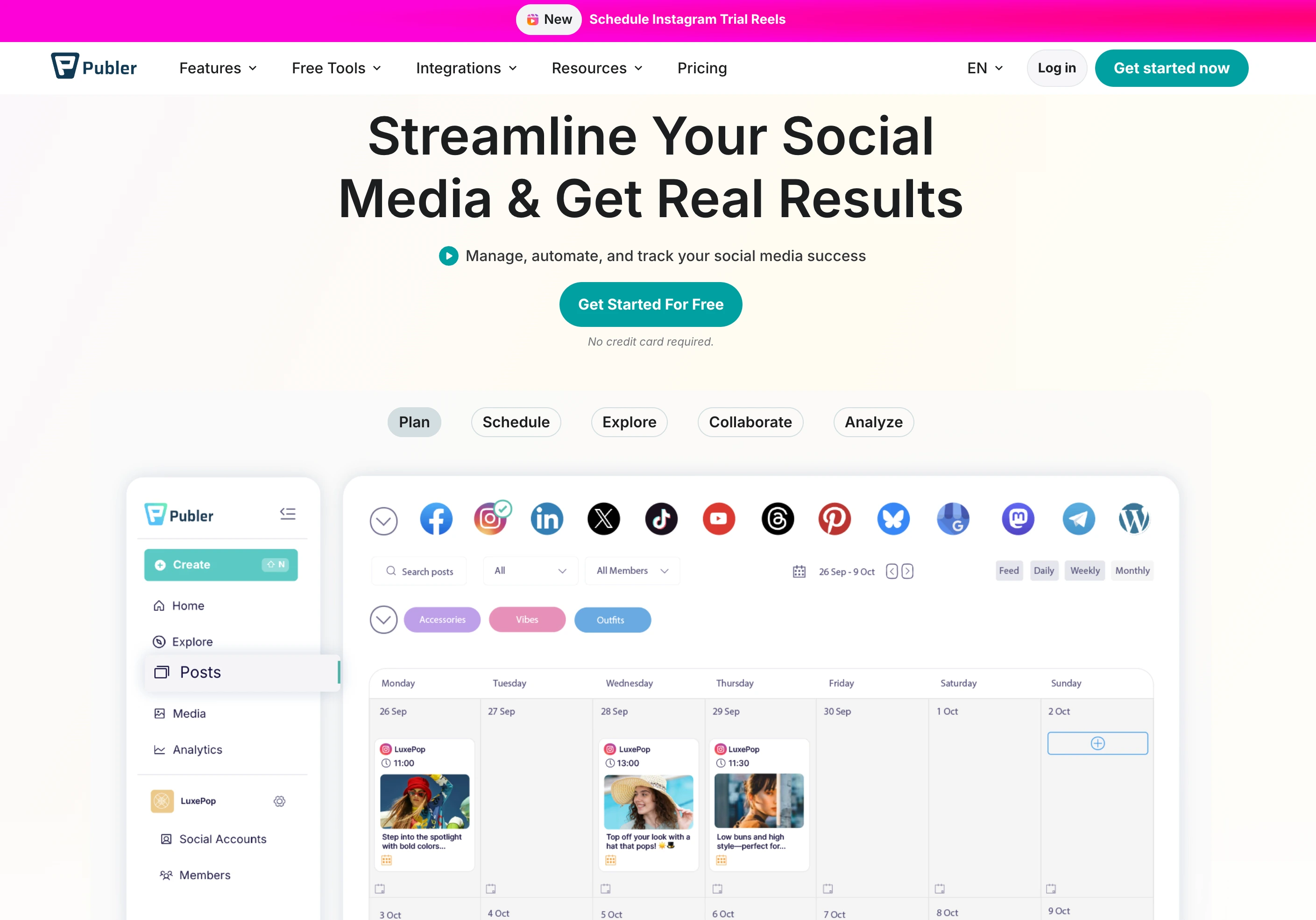
Publer is a budget-friendly scheduling tool that supports Facebook auto-publishing including Reels and carousels, and offers a notification workaround for Groups posting.
For Facebook scheduling on a budget, Publer auto-publishes posts, Reels, and carousels, supports CSV bulk scheduling, and like SocialBee offers a Facebook Groups notification workaround for posting to Groups manually. Auto-recycling keeps evergreen content circulating and a genuine free tier lets you test it before paying, though the analytics are basic and there are fewer AI features than newer competitors.
Facebook-Specific Features:
- Auto-publish posts, Reels, and carousels to Facebook Pages
- Groups notification workaround: prepares your post and sends a push reminder to post it manually
- Bulk scheduling with CSV upload
- Auto-recycling for evergreen content
- Watermarking for images
- Calendar and list views
Pricing:
- Free: 3 social accounts, 10 scheduled posts
- Professional: from $12/mo for 3 social accounts (unlimited scheduling, extra members $2/mo each)
- Business: from $21/mo for 3 social accounts (unlimited scheduling, team features)
- Pricing scales with accounts: 10 accounts is $36/mo on Professional and $63/mo on Business
- All paid plans include a 7-day free trial
User ratings: 4.7/5 on G2 (486 reviews) and 4.8/5 on Trustpilot (863)
👉 Publer Pricing in detail · Publer Reviews
Strengths:
- One of the most affordable tools with a genuine free tier
- Facebook Reels and carousel support
- Groups notification workaround (along with SocialBee, one of only two tools on this list)
- Good value for solo creators on a budget
Limitations:
- Groups workaround is manual, not auto-publish
- Analytics are basic
- Interface is functional but not as polished as newer tools
- Fewer AI features than competitors
Best For: Budget-conscious creators and small businesses who need affordable Facebook scheduling with carousel support and a Groups workaround. See how Publer compares: Publer vs Buffer, Publer vs Later, and Publer vs SocialBee.
13. Sendible
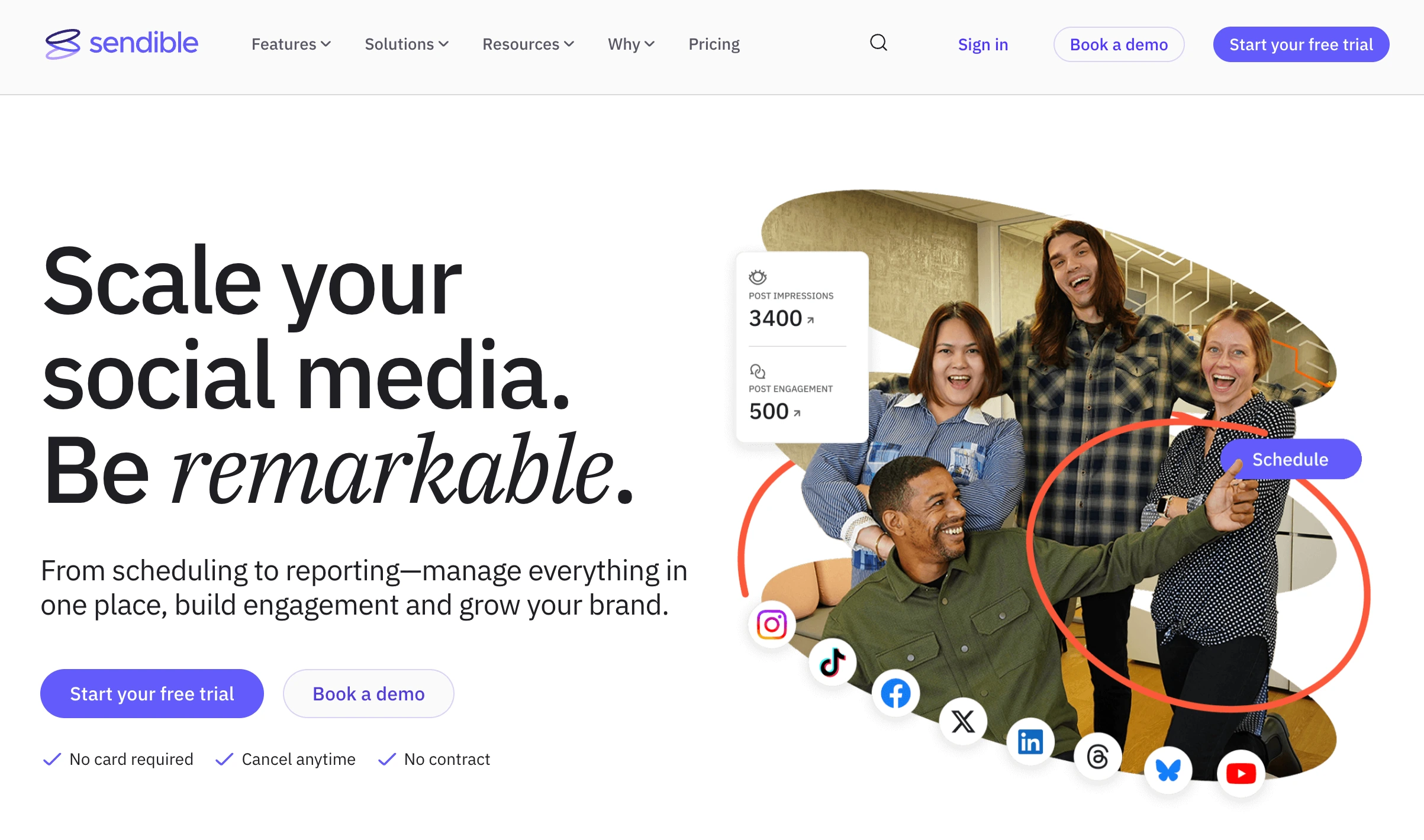
Sendible is an agency-focused scheduling platform with strong client management features, white-label dashboards, and Facebook auto-publishing including Reels and carousels.
For Facebook scheduling, Sendible auto-publishes posts, Reels, and carousels and wraps them in agency-grade client tools: white-label dashboards where clients see your branding, a reusable content library, smart queues, approval workflows for sign-off, and Google Analytics integration to tie Facebook traffic back to website results. There's no free tier beyond the trial, and pricing jumps steeply between the agency tiers.
Facebook-Specific Features:
- Auto-publish posts, Reels, and carousels to Facebook Pages
- Client-facing dashboards with white-label branding
- Content library for storing reusable media and templates
- Smart queues for automated content distribution
- Approval workflows for client sign-off
- Google Analytics integration for tracking social traffic to websites
Pricing:
- Core: $35/mo (6 profiles, 1 workspace)
- Plus: $99/mo (18 profiles, 3 workspaces)
- Premium: $199/mo (42 profiles, 7 workspaces)
- Elite: $299/mo (90 profiles, 15 workspaces)
- Enterprise: $750/mo (300 profiles, 50 workspaces)
- Users are unlimited on every tier, and white label is a paid add-on on Elite and above
- All plans include a 14-day free trial
User ratings: 4.5/5 on G2 (899 reviews) and 2.3/5 on Trustpilot (8)
👉 Sendible Pricing in detail · Sendible Reviews
Strengths:
- Excellent agency client management
- White-label dashboards and reports
- Google Analytics integration for proving social ROI
- Content library saves time on repetitive posts
Limitations:
- No Groups scheduling (API deprecated)
- No free tier (trial only)
- Pricing jumps steeply between tiers
- Less AI-focused than newer tools
Best For: Agencies that manage Facebook Pages for multiple clients and need white-label reporting, client approval workflows, and Google Analytics integration. See how Sendible compares: Sendible vs Buffer, Sendible vs Hootsuite, and Sendible vs Later.
What Happened to Facebook Groups Scheduling
This is the single biggest pain point in Facebook scheduling right now, and most articles bury it in a footnote. Here's the full picture.
In January 2024, Meta announced it was deprecating the Facebook Groups API. By April 2024, all third-party tools lost the ability to auto-publish to Groups. The permissions that made it possible (publish_to_groups, groups_access_member_info) were permanently removed from the Graph API.
What this means in practice:
- No third-party scheduling tool can auto-publish to Facebook Groups, not Buffer, not Hootsuite, not any tool on this list
- Meta Business Suite is the only tool that can still schedule posts to Groups you manage, because it uses internal Meta access, not the public API
- Some tools (SocialBee, Publer) offer a notification workaround: they prepare your post content and send you a push notification at the scheduled time so you can paste it into the Group manually
If Facebook Groups are central to your strategy, you have two options:
- Use Meta Business Suite for Groups scheduling (free, but limited)
- Use a third-party tool with a notification reminder and post manually
This guide marks each tool's Groups support in the comparison table above so you can plan accordingly.
What Changed in Facebook Scheduling for 2026
Before choosing a tool, it helps to know what's different this year. Facebook scheduling has shifted significantly, and some changes affect which tool you should pick.
| Change | When | Impact |
|---|---|---|
| Groups API deprecated | April 2024 | No third-party tool can auto-publish to Groups. Only Meta Business Suite retains this ability. |
| Reels expanded to 3 minutes | Late 2024 | Most schedulers have updated; verify yours supports the full 3-minute length. |
| Carousel scheduling via API | 2025 | Facebook's Graph API now fully supports carousel auto-publishing for Pages. Not all tools have implemented it yet. |
| MBS scheduling cap inconsistency | Ongoing | Meta documentation says 75 days ahead, but users consistently report a ~30-day cap. Third-party tools bypass this. |
| "Views" unified metric | April 2025 | Facebook adopted the same unified "Views" metric as Instagram, replacing impressions and video views. Affects how you read analytics. |
| AI content labeling | 2025-2026 | Facebook now requires disclosure of realistic AI-generated content (deepfakes, synthetic media). Doesn't affect standard scheduled posts. |
| Enhanced Reel insights | Early 2026 | Facebook added retention curve data for Reels, now available through both MBS and some third-party analytics tools. |
| Graph API v26.0 shipped, older versions retired | July 29, 2026 | v26.0 is the current version and v25.0 (February 2026) runs to July 2028, but v19.0 was retired in May 2026 and v20.0 retires in September 2026. A tool still calling a retired version will start failing on Facebook publishing. |
If you're switching tools or evaluating a new one, make sure it's updated for these changes, especially carousel API support and the 3-minute Reel length. It is fair to ask a vendor which Graph API version they publish through, since anything on v19.0 or v20.0 is either broken already or about to be.
Facebook Scheduling Best Practices
Having the right tool is only half the equation. How you use it determines whether your scheduled content actually performs.
Posting Frequency
| Page Type | Recommended Posts/Week | Why |
|---|---|---|
| Small business / Local | 3-5 per week | Enough to stay visible without overwhelming a small audience |
| Brand / E-commerce | 5-7 per week (1 per day) | Daily presence drives algorithm familiarity; mix Reels with feed posts |
| Media / Publisher | 7-14 per week (1-2 per day) | News and content publishers benefit from higher frequency |
| Agency (per client) | 3-5 per week per Page | Sustainable volume that maintains quality across multiple clients |
Content Mix Strategy
Don't schedule the same type of content every day. Facebook's algorithm rewards variety:
- 40% value content: tips, how-tos, educational posts that generate saves and shares
- 30% engagement content: questions, polls, behind-the-scenes, user-generated content that drives comments
- 20% promotional content: product features, offers, launches, CTAs
- 10% Reels: short-form video gets disproportionate reach on Facebook in 2026
Spacing and Timing
- Space posts at least 4-6 hours apart. Publishing two posts within an hour splits your audience's attention and reduces per-post engagement.
- Don't schedule more than 2 posts per day unless you're a media publisher. For most Pages, 1 quality post per day outperforms 3 mediocre ones.
- Post Reels separately from feed posts. A Reel published 30 minutes after a feed post will cannibalize the feed post's reach. Give each piece of content its own engagement window.
- Use your analytics to find peak hours. Generic "best times" are starting points, and your audience's actual behavior should override them within 2-4 weeks of testing. See our best time to post on Facebook guide for day-by-day data.
Batch Creation Workflow
The most efficient scheduling workflow isn't posting daily, it's content batching:
- Monday: Plan the week's content themes and write all captions
- Tuesday: Design visuals and record any Reels
- Wednesday: Upload everything to your scheduler, set times, preview each post
- Thursday-Sunday: Focus on engagement (replying to comments and messages) instead of creating
This workflow turns 15-20 hours of scattered daily posting into one 3-4 hour batching session per week.
How to Choose the Best Facebook Scheduler for Your Workflow
1. Start with your content formats
If you only publish text and image posts to a Facebook Page, every tool on this list works. If you publish Reels regularly, most tools support it. If you need carousel scheduling, check the comparison table, because not every tool supports it. If Facebook Groups are part of your strategy, your only auto-publish option is Meta Business Suite.
2. Check the real cost for your setup
Per-channel pricing (Buffer), per-seat pricing (Sprout Social), per-workspace pricing (Planable), and tiered account limits all change the math. Before signing up, calculate the total cost based on your actual number of Pages, team members, and platforms.
3. Decide if Meta Business Suite is enough
For a single Facebook Page with basic posting needs and no team collaboration, Meta Business Suite is free and reliable enough. Switch to a paid tool when you need:
- Scheduling beyond 30 days
- Multi-brand workspaces
- AI captions or content suggestions
- Cross-posting to platforms outside Meta (TikTok, X, LinkedIn, YouTube)
- Team approvals and role-based access
- Exportable analytics for client reporting
4. Consider cross-platform needs
If you post to Facebook alongside Instagram Reels, TikTok, and YouTube Shorts, prioritize tools with multi-platform workflows. Scheduling the same content across platforms in one session saves significant time compared to switching between tools.
5. Evaluate team and approval needs
Solo creators can skip this. But agencies managing client Pages need:
- Multi-level approval workflows
- Role-based permissions
- Separate workspaces per client
- White-label reports (Sendible, SocialPilot)
6. Understand that Groups scheduling is a separate problem
If Groups are critical, accept that you'll either use Meta Business Suite for Groups or use a notification workaround (SocialBee, Publer) alongside a third-party tool for everything else. No single tool handles both auto-publishing to Pages and auto-publishing to Groups.
Quick Decision Checklist
- Do I need Reels, carousels, Stories, or just regular posts?
- How many Facebook Pages do I manage?
- Are Facebook Groups part of my posting strategy?
- Do I post to platforms outside Meta (TikTok, YouTube, X, LinkedIn)?
- Do I need team approvals or client-facing dashboards?
- Is Meta Business Suite sufficient, or do I need scheduling beyond 30 days?
- Does the pricing still make sense once I add all my Pages and team members?
Test your top two choices for a week. Keep the one that publishes reliably, supports your content formats, and doesn't surprise you with hidden limits.
👉 Content Batching: Create 30 Days of Posts in 3 Hours
Frequently Asked Questions
Does scheduling hurt my Facebook reach?
There is no evidence that Facebook's algorithm penalizes scheduled posts. The algorithm evaluates content based on engagement, relevance, and recency, not whether it was published manually or through a scheduler. Some marketers report that Reels posted via schedulers occasionally get lower reach than Reels posted natively through the Facebook app, but this is anecdotal and not confirmed by Meta. If you notice a difference, test both methods with similar content over a two-week period.
Can I schedule Facebook posts for free?
Yes. Meta Business Suite is completely free and supports posts, Reels, carousels, Stories, and even Groups. Buffer offers a free tier with 3 channels and 10 posts each. Metricool's free plan includes 20 posts per month for one brand, but excludes LinkedIn and X. PostPlanify includes a 7-day free trial and 14-day money-back guarantee to test all features.
Can I still schedule posts to Facebook Groups?
Only through Meta Business Suite. Meta deprecated the Groups API in April 2024, removing the ability for any third-party tool to auto-publish to Groups. SocialBee and Publer offer notification workarounds that prepare your post and remind you to paste it manually.
Can I schedule Facebook Reels with a third-party tool?
Yes. Facebook's Graph API supports Reels auto-publishing for Pages. Most tools on this list, including PostPlanify, Hootsuite, Metricool, SocialPilot, Sprout Social, Publer, and Sendible, support Reels scheduling. Reels can only be published to Pages, not personal profiles or Groups.
Can I schedule Facebook carousels?
Some tools support it, but not all. PostPlanify, Hootsuite, Metricool, SocialPilot, Sprout Social, Publer, and Sendible support carousel scheduling. Buffer, Later, SocialBee, and Planable do not. Check the comparison table for a quick overview.
👉 How to Schedule Carousel Posts on Instagram and Facebook
Why can't I schedule to my personal Facebook profile?
Facebook's API only supports publishing to Pages, not personal profiles. This is a Meta restriction, not a tool limitation. If you want to schedule content for a personal brand, you'll need to create a Facebook Page and schedule to that instead.
How far ahead can I schedule Facebook posts?
Meta Business Suite caps scheduling at roughly 29-30 days in practice. Third-party tools bypass this limit, and most allow unlimited advance scheduling through the Graph API, which technically supports up to 75 days ahead. Once your posts are queued, see how to see scheduled posts on Facebook to verify they're set to go live at the right time.
What happens if a scheduled Facebook post fails?
Common causes: the Page's permissions changed, the media file is corrupted or too large, the post violates Facebook's content policies, or there was a timezone mismatch. Most schedulers notify you of failures and let you retry. Check your scheduled posts queue and verify your Page connection if a post doesn't go live. For a full walkthrough of every failure reason and fix, see our guide on Facebook scheduled posts not working. For more general troubleshooting, see why you can't post on Facebook.
Can I cross-post Facebook content to Instagram automatically?
Yes. Since Facebook Pages and Instagram Business accounts can be linked through Meta, most scheduling tools support simultaneous publishing to both. However, cross-posted content often performs worse because optimal caption lengths, hashtag strategies, and aspect ratios differ between platforms. Customizing content per platform yields better results.
What's the best time to post on Facebook?
General guidelines suggest Tuesday through Thursday, between 9 AM and 1 PM in your audience's timezone. For Reels specifically, 12-2 PM tends to perform well. However, the best time depends on your specific audience, so check your Page Insights for when your followers are most active. Tools like Metricool offer best-time heatmaps to help optimize your schedule. For a detailed breakdown by day and hour, see our best time to post on Facebook guide.
Can I bulk schedule Facebook posts?
Yes. SocialPilot supports up to 500 posts via CSV upload, Hootsuite's Bulk Composer handles up to 350, and Publer supports CSV bulk imports. Meta Business Suite supports uploading multiple posts but not CSV importing. For automating your social media posts at scale, bulk scheduling is essential.
Key Takeaways
- Facebook scheduling via third-party tools works for Pages only: not personal profiles, and not Groups (since the API deprecation in April 2024).
- Meta Business Suite is the only tool that can still schedule to Groups. For everything else, a third-party tool offers more flexibility and power.
- Most tools on this list support Facebook Reels, but carousel support varies: verify before committing.
- Per-channel and per-user pricing can make budget-friendly tools expensive at scale. Calculate total cost for your actual setup.
- There is no confirmed reach penalty for scheduled posts, but test Reels performance if you notice inconsistencies.
- The right Facebook scheduler turns daily posting into a weekly content batching session, freeing time for the engagement that actually drives growth.
Looking for other platforms?
- Best Instagram Scheduling Tools (2026): 9 tools compared, including reel and carousel support
- Best TikTok Scheduling Tools (2026): auto-publish support, carousel scheduling, and TikTok API limitations explained
- Best YouTube Scheduling Tools (2026): Shorts vs long-form, thumbnail uploads, and API quota limits
Final Thoughts and Next Steps
Choosing the best Facebook scheduling tool in 2026 comes down to what you publish, how many Pages you manage, and whether Groups are part of your strategy. A solo Page owner posting a few times a week can use Meta Business Suite for free. A team managing multiple Pages with Reels, carousels, and cross-platform workflows needs a tool built for that complexity.
PostPlanify combines Facebook auto-publishing for posts, Reels, and carousels with cross-platform analytics, approval workflows, a social inbox, AI captions, and unlimited scheduling across 10 platforms in one dashboard, all from $39/mo for the first client workspace. Premium (from $49/mo) adds client reports, team comments, and API access; Scale (from $59/mo) adds full white labeling for client-facing work. Because it bills per workspace with unlimited team members, adding people to a Page team costs nothing.
The 7-day free trial and 14-day money-back guarantee let you:
- Schedule Facebook posts, Reels, and carousels with auto-publishing
- Track performance with analytics across all connected platforms
- Collaborate with unlimited team members using approval workflows
- Generate captions with AI tailored to each brand
- Cross-post to Instagram, TikTok, YouTube, X, LinkedIn, and more
- Build a full week or month of content in a single session
PostPlanifyAll your social media in one simple dashboard
Schedule posts, track analytics, and reply to comments/DMs without switching tabs.
Engagement
+18%
Views
52.8k
About the Author

Hasan Cagli
Founder of PostPlanify, a content and social media scheduling platform. He focuses on building systems that help businesses, agencies, and teams plan, publish, and manage content and social media more efficiently across platforms.


