


Marketing teams don't collaborate in one tool, they collaborate across a stack. Chat happens in Slack, briefs live in Notion, design review happens in Figma, video review happens in Frame.io, social approvals happen in PostPlanify. Trying to force all of that into one platform usually means at least three of those layers get done badly. The real question isn't "which collaboration tool", it's "which collaboration stack." If you only need the social layer, the social media collaboration tools comparison covers that slot on its own.
Quick Answer: What Is the Best Marketing Collaboration Software in 2026?
Marketing collaboration software isn't one platform: it's a stack across chat, PM, design, proofing, and social content. PostPlanify owns the social-execution slot in that stack, from $39/mo per client workspace with unlimited team members and client approvers on every plan. You get multi-workspace separation, a dedicated Client role for external review, single and multi-step approval workflows from the entry plan, analytics across 10 platforms, and white-label PDF reports on Scale. It's the layer that turns approved creative into scheduled, published, and reported social content without spinning up another tool.
For the rest of the stack: For real-time team chat, Slack and Microsoft Teams dominate. For campaign and task collaboration, Asana, monday.com, and ClickUp lead. For visual collaboration on creative work, Miro (whiteboarding), Figma (product design), and Canva (marketing collateral) are non-negotiable for most modern teams.
For proofing and creative review workflows, Filestage and Frame.io handle the asset-by-asset approval layer better than general PM tools ever will. For visual content review specifically on social, Planable is purpose-built.
How I Tested These Marketing Collaboration Tools
- Pricing verification. I pulled every price from each vendor's official pricing page in September 2026. Per-user, per-seat, and per-workspace structures are spelled out so you can model real cost. Two things moved since the last check: Microsoft raised Microsoft 365 Business Basic to $7 and Business Standard to $14 on July 1, 2026, while Teams Essentials and Business Premium were excluded from that increase, and Slack now publishes an Enterprise+ rate of $45/user/mo instead of quoting it.
- Category placement. I sorted tools by what they actually do best (chat, PM, proofing, design, social) instead of letting marketing copy bend categories.
- G2 ratings. I sourced every rating + review count from each tool's G2 product page (
g2.com/products/<tool>/reviews), not the vendor seller page which sums all sub-products and inflates counts. - Stack-thinking. I evaluated each tool on what slot it fills in a marketing collaboration stack: not whether it could be a one-tool-fits-all replacement (it can't).
Quick Comparison: 14 Marketing Collaboration Tools at a Glance
| Tool | Best For | Starting Price | Category | Free Plan | G2 Rating |
|---|---|---|---|---|---|
| PostPlanify | Social content collab + approvals | $39/workspace/mo | Social media management | 7-day trial | 5/5 |
| Planable | Visual social content review | $39/workspace/mo | Content collaboration | Yes (50 posts) | 4.6/5 (937) |
| Slack | Real-time team chat | $7.25/user/mo | Team chat | Yes | 4.5/5 (38,199) |
| Microsoft Teams | Chat + video in Microsoft shops | $4/user/mo (Essentials) | Chat + video | Limited | 4.4/5 (17,822) |
| Asana | Cross-functional campaigns | $10.99/user/mo | Project management | Yes (2 users) | 4.4/5 (13,631) |
| monday.com | Visual campaign boards | $9/seat/mo (min 3 seats) | Project management | Yes (2 seats) | 4.7/5 (15,360) |
| ClickUp | All-in-one collab + tasks | $7/user/mo | Project management | Yes | 4.7/5 (11,176) |
| Notion | Docs + knowledge base | $10/user/mo | Docs + databases | Yes | 4.6/5 (11,822) |
| Miro | Whiteboarding + workshops | $8/member/mo | Visual collaboration | Yes | 4.6/5 (13,058) |
| Figma | Design + UI collaboration | $3/collab seat/mo | Design collaboration | Yes | 4.7/5 (1,412) |
| Canva | Marketing collateral design | Free / $18/mo Pro | Design collaboration | Yes | 4.7/5 (4,500+) |
| Filestage | Creative review + proofing | €199/mo (team plan) | Proofing + review | Yes | 4.6/5 (242) |
| Frame.io | Video review + feedback | $15/user/mo | Video review | Yes (2 seats) | 4.5/5 (121) |
| Wrike | Agency collab + client portals | $10/user/mo (2-15 users) | Project management | Yes | 4.2/5 (4,529) |
Who Needs Marketing Collaboration Software?
Marketing team collaboration breaks down differently depending on team shape, so different teams need different stack pieces. Match your situation:
- In-house marketing teams (5–25 people). Chat + PM + design + proofing are the four pillars. For the social slot specifically, see the tools built for marketing teams. Slack/Teams for daily comms, Asana/Monday for campaigns, Figma for design, Filestage or Frame.io for review.
- Agencies managing client work. Client-facing review is the unique need. Planable, PostPlanify, Frame.io, and Filestage handle external stakeholder approval without giving clients full platform access. Agencies running social for several clients at once should also read the tools built for agencies breakdown and our guide to the social media approval process.
- Distributed/remote marketing teams. Whiteboarding (Miro/FigJam) and async docs (Notion) become non-optional. The teams that skip these end up doing strategy in 90-minute Zoom meetings.
- Solo marketers and small teams (under 5). You don't need 6 tools. ClickUp or Notion + a social scheduler + Slack covers most of what you'd need to coordinate, even with freelancers.
If you're trying to pick "one tool to do everything", stop. The reason marketing teams use 4–6 collaboration tools is because the jobs are genuinely different.
1. PostPlanify: Best for Social Content Collaboration and Approvals

At a glance: PostPlanify
- Pricing: Per client workspace and graduated: Growth from $39/mo, Premium from $49/mo, Scale from $59/mo
- Category: Social media management: the social slot in a marketing collaboration stack
- Team members: Unlimited on every plan, client approvers included, with no per-seat fees
- Free trial: 7 days, 14-day money-back guarantee
- Best for: Marketing teams and agencies collaborating on social content with approval workflows and client review
- G2 rating: 5/5
PostPlanify handles the social content collaboration layer: the place where copywriters, designers, brand managers, and clients all need to review and approve the same post before it goes live. Pair it with whatever PM tool your team uses for campaign briefs.
Key features
- Analytics across all 10 platforms with historical trends and best time to post
- Social inbox for Instagram, Facebook, LinkedIn, Google Business, YouTube, and Threads: replies, label assignments, and team handoffs
- AI assistant with vision-powered caption generation and AI image generation
- Team collaboration with unlimited members and unlimited client approvers on every plan, so adding a reviewer never costs a seat
- Approval workflows, single and multi-step, with multi-approver tracking and rejection notes, from the entry plan
- Client role for external stakeholder review without giving clients full platform access
- Team comments and @mentions on any post, with edit history, for internal back-and-forth before a client ever sees it (Premium)
- Client reports as branded PDFs or scheduled email delivery (Premium), fully white-labeled on Scale
- 10 platforms: Instagram, TikTok, Facebook, LinkedIn, X, YouTube, Threads, Pinterest, Bluesky, Google Business
Pricing is per client workspace, and graduated, so each workspace you add is billed in a cheaper band. One workspace holds one brand or client: its social accounts, calendar, approvals and reports.
| Workspaces | Growth | Premium | Scale |
|---|---|---|---|
| 1 workspace | $39/mo | $49/mo | $59/mo |
| 3 workspaces | $97/mo | $127/mo | $157/mo |
| 5 workspaces | $155/mo | $205/mo | $255/mo |
| 10 workspaces | $250/mo | $350/mo | $450/mo |
| Social accounts per workspace | 4 | 6 | 8 |
Unlimited team members on every plan, no per-seat fees. Yearly billing saves 20%. All plans include a 7-day free trial with a 14-day money-back guarantee.
What that buys on the collaboration side:
- Growth covers single and multi-step approvals, the shared calendar, analytics and all five roles.
- Premium adds team comments, @mentions and client reports.
- Scale adds full white labeling of the dashboard, client emails and reports.
Because seats are unlimited on all three, a brand manager or a client approver joining the review loop costs nothing.
Pros
- Unlimited team members and client approvers on every plan, so reviewers cost nothing to add
- Multi-step approval workflows on the entry plan, where most tools gate sign-off behind higher tiers
- Multi-approver tracking with rejection notes shows who has and hasn't signed off
- Dedicated Client role for external review without full platform access
- Priced per brand, not per seat, so the bill doesn't compound as the team grows
Cons
- Covers the social slot only: you still need a PM tool for campaign briefs and a proofing tool for video or print assets
- Team comments and @mentions start on Premium, not on Growth
- Mobile app not yet available
- Less mature creative-review tooling than dedicated proofing tools like Filestage or Frame.io: designed for social posts, not video edits or print proofs
 PostPlanify
All your social media in one simple dashboard
Schedule posts, track analytics, and reply to comments/DMs without switching tabs.

Engagement
+18%
Views
52.8k
2. Planable: Best for Visual Social Content Review

At a glance: Planable
- Pricing: Free (50 lifetime posts) → Basic $39/workspace/mo → Pro $59/workspace/mo → Enterprise custom
- Category: Content collaboration + approvals
- Best for: Visual content review where seeing the post exactly as it'll appear matters
- G2 rating: 4.6/5 (937 reviews)
Planable is built around content collaboration. The differentiator is the visual preview: posts render exactly as they'll appear on each platform, with comments and approvals layered alongside. Teams that catch formatting issues mid-review save time downstream. If the per-workspace post caps are the sticking point, compare the best Planable alternatives.
Key features
- Pixel-accurate visual previews per platform
- 2 approval workflow types on Basic, 3 on Pro, multi-level on Enterprise
- Unlimited users on all paid plans
- Feed, Calendar, Grid views (Pro+), List view (Enterprise)
- Analytics and Engagement available as paid add-ons ($9/$5 per workspace/mo)
| Plan | Price | Posts/Month | Social Pages/Workspace |
|---|---|---|---|
| Free | $0 | 50 lifetime | 4 |
| Basic | $39/workspace/mo | 60 | 4 |
| Pro | $59/workspace/mo | 150 | 10 |
| Enterprise | Custom | Unlimited | Custom |
Pros
- Best-in-class visual previews: teams catch issues before approval, not after
- Unlimited users on every paid plan
- Free tier with full collaboration features (commenting, viewing)
- Strong G2 reputation (4.6/5) for the collaboration experience specifically
Cons
- Per-workspace pricing punishes agencies with many clients
- Strict post limits (60 on Basic, 150 on Pro) require Enterprise for unlimited
- Analytics costs extra ($9/workspace/mo): should be table stakes at $39+
- No AI caption or image generation natively
3. Slack: Best for Real-Time Team Chat
At a glance: Slack
- Pricing: Free → Pro $7.25/user/mo (annual) / $8.75/user/mo (monthly) → Business+ $15/user/mo (annual) → Enterprise+ $45/user/mo (annual)
- Category: Team chat
- Best for: Marketing teams that live in chat and need integrations with everything
- G2 rating: 4.5/5 (38,199 reviews)
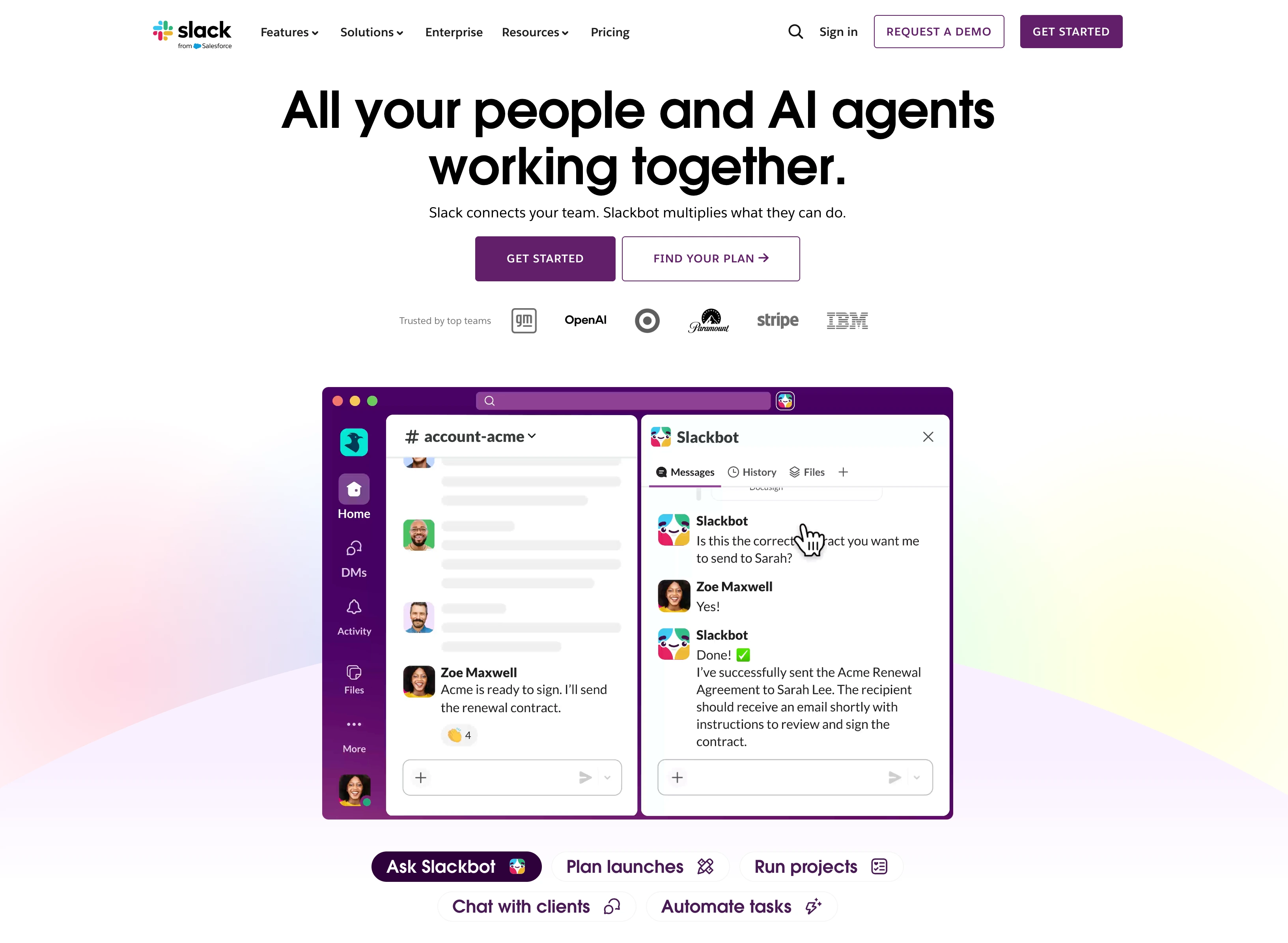
Slack is the default chat tool for marketing teams that don't run on Microsoft. Channels organize work by campaign, project, or function. The integrations library is the biggest in the chat category, and almost every PM, design, social, and analytics tool has a Slack app.
Key features
- Unlimited message history on Pro+ (Free is capped at 90 days)
- Huddles for ad-hoc voice + video (1:1 on Free, group on Pro+)
- Unlimited app integrations on Pro+ (10 max on Free)
- Slack AI: conversation summaries, daily recaps, AI search and file summaries now reach the free plan, with advanced AI on Business+
- Slack Connect for cross-org collaboration with clients and partners (Pro+)
Pricing
| Plan | Price (annual) | Message History | Integrations |
|---|---|---|---|
| Free | $0 | 90 days | 10 max |
| Pro | $7.25/user/mo | Unlimited | Unlimited |
| Business+ | $15/user/mo | Unlimited | Unlimited |
| Enterprise+ | $45/user/mo | Unlimited | Unlimited |
Pros
- Largest integration ecosystem of any chat tool
- Best-in-class search across messages, files, and channels
- Slack Connect makes client/partner collaboration genuinely seamless
- The default "where does your team talk?" answer for non-Microsoft companies
Cons
- $7.25/user/mo adds up: 10-person team = $72.50/mo before any AI add-ons
- Free plan's 90-day history limit forces upgrade for any serious team
- Notification overload is a real productivity tax most teams under-manage
- Doubles up with Teams in mixed-tool environments
4. Microsoft Teams: Best for Chat and Video in Microsoft Shops
At a glance: Microsoft Teams
- Pricing: Teams Essentials $4/user/mo → Microsoft 365 Business Basic $7/user/mo → Business Standard $14/user/mo → Business Premium $22/user/mo
- Category: Chat + video conferencing
- Best for: Marketing teams already on Microsoft 365
- G2 rating: 4.4/5 (17,822 reviews)
Microsoft Teams is included free with Microsoft 365 subscriptions, which is why it has more raw users than Slack despite weaker chat ergonomics. For teams already on Microsoft 365, it's the default choice, and bundling with Word/Excel/PowerPoint/Outlook makes the math hard to ignore.
Key features
- Chat, video meetings, and file sharing with Microsoft 365 deep integration
- Real-time co-authoring in Word, Excel, PowerPoint via Office apps
- Microsoft Loop for document-style team workspaces
- Built-in Clipchamp video editing on Business Standard+
- AI chat experience on Business Basic+ (Copilot is a $21/user/mo add-on)
Pricing
| Plan | Price (annual) | Storage | Office Apps |
|---|---|---|---|
| Teams Essentials | $4/user/mo | 10 GB | None |
| M365 Business Basic | $7/user/mo | 1 TB | Web + mobile |
| M365 Business Standard | $14/user/mo | 1 TB | Desktop + web + mobile |
| Business Premium | $22/user/mo | 1 TB | Full + advanced security |
Pros
- Cheapest entry chat at $4/user/mo (Teams Essentials)
- Bundles with full Office suite from $7/user/mo
- Strong video conferencing: group meetings, breakout rooms, recording
- One vendor, one bill if you're already on Microsoft
Cons
- Chat UX is widely considered weaker than Slack
- Integration ecosystem smaller than Slack outside Microsoft tools
- Copilot AI is $21/user/mo extra: adds up fast
- "Free" version requires a Microsoft account and is heavily feature-limited
5. Asana: Best for Cross-Functional Campaign Collaboration
At a glance: Asana
- Pricing: Personal Free (2 users) → Starter $10.99/user/mo annual → Advanced $24.99/user/mo annual → Enterprise custom
- Category: Project management
- Best for: Marketing teams collaborating across copy, design, web, and paid
- G2 rating: 4.4/5 (13,631 reviews)
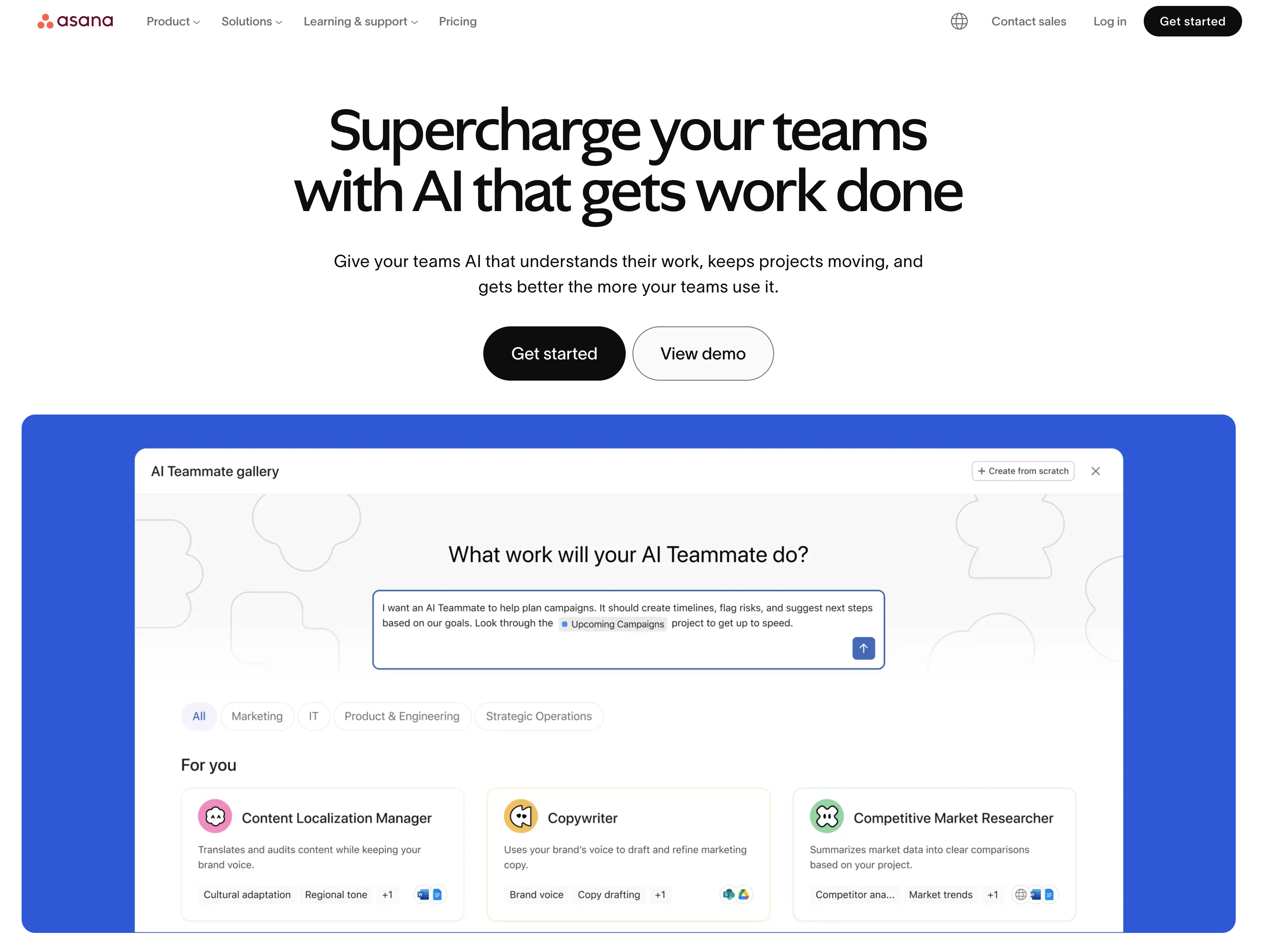
Asana is the most-used PM tool in marketing because the collaboration features actually work: task comments, @mentions, attachments and status updates all live next to the task itself. Cross-functional campaigns stop drowning in Slack threads because the work owns its own context.
Key features
- Timeline and Gantt views (Starter+) for campaign rollout
- Custom fields, forms, and templates for repeatable campaign briefs
- Workload management, goals, portfolios (Advanced+)
- Approvals and proofing on Advanced
- 100+ integrations including Slack, Google Drive, Figma, Adobe Creative Cloud
Pricing
| Plan | Price (annual) | Notes |
|---|---|---|
| Personal | Free | 1–2 users, basic task management |
| Starter | $10.99/user/mo | Timeline, forms, dashboards |
| Advanced | $24.99/user/mo | Goals, portfolios, approvals, workload |
| Enterprise | Custom | SSO, SCIM, governance |
Pros
- Mature, polished interface that requires less training than ClickUp or monday.com
- Goals and portfolios on Advanced are genuinely useful for marketing OKRs
- Strongest collaboration UX among general PM tools: @mentions, threaded comments, status updates
- Approvals/proofing built in on Advanced
Cons
- Per-user pricing scales fast: 10 users on Advanced = $249.90/mo
- No native chat: relies on Slack/Teams for synchronous communication
- AI Studio credits cap on lower tiers (50K Starter, 75K Advanced, 200K Enterprise)
- Time tracking requires Advanced
6. monday.com: Best for Visual Campaign Boards
At a glance: monday.com
- Pricing: Free (2 seats) → Basic $9/seat/mo → Standard $12/seat/mo → Pro $19/seat/mo → Enterprise custom (min 3 seats on paid, USD)
- Category: Project management
- Best for: Marketing teams that collaborate better in visual boards than lists
- G2 rating: 4.7/5 (15,360 reviews)
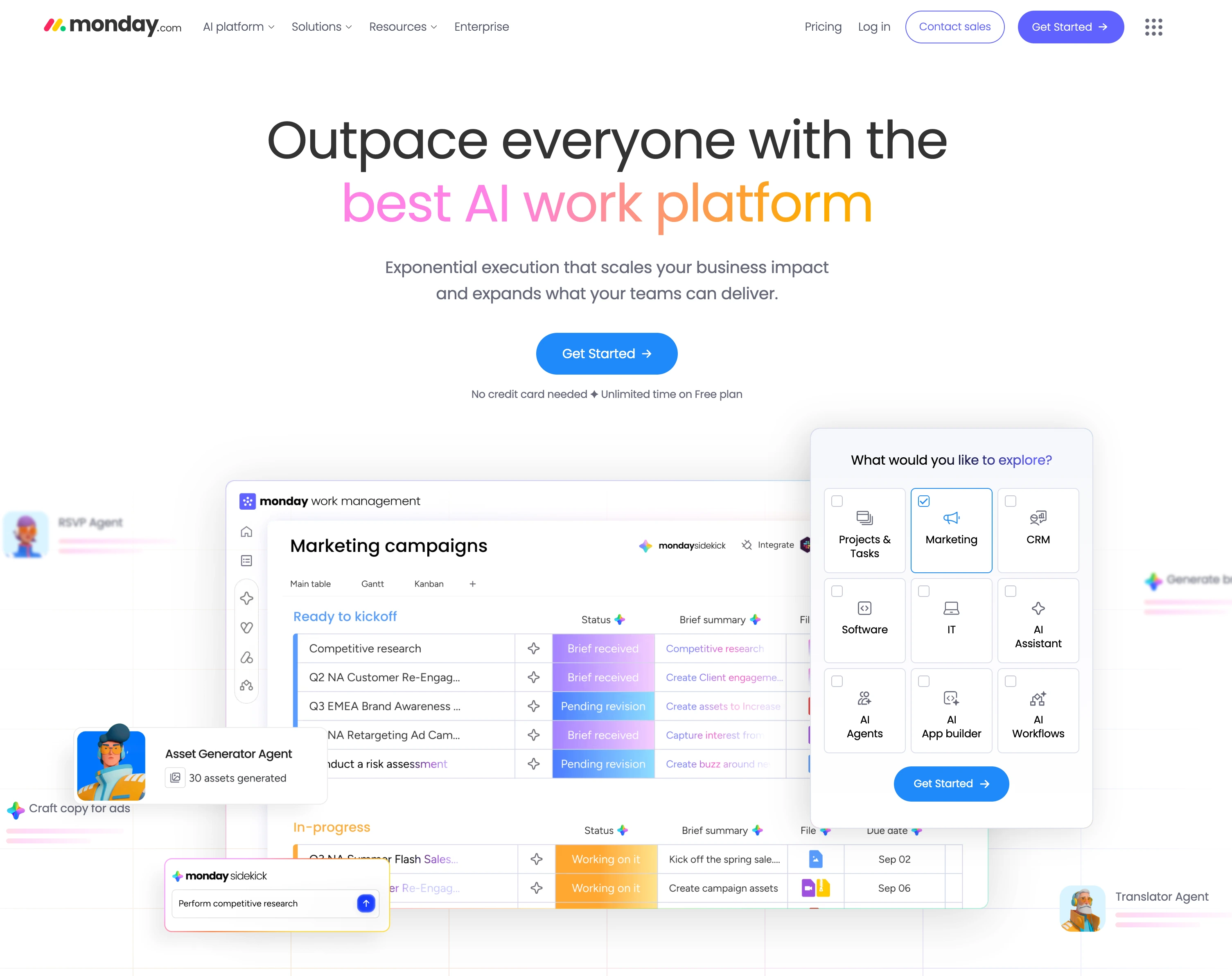
monday.com leans visual, with colorful status columns, multiple board views and drag-and-drop everywhere. Marketing teams who think in pipelines (idea, then in progress, then review, then published) often prefer monday over Asana's more list-driven UX.
Key features
- Multiple board views: Kanban, Calendar, Gantt, Timeline (Standard+)
- 250 automation actions/mo on Standard, 25,000 on Pro
- AI credits: 1,000/mo (Basic), 2,000 (Standard), 3,000 (Pro)
- Guest access for clients (Standard+)
- Private boards and advanced views (Pro+)
Pricing
| Plan | Price (annual, per seat) | Notes |
|---|---|---|
| Free | $0 | Up to 2 seats, 3 boards |
| Basic | $9/seat/mo | Min 3 seats: $27/mo minimum |
| Standard | $12/seat/mo | Most popular for marketing teams |
| Pro | $19/seat/mo | Time tracking, private boards |
| Enterprise | Custom | SSO, advanced security |
Pros
- Best-in-class visual board experience
- Highest G2 review count among PM tools (15,360)
- Multiple views on Standard ($12/seat/mo) without forcing Pro upgrade
- Strong automation builder
Cons
- 3-seat minimum on every paid plan
- Time tracking, private boards, and 25,000 automations all require Pro ($19/seat)
- AI credit limits can constrain heavy users on lower tiers
- Monthly billing 25–30% more expensive than annual
7. ClickUp: Best All-in-One Collab and Task Management
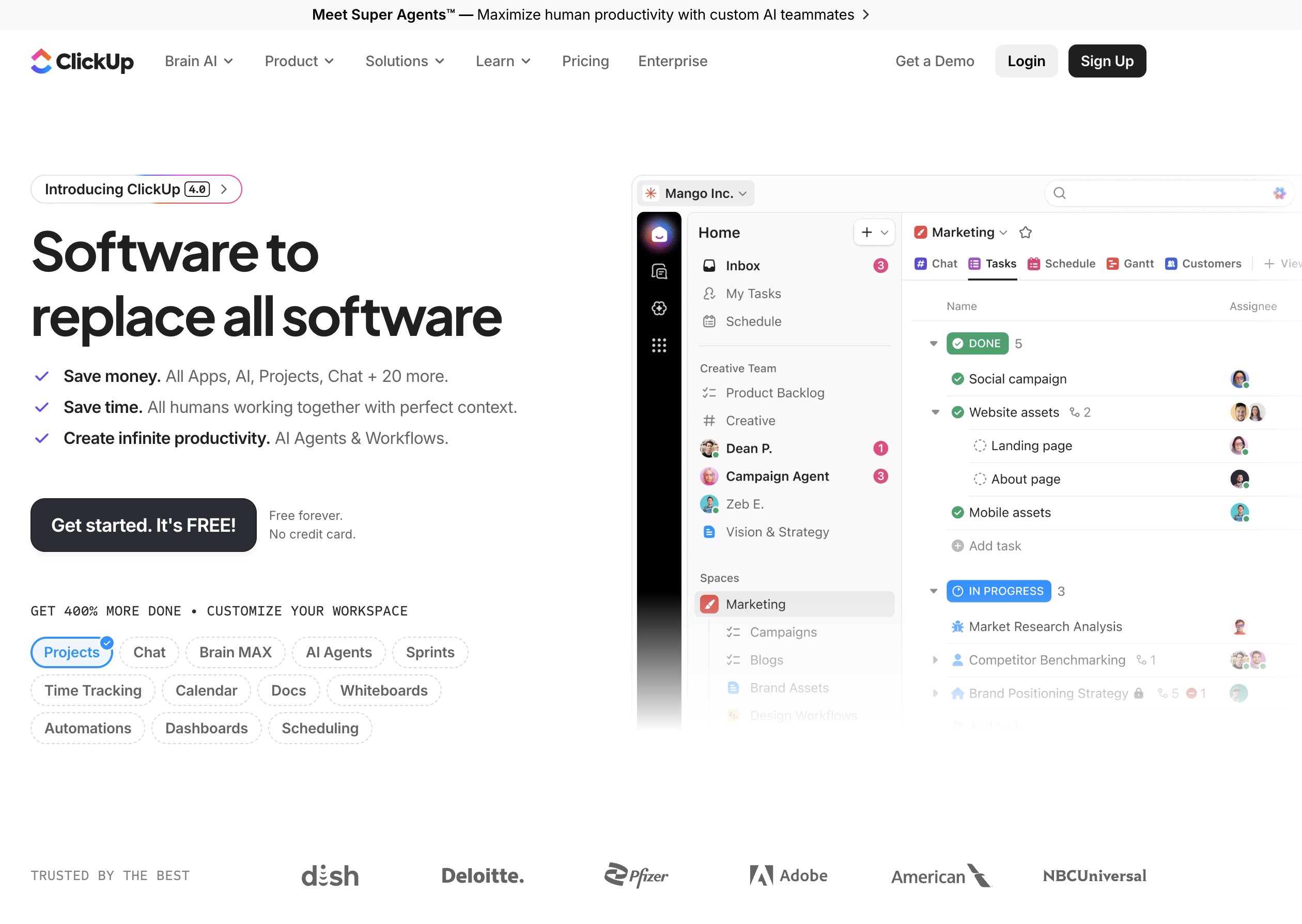
At a glance: ClickUp
- Pricing: Free Forever → Unlimited $7/user/mo → Business $12/user/mo → Enterprise custom (annual). ClickUp Brain AI add-on $9/user/mo
- Category: Project management (all-in-one)
- Best for: Marketing teams that want one tool for tasks + docs + chat + dashboards
- G2 rating: 4.7/5 (11,176 reviews)
ClickUp consolidates task management, docs, whiteboards, chat, goals, and dashboards into one platform. For marketing teams that hate tool sprawl, it replaces 3–4 separate tools with one, at the cost of a steeper learning curve.
Key features
- Unlimited storage, spaces, integrations on Unlimited ($7/user/mo)
- Dashboards, message history, webhooks on Business ($12/user/mo)
- 5,000 automations/month on Business, 250,000 on Enterprise
- ClickUp Brain AI add-on at $9/user/mo (or $28 Everything AI with image gen)
- 1,000+ pre-built templates including marketing campaign templates
Pricing
| Plan | Price (annual) | Notes |
|---|---|---|
| Free Forever | $0 | 60MB storage |
| Unlimited | $7/user/mo | Unlimited storage + spaces |
| Business | $12/user/mo | Dashboards + 5K automations |
| Enterprise | Custom | SAML SSO + 250K automations |
Pros
- Cheapest mid-tier PM: Business at $12/user vs Asana Advanced at $24.99/user
- All-in-one reduces tool sprawl across docs, tasks, chat
- Strong dashboards on Business
- 1,000+ templates lower setup time substantially
Cons
- Steepest learning curve in the PM category: "tries to be everything" reads as cluttered for new users
- Brain AI is a separate $9/user/mo add-on
- Interface density can overwhelm small teams
- Chat feature is weaker than dedicated tools (Slack/Teams)
PostPlanifyAll your social media in one simple dashboard
Schedule posts, track analytics, and reply to comments/DMs without switching tabs.
Engagement
+18%
Views
52.8k
8. Notion: Best for Docs and Knowledge Base Collab
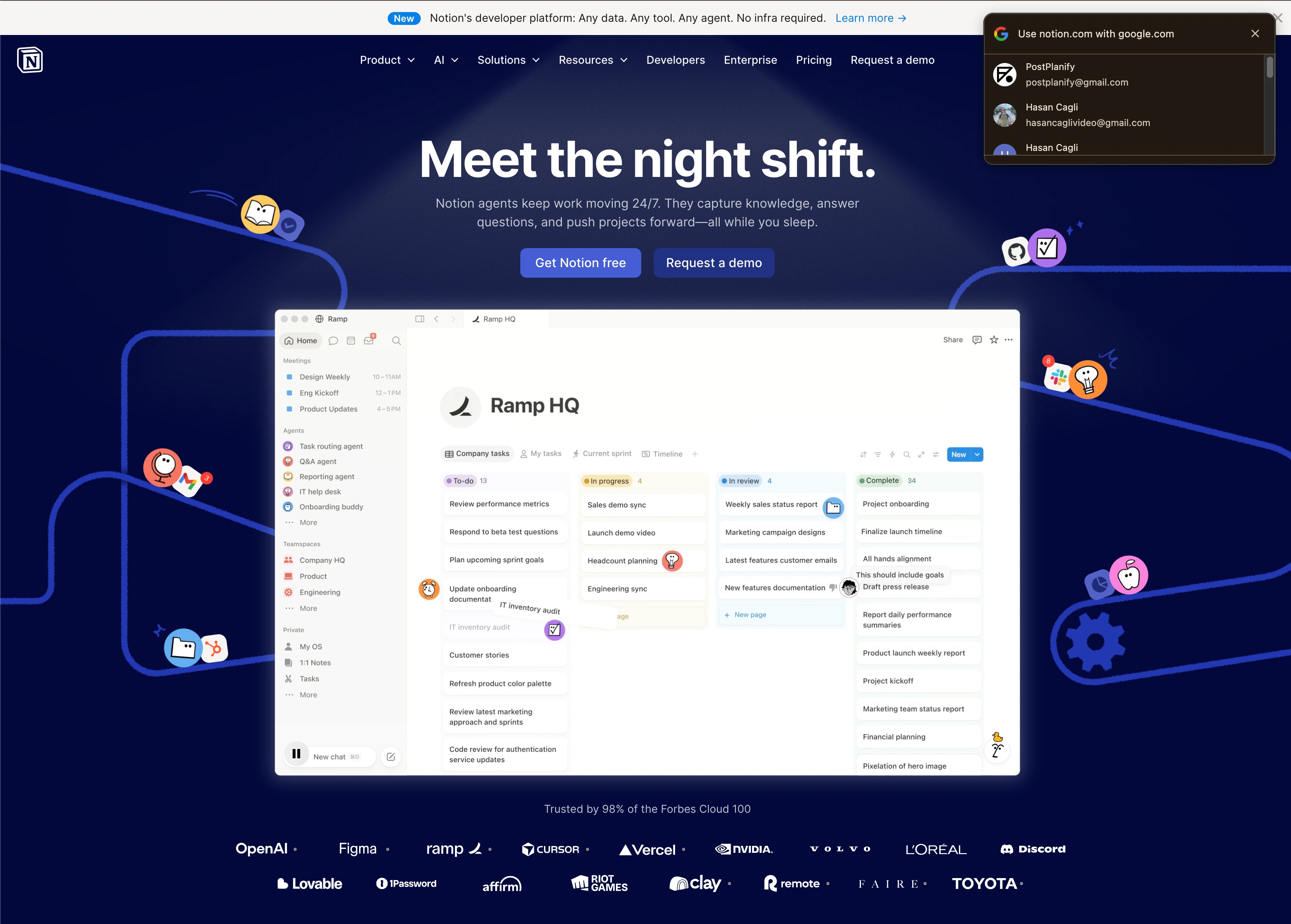
At a glance: Notion
- Pricing: Free → Plus $10/user/mo → Business $20/user/mo → Enterprise custom
- Category: Docs + databases
- Best for: Marketing teams that collaborate in long-form docs and need a shared knowledge base
- G2 rating: 4.6/5 (11,822 reviews)
Notion is closer to a flexible workspace than a strict PM tool, but for marketing teams it doubles as the knowledge base, brand guidelines hub, content library, and campaign brief tool. The database and view system means the same content shows as a calendar, board, table, or gallery without duplication, which is why so many teams build a content calendar in it before outgrowing it.
Key features
- Unlimited file uploads on Plus
- Databases with multiple views (Calendar, Board, Table, Gallery, Timeline)
- Notion AI trial on Free; AI Meeting Notes and Notion Agent (beta) on Business
- Granular database permissions and custom forms with conditional logic (Business+)
- Premium integrations (GitHub, Asana) on Business
Pricing
| Plan | Price | Notes |
|---|---|---|
| Free | $0 | 5MB file uploads, limited blocks |
| Plus | $10/user/mo | Unlimited files, custom forms |
| Business | $20/user/mo | AI Meeting Notes, advanced analytics |
| Enterprise | Custom | DLP, SIEM, advanced compliance |
Pros
- Most flexible workspace: teams build the exact shape they need
- Strongest doc + database combo on this list
- Easy onboarding for non-technical marketers
- The "company knowledge base" role no other tool here owns
Cons
- No native task dependencies or Gantt: not a true PM replacement
- Notion AI full access requires Business ($20/user/mo)
- Without templates, setup takes weeks
- Sync across many users can lag on large workspaces
9. Miro: Best for Whiteboarding and Workshops
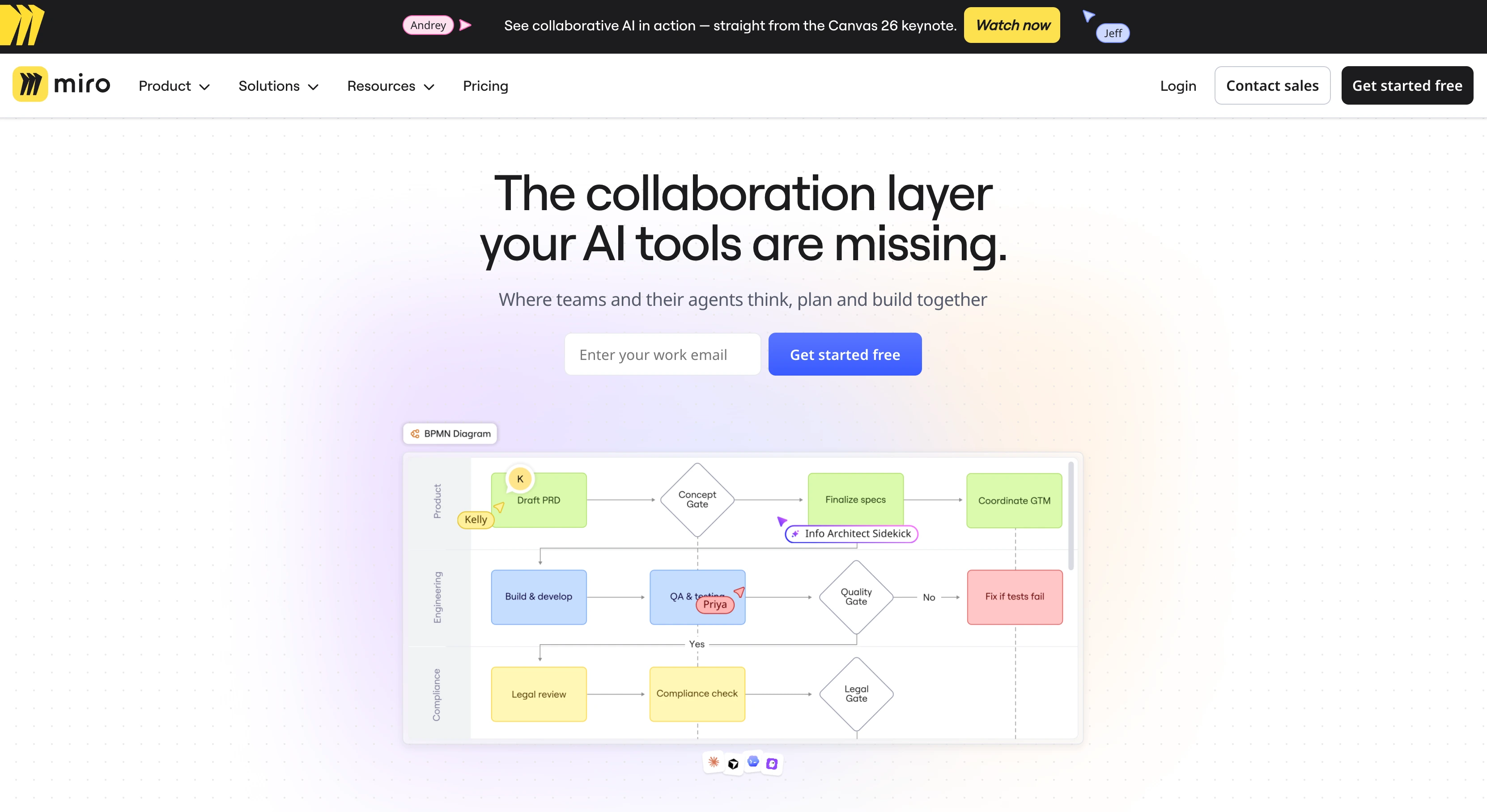
At a glance: Miro
- Pricing: Free → Starter $8/member/mo (annual) → Business $20/member/mo (annual) → Enterprise custom (min 30 members)
- Category: Visual collaboration / whiteboarding
- Best for: Distributed marketing teams running strategy workshops, brainstorms, or campaign planning sessions
- G2 rating: 4.6/5 (13,058 reviews)
Miro is the default whiteboard for marketing teams that can't all be in the same room. Sticky notes, frameworks, voting, breakout sessions, video calls: anything that used to require a physical whiteboard now lives here. For distributed teams, it's not optional.
Key features
- Unlimited boards on Starter+ (3 boards max on Free)
- 5,000+ templates including marketing-specific frameworks
- Facilitation tools: Timer, Voting, Private mode, Estimation (Starter+)
- Talktracks (interactive video recordings): 5 on Free, unlimited on Starter+
- AI credits per member (10/mo Free, 25 Starter, 50 Business)
Pricing
| Plan | Price (annual) | Boards | AI Credits |
|---|---|---|---|
| Free | $0 | 3 editable | 10/mo per team |
| Starter | $8/member/mo | Unlimited | 25/mo per member |
| Business | $20/member/mo | Unlimited | 50/mo per member |
| Enterprise | Custom (min 30) | Unlimited | Custom |
Pros
- Best-in-class whiteboard UX for distributed teams
- Facilitation tools (Timer, Voting, Private mode) actually move workshops forward
- Strong template library reduces setup for recurring sessions
- Talktracks add async video walkthroughs no other tool has natively
Cons
- Enterprise has a hard 30-member minimum
- Business jumps to $20/member/mo: fast for larger teams
- Performance can degrade on very large boards
- Limited offline functionality
10. Figma: Best for Design and UI Collaboration
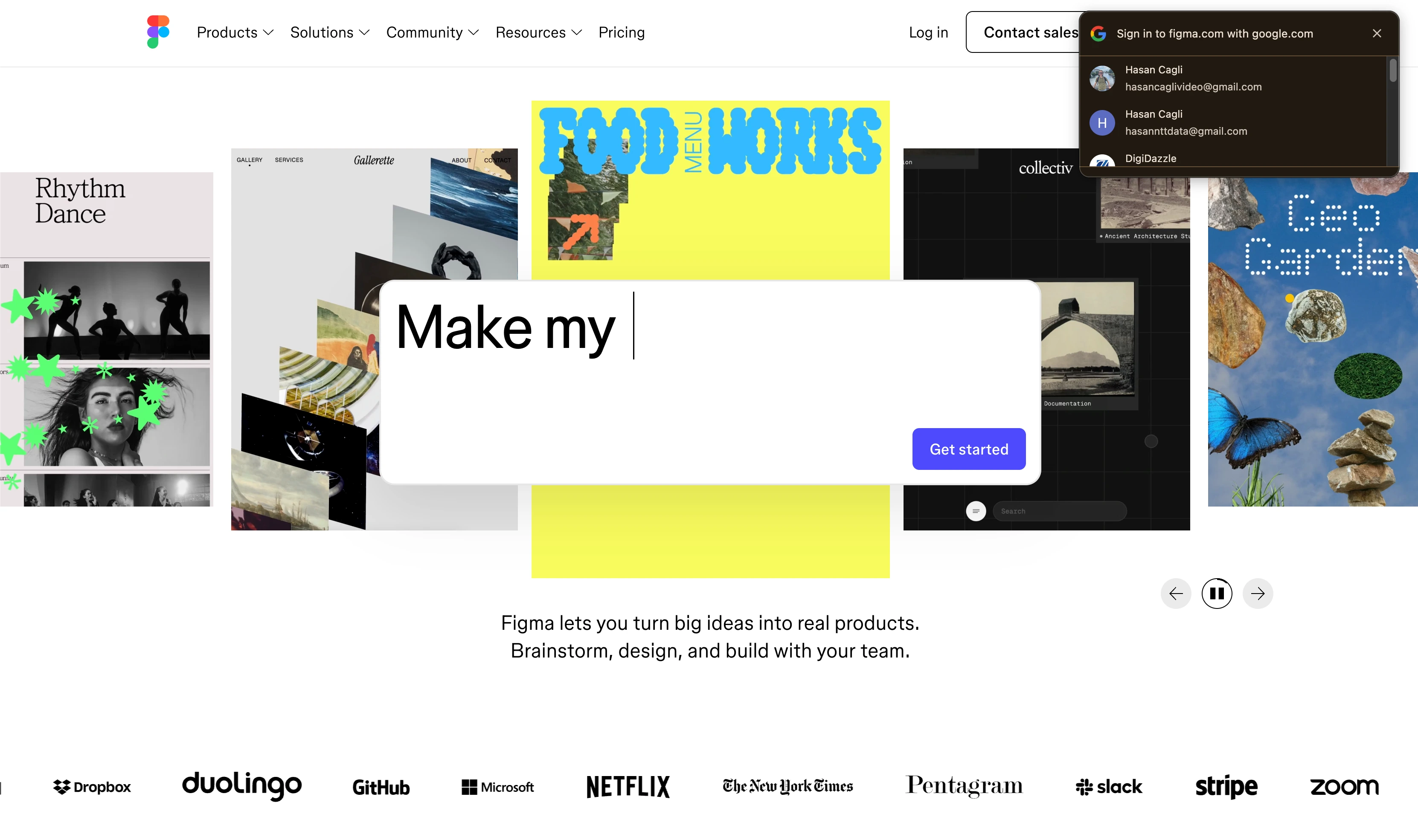
At a glance: Figma
- Pricing: Starter (Free) → Professional $16/full seat/mo (with cheaper Dev $12/Collab $3 seats) → Organization $55/full seat/mo (annual) → Enterprise $90/full seat/mo
- Category: Design collaboration
- Best for: Marketing teams that need to collaborate with designers on creative work
- G2 rating: 4.7/5 (1,412 reviews)
Figma is the default design tool for modern marketing teams. The killer feature is real-time multi-user editing, so copywriters, designers, and brand managers can all be in the same file at the same time. Comments on designs replace the old "PNG + email" loop.
Key features
- Real-time multi-user editing: actual concurrent editing, not just sharing
- Unlimited viewers free across all plans (read-only access)
- Tiered seat pricing: full seats edit, Dev seats for engineers, Collab seats for review-only commenters
- Team-wide libraries and design systems (Professional+)
- AI features with credits per seat (Professional 3,000/mo, Org 3,500/mo, Enterprise 4,250/mo)
- FigJam (whiteboard) included on all paid plans
Pricing
| Plan | Full Seat (annual) | Dev Seat | Collab Seat | AI Credits |
|---|---|---|---|---|
| Starter | Free | n/a | n/a | 150/day, 500/mo |
| Professional | $16/mo | $12/mo | $3/mo | 3,000/mo |
| Organization | $55/mo | $25/mo | $5/mo | 3,500/mo |
| Enterprise | $90/mo | $35/mo | $5/mo | 4,250/mo |
Pros
- Real-time collaboration with no merge conflicts: actually feels native
- Tiered seat pricing means non-designers can comment for $3/mo instead of full price
- Bundles FigJam whiteboarding at no extra cost
- The de facto design tool for tech-adjacent marketing teams
Cons
- Full seats are expensive at $16/mo Professional, $55+ on Organization
- Learning curve for non-designers is real even on Collab seats
- File performance lags on very large design systems
- Adobe acquisition fell through but Figma has become more enterprise-priced anyway
11. Canva: Best for Marketing Collateral Collaboration
Canva is the design collaboration tool for everyone on a marketing team who is not a designer. Where Figma assumes design skill, Canva assumes none: templates, drag and drop, and a Brand Kit that keeps logos, fonts, and color palettes locked so a social post made by an intern still looks like the brand made it. For most marketing teams the honest split is Canva for social graphics, decks, and one-pagers, Figma for anything a developer will build.
At a glance: Canva
- Pricing: Free → Pro $18/mo ($180/year, one person) → Business $25/user/mo ($250/user/year) → Enterprise custom (from 150 seats)
- Category: Design collaboration: marketing collateral rather than product UI
- Best for: Marketing teams where non-designers produce most of the on-brand assets
- G2 rating: 4.7/5 (4,500+ reviews)
Key features
- Brand Kit with locked logos, fonts, and color palettes, plus brand templates non-designers can fill but not break
- Real-time co-editing with comments and @mentions on any design
- Magic Studio AI tools for background removal, resizing, and generated copy or imagery
- Content Planner to schedule finished designs straight out of Canva
- Folders and shared team libraries so approved assets stop living in someone's downloads
- Connects to PostPlanify: pull a finished Canva design into the media library and post composer without exporting and re-uploading
Pricing
| Plan | Price | Users | Brand Controls |
|---|---|---|---|
| Free | $0 | 1 | None |
| Pro | $18/mo | 1 | Brand Kit |
| Business | $25/user/mo | Per seat | Brand Kit + brand templates |
| Enterprise | Custom | From 150 seats | Advanced brand governance |
Pros
- The lowest-friction way to get non-designers producing on-brand work
- Brand Kit and brand templates enforce consistency without a designer reviewing every asset
- Enormous template library covers nearly every marketing format
- Content Planner and the PostPlanify integration both remove the export-and-reupload step
Cons
- Moved from a flat Teams plan to per-seat Canva Business, so occasional reviewers now cost a full seat
- Comments are feedback, not structured sign-off: multi-stage proofing still belongs in Filestage or Frame.io
- Template-driven work looks template-driven, and brand differentiation suffers at scale
- Not a replacement for Figma on anything a developer has to build
12. Filestage: Best for Creative Review and Proofing
At a glance: Filestage
- Pricing: Free (10 members, 1 project) → Starter €199/mo → Business €329/mo → Enterprise custom
- Category: Proofing + creative review
- Best for: Marketing teams approving design, video, audio, or document assets with multiple reviewers
- G2 rating: 4.6/5 (242 reviews)
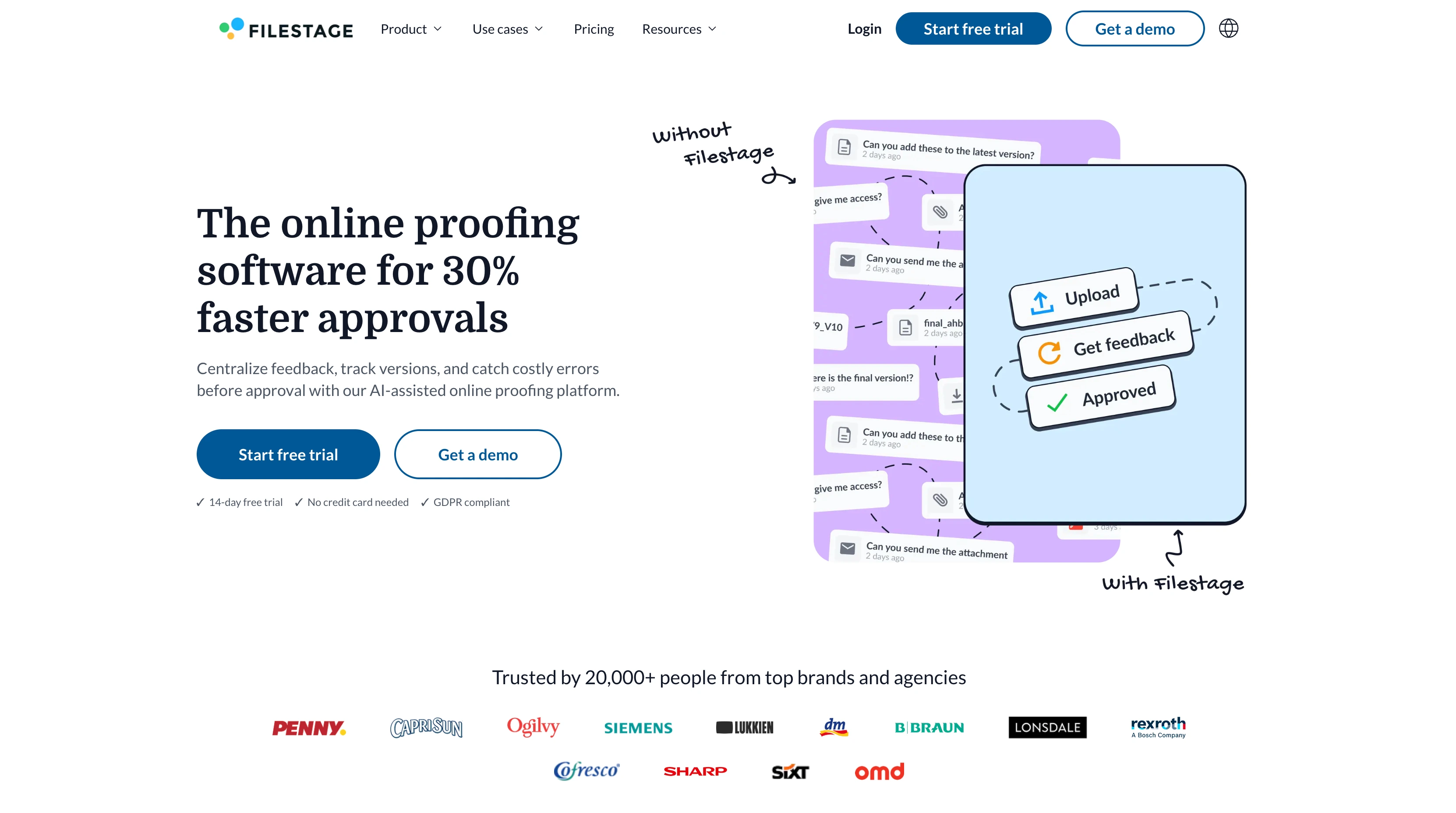
Filestage is purpose-built for the asset-by-asset approval workflow across designs, videos, audio, PDFs and web pages. Reviewers annotate directly on the file, version control is automatic, and approval rounds replace the chaos of email threads with attachments.
Key features
- All file types supported (video, audio, image, PDF, HTML)
- Annotation tools on every file type
- Side-by-side and overlay version comparison
- 2 reviewer groups (Starter), 3 (Business), unlimited (Enterprise)
- AI reviewers for compliance checking (Business+)
- Project templates and custom automations (Business+)
- Webhooks and API access (Business+)
Pricing
| Plan | Price | Projects | Files/Month |
|---|---|---|---|
| Free | €0 | 1 | 5 |
| Starter | €199/mo | Unlimited | Unlimited |
| Business | €329/mo | Unlimited | Unlimited |
| Enterprise | Custom | Unlimited | Unlimited |
Pros
- Handles all asset types (video/audio/PDF): not just images like Planable
- Version comparison side-by-side is unique in this category
- Branded review links + password protection on Starter+
- AI reviewers for FDA/EU compliance use cases (Business+)
Cons
- Flat-rate pricing means small teams pay €199/mo for capacity they won't use
- EUR-priced: adds currency exchange overhead for US/UK teams
- Team size starts at 10 members minimum (bundles of 5 add-ons)
- No native social scheduling or post-publishing
13. Frame.io: Best for Video Review and Feedback
At a glance: Frame.io
- Pricing: Free (2 seats) → Pro $15/user/mo → Team $25/user/mo → Enterprise custom (Adobe-owned)
- Category: Video review and approval
- Best for: Marketing teams producing video content with multi-stakeholder review
- G2 rating: 4.5/5 (121 reviews)
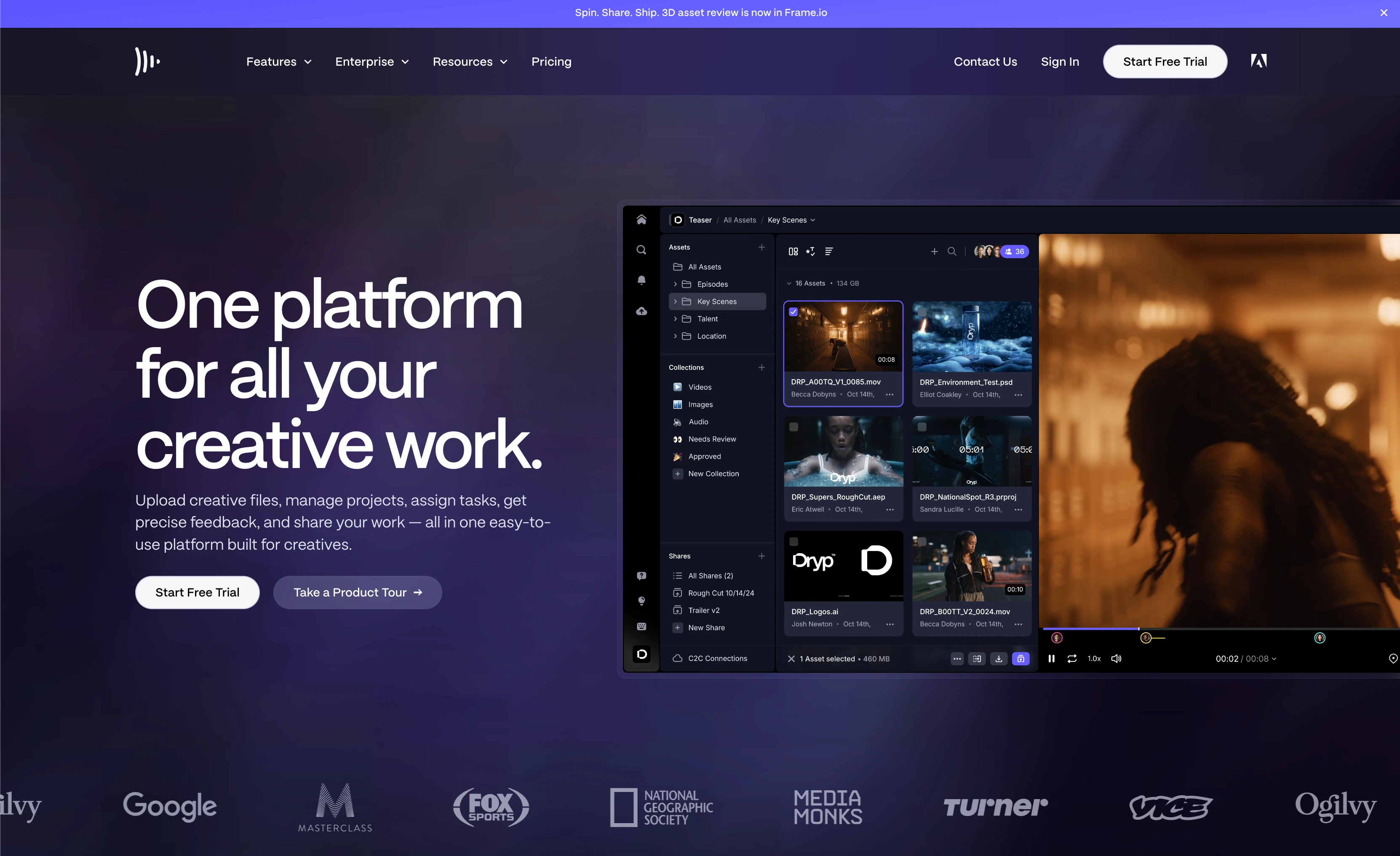
Frame.io is the standard for video collaboration in marketing teams that produce serious video: ads, social cuts, brand films. Time-coded comments, version stacking, and Camera-to-Cloud integration mean editors and reviewers actually work from the same source instead of trading file links.
Key features
- Time-coded comments directly on video
- Camera-to-Cloud upload from supported cameras (Free+)
- Native Adobe Premiere Pro, After Effects, and Lightroom integration
- Custom-branded shares and passphrase protection (Pro+)
- Restricted projects and folders (Team+)
- Storage: 2GB Free, 2TB Pro, 3TB Team (+ extra per additional member)
Pricing
| Plan | Price | Team Seats | Storage |
|---|---|---|---|
| Free | $0 | 2 | 2GB |
| Pro | $15/user/mo | 5 | 2TB + 2TB/extra member |
| Team | $25/user/mo | 15 | 3TB + 2TB/extra member |
| Enterprise | Custom | Custom | Custom |
Pros
- Industry standard for video review: used by ad agencies, production companies, studios
- Native Adobe Creative Cloud integration (now Adobe-owned)
- Generous storage included (2TB on Pro)
- Camera-to-Cloud removes the "send me the dailies" step
Cons
- Video-only: no benefit for teams not producing video
- Pricing assumes you have an Adobe stack: fits Premiere users best
- Storage costs scale fast with additional team members
- Trustpilot rating is weak (1.4/5 from 36 reviews): billing complaints common
14. Wrike: Best for Agency Collaboration and Client Portals
At a glance: Wrike
- Pricing: Free (unlimited users) → Team $10/user/mo (2-15 users) → Business $25/user/mo (5-200 users) → Pinnacle custom → Apex custom
- Category: Project management (agency-focused)
- Best for: Marketing agencies collaborating with clients
- G2 rating: 4.2/5 (4,529 reviews)
Wrike is purpose-built for service businesses: agencies, marketing teams and consultancies. Request forms, client portals, time tracking, and resource planning are core features, not bolt-ons. If your team bills by the hour, Wrike fits.
Key features
- Interactive Gantt charts (Team+)
- Shareable dashboards (Team+)
- Workspace templates (Business+)
- AI Essentials on Team, AI Elite on Business+
- Wrike Integrate and bi-directional Sync (Apex)
Pricing
| Plan | Price (annual) | Users |
|---|---|---|
| Free | $0 | Unlimited |
| Team | $10/user/mo | 2–15 |
| Business | $25/user/mo | 5–200 |
| Pinnacle | Custom | Custom |
| Apex | Custom | Custom |
Pros
- Free plan with unlimited users (rare in PM)
- Strong agency features: request forms, client portals, resource planning
- Built-in time tracking on higher tiers
- Hard cap on Team plan (15 users) prevents accidental upsells
Cons
- Lowest G2 rating in this category (4.2/5)
- Team plan capped at 15 users: forced upgrade at 16
- Business jumps to $25/user/mo
- Interface feels dated compared to Asana/monday.com
PostPlanifyAll your social media in one simple dashboard
Schedule posts, track analytics, and reply to comments/DMs without switching tabs.
Engagement
+18%
Views
52.8k
Why Marketing Collaboration Breaks Down (and What Fixing It Buys You)
Every team that goes shopping for collaboration software is really trying to fix one of four failures. Naming yours is the fastest way to shorten the shortlist:
- Siloed workflows. The designer works in one tool, the writer in another, and the person publishing has neither. Work gets re-done because nobody saw the current version.
- Unclear ownership. A post sits three days because everyone assumed someone else had approved it. This is the single most common cause of missed campaign dates, and it is a workflow problem rather than a people problem.
- Version confusion. Feedback lands on v2 while v4 is already built. Without one canonical asset and threaded comments attached to it, review generates more work than it saves.
- Collaboration overload. Six tools, four notification streams, and a team that has quietly stopped reading any of them. Adding a tool is as likely to cause this as to cure it.
Fixing those buys three things. Campaigns ship on schedule because sign-off is tracked rather than chased. Feedback lands in one place attached to the asset it refers to, instead of scattered across email, Slack threads, and meeting notes. And the work becomes auditable, so when a client or a legal reviewer asks who approved a claim, the answer is in the tool rather than in somebody's memory.
The trap is treating this as a shopping problem. If the failure is collaboration overload, buying a seventh tool makes it worse. Fix ownership and version control first, then add tooling only where a specific handoff still hurts.
What to Look For in Marketing Collaboration Software
Six criteria separate the collab tools that survive past 90 days from the ones your team abandons:
- Real-time vs async fit. Slack/Teams cover real-time chat. Notion/Asana cover async docs and tasks. Pick tools that match your team's actual rhythm: not the rhythm you wish you had.
- External/client access. Can clients comment without buying a seat? Planable, PostPlanify (Client role), Frame.io, and Filestage handle this natively. Most PM tools force guest workarounds.
- Approval workflows. Multi-stakeholder sign-off is where most projects break down. Filestage, PostPlanify (single and multi-step from the entry plan), Planable, and Asana Advanced have real approval mechanics: not just "@-mention someone".
- File type coverage. If you review video, you need Frame.io. If you review designs, Figma comments suffice. If you review everything, Filestage handles the spread.
- Integrations. Your collab tool needs to talk to whatever else you use. Slack and Asana have the deepest ecosystems; ClickUp is catching up.
- Cost as you scale. Per-user pricing compounds fast at 10+ people, which is why some teams deliberately shortlist tools with no per-seat fees. PostPlanify (priced per client workspace with unlimited seats), Wrike (free plan with unlimited users), and ClickUp ($7/user/mo Unlimited) are the cheapest to scale.
Build Your Marketing Collaboration Stack
There is no single best marketing collaboration tool. There's a best stack for your team. The fastest-moving marketing teams I've watched run something like this:
- Chat: Slack OR Microsoft Teams: one, not both
- PM/campaigns: Asana, monday.com, or ClickUp: pick the one your team will actually use, not the one with the most features. See the marketing planning software comparison for a deeper look at this layer
- Docs/knowledge: Notion (or Confluence if you're enterprise) for briefs, guidelines, and post-mortems
- Whiteboarding: Miro for distributed teams; FigJam if you already pay for Figma
- Design: Figma for anything a developer will build; Canva for social graphics, decks, and one-pagers the wider team makes
- Creative review: Filestage or Frame.io depending on whether you ship more design or more video
- Social execution + approvals: PostPlanify for the social slot: including client review via the Client role, slotting into your wider social media management workflow
The trap is trying to make one tool do all of this. ClickUp tries to. Notion tries to. monday.com tries to. They all do some of it, but they're each second-rate at the layers that aren't their core.
Pick one tool per layer. Connect them via Slack/Zapier or native integrations. Live with the overlap.
PostPlanifyAll your social media in one simple dashboard
Schedule posts, track analytics, and reply to comments/DMs without switching tabs.
Engagement
+18%
Views
52.8k
FAQ: Marketing Collaboration Software
What is marketing collaboration software?
Marketing collaboration software is team collaboration software aimed at the specific way marketing teams work together on campaigns, content, and creative. The category spans chat (Slack, Microsoft Teams), project management (Asana, monday.com, ClickUp), docs (Notion), design (Figma, Canva), whiteboarding (Miro), proofing (Filestage, Frame.io), and the content collaboration tools that handle social review and sign-off (PostPlanify, Planable). Most marketing teams use 4–6 collaboration tools across these categories, not one platform.
What are the types of marketing collaboration tools?
Most roundups name four: communication, project management, file sharing and documents, and whiteboarding. For marketing teams that framing is one category short, because it leaves out review and approval, which is where campaign work actually stalls. The five that matter are communication (Slack, Microsoft Teams), project management (Asana, monday.com, ClickUp, Wrike), docs and file sharing (Notion), visual and design collaboration (Miro, Figma, Canva), and review and approval (Filestage, Frame.io, PostPlanify, Planable). Marketing teams run one tool from each rather than one tool for all five.
Do I really need multiple collaboration tools?
For most teams of 5+ people, yes. Different jobs need different tools, because real-time chat is not the same job as multi-stakeholder approval, and trying to make Slack approve a video edit (or Frame.io handle daily team chat) means doing both badly. The exception is teams under 5 people, where ClickUp or Notion plus a chat tool can cover most needs.
What's the difference between marketing collaboration and project management software?
Project management software (Asana, monday.com, ClickUp, Wrike) focuses on tasks, timelines, and accountability. Marketing collaboration software is broader: it includes PM tools but also chat (Slack/Teams), creative review (Filestage/Frame.io), design (Figma/Canva), whiteboarding (Miro), and social-specific approval workflows (PostPlanify/Planable). PM is one slot in a collaboration stack. Agencies weighing the PM layer specifically can compare agency project management software.
What's the cheapest marketing collaboration stack?
For a 5-person team on the cheapest viable stack: Slack Pro ($36/mo at 5 users) plus ClickUp Unlimited ($35/mo at 5 users) plus Notion Free plus PostPlanify Growth ($39/mo for one brand workspace, seats included) comes to roughly $110/mo for chat, PM, docs and social. Add Figma Starter (free) or Miro Free for design/whiteboarding without raising the bill. If budget is the binding constraint, the free social media management tools roundup covers what the no-cost tier actually gets you.
Is Slack or Microsoft Teams better for marketing teams?
If you're already on Microsoft 365, use Teams, since it's included free and the Office bundling makes the math hard to beat. If you're not on Microsoft, Slack has the deeper integration ecosystem and better chat UX. Marketing teams that don't pick the one that matches their existing stack end up paying for both.
How do agencies handle client collaboration?
Two main models. (1) Per-client workspaces in tools like PostPlanify (one workspace per client, up to 100 on self-serve, each billed in a cheaper band than the last), Planable (per-workspace pricing), or Frame.io (Team plan restricted projects). (2) Guest access in PM tools like Asana, monday.com, or Wrike. Workspace-based approaches keep client data cleanly separated; guest access is cheaper but messier at scale. Agencies that present work under their own brand should also look at white-label social media management and client-ready reports.
What's the best marketing collaboration tool for remote teams?
For fully distributed marketing teams, the stack you can't skip is: real-time chat (Slack/Teams), async docs (Notion), whiteboarding (Miro), and async video review (Frame.io if you produce video). Whiteboarding and async video are the two layers in-office teams underweight and remote teams require. Distributed teams sharing one set of accounts will also want a plan for managing multiple social media accounts.
Do marketing collaboration tools have approval workflows?
Yes, but only the right ones. Planable, PostPlanify (single and multi-step on Growth, from $39/mo), Filestage, Frame.io, and Asana Advanced have real multi-step approval workflows with assigned reviewers and rejection tracking. Slack, Notion, and Trello have "comment + tag" workflows that work for small teams but break at 5+ stakeholders. We break the mechanics down in the social media approval process guide.
Can marketing collaboration tools integrate with the software we already use?
Mostly yes, and the integration map should drive the shortlist more than the feature list does. Slack and Asana have the deepest app ecosystems, so they tend to become the hub everything else reports into. The connections worth checking before you buy are the ones that remove a manual export: design into publishing (Canva and Figma into your media library), PM into chat (Asana or ClickUp notifications into Slack or Teams), and analytics into wherever leadership already looks. PostPlanify also exposes a REST API and an MCP server on Premium, so scheduling and reporting can be driven from your own tools or an AI agent. The integration that matters most is whichever one your team currently does by hand.
How do I get my team to actually adopt collaboration tools?
Onboard one tool at a time. Pick the one your team needs most (chat or PM), get it adopted, then add the next layer 30–60 days later. Teams that roll out 4 new tools simultaneously end up using none of them properly. The team that gets approval workflows right with PostPlanify before adding Miro for workshops will use both correctly.
Can one tool replace my entire marketing collaboration stack?
No, but ClickUp comes closest, replacing tasks, docs, chat and dashboards. The trade-off is that none of those layers are as good as the dedicated tool. For most teams over 10 people, paying for Slack, Asana, Notion, Figma and a dedicated social media management platform gets you the best-in-class experience in each layer, which usually outweighs the price difference against an all-in-one.
Related Reading
- PostPlanify Pricing
- Best Marketing Planning Software
- Best Social Media Tools with Approval Workflows
- Best Social Media Collaboration Tools
- Best Social Media Management Tools for Marketing Teams
- Best Social Media Management Tools for Agencies
- Best Social Media Management Tools for Teams
- Best Content Calendar Tools
- Best Planable Alternatives
- Best Marketing Agency Project Management Software
- Social Media Approval Process
- Best White-Label Social Media Management Tools
- Editorial Calendar Tool
- Brand Asset Management
- Social Media Management Workflow
- Best Social Media Management Platform
- Social Media Tools With No Per-Seat Fees
- 11 Best Kontentino Alternatives in 2026
PostPlanifyAll your social media in one simple dashboard
Schedule posts, track analytics, and reply to comments/DMs without switching tabs.
Engagement
+18%
Views
52.8k
About the Author

Hasan Cagli
Founder of PostPlanify, a content and social media scheduling platform. He focuses on building systems that help businesses, agencies, and teams plan, publish, and manage content and social media more efficiently across platforms.


