


Most marketing teams plan campaigns in one tool and execute social posts in another, losing visibility in the gap between them. Marketing planning software covers the upstream layer: briefs, calendars, approvals, task assignment, and timeline visibility across channels.
Quick Answer: What Is the Best Marketing Planning Software in 2026?
Every marketing team needs two layers: a PM tool that owns the plan, and PostPlanify for the social-execution layer that turns the plan into scheduled, approved, published posts. PostPlanify covers the execution slot with multi-workspace (5 on Growth, 15 on Premium, 50 on Scale), approval workflows with multi-approver tracking, analytics across 10 platforms, a unified social inbox, and white-label PDF reports, starting at $39/mo per client workspace. Team members and client approvers are unlimited on every plan, so the bill tracks brands rather than headcount.
For the PM layer that pairs with PostPlanify, pick by team shape. For end-to-end campaign planning across cross-functional teams, Asana and monday.com lead the project-management category. For all-in-one tasks + docs + dashboards at a lower price, ClickUp covers more layers per dollar.
For visual content review and approvals, Planable is purpose-built. For enterprises needing a full marketing CRM and automation stack, HubSpot Marketing Hub replaces a planning tool entirely.
How I Tested These Marketing Planning Software Tools
- Pricing verification. I pulled every price in this article directly from each vendor's official pricing page in September 2026. I call out per-seat, per-channel, and per-workspace structures clearly so you can model your real cost. Three lineups moved since the last check: Hootsuite dropped its entry tier from $249 to $99/user/mo and added a Professional plan, but pushed approval workflows up to Advanced at $399/user/mo; CoSchedule replaced Social Calendar and Agency Calendar with Starter, Professional and Suite; and HubSpot's Starter rate now depends on an upfront annual commit, with month-to-month more than double.
- Feature mapping. I mapped each tool against five marketing-team needs: campaign planning, content calendar, approval workflows, social execution, and reporting.
- Review analysis. I sourced G2 review counts and ratings from each tool's G2 product page, checked September 2026.
- Honest category placement. I keep PM tools as PM tools and social schedulers as social schedulers: no inflating one tool's category to chase a wider keyword.
Quick Comparison: 13 Marketing Planning Software Tools at a Glance
| Tool | Best For | Starting Price | Category | Free Plan | G2 Rating |
|---|---|---|---|---|---|
| PostPlanify | Social execution alongside any PM tool | $39/workspace/mo | Social media management | 7-day trial | 5/5 |
| Asana | Cross-functional campaign teams | $10.99/user/mo | Project management | Yes (2 users) | 4.4/5 (13,631) |
| monday.com | Visual marketing boards | $9/seat/mo (min 3 seats) | Project management | Yes (2 seats) | 4.7/5 (15,360) |
| ClickUp | All-in-one marketing teams | $7/user/mo | Project management | Yes | 4.7/5 (11,176) |
| Notion | Lightweight planning + docs | $10/user/mo | Docs + databases | Yes | 4.6/5 (11,822) |
| Trello | Free + simple kanban planning | $5/user/mo | Kanban PM | Yes | 4.4/5 (14,026) |
| HubSpot Marketing Hub | Built-in CRM + automation | $9/seat/mo (Starter) | Marketing automation | Free tools | 4.5/5 (14,011) |
| CoSchedule | Marketing calendar + social | $29/mo (Starter) | Marketing calendar | Yes (15 posts/profile) | 4.4/5 (256) |
| Planable | Visual content review + approvals | $39/workspace/mo | Content collaboration | Yes (50 posts) | 4.6/5 (937) |
| Hootsuite | Enterprise social + planning | $99/user/mo | Social management | 14-day trial | 4.3/5 (7,109) |
| Buffer | Lightweight social-first planning | $6/channel/mo | Social scheduler | Yes (3 channels) | 4.3/5 (1,071) |
| Airtable | Customizable database + calendar | $20/seat/mo | Database + workflows | Yes | 4.6/5 (3,268) |
| Wrike | Agencies with client portals | $10/user/mo (2-15 users) | Project management | Yes | 4.2/5 (4,529) |
Who Needs Marketing Planning Software?
Not every team needs the same tool. Match your situation to the right category:
- In-house marketing teams (5–25 people). Campaign planning across email, social, paid, and content. Asana, monday.com, or ClickUp handle the cross-functional layer. Add a social scheduler for execution.
- Agencies managing multiple clients. Workspaces, client visibility, and approval workflows matter most. Wrike, CoSchedule Agency, or PostPlanify (multi-workspace + Client role) fit best.
- Solo marketers and consultants. Trello, Notion, or PostPlanify Growth cover lightweight planning without enterprise pricing.
- Enterprises with compliance needs. Audit trails, SSO, and multi-step approvals push you toward Asana Enterprise, monday.com Enterprise, or HubSpot Marketing Hub Enterprise.
If you're not sure which category you're in, start with the cheapest tier that includes approval workflows. You'll outgrow a bare calendar faster than you'll outgrow approvals.
1. PostPlanify: Best Social Execution Layer for Marketing Plans

At a glance: PostPlanify
- Pricing: Per client workspace and graduated: Growth from $39/mo, Premium from $49/mo, Scale from $59/mo
- Category: Social scheduler: sits as the execution layer alongside any PM tool
- Team members: Unlimited on every plan, client approvers included, with no per-seat fees
- Free trial: 7 days, 14-day money-back guarantee
- Best for: Marketing teams and agencies that plan in Asana, monday.com or Notion and need a dedicated social execution layer that doesn't charge per seat
PostPlanify is a social media management platform for marketing teams and agencies. It's not a campaign-planning tool: it's the execution layer your plan turns into. Pair it with whichever PM tool your team already uses for briefs and timelines.
Key features
- Content calendar with drag-and-drop scheduling across 10 platforms
- Analytics across all 10 platforms with best time to post and historical trends
- Social inbox for Instagram, Facebook, LinkedIn, Google Business, YouTube, and Threads
- AI assistant with vision-powered caption generation and AI image generation
- Team collaboration with unlimited members and unlimited client approvers on every plan, so a reviewer never costs a seat
- Approval workflows, single and multi-step, with multi-approver tracking and rejection notes, from the entry plan
- Client role for external stakeholder review without full platform access
- Client reports as branded PDFs or scheduled email delivery (Premium), fully white-labeled on Scale
- Media library with Canva, Google Drive, and Dropbox imports
- Link in bio builder
- 10 platforms: Instagram, TikTok, Facebook, LinkedIn, X, YouTube, Threads, Pinterest, Bluesky, Google Business
Pricing is per client workspace, and graduated, so each workspace you add is billed in a cheaper band. One workspace holds one brand or client: its social accounts, calendar, approvals and reports.
| Workspaces | Growth | Premium | Scale |
|---|---|---|---|
| 1 workspace | $39/mo | $49/mo | $59/mo |
| 3 workspaces | $97/mo | $127/mo | $157/mo |
| 5 workspaces | $155/mo | $205/mo | $255/mo |
| 10 workspaces | $250/mo | $350/mo | $450/mo |
| Social accounts per workspace | 4 | 6 | 8 |
Unlimited team members on every plan, no per-seat fees. Yearly billing saves 20%. All plans include a 7-day free trial with a 14-day money-back guarantee.
What that buys against the plan you build in a PM tool: Growth covers single and multi-step approvals, the shared calendar and analytics. Premium adds team comments, @mentions and client reports. Scale adds full white labeling. Seats are unlimited on all three, so the stakeholders who only review cost nothing to add.
Pros
- Unlimited team members and client approvers on every plan, so reviewers cost nothing to add
- Multi-step approval workflows on the entry plan, where most PM tools gate sign-off behind a higher tier
- Analytics across all 10 platforms included from Growth
- Dedicated Client role for external stakeholder reviews
- Priced per brand, not per seat, so the bill doesn't compound as the team grows
Cons
- Not a campaign-planning tool: you still need a PM tool for briefs, tasks and timelines
- Team comments and @mentions start on Premium, not Growth
- Mobile app not yet available
- Newer platform: smaller community than Hootsuite or Buffer
 PostPlanify
All your social media in one simple dashboard
Schedule posts, track analytics, and reply to comments/DMs without switching tabs.

Engagement
+18%
Views
52.8k
2. Asana: Best for Cross-Functional Campaign Planning
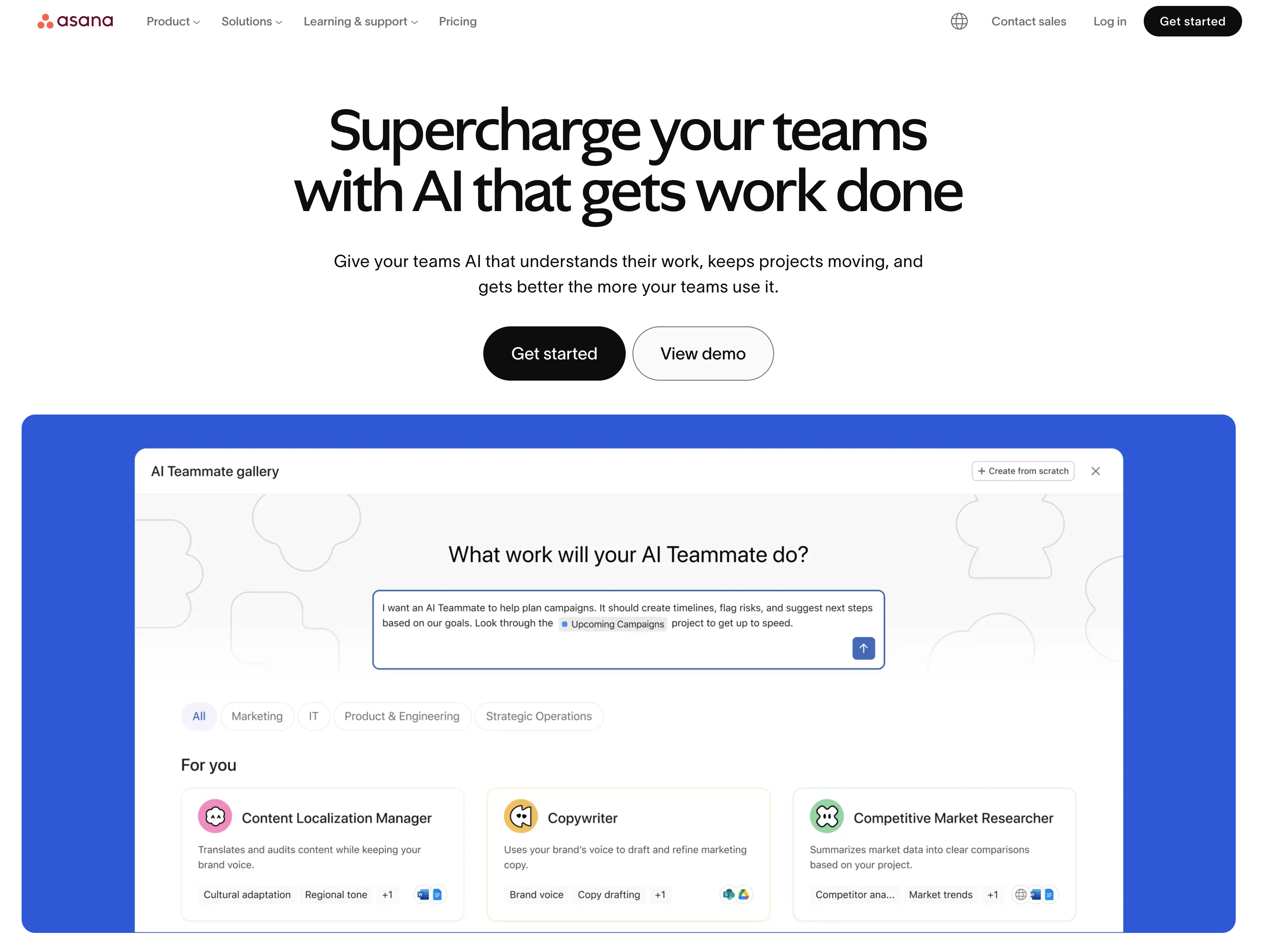
At a glance: Asana
- Pricing: Personal Free (up to 2 users) → Starter $10.99/user/mo annual ($13.49 monthly) → Advanced $24.99/user/mo annual ($30.49 monthly) → Enterprise custom
- Category: Project management
- Best for: Marketing teams running cross-functional campaigns across copy, design, web, and paid
- G2 rating: 4.4/5 (13,631 reviews)
Asana is the most widely-used PM tool in modern marketing teams. It handles campaign briefs, task dependencies, timeline planning, and cross-team coordination: the exact upstream layer that turns a quarterly plan into shipped work.
Key features
- Timeline and Gantt views (Starter+) for campaign rollout planning
- Custom fields, forms, and templates for repeatable campaign briefs
- Workload management, goals, and portfolios (Advanced+)
- Approvals and proofing on Advanced
- AI Studio Basic with 50K–200K credits/month depending on tier
- 100+ integrations including Slack, Google Drive, Figma, Salesforce
Pricing
| Plan | Price (annual) | Best For |
|---|---|---|
| Personal | Free | 1–2 users, basic task management |
| Starter | $10.99/user/mo | Timelines, forms, dashboards |
| Advanced | $24.99/user/mo | Goals, portfolios, approvals, workload |
| Enterprise | Custom | SSO, SCIM, governance |
Pros
- Mature, polished interface: lowest learning curve among PM tools
- Goals and portfolios on Advanced are genuinely useful for marketing OKRs
- Strong integrations ecosystem
- Approvals/proofing built in on Advanced
Cons
- Per-user pricing scales fast: 10 users on Advanced = $249.90/mo
- No native social media scheduling
- AI Studio credits cap on lower tiers
- Time tracking only on Advanced+
3. monday.com: Best for Visual Marketing Boards
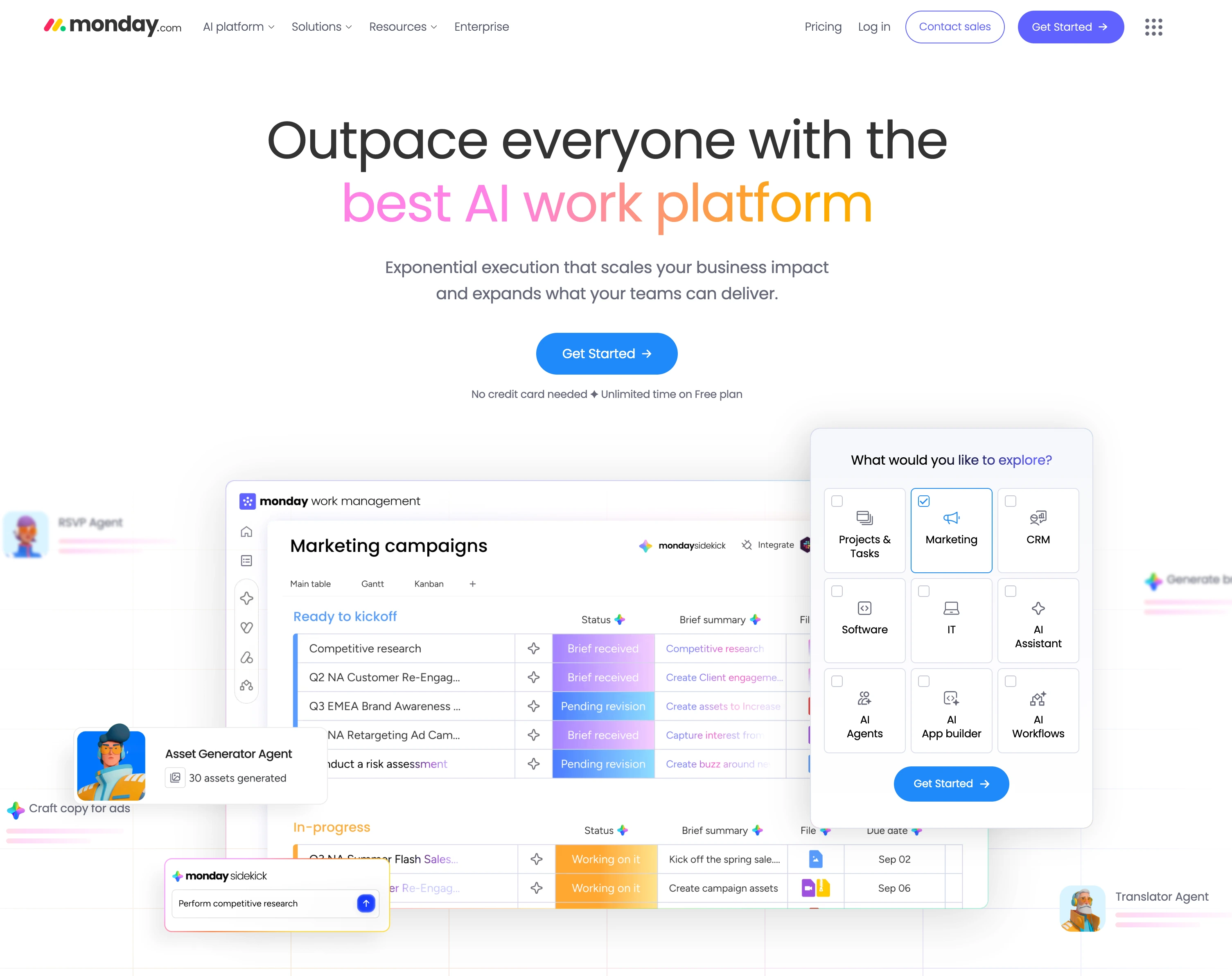
At a glance: monday.com
- Pricing: Free (up to 2 seats) → Basic $9/seat/mo → Standard $12/seat/mo → Pro $19/seat/mo → Enterprise custom (annual billing, USD, minimum 3 seats on paid plans)
- Category: Project management
- Best for: Visual marketing teams that work better in board views than lists
- G2 rating: 4.7/5 (15,360 reviews)
monday.com leans visual: colorful boards, status columns, multiple board views. Marketing teams who think in pipelines (idea → in progress → review → published) tend to prefer monday over more rigid PM tools.
Key features
- Multiple board views: Kanban, Calendar, Gantt, Timeline, Workload (Standard+)
- 250 automation actions/month on Standard, 25,000 on Pro
- AI credits: 1,000/mo (Basic), 2,000 (Standard), 3,000 (Pro)
- Guest access for clients (Standard+)
- Private boards and advanced views (Pro+)
Pricing
| Plan | Price (annual, per seat) | Notes |
|---|---|---|
| Free | $0 | Up to 2 seats, 3 boards |
| Basic | $9/seat/mo | Minimum 3 seats, actual minimum $27/mo |
| Standard | $12/seat/mo | Most popular for marketing teams |
| Pro | $19/seat/mo | Time tracking, private boards, advanced views |
| Enterprise | Custom | SSO, advanced security |
Pros
- Best-in-class visual board experience
- Strong automation builder
- Highest G2 review count among PM tools (15,360)
- Multiple views on Standard ($12/seat/mo)
Cons
- 3-seat minimum on all paid plans
- Time tracking, private boards, and 25,000 automations require Pro ($19/seat)
- AI credit limits can constrain heavy users
- Monthly billing 25–30% more expensive than annual
4. ClickUp: Best All-in-One Marketing Templates
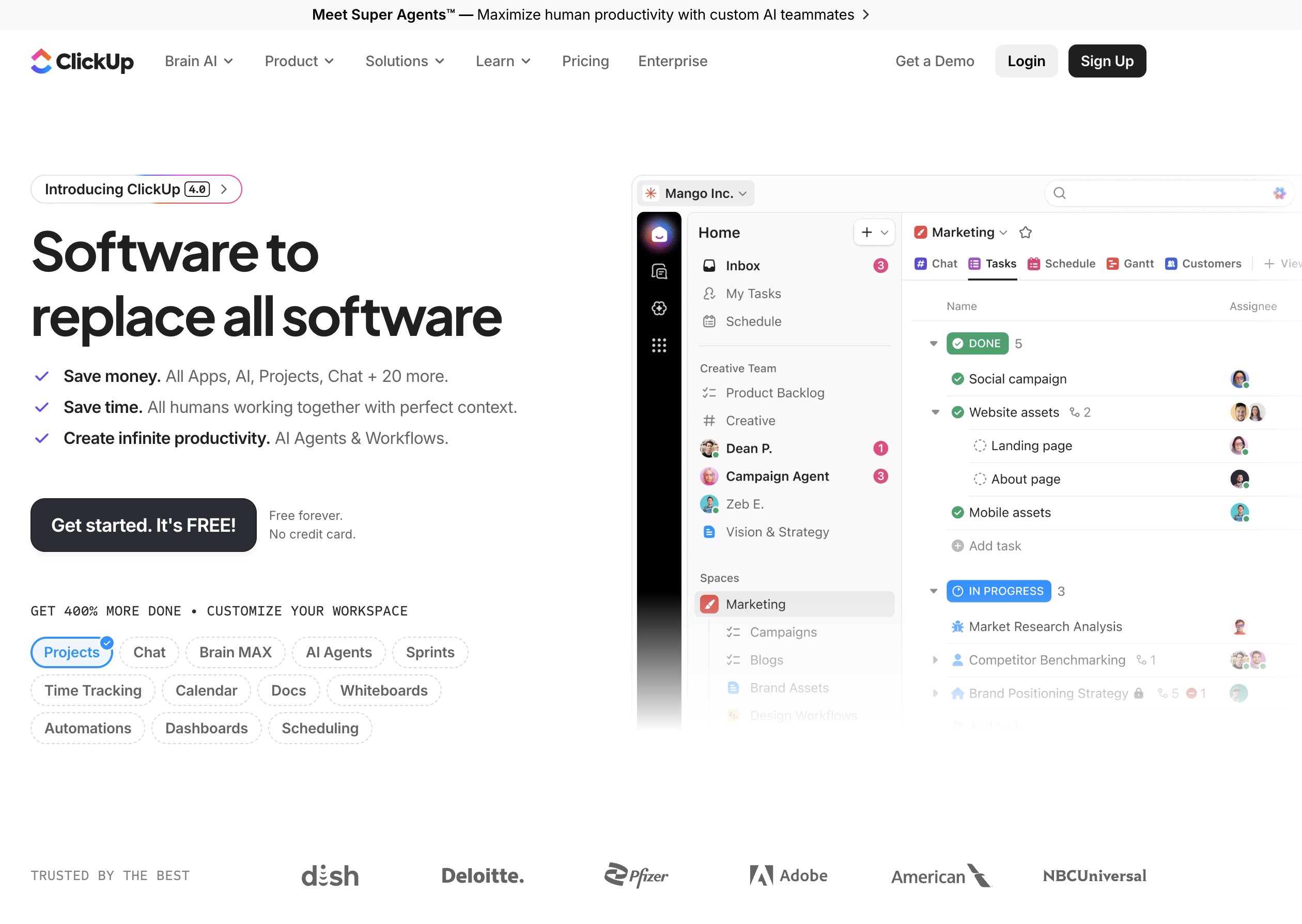
At a glance: ClickUp
- Pricing: Free Forever → Unlimited $7/user/mo → Business $12/user/mo → Enterprise custom (annual billing). ClickUp Brain AI add-on $9/user/mo
- Category: Project management (all-in-one)
- Best for: Marketing teams wanting the most features per dollar
- G2 rating: 4.7/5 (11,176 reviews)
ClickUp tries to be everything to everyone: task management, docs, whiteboards, chat, goals, dashboards. For marketing teams, that means one tool that can hold the campaign brief, calendar, asset tracker, and team chat in one place.
Key features
- Unlimited storage, spaces, integrations on Unlimited ($7/user/mo)
- Dashboards, message history, webhooks on Business ($12/user/mo)
- 5,000 automations/month on Business, 250,000 on Enterprise
- ClickUp Brain AI add-on at $9/user/mo (or $28 Everything AI with image generation)
- 1,000+ pre-built templates including marketing campaign templates
Pricing
| Plan | Price (annual) | Notes |
|---|---|---|
| Free Forever | $0 | 60MB storage, basic features |
| Unlimited | $7/user/mo | Unlimited storage + spaces |
| Business | $12/user/mo | Dashboards + 5K automations |
| Enterprise | Custom | SAML SSO + 250K automations |
Pros
- Cheapest mid-tier among PM tools: Business at $12/user vs Asana Advanced at $24.99/user
- All-in-one reduces tool sprawl
- Strong dashboards on Business
- 1,000+ templates lower setup time
Cons
- Steeper learning curve: "tries to be everything"
- Brain AI requires separate $9/user/mo add-on
- Interface density can overwhelm new users
- No native social media scheduling
5. Notion: Best Lightweight Planning and Docs
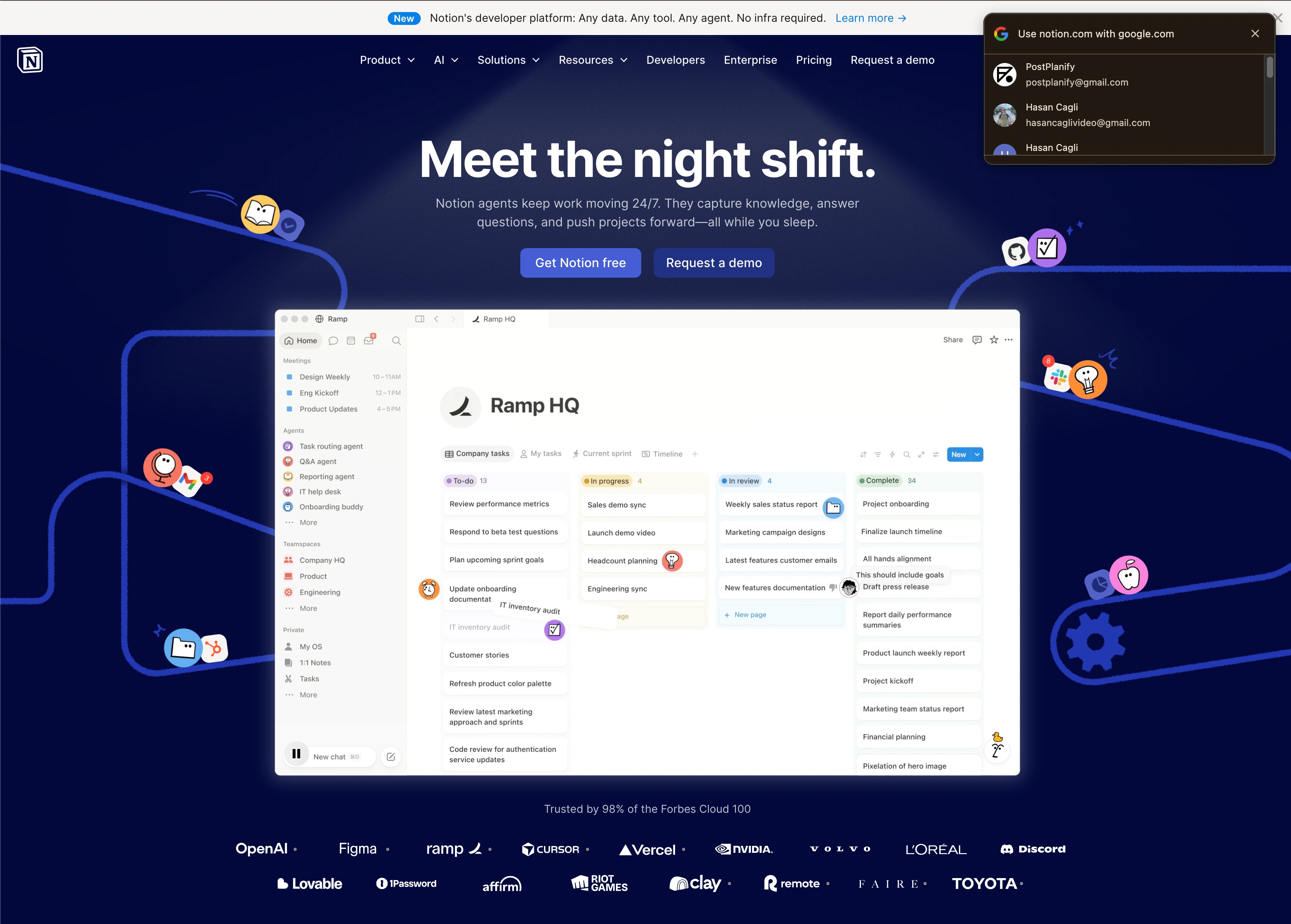
At a glance: Notion
- Pricing: Free → Plus $10/user/mo → Business $20/user/mo → Enterprise custom
- Category: Docs + databases
- Best for: Small marketing teams that plan in long-form
- G2 rating: 4.6/5 (11,822 reviews)
Notion is closer to a flexible workspace than a PM tool, but small marketing teams use it as a planning hub because databases, calendars, and docs all live in one workspace. Build a campaign hub once; reuse it forever.
Key features
- Unlimited file uploads on Plus
- Databases with multiple views (Calendar, Board, Table, Gallery, Timeline)
- Notion AI trial on Free; AI Meeting Notes and Notion Agent (beta) on Business
- Granular database permissions and custom forms with conditional logic (Business+)
- Premium integrations (GitHub, Asana) on Business
Pricing
| Plan | Price | Notes |
|---|---|---|
| Free | $0 | 5MB file uploads, limited blocks |
| Plus | $10/user/mo | Unlimited files, custom forms |
| Business | $20/user/mo | AI Meeting Notes, advanced analytics |
| Enterprise | Custom | DLP, SIEM, advanced compliance |
Pros
- Extremely flexible: build the workspace your team actually needs
- Strong knowledge-base + database combo
- Easy onboarding for non-technical marketers
- Notion AI trial included on Free
Cons
- No native task dependencies or Gantt: not a true PM replacement
- Notion AI full access requires Business
- Without templates, setup takes time
- No social scheduling, no marketing-specific features
6. Trello: Best Free and Simple Kanban
At a glance: Trello
- Pricing: Free → Standard $5/user/mo → Premium $10/user/mo → Enterprise $17.50/user/mo (annual billing)
- Category: Kanban PM
- Best for: Solo marketers and teams under 5 wanting free or near-free planning
- G2 rating: 4.4/5 (14,026 reviews)
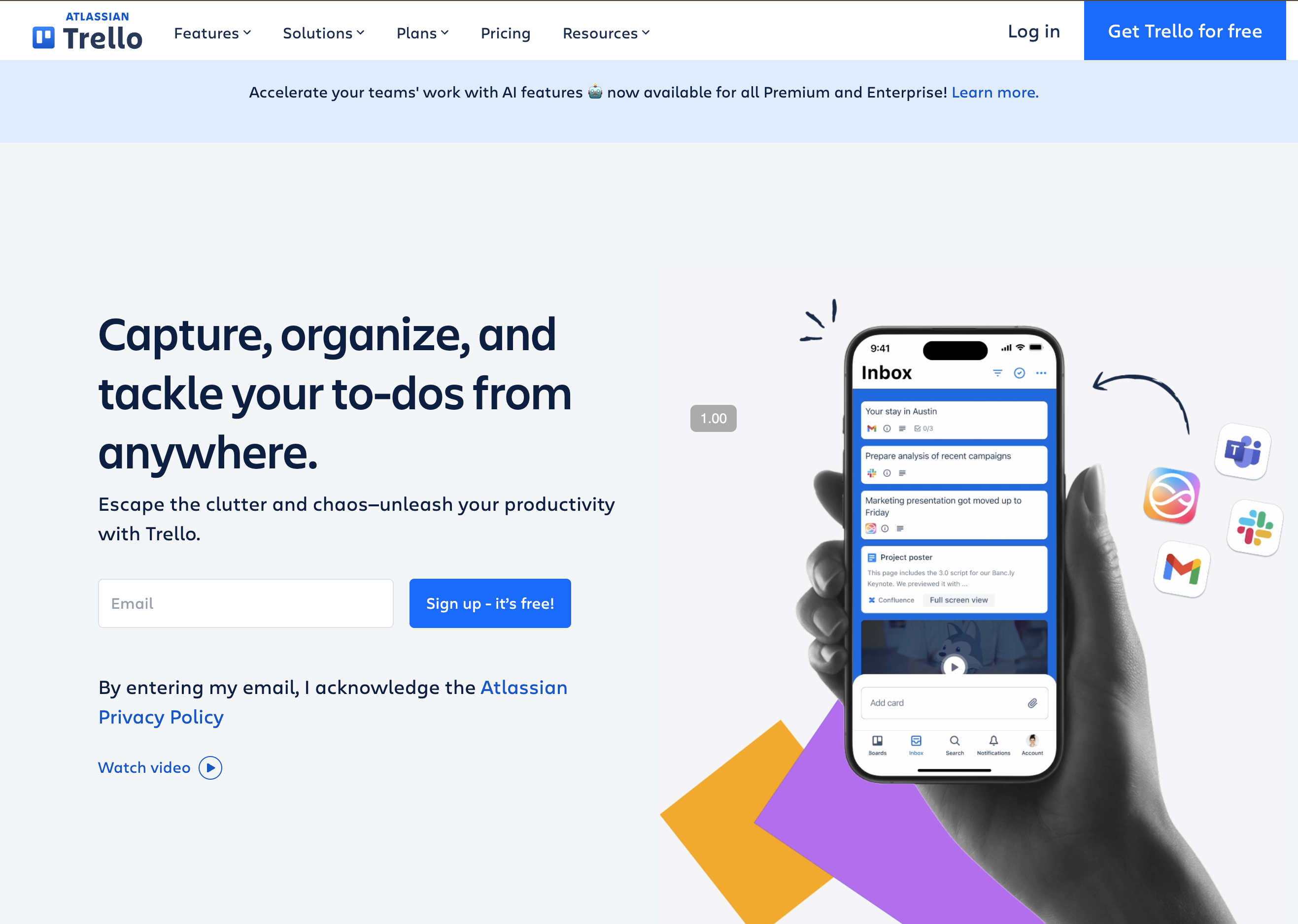
Trello keeps it simple: kanban boards, drag-and-drop cards, Power-Ups for extensions. For small marketing teams that need a content backlog and a "now/next/published" pipeline, it's enough.
Key features
- Free plan with up to 10 boards per Workspace
- Unlimited boards on Standard+ ($5/user/mo)
- Calendar, Timeline, Table, Dashboard, and Map views on Premium ($10/user/mo)
- Unlimited Butler automation runs on Premium
- Advanced checklists on Standard+
Pricing
| Plan | Price (annual) | Notes |
|---|---|---|
| Free | $0 | 10 boards/Workspace, 250 automations |
| Standard | $5/user/mo | Unlimited boards, 1,000 automations |
| Premium | $10/user/mo | All views, unlimited automations |
| Enterprise | $17.50/user/mo | Workspace administration |
Pros
- Cheapest paid PM tier on this list ($5/user)
- Free plan is genuinely usable for small teams
- Multiple views unlocked on Premium ($10/user)
- Easy to onboard: minimal training
Cons
- Limited to kanban-style thinking: not great for Gantt or timeline-heavy work
- No native marketing-specific features
- Power-Ups (extensions) often free but some cost extra
- Reporting and analytics are basic
7. HubSpot Marketing Hub: Best with Built-in CRM and Automation
At a glance: HubSpot Marketing Hub
- Pricing: Free Tools → Starter $9/seat/mo on annual commit paid upfront, $20/seat/mo month-to-month → Professional $890/mo annual commit, $800/mo paid monthly (3 seats, 2,000 contacts) → Enterprise $3,600/mo (5 seats, 10,000 contacts)
- Category: Marketing automation + CRM
- Best for: Marketing teams wanting CRM + email + landing pages + planning in one stack
- G2 rating: 4.5/5 (14,011 reviews)
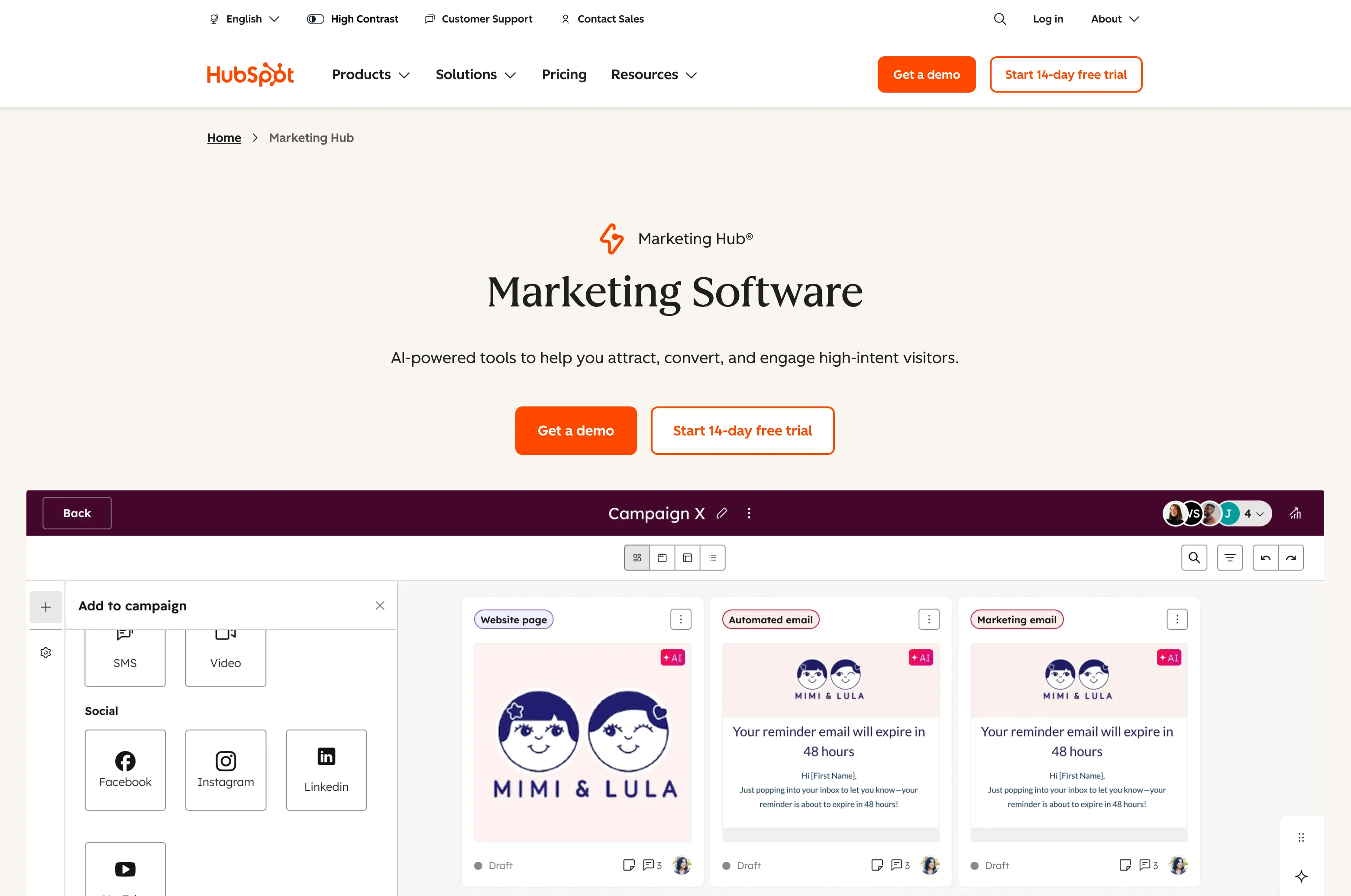
HubSpot Marketing Hub isn't a planning tool: it's a full marketing operating system. Email automation, landing pages, forms, ads management, CRM integration, and campaign analytics live together. If you're already a HubSpot shop, the planning calendar and campaign features come included.
Key features
- Marketing email, landing pages, forms (all tiers)
- Marketing automation workflows (Professional+)
- Campaigns reporting with revenue attribution (Professional+)
- Built-in CRM (free across the platform)
- Social media management (Professional+): Facebook, Instagram, LinkedIn, X, YouTube, Pinterest
Pricing
| Plan | Price (annual) | Contacts | Seats |
|---|---|---|---|
| Free Tools | $0 | Limited | Unlimited free users |
| Starter | $9/seat/mo (upfront annual) | 1,000 | Per seat |
| Professional | $890/mo ($800 paid monthly) | 2,000 | 3 included, $45/extra |
| Enterprise | $3,600/mo | 10,000 | 5 included, $75/extra |
Pros
- Replaces 4–5 tools with one stack
- Strong campaign reporting tied to revenue
- Free CRM included
- Highest review count of any marketing tool (35,510 across all HubSpot products on G2)
Cons
- Professional has a $3,000 mandatory onboarding fee
- Marketing contacts pricing escalates fast ($250/mo per additional 5,000)
- Overkill for teams without CRM needs
- Starter's headline rate needs an upfront annual commit; month-to-month more than doubles it to $20/seat
- Enterprise onboarding is $7,000 one-time
PostPlanifyAll your social media in one simple dashboard
Schedule posts, track analytics, and reply to comments/DMs without switching tabs.
Engagement
+18%
Views
52.8k
8. CoSchedule: Best Marketing Calendar and Social
At a glance: CoSchedule
- Pricing: Free calendar → Starter $29/mo (annual) or $39 monthly → Professional $49/mo (annual) or $59 monthly → Suite custom, from $69/mo
- Category: Marketing calendar + social scheduler
- Best for: Marketing teams that want calendar + social publishing in one tool
- G2 rating: 4.4/5 (256 CoSchedule overall; 4.3/5 with 152 reviews for Marketing Suite specifically)
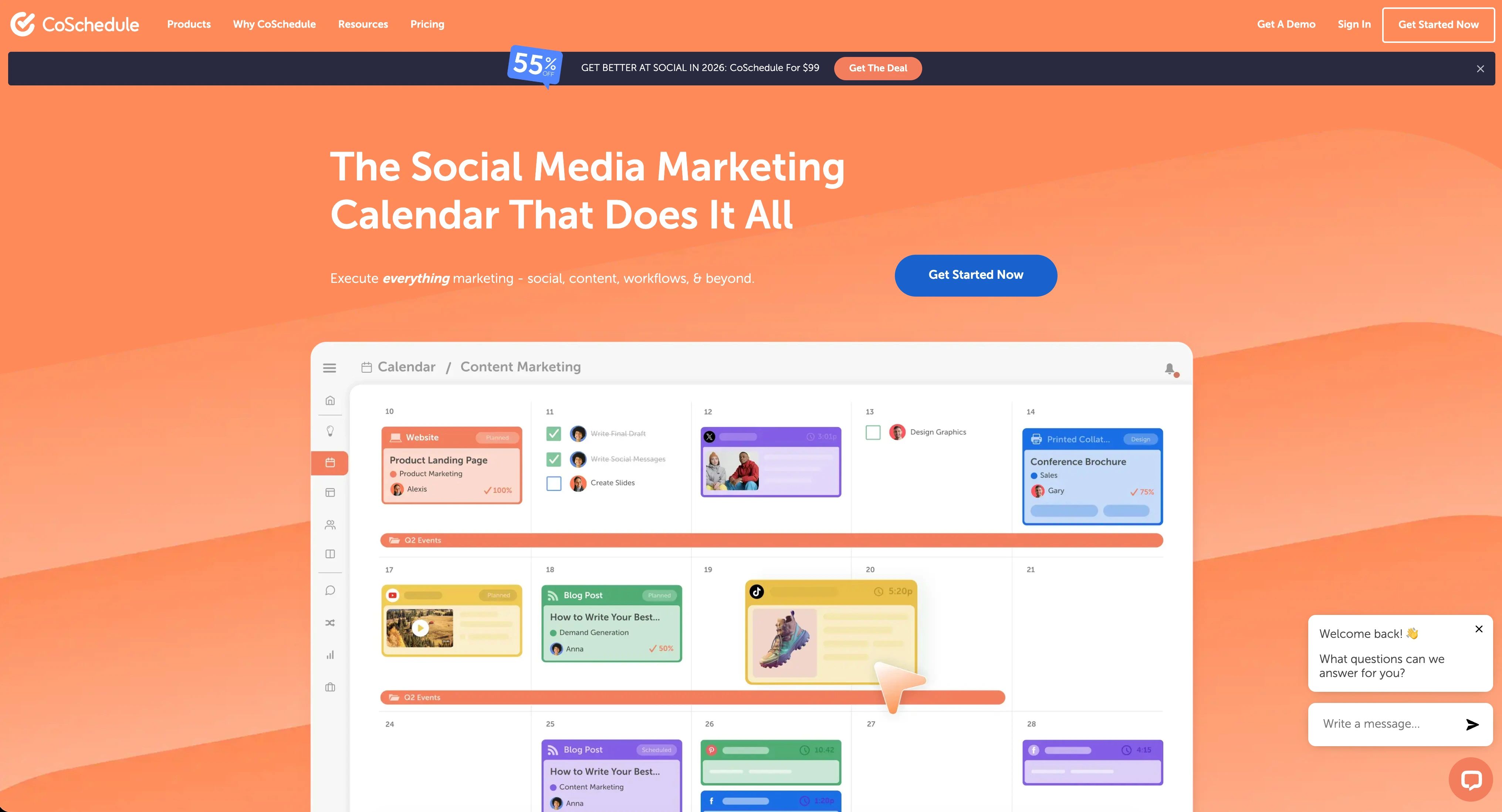
CoSchedule is positioned as a marketing calendar with social media baked in. CoSchedule replaced the old Social Calendar and Agency Calendar tiers with Starter, Professional, and Suite, so seats and social profiles are now bundled in small fixed allowances and billed for individually above them. If that repricing pushed you over budget, compare the best CoSchedule alternatives. The free calendar still exists, capped at 15 posts per profile.
Key features
- Free calendar with drag-and-drop scheduling, capped at 15 posts per profile
- Starter includes 1 user seat and 3 social profiles; Professional includes 2 seats and 5 profiles
- Extra social profiles are $5/mo each on both paid tiers
- Extra user seats are $29/mo each on Professional
- 1,600+ AI project templates
- Suite adds unlimited seats and unlimited social profiles
| Plan | Price (annual) | Social Profiles | User Seats |
|---|---|---|---|
| Free | $0 | 15 posts per profile | 1 |
| Starter | $29/mo ($39 monthly) | 3 (+$5/extra) | 1 |
| Professional | $49/mo ($59 monthly) | 5 (+$5/extra) | 2 (+$29/extra) |
| Suite | Custom, from $69/mo | Unlimited | Unlimited |
Pros
- Free tier is genuinely usable for solo marketers
- Marketing calendar + social in one interface
- Flat plan pricing rather than per-seat, so the first seat is the whole bill on Starter
- Suite lifts both seat and profile caps for agencies that outgrow the allowances
Cons
- Tight built-in allowances: 3 profiles on Starter and 5 on Professional, then $5/mo per profile
- Only 1 seat on Starter and 2 on Professional, with extra seats at $29/mo on Professional
- A 3-person team needing 8 profiles lands on Professional at $49 plus $29 plus $15, roughly $93/mo
- Suite pricing requires a sales call
9. Planable: Best for Visual Content Review and Approvals

At a glance: Planable
- Pricing: Free (50 lifetime posts) → Basic $39/workspace/mo → Pro $59/workspace/mo → Enterprise custom
- Category: Content collaboration + approvals
- Best for: Marketing teams and agencies where content approval is the central workflow
- G2 rating: 4.6/5 (937 reviews)
Planable is built around content collaboration, and the best Planable alternatives roundup covers the rest of that category. Visual previews show posts exactly as they'll appear on each platform, real-time comments live alongside the content, and approval workflows are the core feature rather than an afterthought.
Key features
- Visual content preview matching each platform's native look
- 2 approval workflow types on Basic, 3 on Pro, multi-level on Enterprise
- Unlimited users on all plans
- Feed, Calendar, Grid views (Pro), List view (Enterprise)
- Analytics and Engagement available as add-ons ($9/$5 per workspace/mo)
| Plan | Price | Posts/Month | Social Pages/Workspace |
|---|---|---|---|
| Free | $0 | 50 lifetime | 4 |
| Basic | $39/workspace/mo | 60 | 4 |
| Pro | $59/workspace/mo | 150 | 10 |
| Enterprise | Custom | Unlimited | Custom |
Pros
- Best-in-class visual content previews
- Unlimited users on all paid plans
- Strong approval workflow design
- Free plan with full collaboration features
Cons
- Per-workspace pricing: agencies with many clients pay per workspace
- Post limits on all plans except Enterprise (60 on Basic, 150 on Pro)
- Analytics and Engagement are paid add-ons
- No native AI caption generation or image generation
10. Hootsuite: Best Enterprise Social and Planning

At a glance: Hootsuite
- Pricing: Standard $99/user/mo → Professional $199/user/mo → Advanced $399/user/mo → Enterprise custom (14-day free trial, annual billing)
- Category: Social media management
- Best for: Enterprise marketing teams that need social + listening + compliance integrations
- G2 rating: 4.3/5 (7,109 reviews)
Hootsuite is the enterprise incumbent for social media management. For marketing teams that need brand monitoring, competitor benchmarking, employee advocacy, and compliance integrations alongside scheduling, Hootsuite covers the breadth. Teams that want the depth without the per-seat bill should compare the best Hootsuite alternatives.
Key features
- 10 social accounts on Standard, unlimited on Professional and Advanced
- Brand and competitor monitoring (7-day lookback Standard, 30-day Advanced)
- Bulk scheduling up to 350 posts (Advanced)
- Team approval workflows (Advanced)
- Add-ons: Employee Advocacy (Amplify), Listening (Talkwalker), Review Management, Salesforce integration
| Plan | Price | Social Accounts | Users |
|---|---|---|---|
| Standard | $99/user/mo | 10 | 1 (each extra $99) |
| Professional | $199/user/mo | Unlimited | 1 (each extra $199) |
| Advanced | $399/user/mo | Unlimited | 1 (each extra $399) |
| Enterprise | Custom | Custom | Custom |
All rates are annual-billing; Hootsuite does not publish month-to-month pricing.
Pros
- Mature feature depth: listening, advocacy, compliance, SSO
- Unlimited social accounts from Professional, where most per-seat tools still meter them
- Best for compliance-driven industries (finance, pharma, government)
- Strong analytics on Advanced
Cons
- Highest starting price on this list at $99/user/mo, and that tier has no approval workflow
- Per-user pricing compounds fast (5 users on Advanced = $1,995/mo)
- Bulk scheduling and approval workflows locked to Advanced
- No free plan since 2023
11. Buffer: Best Lightweight Social-First Planning

At a glance: Buffer
- Pricing: Free (3 channels) → Essentials $6/channel/mo monthly, $5 billed annually → Team $12/channel/mo monthly, $10 billed annually
- Category: Social scheduler
- Best for: Solo marketers and small teams planning content channel-by-channel
- G2 rating: 4.3/5 (1,071 reviews)
Buffer is one of the simplest social schedulers in the category. Marketing teams that don't need an enterprise PM tool can use Buffer's calendar and tagging to plan content per channel without standing up a separate tool. Per-channel billing adds up once you pass a handful of accounts, which is where the best Buffer alternatives are worth a look.
Key features
- Free plan supports 3 channels with 10 scheduled posts per channel
- Unlimited scheduling on paid plans
- AI Assistant on all plans
- Community inbox (Instagram, Facebook, LinkedIn only)
- Content approval workflows on Team plan
- 11 platforms including Bluesky, Mastodon, Google Business
| Plan | Price | Channels | Users |
|---|---|---|---|
| Free | $0 | 3 | 1 |
| Essentials | $6/channel/mo | Unlimited | 1 |
| Team | $12/channel/mo | Unlimited | Unlimited |
Pros
- Lowest entry price for paid social planning
- Clean, fast interface
- Unlimited users on Team
- Free plan is genuinely useful for solo marketers
Cons
- Per-channel pricing scales fast (10 channels on Team = $120/mo)
- No native multi-step or multi-approver workflows
- Community inbox limited to 3 networks
- Essentials is single-user only
12. Airtable: Best Customizable Database and Calendar
At a glance: Airtable
- Pricing: Free → Team $20/seat/mo → Business $45/seat/mo → Enterprise Scale custom (annual billing)
- Category: Database + workflows
- Best for: Marketing teams that want to build a custom planning system
- G2 rating: 4.6/5 (3,268 reviews)
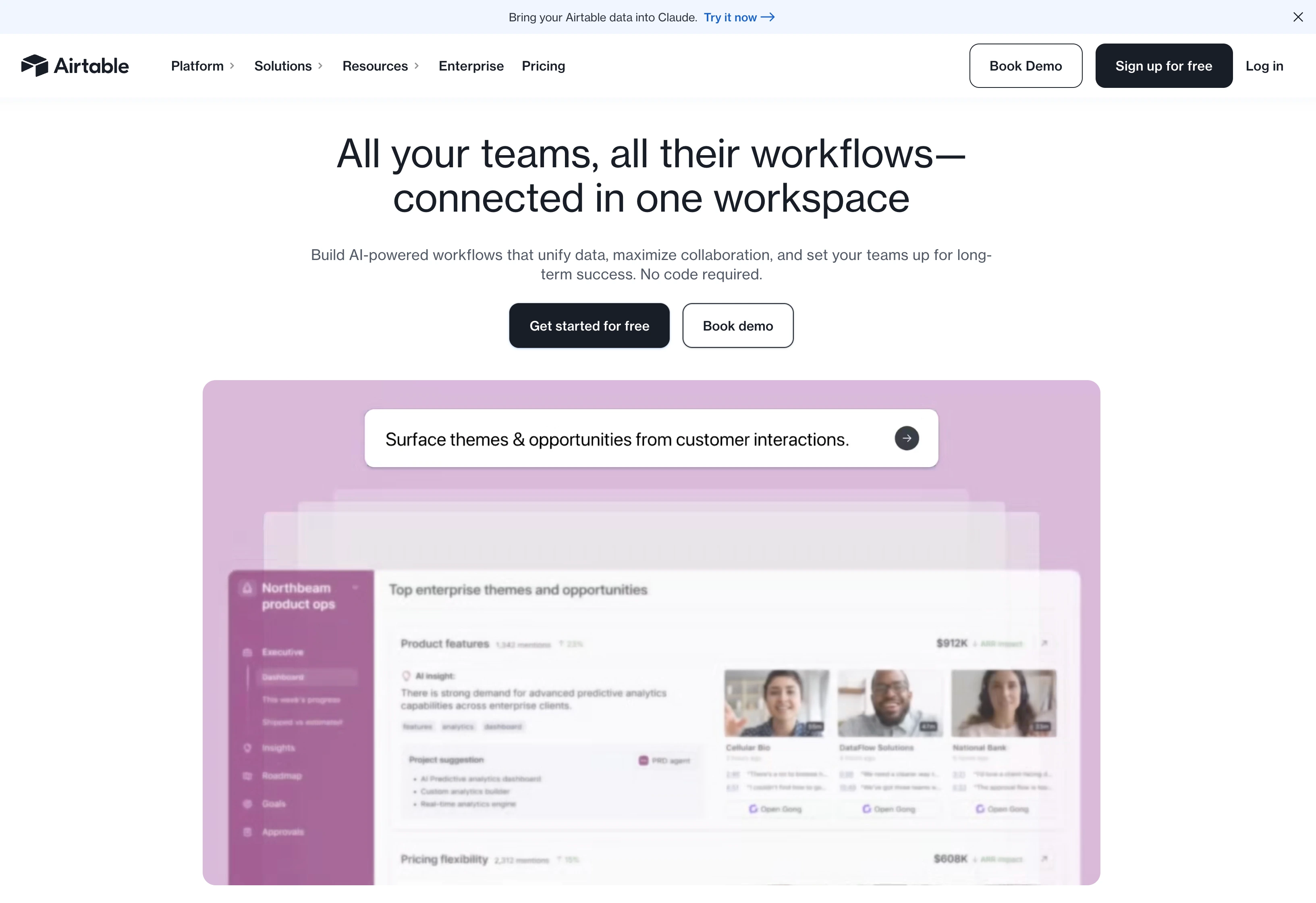
Airtable is a spreadsheet-database hybrid that becomes a marketing planning system once you set it up. Calendar views, Gantt, Kanban, gallery: same data, multiple ways to see it. The flexibility is the feature, but it requires upfront setup work.
Key features
- Calendar, Gantt, Kanban, Gallery, Timeline views on Team+
- 50,000 records per base on Team (up from 1,000 on Free)
- 25,000 automation runs/month on Team
- 20GB attachments per base on Team
- Marketplace of pre-built templates including marketing campaign trackers
Pricing
| Plan | Price (annual) | Records/Base | Automations |
|---|---|---|---|
| Free | $0 | 1,000 | Limited |
| Team | $20/seat/mo | 50,000 | 25,000/mo |
| Business | $45/seat/mo | Higher limits | Higher limits |
| Enterprise Scale | Custom | Unlimited org units | Custom |
Pros
- Most flexible planning system on this list
- Strong template marketplace
- Multiple views from a single data source
- Strong G2 rating (4.6/5)
Cons
- Requires upfront setup: not turnkey
- Per-seat pricing scales fast (5 seats on Team = $100/mo)
- No native social scheduling or marketing-specific automation
- Business plan jumps to $45/seat/mo
13. Wrike: Best for Agencies with Client Portals
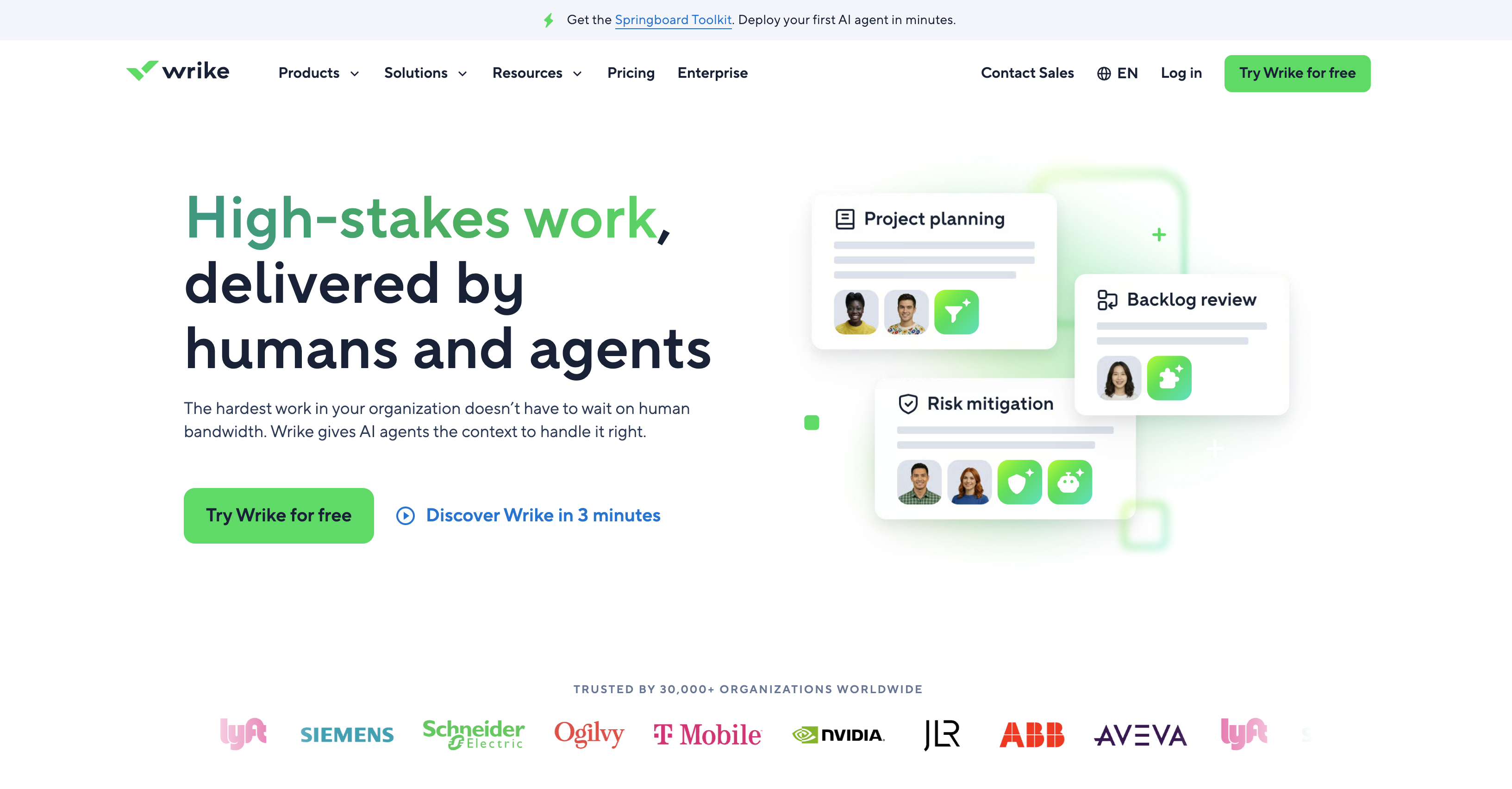
At a glance: Wrike
- Pricing: Free → Team $10/user/mo (2–15 users) → Business $25/user/mo (5–200 users) → Pinnacle custom → Apex custom (annual billing, USD as of January 2026)
- Category: Project management (agency-focused)
- Best for: Marketing agencies managing multiple clients
- G2 rating: 4.2/5 (4,529 reviews)
Wrike is purpose-built for service businesses: agencies, marketing teams, and consultancies. Custom item types, request forms, client portals, and resource planning are core, not bolt-ons. If your team bills by the hour, Wrike fits.
Key features
- Interactive Gantt charts (Team+)
- Shareable dashboards (Team+)
- Workspace templates (Business+)
- AI Essentials on Team, AI Elite features on Business+
- Wrike Integrate and bi-directional Sync on Apex
Pricing
| Plan | Price (annual) | Users |
|---|---|---|
| Free | $0 | Unlimited |
| Team | $10/user/mo | 2–15 |
| Business | $25/user/mo | 5–200 |
| Pinnacle | Custom | Not specified |
| Apex | Custom | Not specified |
Pros
- Hard upper limit on Team plan (15 users) prevents accidental upsells
- Strong agency-focused features (request forms, dashboards)
- Free plan has unlimited users
- Built-in time tracking and resource planning on higher tiers
Cons
- Lowest G2 rating among PM tools on this list (4.2/5)
- Team plan capped at 15 users: forced upgrade at 16
- Business jumps to $25/user/mo
- Interface feels dated compared to Asana/monday.com
PostPlanifyAll your social media in one simple dashboard
Schedule posts, track analytics, and reply to comments/DMs without switching tabs.
Engagement
+18%
Views
52.8k
What to Look For in Marketing Planning Software
Seven criteria separate planning tools that survive past month three from ones your team abandons:
- Workflow & task management. Can the tool handle dependencies, assignees, and due dates without spreadsheet workarounds? PM tools (Asana, Monday, ClickUp, Wrike) win here.
- Calendar + scheduling visibility. A monthly calendar view across all channels is non-negotiable for marketing. CoSchedule, Notion, Airtable, and any tool with a calendar view qualify.
- Approval & collaboration. Multi-stakeholder review is where most plans break down. Planable, PostPlanify (single and multi-step from the entry plan), and Asana Advanced have real approval workflows.
- Templates & briefs. Reusable campaign templates save 5–10 hours per campaign. ClickUp (1,000+), CoSchedule (1,600+ AI templates), and Asana lead here.
- Integrations. Your planning tool needs to talk to Google Drive, Slack, Figma, and whatever execution layer you use. Asana, Monday, ClickUp have the deepest integration ecosystems.
- Reporting & visibility. Can leadership see what's on the calendar without joining every meeting? Dashboards on Asana Advanced, monday.com Standard, ClickUp Business, or PostPlanify reports (Premium+) cover this.
- Budget & spend tracking. This is the line between marketing planning software and general project management, and it is where most PM tools quietly fall short. HubSpot logs planned against actual spend on every campaign record and reports cost per contact and per customer, but only from Professional ($890/mo annual commit); Starter has no budget features at all. Wrike has native budget planning with accounting integrations. monday.com and Airtable can track spend with number and formula columns, which works if you are willing to build it yourself. If your budget lives in a spreadsheet today, decide whether you want it inside the planning tool before you choose one, because retrofitting it later means rebuilding the whole structure.
PM Tool + Social Tool: Why Most Marketing Teams Need Both
A planning tool tells you what's going out. A social tool actually publishes it. The fastest-moving marketing teams run both, in different layers:
- Plan in: Asana, monday.com, ClickUp, Notion, or Wrike: wherever your team already tracks tasks
- Calendar in: CoSchedule, Notion calendar view, or the social scheduler's content calendar
- Execute social in: PostPlanify, Buffer, or Hootsuite: with the approval workflow that matches your team size
- Report in: The execution layer's analytics (PostPlanify reports across all 10 platforms, Hootsuite Advanced exports, or HubSpot campaigns)
The trap is trying to make a PM tool do social scheduling natively (it can't), or trying to make a social tool handle cross-functional campaign briefs (it shouldn't). Each layer is a different job. Pick the right tool per layer and integrate via Slack/Zapier or native integrations, not by overloading one tool.
PostPlanifyAll your social media in one simple dashboard
Schedule posts, track analytics, and reply to comments/DMs without switching tabs.
Engagement
+18%
Views
52.8k
FAQ: Marketing Planning Software
What is marketing planning software?
Marketing planning software is any tool that helps marketing teams coordinate campaigns, plan content, track tasks, and visualize timelines across channels. It ranges from general project management tools (Asana, monday.com, ClickUp), through the content planning tools and marketing-specific calendars that sit closer to the work (CoSchedule, Planable), to all-in-one marketing campaign software that bundles automation and CRM (HubSpot Marketing Hub).
What are the four types of marketing planning?
Strategic, tactical, operational, and contingency. Strategic planning sets long-range goals, usually one to five years out, and the resources behind them. Tactical planning turns that into specific campaigns and channels on a shorter horizon, typically under a year, and it is the layer most marketing planning software is actually built for. Operational planning covers day-to-day standards and procedures: who publishes what, when, and through which approval. Contingency planning is the fallback for a crisis or a campaign pulled at short notice. Worth being honest about the tools: those in this article serve the tactical and operational layers well, strategic planning usually still happens in a doc or a deck, and contingency planning rarely lives in software at all.
Do I need both a PM tool and a social scheduler?
For most marketing teams of 5+ people, yes. PM tools handle the campaign brief, task assignment, and timeline visibility: the upstream layer. Social schedulers handle the actual publishing, approval, and analytics: the execution layer. Trying to do both jobs with one tool typically means either the planning is shallow or the social publishing is clunky.
What's the difference between marketing planning and project management software?
Marketing project management is the narrower of the two. General PM tools (Asana, monday.com, ClickUp, Trello) are channel-agnostic: you can plan a product launch, an HR initiative, or a marketing campaign with the same toolset. Marketing-specific planning tools (CoSchedule, Planable, HubSpot Marketing Hub) include features tailored to marketing workflows: marketing calendar views, social scheduling, campaign performance reporting, and content approval flows. The clearest dividing line is budget. A PM tool tracks tasks and dates; marketing planning software is expected to hold planned against actual campaign spend, which is why HubSpot puts campaign budgets on Professional and Wrike builds budget planning in natively, while general PM tools leave you to model it in a custom field.
What's the cheapest marketing planning tool?
Trello at $5/user/mo (annual) is the cheapest paid PM tier. Buffer at $6/channel/mo is the cheapest paid social scheduler. CoSchedule's Free Calendar covers 1 user and 1 social profile at no cost. For combined planning and execution, PostPlanify Growth starts at $39/mo for one brand workspace with 4 social accounts and unlimited team members. If price is the binding constraint, the free social media management tools roundup covers what the no-cost tier really gets you.
Can one tool replace my entire marketing stack?
Realistically, no. HubSpot Marketing Hub gets closest, with CRM, email automation, landing pages, social, and analytics in one platform, but it starts at $890/mo for Professional and includes a $3,000 mandatory onboarding fee. Most teams under 50 people are better off pairing a focused PM tool with a focused social scheduler and an email tool.
Is Asana good for marketing teams?
Asana is one of the most widely-used PM tools in marketing teams, especially for cross-functional campaign planning. The Starter plan ($10.99/user/mo) covers timeline views, forms, and dashboards. Advanced ($24.99/user/mo) adds goals, portfolios, and approvals/proofing, which marketing teams use for OKR tracking and creative review.
How do agencies handle marketing planning for multiple clients?
The two main models: (1) per-client workspaces in a tool like PostPlanify (one workspace per client, up to 100 on self-serve, each billed in a cheaper band than the last, and covered in depth in our agency project management software comparison), Planable (per-workspace pricing), or CoSchedule Agency (unlimited client calendars); (2) tag-based separation within a single PM workspace using Asana Advanced or Wrike Business. The workspace approach is cleaner for client billing; the tag approach is cheaper for small agencies.
What's the best free marketing planning tool?
Trello's Free plan (10 boards per Workspace, 250 automation runs/month), Notion's Free plan (unlimited collaboration), and ClickUp's Free Forever (60MB storage) are the strongest free tiers among PM tools. CoSchedule's Free Calendar covers 1 social profile. Buffer's Free plan covers 3 channels with 10 scheduled posts each. Planable's Free plan allows 50 total posts.
Do marketing planning tools have approval workflows?
Yes, but only on mid-tier and higher plans. Asana Advanced includes approvals/proofing. Planable's Basic plan includes 2 approval types. PostPlanify includes single and multi-step multi-approver workflows with rejection notes from Growth ($39/mo), the entry plan. Buffer Team ($12/channel/mo) includes content approval workflows. Hootsuite gates them all the way up to Advanced at $399/user/mo. See my guide to social media tools with approval workflows for a deeper dive.
How do I plan a marketing campaign across multiple channels?
The typical workflow: (1) create the campaign brief and timeline in a PM tool (Asana, monday.com, ClickUp); (2) assign tasks per channel (copy, design, paid, social); (3) load social content into a scheduler (PostPlanify, Buffer, Hootsuite) tied to the campaign timeline; (4) route content through an approval workflow before publishing; (5) report on campaign performance from the execution layer's analytics. Tools that try to do all five steps in one place usually do at least one of them poorly.
Related Reading
- PostPlanify Pricing
- Best Social Media Management Platform
- Best Social Media Scheduling Tools
- Best Content Calendar Tools
- Best Editorial Calendar Tool
- Best Social Media Tools with Approval Workflows
- Best Social Media Collaboration Tools
- Social Media Management Workflow
- Best Social Media Management Tools for Agencies
- Best Social Media Management Tools for Marketing Teams
- Best Social Media Management Tools for Teams
- 14 Best Social Media Automation Tools
- Social Media Tools With No Per-Seat Fees
- Best Marketing Collaboration Software
PostPlanifyAll your social media in one simple dashboard
Schedule posts, track analytics, and reply to comments/DMs without switching tabs.
Engagement
+18%
Views
52.8k
About the Author

Hasan Cagli
Founder of PostPlanify, a content and social media scheduling platform. He focuses on building systems that help businesses, agencies, and teams plan, publish, and manage content and social media more efficiently across platforms.


