logoPostPlanify

Changelog

Stay up to date with the latest features, improvements, and fixes we've made to PostPlanify.

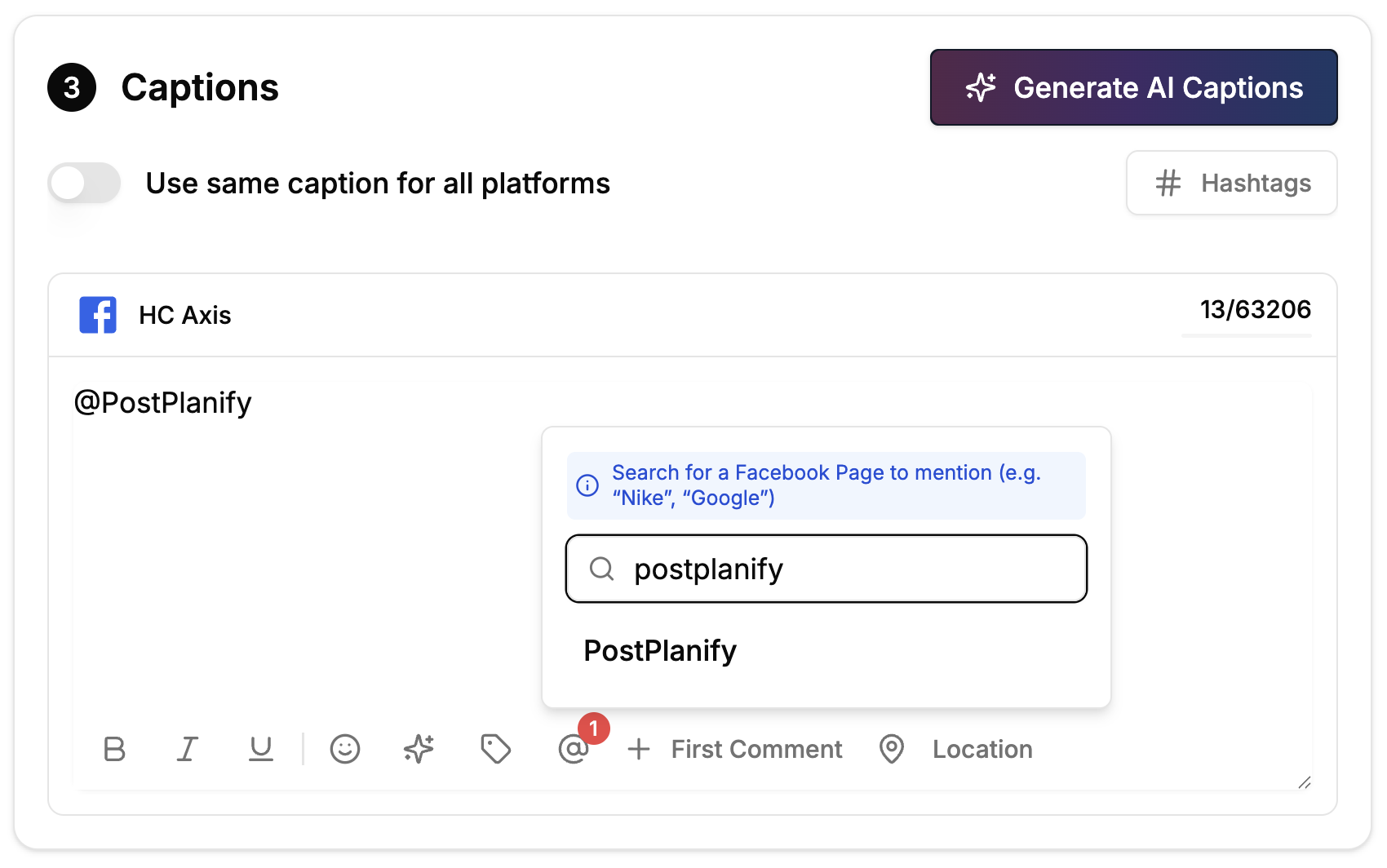
Facebook Page Mentions

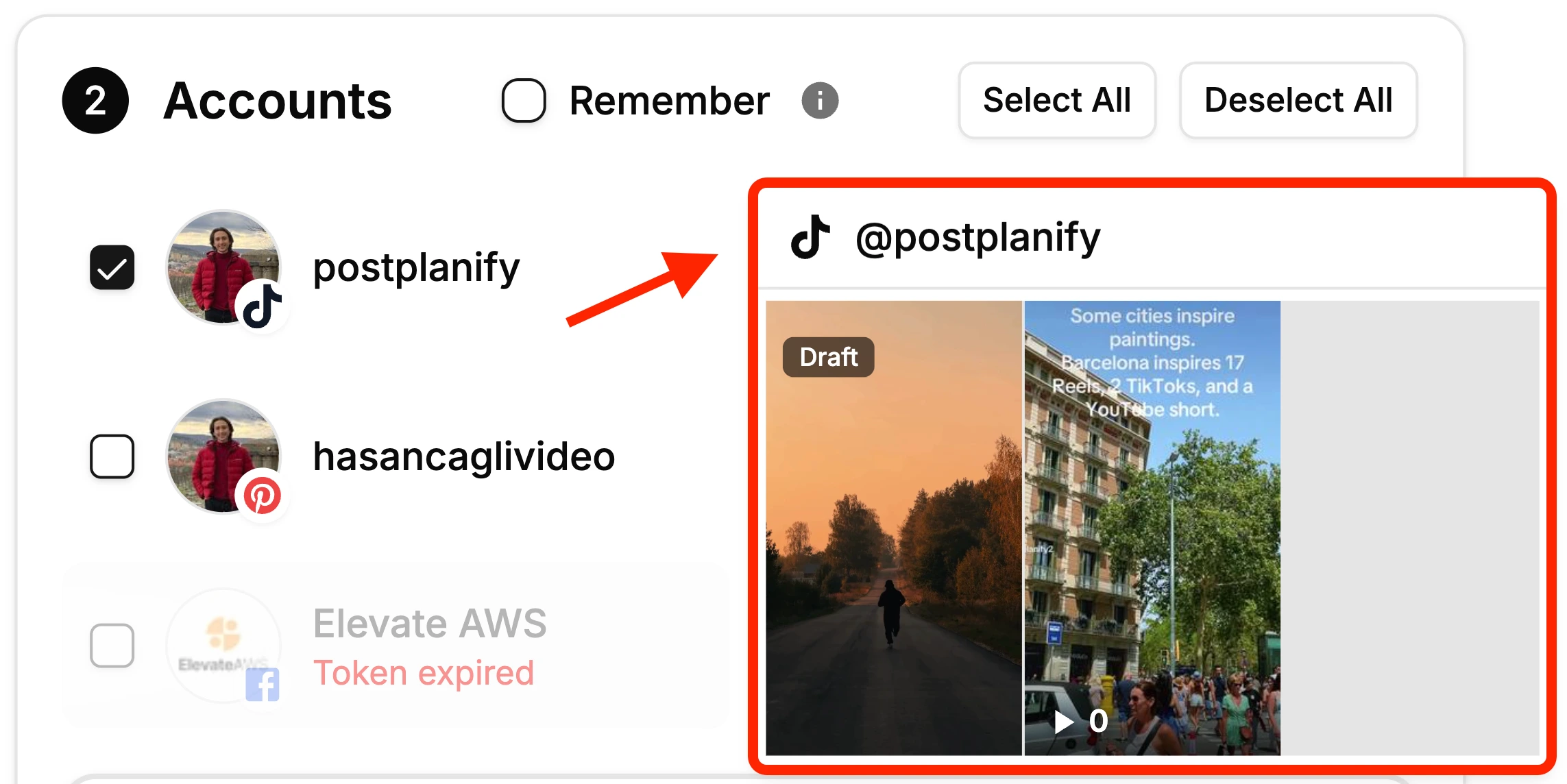
  • Mention and tag Facebook Pages when scheduling posts
  • Tagged pages appear as clickable mentions in your published posts, great for partnerships, shoutouts, and cross-promotion
Facebook Page Mentions

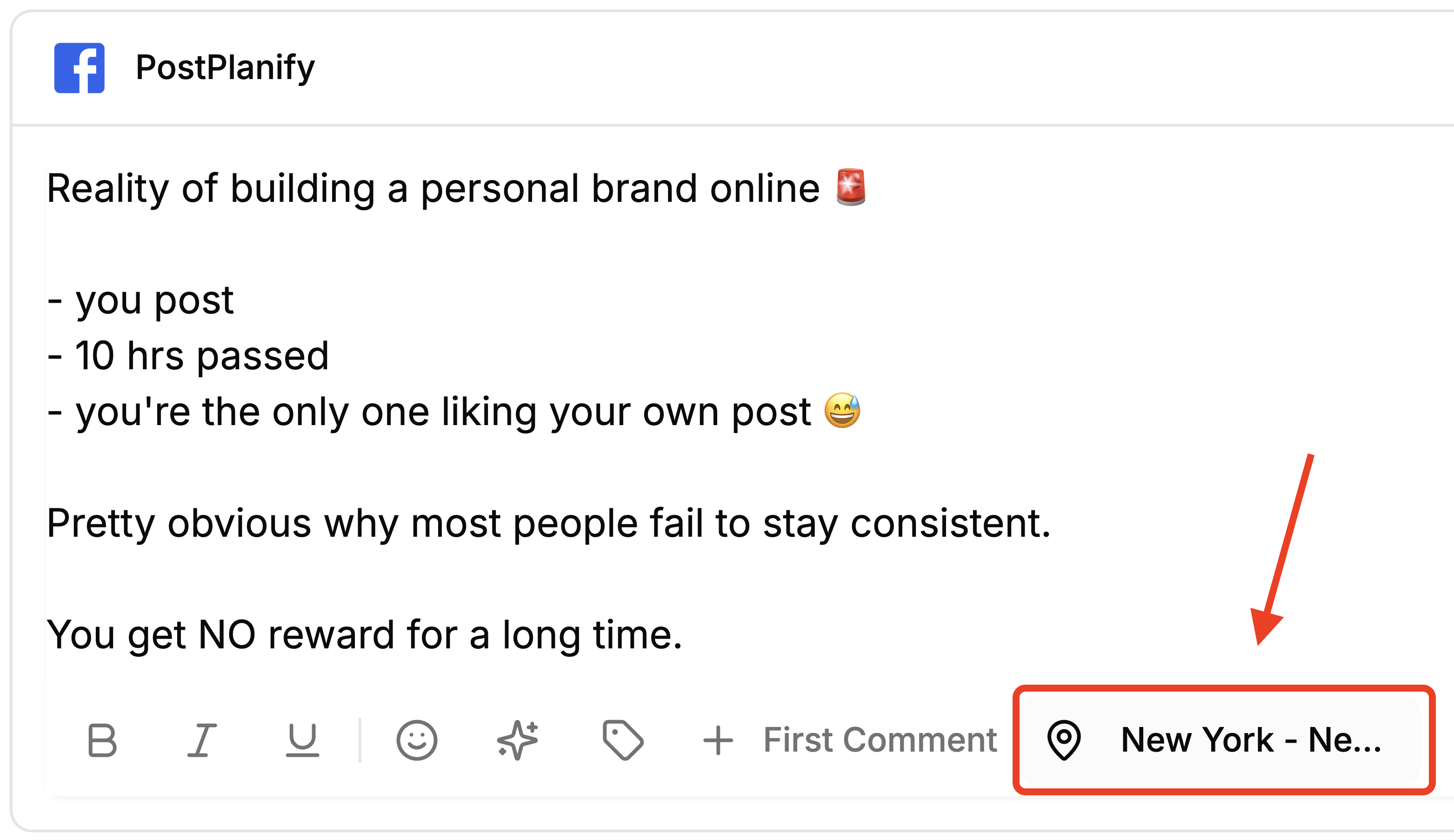
Facebook Location Tagging

  • Add a location to your Facebook Page posts, just like you already can on Instagram
  • Search for any place and tag it on your post — perfect for local businesses, events, and agencies managing multiple locations
  • Location tags appear on your published Facebook posts, helping your content reach local audiences
Facebook Location Tagging

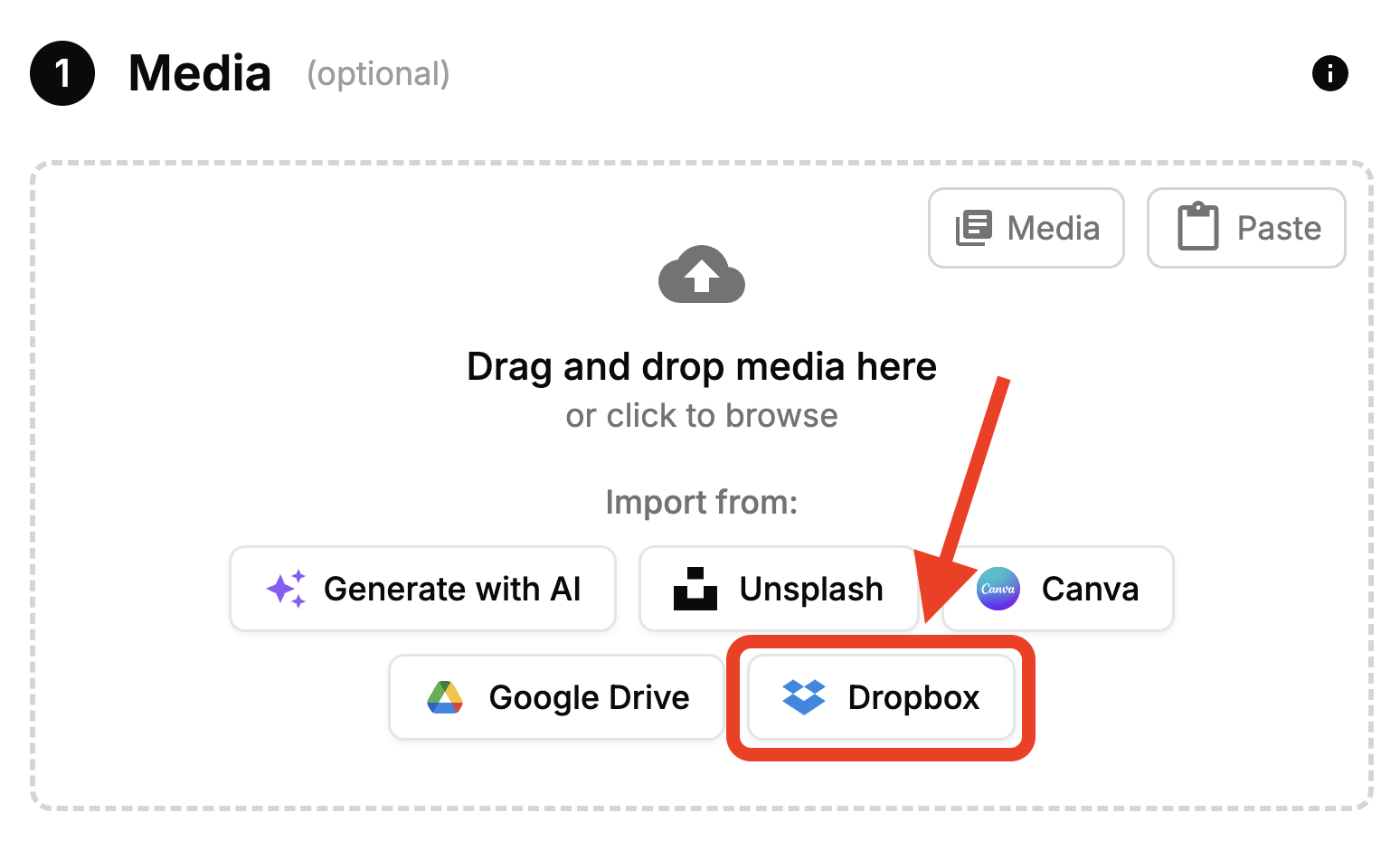
Dropbox Integration

  • Import images, videos, and files directly from your Dropbox when creating a post
  • Browse and select multiple files at once using the native Dropbox file picker
  • No account connection needed — just click "Dropbox" in the media upload section and sign in with your existing Dropbox account
Dropbox Integration

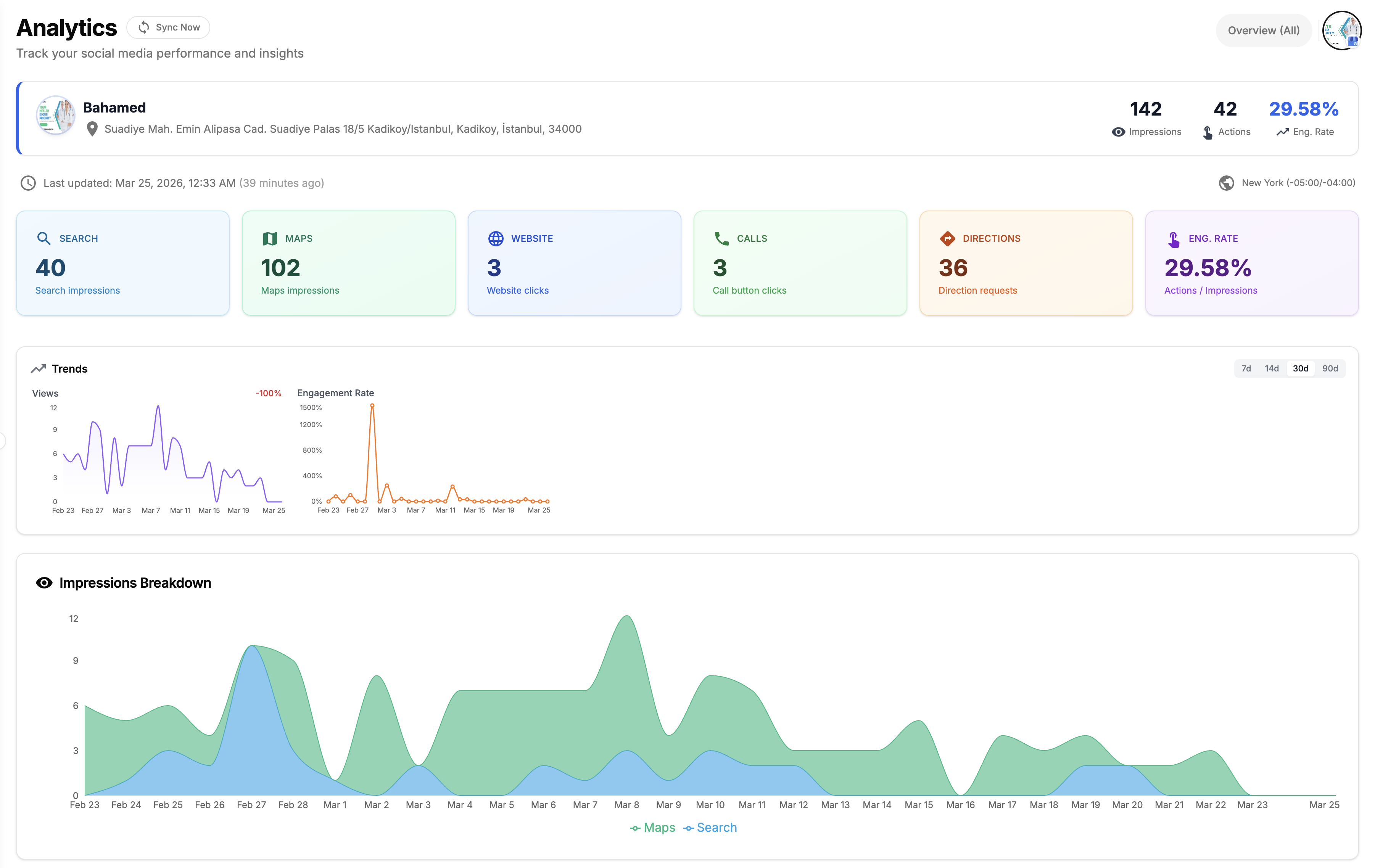
Google Business Profile Analytics

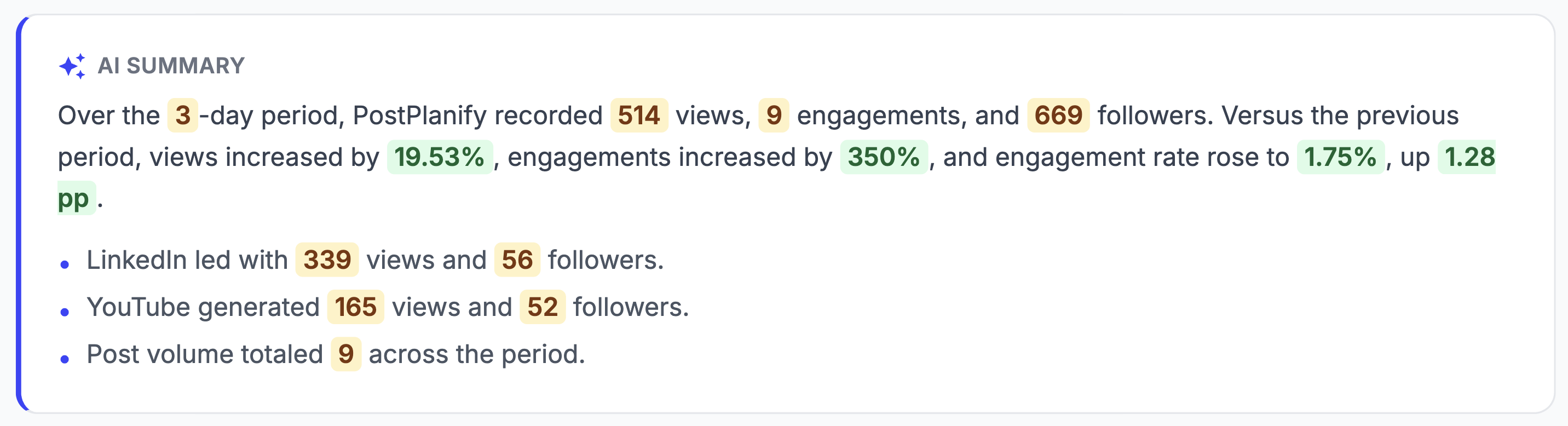
  • Track your Google Business Profile performance: impressions, customer actions, and search keywords
  • See how customers find you with Search vs Maps breakdown and monitor website clicks, calls, and direction requests
  • Historical trends with 7, 14, 30, and 90 day views
Google Business Profile Analytics

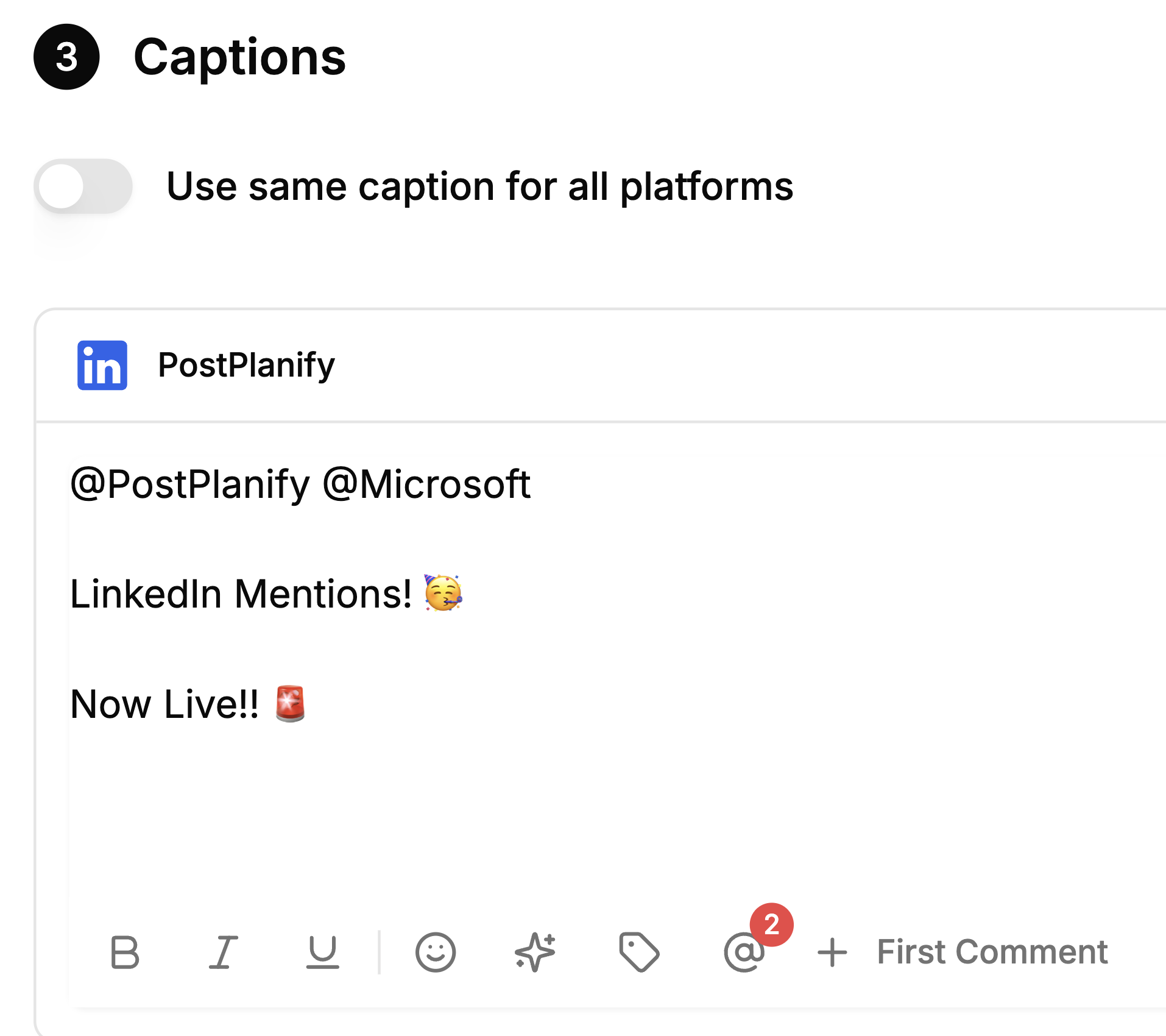
LinkedIn Company Page Mentions

  • Mention and tag LinkedIn Company Pages when scheduling posts
  • Search for any company page and tag it directly from the post editor
LinkedIn Company Page Mentions

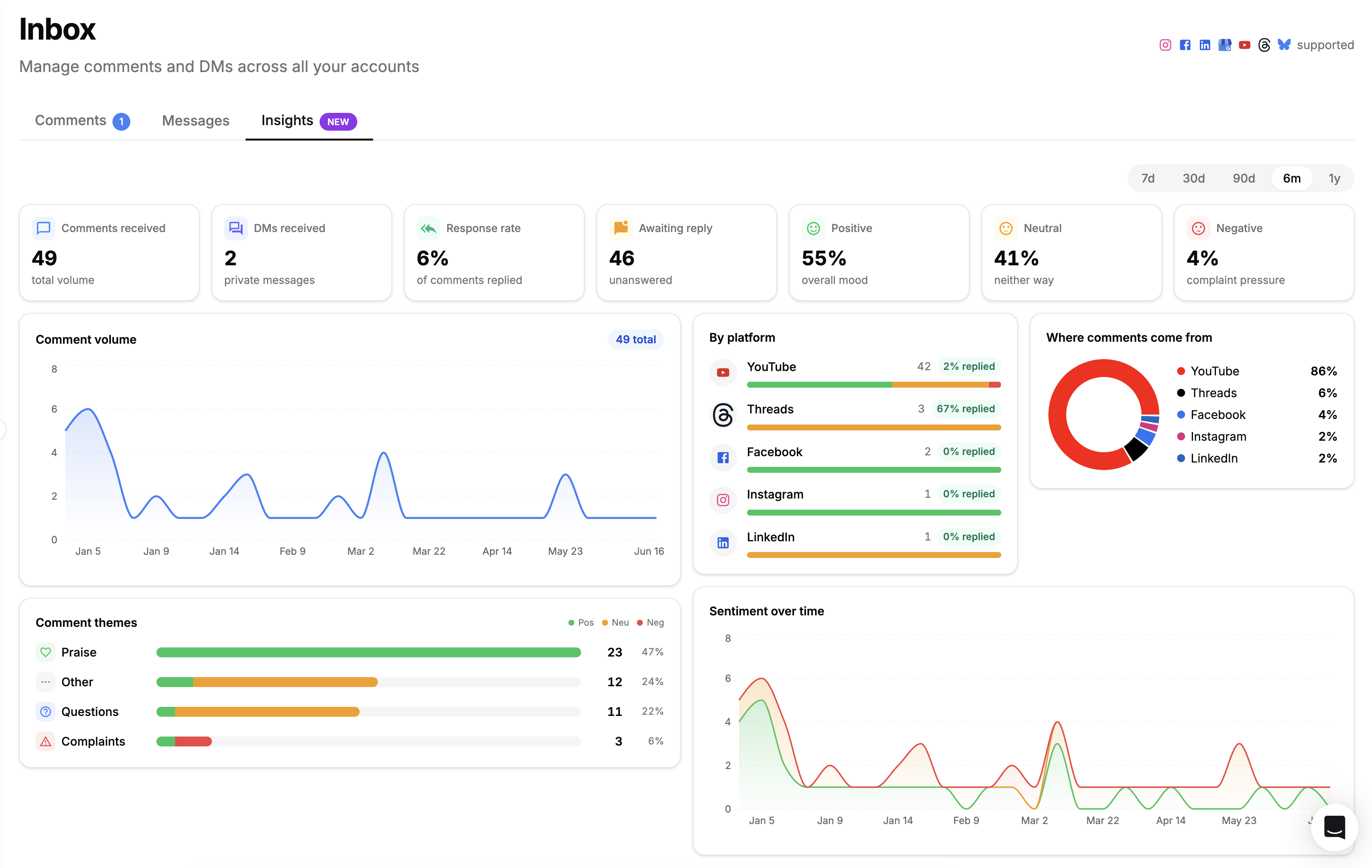
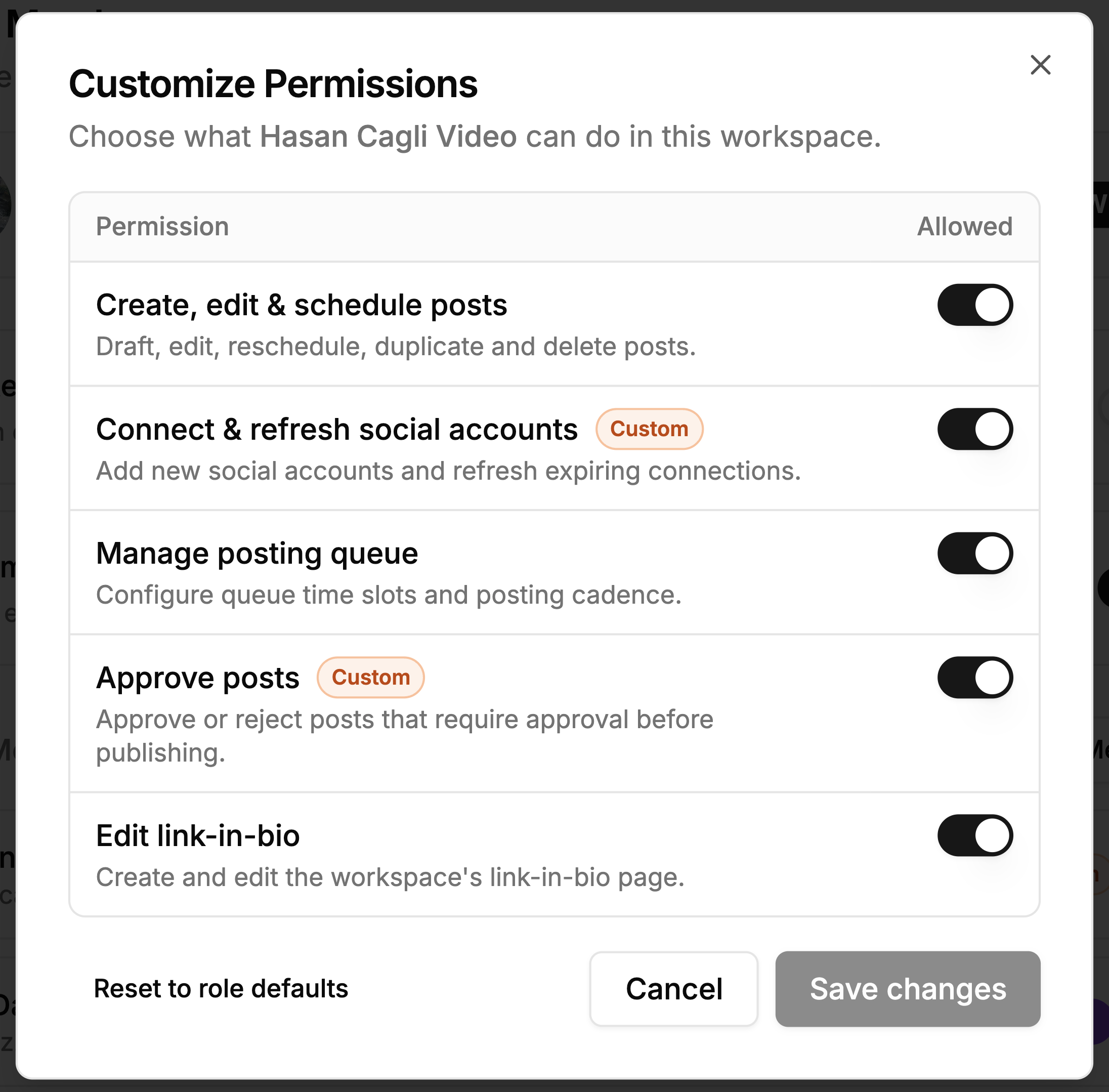
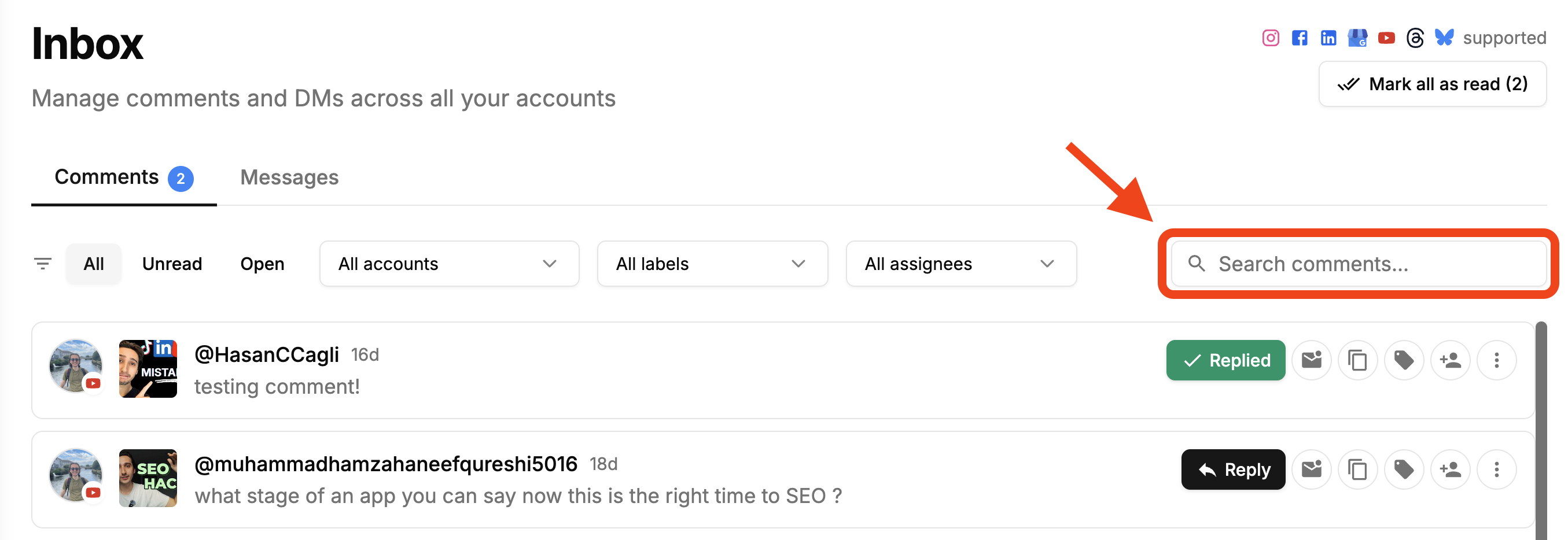
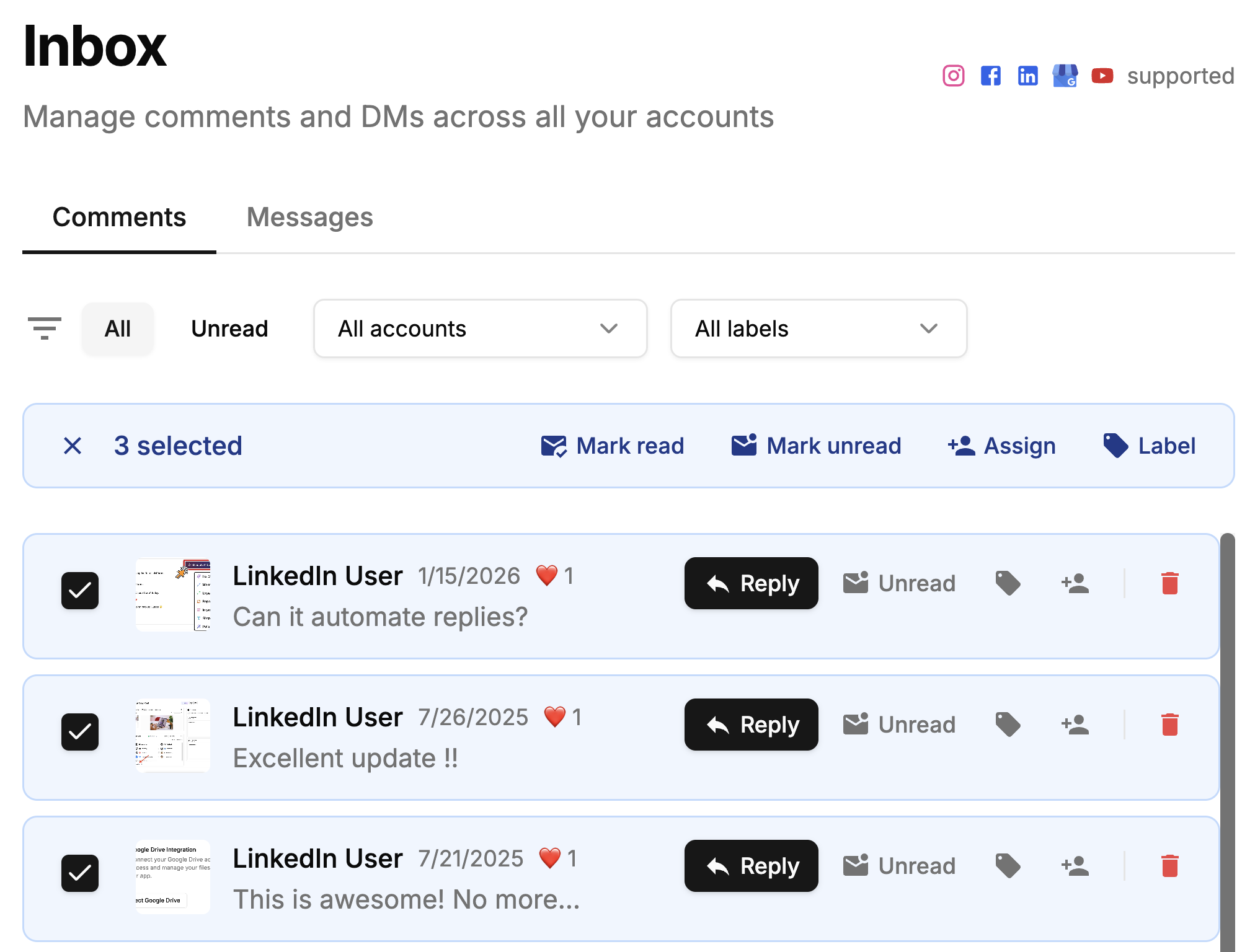
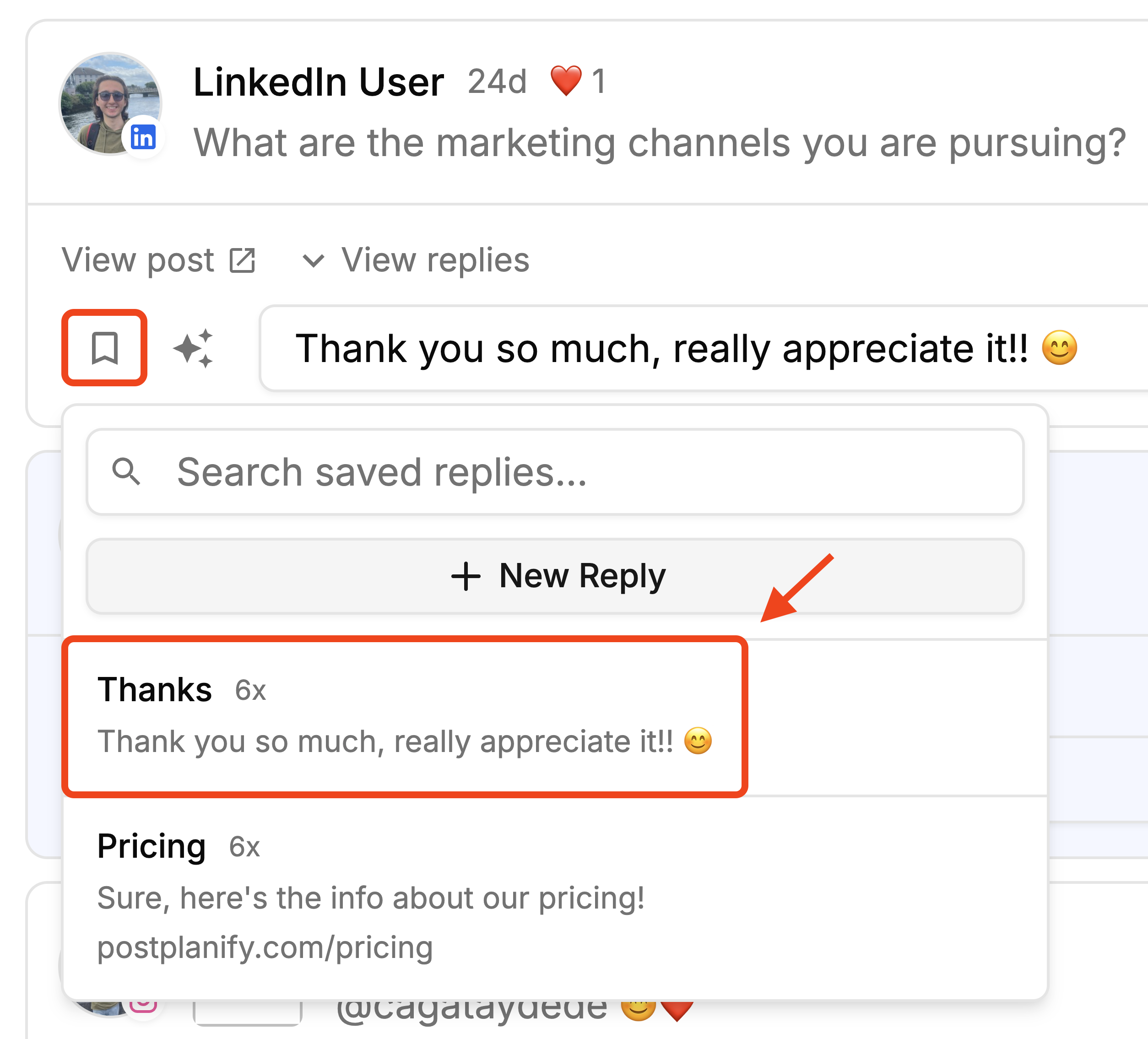
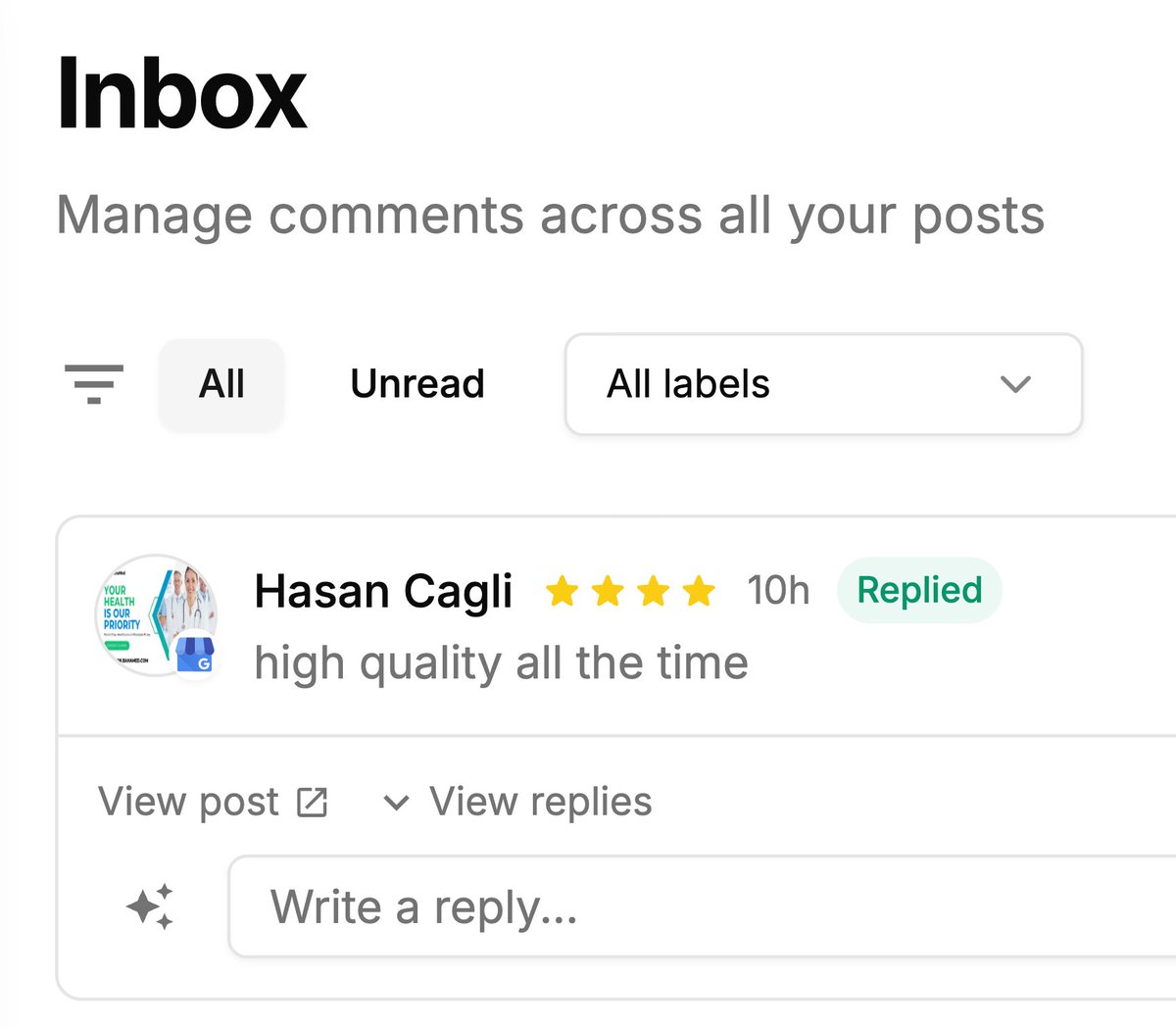
Google Business Reviews in Social Inbox

  • Reply to Google Business reviews directly from your Social Inbox
  • See all new reviews alongside your Instagram, Facebook, and LinkedIn comments in one place
Google Business Reviews in Social Inbox

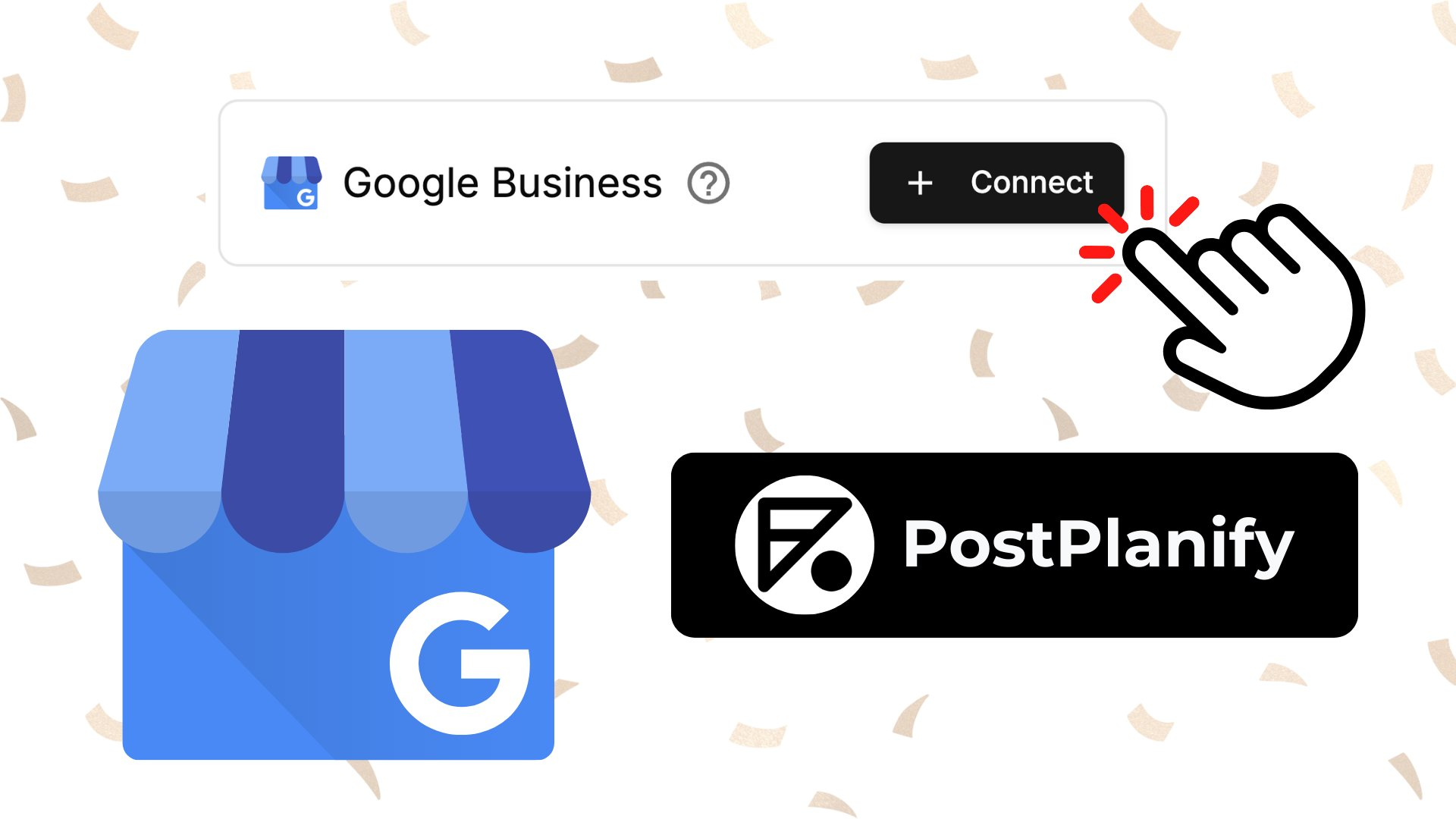
Google My Business Post Scheduling

  • Schedule posts directly to your Google Business Profile
  • Support for Standard updates, Events, and Offers post types
  • Add call-to-action buttons like Book, Order, Shop, Learn More, Sign Up, and Call
  • Set event dates, coupon codes, redemption URLs, and terms for Offer posts
Google My Business Post Scheduling

Learning Hub and Onboarding Guide

  • Learning Hub with guides and tutorials
  • Onboarding guide to help you get started with the platform
  • Bug fixes on Calendar views for better user experience

Instagram Direct Account Connection Support

  • Direct Instagram account connection support
  • Instagram direct posting without needing a FB Page

Learning Hub

  • Resources page with guides and tutorials
  • Guides on how to use the platform
  • Easier way to contact support

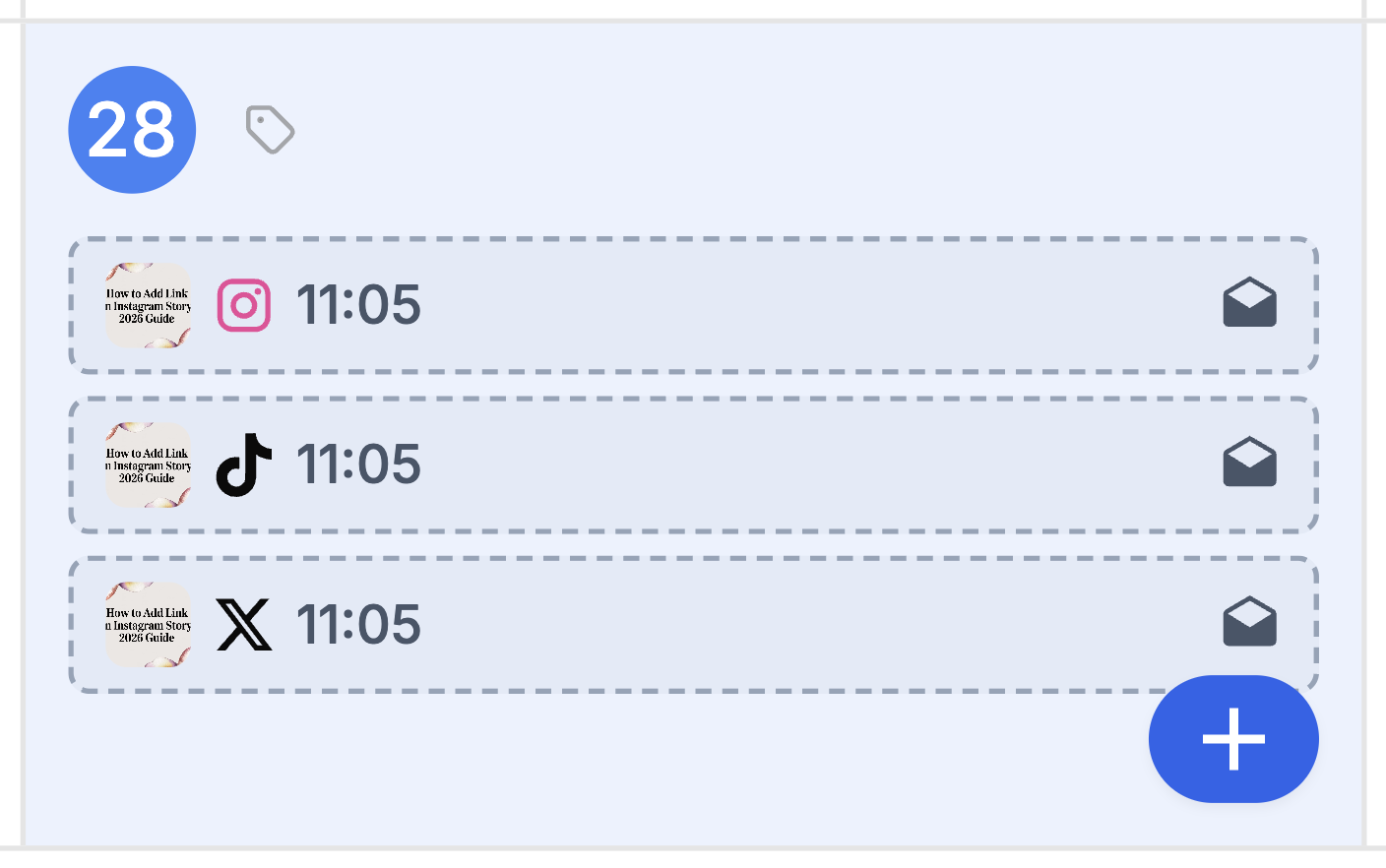
Drag and Drop Scheduling

  • Drag and drop rescheduling on calendar
  • Right click on a scheduled post to Edit/Cancel
  • Calendar capabilities for better user experience
  • UI improvements

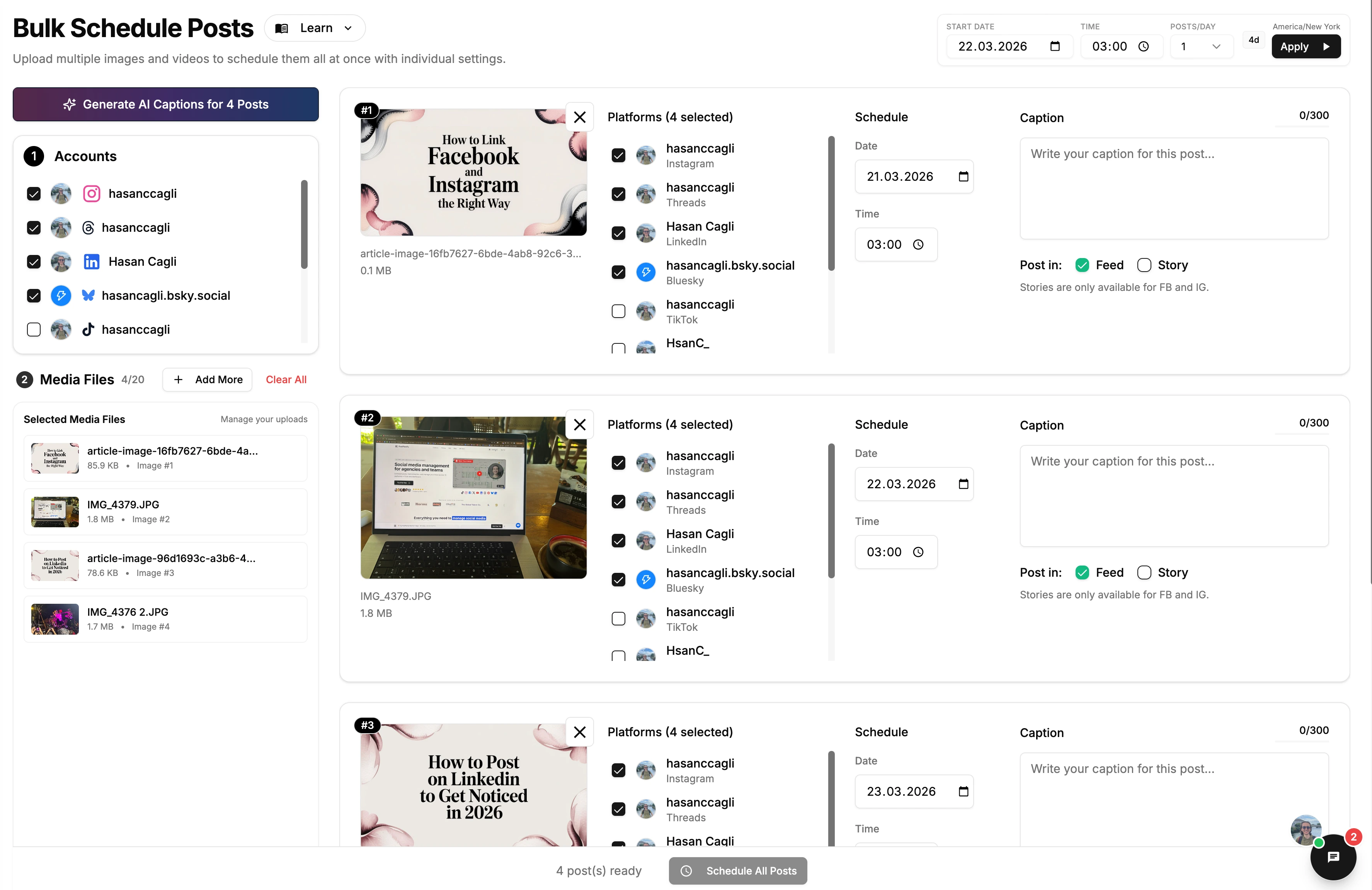
Bulk Scheduling

  • Bulk scheduling now supports both images and videos
Bulk Scheduling