Metricool and CoSchedule solve different problems for different teams. Metricool is an analytics-first platform built for data-driven marketers, while CoSchedule is an editorial calendar designed for content marketing teams that need campaign coordination.
One tracks data obsessively. The other manages editorial workflows obsessively. If you're torn between Metricool's analytics depth and CoSchedule's content coordination features, this comparison will help you choose. We compare real costs, actual features, and user sentiment. Looking at the bigger picture? Browse all social media scheduling alternatives.
Metricool vs CoSchedule at a Glance
Here's a quick side-by-side overview before we dive deeper:
| Category | Metricool | CoSchedule |
|---|---|---|
| Starting Price | $22/mo per brand | $29/mo (Starter, annual) |
| Free Plan | Yes (1 brand, 50 posts/mo) | Yes (1 profile, 15 posts at a time) |
| Platforms Supported | 11 | 11 |
| Unlimited Scheduling | Yes (paid plans) | Yes (paid plans) |
| AI Tools | AI social media assistant | Hire Mia AI + 1,600 templates |
| AI Image Generation | No | No |
| Bulk Scheduling | Yes | Yes (paid plans) |
| Team Collaboration | Advanced plan ($54+/mo) | Professional ($49/mo, 2 users included) |
| Approval Workflows | Advanced plan only | Professional+ |
| Social Inbox | No | Yes (Starter+) |
| Analytics | Advanced (heatmaps, competitor tracking) | Social reports (Starter), AI insights & custom dashboards (Professional) |
| G2 Rating | 4.5/5 (83 reviews) | 4.3/5 (152 reviews) |
| Trustpilot Rating | 4.2/5 (519 reviews) | 2.8/5 (3 reviews) |
| Best For | Data-driven marketers, agencies | Content marketing teams, WordPress users |
Metricool Overview
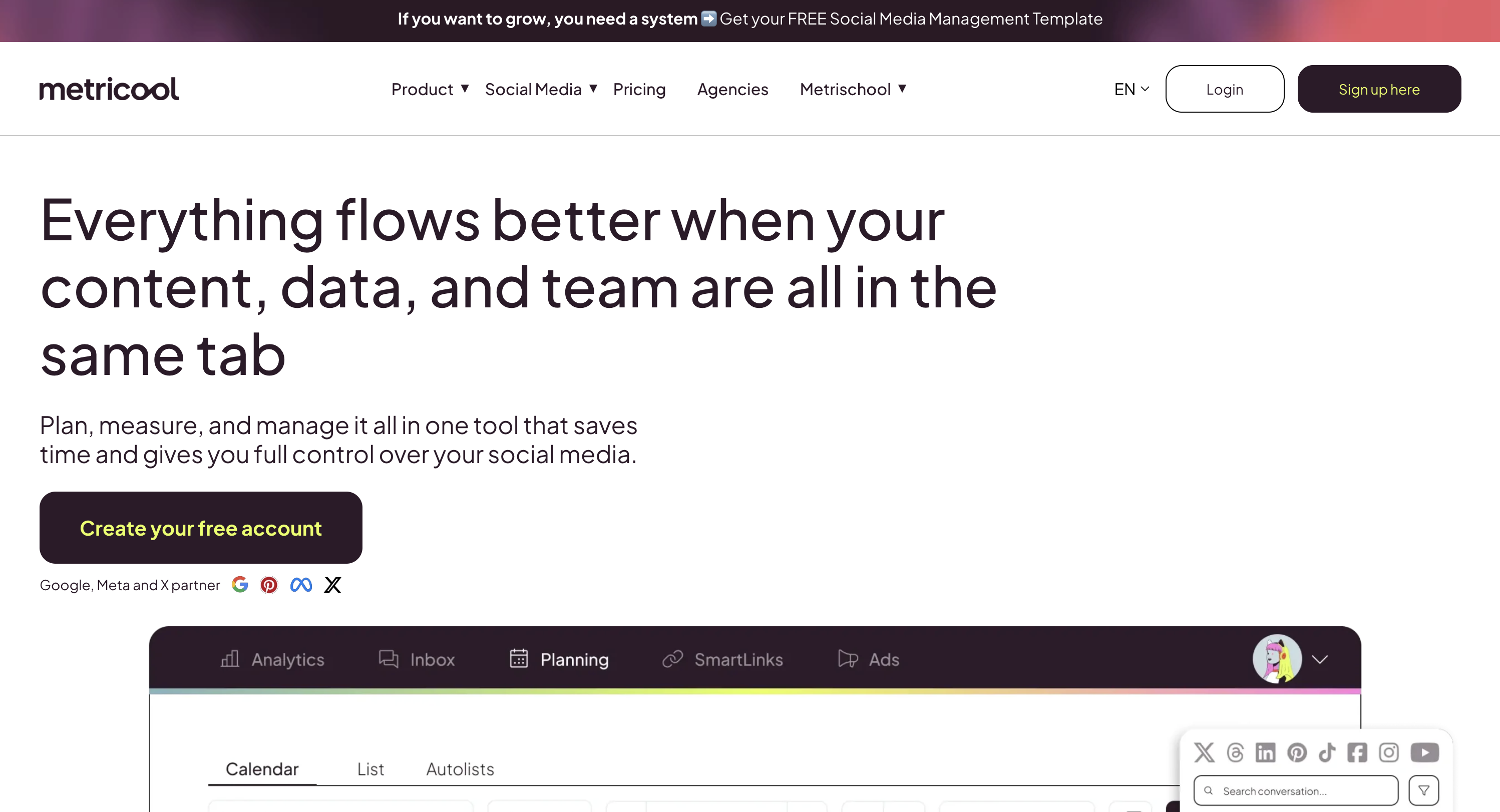
Metricool is an analytics-first social media management platform that combines scheduling with deep performance insights, competitor tracking, and custom reporting. It appeals to marketers and agencies that rely on data to guide their content strategy.
Metricool supports 11 platforms: Instagram, Facebook, LinkedIn, X/Twitter, TikTok, YouTube, Pinterest, Google Business Profile, Threads, Bluesky, and Twitch.
Key features:
- Advanced analytics with heatmaps and best-time insights
- Competitor tracking (up to 100 profiles on Starter)
- Customizable PDF and PPT reports
- Multi-brand management (up to 50 brands)
- Google Drive and Canva integration
- Link-in-bio builder
- Looker Studio connector and API access
Metricool is popular with agencies and data-driven marketers who want detailed performance insights alongside their scheduling. For a deeper look, see what users say about Metricool on G2 and Trustpilot.
CoSchedule Overview

CoSchedule is a marketing suite that combines social media scheduling with editorial calendars, project management, and campaign planning. It positions itself as a comprehensive solution for marketing teams that need to coordinate content across channels.
CoSchedule supports 11 platforms including Instagram, Facebook, LinkedIn, TikTok, YouTube, Pinterest, and more. Note that X/Twitter isn't included in any plan: it's a paid add-on at $16 per X profile per month, available on every paid plan.
Key features:
- Marketing calendar with drag-and-drop interface
- ReQueue for automated social recycling
- WordPress integration for blog post scheduling
- Hire Mia AI assistant with 1,600+ project templates
- White-label reports (Professional)
- Campaign planning and project management
- Social message approvals (Professional+), full approval workflows (Suite)
CoSchedule is built for content marketing teams and agencies that need editorial coordination beyond just social posting. Read real user reviews of CoSchedule from G2 and Trustpilot.
Pricing Comparison
Pricing is where Metricool and CoSchedule differ fundamentally. Metricool charges per brand, while CoSchedule charges a flat price per plan with seat caps and profile limits, and both models have very different implications as you scale.
How Metricool Charges
Metricool uses per-brand pricing. Each brand you manage increases your monthly cost. We break this down further in our Metricool pricing guide.

| Plan | Price | Brands | Key Features |
|---|---|---|---|
| Free | $0/mo | 1 | 50 posts/mo, 5 competitor profiles, 3 months analytics |
| Starter | $22/mo | Up to 5 | Unlimited publishing, 100 competitors, PDF/PPT reports, unlimited analytics history |
| Starter | $38/mo | Up to 10 | Same as above with more brands |
| Advanced | $54/mo | Up to 15 | Team management, approval workflows, API, Looker Studio |
| Enterprise | Custom | Unlimited | White label, dedicated account manager |
Example costs:
- 1 brand on Starter = $22/month
- 10 brands on Starter = $38/month
- 15 brands on Advanced = $54/month
CoSchedule Pricing
CoSchedule charges a flat price per plan, with seat caps and strict profile limits. See the full CoSchedule pricing breakdown for details.
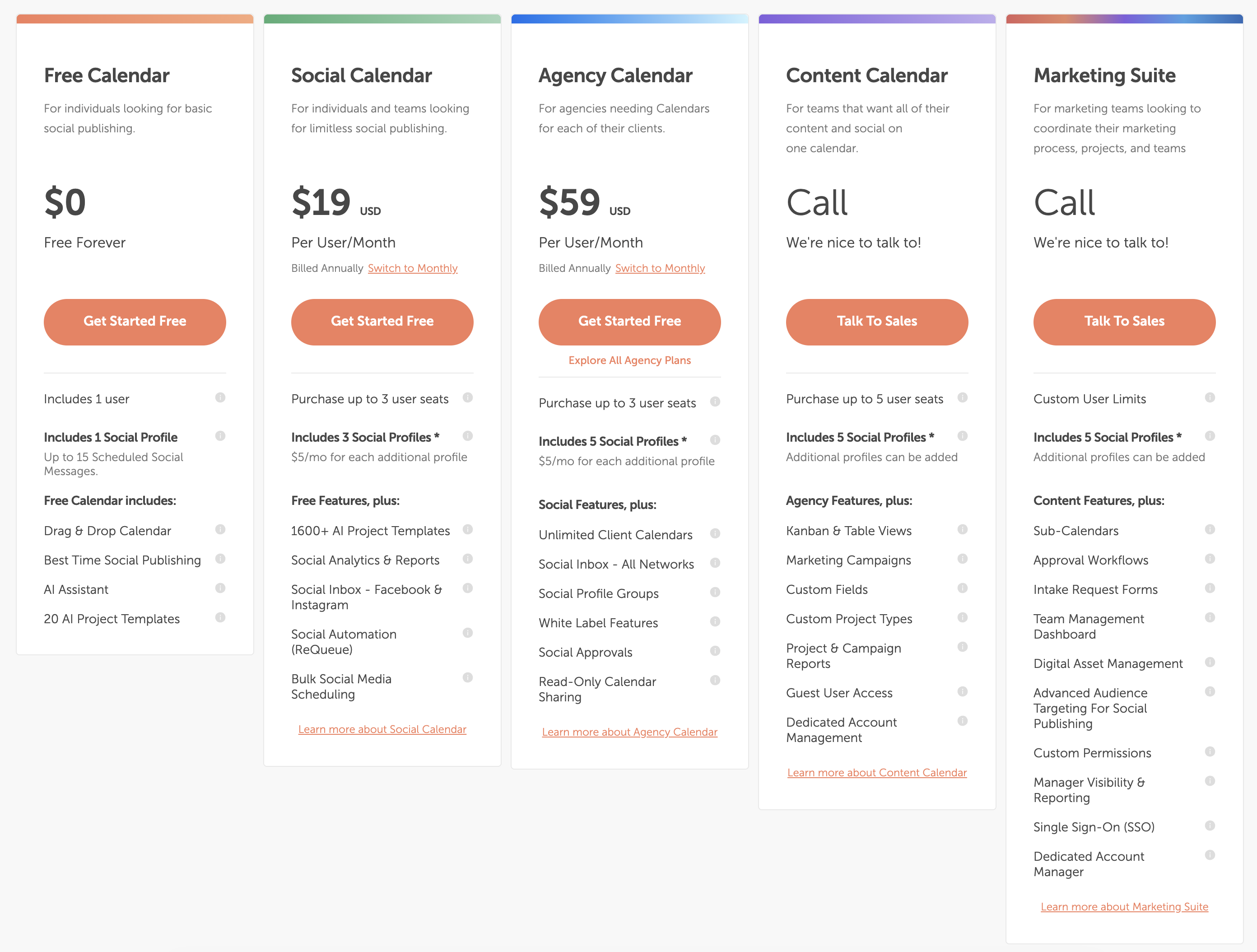
| Plan | Price | Profiles | Key Features |
|---|---|---|---|
| Free | $0/mo | 1 (15 posts at a time) | Drag-and-drop calendar, basic scheduling |
| Starter | $29/mo annual, $39 monthly (1 user) | 3 (+$5/profile) | ReQueue, bulk scheduling, social reports with report scheduling, social inbox (FB & IG) |
| Professional | $49/mo annual, $59 monthly (2 users, max 3) | 5 (+$5/profile) | AI insights, custom reports and dashboards, white-label reports, client calendars, approvals |
| Suite | Custom, from $69/mo | Custom | Approval workflows, SSO, DAM, team permissions, campaign and project reports |
Extra seats cost $29/month each (Professional only, since Starter is capped at 1 user). X/Twitter is a paid add-on on every paid plan at $16 per X profile per month. Starter and Professional include a 14-day free trial; Suite starts with a demo.
Example costs:
- 1 user on Starter = $29/month (annual) or $39 month to month
- 2 users on Professional with 5 profiles = $49/month (annual)
- 3 users on Professional = $78/month (annual, $49 + one $29 seat)
Price Verdict
Metricool is cheaper on paid plans at most sizes. Metricool's paid plans start at $22/month, and $38/month covers 10 brands. CoSchedule has a free plan for 1 profile, but its paid plans start at $29/month billed annually for 1 user and 3 profiles.
CoSchedule's costs climb with team size and profiles. A 3-person team on CoSchedule Professional pays $78/month for 5 profiles, before extra profiles at $5 each or X/Twitter at $16 per profile, while the same team on Metricool's Advanced plan pays $54/month for up to 15 brands. For multi-brand management, Metricool is significantly more affordable.
 PostPlanify
Manage All Your Social Accounts Without the Chaos
Schedule posts, track performance, and collaborate with your team.


Feature Comparison
Scheduling & Publishing
Both tools offer scheduling and content calendar features, but with different strengths:
| Feature | Metricool | CoSchedule |
|---|---|---|
| Unlimited scheduling | Yes (paid plans) | Yes (paid plans) |
| Bulk scheduling | Yes | Yes (paid plans) |
| Best time to post | Yes (heatmaps) | Yes (best time publishing) |
| Content calendar | Yes | Yes (drag-and-drop) |
| Post queue management | Yes | Yes |
| ReQueue (auto-recycling) | No | Yes |
| WordPress integration | No | Yes |
| First comment scheduling | No | No |
Winner: Tie. Metricool offers heatmap-driven scheduling insights. CoSchedule offers ReQueue for evergreen content recycling and WordPress integration for blog workflows. The right choice depends on whether you value data-driven timing or content recycling.
AI Tools
| Feature | Metricool | CoSchedule |
|---|---|---|
| AI caption generation | Yes (AI assistant) | Yes (Hire Mia AI) |
| AI image generation | No | No |
| AI project templates | No | Yes (1,600+ templates) |
| AI content rewriting | Yes | Yes |
Winner: CoSchedule — Hire Mia AI includes 1,600+ project templates for campaigns, blog posts, and social content. Metricool's AI assistant is more focused on social captions and content suggestions.
Analytics & Reporting
| Feature | Metricool | CoSchedule |
|---|---|---|
| Basic analytics | All plans | Starter+ |
| Competitor tracking | Yes (5-100 profiles) | No |
| Heatmaps | Yes | No |
| Custom reports | Starter+ (PDF/PPT) | Professional+ (custom reports, dashboards, white-label reports) |
| Looker Studio connector | Advanced only | No |
| Campaign reports | No | Suite |
| Analytics history | Unlimited (Starter+) | Limited |
Winner: Metricool. This is Metricool's core advantage. Competitor tracking, heatmaps, unlimited analytics history, custom PDF/PPT reports, and Looker Studio integration make it far superior for data-driven decision making. CoSchedule has improved here, with social reports on Starter and AI insights and custom dashboards on Professional, but it has no competitor tracking or heatmaps.
Team Collaboration
| Feature | Metricool | CoSchedule |
|---|---|---|
| Multiple users | Advanced plan | Professional (2 included, max 3) and Suite |
| Approval workflows | Advanced plan | Professional+ |
| User roles/permissions | Advanced plan | Suite |
| Client calendars | No | Professional+ (unlimited) |
| White label | Enterprise only | White-label reports (Professional+) |
| Guest access | No | Read-only calendar sharing (Professional+) |
Winner: CoSchedule for team-oriented features. Client calendars, white-label reports, and read-only calendar sharing on Professional make it better suited for agencies coordinating with clients. Pricing is close at the low end (CoSchedule Professional is $49/month billed annually for 2 users, Metricool Advanced is $54/month), but CoSchedule caps Professional at 3 users while Metricool's Advanced plan covers up to 15 brands.
Social Inbox & Engagement
| Feature | Metricool | CoSchedule |
|---|---|---|
| Social inbox | Yes (7 platforms) | Yes (Starter+) |
| Comment management | Yes | Yes (Facebook & Instagram on Starter, 9 networks on Professional) |
| Platform coverage | 7 (FB, IG, X, TikTok, YouTube, LinkedIn Premium, GBP) | Facebook & Instagram (Starter); 9 networks (Professional) |
| Social listening | No | No |
| Auto-responses | Saved replies | Saved replies (Professional+) |
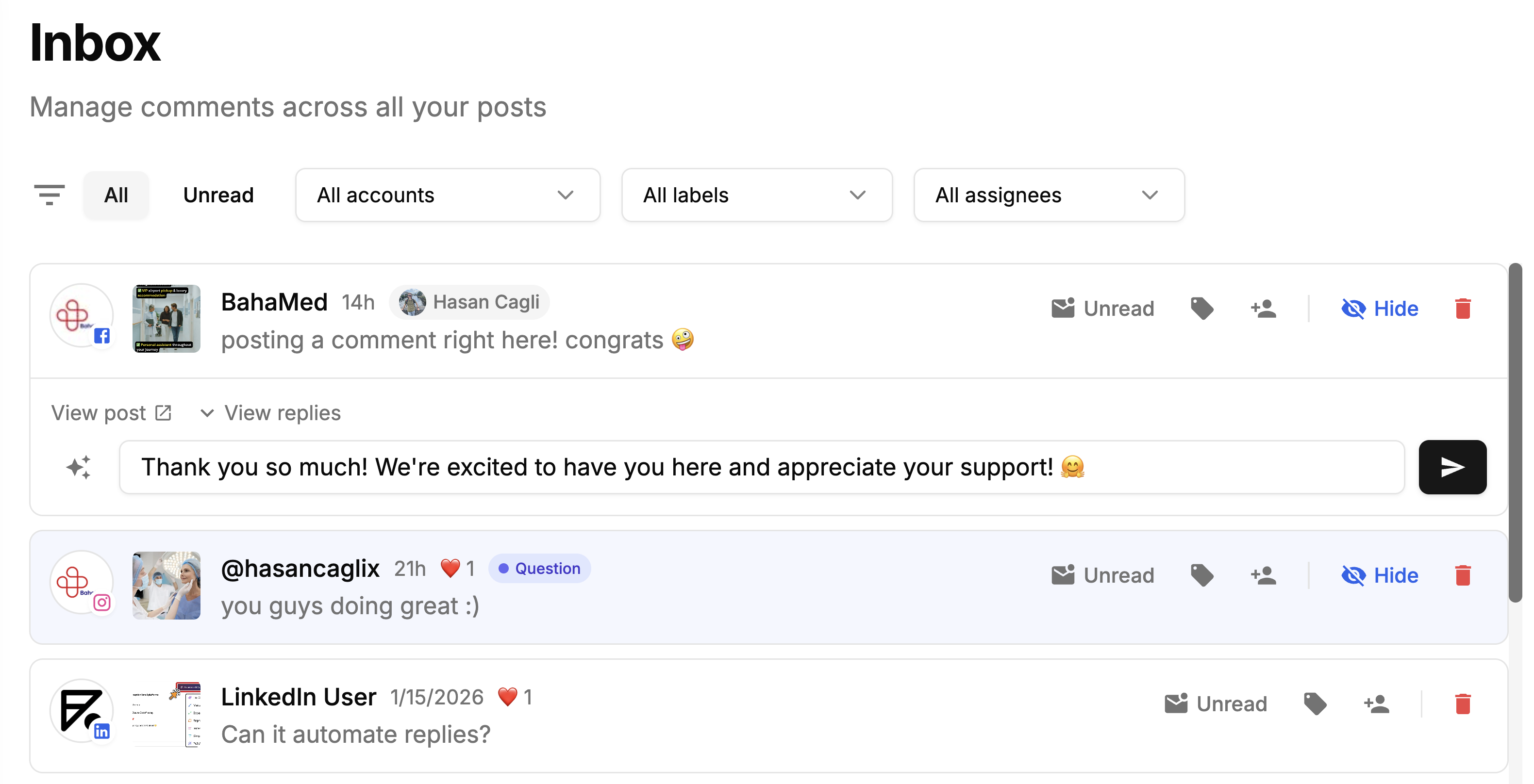
Winner: Tie with different strengths. Metricool's Inbox Manager actually covers more platforms out of the box (7) than CoSchedule's entry-level Starter plan (Facebook and Instagram only). CoSchedule Professional expands to 9 networks, but requires upgrading. Metricool includes internal notes and saved replies, and CoSchedule adds saved replies on Professional. Neither tool offers social listening.
Platform Support
| Platform | Metricool | CoSchedule |
|---|---|---|
| Yes | Yes | |
| Yes | Yes | |
| X/Twitter | Yes (add-on on some plans) | Paid add-on ($16/profile/mo, all paid plans) |
| Yes (Starter+) | Yes | |
| TikTok | Yes | Yes |
| YouTube | Yes | Yes |
| Yes | Yes | |
| Threads | Yes | Yes |
| Google Business | Yes | Yes |
| Bluesky | Yes | No |
| Twitch | Yes | No |
Winner: Metricool. It supports more platforms out of the box, including Bluesky and Twitch. CoSchedule doesn't include X/Twitter in any plan: it's a $16 per profile per month add-on on every paid plan, so full platform support costs extra.
What Real Users Say
Metricool Reviews

G2: 4.5/5 (83 reviews) — Users praise Metricool for its centralized management, easy-to-use interface, and helpful scheduling suggestions including best-time insights. Common complaints include occasional scheduling issues, multi-brand switching friction, and pricing concerns at scale.

Trustpilot: 4.2/5 (519 reviews) — Overwhelmingly positive reviews with users consistently praising customer support responsiveness and platform reliability. Metricool replies to 100% of negative reviews within 48 hours. A few users mention technical issues and pricing concerns.
CoSchedule Reviews
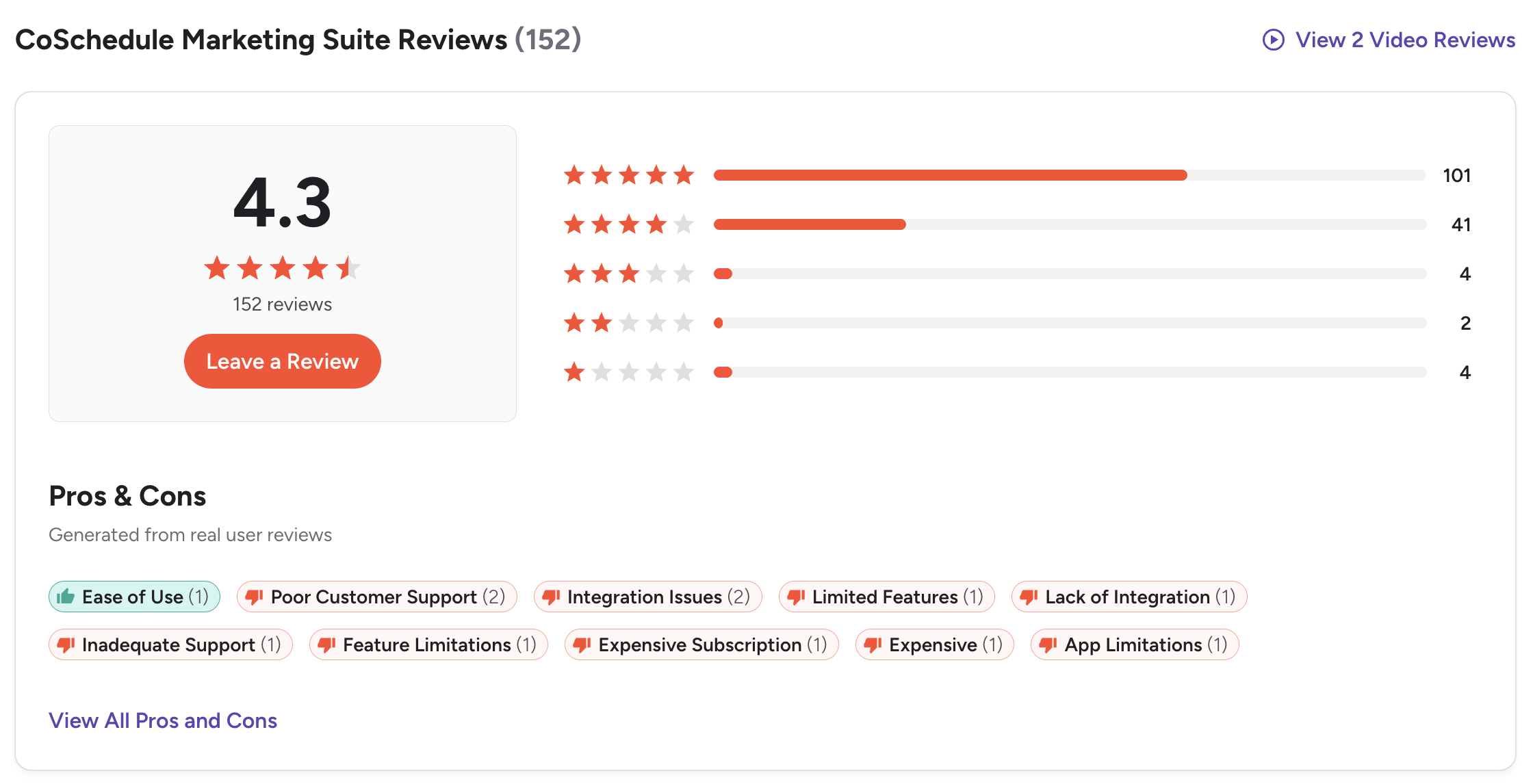
G2: 4.3/5 (152 reviews) — Users value the marketing calendar and ease of organizing campaigns. However, notable complaints include terrible customer support, subscription cancellation difficulties (requests ignored for months), outdated platform with basic social features, and expensive pricing for what is offered.
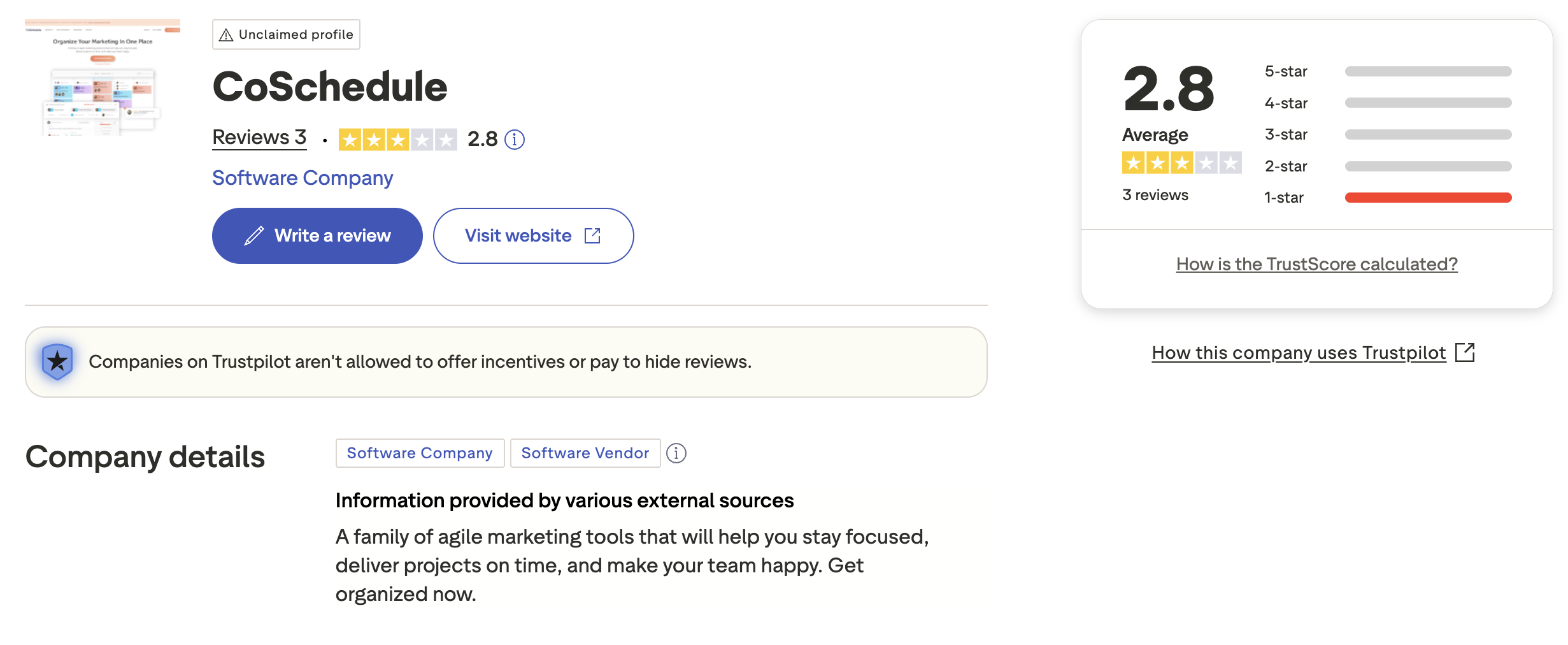
Trustpilot: 2.8/5 (3 reviews) — Very limited review sample with an unclaimed profile, suggesting CoSchedule is not actively monitoring customer feedback on Trustpilot. The mix of very positive and very negative ratings makes it hard to draw conclusions from this platform alone.
Review Verdict
Metricool has significantly better user sentiment across both platforms. On G2, Metricool scores 4.5/5 vs CoSchedule's 4.3/5. The bigger gap is on Trustpilot — Metricool earns 4.2/5 from 519 reviews with praised customer support, while CoSchedule has only 3 reviews at 2.8/5 with an unclaimed profile. Multiple CoSchedule G2 reviewers report severe issues with subscription cancellation and unresponsive support, which is a serious red flag.
PostPlanifyManage All Your Social Accounts Without the Chaos
Schedule posts, track performance, and collaborate with your team.
Who Should Use Metricool?
If Metricool sounds right but you want to explore options first, check out our best alternatives to Metricool. You can also see how Metricool stacks up against Buffer, Hootsuite, Later, and SocialBee.
Metricool is the better choice if you:
- Are a data-driven marketer or agency that relies on analytics to guide strategy
- Need competitor tracking with up to 100 competitor profiles
- Want heatmaps and best-time insights to optimize posting schedules
- Manage multiple brands and want per-brand pricing that scales affordably
- Need custom reports in PDF/PPT format for clients
- Require Looker Studio or API integrations for advanced reporting workflows
- Prioritize responsive customer support with a proven track record
Who Should Use CoSchedule?
If CoSchedule is on your shortlist, you may also want to see our top alternatives to CoSchedule before committing. Also compare CoSchedule with Buffer, Hootsuite, Later, and SocialBee.
CoSchedule is the better choice if you:
- Are a content marketing team that needs editorial calendar coordination
- Use WordPress and want integrated blog post scheduling
- Need ReQueue to automatically recycle evergreen social content
- Want client calendars and white label features for agency work
- Rely on AI project templates for campaign planning and execution
- Need a marketing suite that goes beyond social scheduling into project management
- Have the budget for $29-$49/month plans plus add-ons ($29 per extra seat, $5 per extra profile, $16 per X/Twitter profile)
Data-Informed Scheduling Without the Overhead
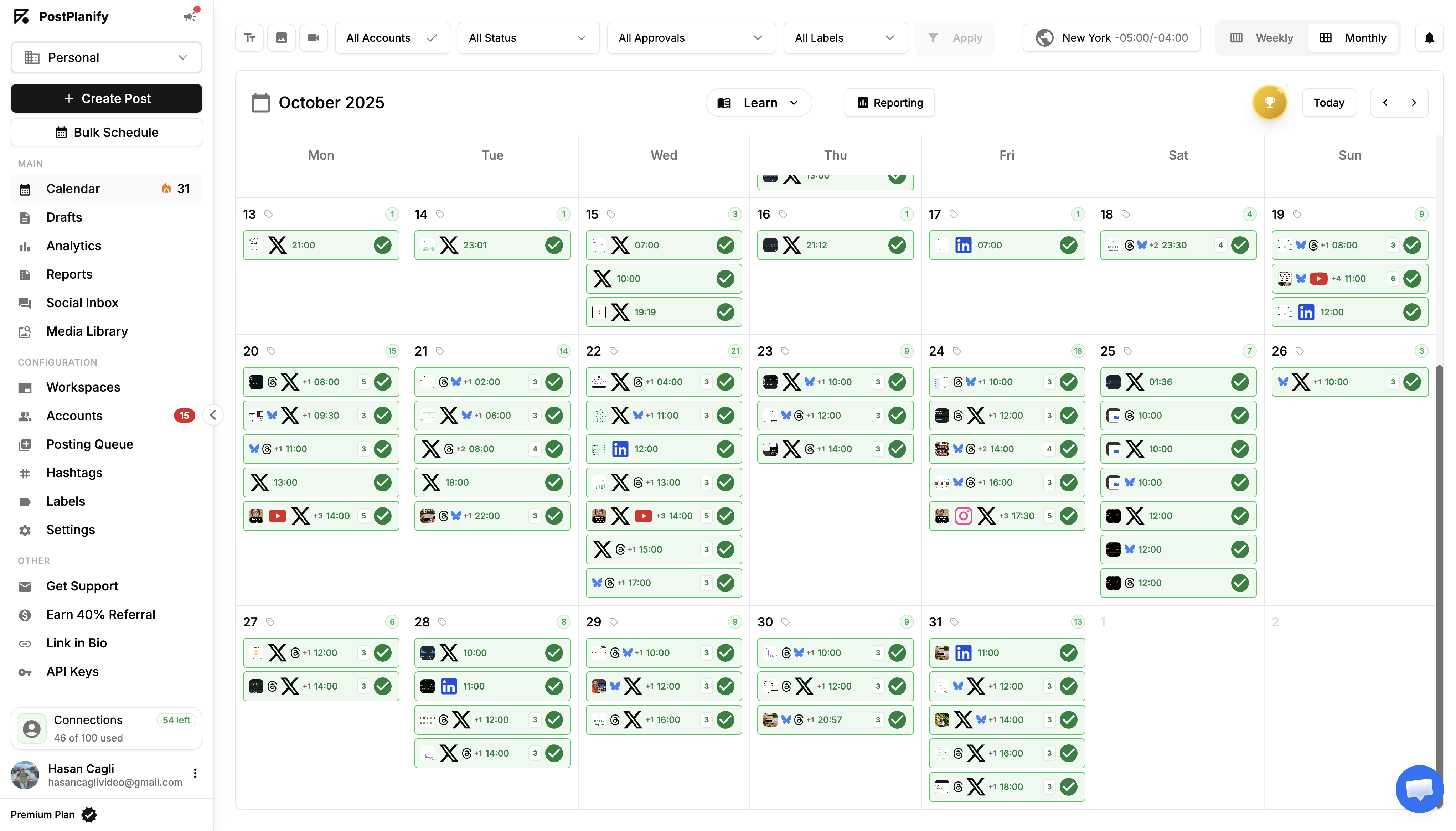
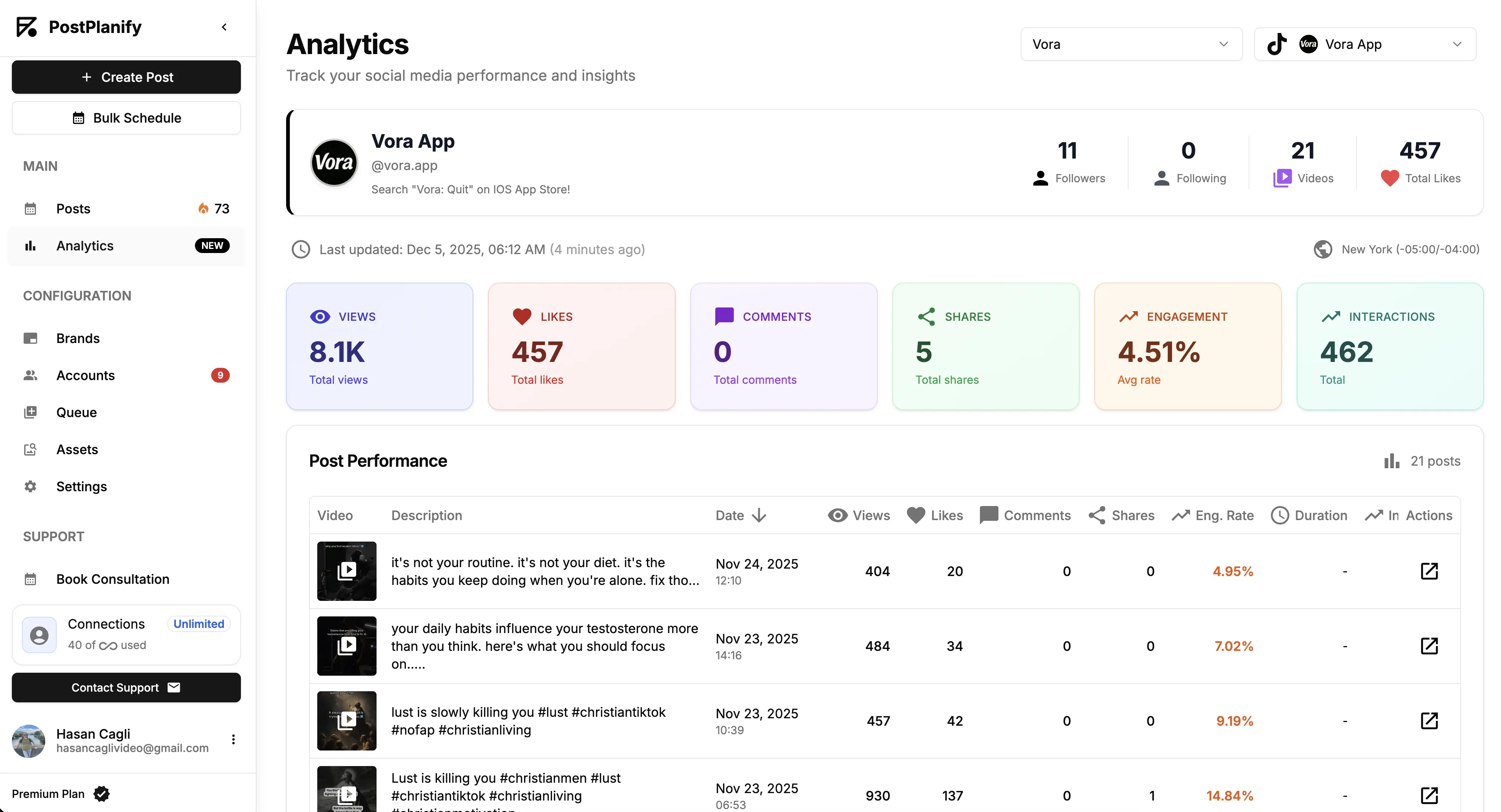
Metricool drowns you in data dashboards. CoSchedule drowns you in marketing project management. Both are excellent at what they do — but if you want clean scheduling with useful analytics, AI content tools, and none of the overhead, PostPlanify keeps things focused. Schedule posts, generate content with AI, collaborate with your team, and track what matters, from $99/month for 3 workspaces.

| Feature | Metricool | CoSchedule | PostPlanify |
|---|---|---|---|
| Starting Price | $22/mo/brand | $29/mo (Starter, 1 user) | $99/mo (3 workspaces) |
| Max Accounts | $38-172/mo | $5/mo per extra profile, custom on Suite | 5 per workspace (add a workspace per brand) |
| AI Caption Generation | Yes | Yes (Hire Mia) | Yes |
| AI Image Generation | No | No | Yes |
| Canva Integration | Yes (Starter+) | No | Yes |
| Google Drive Import | Yes (Starter+) | No | Yes |
| Approval Workflows | $54+/mo | $49/mo (Professional) | $199/mo (Premium) |
| X/Twitter Included | Add-on (some plans) | $16/profile/mo add-on | All plans |
| Platforms Supported | 11 | 11 | 10 |
| Unlimited Scheduling | Paid plans | Paid plans | All plans |
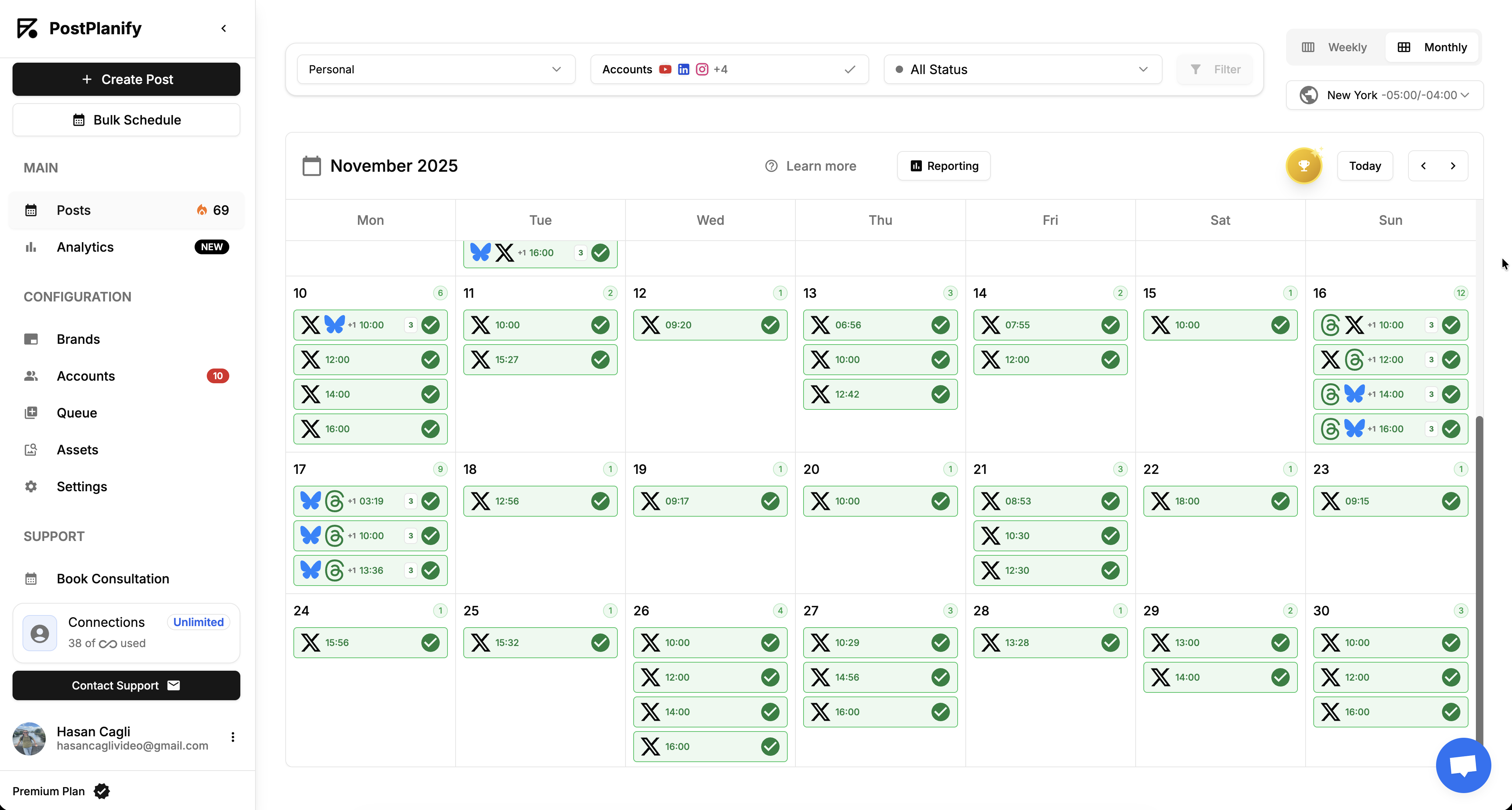
PostPlanify starts at $99/month for 3 workspaces (5 social accounts each), with unlimited posts, unlimited team members, AI tools and analytics included. The Premium plan, from $199/month for 5 workspaces, adds approval workflows, client reports and advanced analytics, features that require $178/month on CoSchedule Professional for 3 users and 25 profiles (it caps at 3 users). See all plans on the PostPlanify pricing page.
Keep it simple — try PostPlanify free
Related Guides
- How to Schedule Social Media Posts
- Content Batching Guide
- Social Media Content Calendar Examples
- Best Metricool Alternatives
- Best CoSchedule Alternatives
FAQ
Is Metricool cheaper than CoSchedule?
It depends on your setup. Metricool's paid plans start at $22/month, while CoSchedule's start at $29/month billed annually (Starter, 1 user, 3 profiles). CoSchedule's free plan works for a single profile. For agencies managing multiple brands with a team, Metricool is significantly more affordable: $54/month covers up to 15 brands with team features, while CoSchedule Professional is $49/month for 2 users and 5 profiles, plus $29 per extra seat, $5 per extra profile and $16 per X/Twitter profile.
Does CoSchedule have a free plan?
Yes. CoSchedule's Free plan covers 1 social profile and lets you schedule up to 15 posts at a time. Metricool also offers a free plan with 1 brand, up to 50 posts per month, and 3 months of analytics history.
Which has better analytics — Metricool or CoSchedule?
Metricool has significantly better analytics. It offers competitor tracking (up to 100 profiles), heatmaps, unlimited analytics history, custom PDF/PPT reports, and Looker Studio integration. CoSchedule includes social reports with report scheduling on Starter, AI insights and custom dashboards on Professional, and campaign reports on Suite, but it has no competitor tracking or heatmaps.
Does CoSchedule support X/Twitter?
Yes, as a paid add-on. X/Twitter isn't included in any CoSchedule plan, but you can add it on every paid plan for $16 per X profile per month. Metricool supports X/Twitter on paid plans with an add-on.
Which is better for agencies?
It depends on what you prioritize. Metricool is better for agencies focused on analytics, competitor insights, and client reporting at scale: managing 15 brands costs $54/month. CoSchedule is better for agencies that need separate client calendars, white-label reports, and editorial coordination, but with a 3-user cap on Professional, $29 per extra seat and $5 per extra profile, it gets expensive fast.
Can I switch from CoSchedule to Metricool?
Yes. You can reconnect your social accounts to Metricool and start scheduling. Metricool's analytics will begin collecting data immediately, though historical data will only go back as far as your plan allows. The migration is straightforward and typically takes less than an hour.
Which tool has better customer support?
Metricool has a significantly better support reputation. Trustpilot users consistently praise Metricool's responsive, friendly support team, and the company replies to 100% of negative reviews within 48 hours. CoSchedule has received notable complaints about terrible customer support and subscription cancellation issues, with users reporting that requests are ignored for months.
Is CoSchedule worth it for small businesses?
For most small businesses that only need social media scheduling, CoSchedule is overcomplicated. Its marketing suite features (campaign planning, project management, Kanban boards) add cost and complexity that small teams don't need. Metricool or PostPlanify offer simpler, more affordable social scheduling without the enterprise overhead.