


Most "best project management software" articles list the same general tools — Asana, monday.com, Trello. Those work fine for marketing teams running internal campaigns. They fall apart at agencies, where the operations problem isn't task management — it's billable time tracking, client workspaces, retainer management, capacity planning, and profitability per client. Agency PM software is a different category. Pick a tool that solves the agency-operations problem, not the generic project problem.
Quick Answer: What Is the Best Marketing Agency Project Management Software in 2026?
Every marketing agency needs two layers in the stack — a PM tool that runs the billable work, and PostPlanify for the social-execution layer that handles client content, approvals, and white-label reporting. PostPlanify covers that social slot with multi-workspace (5 on Growth, 15 on Premium, 50 on Scale), a dedicated Client role for external review, multi-approver workflows, and white-label PDF reports for monthly client deliverables — all at flat pricing starting at $99/mo. No per-seat or per-client fees as the agency grows.
For the PM/billing layer that pairs with PostPlanify, pick by agency size and operations need. For full agency operations including billing, time tracking, and capacity planning, Productive.io and Teamwork lead the purpose-built category. For ad agency-specific workflows with built-in accounting, Workamajig is purpose-built. For enterprise professional services automation, Kantata (formerly Mavenlink) dominates.
For small creative agencies and freelancers handling proposals through to invoices in one tool, Bonsai is the cheapest all-in-one at $9/user/mo annual.
How I Tested These Agency PM Tools
- Pricing verification. I pulled every price from each vendor's official pricing page in May 2026. Agency PM tools price per user, so I show the math at 5, 15, and 50 users — the agency-size brackets that matter.
- Agency-operations features mapped first. I scored each tool on the five agency-ops capabilities that generic PM listicles ignore: billable time tracking, client portals/workspaces, retainer/budget tracking, capacity planning, and invoicing.
- Purpose-built vs adapted. Tools designed for agencies (Productive, Teamwork, Workamajig, FunctionFox, Scoro, Kantata) get rated against agency-specific competitors. General PM tools (Asana, monday.com, ClickUp, Wrike) are honestly framed as "adapted for agencies via templates" — not native fits.
- G2 ratings. Sourced from each tool's G2 product page (
g2.com/products/<tool>/reviews), not seller-aggregate pages.
Quick Comparison: 13 Agency PM Tools at a Glance
| Tool | Best For | Starting Price | Time Tracking | Billing/Invoicing | Client Portal | G2 Rating |
|---|---|---|---|---|---|---|
| PostPlanify | Social execution layer | $99/mo | No | No | Client role | 5/5 (3) |
| Productive.io | Purpose-built agency PM | $10/user/mo (min 3) | Yes | Yes | Free client access | 4.6/5 (62) |
| Teamwork | Client services + retainers | $9.99/user/mo | Yes | Yes (Accelerate+) | Yes (Free+) | 4.4/5 (1,206) |
| Scoro | End-to-end work management | $19.90/user/mo (min 5) | Yes | Yes | Yes (Growth+) | 4.5/5 (495) |
| Workamajig | Ad agency operations | $45–$49/user/mo (10+ users) | Yes | Yes (built-in accounting) | Yes | 3.7/5 (259) |
| Wrike | General PM with agency strength | $10/user/mo (2–15) | Yes (Business+) | Limited | Yes (Business+) | 4.2/5 (4,529) |
| FunctionFox | Creative agencies | $10.50/user/mo (min 3) | Yes (core) | No | Limited | 4.3/5 (48) |
| Kantata | Enterprise PSA | Custom | Yes | Yes | Yes | 4.2/5 (1,512) |
| Bonsai | Freelancers + small agencies | $9/user/mo (annual) | Yes | Yes (Essentials+) | Yes (Essentials+) | 4.3/5 (102) |
| Asana | General PM agencies already use | $10.99/user/mo | Advanced+ only | No | Limited | 4.4/5 (13,631) |
| monday.com | Visual PM with guest access | $9/seat/mo (min 3) | Pro only | Add-on | Guest access | 4.7/5 (15,360) |
| ClickUp | Budget all-in-one | $7/user/mo | Business+ | Limited | Guest seats | 4.7/5 (11,176) |
| Planable | Social content approval | $39/workspace/mo | No | No | Workspace access | 4.6/5 (937) |
The five tools at the top of the table (PostPlanify excepted) are purpose-built for agency operations. The four at the bottom (Asana, monday.com, ClickUp, Planable) are general PM tools that agencies use with workarounds. Both can work — but the purpose-built tools require less template-building, fewer integrations, and less hoping you remembered to start the timer.
 PostPlanify
All your social media in one simple dashboard
Schedule posts, track analytics, and reply to comments/DMs without switching tabs.

Engagement
+18%
Views
52.8k
Who Needs Agency PM Software?
Match your agency type to the tool category that fits:
- Solo freelancer or 1–3 person micro-agency. You need proposals, contracts, time tracking, and invoicing more than complex PM. Bonsai ($9–$29/user/mo) covers all of these in one tool. Skip purpose-built agency PM until you hit 5+ people.
- Small agency (3–10 people). Time tracking and basic billing become critical. Productive.io Essential ($10/user/mo annual, min 3), FunctionFox Classic ($10.50/user), or Teamwork Basics ($9.99/user) all fit. Avoid Workamajig (too heavy) and Kantata (enterprise-only).
- Mid-market agency (10–50 people). Capacity planning, profitability per client, and retainer tracking start mattering. Productive Professional ($25/user), Scoro Growth ($32.90/user), Teamwork Accelerate ($24.99/user), or Workamajig ($47–$49/user at 25 users) all viable. This is the most competitive bracket.
- Enterprise agency (50+ people). Kantata, Workamajig Enterprise, Scoro Performance, or Productive Ultimate. Custom pricing across the board. Expect $40–$70/user/mo at scale plus implementation costs of $10K–$50K.
If you're under 5 people and not yet billing hourly, you don't need any of these tools. ClickUp Free, Asana Personal, or even a Google Sheet works fine until you're tracking billable hours.
1. PostPlanify — Best for the Social Execution Layer of Agency Work

At a glance — PostPlanify
- Pricing: Growth $99/mo → Premium $199/mo → Scale $299/mo → Enterprise custom
- Agency role: Social execution slot — multi-workspace, client review, white-label social reports
- Time tracking: No (use the PM tool above for hours)
- Billing: No
- Client portal: Yes — dedicated Client role for external review
- G2 rating: 5/5
PostPlanify isn't an agency PM tool — and it shouldn't be. It's the social-execution slot that lives alongside whatever PM tool runs your billable hours and client work. The Client role lets agency clients review and approve social content for their brand without seeing other clients or platform internals. Multi-workspace setup (5 on Growth, 15 on Premium, 50 on Scale) means each client gets their own social space inside one agency account.
Key features
- Multi-workspace — 5 client workspaces on Growth, 15 on Premium, 50 on Scale, unlimited on Enterprise
- Client role — external client review without exposing agency internals
- Approval workflows with multi-approver tracking and rejection notes (Premium+)
- White-label PDF reports for monthly client deliverables (Scale+)
- Analytics across all 10 platforms — replaces 1 line item from your monthly client report
- Social inbox for Instagram, Facebook, LinkedIn, Google Business, YouTube, Threads — unified across client accounts
- AI assistant with vision-powered captions and AI image generation
- Flat pricing — no per-seat or per-channel fees as the agency grows
- 10 platforms: Instagram, TikTok, Facebook, LinkedIn, X, YouTube, Threads, Pinterest, Bluesky, Google Business
| Plan | Price | Workspaces | Team Members | Social Accounts |
|---|---|---|---|---|
| Growth | $99/mo | 5 | 3 | 15 |
| Premium | $199/mo | 15 | 6 | 30 |
| Scale | $299/mo | 50 | 12 | 100 |
| Enterprise | Custom | Unlimited | Unlimited | Custom |
Pros
- Multi-workspace + Client role + approval workflows priced lower than agency-specific social tools
- Flat pricing — scaling to more clients doesn't multiply costs
- White-label reports remove a manual deliverable from agency workflow
- Pairs cleanly with any PM tool — covers the social slot without trying to do PM
Cons
- Not a PM tool — no time tracking, no billing, no project tasks
- No client invoicing or profit tracking (use Productive, Bonsai, or Teamwork for that)
- Approval workflows start on Premium ($199/mo)
Best for: Marketing agencies that need a dedicated social-execution slot alongside their PM/billing tool, with native client review and white-label reporting.
Try PostPlanify free for 7 days →
2. Productive.io — Best Purpose-Built Agency PM
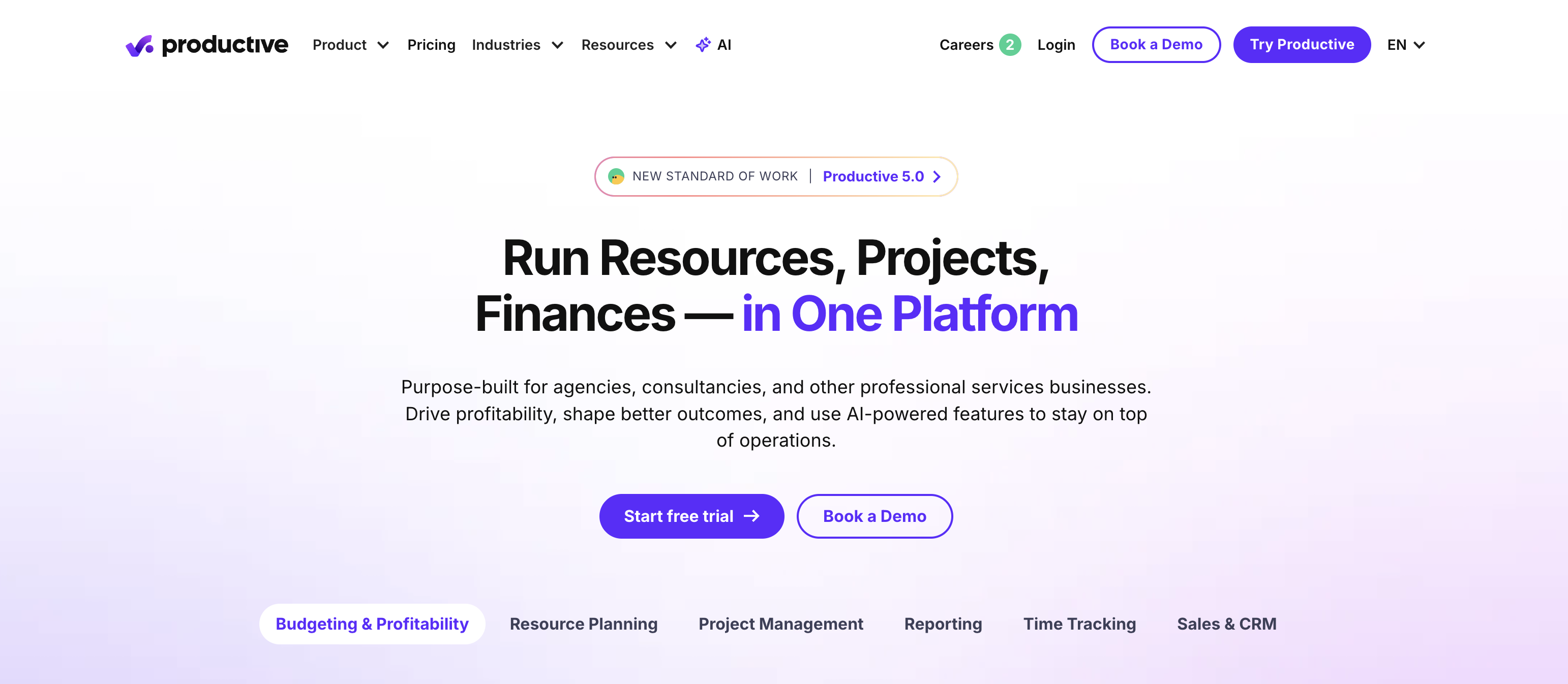
At a glance — Productive.io
- Pricing: Essential $10/user/mo (annual) / $12/mo → Professional $25/user/mo / $29/mo → Ultimate $33/user/mo / $40/mo (min 3 seats)
- Agency role: Full agency operations — PM + time tracking + billing + capacity + profitability
- Time tracking: Yes (core)
- Billing: Yes (integrated invoicing)
- Client portal: Yes — free client workspace invites (no seat charges)
- G2 rating: 4.6/5 (62 reviews)
Productive.io was built from day one for agencies. It covers the full agency operations stack: project management, time tracking, budgeting, resource planning, billing, and profitability per client. The Essential plan at $10/user/mo annual undercuts most general PM tools while including time tracking and budgets natively. Client workspace invites are free — clients don't count toward your seat total.
Key features
- Project + task management with budgets per project
- Time tracking with billable rates and approval workflows (Professional+)
- Resource planning and capacity visualization
- Invoicing with HRIS integrations (Professional+)
- Profitability reports per project and per client (Professional+)
- Revenue forecasting with Scenario Builder (Ultimate)
- Rate cards for different roles/clients (Professional+)
- 50+ user volume discounts on Professional and Ultimate
Pricing
| Plan | Annual | Monthly | Key Agency Features |
|---|---|---|---|
| Essential | $10/user/mo | $12/user/mo | Budgets, time tracking, basic reporting |
| Professional | $25/user/mo | $29/user/mo | Invoicing, billable approvals, rate cards |
| Ultimate | $33/user/mo | $40/user/mo | Revenue forecasting, multi-subsidiary, advanced reports |
Pros
- Purpose-built for agencies — every feature solves an agency-ops problem
- Free client workspace access (no per-seat charges for external stakeholders)
- Time tracking + invoicing + profitability in one tool replaces 3 separate ones
- Reasonable entry price at $10/user (annual Essential) vs Workamajig at $45+/user
Cons
- Minimum 3 seats — solo freelancers can't access
- Invoicing and billable approvals require Professional ($25/user/mo)
- Some users report reporting limitations and occasional bugs
- Newer/smaller community than Asana or monday.com
Best for: Small-to-mid agencies (5–50 people) that want one tool for PM, time tracking, billing, and capacity planning.
3. Teamwork — Best for Client Services with Budget + Retainers
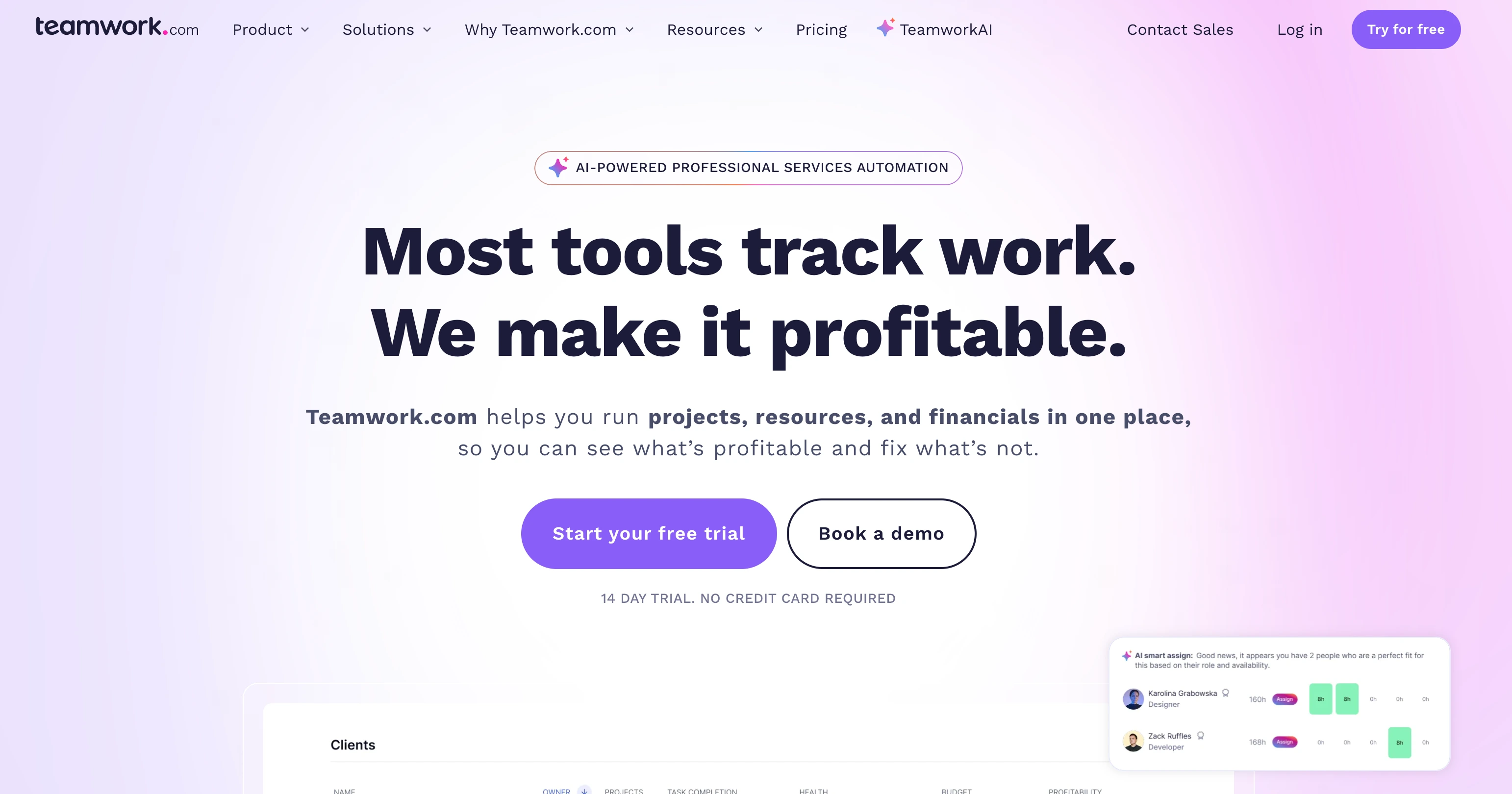
At a glance — Teamwork
- Pricing: Free (5 users) → Basics $9.99/user/mo → Accelerate $24.99/user/mo → Optimize custom → Enterprise custom
- Agency role: Client services PM with time tracking + retainer/budget management
- Time tracking: Yes (Free plan includes time logging)
- Billing: Yes (Accelerate+ with QuickBooks/HubSpot)
- Client portal: Yes — client collaboration on Basics+
- G2 rating: 4.4/5 (1,206 reviews)
Teamwork repositioned around client services and now competes directly with Productive.io. Time tracking is included on every plan (even Free). Accelerate ($24.99/user) adds the agency-critical features: capacity utilization, time budgets, retainer tracking, and QuickBooks/HubSpot integration. Optimize ($custom) adds AI profitability forecasting.
Key features
- Time tracking on every plan including Free
- Client collaboration and intake request capture (Basics+)
- Time budgets and retainer management (Accelerate+)
- Capacity and utilization tracking with AI (Accelerate+)
- Profitability forecasting (Optimize+)
- QuickBooks + HubSpot integration (Accelerate+)
- Multi-currency budgets (Optimize+)
- Up to 100,000 automation actions (Optimize+)
Pricing
| Plan | Price | Best For |
|---|---|---|
| Free | $0 | 5 users max, up to 5 projects |
| Basics | $9.99/user/mo (annual) | Client work + time tracking |
| Accelerate | $24.99/user/mo (annual) | Retainers + capacity + billing |
| Optimize | Custom | Profitability + multi-currency |
| Enterprise | Custom | SSO + dedicated success manager |
Pros
- Free plan with time tracking is genuinely useful for tiny agencies
- Accelerate at $24.99/user includes retainer management + AI capacity — cheaper than Productive Ultimate ($33)
- Strong client collaboration UX
- Largest G2 review base in the purpose-built agency category (1,206)
Cons
- Free plan limited to 5 users and 5 projects
- Retainer management requires Accelerate ($24.99/user) — Basics doesn't have it
- Some users report Agile/sprint planning limitations
- Optimize and Enterprise pricing isn't transparent
Best for: Mid-size agencies (10–50 people) that need retainer + budget tracking alongside standard client work and want predictable per-user pricing.
4. Scoro — Best for End-to-End Work Management
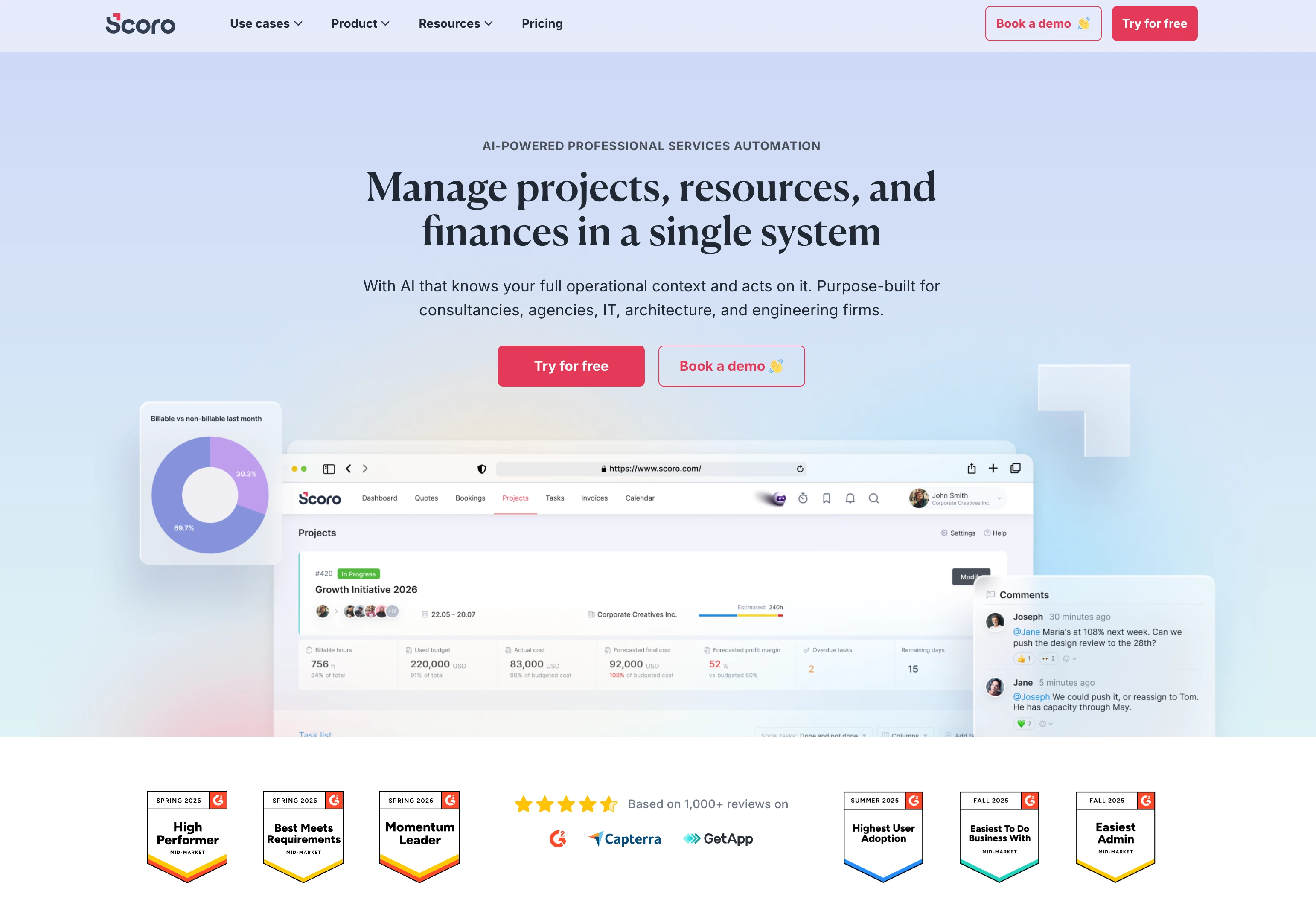
At a glance — Scoro
- Pricing: Core $19.90/user/mo → Growth $32.90/user/mo → Performance $49.90/user/mo → Enterprise custom (min 5 users)
- Agency role: End-to-end work management — projects, time, billing, CRM, financial reporting
- Time tracking: Yes (Core)
- Billing: Yes (Core includes quotes, bills, invoices)
- Client portal: Yes (Growth+)
- G2 rating: 4.5/5 (495 reviews)
Scoro takes a broader stance than most agency PM tools — it adds CRM, financial reporting, and supplier management to the standard PM+time+billing trio. Core plan ($19.90/user) includes Gantt charts, quotes, bills, invoices, and detailed work reports. Growth ($32.90) adds retainers, project budgets, role-based labor cost, and utilization reports.
Key features
- Project management + Gantt + dependencies
- Quotes, bills, invoices, receipts (Core+)
- Detailed work reports + dashboards (Core+)
- Retainer management + project budgets (Growth+)
- Role-based labor cost + utilization reports (Growth+)
- Cost/profit forecasting + revenue recognition (Performance+)
- Sales pipeline + supplier management (Performance+)
- Multi-account reporting + SSO (Enterprise+)
Pricing
| Plan | Price | Best For |
|---|---|---|
| Core | $19.90/user/mo | Basic agency ops + invoicing |
| Growth | $32.90/user/mo | + Retainers + utilization |
| Performance | $49.90/user/mo | + Forecasting + sales pipeline |
| Enterprise | Custom | Multi-account + SSO |
Pros
- One platform for PM + time + billing + CRM + financial reporting
- 20 G2 awards across 8 categories — strong category recognition
- 5-user minimum is reasonable for mid-size agencies
- 77% 5-star reviews on G2 with zero 1-star ratings
Cons
- Core plan misses the agency-critical features (retainers, utilization) — most agencies need Growth ($32.90/user)
- Task creation UX is "cumbersome" per common user feedback
- Setup and configuration takes time to get right
- More expensive than Productive/Teamwork at equivalent tiers
Best for: Agencies that want CRM + financial reporting integrated with PM + time tracking, and are willing to invest in setup time.
5. Workamajig — Best Purpose-Built for Ad Agencies
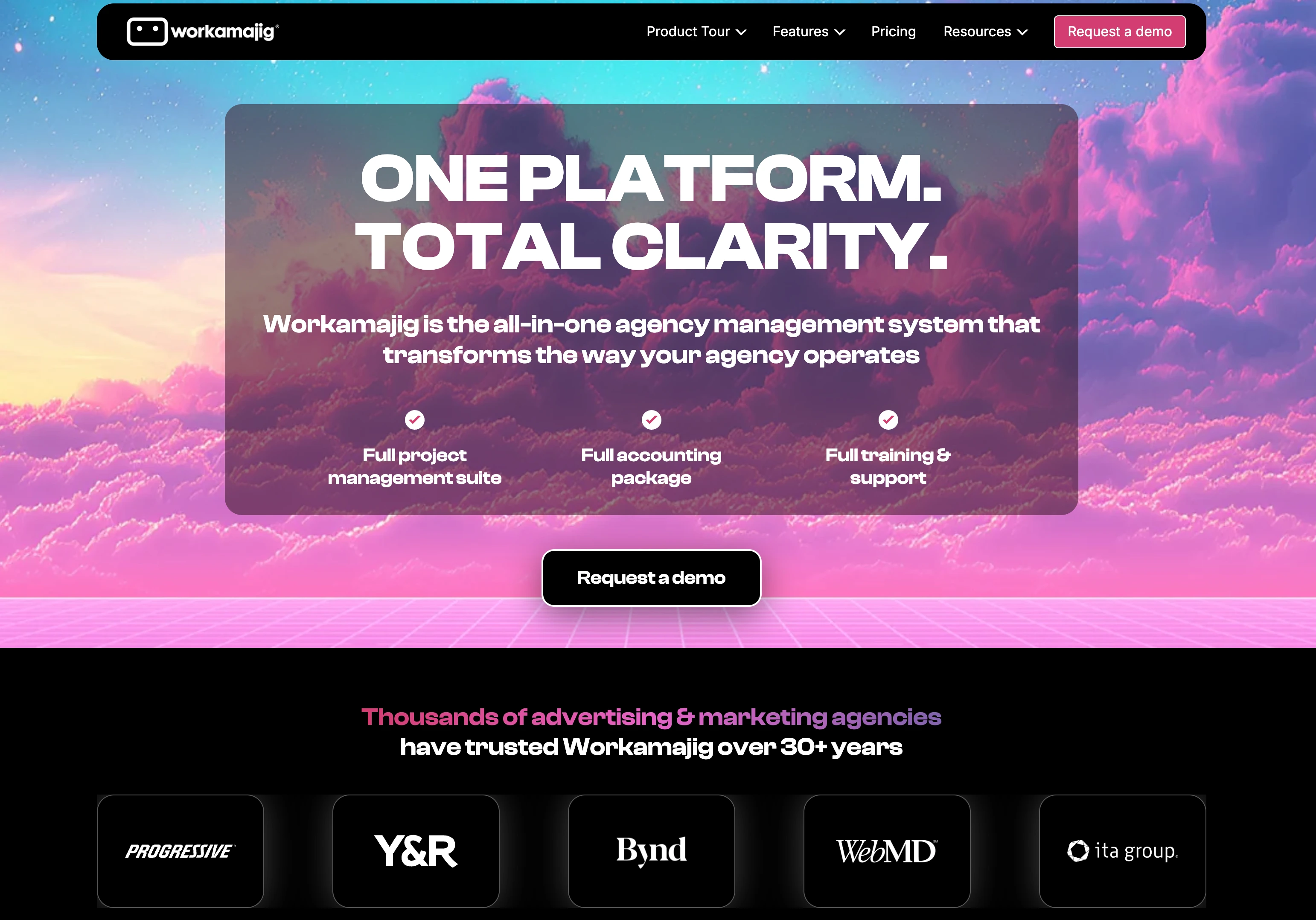
At a glance — Workamajig
- Pricing: $49/user/mo (10–24 users) → $47/user/mo (25–49 users) → $45/user/mo (50+ users) → Enterprise custom (100–10,000+ users)
- Agency role: Ad agency operations + built-in accounting (AP/AR)
- Time tracking: Yes (core)
- Billing: Yes (built-in accounting, multi-currency invoicing)
- Client portal: Yes (unlimited client/vendor access)
- G2 rating: 3.7/5 (259 reviews)
Workamajig is built specifically for ad agencies and includes accounting software inside the PM platform — accounts payable, accounts receivable, multi-currency invoicing, revenue forecasting. The agency tier adds sales CRM and freelancer management. Implementation takes 2–3 months but agencies that complete it report Workamajig replaces QuickBooks + their PM tool + their CRM in one stack.
Key features
- Full PM with task assignment + timelines
- Time tracking + task management
- Resource scheduling across departments and offices
- Digital proofing + revision workflows
- Built-in accounting (AP, AR, multi-currency)
- Invoicing with multiple billing methods
- Unlimited client + vendor access
- Sales CRM module (agency tier)
- Revenue forecasting + reporting
- Freelancer + vendor management
- Dedicated account manager + personalized training
Pricing
| Users | Price/User/Mo |
|---|---|
| 10–24 | $49/mo |
| 25–49 | $47/mo |
| 50+ | $45/mo |
| 100+ (Enterprise) | Custom |
Pros
- Built-in accounting replaces QuickBooks-style add-on
- Dedicated account manager + 2–3 month implementation = real support
- Unlimited client/vendor access at no per-seat cost
- Best-fit for ad agencies with complex billing structures
Cons
- 10-user minimum — small agencies can't access
- 3.7/5 G2 rating is the lowest among agency-purpose-built tools on this list
- Common complaints: dated UI, unnecessary steps in workflows, performance issues
- 2–3 month implementation is a real time + cost investment
Best for: Mid-to-large ad agencies (10+ users) that want PM + accounting in one platform and have budget/time for the implementation cycle.
6. Wrike — Best General PM with Agency Features
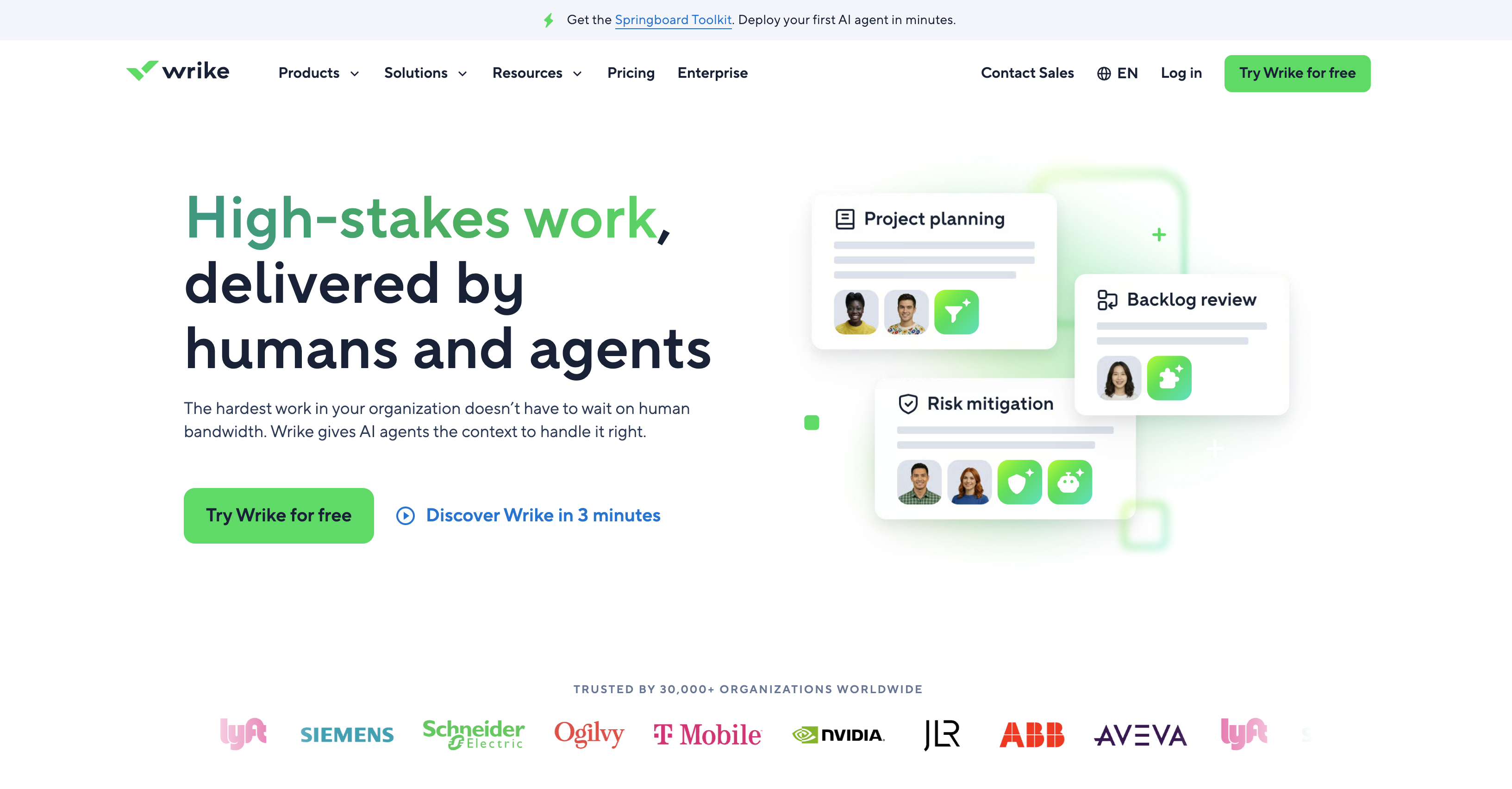
At a glance — Wrike
- Pricing: Free (unlimited users) → Team $10/user/mo (2–15 users) → Business $25/user/mo (5–200 users) → Pinnacle/Apex custom
- Agency role: General PM with strong agency-adapted features
- Time tracking: Yes (Business+)
- Billing: Limited (use integrations)
- Client portal: Yes (Business+ with custom item types)
- G2 rating: 4.2/5 (4,529 reviews)
Wrike is positioned as a general PM tool but has strong agency features layered in: custom request forms (for client intake), proofing/approvals, time tracking, and shareable dashboards. Team plan ($10/user) caps at 15 users — designed as the small agency tier. Business ($25/user) opens up custom item types, time tracking, and advanced agency features.
Key features
- Interactive Gantt charts (Team+)
- Shareable dashboards (Team+)
- Custom request forms for client intake (Business+)
- Time tracking + budgets (Business+)
- Workspace templates (Business+)
- AI Essentials on Team, AI Elite on Business+
- Wrike Integrate + bi-directional Sync (Apex)
Pricing
| Plan | Price (annual) | Users |
|---|---|---|
| Free | $0 | Unlimited |
| Team | $10/user/mo | 2–15 |
| Business | $25/user/mo | 5–200 |
| Pinnacle | Custom | Custom |
| Apex | Custom | Custom |
Pros
- Free plan with unlimited users is rare among general PM
- Strong proofing and request forms for agency intake workflows
- Hard cap on Team plan prevents accidental upsells
- Largest review base among the purpose-built-adjacent tools (4,529)
Cons
- Time tracking, custom item types, and key agency features require Business ($25/user)
- No built-in invoicing or accounting
- Interface feels dated compared to Asana or monday.com
- Team plan caps at 15 users — forced upgrade at 16
Best for: Mid-size agencies that want general PM strength with optional agency layers (proofing, request intake, time tracking on Business).
7. FunctionFox — Best for Creative Agencies on a Budget
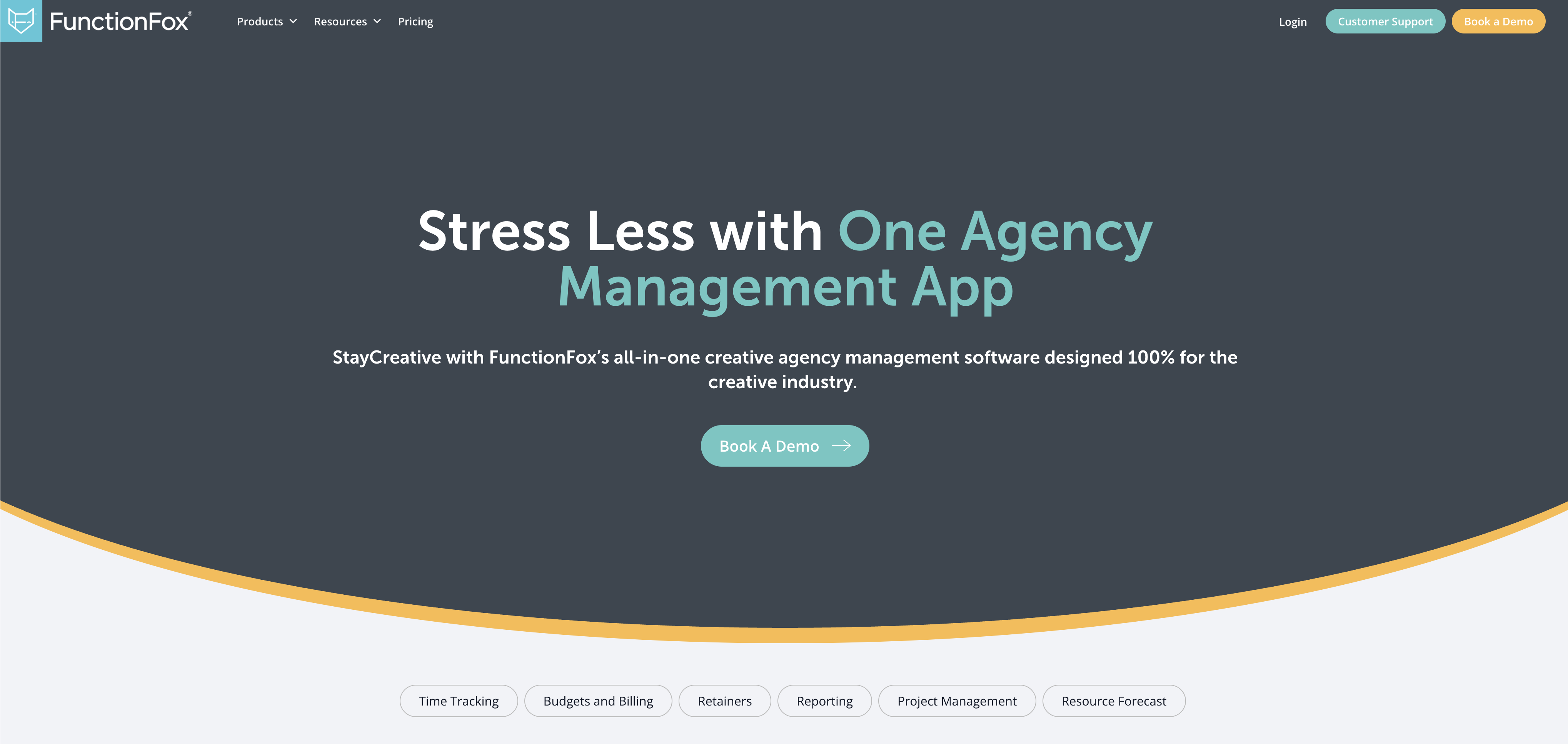
At a glance — FunctionFox
- Pricing: Classic $10.50/user/mo (annual) → Premier $16/user/mo → In-House $36.75/user/mo (5+ user minimum)
- Agency role: Creative agency PM + time tracking
- Time tracking: Yes (Classic — core feature)
- Billing: No (use integrations or external tool)
- Client portal: Limited
- G2 rating: 4.3/5 (48 reviews)
FunctionFox is designed specifically for creative agencies — copywriters, designers, video producers. Time tracking is the core feature (built around a stopwatch timer), with project management, estimate/budget tracking, and retainer tracking layered on. Classic at $10.50/user (annual) is one of the cheapest paid agency tools on this list.
Key features
- Time tracking with stopwatch timer (Classic core)
- Unlimited clients and projects (Classic+)
- Estimate and budget tracking (Classic+)
- Retainer tracking (Classic+)
- Comprehensive reports (Classic+)
- To-do lists + Gantt charts (Premier+)
- Availability/traffic reports (Premier+)
- Custom job intake forms (In-House)
- Advanced report builder (In-House)
Pricing
| Plan | Annual | Monthly | Min Users |
|---|---|---|---|
| Classic | $10.50/user/mo | $12.75/user/mo | 3 |
| Premier | $16/user/mo | $19.25/user/mo | 3 |
| In-House | $36.75/user/mo | $44/user/mo | 5 |
Pros
- Cheapest purpose-built creative agency tool at $10.50/user (annual Classic)
- Time tracking is genuinely good — built around the stopwatch timer
- Retainer tracking included even on Classic plan
- Strong customer support with dedicated reps
Cons
- No native invoicing — agencies pair it with QuickBooks/FreshBooks
- Reporting is limited compared to Productive or Scoro
- Mobile app lacks some desktop functionality
- Premier ($16) needed for Gantt charts and to-do lists
Best for: Small creative agencies (3–10 people) that need core time tracking + retainer + project tracking at the lowest possible cost.
PostPlanifyAll your social media in one simple dashboard
Schedule posts, track analytics, and reply to comments/DMs without switching tabs.
Engagement
+18%
Views
52.8k
8. Kantata — Best for Enterprise Professional Services Automation
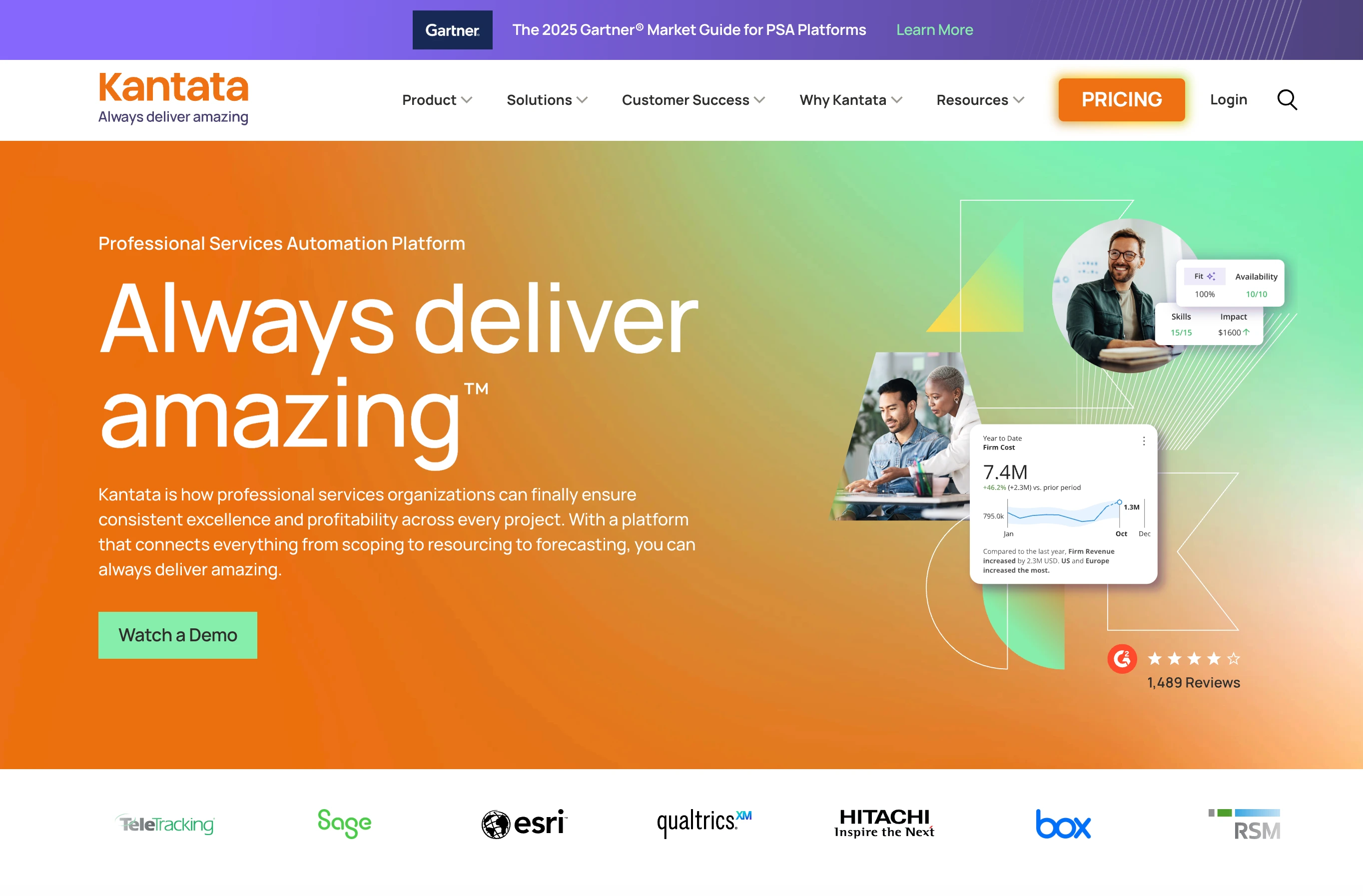
At a glance — Kantata (formerly Mavenlink + Kimble)
- Pricing: Custom (sales-led, typically $30–$80/user/mo at enterprise scale)
- Agency role: Enterprise PSA — resource management, project accounting, business intelligence
- Time tracking: Yes
- Billing: Yes (full project accounting)
- Client portal: Yes
- G2 rating: 4.2/5 (1,512 reviews)
Kantata is professional services automation (PSA) software targeting enterprise agencies and consulting firms. It covers resource management, project accounting, business intelligence, and 1,200+ integration connectors. Pricing is sales-led and tailored to company size — there's no public Starter tier because Kantata is built for organizations large enough to need a custom PSA implementation.
Key features
- Professional services automation (PSA) suite
- Resource management with capacity forecasting
- Project accounting + financial reporting
- Business intelligence + custom analytics
- 1,200+ integration connectors
- Multi-currency + multi-entity support
- #1 Mid-Market PSA per G2
Pricing
Custom — sales-led model. Typical enterprise pricing is $30–$80/user/mo at scale, plus implementation fees of $25K–$100K depending on configuration.
Pros
- Industry-recognized as #1 Mid-Market PSA on G2
- 7 consecutive years on G2's Top 50 Project Management Products
- 1,200+ integrations cover almost any enterprise stack
- Strong resource management + financial modeling
Cons
- No public pricing — must engage sales for any quote
- Steep learning curve common in user reviews
- Enterprise-only — not viable for under 20–30 person agencies
- Significant implementation cost beyond subscription
Best for: Enterprise agencies (50+ people) and consulting firms with complex resource management and project accounting needs.
9. Bonsai — Best All-in-One for Freelancers + Small Agencies
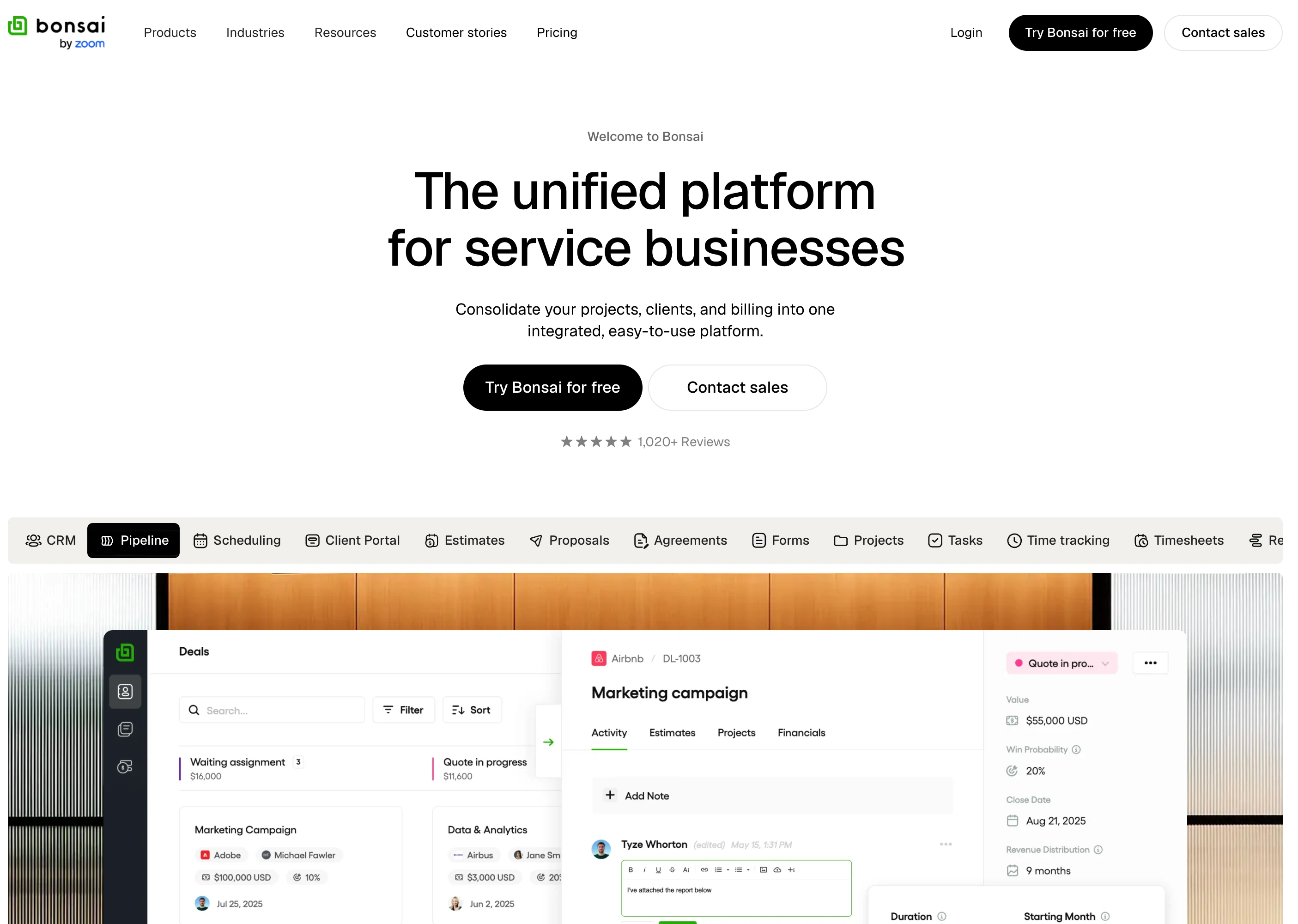
At a glance — Bonsai
- Pricing: Basic $9/user/mo (annual) / $15/mo → Essentials $19/user/mo / $25/mo → Premium $29/user/mo / $39/mo → Elite $49/user/mo / $59/mo (Elite requires 3 users)
- Agency role: All-in-one for freelancers and micro-agencies — contracts, proposals, invoicing, time tracking, PM
- Time tracking: Yes (Basic)
- Billing: Yes (Essentials+ adds invoices, contracts, scheduling)
- Client portal: Yes (Essentials+)
- G2 rating: 4.3/5 (102 reviews)
Bonsai is built for the very small end of the agency market — solo freelancers, 1–3 person creative shops, and consultants. The unique value is bundling proposals + contracts + invoicing + time tracking + basic PM into one tool. Basic ($9/user annual) is the cheapest entry point on this list. Essentials ($19) adds invoicing and client portals.
Key features
- Time tracking + task management (Basic)
- Unlimited projects + clients (Basic)
- CRM + service library (Basic)
- Invoices + payments (Essentials+)
- Proposals + contracts (Essentials+)
- Client portal + scheduling (Essentials+)
- Expense + income tracking (Essentials+)
- Project insights + workload management (Premium+)
- Gantt view + custom fields (Premium+)
- QuickBooks + Zapier integrations (Premium+)
- Remove Bonsai branding (Premium+)
Pricing
| Plan | Annual | Monthly | Includes |
|---|---|---|---|
| Basic | $9/user/mo | $15/user/mo | Time + CRM + tasks |
| Essentials | $19/user/mo | $25/user/mo | + Invoicing + contracts + portal |
| Premium | $29/user/mo | $39/user/mo | + Gantt + workload + integrations |
| Elite | $49/user/mo | $59/user/mo | + Custom permissions + Xero (min 3 users) |
Pros
- All-in-one — contracts + proposals + invoices + time + PM in one tool
- Cheapest entry on this list at $9/user annual
- 7-day free trial across all plans
- Remove Bonsai branding on Premium+ for white-label client experience
Cons
- Reported payment delays (7–10 business days on initial payments per user reviews)
- Customer support response times can be 9+ days per some complaints
- Limited customization compared to dedicated PM tools
- Not built for agencies above 10–15 people — workflow gets thin at scale
Best for: Solo freelancers, micro-agencies (1–5 people), and consultants that want one tool for everything from proposal through payment.
10. Asana — Best General PM Most Agencies Already Use
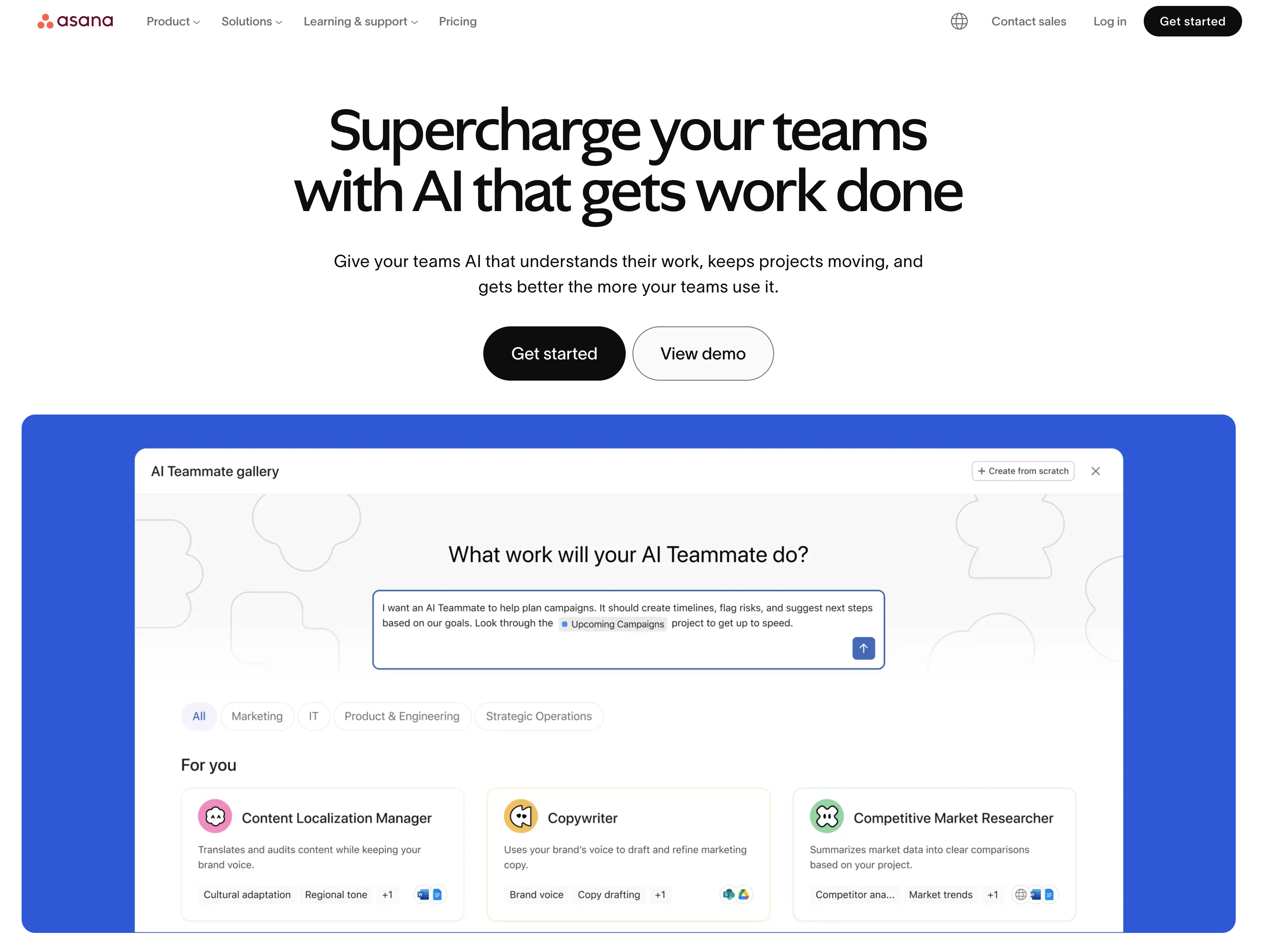
At a glance — Asana
- Pricing: Personal Free (2 users) → Starter $10.99/user/mo annual → Advanced $24.99/user/mo annual → Enterprise custom
- Agency role: General PM with agency templates; native time tracking only on Advanced
- Time tracking: Advanced+ only
- Billing: No
- Client portal: Limited (guest access)
- G2 rating: 4.4/5 (13,631 reviews)
Asana is on this list because most agencies already use it — not because it's purpose-built for agency operations. Time tracking only arrived on Advanced ($24.99/user) recently. There's no native invoicing. Client work happens via guest seats or shared projects. Agencies that use Asana typically pair it with Harvest (time) + QuickBooks (billing) — three tools to do what Productive does in one.
Key features
- Timeline + Gantt views (Starter+)
- Custom fields, forms, templates (Starter+)
- Goals, portfolios, workload (Advanced+)
- Approvals + proofing (Advanced+)
- Time tracking (Advanced+)
- AI Studio Basic (50K–200K credits/month depending on tier)
- 100+ integrations including Harvest for time tracking
Pricing
| Plan | Price (annual) | Notes |
|---|---|---|
| Personal | Free | 2 users, basic tasks |
| Starter | $10.99/user/mo | Timeline, dashboards |
| Advanced | $24.99/user/mo | Goals, time tracking, approvals |
| Enterprise | Custom | SSO, SCIM, governance |
Pros
- Mature interface — fastest onboarding for non-technical team members
- Largest integration ecosystem in the general PM category
- Approvals/proofing on Advanced fits creative workflows
- Strong if agency already standardized on Asana company-wide
Cons
- Time tracking only on Advanced ($24.99/user) — significant cost jump
- No native invoicing — pair with QuickBooks/FreshBooks/Harvest
- Client work via guest seats isn't as clean as dedicated client portals
- Per-user pricing scales fast at 15+ users (Advanced = $375+/mo)
Best for: Agencies already invested in Asana company-wide that prefer adding Harvest/QuickBooks over switching to a purpose-built agency tool.
11. monday.com — Best Visual PM with Client Guest Access
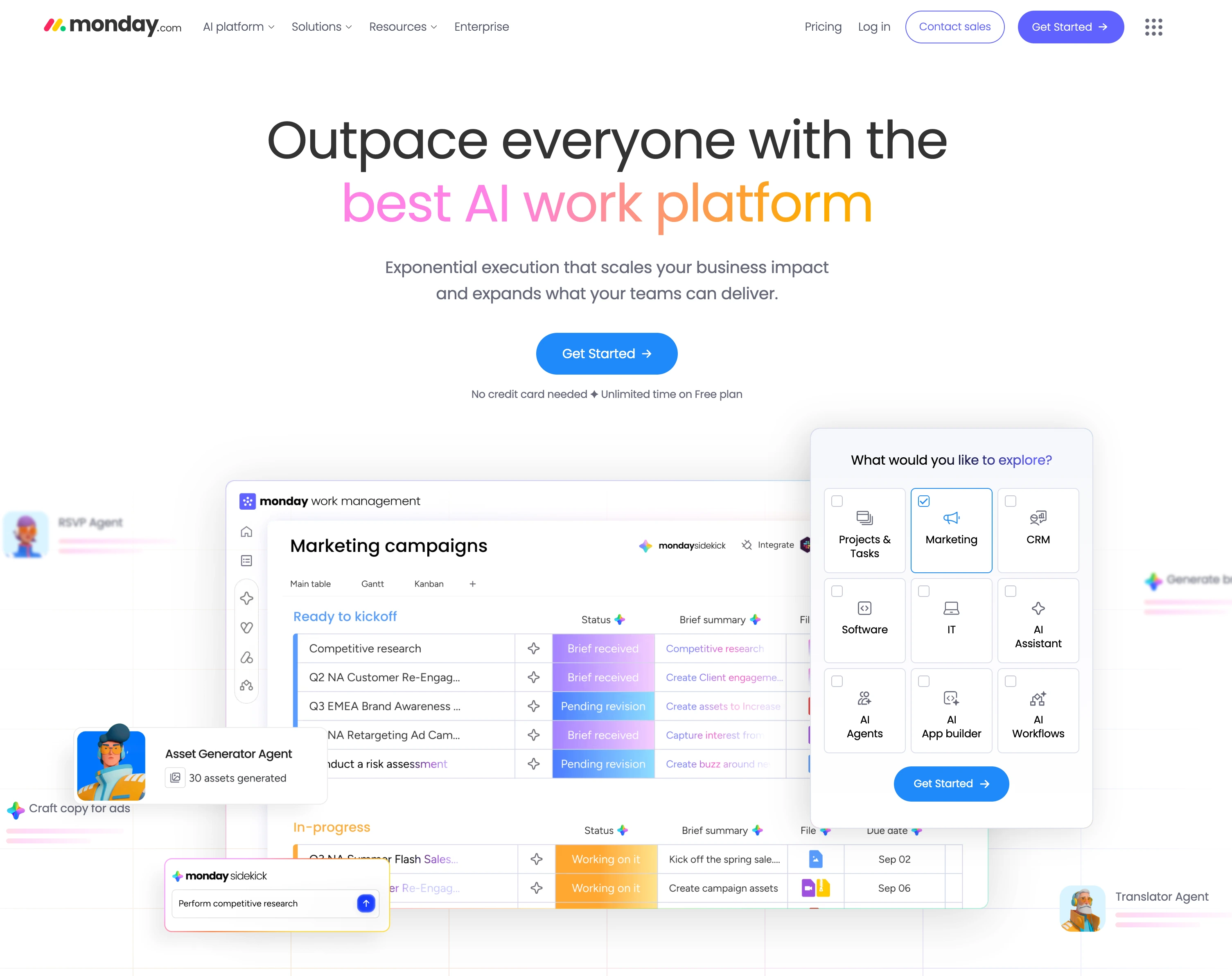
At a glance — monday.com
- Pricing: Free (2 seats) → Basic $9/seat/mo → Standard $12/seat/mo → Pro $19/seat/mo → Enterprise custom (min 3 seats on paid plans)
- Agency role: Visual general PM with strong guest/client access
- Time tracking: Pro only ($19/seat)
- Billing: Add-on / integrations
- Client portal: Guest access (Standard+)
- G2 rating: 4.7/5 (15,360 reviews)
monday.com competes with Asana as the general PM tool agencies adopt. Visual board UX is a real plus for creative teams; guest access on Standard ($12/seat) handles client involvement reasonably. Time tracking is locked to Pro ($19/seat), so most agencies pair monday with Toggl or Harvest for billable hours.
Key features
- Multiple board views: Kanban, Calendar, Gantt, Timeline (Standard+)
- 250 automation actions/mo Standard, 25,000 Pro
- AI credits: 1,000/mo (Basic), 2,000 (Standard), 3,000 (Pro)
- Guest access for clients (Standard+)
- Private boards (Pro+)
- Time tracking (Pro+)
- monday CRM and monday dev sold as separate products
Pricing
| Plan | Annual (per seat) | Notes |
|---|---|---|
| Free | $0 | 2 seats, 3 boards |
| Basic | $9/seat/mo | Min 3 seats — $27/mo minimum |
| Standard | $12/seat/mo | Most agencies sit here |
| Pro | $19/seat/mo | + Time tracking + private boards |
| Enterprise | Custom | + SSO + advanced security |
Pros
- Best visual board experience in general PM
- Highest G2 review count of any tool on this list (15,360)
- Guest access on Standard works for client involvement without per-seat fees
- Strong automation builder
Cons
- Time tracking locked to Pro ($19/seat) — agencies pair with Toggl
- No native invoicing or accounting
- 3-seat minimum on every paid plan
- Per-seat pricing compounds fast — 15 users on Standard = $180/mo before time/billing tools
Best for: Mid-size agencies that prefer visual board UX over list-based PM and can absorb pairing monday with a separate time tracking tool.
12. ClickUp — Best Budget All-in-One for Small Agencies
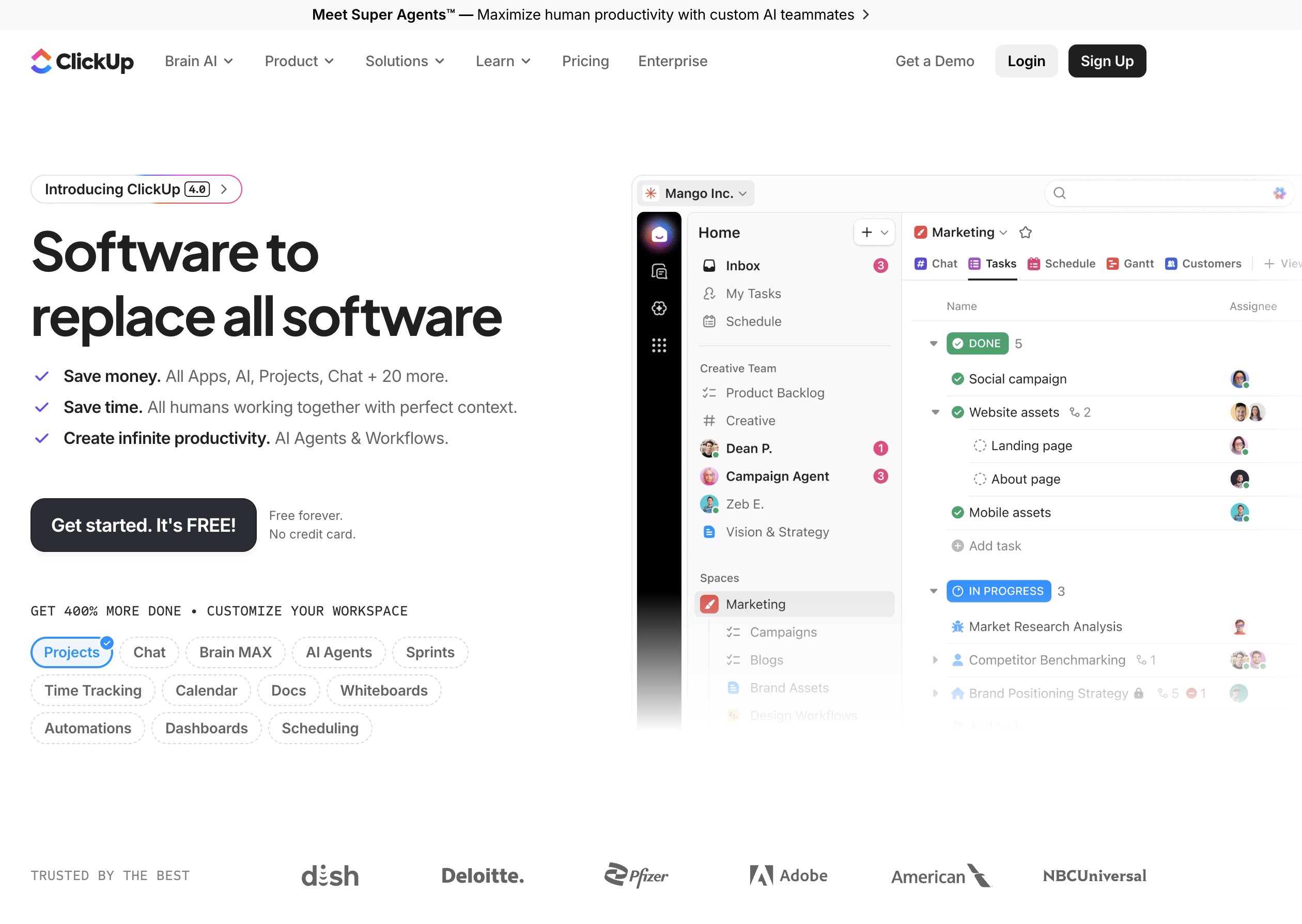
At a glance — ClickUp
- Pricing: Free Forever → Unlimited $7/user/mo → Business $12/user/mo → Enterprise custom (annual)
- Agency role: Budget all-in-one PM with docs, dashboards, time tracking
- Time tracking: Yes (Unlimited+)
- Billing: Limited (Business+ has time-based billing)
- Client portal: Guest seats (some limitations)
- G2 rating: 4.7/5 (11,176 reviews)
ClickUp appeals to agencies on tighter budgets because it bundles tasks + docs + chat + dashboards into one platform at $7/user. Time tracking is available from Unlimited tier, which means smaller agencies can avoid pairing with a separate time tool. Business ($12/user) adds dashboards and 5K automations. The trade-off is the steepest learning curve in the category.
Key features
- Unlimited storage, spaces, integrations on Unlimited
- Time tracking + Gantt on Unlimited
- Dashboards + 5,000 automations on Business
- Brain AI add-on $9/user/mo (or $28 for Everything AI)
- 1,000+ pre-built templates including agency workflows
- Built-in docs, chat, and whiteboards
Pricing
| Plan | Price (annual) | Notes |
|---|---|---|
| Free Forever | $0 | 60MB storage |
| Unlimited | $7/user/mo | + Storage + time tracking |
| Business | $12/user/mo | + Dashboards + 5K automations |
| Enterprise | Custom | + SAML SSO + 250K automations |
Pros
- Cheapest paid agency-viable tier at $7/user
- Time tracking + Gantt included on Unlimited (most competitors require higher tiers)
- All-in-one reduces tool sprawl across docs + tasks + time
- 1,000+ templates lower setup time substantially
Cons
- Steepest learning curve in the general PM category
- Brain AI requires separate $9/user/mo add-on
- Interface density can overwhelm non-technical agency team members
- Client portal experience is weaker than dedicated agency tools
Best for: Small budget-conscious agencies (3–15 people) that want time tracking + PM + docs in one tool at the lowest paid price.
13. Planable — Best for Social Content Approval Layer

At a glance — Planable
- Pricing: Free (50 lifetime posts) → Basic $39/workspace/mo → Pro $59/workspace/mo → Enterprise custom
- Agency role: Social content collaboration + client approval
- Time tracking: No
- Billing: No
- Client portal: Workspace-level access
- G2 rating: 4.6/5 (937 reviews)
Planable is on this list as the content-approval slot in an agency stack — not as a PM tool. For agencies producing social content for clients, Planable's visual previews and structured approval workflows replace email chains of PNG attachments. It pairs with whichever PM tool runs the broader agency operation.
Key features
- Visual content preview matching each platform
- 2 approval workflow types on Basic, 3 on Pro, multi-level on Enterprise
- Unlimited users on all paid plans
- Feed, Calendar, Grid views (Pro+)
- Analytics + Engagement available as paid add-ons ($9/$5 per workspace/mo)
| Plan | Price | Posts/Month | Social Pages |
|---|---|---|---|
| Free | $0 | 50 lifetime | 4 |
| Basic | $39/workspace/mo | 60 | 4 |
| Pro | $59/workspace/mo | 150 | 10 |
| Enterprise | Custom | Unlimited | Custom |
Pros
- Best-in-class visual previews for client approval workflows
- Per-workspace pricing is reasonable for small client rosters
- Unlimited users on every paid plan
- Strong client-facing UX — clients understand it without training
Cons
- Per-workspace pricing punishes agencies with many small clients (15 clients × $39 = $585/mo Basic)
- Strict post limits (60 Basic, 150 Pro) — many agencies hit ceiling
- Analytics + Engagement are paid add-ons
- Not a PM tool — pair with Productive/Teamwork/Wrike for full agency operations
Best for: Agencies where social content approval is the central daily workflow with clients, paired with a dedicated PM tool for operations.
PostPlanifyAll your social media in one simple dashboard
Schedule posts, track analytics, and reply to comments/DMs without switching tabs.
Engagement
+18%
Views
52.8k
What to Look For in Agency PM Software
Generic PM listicles skip these — but they're what actually matters for agency operations:
- Billable time tracking. Not "do they have time tracking" — does it tie to projects, support billable rates per role/client, and feed into invoicing? Productive, Teamwork Accelerate, Scoro, Workamajig, FunctionFox, and Bonsai Essentials+ all do this. Asana (Advanced only), monday.com (Pro only), and ClickUp Business have limited versions.
- Client workspaces or portals. Not "guest access on a shared project" — separate spaces per client where they see only their work. Productive (free client invites), Teamwork (Basics+), Workamajig (unlimited client access), Bonsai (Essentials+), and PostPlanify (multi-workspace + Client role) handle this cleanly.
- Retainer and budget tracking. Hours used vs. hours sold. Teamwork Accelerate, Productive Professional, Scoro Growth, Workamajig, and FunctionFox all track retainers natively. Most general PM tools don't.
- Capacity planning. Who's working on what, who has capacity, who's overallocated. Productive, Teamwork Accelerate, Scoro Growth, Kantata, and Workamajig have native capacity. Asana (workload), monday.com, ClickUp have lighter versions.
- Profitability per client/project. What did this engagement actually cost vs. what we billed? Productive Professional+, Teamwork Optimize, Scoro Performance, Workamajig, and Kantata report on this. Most others don't.
- Invoicing. Built-in vs integration. Productive (Professional+), Teamwork (via QuickBooks), Scoro (Core+), Workamajig (built-in accounting), and Bonsai (Essentials+) have native invoicing. Most general PM tools rely on external integrations.
The agencies that pick a general PM tool (Asana, monday.com, ClickUp) end up running 3–4 tools — PM + time tracking (Harvest/Toggl) + invoicing (QuickBooks/FreshBooks) + reporting (Excel). The agencies that pick a purpose-built agency tool (Productive, Teamwork, Scoro, Workamajig) consolidate to 1–2 tools.
Cost at Scale: Per-User Pricing at Agency Sizes
Per-user pricing compounds fast. Here's what each tool costs at agency sizes of 5, 15, and 50 users (annual billing where available, mid-tier plans):
| Tool | 5 users | 15 users | 50 users |
|---|---|---|---|
| PostPlanify | $159/mo (Premium) | Enterprise (Custom — Scale maxes at 12) | Enterprise (Custom) |
| Bonsai Essentials | $95/mo | $285/mo | $950/mo |
| Productive Professional | $125/mo | $375/mo | ~$1,250/mo (volume discount) |
| Teamwork Accelerate | $125/mo | $374.85/mo | $1,249.50/mo |
| ClickUp Business | $60/mo | $180/mo | $600/mo |
| Asana Advanced | $124.95/mo | $374.85/mo | $1,249.50/mo |
| monday.com Standard | $60/mo | $180/mo | $600/mo |
| Wrike Business | $125/mo | $375/mo | Forced to Pinnacle (custom) |
| Scoro Growth | $164.50/mo | $493.50/mo | $1,645/mo |
| FunctionFox Premier | $80/mo | $240/mo | $800/mo |
| Workamajig | Not available | $735/mo (15 × $49) | $2,250/mo (50 × $45) |
| Kantata | Not available | Custom | Custom |
| Planable Pro | $59/mo per client workspace | $59/mo per client | $59/mo per client |
Three patterns emerge:
- Flat-tier tools absorb agency growth on the social side better than per-seat tools. PostPlanify's tiers cap at 3 members on Growth, 6 on Premium, and 12 on Scale — past 12 users you're in Enterprise (custom). At any tier inside the cap, scaling team size doesn't change the bill. Per-seat tools (Asana, Productive, Teamwork) multiply linearly with every new hire.
- General PM tools (ClickUp $7, monday.com $12) start cheapest but accumulate ecosystem cost. A 15-user ClickUp Business stack ($180) typically pairs with Harvest ($156) + QuickBooks ($90) = ~$425/mo total — close to Productive Professional alone.
- Workamajig and Scoro are highest sticker price but include accounting/CRM that other tools require as add-ons. The "true cost" comparison favors them more than the headline numbers suggest.
Sample Agency Stacks by Size
Real combinations for real budgets:
Solo freelancer or 1–3 person micro-agency
- Bonsai Essentials — $19/user/mo annual × 2 users = $38/mo — contracts + invoicing + time + tasks
- PostPlanify Growth — $99/mo — social execution + client review for 5 client workspaces
- Total: ~$117/mo
For solo and micro-agencies, Bonsai covers everything from proposal through payment in one tool. Add PostPlanify when client social work scales past 2–3 brands.
Small agency, 5–10 people
- Productive.io Essential — $10/user/mo × 7 users = $70/mo — PM + time + basic reporting
- PostPlanify Scale — $299/mo — 50 client workspaces + 12 team members + white-label reports + approval workflows (covers up to 12 agency users)
- Total: ~$309/mo
For agencies of 5–6 people specifically, PostPlanify Premium ($199/mo, 15 workspaces, 6 team members) keeps it tighter at ~$269/mo. Past 6 users you upgrade to Scale.
Mid-market agency, 15–30 people
- Productive Professional — $25/user/mo × 20 users = $500/mo — full agency ops with invoicing, billable approvals, profitability
- PostPlanify Enterprise — Custom pricing — unlimited workspaces, unlimited team members, white-label reports, dedicated onboarding (required past 12 agency users)
- Planable Pro — $59/mo × 3 active client workspaces (for visual approval) = $177/mo
- Total: ~$677/mo + PostPlanify Enterprise custom
This stack handles every agency-ops need: PM, time, billing, profitability, social execution, client approvals, white-label reporting. Book a PostPlanify Enterprise demo for the social-layer pricing.
Enterprise agency, 50+ people
- Kantata Custom — ~$50/user × 60 = ~$3,000/mo + $25K–$75K implementation
- PostPlanify Enterprise — Custom (unlimited workspaces, unlimited team members, unlimited AI images, dedicated onboarding)
- Workamajig (alternative to Kantata) — $45/user × 60 = $2,700/mo with built-in accounting
- Total: $3,500–$6,000/mo at scale
Enterprise agencies negotiate aggressively. Both Kantata and Workamajig list prices are starting points — annual commits and multi-product bundles bring 30–50% off list.
PostPlanifyAll your social media in one simple dashboard
Schedule posts, track analytics, and reply to comments/DMs without switching tabs.
Engagement
+18%
Views
52.8k
FAQ: Marketing Agency Project Management Software
What's the difference between agency PM software and regular PM software?
Regular PM software (Asana, monday.com, ClickUp, Trello) tracks tasks, deadlines, and team coordination. Agency PM software (Productive.io, Teamwork, Scoro, Workamajig, FunctionFox, Kantata) adds the operations layer agencies need: billable time tracking, client workspaces, retainer/budget management, capacity planning, profitability per client, and invoicing. Agencies that use regular PM tools typically pair them with Harvest (time), QuickBooks (billing), and Excel (reporting) — purpose-built agency tools consolidate to one.
Do I really need a purpose-built agency PM tool?
If you bill hourly and track billable utilization, yes — by 5+ employees you'll save more in tool consolidation than the price difference. If you bill on flat retainers or project fees and don't track hours, a general PM tool (Asana, ClickUp) plus QuickBooks is fine. The threshold question is: do you need to know utilization and profitability per client?
What's the cheapest agency PM tool?
Bonsai Basic at $9/user/mo annual is the cheapest paid entry. ClickUp Free has time tracking and is genuinely usable for under-5-person teams. FunctionFox Classic at $10.50/user/mo annual is the cheapest purpose-built creative agency tool. Productive Essential at $10/user/mo annual is the cheapest full agency-ops tool.
Which agency PM tool has the best time tracking?
FunctionFox is built around the stopwatch timer — time tracking is the core feature. Productive.io has billable approvals and rate cards on Professional. Teamwork includes time tracking on every plan including Free. Harvest is the standalone leader if you keep general PM (Asana/monday) and add time tracking via integration.
Which agency PM tool has built-in invoicing?
Productive.io (Professional+), Teamwork (Accelerate+ with QuickBooks), Scoro (Core+), Workamajig (built-in accounting), and Bonsai (Essentials+) all have native invoicing. Asana, monday.com, ClickUp, and Wrike rely on QuickBooks/FreshBooks/Stripe integrations.
Is Workamajig worth the implementation cost?
Worth it for 10+ user ad agencies that want PM + accounting in one stack. Workamajig's 2–3 month implementation produces a single source of truth for time, billing, AP/AR, and client work — replacing QuickBooks + PM tool + CRM. Not worth it for sub-10-person agencies (you can't access the plan), or for agencies that don't need accounting integration (Productive or Teamwork are cheaper).
How do agencies handle client workspaces?
Best practice: separate workspace per client to keep data clean and enable client involvement without cross-exposure. Productive (free client invites), PostPlanify (multi-workspace + Client role), Workamajig (unlimited client access), Teamwork (client collaboration on Basics+), and Bonsai (Essentials+) handle this natively. monday.com guest seats and Asana guest seats work but feel like workarounds rather than first-class support.
What's the best agency PM tool for capacity planning?
Productive.io and Teamwork Accelerate lead on visual capacity planning with AI utilization tracking. Scoro Growth includes utilization reports. Kantata has the most sophisticated capacity forecasting at enterprise scale. Workamajig has cross-department resource scheduling. Most general PM tools (Asana workload, monday.com workload) have lighter versions that work for small teams but break at 20+ users.
Can one tool cover both PM and social media for clients?
No — different jobs. Agency PM tools (Productive, Teamwork, Scoro) handle operations: tasks, time, billing, capacity. Social media tools (PostPlanify, Planable) handle the social-execution and approval layer. Trying to do social scheduling in Asana or task management in Planable means doing both badly. The agencies that try usually end up running both anyway after 6 months.
How do agencies bill clients for hours tracked in these tools?
Productive, Teamwork (with QuickBooks), Scoro, Workamajig, and Bonsai have native invoicing that pulls billable hours directly. Set billable rates per role or per client, mark time entries as billable, and generate invoices from logged time. For Asana/monday.com/ClickUp/Wrike, you typically export time to QuickBooks or FreshBooks and invoice from there — adds steps but works.
Related Reading
- PostPlanify Pricing
- Best Social Media Management Tools for Agencies
- Best Marketing Planning Software
- Best Marketing Collaboration Software
- How to Start a Social Media Marketing Agency
- Social Media Agency Pricing Models Compared
- Social Media Agency Client Onboarding Checklist
- Social Media Agency Proposal Template
- Social Media Agency Contract Template
- White Label Social Media Management
- White Label Social Media Reports for Clients
- Best Social Media Tools With No Per-Seat Fees
PostPlanifyAll your social media in one simple dashboard
Schedule posts, track analytics, and reply to comments/DMs without switching tabs.
Engagement
+18%
Views
52.8k
About the Author

Hasan Cagli
Founder of PostPlanify, a content and social media scheduling platform. He focuses on building systems that help businesses, agencies, and teams plan, publish, and manage content and social media more efficiently across platforms.


