Post Planner is a social media scheduler built around content discovery and curation. Its pitch is that you can save time by recycling proven content from streams of high-performing posts, then schedule it across ten networks. Pricing is cheap on paper, but the plans add an unusual restriction most schedulers don't have, a hard cap on how many posts you can publish per account per day.
Today, I'll break down the full Post Planner pricing structure and show you exactly what features you get in each plan, so you can decide whether it's the right tool for your content strategy.
Post Planner Pricing at a Glance (2026)
| Plan | Monthly (paid monthly) | Monthly (paid yearly) | Social Accounts | Users |
|---|---|---|---|---|
| Free | $0 | $0 | 1 | 1 |
| Starter | $12/mo | $7/mo | 3 | 1 |
| Growth ⭐ | $49/mo | $37/mo | 12 | 2 |
| Business | $79/mo | $57/mo | 25 | 5 |
| Enterprise | Custom | Custom | 100 | 15 |
Annual billing saves about 30 to 40% off monthly rates. Source: postplanner.com/plans-signup
The Hidden Constraint: Daily Post Caps Per Account
Here's the detail most pricing comparisons miss. Every Post Planner plan limits how many posts you can publish per connected account per day:
| Plan | Daily posts per account | Total scheduled posts |
|---|---|---|
| Free | 3 | 15 total |
| Starter | 12 | 150 total |
| Growth | 18 | 1,000 total |
| Business | 24 | 5,000 total |
| Enterprise | 51+ | 20,000 total |
This matters if you run a high-frequency account, for example, a news brand publishing across X and LinkedIn many times a day, or a Pinterest account posting 50+ pins daily. Most other schedulers (Buffer, Publer, SocialBee, PostPlanify) don't impose a daily ceiling at all.
Post Planner Feature Comparison by Plan
Not sure which Post Planner plan you need? This table shows exactly which features unlock at each tier.
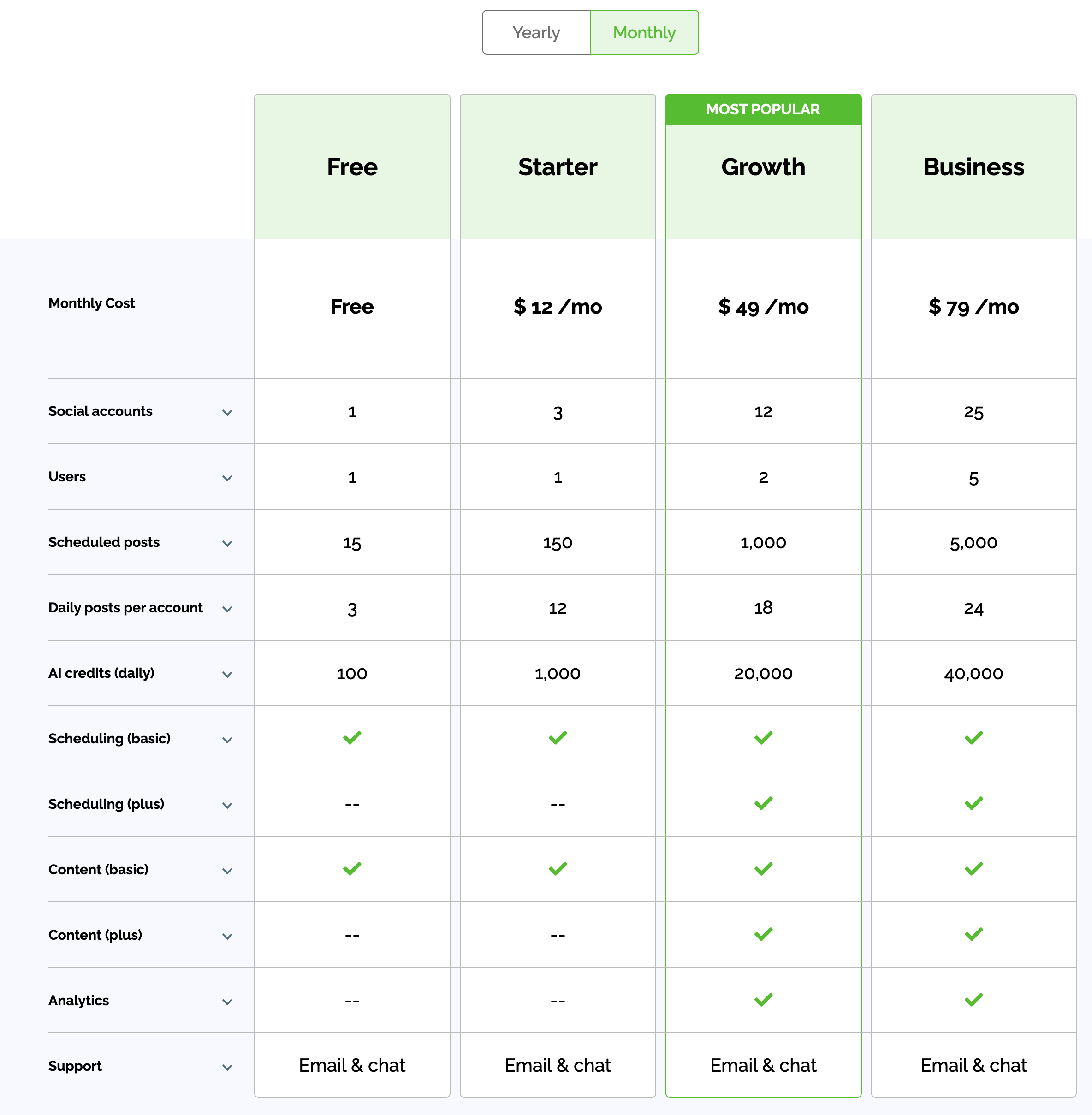
| Feature | Free | Starter ($12/mo) | Growth ($49/mo) | Business ($79/mo) |
|---|---|---|---|---|
| Social accounts | 1 | 3 | 12 | 25 |
| Users | 1 | 1 | 2 | 5 |
| Scheduled posts | 15 total | 150 total | 1,000 total | 5,000 total |
| Daily posts/account | 3 | 12 | 18 | 24 |
| AI credits/day | 100 | 1,000 | 20,000 | 40,000 |
| Scheduling (basic) | Yes | Yes | Yes | Yes |
| Scheduling (plus), drafts, tagging, carousels | No | No | Yes | Yes |
| Content curation (basic) | Yes | Yes | Yes | Yes |
| Content curation (plus), viral media, trending | No | No | Yes | Yes |
| Analytics | No | No | Yes | Yes |
| Social inbox | No | No | No | No |
| Approval workflows | No | No | No | No |
| White-label reports | No | No | No | No |
| **** | No | No | No | No |
Key limitations across every plan: Post Planner does not offer a social inbox, approval workflows, role-based permissions, white-label client reports, or at any price point. Analytics only unlock on Growth and above, and remain surface-level, there's no competitor benchmarking, historical trend comparisons, or downloadable reports.
Post Planner Pricing Plans Explained
Here's a detailed breakdown of each plan to help you understand what you get and choose the best fit for your workflow.
1. Free Plan
The Free plan gives you a single account, one user, and 15 total scheduled posts at any time, with a 3-posts-per-day ceiling. AI credits are capped at 100 per day. This works for testing the interface but is too restrictive for any active publishing schedule.
Best for: Trying the platform.
2. Starter Plan, $12/mo (or $7/mo billed yearly)
Starter adds 3 social accounts, 150 total scheduled posts, and 12 posts per account per day. AI credits jump to 1,000/day. Still single-user, and still no analytics. You get basic scheduling and basic content curation, but premium scheduling features like drafts, account tagging, and carousels remain locked.
Best for: A solopreneur managing a handful of profiles who mainly wants curated content suggestions and basic queuing.
3. Growth Plan, $49/mo (or $37/mo billed yearly), Most Popular
Growth is the first plan that unlocks meaningful features: drafts, tagging other accounts, carousels, viral media curation, content older than 3 days, and analytics. You also get 12 social accounts, 2 users, 1,000 scheduled posts, and 18 posts per day per account. AI credits go up to 20,000/day.
Best for: Active creators or small two-person teams who want curation plus analytics. The two-user ceiling is restrictive once you bring on a contractor.
4. Business Plan, $79/mo (or $57/mo billed yearly)
Business is the highest publicly priced tier. You get 25 social accounts, 5 users, 5,000 total scheduled posts, 24 posts per day per account, and 40,000 daily AI credits. Feature set is identical to Growth, no new capabilities like inbox, approvals, or white-label reports.
Best for: Small agencies or in-house teams managing several brands, as long as you don't need approval workflows or branded reporting.
5. Enterprise, Custom
Enterprise covers 100 social accounts, 15 users, and 20,000 scheduled posts with a 51+ posts/day per account ceiling. Pricing requires a sales conversation. You still don't get a social inbox or approval workflows, Post Planner simply doesn't have them.
Best for: Larger agencies who specifically want Post Planner's curation engine and can accept the missing collaboration features.
What You're Actually Paying For
Post Planner positions on content curation, finding and recycling high-performing posts from sources like Reddit, RSS feeds, YouTube, GIPHY, Unsplash, OpenAI, and Canva. If that's your core need, the price is genuinely low.
If you need a complete social media management toolkit, inbox replies, approvals, analytics depth, white-label client reports, or unlimited daily posting, Post Planner is missing all of them, and the lack doesn't show up clearly on the pricing page.
How Post Planner Compares to Other Schedulers
Here's how Post Planner's entry tier and capabilities line up with popular alternatives:
- Post Planner Starter, $12/mo monthly, $7/mo yearly: 3 accounts, 1 user, basic features only, no analytics, no inbox, 12 posts/day cap.
- Buffer Essentials, $6/channel/mo: Pay per connected channel. Includes community inbox, unlimited posts, no daily cap.
- Publer Professional, $12/mo: 1 account, unlimited scheduling, analytics, AI captions.
- SocialBee Bootstrap, $29/mo: 5 profiles, content categories, Engage inbox on Pro+.
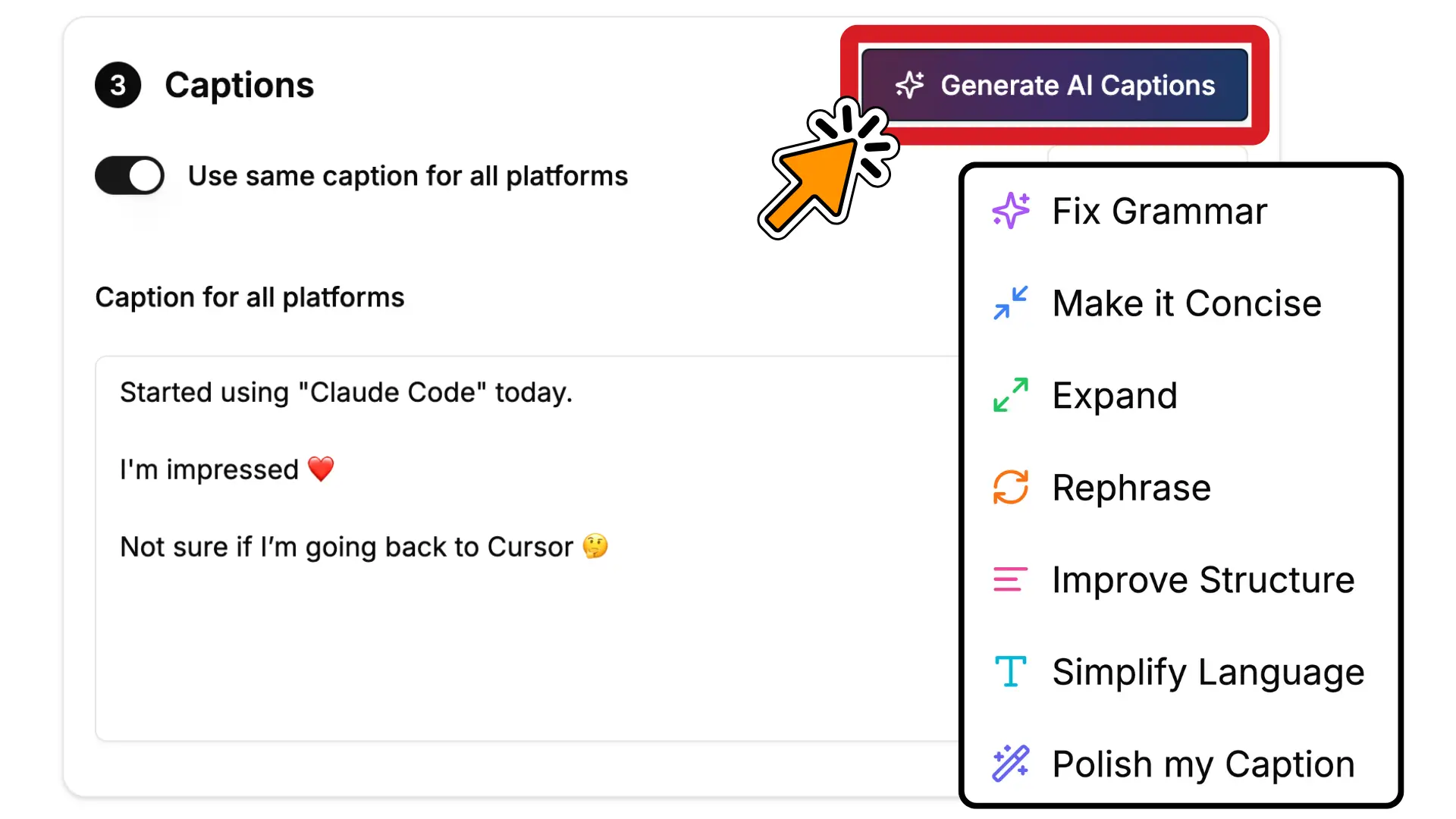
- PostPlanify from $39/mo per client workspace: 4 social accounts per workspace, unlimited users, a workspace per client, social inbox, analytics, approvals and link in bio.
The trade-off is clear. Post Planner is cheap entry-level pricing in exchange for capped daily posting, missing inbox, and no. PostPlanify costs more upfront but bundles team seats, an inbox, content calendar, and white-label PDF reports (Scale+) into flat plans, without per-day caps or per-channel fees.
How PostPlanify Compares to Post Planner
Post Planner is cheap and caps what you can publish. Every plan limits posts per account per day, from 3 on the free plan up to 24 on the paid tiers, and users are capped too: 1 on Starter, 2 on Growth, 5 on Business.
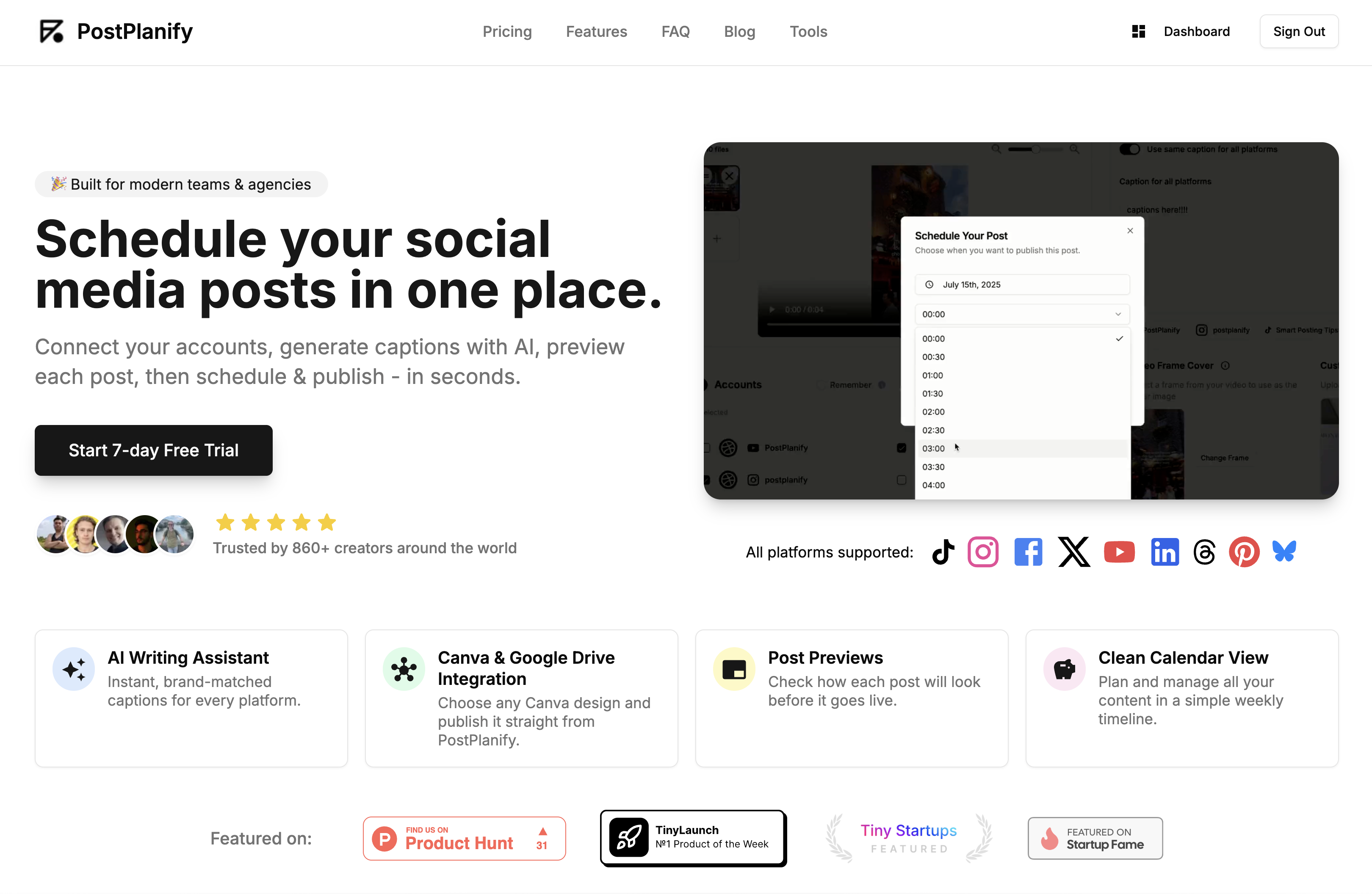
PostPlanify is built for agencies serving local businesses. Posts are never capped, seats are never billed, and each client gets their own workspace.
Pricing starts at $39/month for your first client workspace, or $31/month billed yearly:
| Client workspaces | Growth | Premium | Scale |
|---|---|---|---|
| 1 | $39/mo | $49/mo | $59/mo |
| 3 | $97/mo | $127/mo | $157/mo |
| 5 | $155/mo | $205/mo | $255/mo |
| 10 | $250/mo | $350/mo | $450/mo |
| Social accounts per workspace | 4 | 6 | 8 |
Every plan includes unlimited team members and unlimited posts. Here is what each adds:
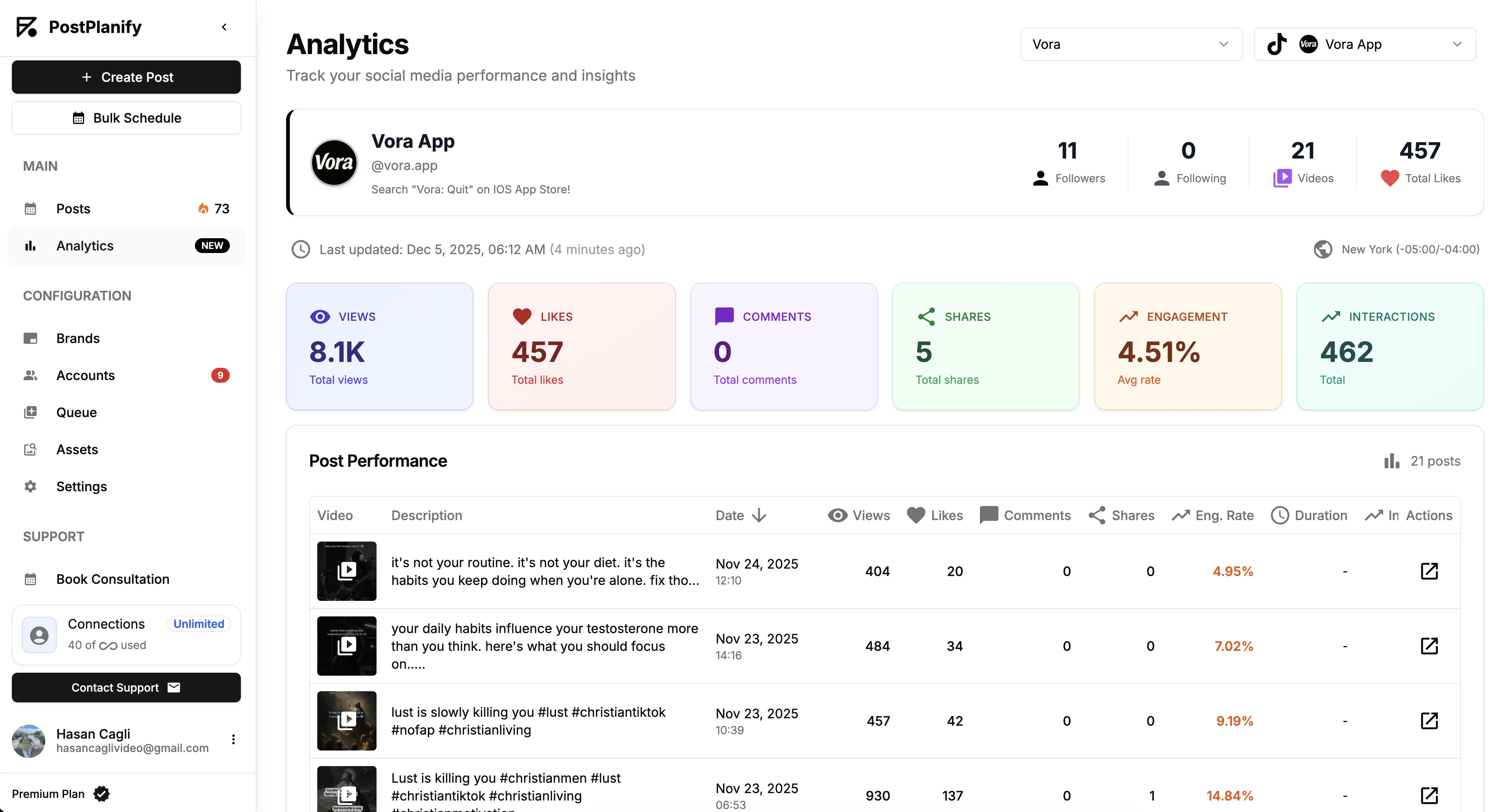
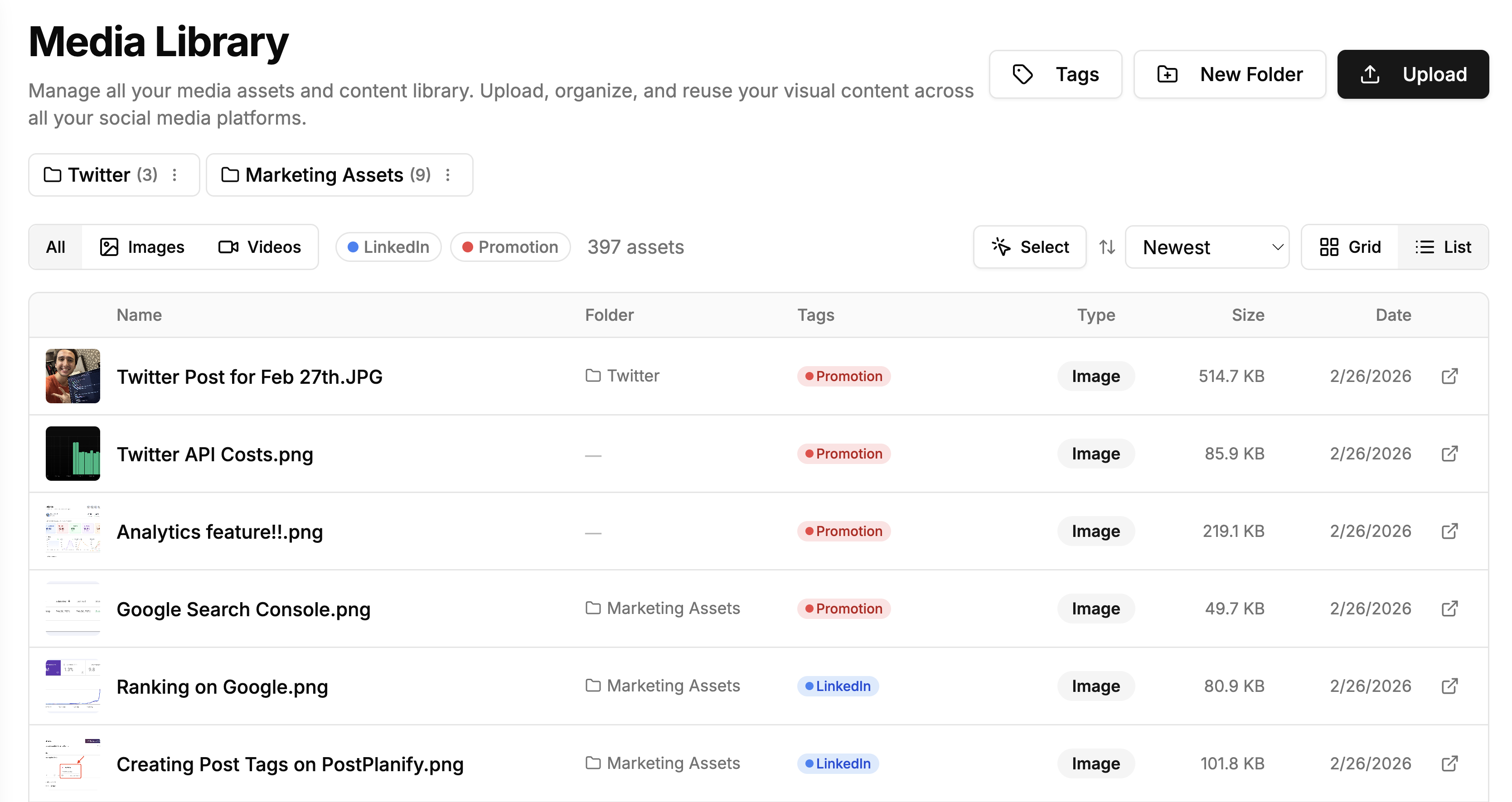
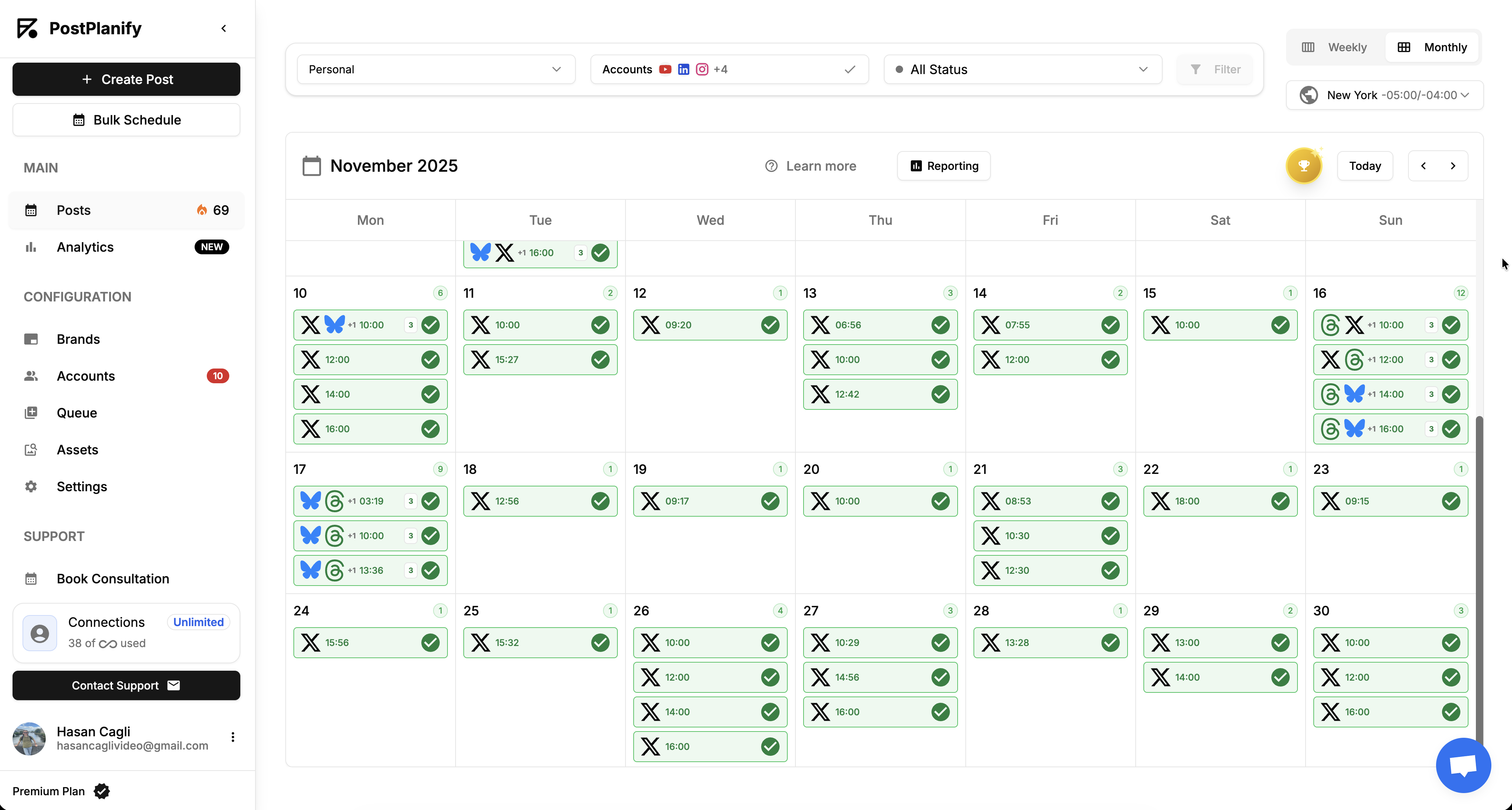
- Growth ($39/mo first workspace): unlimited users and posts, analytics across all 10 platforms, social inbox, approval workflows, shared calendar, roles and permissions, bulk scheduling, media library with Canva and Google Drive, and link in bio
- Premium ($49/mo first workspace): everything in Growth, plus advanced analytics, branded client reports, scheduled report delivery, team comments and mentions, AI brand voice, AI knowledge base, and full API and MCP access
- Scale ($59/mo first workspace): everything in Premium, plus a white-label dashboard, white-label client emails and reports, dedicated 1:1 onboarding, migration help and priority human support
Post Planner vs PostPlanify: Side-by-Side Comparison
| Feature | Post Planner (Growth, $49) | PostPlanify (Growth) |
|---|---|---|
| Price | $49/mo, $37 billed yearly | $39/mo first workspace, $97/mo for 3 |
| Social accounts | 12 | 4 per workspace, 12 across 3 clients |
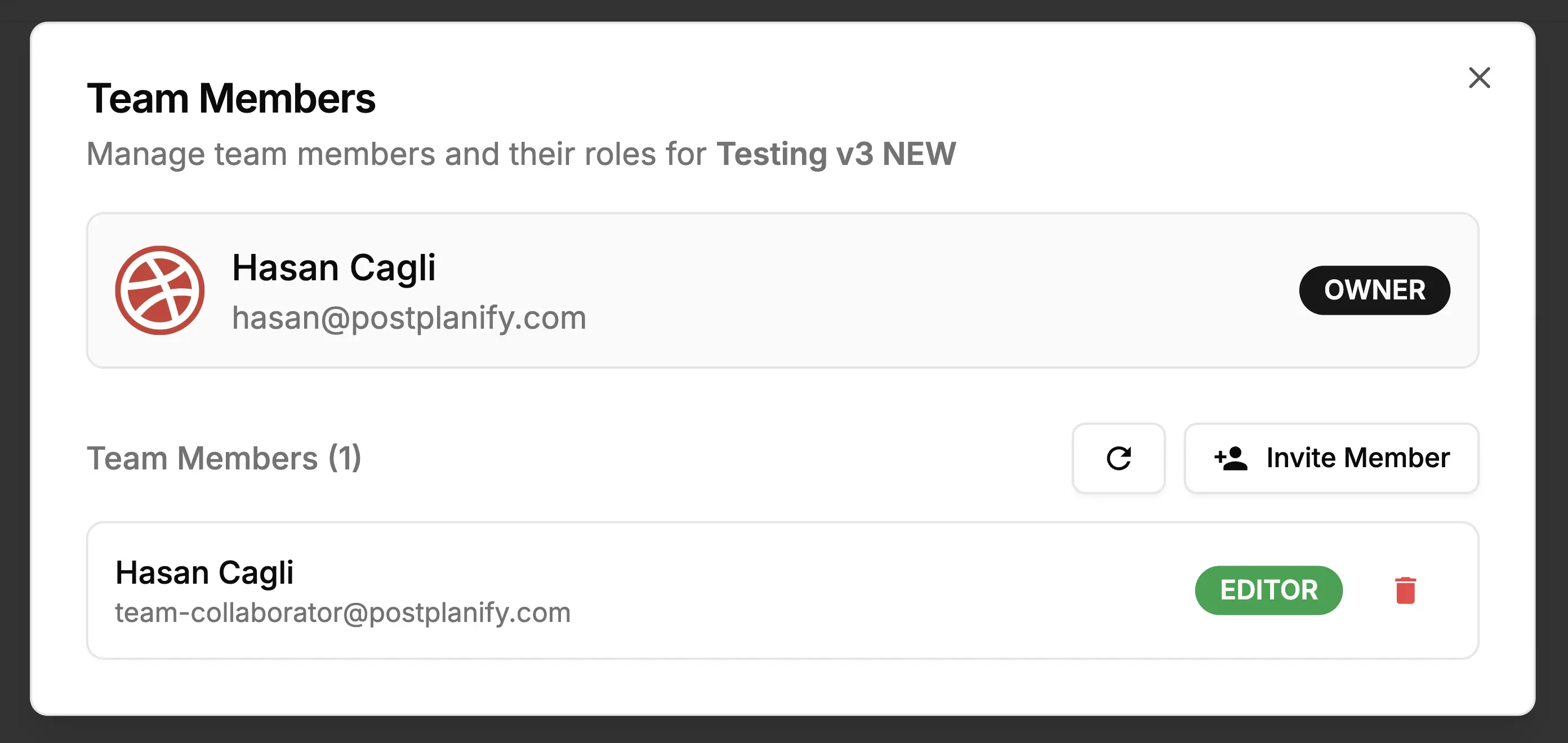
| Team members | 2, 5 on Business | Unlimited on every plan |
| Client approvers | Counted against the user cap | Free, never billed as seats |
| Daily post cap | Yes, per account | None |
| Approval workflows | Not offered | Included from Growth |
| Client workspaces | Not a concept | One per client, up to 100 |
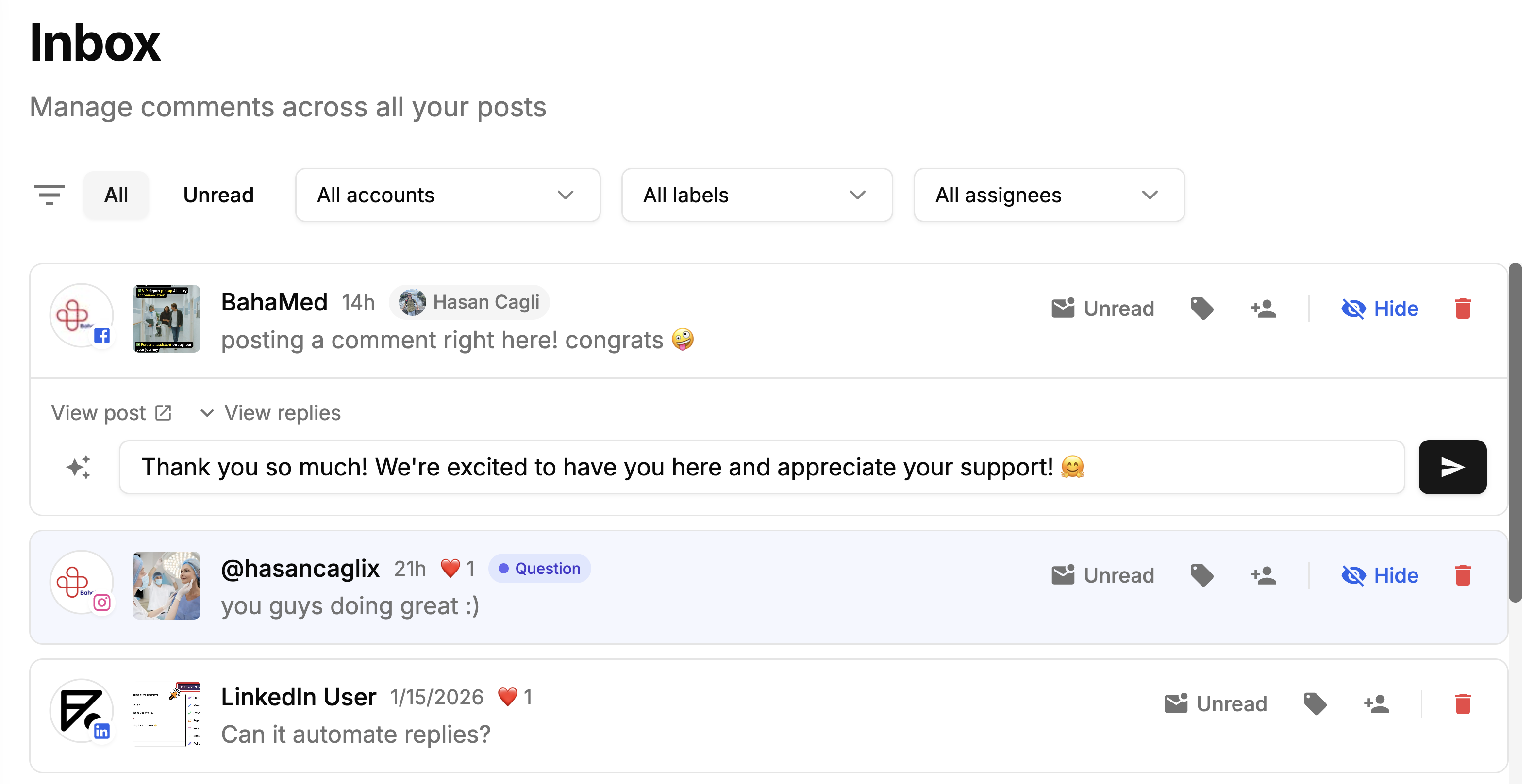
| Social inbox | Not offered | Instagram, Facebook, LinkedIn, Google Business, YouTube |
| Client reports | Not offered | Premium and above |
| White labeling | Not offered | Scale |
| Content discovery | Strong, curated content streams | Not offered |
| Free plan | Yes, 1 account, 15 posts | No, 7-day trial |
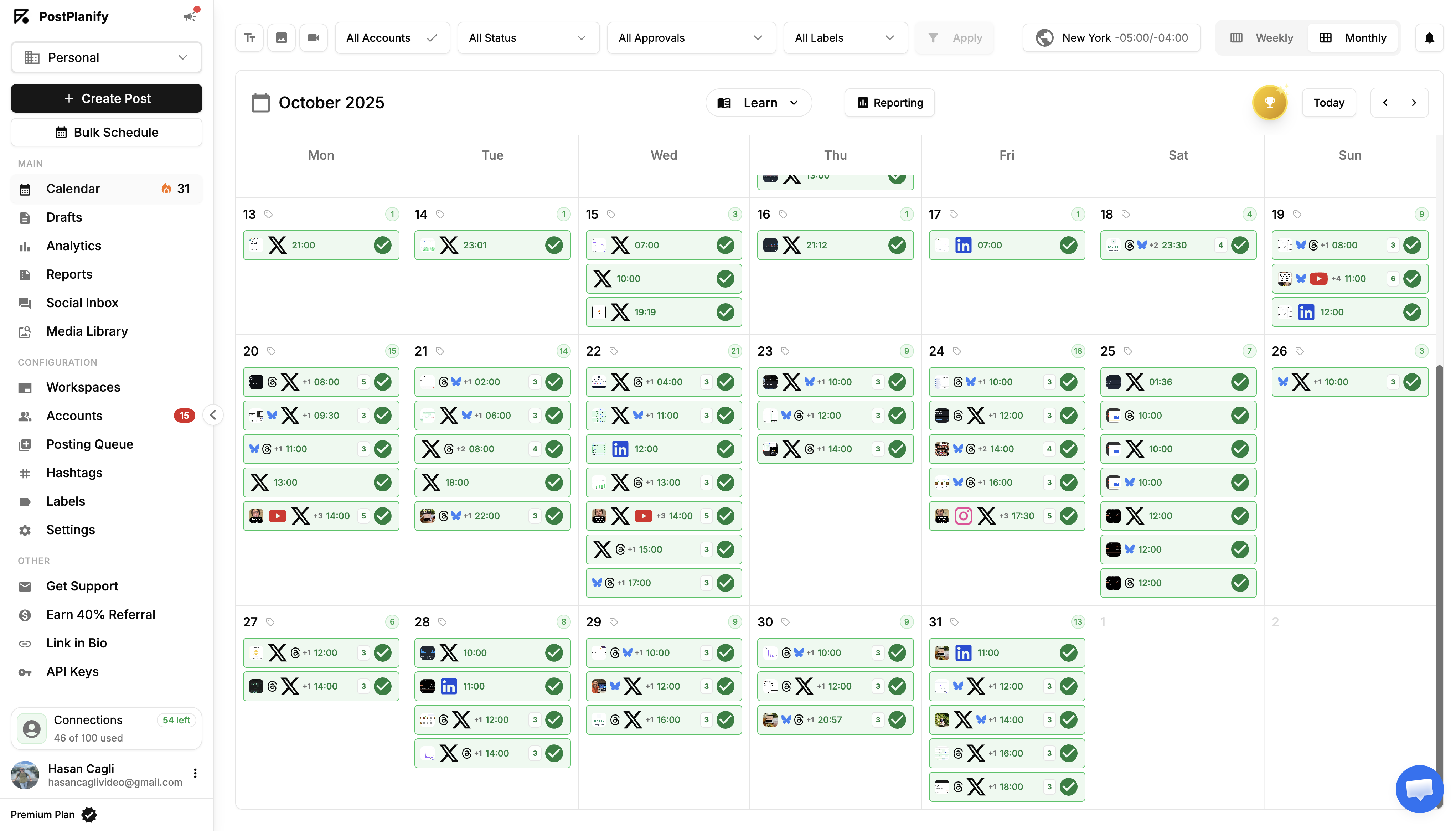
PostPlanify supports 10 platforms: Instagram, Facebook, X, LinkedIn, TikTok, YouTube, Pinterest, Threads, Bluesky and Google Business Profile.
Being straight about it: Post Planner is genuinely cheap, its content discovery and curated streams are a real strength, and the free plan works for a single account. For an individual posting to a handful of profiles it is good value.
For client work the caps decide it. Posts are limited per account per day, users are limited per plan, and there are no approvals, no client workspaces, no social inbox and no client reporting at any tier. Three local business clients here is $97/month with all of those included and no ceiling on posting.
Frequently Asked Questions
How much does Post Planner cost in 2026?
Post Planner starts at $12/month for the Starter plan (or $7/month if billed annually). Growth is $49/month ($37/mo annual), Business is $79/month ($57/mo annual), and Enterprise pricing is custom. There's also a free plan limited to 1 account and 15 total scheduled posts.
Does Post Planner have a free plan?
Yes. The free plan includes 1 social account, 1 user, 15 total scheduled posts, 3 posts per day per account, and 100 AI credits per day. It's useful for testing but too limited for active publishing.
What is Post Planner's daily post cap?
Every paid plan limits posts per account per day: Starter 12, Growth 18, Business 24, Enterprise 51+. This is unusual compared to schedulers like Buffer, Publer, or PostPlanify, which don't impose daily ceilings on paid plans.
Does Post Planner include a social inbox?
No. Post Planner does not offer a unified inbox for comments, DMs, or mentions at any plan level. For inbox features, you'll need a different tool like Agorapulse, Sendible, or PostPlanify, which includes a social inbox starting on Growth at $99/mo covering Instagram, Facebook, LinkedIn, Google Business, YouTube, Threads, and Bluesky.
Does Post Planner have approval workflows?
No. Post Planner does not include approval workflows or role-based permissions at any tier. If your team needs review-before-publish, look at Planable, Loomly, or PostPlanify Premium ($199/mo) which includes approvals.
Does Post Planner have white-label reports?
No. Post Planner does not offer white-label PDF reports or branded dashboards at any plan level. Agencies that need client-branded reporting will need a tool like SocialPilot, Sendible, or PostPlanify Scale ($299/mo).
Does Post Planner offer?
No. Post Planner's AI credits cover text generation only. You'll need an external tool (or a scheduler that bundles image AI like PostPlanify) to create visuals.
Which social platforms does Post Planner support?
Post Planner supports 10 networks: Facebook, Instagram, Threads, Google Business, LinkedIn, Pinterest, TikTok, X/Twitter, YouTube, and Bluesky.
Is Post Planner worth the price?
For content curation and basic scheduling on a small number of accounts, Post Planner is among the cheapest options. For agencies, teams, or anyone who needs inbox replies, approvals, white-label reports, or, the missing features make it less of a bargain than the headline price suggests.
Is there a Post Planner alternative for teams and agencies?
Yes. PostPlanify is a strong alternative for teams that need an actual SMM toolkit, unlimited team seats, social inbox, approval workflows, white-label PDF reports, and no daily post caps. Plans start at $99/mo for 15 accounts and 3 users.
For More Details
- See Post Planner reviews for what real users say on G2 and Trustpilot
- Compare Post Planner alternatives for teams
- Browse the full PostPlanify pricing breakdown