


Google Business Profile is the single highest-leverage local marketing surface, but no one tool covers it end to end. The work spans four layers: getting your listings consistent, ranking for the right local searches, posting and managing content, and handling reviews. Teams that treat GBP as one tool's job leave most of the upside on the table.
Quick Answer: What Is the Best Google My Business Tool in 2026?
For Google Business Profile posting, review replies, and analytics in one tool, PostPlanify is the strongest social-side answer. It is a social media management platform built for agencies serving local businesses: a workspace per client from $39/mo, unlimited team members, Google reviews in the same inbox as your social comments, and no per-location billing. White labeling lands on Scale from $59/mo.
For the local SEO and listings layers PostPlanify doesn't cover, pair it with: BrightLocal or Whitespark for local SEO audits and rank tracking. Yext or Synup for multi-location listings sync. Birdeye for automated review-generation campaigns at multi-location scale.
For all-in-one local SEO, Semrush Local bundles rank tracking, listings sync, and review management at $30/location/month. For agencies managing client GBPs at scale, Synup and BrightLocal Manage tier are built for the workflow.
How I Evaluated These Google My Business Tools
I scored all 14 tools across five weighted categories mapped to the four GBP layers, because a tool that does listings sync brilliantly but can't schedule a post isn't "better" than one that nails the two layers your team actually touches every week.
| Criterion | Weight | What I looked at |
|---|---|---|
| GBP feature depth | 30% | Native GBP posting, review reading/replies, audit, and analytics vs bolt-on support, plus whether AI features are included or metered |
| Pricing & value | 25% | Per-location vs per-user vs flat, and real cost as locations and clients scale |
| Review & reputation management | 20% | Review monitoring, AI replies, generation campaigns, sentiment |
| Listings & local SEO coverage | 15% | Directory sync breadth, rank tracking, citation building |
| Support & trust | 10% | G2 review base and third-party validation |
How I sourced the data:
- Pricing verification. I pulled every price directly from each vendor's official pricing page in October 2026. Per-location, per-user, and per-month structures are spelled out so you can model real cost across your client roster.
- GBP-specific feature mapping. I checked each tool against the four GBP layers: listings management, local SEO/rank tracking, GBP post scheduling, and review/reputation management. Tools that cover only one layer get scored honestly, with no inflating of category fit.
- G2 ratings. Sourced from each tool's G2 product page (
g2.com/products/<tool>/reviews), not seller-aggregate pages that combine all vendor products. - Honest category placement. PostPlanify is positioned as the social-execution slot, not the local-SEO leader. BrightLocal isn't bent into a "social scheduler." Each tool is rated for what it actually does best.
Quick Comparison: 14 Google My Business Tools at a Glance
| Tool | Best For | Starting Price | Layer | Free Trial | G2 Rating |
|---|---|---|---|---|---|
| PostPlanify | GBP posting + reviews + analytics | From $39/mo per workspace | Engagement + Reputation | 7 days | 5/5 |
| BrightLocal | Local SEO + rank tracking | $41/mo (1 location) | Visibility | 14 days | 4.6/5 (228) |
| Yext | Multi-location listings sync | $199/year/location | Foundation | Demo | 4.4/5 (1,005) |
| Whitespark | Citation building | $1/location/mo (Local Platform) | Foundation | Demo | 4.6/5 (19) |
| Synup | Agencies managing client GBPs | $39/mo annual (1 location) | Foundation + Reputation | 14 days | 4.5/5 (324) |
| Birdeye | Review management at scale | Quote only (per location) | Reputation | Demo | 4.7/5 (3,502) |
| Semrush Local | All-in-one local SEO | $30/location/mo | Visibility + Foundation | 7 days | 4.5/5 (3,434) |
| Podium | Customer messaging + reviews | $399/mo (Core) | Reputation | Demo | 4.6/5 (628) |
| EmbedSocial | Review widgets on your site | Free, or €29/mo (GBP via Localith from $9/mo) | Reputation | Free plan | 4.9/5 (201) |
| Planable | GBP content review + approvals | $39/workspace/mo | Engagement | No (first 50 posts free) | 4.6/5 (937) |
| SocialBee | Categorized GBP content recycling | $24.20/mo (annual) | Engagement | 14 days | 4.8/5 (472) |
| Buffer | Lightweight GBP scheduling | $6/channel/mo | Engagement | Free (3 channels) | 4.3/5 (1,071) |
| Hootsuite | Enterprise GBP + social | $99/user/mo | Engagement | 14 days | 4.3/5 (7,109) |
| Moz Local | Mid-priced listings management | $16/mo/location (yearly) | Foundation + Visibility | Demo | n/a |
Who Needs Google My Business Tools?
Different team shapes need different stack pieces. Match your situation:
- Single-location SMBs. You probably need 2 tools at most, and our roundup for small businesses covers the social side in more depth: a posting/inbox tool (PostPlanify, Buffer) and a review/reputation tool (Birdeye, Podium, or just GBP's built-in review reply). Skip the listings sync layer, since you only have one listing.
- Multi-location brands (3-50 locations). Listings consistency becomes the biggest pain, and the wider stack question is covered in our guide to social media tools for franchises and multi-location brands. Yext, Moz Local, or Synup at the foundation layer, BrightLocal or Semrush Local for visibility, Birdeye for reviews. PostPlanify or SocialBee for scheduling across locations.
- Agencies managing local clients. White labeling matters. Synup, BrightLocal (Manage tier), and PostPlanify (a workspace per client, a Client role, and white labeling on Scale) are built for the agency workflow. Add Whitespark for citation work.
- Enterprise multi-location (50+). Yext, BrightLocal's top location bands, and a Birdeye quote. Pricing is custom across the board. Plan for roughly $7K/month at list prices before Birdeye's quote lands.
If you're at one location and not seeing reviews issues, you might not need any of these. Google's free Business Profile Manager is genuinely capable for basic posting and review replies.
1. PostPlanify: Best for GBP Posting + Review Management
PostPlanify is a social media management platform built for agencies serving local businesses, and it covers two of the four GBP layers in one tool: engagement (scheduled posts and analytics) and reputation (Google review reading and replies in the unified social inbox). GBP reviews land in the same inbox as Instagram comments, Facebook messages, and LinkedIn replies. The advantage over a dedicated review tool like Birdeye is that you pay per client workspace rather than per location, and you get the rest of the social stack with it; the trade-off is no automated review-generation campaigns yet.
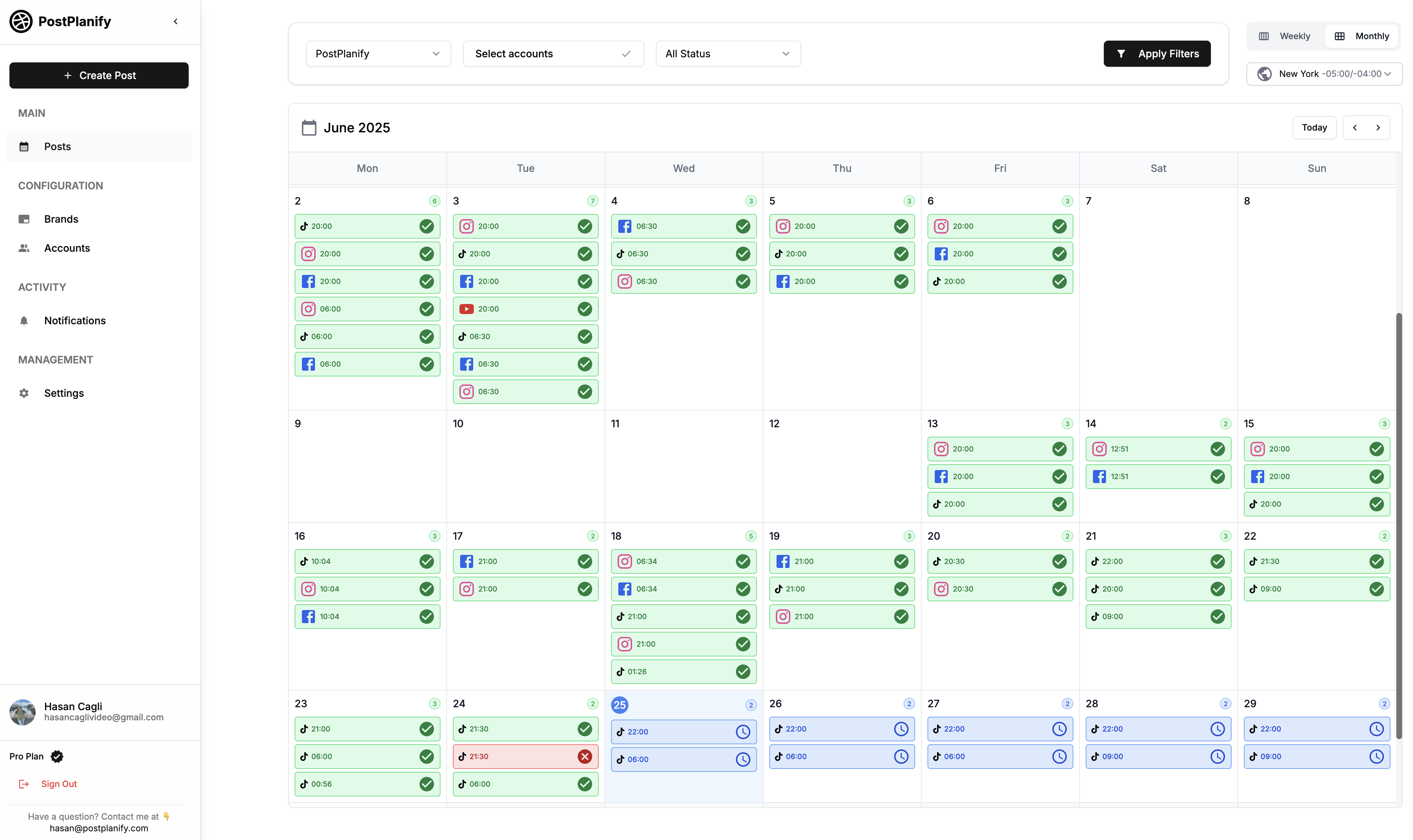
Where PostPlanify earns its spot on a Google Business Profile stack is the agency math. You schedule GBP updates, events, and offers from the same content calendar that handles Instagram, Facebook, and LinkedIn, then read and reply to Google reviews in the unified inbox, so a five-client roster doesn't mean five logins or five per-location review-tool subscriptions. One workspace per client keeps each GBP isolated, up to 100 of them, the Client role lets stakeholders approve GBP posts without full platform access, and GBP analytics sit alongside your nine other platforms in one dashboard rather than a per-location reporting silo. Because team members and client approvers are never billed as seats, adding a reviewer to a client workspace costs nothing.
At a glance: PostPlanify
- Pricing: Per client workspace on a graduated scale: $39/mo for the first workspace on Growth, $155/mo for 5, $250/mo for 10, up to 100 workspaces. Premium from $49/mo and Scale from $59/mo per workspace. Unlimited team members on every plan, with yearly billing about 20% cheaper
- GBP layers: Engagement + Reputation: post scheduling, GBP review management via unified social inbox, analytics
- Free trial: 7 days, 14-day money-back guarantee
- Best for: Agencies serving local businesses that want GBP posting and Google review management unified with the rest of the client's social stack, without per-location or per-seat billing
- G2 rating: 5/5
Key features
- Google Business Profile posting: schedule updates, events, and offers from the content calendar
- Social inbox for Google reviews: read and reply to GBP reviews in the same inbox as Instagram, Facebook, LinkedIn, YouTube, Threads, and Bluesky comments, plus Instagram and Facebook DMs
- Analytics across all 10 platforms including GBP, with historical trends and best time to post, included on every plan
- AI assistant with vision-powered AI caption generation and AI image generation for visual GBP posts
- Team collaboration with unlimited team members and client approvers on every plan, never charged per seat
- Approval workflows with single-step and multi-step review, multi-approver tracking, and rejection notes, included from Growth
- Client role for agencies: external stakeholders review and approve GBP content without full platform access
- Client reports on Premium, with scheduled delivery, and fully white-labeled dashboards, client emails, and reports on Scale
- 4 social accounts per workspace on Growth (6 on Premium, 8 on Scale), so one workspace holds a client's GBP plus its other channels
- Bulk scheduling, media library, content calendar, and link in bio on every plan
- 10 platforms total: Instagram, TikTok, Facebook, LinkedIn, X, YouTube, Threads, Pinterest, Bluesky, Google Business
Pricing
| Workspaces | Growth | Premium | Scale |
|---|---|---|---|
| 1 workspace | $39/mo | $49/mo | $59/mo |
| 3 workspaces | $97/mo | $127/mo | $157/mo |
| 5 workspaces | $155/mo | $205/mo | $255/mo |
| 10 workspaces | $250/mo | $350/mo | $450/mo |
| Social accounts per workspace | 4 | 6 | 8 |
Unlimited team members on every plan, no per-seat fees. Yearly billing saves 20%. All plans include a 7-day free trial with a 14-day money-back guarantee.
Pros
- Covers two GBP layers (engagement + reputation) in one tool, where most competitors only cover one
- Google reviews flow into the same inbox as Instagram, Facebook, LinkedIn, YouTube, Threads, and Bluesky, so there is one place to reply
- Priced per client workspace, not per location or per seat, so a growing roster doesn't compound the way per-location tools do (Birdeye quotes per location, Yext lists $199 to $499 per location per year)
- A workspace per client plus the Client role keeps multiple client GBPs cleanly separated, and inviting the client to approve posts costs nothing
- Analytics, social inbox, and approval workflows are all on the entry plan rather than gated behind a higher tier
Cons
- Not a local SEO tool: it doesn't audit GBP completeness, track rankings, or build citations
- No automated review-generation campaigns (SMS/email blasts) like Birdeye or Podium offer
- Each Growth workspace holds 4 social accounts, so a client running GBP plus five other channels needs Premium (6) or Scale (8)
- White-label dashboards, client emails, and reports require Scale (from $59/mo per workspace)
- No free plan: a 7-day trial backed by a 14-day money-back guarantee
 PostPlanify
All your social media in one simple dashboard
Schedule posts, track analytics, and reply to comments/DMs without switching tabs.

Engagement
+18%
Views
52.8k
2. BrightLocal: Best for Local SEO Audits + Rank Tracking
BrightLocal is the category leader for local SEO audits. The GBP audit tool scores listing completeness, the geo-grid visualization shows rank by location pin, and the citation tracker monitors NAP consistency across 200+ directories. For agencies, it's the dashboard clients see in monthly reports.
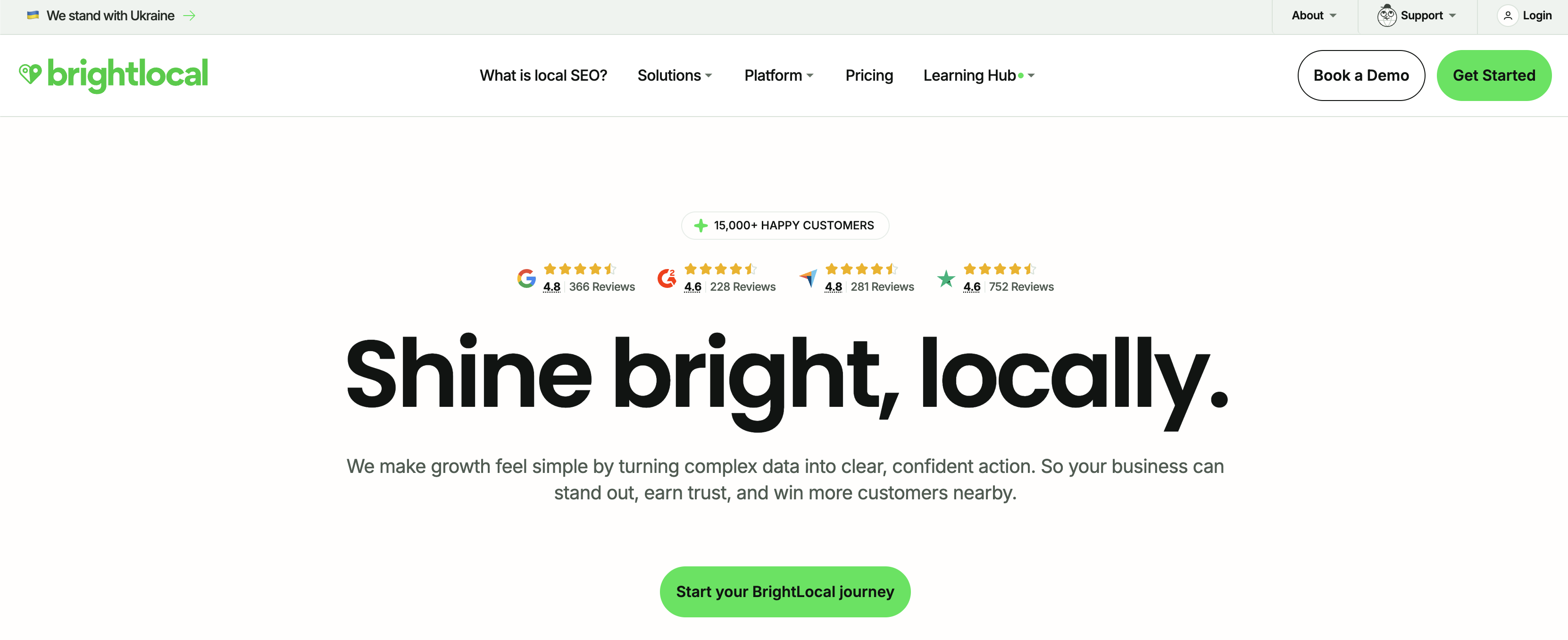
Where BrightLocal pulls ahead of social-first tools is local search visibility: the geo-grid shows exactly how a GBP listing ranks at street level across a service area, not just a single rank number, which is how you prove "we moved them from pack position 7 to 2" to a client. The Manage tier adds a GBP post scheduler and listings management, and the Grow tier layers on review monitoring and generation, so a small agency can run audits, rank tracking, and basic reputation work from a single Grow seat at $65/mo, or $49/mo billed annually, before reaching for a heavier per-location stack.
At a glance: BrightLocal
- Pricing: At one location, Track $41/mo → Manage $54/mo → Grow $65/mo. Billed annually that is $31/$40/$49 per month ($369/$485/$584 per year), saving 25%. Price rises by location band; custom plans above 100 locations
- GBP layer: Visibility: local SEO audits, rank tracking, citation tracking, GBP audit
- Free trial: 14 days, no credit card required
- Best for: Agencies and multi-location businesses auditing and ranking GBP listings
- G2 rating: 4.6/5 (228 reviews)
Key features
- Local rank tracking up to 100 keywords + 4 competitors
- Geo-grid visualization for hyper-local rank tracking
- GBP audit + listing completeness scoring
- Citation tracking plus a citation builder, charged per site ($3.20, or as low as $2 with bulk credits)
- GBP Post Scheduler (Manage tier+)
- Review monitoring + review generation campaigns (Grow tier)
- Local AI Visibility Tracker, which scores how the business appears in ChatGPT and Google's AI answers, plus AI Insights
- Pricing by location band on Grow: 11-20 locations $197/mo ($1,772/year); 21-30 $296/mo ($2,663/year); 91-100 $989/mo ($8,900/year)
Pros
- Most comprehensive local SEO suite in the category at this price
- Geo-grid rank tracking is genuinely useful for multi-location businesses
- One of only two tools here that tracks whether AI answers cite the business, at no extra cost
- 14-day free trial without credit card
- Strong agency reputation: the de facto local SEO dashboard
Cons
- Pricing tiers can confuse small SMBs (Track vs Manage vs Grow distinctions aren't obvious)
- Review generation tools require the Grow tier ($65/mo at one location)
- Citation building is pay-as-you-go from $3.20 per site, which adds up across a client portfolio
3. Yext: Best for Multi-Location Listings Sync
Yext is the enterprise standard for listings management. The "knowledge network" pushes business info (name, address, phone, hours, services) to 200+ directories including Google, Apple Maps, Bing, Yelp, Tripadvisor, Waze, and navigation apps. Updates sync in near real-time across the network.
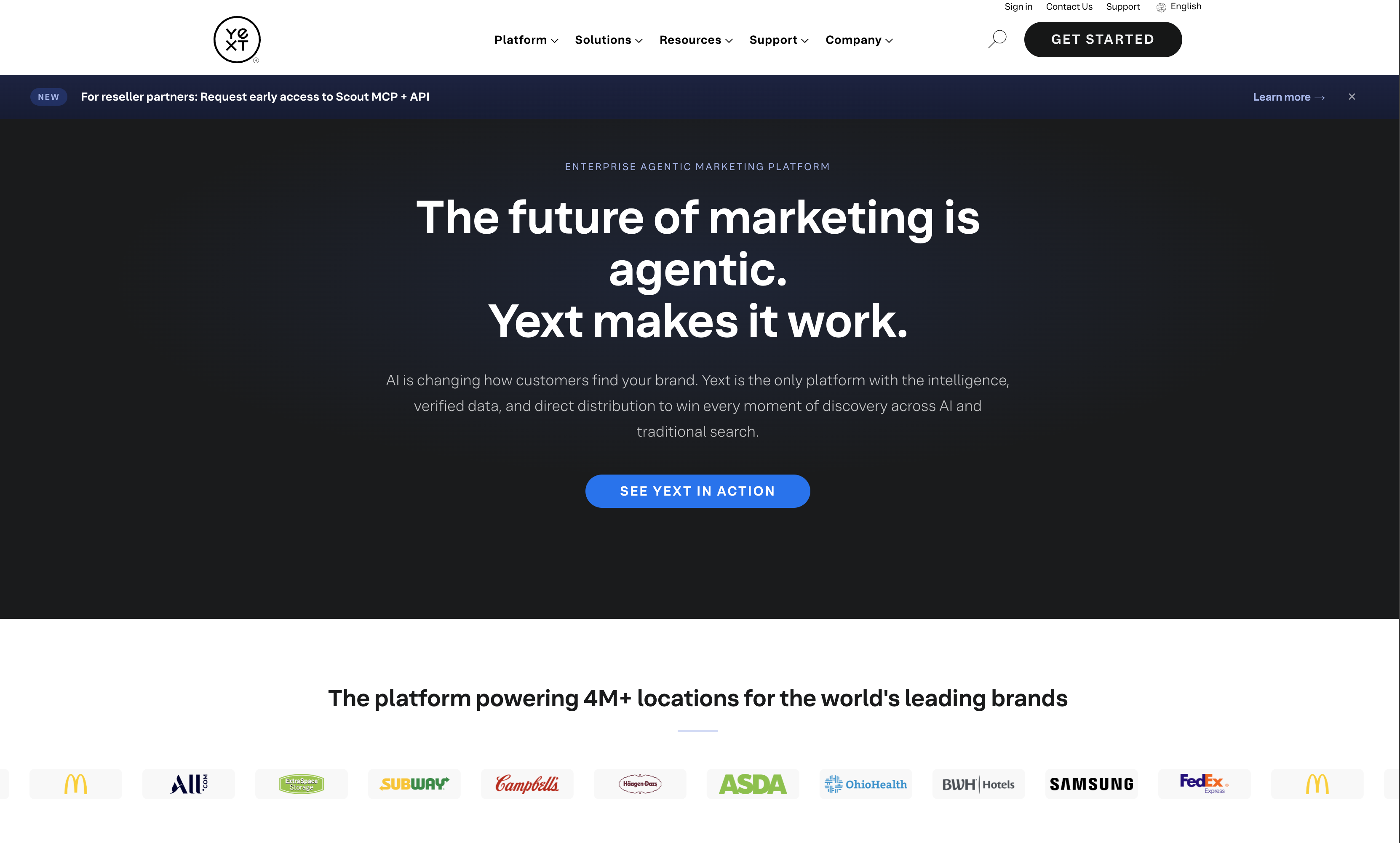
The reason enterprises pay Yext's premium is suppression of duplicate and incorrect listings at scale: a 200-location brand can't manually fix wrong hours on Apple Maps, Bing, and Waze one directory at a time, and Yext's authoritative sync overwrites third-party data that drifts. The cost is real: 50 locations on Essential runs $22,450/year minimum, and most mid-market buyers negotiate custom rates rather than pay list, so Yext makes sense when listing accuracy across a wide publisher network is a compliance-grade requirement, not a nice-to-have.
At a glance: Yext
- Pricing: Per location, billed annually: Emerging $199/year (30+ sites) → Essential $449/year → Complete $499/year (full publisher network). Above 10 locations, pricing is custom and requires a demo
- GBP layer: Foundation: listings sync across 200+ directories
- Free trial: Demo only
- Best for: Multi-location brands and enterprises needing listings consistency
- G2 rating: 4.4/5 (1,005 reviews)
Key features
- Listings sync to 200+ publisher network including Google, Apple, Bing, Yelp
- Real-time updates across directories
- Reviews monitoring and response tools
- Analytics across the publisher network
- Multi-location dashboard with bulk editing
- Enterprise integrations (Salesforce, Adobe Experience Cloud)
Pros
- Largest publisher network in the listings management category
- Real-time syndication: updates propagate quickly
- Enterprise integrations (Salesforce, Adobe), which matter for large brands
- Strong API for multi-system integrations
Cons
- Expensive at scale: 50 locations on Essential is $22,450/year minimum
- Pricing not transparent: most mid-market buyers negotiate custom rates
- Emerging buys listings distribution only: Moz Local Lite costs the same $199/year and adds rank tracking and review monitoring
- Heavy onboarding investment for large rollouts
- Smaller brands (under 5 locations) often find it overkill
4. Whitespark: Best for Citation Building
Whitespark is the citation-building specialist. The Local Citation Finder discovers where competitors have citations you don't. The Local Rank Tracker monitors GBP rankings across keyword/location combos. For SEO agencies, it's often the citation-research backbone.
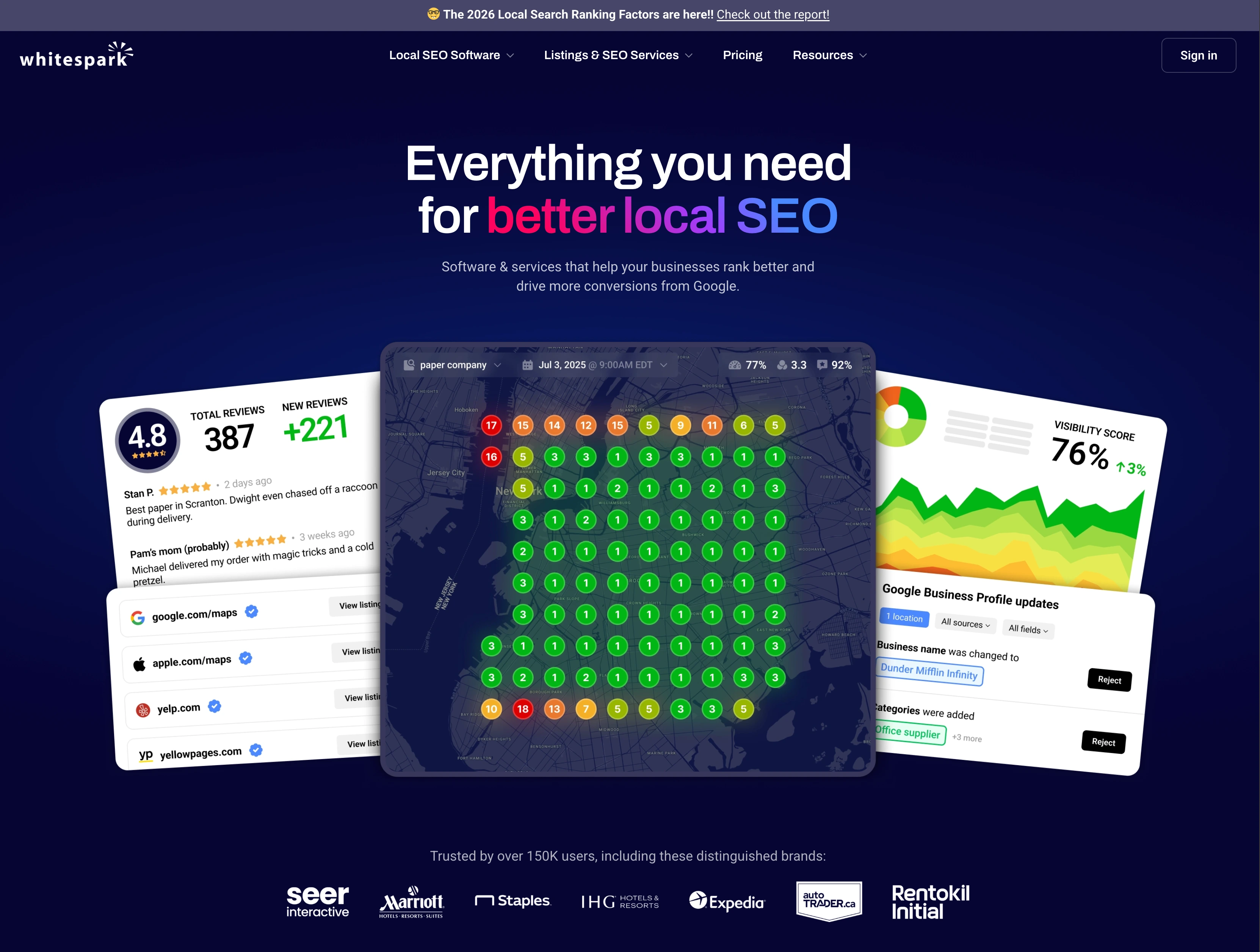
What makes Whitespark different from the subscription-heavy alternatives is its one-time and pay-as-you-go model: the Local Platform manages GBP listings at $1/location/mo, and the Listings Service builds citations as a done-for-you project ($20-$999) instead of a recurring fee. The "Yext Replacement Service", a $399/location one-time build that frees a business from Yext's annual subscription without losing its citations, is a genuinely useful cost-cutting play for agencies whose clients balked at four-figure recurring listings bills.
At a glance: Whitespark
- Pricing: Local Platform $1/location/mo → Local Rank Tracker $14-$200/mo → Local Citation Finder $33-$149/mo → Reputation Builder $79/location/mo
- GBP layer: Foundation: citation building and rank tracking
- Free trial: Free Local Platform for GBP management
- Best for: SEO agencies and businesses building local citation portfolios
- G2 rating: 4.6/5 (19 reviews for Local Citation Finder)
Key features
- Local Citation Finder: citation discovery and tracking
- Local Rank Tracker: keyword + map rank tracking
- Local Platform: GBP management at $1/location/mo
- Reputation Builder: automated review management ($79/location/mo)
- Local Ranking Grids from $10/mo: visual rank tracking
- One-time Listings Service from $20 (citation building done-for-you)
- Yext Replacement Service: $399/location one-time fee
Pros
- Cheapest GBP-specific tool: Local Platform is $1/location/mo
- One-time citation services avoid recurring Yext-style fees
- "Yext Replacement Service" ($399 one-time) is a real cost-cutting option for agencies
- Citation database is industry-respected
Cons
- Pricing structure is confusing: multiple products, none labeled "Pro/Business/Enterprise"
- Local Rank Tracker pricing range ($14-$200) doesn't clarify what triggers higher tiers
- Smaller G2 review base (19), so less third-party validation than BrightLocal
- Reputation Builder at $79/location adds up fast next to BrightLocal Grow at $65/mo for a single location
5. Synup: Best for Agencies Managing Client GBPs
Synup is built explicitly for agencies and multi-location brands, and in 2026 it rebuilt around an AI agent called Sydekick. Plans are priced by how many locations you manage, every feature is included at every tier, and white labeling starts on Premium.
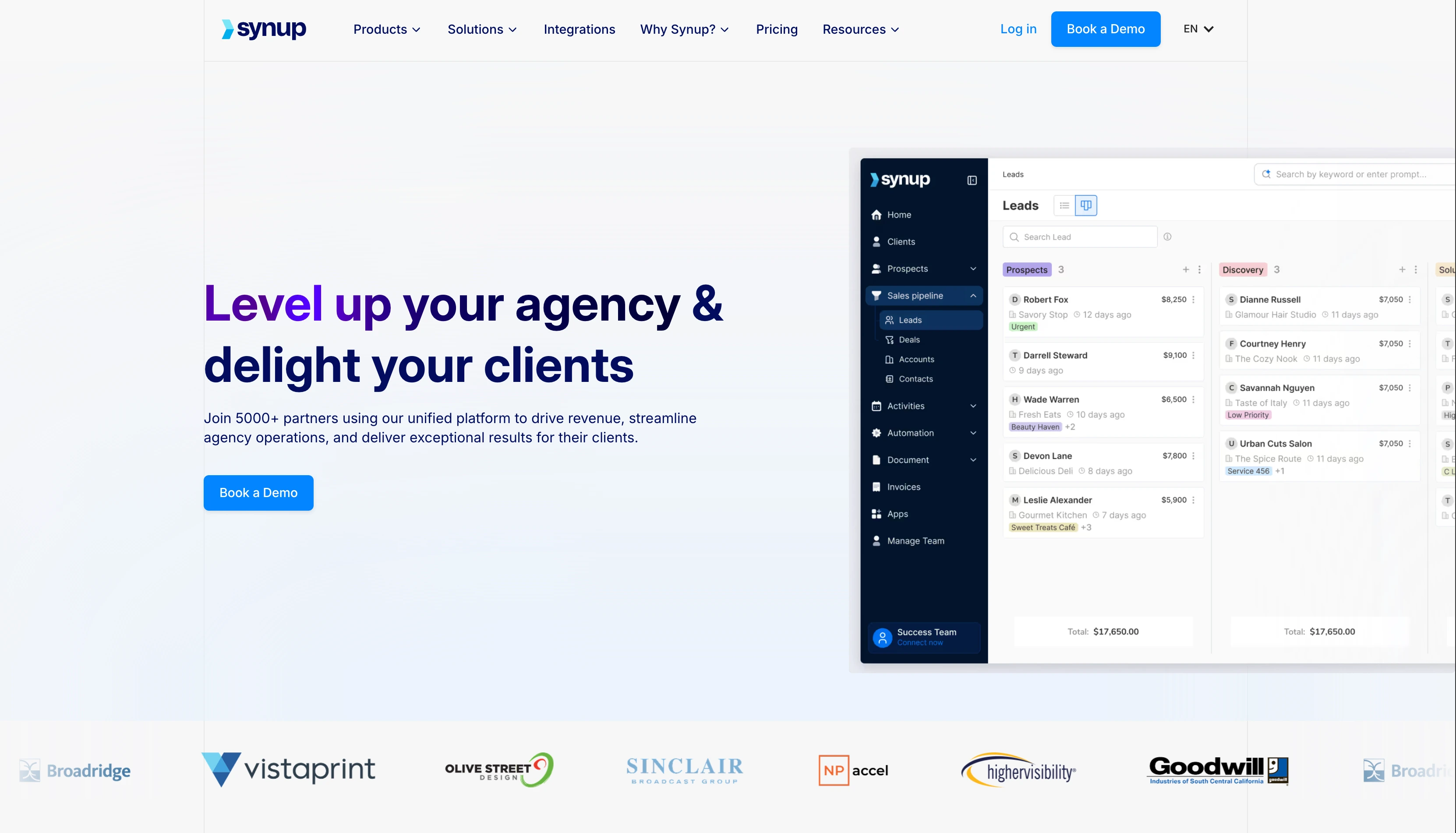
What sets Synup apart for agencies managing many client Google Business Profiles is that the band you land in decides capacity, not feature access. Listings distribution, review monitoring and responses, review generation, geo-grid rank tracking, AI discovery scoring across ChatGPT, Gemini, and Perplexity, and social publishing are all included on every plan. Pro covers 25 locations for $399/mo billed annually, which works out to $15.96 per location, and white-labeled dashboards mean clients see your brand rather than Synup's. The catch is that the agent model is metered: each plan carries a monthly credit allowance, and credits are what pay for published posts, drafted review responses, and listing updates, so a high-volume client roster can run the allowance down.
At a glance: Synup
- Pricing: Billed annually, by location count: Solo $39/mo (1 location) → Premium $239/mo (up to 10) → Pro $399/mo (up to 25) → Scale $719/mo (up to 50) → Enterprise custom (50+). On monthly billing, Solo is $49/mo and Premium is $299/mo
- GBP layer: Foundation + Reputation: multi-client listings, reviews, social
- Free trial: 14 days on the Solo plan (white labeling not included)
- Best for: Agencies managing GBPs for many local clients
- G2 rating: 4.5/5 (324 reviews)
Key features
- Sydekick agent enabled on every location, acting inside your approval rules
- Autonomous listings corrections: drift is detected and fixed without anyone opening the record
- Listings distribution across the full publisher network, kept in sync
- Review monitoring, AI-drafted responses, and review generation campaigns per location
- Local Rank Grid: geo-gridded rank tracking block by block rather than a city average
- AI discovery scoring across ChatGPT, Gemini, and Perplexity
- Content and social publishing written and published by the agent
- Custom domain and a landing page per location
- White-labeled dashboards on Premium and above, with your brand and domain
Pros
- Every feature on every plan: no add-on shopping to get listings, reviews, rank tracking, and social
- Effective per-location cost falls fast with scale ($23.90 at 10 locations, $15.96 at 25, $14.38 at 50)
- White-labeled dashboards and custom domains built for agency-to-client reporting
- Geo-grid rank tracking and AI discovery scoring included rather than sold separately
- 14-day free trial instead of a demo-only gate
Cons
- Credit-metered: agent work draws on a monthly allowance, so heavy publishing or review volume can exhaust it
- White labeling needs Premium, so the $39 Solo plan is not an agency plan
- Monthly billing costs meaningfully more, and only Solo and Premium publish a monthly rate
- Interface can feel overwhelming to new users
- Smaller publisher network than Yext for pure listings volume
6. Birdeye: Best for Review Management at Scale
Birdeye is the review management category leader by review count and Spring 2026 G2 awards. Review generation campaigns, automated review responses, sentiment analysis, and SMS/email review requests: the full reputation workflow. For businesses where reviews drive revenue, it's the standard. In 2026 it also rebuilt around AI agents it calls coworkers: Jay for marketing, Myna for operations, Robin for customer experience.
Birdeye's edge is review generation, not just monitoring: it actively requests reviews via SMS and email at the point of service, which is what moves a location from 12 reviews to 200 over a quarter, the volume that actually shifts map-pack ranking and conversion. AI-drafted responses, sentiment analysis across 200+ sites, and multi-location dashboards round out the reputation workflow. The trade-off is that you cannot price it yourself. Birdeye no longer publishes plan prices at all: the pricing page is a quote form that asks for your location count in bands (1-3, 4-9, 10-39, 40-249, 250-999, 1000+), and the pitch is explicitly priced "around outcomes, not seat counts". Cost still tracks location count, and Birdeye is consistently the most expensive option in this category, so it fits brands where incremental reviews demonstrably drive revenue, not teams that just need to reply to the occasional Google review.
At a glance: Birdeye
- Pricing: Not published. Every plan is a sales quote, requested by location band (1-3, 4-9, 10-39, 40-249, 250-999, 1000+)
- GBP layer: Reputation: review management, surveys, customer messaging
- Free trial: Demo
- Best for: Multi-location brands prioritizing review volume and reputation
- G2 rating: 4.7/5 (3,502 reviews)
Key features
- Review generation via SMS, email, and in-store
- Automated review responses with AI
- BirdAI agents: Jay (marketing), Myna (operations), Robin (customer experience), plus an MCP server
- Sentiment analysis across reviews
- Customer messaging and webchat
- Surveys and listening
- 200+ review site monitoring
- Multi-location dashboards
Pros
- #1 in G2's Enterprise rankings across 12 categories (Spring 2026)
- Most comprehensive review management feature set in the category
- AI auto-responses are genuinely useful at scale
- Industry-leading review volume on G2 (3,502)
Cons
- No published pricing at all: you cannot compare cost without a sales call
- Consistently the most expensive option in this category
- Cost is quoted per location, so it compounds with every site you add
- Multiple documented extra costs (implementation, training, add-ons) on top of subscription
- One contract covering the whole platform makes it hard to buy just review management
PostPlanifyAll your social media in one simple dashboard
Schedule posts, track analytics, and reply to comments/DMs without switching tabs.
Engagement
+18%
Views
52.8k
7. Semrush Local: Best All-in-One Local SEO Suite
Semrush Local is a relatively recent product but inherits Semrush's data infrastructure. The Base plan automates GBP with an AI agent that posts, replies to reviews, and tracks rankings. The Pro plan adds listings sync and broader review management. It can be bought standalone or added to a Semrush subscription.
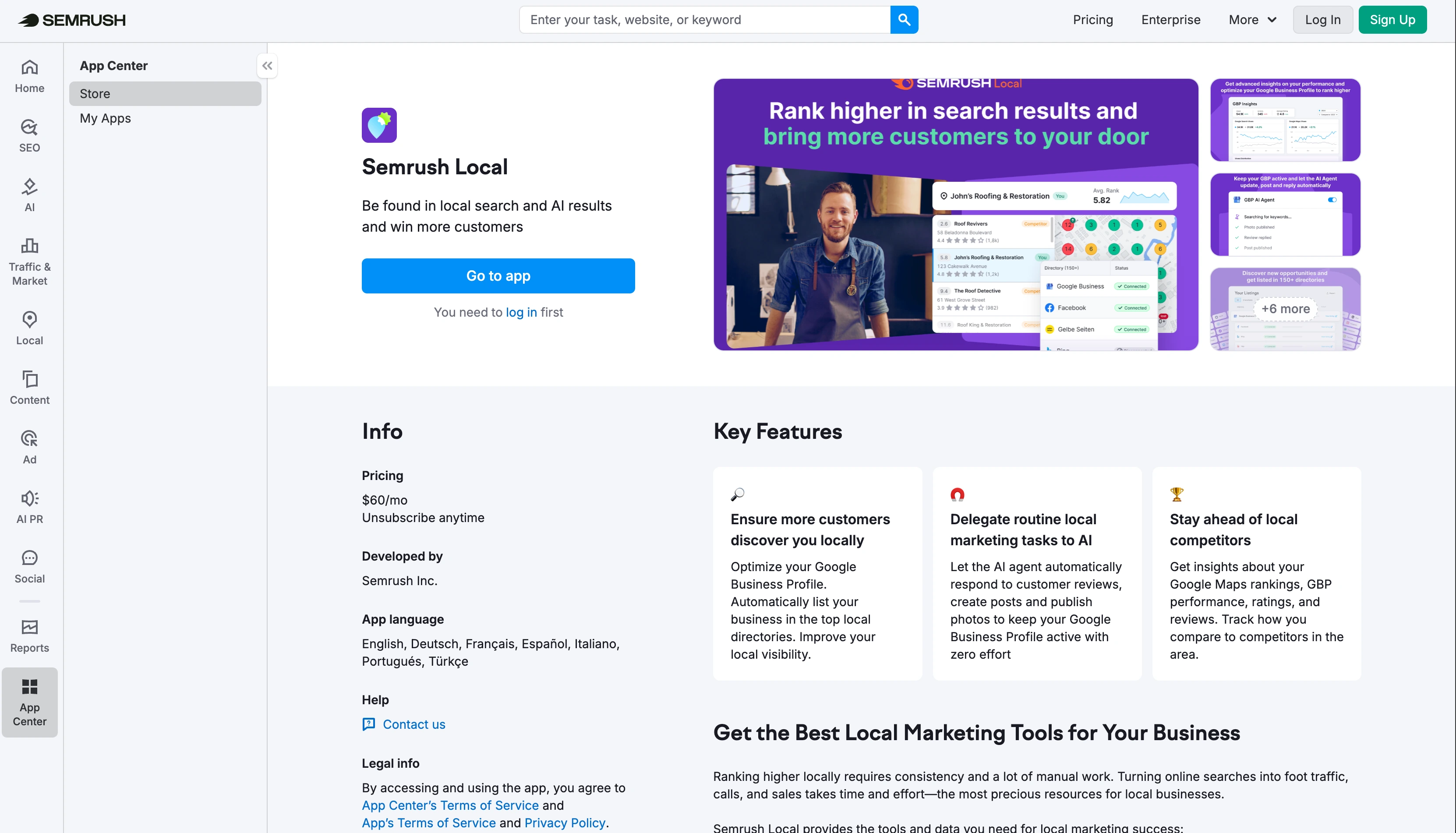
What makes Semrush Local compelling at $30/location/mo is genuine automation rather than templates: the AI agent drafts and publishes GBP posts, replies to reviews, and tracks map rankings on a schedule, so a single-location business gets hands-off GBP upkeep plus rank tracking for less than most listings tools charge. The Pro tier adds directory sync and heatmaps. Because it inherits Semrush's data backbone, the rank tracking is accurate, but it's a newer product, AI-generated content still needs a human review before it goes live, and per-location pricing scales linearly without the volume discounts a Yext or Synup negotiates at enterprise counts.
At a glance: Semrush Local
- Pricing: Base $30/location/mo → Pro $60/location/mo → Business custom
- GBP layer: Visibility + Foundation: local SEO, listings, GBP automation
- Free trial: 7 days
- Best for: Businesses wanting one tool for local SEO + GBP automation
- G2 rating: 4.5/5 (3,434 reviews for the full Semrush platform; Local is included as a module)
Key features
- Automated GBP management with AI agent
- AI-powered post generation and publishing
- Review auto-replies (Base+)
- Map Rank Tracker (375 credits Base, 1,225 Pro)
- Listings management across directories (Pro+)
- Heatmaps for GBP visibility (Pro+)
- Standalone or bundled with Semrush subscription
Pros
- AI-driven GBP automation is genuinely automated, not just templates
- Cheapest "all-in-one" local SEO at $30/location/mo
- Standalone available: no need for a full Semrush subscription
- Inherits Semrush's data backbone for rank tracking accuracy
Cons
- Newer product: feature set still maturing vs BrightLocal or Yext
- Per-location pricing scales linearly without volume discounts
- AI-generated content needs review before publishing
- Brand recognition for Local specifically is lower than the Semrush platform
8. Podium: Best for Customer Messaging + Reviews
Podium approaches reputation from the customer-messaging angle rather than pure review management. SMS conversations, webchat, review requests, and Podium's AI Employee all live in one inbox. For service businesses where most leads come through text, from auto repair and HVAC to dental practices and salons, it's a different product than Birdeye.
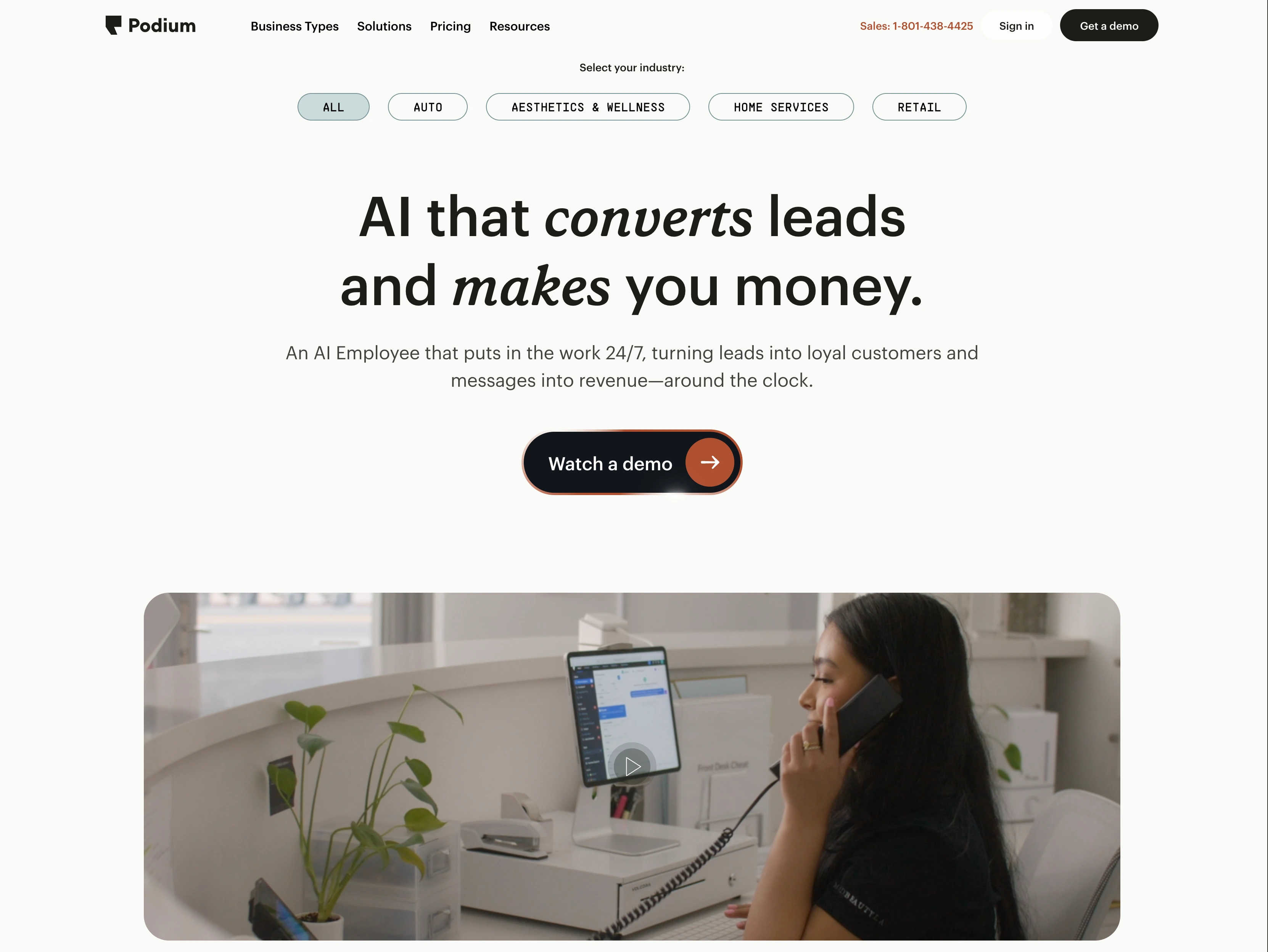
Podium's review engine is built around the text message: it sends review requests over SMS right after a job closes, which converts far better than email for trades and local-service businesses, and routes the resulting conversations through the same inbox as sales leads. Podium's AI Employee, marketed as Jerry, handles after-hours lead capture, scheduling, and replies, and it is a paid add-on to any plan rather than something included. The honest catch is that the $399 Core headline is a floor: the AI add-on, extra phone numbers, and 10DLC messaging fees all bill on top, and Podium does not publish what those cost, so a service business should expect the real monthly figure to land above the list price.
At a glance: Podium
- Pricing: Core $399/mo → Pro $599/mo → Signature custom. The AI Employee add-on attaches to any plan, with price on request
- GBP layer: Reputation: customer messaging, review management, webchat
- Free trial: Demo
- Best for: Local businesses prioritizing customer conversations
- G2 rating: 4.6/5 (628 reviews)
Key features
- SMS centralization across customer conversations
- Review request automation
- Review monitoring across Google, Yelp, Facebook, 100+ sites
- AI Employee (Jerry) for lead capture, scheduling, and replies, as a paid add-on on any plan
- Webchat with AI responses
- Unlimited contacts and team members on all plans
Pros
- Strongest customer messaging UX in the category
- Flat per-business pricing (not per-location) at lower tiers
- The AI add-on actually works for routing and qualifying leads, not just marketing copy
- Trusted by 100,000+ local businesses
Cons
- The AI Employee is a paid add-on, not included in Core or Pro, and its price is not published
- Extra phone numbers and 10DLC messaging fees bill on top of the plan
- $399/mo entry is the highest published starting price on this list
- Signature pricing is custom, so the top tier needs a sales call
9. EmbedSocial: Best for Review Widgets
EmbedSocial covers the niche where Google reviews need to land on your website. Its widgets pull GBP reviews into branded blocks that embed in WordPress, Shopify, Wix, and Webflow. One thing to know before you shop: EmbedSocial spun its GBP management product out into a separate brand, Localith, so listings work and post scheduling are now bought there rather than on an EmbedSocial plan.
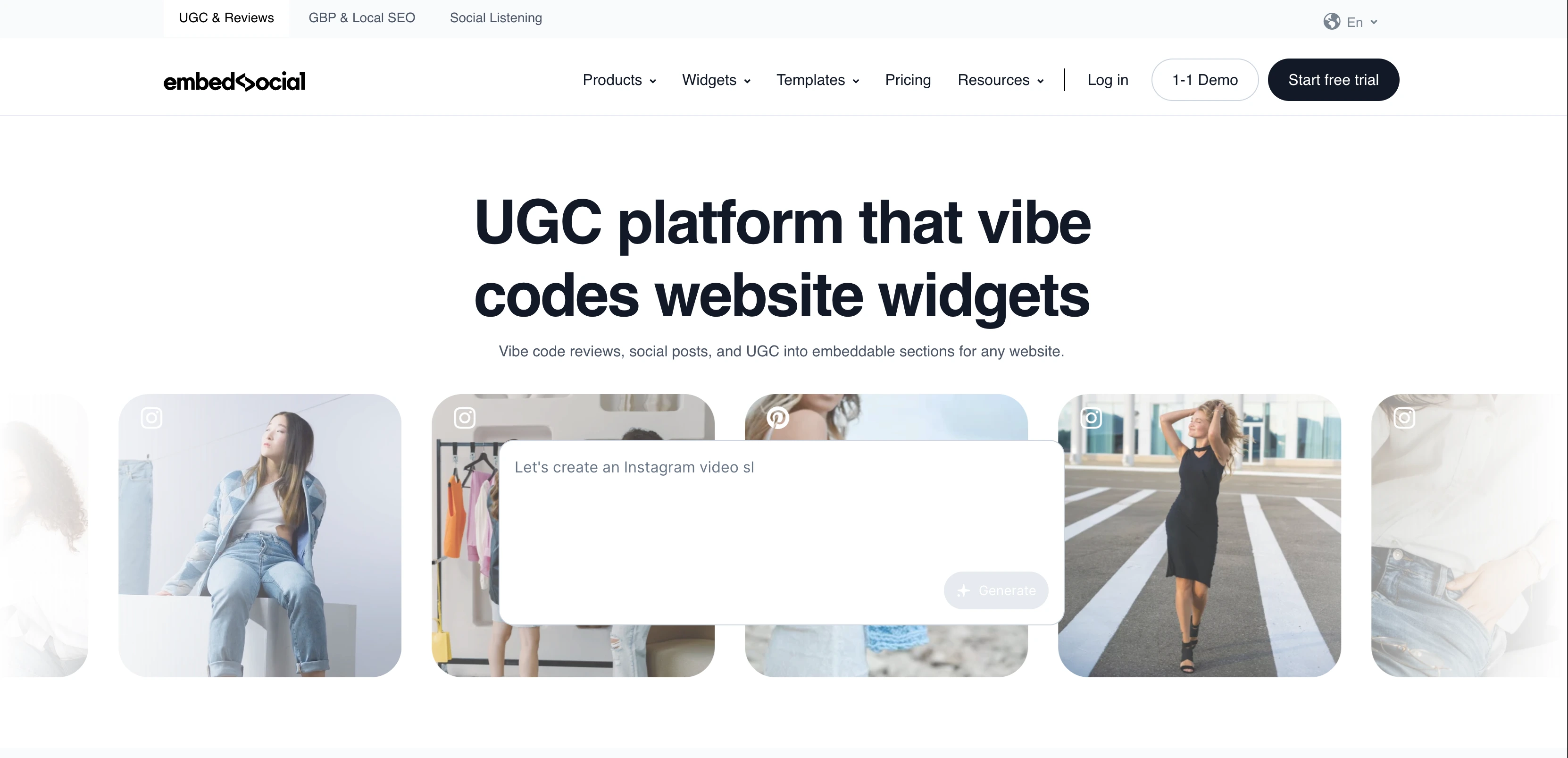
EmbedSocial owns the niche where your Google reviews need to live on your own website, not just on the GBP listing. The Reviews PRO widgets render star ratings and review cards that match your site design and drop into WordPress, Shopify, Wix, and Webflow with a snippet, which is how local businesses turn GBP social proof into on-site conversion. On the Localith side, $9/mo covers 2 locations and each extra location is $6.60/mo, which makes 10 locations $61.80/mo: the cheapest way on this list to bulk-edit listing info and schedule Google posts across a handful of sites. Two caveats: the base plan starts at 2 locations, so a single-site business pays for capacity it cannot use, and the AI review-reply and SEO agents run on credits that no subscription includes, billed at $0.15 each.
At a glance: EmbedSocial
- Pricing: EmbedSocial widgets, priced in euros: Free → Pro €29/mo → Pro Plus €49/mo (adds social listening) → Premium €99/mo → Enterprise custom. GBP management is now Localith: $9/mo for 2 locations, then $6.60/mo per extra location, 20% off yearly
- GBP layer: Reputation: review widgets, GBP dashboard, listings
- Free trial: Free plan on EmbedSocial widgets; 7 days on Localith
- Best for: Businesses wanting to display Google reviews on their website, with cheap multi-location listings management alongside
- G2 rating: 4.9/5 (201 reviews)
Key features
- Google review widgets for website embedding, unlimited widgets on every plan including Free
- Localith GBP dashboard: bulk editing of listing info across locations
- Google post scheduling across locations
- AI Review Reply Agent and AI SEO Agent, paid by credit at $0.15 each
- Per-location analytics, heatmaps, and reports
- Social listening from Pro Plus (€49/mo) upward
- Integrations with WordPress, Shopify, Wix, and Webflow
Pros
- Cheapest multi-location GBP management on this list: $61.80/mo covers 10 locations
- Best-in-class review widget quality for website embedding
- A genuine free plan on the widget product, with unlimited widgets
- White-label GBP management available to agencies as an add-on
Cons
- GBP management now sits under a separate brand and a separate subscription from the widgets
- The Localith base plan starts at 2 locations, so single-site businesses overpay
- AI credits are not included in any plan, billed at $0.15 each
- Widget pricing is in euros, so the dollar cost moves with the exchange rate
- Widget customization can require developer help
- Less mature review automation than Birdeye or Podium
10. Planable: Best for GBP Content Review + Approvals
Planable treats GBP as one channel in a content review workflow. Visual previews show GBP posts as they'll appear, comments and approvals layered alongside. For agencies whose clients need to sign off on GBP content before it publishes, Planable handles the review layer cleanly.

Planable's strength is the approval layer specifically: clients leave inline comments on a pixel-accurate GBP preview, approvals are tracked per post, and nothing publishes until sign-off, which is the workflow agencies actually fight with when a client wants to vet every Google Business post before it goes live. Unlimited users on every paid plan removes the per-seat tax that punishes collaborative teams. The limits to know: per-workspace pricing gets expensive across many small clients, monthly post caps (60 Basic, 150 Pro) push heavy publishers toward Enterprise, and Planable does no GBP audit, rank tracking, or listings work: it's purely the content-and-approval layer.
At a glance: Planable
- Pricing: No free plan, but the first 50 posts are free with no time limit. Basic $39/workspace/mo (60 posts, 4 pages) → Pro $59/workspace/mo (150 posts, 10 pages) → Enterprise custom. Analytics ($14/workspace/mo), the social inbox ($9) and social listening ($99) are paid add-ons
- GBP layer: Engagement: content collaboration and approvals
- Free trial: No free plan; the first 50 posts are free, no card required
- Best for: Agencies that need client approval workflows for GBP posts
- G2 rating: 4.6/5 (937 reviews)
Key features
- Visual preview matching GBP's native look
- 2 approval workflow types on Basic, 3 on Pro, multi-level on Enterprise
- Unlimited users on all paid plans
- Feed, Calendar, Grid views (Pro+)
- Analytics + Engagement available as paid add-ons ($9/$5 per workspace/mo)
- Free plan supports collaboration on 50 lifetime posts
Pros
- Best-in-class visual content previews including for GBP posts
- Strong approval workflows priced lower than most agency tools
- Unlimited users on every paid plan
- Free plan with full collaboration features
Cons
- Per-workspace pricing punishes agencies with many small clients
- Post limits (60 Basic, 150 Pro) require Enterprise for unlimited
- No GBP audit, rank tracking, or listings management
- Analytics costs extra ($9/workspace/mo)
Learn more: Planable pricing · Planable reviews · Best Planable alternatives
11. SocialBee: Best for Categorized GBP Content Recycling
SocialBee is the category-based recycling specialist. You build content categories (offers, events, behind-the-scenes, FAQs), upload posts, and SocialBee cycles through them on a schedule, including for GBP. Useful when you want consistent GBP posting without constantly creating new content.
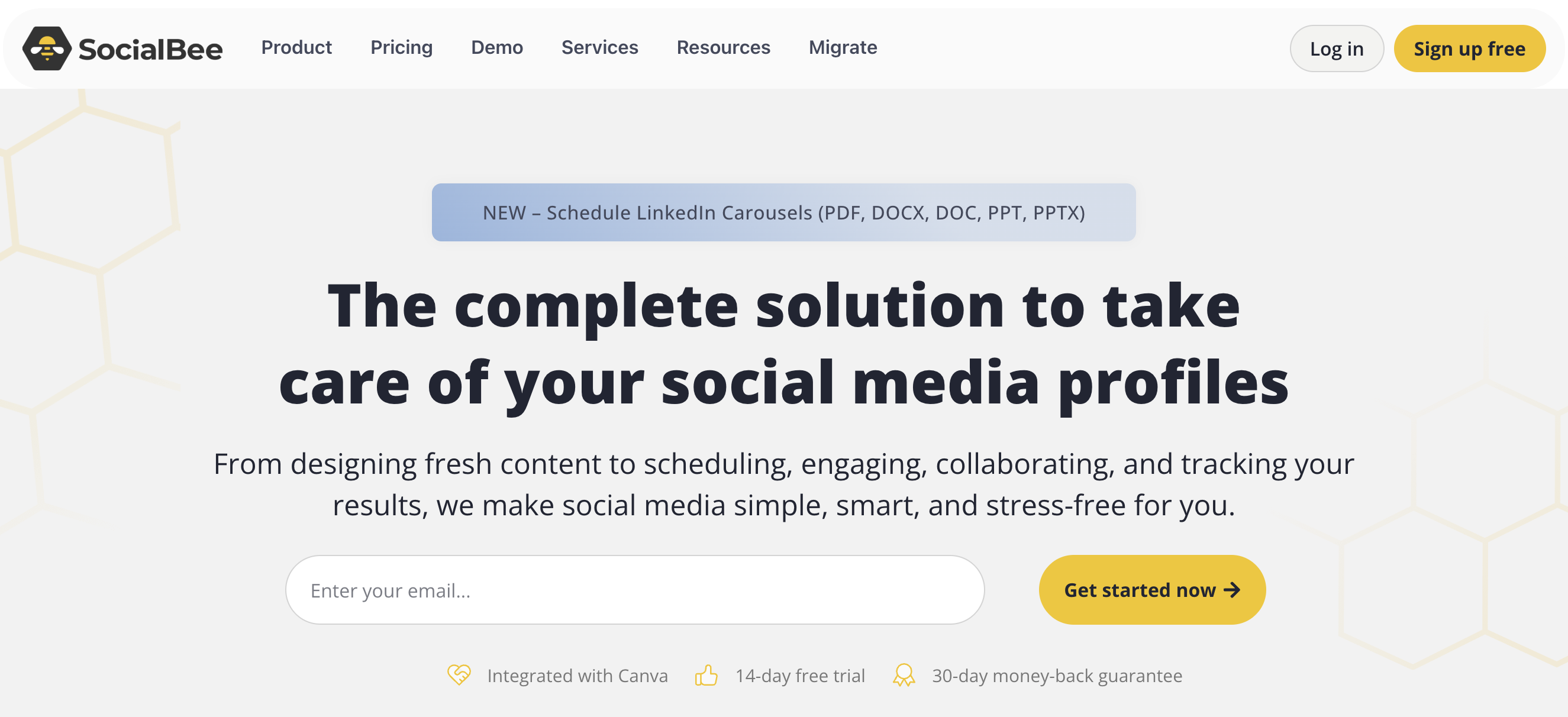
The recycling model is what makes SocialBee distinct for Google Business Profiles: instead of scheduling each post once, you load offers, events, FAQs, and promos into categories and the queue re-surfaces them on a cadence, keeping a profile active without a constant content treadmill. The Engage Module inbox covers six social platforms (though not GBP reviews), and agency tiers scale to 150 profiles. The flip side is that the system favors evergreen over timely: Bootstrap and Accelerate are single-user, the 3-month analytics window on Bootstrap is tight, and ad-hoc, time-sensitive GBP updates fit the category-recycling workflow less naturally.
At a glance: SocialBee
- Pricing: Bootstrap $29/mo ($24.20 annual) → Accelerate $49/mo → Pro $99/mo → Agency tiers Pro50 $179/mo, Pro100 $329/mo, Pro150 $449/mo
- GBP layer: Engagement: categorized scheduling with content recycling
- Free trial: 14 days
- Best for: Businesses that recycle evergreen GBP content across categories
- G2 rating: 4.8/5 (472 reviews)
Key features
- Category-based content recycling (10 categories Bootstrap, 50 Accelerate+)
- 1,000-5,000 posts per category depending on plan
- Engage Module inbox covering 6 platforms (LinkedIn, FB, IG, X, YouTube, Threads)
- Analytics: 3 months Bootstrap, 2 years Accelerate+
- AI text assistance + Canva integration
- Agency-tier plans Pro50/Pro100/Pro150 for 50-150 profiles
Pros
- Best-in-class category-based content recycling
- 30-day money-back guarantee: longer than most competitors
- Agency-tier plans for scaling to 50-150 GBP/social profiles
- Strong G2 rating (4.8/5) for the recycling workflow specifically
Cons
- Bootstrap and Accelerate plans are 1-user only: no team collaboration
- 3-month analytics window on Bootstrap is restrictive
- 10 content categories on Bootstrap may feel tight
- Not ideal for ad-hoc/timely GBP posts (the system favors evergreen)
Learn more: SocialBee pricing · SocialBee reviews · Best SocialBee alternatives
12. Buffer: Best for Lightweight GBP Scheduling
Buffer is the simplest scheduler that supports Google Business Profile. The Free plan covers 3 channels with 10 scheduled posts per channel, enough for a solo business posting weekly. Per-channel pricing means GBP costs the same as any other channel.
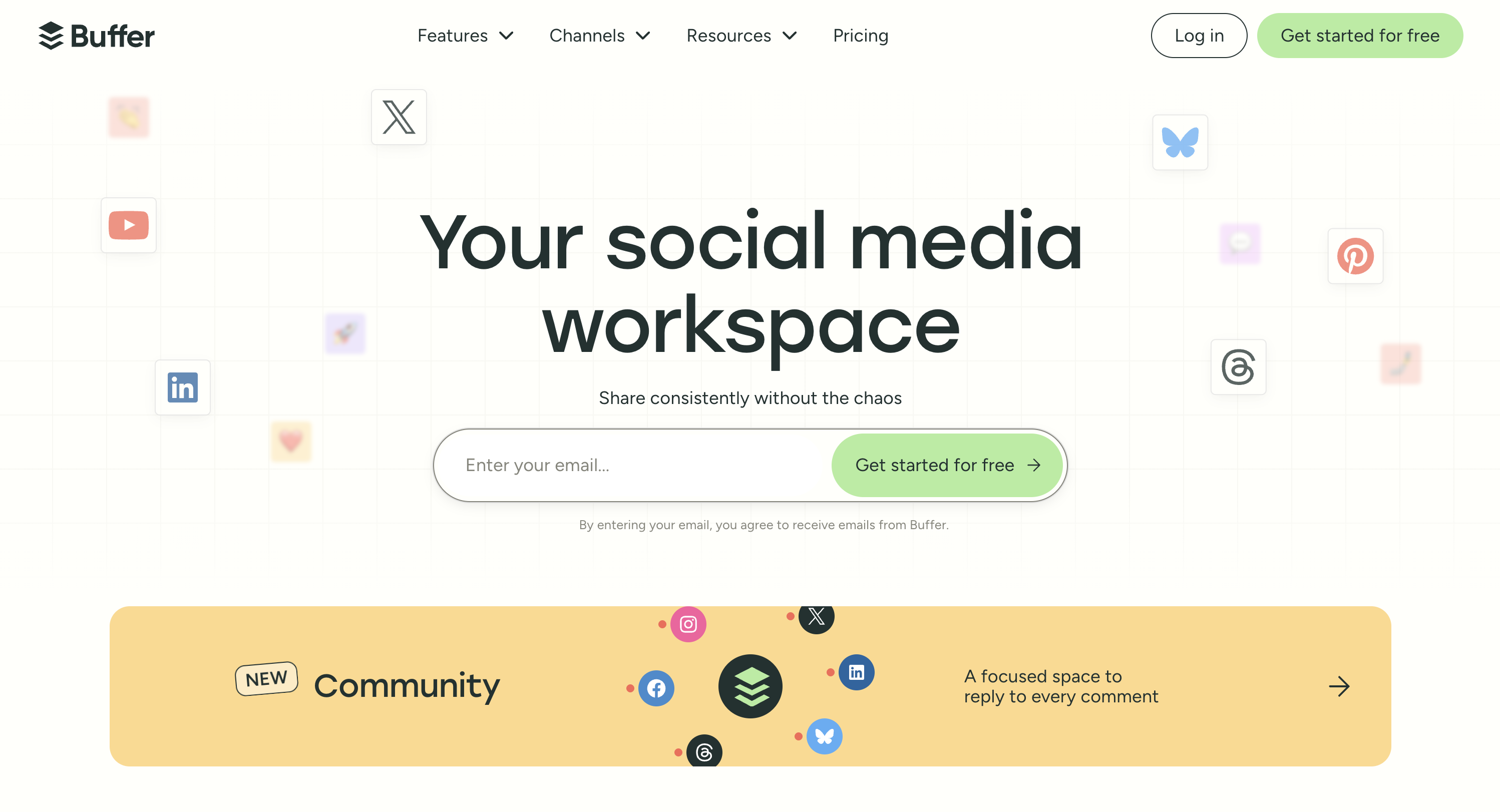
For a solo business or small team that just needs to post to Google Business Profile alongside two or three social channels, Buffer is the fastest, cheapest on-ramp: the free plan covers three channels including GBP, and paid plans add unlimited scheduling at $6/channel/mo. The interface is the most minimal on this list, so onboarding takes minutes. The honest ceiling: per-channel pricing compounds quickly past a handful of channels, Buffer's community inbox covers Instagram, Facebook, and LinkedIn but not GBP reviews, and there's no GBP audit, rank tracking, or listings sync: it's a clean scheduler, not a local-SEO tool.
At a glance: Buffer
- Pricing: Free (3 channels) → Essentials $6/channel/mo → Team $12/channel/mo
- GBP layer: Engagement: simple GBP post scheduling
- Free trial: Free plan available
- Best for: Solo businesses and small teams posting to GBP alongside 2-3 social channels
- G2 rating: 4.3/5 (1,071 reviews)
Key features
- Free plan with 3 channels including GBP
- Unlimited scheduling on paid plans
- AI Assistant on all plans
- Community inbox (Instagram, Facebook, LinkedIn, but NOT GBP)
- Content approval workflows on Team plan
- 11 platforms total including Bluesky, Mastodon, Google Business
Pros
- Free plan is genuinely useful for solo businesses
- Lowest entry price for paid GBP scheduling ($6/channel/mo)
- Clean, minimal interface: fastest to onboard
- Unlimited users on Team plan
Cons
- Per-channel pricing scales fast (10 channels on Team = $120/mo)
- Community inbox doesn't cover GBP (only IG, FB, LinkedIn)
- No GBP audit, rank tracking, or listings sync
- Essentials is single-user only
Learn more: Buffer pricing · Buffer reviews · Best Buffer alternatives
13. Hootsuite: Best for Enterprise GBP + Social
Hootsuite supports Google Business via the Hootsuite app marketplace integration. For enterprises already using Hootsuite for social, adding GBP avoids standing up a separate tool. For teams not already on Hootsuite, it's an expensive way to schedule GBP posts.
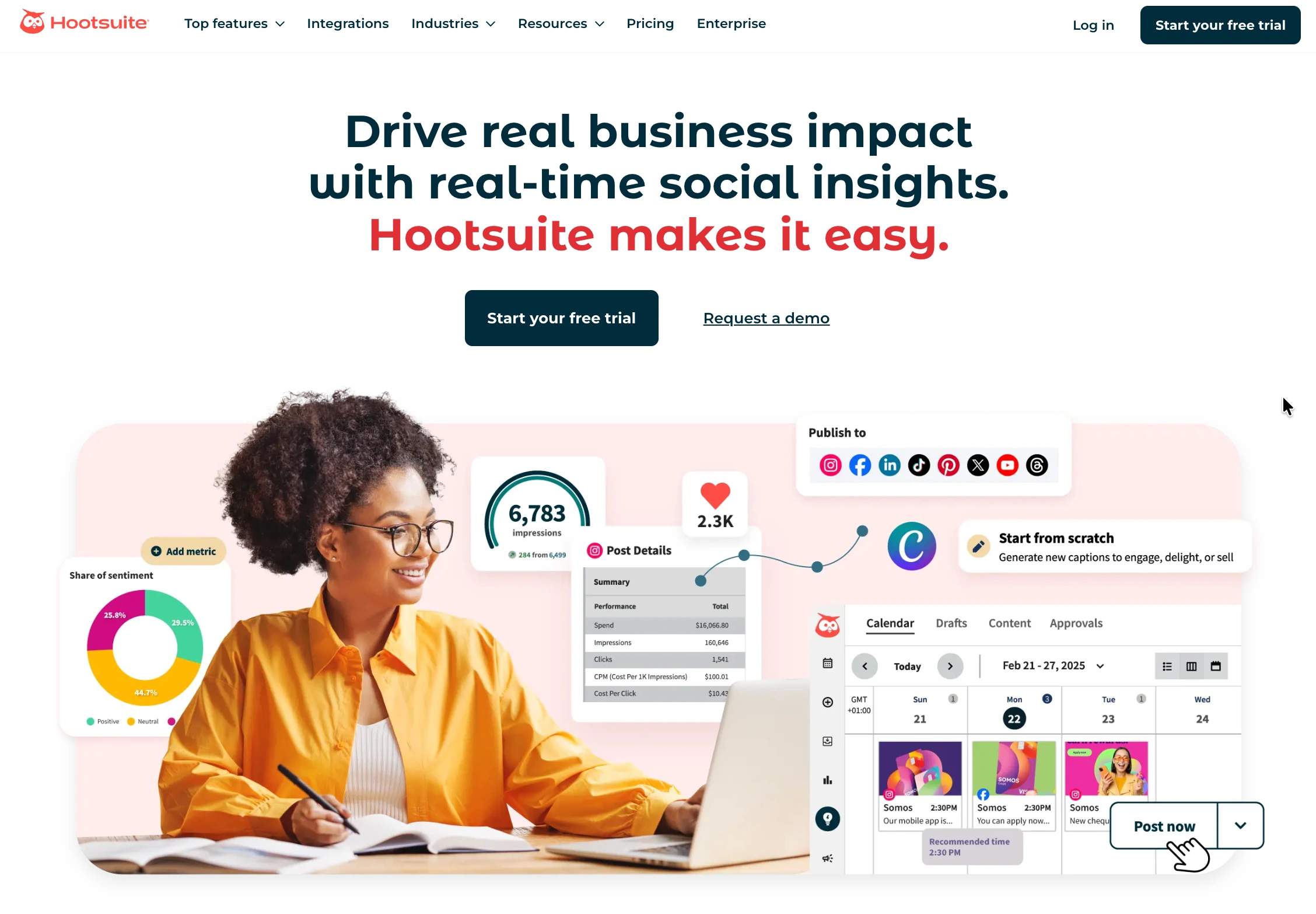
The case for Hootsuite is consolidation at the enterprise level: if a large team already runs its entire social operation (scheduling, bulk publishing up to 350 posts, approval workflows, and listening) through Hootsuite, adding Google Business Profile through the app marketplace avoids standing up and training on a separate GBP tool. That's the whole pitch. Against it: Hootsuite moved to per-seat pricing in August 2026, so the $99/user entry only holds for one person and compounds fast (five Advanced seats is $1,995/mo), GBP via app integration is less native than purpose-built GBP tools, and there's been no free plan since 2023, so it only pencils out for teams already committed to the platform.
At a glance: Hootsuite
- Pricing: Per user, billed annually: Standard $99/user/mo (10 accounts) → Professional $199/user/mo (unlimited) → Advanced $399/user/mo → Enterprise custom. Hootsuite does not publish month-to-month rates
- GBP layer: Engagement: GBP via Hootsuite app integration
- Free trial: 14 days, no credit card required
- Best for: Enterprise teams already on Hootsuite who need GBP support
- G2 rating: 4.3/5 (7,109 reviews)
Key features
- GBP posting via app integration
- 10 social accounts on Standard, unlimited on Professional and Advanced
- Brand and competitor monitoring
- Bulk scheduling up to 350 posts (Advanced)
- Team approval workflows (Advanced only)
- Add-ons: Employee Advocacy, Talkwalker Listening, Review Management
Pros
- Mature feature depth for teams already invested in Hootsuite
- 14-day free trial with no credit card required
- Compliance integrations for regulated industries
- Strong analytics on Advanced
Cons
- Per-user pricing: every teammate who needs access adds another $99 to $399/mo, which is the whole reason tools with no per-seat fees exist
- Approval workflows are Advanced only, at $399/user/mo
- Five users on Advanced is $1,995/mo
- GBP via app integration is less native than dedicated GBP tools
- No free plan since 2023
Learn more: Hootsuite pricing · Hootsuite reviews · Best Hootsuite alternatives
PostPlanifyAll your social media in one simple dashboard
Schedule posts, track analytics, and reply to comments/DMs without switching tabs.
Engagement
+18%
Views
52.8k
14. Moz Local: Best Mid-Priced Listings Management
Moz Local is the tool that fills the gap between Whitespark's $1/location profile manager and Yext's publisher network. It distributes listings to 90+ directories, tracks map-pack rankings on a local grid, and monitors reviews, all for the same annual price as Yext's entry plan.
That price overlap is the reason it belongs on this list. Yext Emerging and Moz Local Lite both cost $199/year per location, but Yext Emerging buys listings distribution alone, while Moz Local Lite adds Local Grid rank tracking, review monitoring, and Data Health analytics on top of a 90+ directory network. For a business with 3 to 10 locations that wants the Foundation and Visibility layers from one subscription, Moz is the cheapest honest answer here. The constraint is geography: Moz Local only manages US, UK, and Canadian listings, and every location needs its own subscription.
At a glance: Moz Local
- Pricing: Per location: Lite $20/mo ($16/mo billed yearly, $199/year) → Preferred $30/mo ($299/year) → Elite $40/mo ($33/mo billed yearly, $399/year). Listings AI is a $14/mo add-on (included on Elite) and Reviews AI is $10/mo
- GBP layer: Foundation + Visibility: listings distribution, map-pack rank tracking, review monitoring
- Free trial: Demo
- Best for: Businesses with 3 to 10 US, UK, or Canadian locations that want listings sync and local rank tracking on one bill
Key features
- Listings distribution to 90+ directories, with duplicate suppression
- Local Grid: map-pack ranking visualized across a service area
- Review monitoring on every plan, with review responding and sentiment analysis from Preferred
- Data Health analytics on listing accuracy and completeness
- Social posting to Google Business and Facebook from Preferred, plus Instagram, LinkedIn, and TikTok on Elite
- Listings AI and Reviews AI as paid add-ons, with Listings AI included on Elite
- Reporting suite for leads, reviews, and social on Elite
Pros
- Covers two layers for one subscription, which neither Yext nor Whitespark does at this price
- Same $199/year as Yext Emerging but adds rank tracking and review monitoring
- Local Grid rank tracking without paying for a separate tool like BrightLocal
- Review responding and sentiment analysis arrive at $299/year, well below Birdeye territory
- 24-hour support on every plan, including Lite
Cons
- US, UK, and Canadian listings only, so it is not an option for other markets
- Every location is a separate subscription, so cost scales linearly with no volume banding
- The AI features are add-ons on Lite and Preferred rather than included
- Smaller publisher network than Yext for pure listings volume
- No GBP post approval workflow or client-facing white-label dashboard for agencies
Learn more: Yext and Whitespark are the other two Foundation-layer options to price against.
What to Look For in Google My Business Tools
Seven criteria separate the tools that survive past month three from the ones your team abandons:
- GBP-specific feature depth. Native GBP integration vs "social tool that happens to support GBP." Dedicated tools (BrightLocal, Yext, Synup) have GBP audit, listing health scores, and category-specific automation. Social tools (PostPlanify, Buffer, Hootsuite) cover posting and analytics.
- Pricing model: per location vs per workspace. If you have 1-3 locations, tools with a flat or per-workspace base win. At 5+ locations, per-location tools like Birdeye (quoted per location) and Yext ($199-$499/location/year) need careful modeling.
- Review management vs review monitoring. Monitoring is free in GBP. Tools like Birdeye and Podium add review generation (SMS/email campaigns), AI auto-responses, and sentiment analysis. Match the tool to which workflow you actually need.
- Multi-location vs single-location. Listings sync only matters with 3+ locations. For 1 location, a tool like Yext is overkill.
- Integration with your existing stack. If you already use Semrush, adding Semrush Local is faster than learning BrightLocal. If you use Hootsuite, GBP via Hootsuite avoids a new tool.
- Agency vs in-house. Agencies need white-label, multi-client workspaces, and client-facing reports (Synup, BrightLocal, PostPlanify). In-house teams skip these.
- AI: agent work vs AI-search visibility. These are two different purchases that both get called AI. An agent does the work (drafting review replies, fixing listing drift, publishing posts), and it is usually metered by credits, so check what a busy month actually costs. AI-search visibility tracking is the newer one: whether your locations get cited in ChatGPT, Gemini, and Google's AI answers. Only BrightLocal and Synup track that today.
The 4 Layers of Google My Business Management
There's no single best GMB tool. There's a best stack, and GMB tools sort cleanly into 4 layers. Match tools to layers, not the other way around (our Google Business Profile management playbook walks through the operational side of running these layers for clients):
- Layer 1: Foundation (listings + verification). Yext, Moz Local, Synup, Whitespark. Required only for multi-location brands. Single-location SMBs skip this layer.
- Layer 2: Visibility (SEO + rank tracking). BrightLocal, Whitespark, Semrush Local are the local SEO tools in the stack. Required if local search ranking is a measured goal. Skip if you're not tracking ranks.
- Layer 3: Engagement (posts + inbox). PostPlanify, Buffer, Planable, SocialBee, Hootsuite. Required if you're publishing GBP content regularly. For passive GBP profiles, skip.
- Layer 4: Reputation (reviews + customer messaging). Birdeye, Podium, EmbedSocial for full review-generation automation. PostPlanify covers GBP review reading + replies via the unified social inbox, which is enough for many teams without standing up a separate reputation tool; our social inbox tools roundup compares that layer on its own. Required if reviews directly drive revenue (service businesses, restaurants, healthcare).
A typical 5-location service business spends roughly $230/month across three of the four layers, with BrightLocal Manage at 5 locations ($76) + PostPlanify Growth at 5 workspaces ($155), and considerably more once Birdeye is layered on for review generation, which is quoted per location. An enterprise 50-location brand runs into five figures a month once Yext and Birdeye are both in the stack.
The trap is buying one tool and hoping it covers all 4 layers. None of the 14 tools above cover everything: they each lead one or two layers and fake the rest.
AI Agents and AI Search Visibility: What Changed in 2026
Every tool on this list shipped something it calls AI during 2026, and the word covers two genuinely different purchases. Sorting them out is the fastest way to tell a real capability from a renamed feature.
-
AI agents do the work rather than suggest it. Synup rebuilt its whole platform around an agent called Sydekick that detects listing drift and fixes it without anyone opening the record, drafts review responses, and publishes posts inside your approval rules. Birdeye reorganized into agents it calls coworkers (Jay for marketing, Myna for operations, Robin for customer experience) and ships an MCP server. Podium sells an AI Employee as an add-on to any plan. Semrush Local's agent drafts and publishes GBP posts and replies to reviews on a schedule. Localith runs an AI Review Reply Agent and an AI SEO Agent. Moz sells Listings AI and Reviews AI as add-ons.
-
The catch on agents is metering. Agent work is usually billed by credit, and the credit is where the real price hides. Synup allocates monthly credits per plan and spends them on published posts, drafted review responses, and listing updates. Localith includes no credits in any subscription at all and charges $0.15 each. A tool whose headline price looks cheap can get expensive the month you actually turn the agent loose on 25 client locations, so price a busy month, not the plan.
-
AI search visibility tracking is the newer and scarcer feature. Customers increasingly ask ChatGPT or Google's AI answers for a local recommendation instead of scrolling the map pack, and two tools now measure whether you show up there. BrightLocal's Local AI Visibility Tracker scores how a business appears across ChatGPT and Google's AI surfaces and pairs it with AI Insights. Synup scores AI discovery per engine across ChatGPT, Gemini, and Perplexity, and shows what those engines read when they get you wrong. Birdeye offers a free AI Visibility Checker as a lead magnet rather than a tracked metric inside the product.
| Tool | AI that does the work | AI search visibility tracking | How AI is billed |
|---|---|---|---|
| BrightLocal | AI Insights | Local AI Visibility Tracker (ChatGPT, Google AI) | Included in the plan |
| Synup | Sydekick: listings fixes, review replies, publishing | Scored per engine (ChatGPT, Gemini, Perplexity) | Monthly credit allowance per plan |
| Birdeye | Jay, Myna, Robin, plus an MCP server | Free checker tool, not an in-product metric | Inside the quote |
| Semrush Local | Drafts and publishes posts, replies to reviews | No | Included in the plan |
| Podium | AI Employee | No | Paid add-on, price on request |
| Moz Local | Listings AI, Reviews AI | No | Add-ons ($14 and $10/mo), Listings AI included on Elite |
| Localith | Review Reply Agent, SEO Agent | No | Credits at $0.15 each, none included |
| PostPlanify | AI caption and image generation, AI brand voice on Premium | No | Included in the plan |
Read that table as a map of two different problems. If you want fewer hours spent on review replies and listing upkeep, buy agent work and model the credits. If you want to know whether AI answers recommend your client's locations, only BrightLocal and Synup measure it, and neither is a social scheduler. PostPlanify sits in the first column for content, not the second: it generates captions and images for GBP posts and does not track AI-answer visibility.
When You Don't Need a Google My Business Tool
You can skip every tool on this list if all of these are true:
- You have one location with naturally healthy review volume (5+ new reviews per month without asking)
- You post to GBP less than once a week and don't plan to scale that
- You're not measuring local search rank as a marketing goal
- You're comfortable replying to reviews and editing your profile in GBP's native interface
- You don't manage GBPs for clients
Google's free Business Profile Manager is genuinely capable for the basics: posts, photos, hours, services, review replies, Q&A, basic insights. The moment you add a second location, start running review-generation campaigns, or commit to a posting schedule, paid GBP management tools start paying for themselves. Until then, save the money.
Cost at Scale: How Pricing Compounds by Location Count
Multi-location GMB tools live or die on their pricing model. Per-location, per-user, or per-workspace matters more than the headline price once you scale past one location. Here's the math at 1, 5, and 25 locations:
| Tool | 1 location | 5 locations | 25 locations |
|---|---|---|---|
| PostPlanify Growth | $39/mo | $155/mo | $475/mo |
| Buffer Team | $12/mo | $60/mo | $300/mo |
| BrightLocal Grow | $65/mo | $87/mo | $296/mo |
| Yext Essential | ~$37/mo | ~$187/mo | ~$935/mo (custom above 10 locations) |
| Semrush Local Base | $30/mo | $150/mo | $750/mo |
| Moz Local Lite (yearly) | $16/mo | $80/mo | $400/mo |
| Birdeye | Quote only | Quote only | Quote only (priced per location) |
| Synup | $39/mo (Solo) | $239/mo (Premium, 10 locations) | $399/mo (Pro, 25 locations) |
The pattern is clear: per-location tools (Birdeye, Yext, Semrush Local) compound linearly with scale. Graduated and banded models (PostPlanify, Synup, BrightLocal) absorb scale much better, because each additional workspace or location costs less than the one before it. Per-user tools (Hootsuite from $99/user/mo) compound by team size, not location count.
For multi-location businesses, per-location pricing is where a stack gets expensive: at 25 locations Semrush Local alone is $750/mo, Yext Essential is roughly $935/mo at list, and a Birdeye quote lands higher still. That is why agencies and franchise groups tend toward Synup, PostPlanify, and BrightLocal for the bulk of their stack and reserve per-location tools for the layers that genuinely need them.
Sample Google My Business Tool Stacks by Business Type
Real combinations for real budgets:
Solo SMB, 1 location
- Native Google Business Profile (free)
- Buffer Free ($0) for ad-hoc posting
- Total: $0/mo
For most solo businesses with one location, paid GBP tools are overkill. Reply to reviews in the native GBP interface, schedule the occasional post via Buffer Free, done. If you would rather have scheduling, analytics, and Google review replies in one place, a single PostPlanify workspace is $39/mo.
Multi-location service business, 5 locations
- PostPlanify Growth at 5 workspaces ($155/mo): one workspace per location, each covering its GBP plus its local Facebook and Instagram, with review replies in the shared inbox
- BrightLocal Manage at 5 locations ($76/mo): listings management + GBP audit + rank tracking
- Total: ~$231/mo
This stack covers engagement, reputation (via PostPlanify's GBP inbox), and visibility. The only missing layer is review-generation campaigns. Add Birdeye if SMS review requests matter, but budget for a sales call: it is quoted per location and no price is published.
Restaurant or retail group, 15 locations
- BrightLocal Grow at 15 locations ($197/mo, or $1,772/year): listings + audit + rank tracking + review monitoring
- PostPlanify Premium at 15 workspaces ($445/mo): posting and review replies across 90 social accounts, with advanced analytics and scheduled report delivery to regional managers
- Birdeye for automated review generation campaigns: quoted per location, and the largest line in this stack
- Total: ~$692/mo before Birdeye's quote
For businesses where Google reviews directly drive foot traffic, the review-generation layer pays for itself in 1 to 2 incremental customers per location per month. For the restaurant case specifically, see our restaurant tool roundup. A cheaper substitute: BrightLocal Grow already includes review generation campaigns, so the Birdeye line is optional rather than mandatory.
Agency managing 25 client GBPs
- Synup Pro ($399/mo billed annually): listings, reviews, rank tracking, and social for 25 client locations, white-labeled, at $15.96 per location
- PostPlanify Scale at 25 workspaces ($885/mo): one white-labeled workspace per client, 200 social accounts, unlimited team members and client approvers
- BrightLocal Manage at 25 locations ($230/mo): single agency dashboard for audits and rank tracking, which is what feeds white-label client reports
- Total: ~$1,624/mo
The agency math: $1,624/mo across 25 clients is $65/client/mo. Most agencies bill $300-$1,000/client/mo for GBP management, so the margin is real.
One caveat on overlap: since Synup's 2026 rebuild includes social publishing and geo-grid rank tracking on every plan, this three-tool stack doubles up. Run all three only if you want PostPlanify's depth on the social side and BrightLocal's audit reporting for client decks. Otherwise Synup Pro plus PostPlanify Scale covers the same ground for $1,394/mo.
Enterprise, 100+ locations
- Yext at 100 locations: $44,900/year at Essential list price, though anything above 10 locations is quoted custom
- BrightLocal Grow at 91-100 locations: $8,900/year ($989/mo), with custom plans above 100
- Birdeye: quoted, and typically the largest line at this scale
- PostPlanify Scale at the 100-workspace ceiling: $29,136/year, with white-labeled dashboards, client emails, and reports for every location
- Total: roughly $7,000/mo at list prices, before Birdeye's quote
Enterprise stacks negotiate aggressively. Yext's published rates and Birdeye's quotes are almost never what enterprise customers actually pay. Expect meaningful discounts off list with annual commits and multi-product bundles.
FAQ: Google My Business Tools
What is a Google My Business tool?
A Google My Business tool (also called a Google Business Profile tool, or Google Business Profile management software, since Google rebranded GMB to GBP in 2022) helps businesses manage their Google Business Profile listing. Google Business Profile tools span four layers: listings sync (Yext, Synup), local SEO and rank tracking (BrightLocal, Whitespark, Semrush Local), GBP post scheduling and analytics (PostPlanify, Buffer, Hootsuite), and review management (Birdeye, Podium, EmbedSocial). Most multi-location businesses need 2 to 3 tools, not one.
Do I really need a tool for Google My Business?
Single-location SMBs with naturally healthy review volume can use Google's free Business Profile Manager. Once you hit 3+ locations, need rank tracking, run review-generation campaigns, or want unified posting across GBP + social, a paid tool is genuinely useful. Below that, the native Google interface is enough.
What's the difference between Google My Business and Google Business Profile?
They're the same product. Google rebranded "Google My Business" to "Google Business Profile" in November 2022. Most users still search "Google My Business", which is why tools and articles still use both terms interchangeably.
What's the cheapest Google My Business tool?
Whitespark's Local Platform at $1/location/month is the absolute cheapest. Localith, the GBP product EmbedSocial spun out, is next at $9/month for 2 locations and $6.60/month per location after that. For all-in-one local SEO, Semrush Local at $30/location/month is the cheapest comprehensive option. Buffer Free covers GBP posting at no cost for solo businesses. Among tools that also handle Google review replies and full social analytics, PostPlanify is the cheapest entry at $39/mo for one client workspace.
How do agencies manage Google Business Profiles for multiple clients?
The two common patterns: (1) per-client workspaces in tools like PostPlanify (one workspace per client up to 100, from $39/mo with the rate falling as you add), Synup (1 to 50 locations by plan band, white-labeled from Premium), or BrightLocal (location bands from 1 to 100); (2) per-location pricing in tools like Birdeye and Yext where each client GBP is a billed location. The workspace approach is cleaner for billing; per-location is straightforward but expensive at scale.
Can I schedule Google Business Profile posts?
Yes. PostPlanify, Buffer, Hootsuite, Planable, SocialBee, BrightLocal (Manage tier), EmbedSocial, and Semrush Local all support GBP post scheduling. Google's free Business Profile Manager also allows manual posting but doesn't let you schedule in advance.
What's the best tool for managing Google Reviews?
Birdeye leads on review volume and G2 rankings. Podium leads on customer messaging integration (SMS-driven review requests). EmbedSocial leads on review widget quality for website embedding. For solo businesses, GBP's free native review reply is enough.
How much does Yext cost for one location?
Yext starts at $199/year for the Emerging plan (30 directories) or $449/year for Essential (full publisher network including Google, Facebook, Apple, Bing, Yelp). For most small businesses, the Essential plan at ~$37/month effective is the practical starting point. Custom volume pricing ($600-$1,500/location annually) applies for 10+ locations.
Is BrightLocal or Whitespark better for citation building?
Whitespark is cheaper and offers one-time citation services ($20-$999) that avoid recurring fees, which is useful for SEO agencies building portfolios. BrightLocal has stronger ongoing monitoring + audit features integrated with rank tracking. Many agencies use both: Whitespark for building, BrightLocal for monitoring.
What tools work for both Google Business Profile and social media?
PostPlanify, Buffer, Hootsuite, Planable, and SocialBee all support GBP alongside 5-10 other social platforms. For unified analytics + social inbox + GBP, PostPlanify covers the broadest platform set (10 platforms including GBP). For category-based content recycling, SocialBee.
Related Reading
- 9 Best Social Media Management Tools for Dental Clinics
- PostPlanify Pricing
- Google Business Profile Management: Agency Playbook
- Google Business Scheduler
- Best Social Media Management Platform
- Best Social Media Management Tools for Agencies
- Best Social Media Tools for Franchises and Multi-Location Brands
- Best Social Media Tools for Small Businesses
- Best Social Media Scheduling Tools
- Best Social Media Tools with Approval Workflows
- Best Marketing Planning Software
- Best Marketing Collaboration Software
- Social Media Tools With No Per-Seat Fees
- Best Social Media Management Tools for Teams
PostPlanifyAll your social media in one simple dashboard
Schedule posts, track analytics, and reply to comments/DMs without switching tabs.
Engagement
+18%
Views
52.8k
About the Author

Hasan Cagli
Founder of PostPlanify, a content and social media scheduling platform. He focuses on building systems that help businesses, agencies, and teams plan, publish, and manage content and social media more efficiently across platforms.


