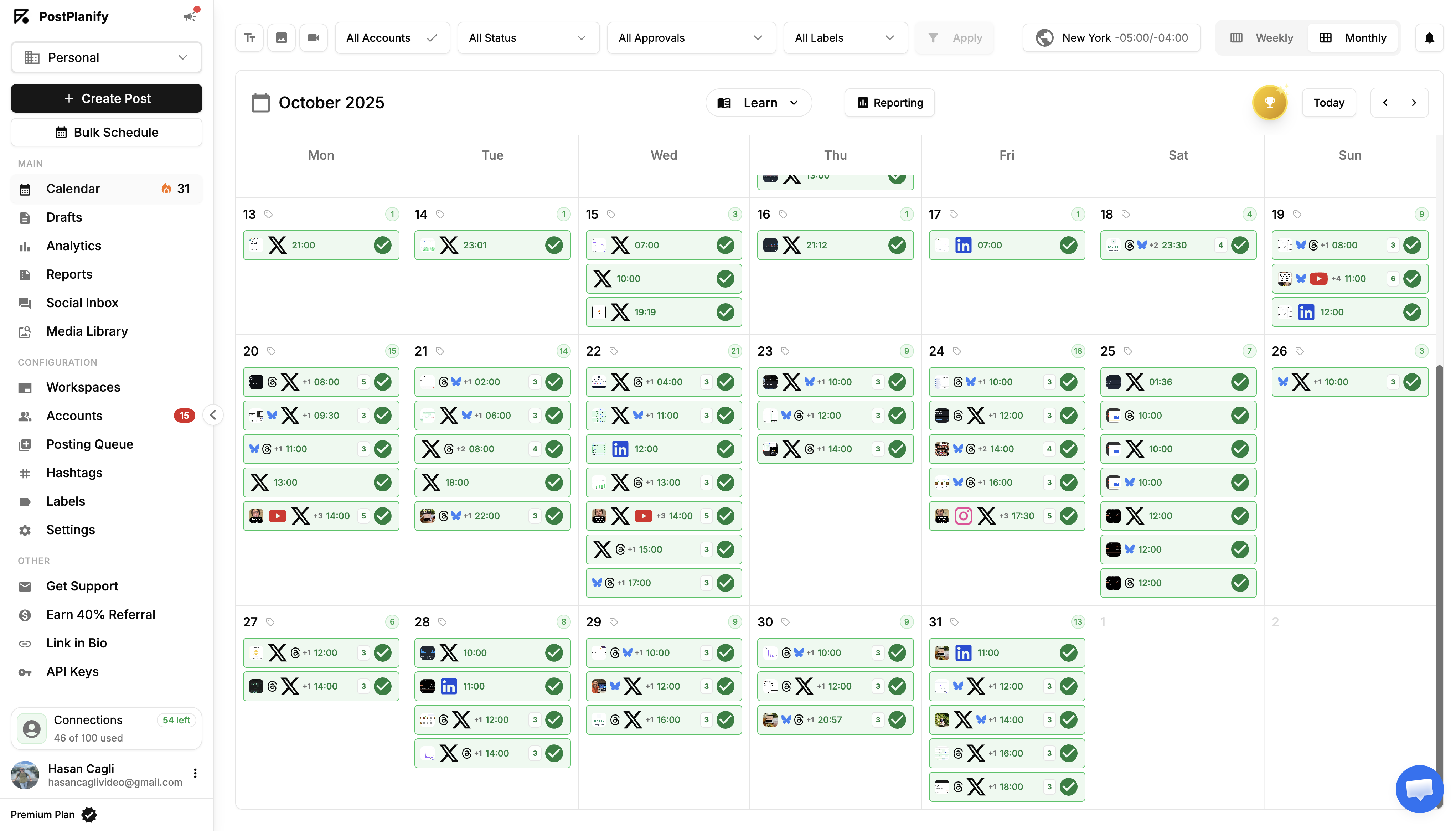
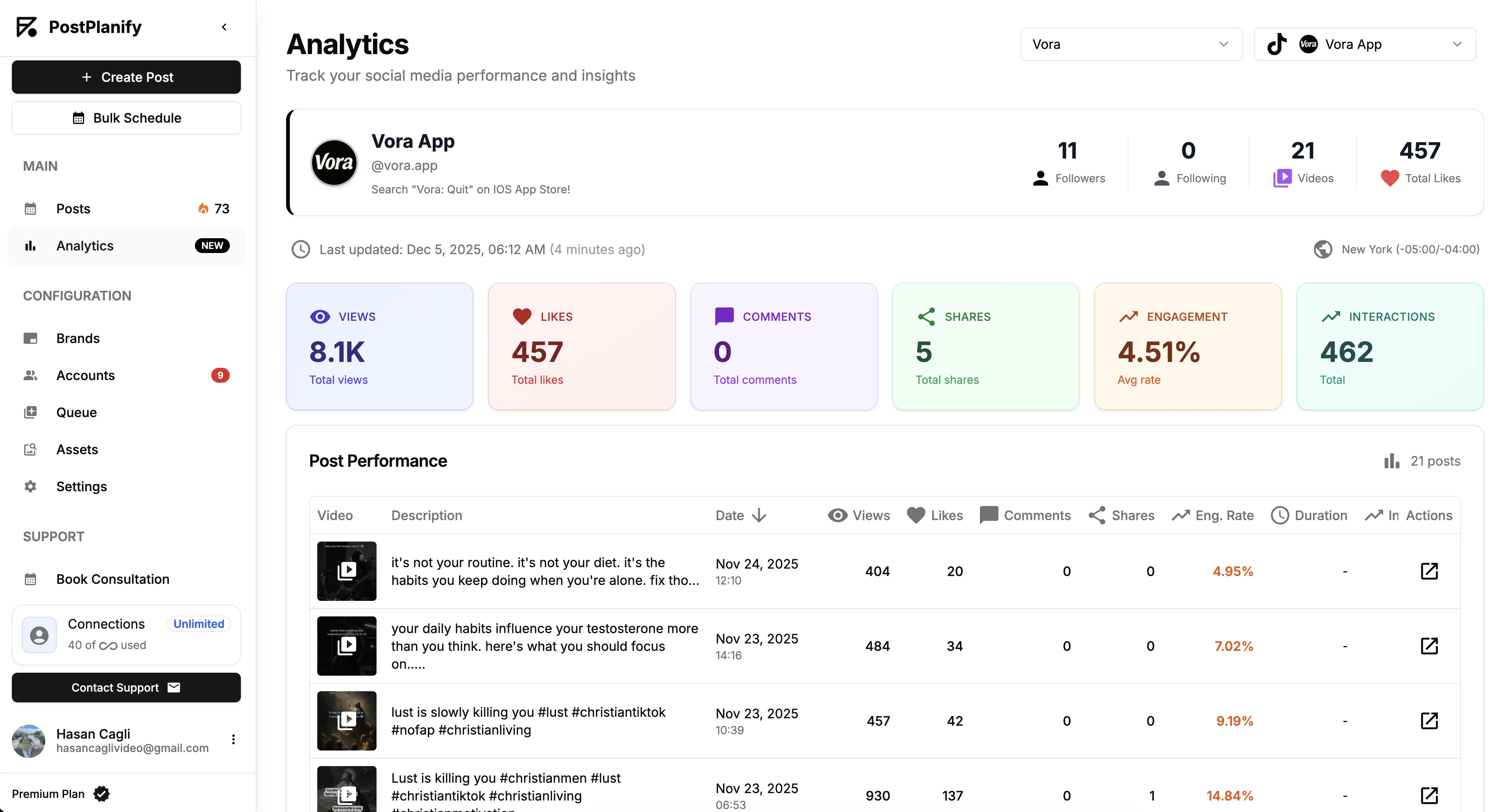
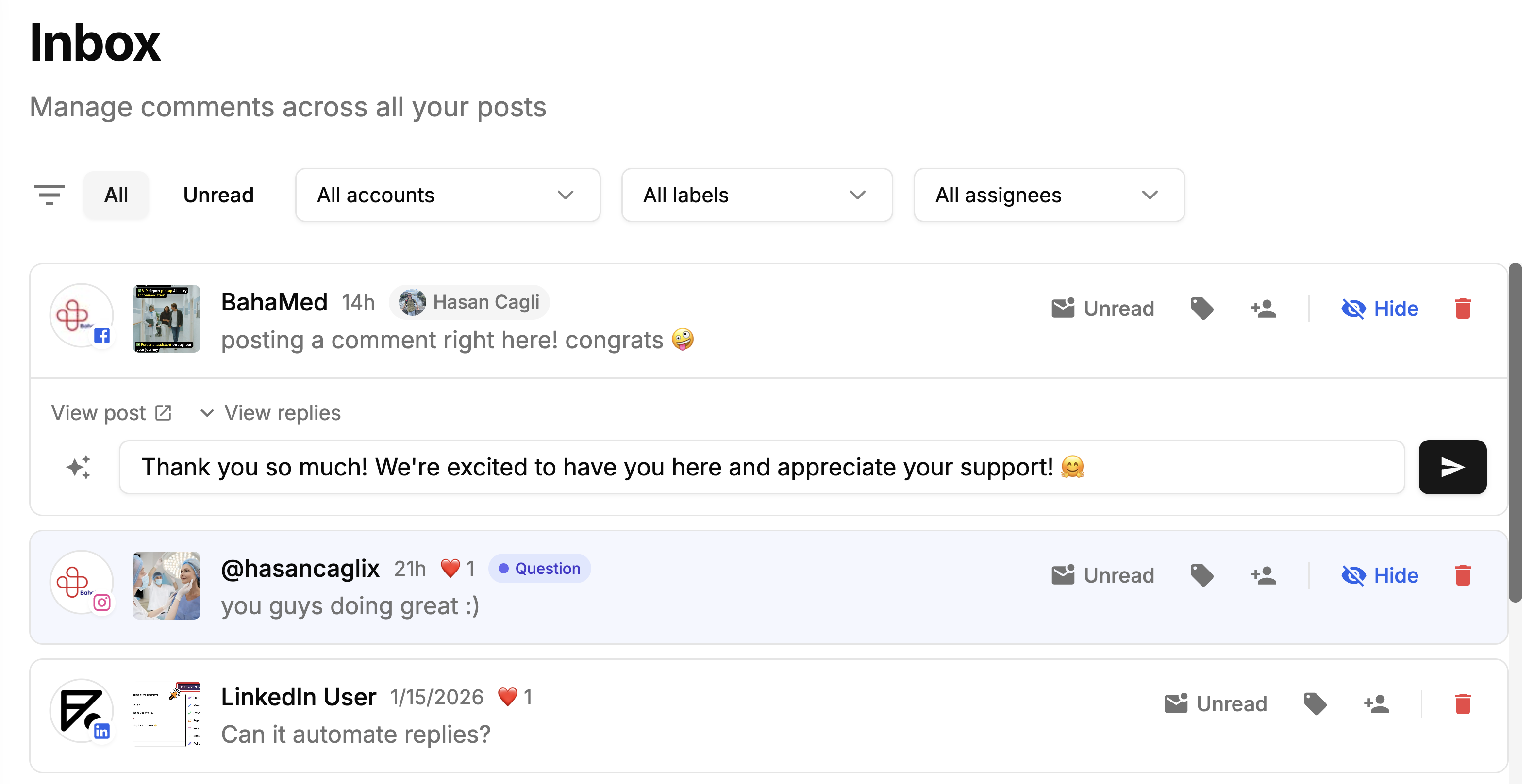
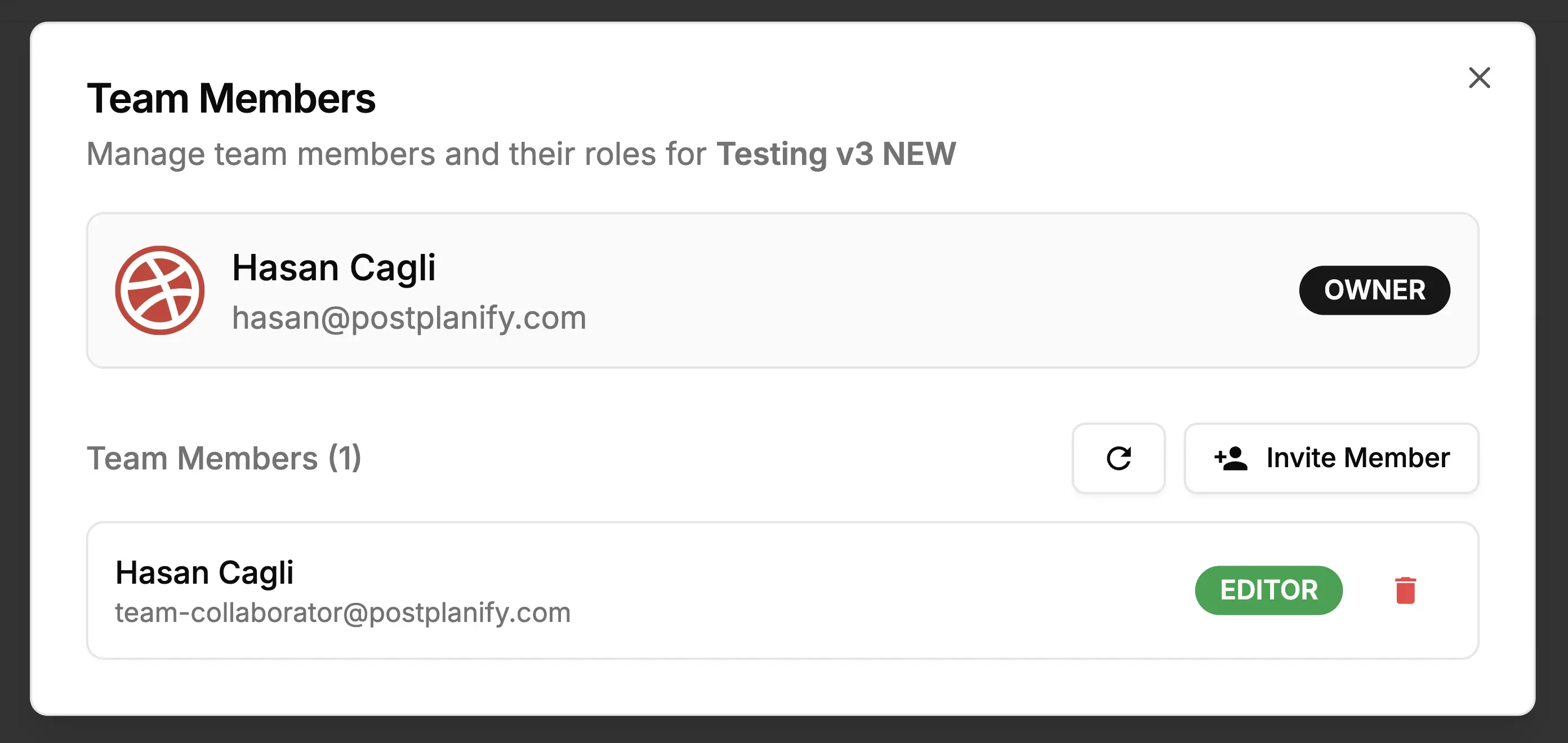
Pallyy is a social media scheduling platform built for solo creators and small teams. It offers post scheduling, a visual Instagram grid planner, basic analytics, and a social inbox. Founded in 2019 by a solo developer, Pallyy has grown to over 100,000 users.
But how does Pallyy's pricing actually work, and where does it get expensive?
Today, we'll break down the full Pallyy pricing structure and show you exactly what features you get in each plan, so you can decide whether it's the right tool for your social media workflow.
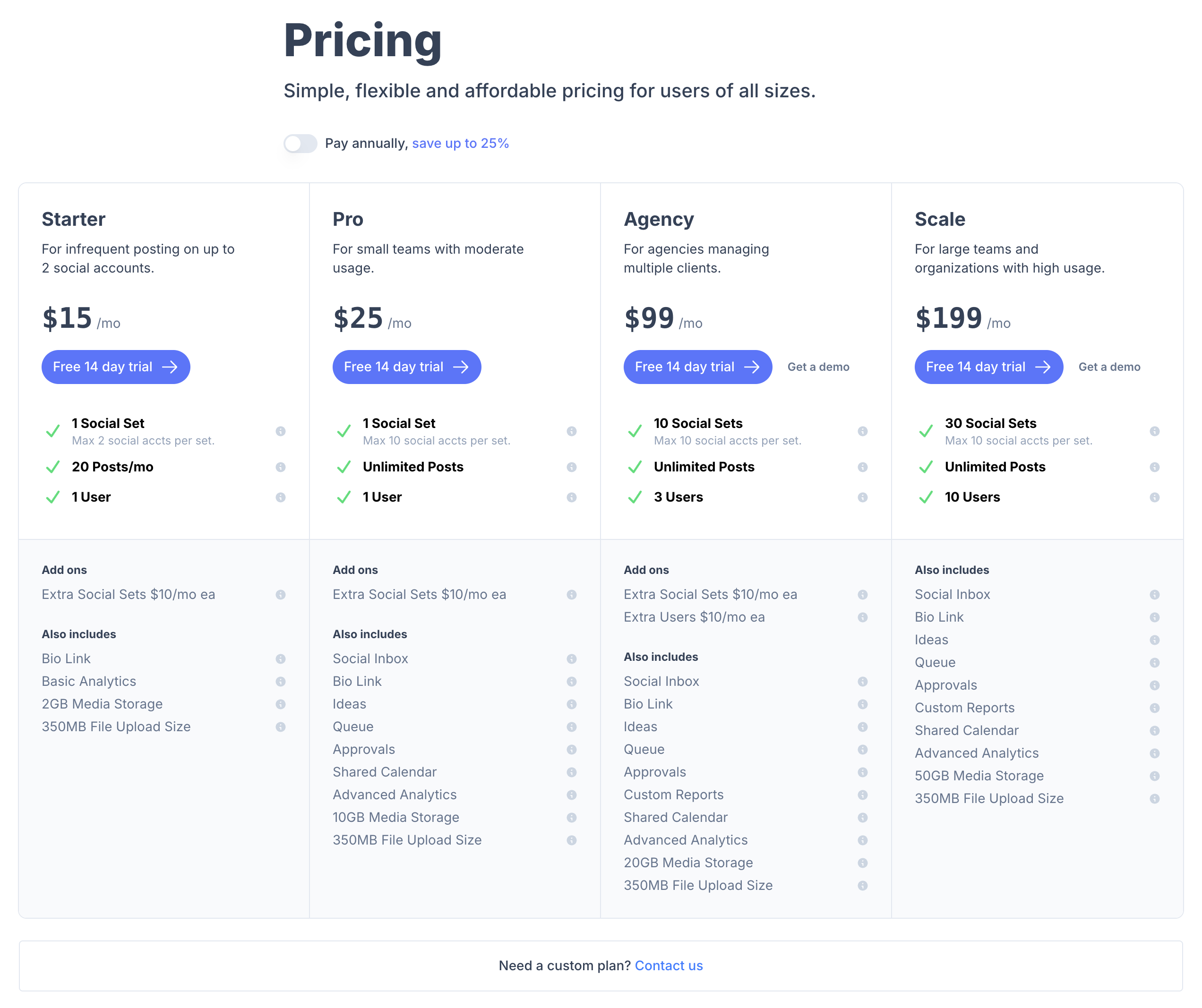
Pallyy Pricing at a Glance (2026)
| Plan | Price | Social sets | Posts | Users |
|---|---|---|---|---|
| Free | $0/month | 1 set | 15/month, images only | 1 |
| Pro | $25/month | 1 set, +$10/mo each extra | Unlimited | 1, extra users not available |
| Agency | $99/month | 10 sets, +$10/mo each extra | Unlimited | 3, +$10/mo each extra |
| Scale | $199/month | 30 sets, more on custom pricing | Unlimited | 10, more on custom pricing |
Annual billing saves up to 25%. Pro, Agency and Scale all include analytics, social inbox, client and team approvals, shared calendars and API access. Agency and Scale add custom reports and shared sets. Above 30 sets or 10 users, Pallyy moves to custom pricing. Source: pallyy.com/pricing
How Much Does Pallyy Actually Cost? (Cost Calculator)
Pallyy's pricing is based on "social sets", each set represents one brand and can contain up to 10 social accounts (one per platform). Extra social sets cost $10/month each, and extra users cost $10/month each on the Agency plan.
Here's what you'll actually pay depending on how many brands you manage:
| Brands | Free | Pro | Agency | Scale |
|---|---|---|---|---|
| 1 | $0 | $25/mo | $99/mo | $199/mo |
| 3 | n/a | $45/mo, 2 extra sets | $99/mo | $199/mo |
| 5 | n/a | $65/mo, 4 extra sets | $99/mo | $199/mo |
| 10 | n/a | $115/mo, 9 extra sets | $99/mo | $199/mo |
| 15 | n/a | n/a | $149/mo, 5 extra sets | $199/mo |
| 25 | n/a | n/a | $249/mo, 15 extra sets | $199/mo |
The key detail most people miss: Pallyy's Pro plan includes only 1 social set. If you manage more than one brand, you need to buy extra sets at $10/month each, which adds up quickly. A freelancer managing 5 client brands on the Pro plan pays $65/month, not $25/month.
The Agency plan becomes cost-effective at 10+ brands since it includes 10 sets. But if you need more than 3 users, each extra user costs $10/month on top.
Pallyy Feature Comparison by Plan
Not sure which Pallyy plan you need? This table shows exactly which features are included at each tier:
| Feature | Free | Pro ($25/mo) | Agency ($99/mo) | Scale ($199/mo) |
|---|---|---|---|---|
| Social Sets | 1 | 1 (max 10 accts) | 10 (max 10 accts each) | 30 (max 10 accts each) |
| Scheduled Posts | 15/month | Unlimited | Unlimited | Unlimited |
| Users | 1 | 1 | 3 | 10 |
| Social Inbox | No | Yes | Yes | Yes |
| Bio Link | Basic | Yes | Yes | Yes |
| Analytics | Basic | Advanced | Advanced | Advanced |
| Queue | No | Yes | Yes | Yes |
| Approvals | No | Yes | Yes | Yes |
| Shared Calendar | No | Yes | Yes | Yes |
| Custom Reports | No | No | Yes | Yes |
| Media Storage | , | 10 GB | 20 GB | 50 GB |
| Analytics Platforms | Instagram only | Instagram, Facebook, LinkedIn | Instagram, Facebook, LinkedIn | Instagram, Facebook, LinkedIn |
| Platforms Supported | 9 | 9 | 9 | 9 |
Key limitation: Pallyy's analytics only cover 3 platforms (Instagram, Facebook, LinkedIn). There are no analytics for X/Twitter, YouTube, Pinterest, TikTok, Threads, or Google Business, even on the highest plan.
Pallyy Pricing Plans in Detail
Here's a detailed breakdown of each plan to help you understand Pallyy's pricing and choose the best fit for your workflow.
1. Free Plan
The Free plan costs $0/month and allows you to connect 1 social set with 1 account per platform.
What's included:
- 15 scheduled posts per month
- 1 user account
- Basic Instagram analytics
- Basic bio link
- No social inbox, queue, or approvals
Best for: testing the platform before committing to a paid plan.
2. Pro Plan
The Pro plan costs $25/month and includes 1 social set with up to 10 social accounts.
What's included:
- Unlimited scheduled posts
- 1 user account
- Advanced analytics (Instagram, Facebook, LinkedIn only)
- Social inbox
- Queue feature
- Approval workflows
- Shared calendar
- 10 GB media storage
Best for: solo creators managing one brand across multiple platforms.
3. Agency Plan
The Agency plan costs $99/month and includes 10 social sets with up to 10 accounts each.
What's included:
- Unlimited scheduled posts
- 3 users (extra users $10/mo each)
- Advanced analytics
- Social inbox
- Custom reports
- All Pro features
- 20 GB media storage
Best for: small agencies managing up to 10 client brands.
4. Scale Plan
The Scale plan costs $199/month and includes 30 social sets with up to 10 accounts each.
What's included:
- Unlimited scheduled posts
- 10 users
- All Agency features
- 50 GB media storage
Best for: larger teams and agencies managing many clients.
Is Pallyy Pricing Worth It?
Pallyy's pricing looks attractive at first glance, $25/month for unlimited posts is hard to beat. But several limitations become apparent once you dig deeper.
When you look at Pallyy reviews online, users consistently praise the clean interface and responsive support. However, they also highlight limitations that may affect your decision.
The biggest concern is analytics coverage. Pallyy only provides analytics for Instagram, Facebook, and LinkedIn, 3 out of 9 supported platforms. If you need performance data for TikTok, YouTube, Pinterest, or X, you'll need a separate analytics tool.
Other common concerns include the lack of a dedicated mobile app, no white-label reporting for agencies, and the $10/month add-on costs that can make the final bill significantly higher than the base price.
Pallyy Pricing: What to Watch Out For
Before committing to a Pallyy plan, be aware of these common pricing pitfalls:
1. Add-on costs compound fast. Extra social sets cost $10/month each. A freelancer managing 5 clients on the Pro plan pays $65/month, nearly three times the advertised price. On the Agency plan, extra users cost another $10/month each.
2. The Pro plan is capped at one user, with no way to add more. At $25/month Pro is a single-user plan and Pallyy states that extra users are not available on it. The moment a second person needs access, or a client wants their own login to approve posts, you are on the $99 Agency plan.
3. Analytics only cover 3 out of 9 platforms. Even on the most expensive plan, Pallyy only provides analytics for Instagram, Facebook, and LinkedIn. If you post to TikTok, YouTube, Pinterest, X, Threads, or Google Business, you're flying blind on those platforms.
4. No white-label reporting. Agencies cannot brand their reports. Pallyy offers "custom reports" on Agency and Scale plans, but these are not white-label PDF exports you can share with clients under your own branding.
5. Social inbox doesn't cover all platforms. Pallyy's inbox supports Instagram, Facebook, Google Business, and TikTok, but not X/Twitter, YouTube, Pinterest, or Threads.
6. No dedicated mobile app. Pallyy does not have a full mobile app. They offer notification-based companion apps for manual publish reminders, but you cannot schedule or manage posts from your phone.
Compare Pallyy Pricing with Competitors
See how Pallyy compares in our detailed analysis: Pallyy Reviews and Alternative to Pallyy. You can also browse all tool comparisons on our comparison hub.
Pros and Cons of Pallyy
Pros of Pallyy:
- Very competitive entry pricing: Pallyy's Pro plan at $25/month with unlimited posts is one of the cheapest options on the market for solo creators managing one brand.
- Clean, beginner-friendly interface: Users consistently rate Pallyy 4.8/5 for ease of use on Capterra. The dashboard is intuitive and doesn't overwhelm new users.
- Excellent Instagram-specific features: Pallyy offers an Instagram grid planner, feed preview, and first-comment scheduling, features that Instagram-focused creators love.
- Responsive customer support: Multiple Capterra reviewers report that Pallyy's founder implements feature requests "within hours." This level of responsiveness is rare.
- 14-day free trial, no credit card required: You can test all features without entering payment information, making it easy to evaluate the platform risk-free.
Cons of Pallyy:
- Analytics limited to 3 platforms: Pallyy only provides analytics for Instagram, Facebook, and LinkedIn. No analytics for TikTok, YouTube, Pinterest, X, Threads, or Google Business, even on the $199/month plan.
- Add-on costs inflate the price: Extra social sets ($10/mo each) and extra users ($10/mo each) can push your actual cost well above the advertised price, especially for freelancers and small agencies.
- No dedicated mobile app: Unlike most competitors, Pallyy does not have a full mobile app for scheduling and managing posts on the go.
- No white-label reports: Agencies cannot create branded PDF reports to share with clients. This is a dealbreaker for agencies that need professional reporting.
- Basic AI features: Pallyy's AI caption generator is described by reviewers as limited. There's no AI image generation or advanced AI-powered automation.
- No Bluesky support: Pallyy supports 9 platforms but does not include Bluesky, which is growing rapidly.
The Better Pallyy Alternative for Agencies
Pallyy is the best value in this comparison and it is worth saying so before anything else. The Agency plan is $99/month for 10 social sets, approvals start on the $25 Pro plan, and there is a genuine free tier. PostPlanify does not undercut that, at any client count.
Two things separate them. Seats are capped and metered: Pro at $25 is one user with no option to add more, Agency includes three and charges $10/month for each one after. And Pallyy does not white label the dashboard, client emails or reports, so clients log in to Pallyy's product rather than yours.
PostPlanify is built for agencies serving local businesses, where seats and client-facing branding are the two costs that scale with the work.
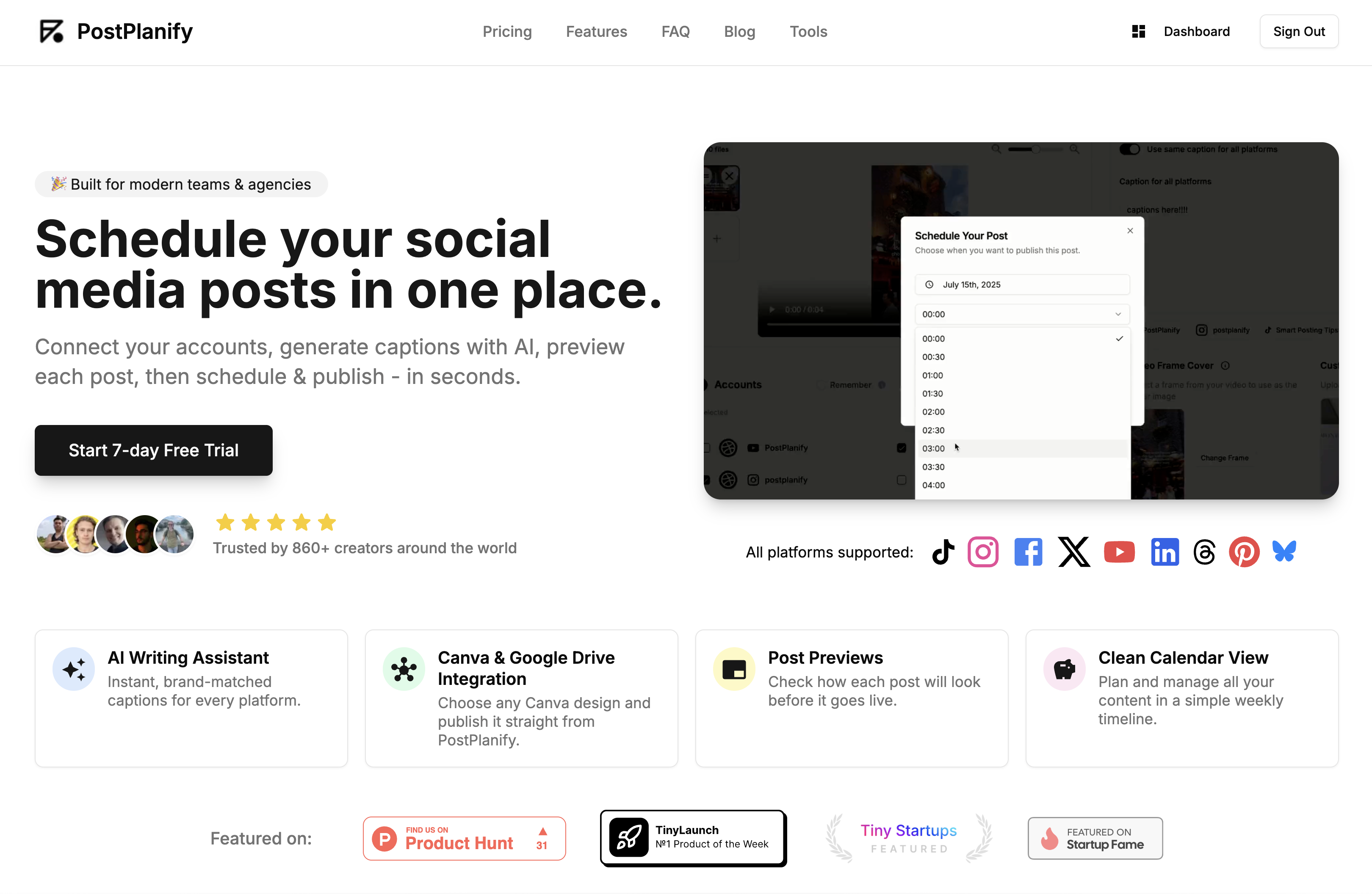
Pricing starts at $39/month for your first client workspace, or $31/month billed yearly:
| Client workspaces | Growth | Premium | Scale |
|---|---|---|---|
| 1 | $39/mo | $59/mo | $79/mo |
| 3 | $97/mo | $157/mo | $197/mo |
| 5 | $155/mo | $255/mo | $315/mo |
| 10 | $250/mo | $400/mo | $560/mo |
| Social accounts per workspace | 4 | 6 | 8 |
Every plan includes unlimited team members and unlimited posts. Here is what each adds:
- Growth ($39/mo first workspace): unlimited users and posts, analytics across all 10 platforms, social inbox, approval workflows, shared calendar, roles and permissions, bulk scheduling, media library with Canva and Google Drive, and link in bio
- Premium ($59/mo first workspace): everything in Growth, plus advanced analytics, branded client reports, scheduled report delivery, team comments and mentions, AI brand voice, AI knowledge base, and full API and MCP access
- Scale ($79/mo first workspace): everything in Premium, plus a white-label dashboard, white-label client emails and reports, dedicated 1:1 onboarding, migration help and priority human support
Where the Seat Costs Land
Pallyy wins on the base price. The gap narrows as the team grows, because seats are billed and ours are not:
| Setup | Pallyy Agency | PostPlanify Growth |
|---|---|---|
| 10 clients, 3 people | $99/mo | $250/mo |
| 10 clients, 6 people | $129/mo, 3 extra seats at $10 | $250/mo |
| 10 clients, 10 people | $169/mo, 7 extra seats | $250/mo |
| Client approvers | Each one is a $10/mo seat | Free, unlimited |
Pallyy stays cheaper throughout. The point is the direction of travel: their bill rises with headcount and client approvers, ours does not move at all.
Pallyy vs PostPlanify: Side-by-Side Comparison
| Feature | Pallyy (Agency, $99) | PostPlanify (Growth) |
|---|---|---|
| Price | $99/mo | $39/mo first workspace, $250/mo for 10 |
| Client separation | 10 social sets, $10/mo each after | One workspace per client, up to 100 |
| Social accounts | Max 10 per set | 4 per workspace |
| Team members | 1 on Pro with no extras allowed, 3 on Agency then $10/mo each | Unlimited on every plan |
| Client approvers | Billed as $10/mo users | Free, never billed as seats |
| Approval workflows | Client and team approvals from Pro, $25/mo | Included from Growth |
| Social inbox | Pro and above | Included from Growth |
| Custom reports | Agency and above, $99/mo | Premium and above |
| White labeling | Not offered | Full dashboard, client emails and reports on Scale |
| Free plan | Yes, 1 social set, 15 posts/mo, images only | No, 7-day trial |
| Free trial | 14 days | 7 days |
Being straight about it: Pallyy is cheaper than PostPlanify at every client count, and by a wide margin at ten. Its $25 Pro plan includes analytics, a social inbox, client and team approvals, shared calendars and API access, which is more in an entry plan than we offer and more than most tools twice the price. The free plan is real and the 14-day trial beats our 7. If budget is the deciding factor, Pallyy is the honest recommendation.
Two things tip it the other way for an agency. Seats are capped: the $25 Pro plan allows exactly one user with no way to add another, and past the three on Agency each teammate or client approver is $10/month, so a ten-person agency pays $169 where the same team costs nothing extra here. And Pallyy does not white label the dashboard, client emails or reports, so clients log in to Pallyy rather than to your agency. If neither of those matters, take the cheaper tool.
All plans include a 7-day free trial backed by a 14-day money-back guarantee.
Related Guides
- Best Pallyy Alternatives for Social Media Scheduling
- Pallyy Reviews: What Users Actually Say
- Best Social Media Management Platform (2026)
- Best Free Social Media Management Tools
- Social Media Scheduling Tools Compared
- Best Social Media Management Tools for Teams
- Best Social Media Management Tools for Agencies
- Instagram Post Scheduler Tools to Save Time
- How to Create a Social Media Content Calendar
FAQ on Pallyy Pricing
Is Pallyy free?
Yes, Pallyy offers a Free plan with 1 social set, 15 scheduled posts per month, and basic Instagram analytics. There is no time limit on the free plan, but it's very limited for any serious scheduling workflow.
Does Pallyy offer a free trial?
Yes. Pallyy provides a 14-day free trial on all paid plans with no credit card required, so you can test all features before committing.
What is a "social set" in Pallyy?
A social set is Pallyy's way of grouping social accounts for one brand. Each set can contain up to 10 accounts (one per platform). The Starter plan limits sets to 2 accounts maximum. Extra social sets cost $10/month each.
How much does Pallyy cost for 5 brands?
On the Pro plan, 5 brands would require 5 social sets, 1 included plus 4 extras at $10/month each = $65/month. On the Agency plan ($99/month), 5 brands are included within the 10 social sets, making it more cost-effective at that scale.
Does Pallyy offer annual billing discounts?
Yes. Pallyy offers up to 25% off when you pay annually. The Pro plan drops from $25/month to approximately $20/month, and the Agency plan drops from $99/month to approximately $79/month.
Does Pallyy have analytics for all platforms?
No. Pallyy only provides analytics for Instagram, Facebook, and LinkedIn, 3 out of 9 supported platforms. There are no analytics for X/Twitter, YouTube, Pinterest, TikTok, Threads, or Google Business on any plan.
Does Pallyy have a mobile app?
No. Pallyy does not have a dedicated mobile app for scheduling and managing posts. They offer notification-based companion apps that remind you to publish manually, but full scheduling from mobile is not supported.
Does Pallyy offer white-label reports?
No. Pallyy offers "custom reports" on Agency and Scale plans, but these are not white-label PDF exports. You cannot brand reports with your own logo and share them with clients as your own.
Is Pallyy cheaper than Hootsuite?
Yes, significantly. Pallyy's Pro plan starts at $25/month, while Hootsuite's cheapest plan starts at $249/user/month. However, Pallyy's analytics are limited to 3 platforms and it lacks many enterprise features Hootsuite provides.
What happens when I cancel Pallyy?
When you cancel a Pallyy paid plan, you're downgraded to the Free plan at the end of your current billing cycle. You'll keep access to 1 social set with 15 scheduled posts per month and basic analytics. Any additional social sets, users, and advanced features will be removed.