


Free social media management tools sound great — until you hit the limits. Three accounts. Five posts per month. No analytics. No inbox. No AI. No team members. The free plan gets you in the door, but it rarely gets the job done.
That said, free plans have their place. If you're testing a platform before committing, managing a single brand with minimal posting, or just starting out and learning the ropes, a free plan can work — temporarily. The question isn't whether free plans exist (they do, from nearly every major tool), but whether what's included is actually enough to manage social media effectively.
We evaluated 9 platforms that offer permanent free plans — not free trials, but plans you can use indefinitely — and compared what you actually get at $0/month versus what's behind the paywall. (Agorapulse used to make this list, but it discontinued its free plan and is now trial-only, so it's no longer a free option.) We also included PostPlanify as a paid benchmark to show what a full-featured platform costs when you're ready to move beyond free-tier limitations.
Quick Comparison
| Tool | Free Plan Includes | Accounts | Posts | Analytics | AI | Rating |
|---|---|---|---|---|---|---|
| Buffer | 3 channels, AI, basic analytics | 3 | 10/channel | Basic | AI Assistant | 4.3/5 G2 |
| Metricool | 1 brand, 50 posts/mo, AI | All (no LinkedIn/X) | 50/mo | 3 months | AI Assistant | 4.5/5 G2 |
| Publer | 3 accounts, 10 posts/account | 3 (no X) | 10/account | No | No | 4.7/5 G2 |
| Later | Limited profiles, limited posts | Limited | Limited | Limited | No | 4.5/5 G2 |
| Loomly | 3 accounts, 5 posts/mo | 3 | 5/mo | Basic | No | 4.6/5 G2 |
| Planable | 50 total posts, unlimited users | Limited | 50 total | No | No | 4.6/5 G2 |
| CoSchedule | 1 profile, 15 messages | 1 | 15 | No | AI Assistant | 4.4/5 G2 |
| Tailwind | 3 accounts, 5 posts/mo | 3 (Pin/IG/FB) | 5/mo | Basic | 5 AI credits | 4.3/5 G2 |
| Iconosquare | 2 profiles, 10 posts/profile/mo | 2 | 10/profile/mo | Limited | AI captions | 4.4/5 G2 |
| PostPlanify | 7-day free trial (full access) | 5–Custom | Unlimited | Full (10 platforms) | Vision AI + Image Gen | — |
 PostPlanify
All your social media in one simple dashboard
Schedule posts, track analytics, and reply to comments/DMs without switching tabs.

Engagement
+18%
Views
52.8k
What Free Plans Actually Give You
Before diving into individual tools, here's the reality of what "free" means in social media management:
What you typically get for free
- 1–3 social accounts — enough for one brand on a few platforms
- 5–50 scheduled posts per month — forces you to choose which content matters most
- 1 user — no team collaboration, no approvals
- Basic or no analytics — you can see some numbers, but can't export or track trends
- Limited or no social inbox — most free plans don't include engagement tools
- No approval workflows — every free plan is single-user
What you almost never get for free
- More than 3 social accounts
- Unlimited post scheduling
- Team members or approval workflows
- Advanced analytics or reporting
- Social inbox with full engagement management
- AI image generation
- White-label reports
- Priority support
When free plans work
- You manage 1–2 social accounts for a personal brand
- You post 2–3 times per week (not daily)
- You don't need team collaboration
- You're testing a platform before buying
- You're just starting out and learning social media basics
When you've outgrown free
- You manage 4+ social accounts
- You post daily or multiple times per day
- You need someone else to review content before publishing
- You need analytics to prove ROI
- You're spending more time working around limitations than creating content
1. Buffer — Best Free Plan Overall

Buffer offers the most complete free plan on this list. You get 3 channels with 10 scheduled posts per channel, an AI Assistant for caption ideas and rewriting, community inbox, and basic analytics — all without a credit card.
The AI Assistant is available on the free plan, which is unusual. Most tools restrict AI to paid tiers. Buffer also includes best time to post recommendations and hashtag management on the free tier, giving you scheduling intelligence that other free plans lack entirely.
The limitations are real though: 10 posts per channel means roughly 2–3 posts per week, and you're capped at 1 user with no approval workflows. If that ceiling is the problem, see the best Buffer alternatives. Analytics are basic — enough to see what's performing, but not enough for client reporting or deep analysis.
Free plan includes:
- 3 channels across major platforms
- 10 scheduled posts per channel
- AI Assistant for caption ideas and rewriting
- Community inbox (basic)
- Basic analytics
- Best time to post recommendations
- Hashtag management
- 1 user
What's behind the paywall:
- Unlimited scheduled posts (Essentials $6/channel/mo)
- Unlimited team members and approval workflows (Team $12/channel/mo)
- Advanced analytics and reporting (Essentials+)
- First comment scheduling (Essentials+)
When you'll outgrow it: When you need more than 10 posts per channel per month (roughly 2–3 posts per week), or when you add a second team member.
Paid upgrade path: Essentials at $6/channel/month removes the post limit. Team at $12/channel/month adds unlimited users and approval workflows.
User ratings: 4.3/5 on G2 (1,023 reviews) · 2.1/5 on Trustpilot (93 reviews)
For more details: Buffer Pricing Breakdown · Buffer Reviews · Best Buffer Alternatives
2. Metricool — Best Free Analytics
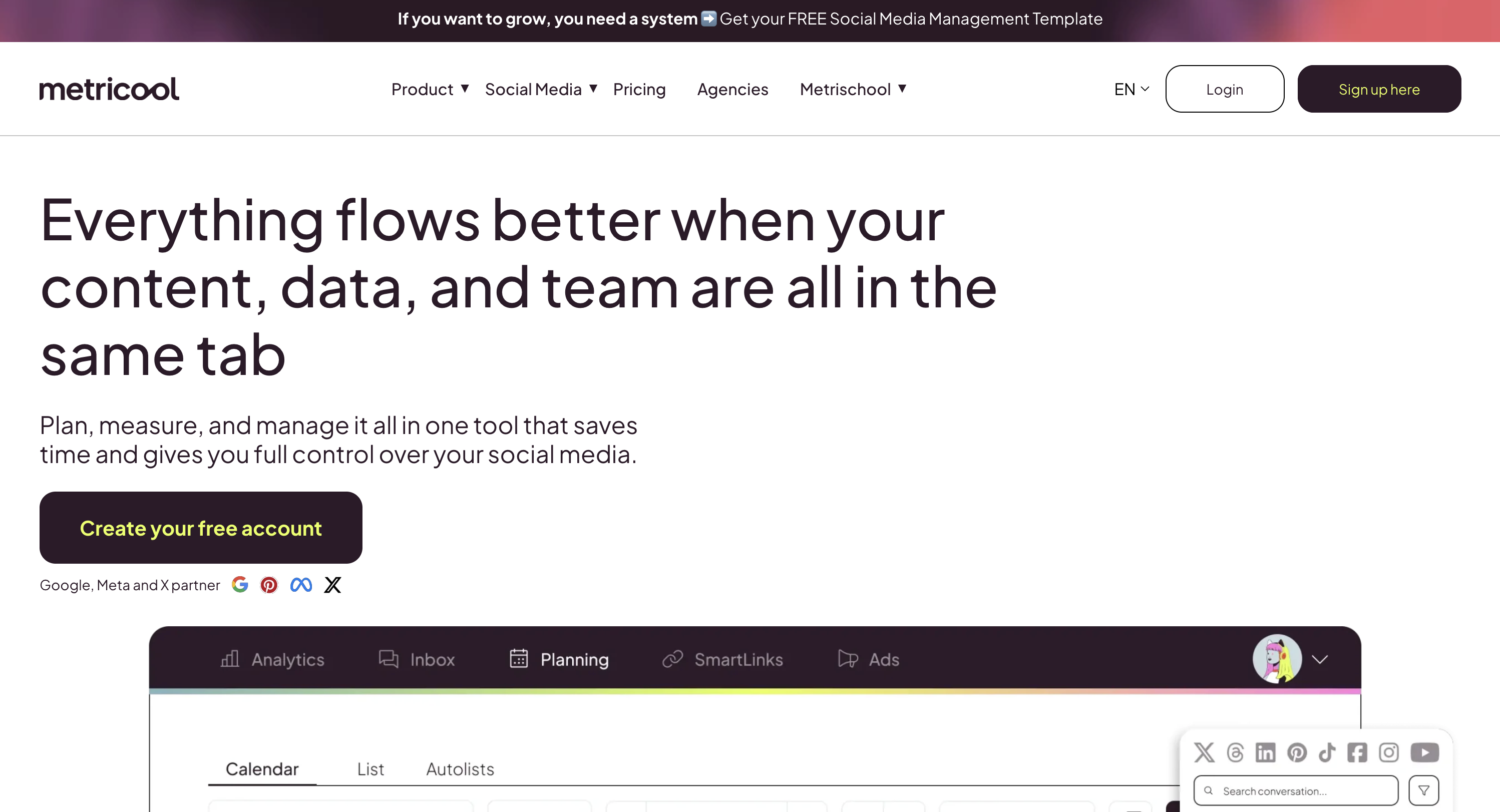
Metricool stands out among free plans by including 3 months of analytics data, an AI social media assistant, and 50 scheduled posts per month — the highest post count of any free plan on this list. The trade-off: no LinkedIn or X/Twitter support on the free tier.
The free plan covers 1 brand with connections to most major platforms (Facebook, Instagram, TikTok, YouTube, Pinterest, Google Business) except LinkedIn and X. You can analyze up to 5 competitor profiles, which gives you competitive intelligence that no other free plan includes.
50 posts per month is roughly 12 per week — enough for daily posting on 1–2 platforms. Combined with the AI assistant and analytics, Metricool's free plan is genuinely usable for solo creators who don't need LinkedIn or X.
Free plan includes:
- 1 brand with most social networks (no LinkedIn, no X/Twitter)
- 50 scheduled posts per month
- AI social media assistant
- 3 months of analytics data
- 5 competitor profile analysis
- 1 user
What's behind the paywall:
- LinkedIn and X/Twitter support (Starter $22/mo)
- More than 1 brand (Starter+)
- Team and client management (Advanced $54/mo)
- Post approval workflows (Advanced $54/mo)
- Longer analytics history (Starter+)
When you'll outgrow it: When you need LinkedIn or X/Twitter (critical for most businesses), or when you manage more than 1 brand.
Paid upgrade path: Starter at $22–$38/month adds LinkedIn, X, and more brands. Advanced at $54–$172/month adds team features and approval workflows.
User ratings: 4.5/5 on G2 (689 reviews) · 3.3/5 on Trustpilot (67 reviews)
For more details: Metricool Pricing Breakdown · Metricool Reviews · Best Metricool Alternatives
3. Publer — Best Free Multi-Platform Scheduler
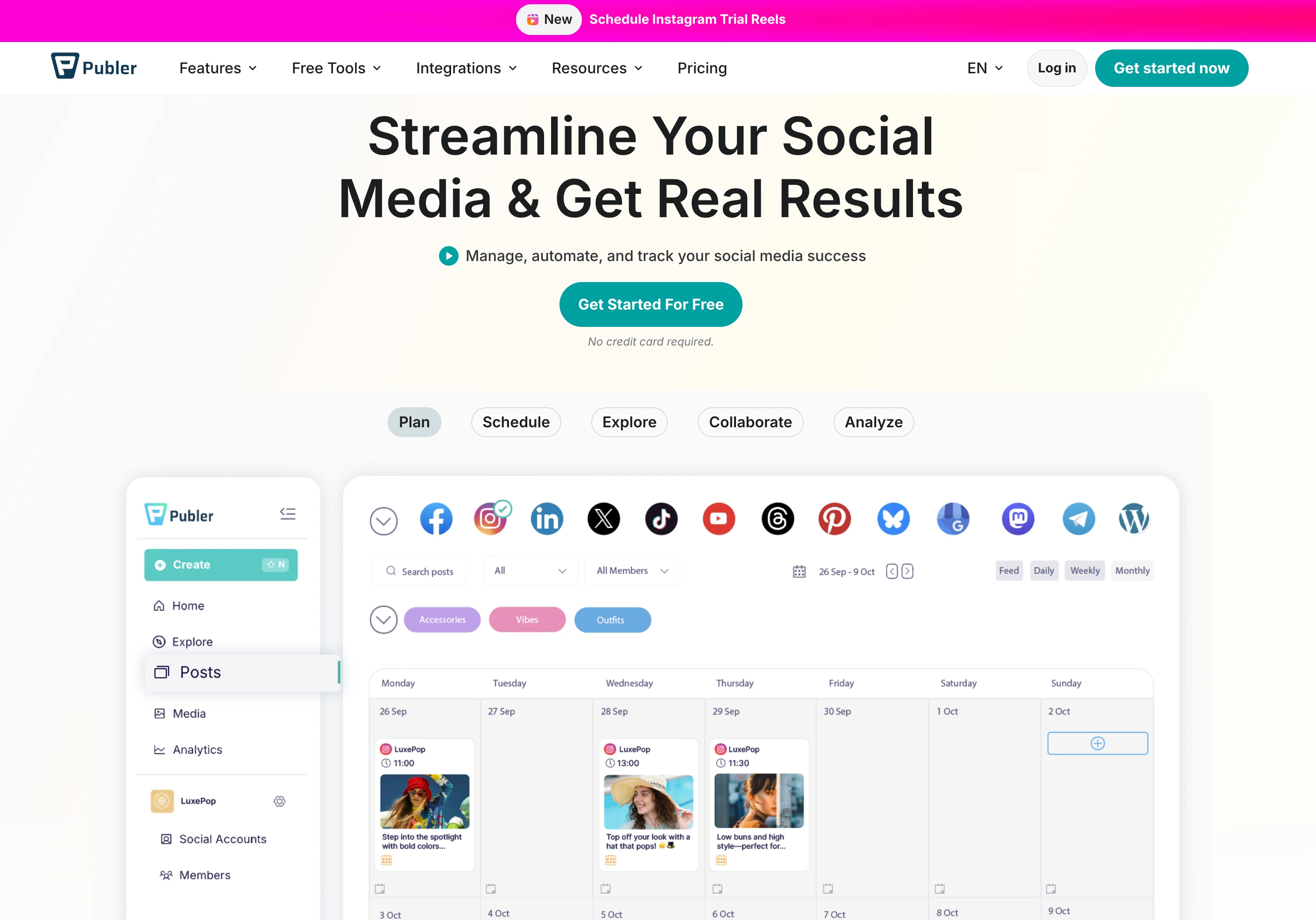
Publer gives you 3 social accounts with 10 scheduled posts per account on its permanently free plan. The platform supports 12+ platforms on paid plans, but the free tier excludes X/Twitter. You also get 25 saved drafts, auto-scheduling, post previews, and an unbranded Link in Bio for Instagram.
The free plan includes a 24-hour post history (you can see posts from the last day) and 1 workspace. There's no analytics, no AI features, and no team members on the free tier — those are reserved for Professional ($12/month) and Business ($21/month) plans.
Publer's highest ratings among all tools on this list (4.8/5 on Trustpilot from 863 reviews) reflect the overall platform quality, though the free plan is a significantly stripped-down version of the full experience.
Free plan includes:
- 3 social accounts (no X/Twitter)
- 10 scheduled posts per account
- 25 saved drafts
- Auto-schedule
- Post preview
- Unbranded Link in Bio for Instagram
- 24-hour post history
- 1 user, 1 workspace
What's behind the paywall:
- X/Twitter support (Professional $12/mo)
- Unlimited scheduled posts and drafts (Professional+)
- AI captions (GPT-4) and AI images (DALL-E 3) (Business $21/mo)
- Analytics and reporting (Business $21/mo)
- Best times to post (Business+)
- Bulk scheduling up to 500 posts (Professional+)
When you'll outgrow it: When you need more than 10 posts per account, X/Twitter support, or any analytics at all.
Paid upgrade path: Professional at $12/month for 3 accounts removes post limits and adds X/Twitter. Business at $21/month adds AI and analytics.
User ratings: 4.7/5 on G2 (486 reviews) · 4.8/5 on Trustpilot (863 reviews)
For more details: Publer Pricing Breakdown · Publer Reviews · Best Publer Alternatives
4. Later — Best Free Visual Calendar

Later offers a free plan with limited features focused on its visual-first content calendar. The visual drag-and-drop interface makes it particularly useful for Instagram-centric creators who plan content around images and aesthetics.
The free plan includes basic scheduling with limited posts and profiles. Later's strength is its visual approach to content planning — you can see how your Instagram grid will look before posting. The platform also includes a Link in Bio page on all plans including free.
The limitations are typical: restricted post counts, limited analytics, no social inbox, no AI features, and no team collaboration. The paid plans (Starter at $25/month, Growth at $50/month) unlock significantly more functionality.
Free plan includes:
- Limited social profiles
- Limited scheduled posts
- Visual content calendar with drag-and-drop
- Link in Bio page
- Basic features
- 1 user
What's behind the paywall:
- More social sets and profiles (Starter $25/mo)
- Full analytics up to 1 year (Growth $50/mo)
- Social inbox (Growth $50/mo)
- Internal + external approval workflows (Growth $50/mo)
- AI content tools with credits (Starter+)
- Smart Scheduling with trend analysis (Growth+)
When you'll outgrow it: When you need analytics beyond the basics, social inbox, or more than minimal posting volume.
Paid upgrade path: Starter at $25/month for 1 social set (8 profiles) with 20 posts per profile. Growth at $50/month adds inbox, approvals, and better analytics.
User ratings: 4.5/5 on G2 (347 reviews) · 1.3/5 on Trustpilot (329 reviews)
For more details: Later Pricing Breakdown · Later Reviews · Best Later Alternatives
PostPlanifyAll your social media in one simple dashboard
Schedule posts, track analytics, and reply to comments/DMs without switching tabs.
Engagement
+18%
Views
52.8k
5. Loomly — Best Free for Testing Workflows

Loomly offers a minimal free plan with 3 social accounts and 5 scheduled posts per month — enough to get a feel for the platform's workflow but not enough for actual content management.
The real value of Loomly's free plan is testing the interface before committing to the Starter plan ($65/month), which includes approval workflows and roles. The free plan shows you how Loomly's content creation flow works — post ideas, optimization tips, and multi-platform previews — just with a very restrictive post limit.
5 posts per month is the lowest limit on this list (tied with Tailwind). That's roughly 1 post per week, which isn't enough for any serious social media presence. The free plan is strictly for evaluation, not ongoing use.
Free plan includes:
- 3 social accounts
- 5 scheduled posts per month
- Basic post editing and previews
- Basic analytics
- Hashtag suggestions
- 1 user
What's behind the paywall:
- More than 5 posts per month (Starter $65/mo, unlimited posts)
- Approval workflows and roles (Starter $65/mo)
- Interactions inbox (Starter+)
- Custom workflows and roles (Beyond $332/mo)
- Unlimited users (Beyond $332/mo)
- AI caption suggestions (paid plans)
When you'll outgrow it: Almost immediately. 5 posts per month is not enough for any active social media presence. This free plan is for testing only.
Paid upgrade path: Starter at $65/month is a significant jump but includes 12 accounts, 2 users, unlimited posts, and approval workflows.
User ratings: 4.6/5 on G2 (1,793 reviews) · 1.7/5 on Trustpilot (26 reviews)
For more details: Loomly Pricing Breakdown · Loomly Reviews · Best Loomly Alternatives
6. Planable — Best Free for Collaboration

Planable takes a unique approach to its free plan: unlimited users with full collaboration features, but only 50 total posts across the entire account. Those 50 posts aren't monthly — once you've used them, you need to upgrade.
This makes Planable's free plan essentially a trial disguised as a free tier. But the collaboration experience during those 50 posts is excellent — real-time comments, visual content preview, and team feedback tools all work on the free plan. It's the only free plan that lets you invite unlimited team members.
The no-X/Twitter limitation on the free plan and the one-time 50-post cap mean this is strictly for evaluating Planable's collaboration features, not for ongoing content management.
Free plan includes:
- 50 total posts (one-time, not monthly)
- Unlimited users and collaboration
- Feed and calendar views
- Visual content preview
- Comments and annotations
- No X/Twitter publishing
What's behind the paywall:
- More than 50 posts (Basic $39/workspace/mo, 60 posts/mo)
- X/Twitter support (paid plans)
- Approval workflows (Basic $39/workspace/mo)
- Analytics and reporting (not available on any plan — Planable focuses on collaboration)
- More social pages (Basic: 4, Pro: 10)
When you'll outgrow it: After 50 posts. This is effectively a trial with no time limit but a hard usage cap.
Paid upgrade path: Basic at $39/workspace/month for 60 posts/month with 2 approval types and 4 social pages.
User ratings: 4.6/5 on G2 (937 reviews) · 4.5/5 on Trustpilot (69 reviews)
For more details: Planable Pricing Breakdown · Planable Reviews · Best Planable Alternatives
7. CoSchedule — Best Free Marketing Calendar
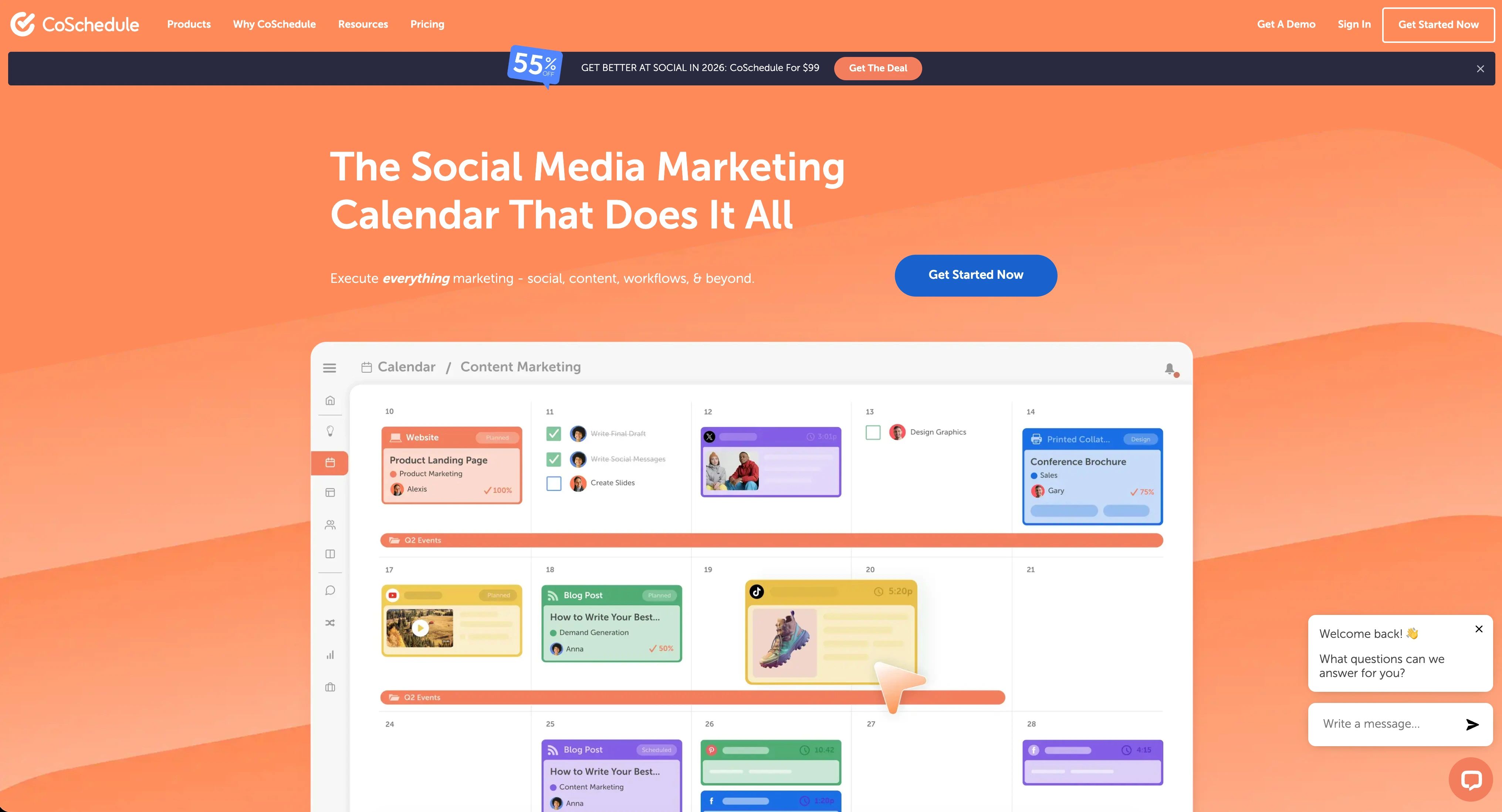
CoSchedule positions its free plan as a marketing calendar rather than a social media scheduler. You get 1 social profile with up to 15 scheduled messages, a drag-and-drop calendar, best time to publish recommendations, and access to an AI assistant with 20 AI project templates.
The AI assistant and project templates are a differentiator — most free plans don't include AI at all. CoSchedule's AI can help plan marketing campaigns, not just social posts, which makes the free plan more useful for marketers managing broader content strategies.
The 1-profile limit is restrictive, and X/Twitter is excluded from the free and Social Calendar plans entirely. But for marketers who want a single calendar view of their content plan, the free tier provides a functional starting point.
Free plan includes:
- 1 social profile (no X/Twitter)
- Up to 15 scheduled messages
- Drag-and-drop marketing calendar
- Best time to publish
- AI assistant with 20 project templates
- 1 user
What's behind the paywall:
- More social profiles (Social Calendar $19/user/mo, 3 profiles)
- X/Twitter support (Agency Calendar $59/user/mo)
- Approval workflows (Agency Calendar+)
- Team collaboration (Social Calendar+)
- Advanced campaign management (Content Calendar, custom pricing)
When you'll outgrow it: When you need more than 1 profile or X/Twitter support, which most businesses do from day one.
Paid upgrade path: Social Calendar at $19/user/month adds 3 profiles and team features. Agency Calendar at $59/user/month adds X/Twitter and approvals.
User ratings: 4.4/5 on G2 (324 reviews) · 2.3/5 on Trustpilot (41 reviews)
For more details: CoSchedule Pricing Breakdown · CoSchedule Reviews · Best CoSchedule Alternatives
8. Tailwind — Best Free for Pinterest
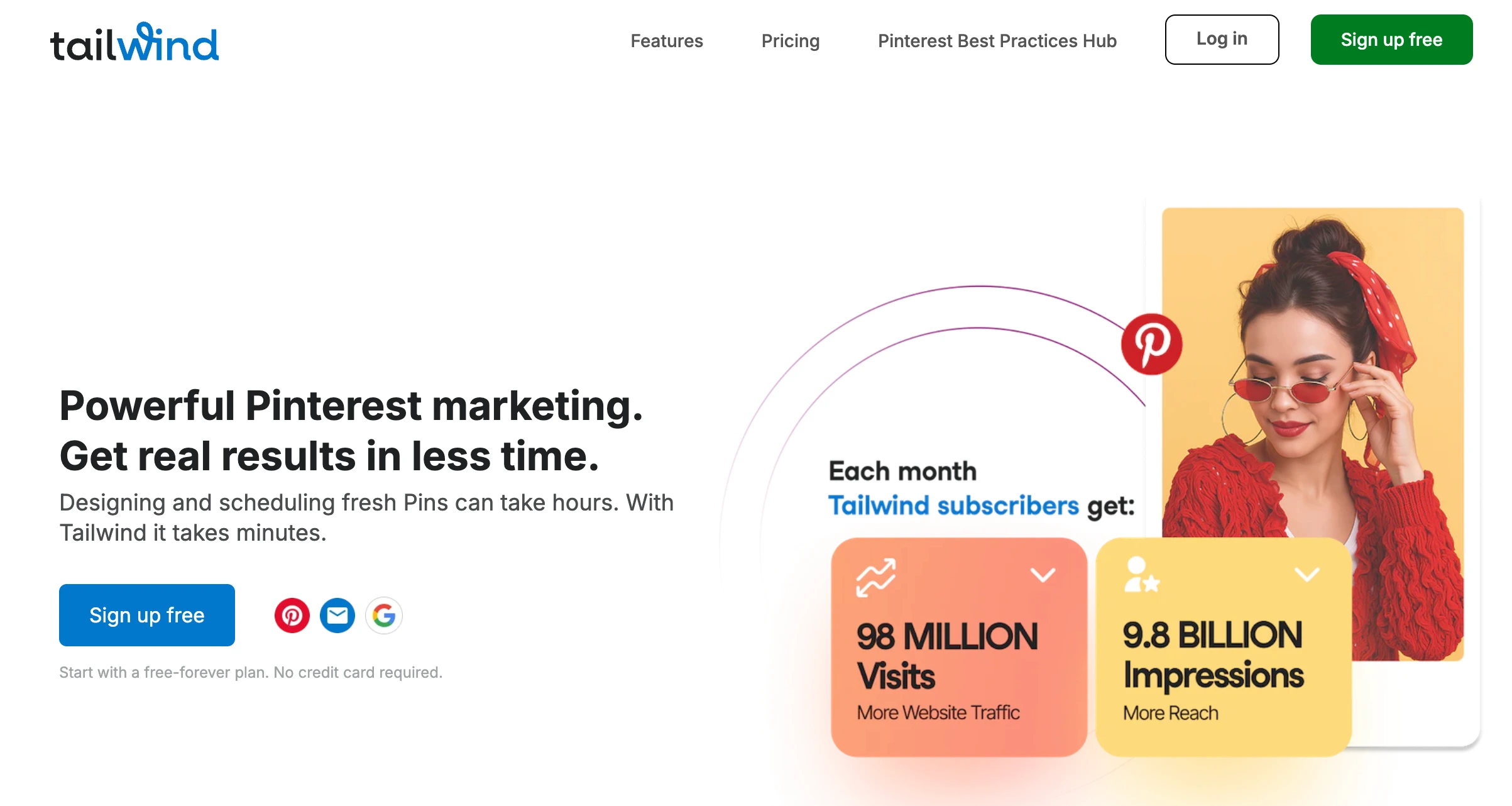
Tailwind offers a permanently free plan with 1 account per platform (Pinterest, Instagram, Facebook — 3 total), 5 posts per month, 5 AI credits, and 5 design templates via Tailwind Create. SmartSchedule for optimal posting times and a Smart.bio link page are also included.
If you're exclusively on Pinterest, Tailwind's free plan is the best fit. SmartSchedule uses Pinterest engagement data to recommend posting times, and SmartPin optimizes pin content (on Pro plans). Tailwind Communities let you join 1 community with 30 submissions per month on the free plan.
The 5-post monthly limit and 3-platform restriction (no TikTok, X, LinkedIn, YouTube) make this free plan extremely narrow. It works for Pinterest hobbyists, but not for anyone managing a multi-platform presence.
Free plan includes:
- 1 account per platform (3 total: Pinterest, Instagram, Facebook)
- 5 posts per month
- 5 Tailwind AI Credits per month
- 5 design templates (Tailwind Create)
- SmartSchedule for optimal posting times
- Smart.bio link page
- 1 Tailwind Community (30 submissions/month)
- Basic analytics
- 1 user
What's behind the paywall:
- More than 5 posts/month (Pro $24.99/mo, 150 posts)
- More accounts per platform (Advanced $49.99/mo, 2 per platform)
- Ghostwriter AI copywriting (Advanced+)
- Unlimited designs (Advanced+)
- Unlimited communities (Advanced+)
- More AI credits (Pro: 150, Advanced: 300, Max: 1,000)
When you'll outgrow it: After your first week. 5 posts per month is not enough for any active social media strategy, even on a single platform.
Paid upgrade path: Pro at $24.99/month (intro) for 150 posts. But remember — Tailwind only supports 3 platforms total.
User ratings: 4.3/5 on G2 (141 reviews) · 3.5/5 on Trustpilot (302 reviews)
For more details: Tailwind Pricing Breakdown · Tailwind Reviews · Best Tailwind Alternatives
9. Iconosquare — Best Free Instagram Analytics
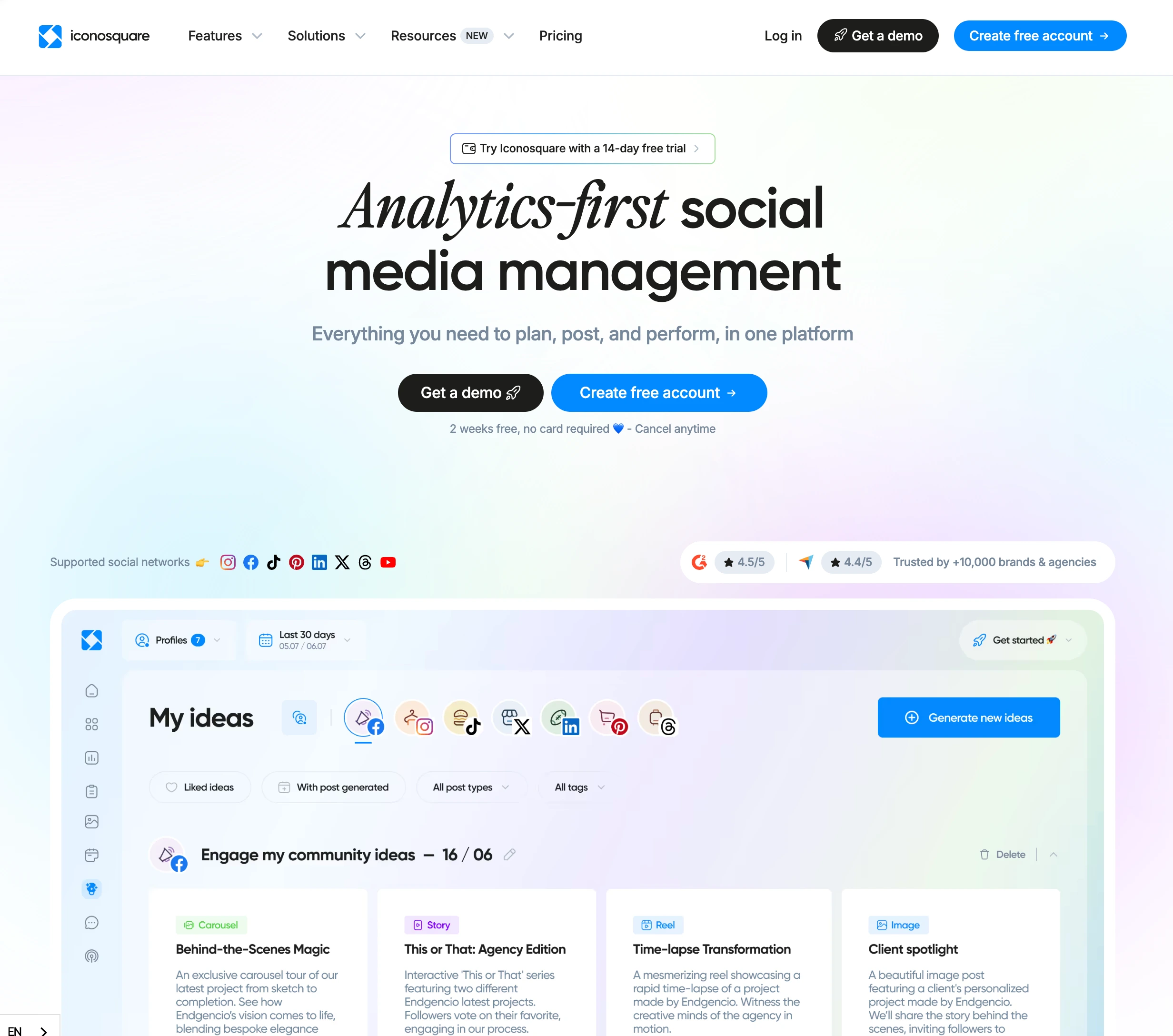
Iconosquare provides 2 social profiles with 10 posts per profile per month on its free plan. The platform is known for its analytics capabilities, and the free tier includes limited analytics and AI-powered caption generation — making it one of the few free plans with both scheduling and AI.
Iconosquare supports 8 platforms on paid plans (Instagram, Facebook, TikTok, LinkedIn, X, Pinterest, YouTube, Threads), though the free plan's 2-profile limit means you'll only use a fraction of that coverage. The platform's analytics depth on paid plans (especially for Instagram) is its main selling point.
The free plan has been described in reviews as "impractical for active social media management" due to the tight profile and post limits. Like several others on this list, it's best used as a testing ground.
Free plan includes:
- 2 social profiles
- 10 posts per profile per month
- AI-powered caption generation
- Limited analytics
- Basic scheduling
- 1 user
What's behind the paywall:
- More profiles (Launch $39/mo, 5 profiles)
- Approval workflows and external collaborator links (Scale $83/mo)
- Advanced analytics and reporting (Launch+)
- Team members (Scale: 3 users, Excel: 6 users)
- Hashtag tracking and competitor analysis (Launch+)
When you'll outgrow it: When you need more than 2 profiles or detailed analytics. The limited analytics on the free plan don't show the depth Iconosquare is known for.
Paid upgrade path: Launch at $39/month for 5 profiles with advanced analytics. Scale at $83/month adds approval workflows and 3 users.
User ratings: 4.4/5 on G2 (380 reviews) · 2.4/5 on Trustpilot (44 reviews)
For more details: Iconosquare Pricing Breakdown · Iconosquare Reviews · Best Iconosquare Alternatives
PostPlanifyAll your social media in one simple dashboard
Schedule posts, track analytics, and reply to comments/DMs without switching tabs.
Engagement
+18%
Views
52.8k
When Free Isn't Enough: PostPlanify

Free plans share the same pattern: they give you just enough to see what a tool can do, but not enough to actually manage social media effectively. 3 accounts, 10 posts, no team members, no real analytics. The moment you need more — and you will — you're looking at paid plans.
The question then becomes: what do you actually get when you start paying?
PostPlanify doesn't have a free plan, but its pricing structure is worth understanding. Growth starts at $99/month or $79/month billed yearly and covers 15 social accounts. Premium adds approvals and branded reporting, while Scale adds white-label PDFs and more workspace capacity. Unlike free-to-paid upgrades that still feel restrictive, PostPlanify's paid plans include features that free tools don't offer at any price tier.
What $99/month (Growth) gets you:
- 15 social accounts across 10 platforms
- Unlimited scheduled posts
- AI assistant with vision-powered caption generation (analyzes your images and videos)
- AI image generation (200 credits/month across 7 models including Flux and Google Imagen 4)
- Content calendar with drag-and-drop scheduling
- Media library for asset management
- Link in bio page
- Queue and hashtag manager
- Social inbox
- Analytics across all 10 platforms
- Custom integrations (Canva, Google Drive, Unsplash)
- API access
What $199/month (Premium) adds:
- 30 social accounts
- 6 team members with roles and permissions
- Multi-approver approval workflows
- Branded PDF reports
- 400 AI image credits/month
What $299/month (Scale) adds:
- 100 social accounts
- 12 team members
- White-label PDF reports
- 800 AI image credits/month
- 50 workspaces
| Plan | Price | Social Accounts | Team Members | AI Image Credits |
|---|---|---|---|---|
| Growth | $99/mo | 15 | 3 | 200/mo |
| Premium | $199/mo | 30 | 6 | 400/mo |
| Scale | $299/mo | 100 | 12 | 800/mo |
| Enterprise | Custom | Custom | Unlimited | Unlimited |
Why it matters for free plan users:
The gap between what free plans offer and what PostPlanify Growth includes is significant. For $99/month — still less than many per-seat tools once you add users — you get 15 social accounts, unlimited scheduled posts, vision-powered AI, 200 AI images/month, custom integrations (Canva, Google Drive, Unsplash), queue and hashtag manager, link in bio, social inbox, analytics, and API access. Step up to Premium and you unlock approvals and branded reports; Scale adds white-label PDFs and more workspace capacity.
When you're ready to move beyond the limits of a free plan, the question isn't whether to pay — it's whether you're getting enough for what you pay. PostPlanify's flat-rate pricing means you won't be hit with per-seat fees as your needs grow, and the feature set competes with tools charging 5–10x more. If predictable pricing matters to you, see our guide to social media tools with no per-seat fees.
Try PostPlanify free for 7 days →
The Real Cost of "Free"
Free social media tools cost nothing in dollars but can cost plenty in time and missed opportunities.
Time spent working around limits
When you can only schedule 10 posts per month, you spend time deciding which posts to schedule and which to publish manually. When you can't access analytics, you spend time guessing what works. When you have no social inbox, you spend time switching between native apps to respond to comments. These workarounds add up to hours per week.
Features you'll eventually need
Every growing brand eventually needs:
- More than 3 accounts — most businesses are on 4–6 platforms
- Analytics — to prove ROI and understand what's working
- Team access — you can't scale social media alone forever
- Approval workflows — one bad post makes the cost of a paid tool look trivial
The upgrade math
Consider what happens when you outgrow a free plan:
- Buffer Free → Buffer Team (10 channels): $0/mo → $120/mo
- Metricool Free → Metricool Advanced (team features): $0/mo → $54/mo
- PostPlanify Growth (from day one): $99/mo with unlimited posts, vision-powered AI, and AI image generation — upgrade to Premium for approvals and branded reports, or Scale for white-label PDFs
Starting on a free plan and upgrading later isn't always cheaper than starting with an accessible paid plan from the beginning. The time you spend learning a platform, setting up accounts, and building workflows is an investment. If the free tool doesn't scale to your needs, you'll pay that setup cost twice when you switch.
Free Plan Comparison by Feature
Best free plan for AI
Buffer — AI Assistant included on the free plan with caption ideas and rewriting. CoSchedule — AI assistant with 20 project templates. Metricool — AI social media assistant. Most other free plans have no AI at all.
Best free plan for analytics
Metricool — 3 months of analytics data and 5 competitor profile analysis on the free plan. No other free plan comes close for analytics depth.
Best free plan for post volume
Metricool — 50 posts per month on the free plan, the highest on this list. Buffer offers 30 total (10 per channel × 3 channels). Most others cap at 5–15.
Best free plan for team use
Planable — unlimited users on the free plan with collaboration features. But only 50 total posts (not monthly), making it impractical for ongoing team use.
Best free plan for engagement
Buffer — its free plan includes a comment-only community inbox, the closest thing to free engagement management now that Agorapulse has discontinued its free plan. Most other free plans include no inbox at all.
Most restrictive free plans
Loomly (5 posts/month), Tailwind (5 posts/month), and Zoho Social (no scheduling at all — browser extension only) are too limited for any real use.
Making the Switch from Free to Paid
-
Use the free plan to learn the interface. Spend 1–2 weeks learning how the tool works — scheduling flow, calendar view, analytics layout. This is the real value of a free plan.
-
Hit the limits intentionally. Don't work around limits. When you hit the post cap or account limit, that's your signal that the free plan isn't enough. Note exactly which limits you hit and how often.
-
Compare upgrade costs across tools. Before upgrading your current free tool, check if a different paid tool offers better value. PostPlanify Growth at $99/month may include more than your current tool's $50/month plan.
-
Don't over-buy. If you need 5 accounts and basic analytics, you don't need an enterprise plan. Match your plan to your current needs, not hypothetical future needs. You can always upgrade later.
-
Factor in total cost. A free plan that requires 3 hours of workarounds per week costs more than a $29/month plan that handles everything. Value your time in the equation.
FAQ
Is there a completely free social media management tool with no limits?
No. Every free plan has significant limitations — usually restricted to 1–3 accounts, 5–50 posts per month, 1 user, and basic or no analytics. Free plans are designed to let you test the platform, not manage social media long-term.
Which free tool has the most features?
Buffer offers the most complete free plan with 3 channels, AI Assistant, basic analytics, community inbox, and best time to post recommendations. Metricool is a close second with 50 posts/month, AI assistant, and 3 months of analytics — but excludes LinkedIn and X/Twitter.
Can I manage multiple social accounts for free?
Most free plans allow 2–3 accounts. Buffer gives 3 channels, Publer gives 3 accounts, and Loomly gives 3 accounts. No free plan offers more than 3 accounts. If you need 4+ accounts, you need a paid plan.
Are free social media tools safe to use?
Yes — tools like Buffer, Later, Publer, and Metricool are established platforms used by millions. They connect to social networks through official APIs (OAuth), so you're not sharing passwords. The risk isn't security — it's whether the free tier limitations will waste your time.
When should I upgrade from a free plan?
Upgrade when you consistently hit limits: you need more posts per month, more accounts, team access, or better analytics. If you're spending time working around restrictions instead of creating content, the free plan is costing you more than a paid plan would.
Is PostPlanify free?
PostPlanify doesn't have a permanent free plan, but offers a 7-day free trial with full access to all features. Paid plans start at $99/month for Growth, which includes 15 social accounts, unlimited posts, vision-powered AI captions, 200 AI images/month, custom integrations, social inbox, and analytics. Premium adds approvals and branded reports; Scale adds white-label PDFs and more workspaces.
What's the best free plan for a small business?
Buffer Free is the safest choice for small businesses — 3 channels with AI, analytics, and an inbox. But realistically, most small businesses will outgrow it within the first month. PostPlanify Growth at $99/month covers scheduling basics with AI, integrations, analytics, social inbox, and unlimited posts — still cheaper than many per-seat competitors once you add users.
Can I use multiple free tools together?
Yes, and some teams do — using one tool for scheduling and another for analytics. But managing multiple platforms adds complexity, and you lose the benefit of having everything in one place (unified calendar, centralized analytics, single inbox). A single paid tool is almost always simpler than juggling multiple free ones.
Related Reading
-
10 Best Social Media Management Tools for Nonprofits: Free tiers plus the verified nonprofit discounts that make paid plans affordable
PostPlanifyAll your social media in one simple dashboard
Schedule posts, track analytics, and reply to comments/DMs without switching tabs.
Engagement
+18%
Views
52.8k
About the Author

Hasan Cagli
Founder of PostPlanify, a content and social media scheduling platform. He focuses on building systems that help businesses, agencies, and teams plan, publish, and manage content and social media more efficiently across platforms.


