


Pinterest doesn't work like the other platforms you schedule for. An Instagram post lives for a day, a tweet for an hour; a good Pin keeps pulling search traffic for months, because Pinterest is closer to a visual search engine than a social feed. That changes what a scheduling tool needs to be good at: not catching a viral window, but sustaining consistent volume, filling in the SEO fields (titles, descriptions, boards) that make Pins findable, and tracking the metric that actually matters, outbound clicks.
Pinterest does have a built-in scheduler now, and for very light use it's fine. It also caps out almost immediately, which is where this guide starts. Below: what the native scheduler covers, and 8 tools ranked for the job it can't do, every pricing figure verified against vendor pages and our own competitor research files.
Quick Answer: What Is the Best Pinterest Scheduling Tool in 2026?
For agencies and marketing teams, the best Pinterest scheduling tool is PostPlanify: image and video Pins, AI-generated Pinterest SEO titles and descriptions, analytics that track outbound clicks and saves, and 9 other platforms in one dashboard, priced per client workspace from $39/mo.
For Pinterest-only power users, Tailwind remains the specialist with smart scheduling and Communities, though it now sells Pinterest only and meters work by credit. On a budget, Publer starts at $4 per social account billed yearly on top of a free plan, and SocialBee fits Pinterest's evergreen nature better than most people realize.
What Pinterest's Native Scheduler Gives You Free (and Where It Stops)
Every Pinterest business account can schedule Pins natively: build the Pin on desktop, choose "Publish at a later date," pick a date and time. Free, official, and reliable.
The ceilings, per Pinterest's own documentation:
- Maximum 10 scheduled Pins in the queue at a time.
- Maximum 30 days ahead.
- One Pin at a time. No bulk upload, no CSV, no recycling.
- Desktop-first, with limited scheduling on mobile.
- No analytics beyond native Pinterest stats, no best-time suggestions, no multi-account view.
For a hobbyist posting twice a week, that's genuinely enough. For anyone treating Pinterest as a traffic channel, the 10-Pin queue is the wall: a month of daily pinning is 30+ Pins, which means going back every few days to refill by hand. Our step-by-step scheduling guide covers the native flow in detail; the tools below exist for everything past it.
How I Evaluated These Pinterest Scheduling Tools
Pinterest marketing tools get judged on different criteria than a general scheduler, because a generic checklist misses what matters here:
- Video Pin support: both formats, scheduled and auto-published, no workarounds
- Pinterest SEO fields: titles, descriptions, alt text, and destination links handled properly, since Pins are search results
- Bulk and recycling capability: Pinterest rewards sustained volume; one-by-one tools punish it
- Board management: scheduling to the right boards without leaving the tool
- Analytics that include outbound clicks: traffic is the point of Pinterest; impressions alone flatter
- Price honesty: what the advertised tier includes at real pinning volume
Every price below comes from the vendor's own pricing page, verified in October 2026, quoted monthly unless an annual rate is named.
Quick Picks: Best Pinterest Scheduling Tools at a Glance
| Tool | Starting Price | Free Option | Video Pins | Best For |
|---|---|---|---|---|
| PostPlanify | From $39/mo per workspace | Trial + guarantee | ✅ | Agencies & marketing teams |
| Tailwind | $29.99/mo per Pinterest account | ✅ (free to start) | ✅ | Pinterest-first creators |
| Later | $25/mo | Trial | ✅ | Visual-first brands |
| Planoly | $16/mo ($14 yearly) | ✅ (mobile, 10 uploads) | ✅ | Creators selling products |
| SocialBee | $29/mo | 14-day trial | ✅ | Evergreen content recycling |
| Publer | $5/account/mo ($4 yearly) | ✅ (3 accounts) | ✅ | Budget multi-platform |
| Metricool | $25/mo | ✅ (incl. Pinterest) | ✅ | Data-driven marketers |
| Buffer | $6/channel/mo | ✅ (3 channels) | ✅ | Simple queue workflow |
1. PostPlanify: Best for Agencies and Marketing Teams
PostPlanify is a social media management platform built for agencies serving local businesses, and it treats Pinterest as a first-class platform instead of a checkbox. The Pinterest scheduler publishes both image and video Pins directly, with full Pin customization, and the part most schedulers skip: AI-generated titles and descriptions written for Pinterest SEO, so every Pin goes out with the search fields that determine whether it ever gets found. Pinterest analytics track impressions, saves, Pin clicks, outbound clicks, and engagement rate, which means you can finally answer the only Pinterest question clients ask: is it driving traffic?
Around that sit the team features: a visual content calendar with drag-and-drop, best-time suggestions from your own audience data, a hashtag manager, AI image generation for Pin graphics, Canva and Google Drive imports, approval workflows, and client reports. Pricing is per client workspace across 10 platforms, and team members and client approvers are never billed as seats.
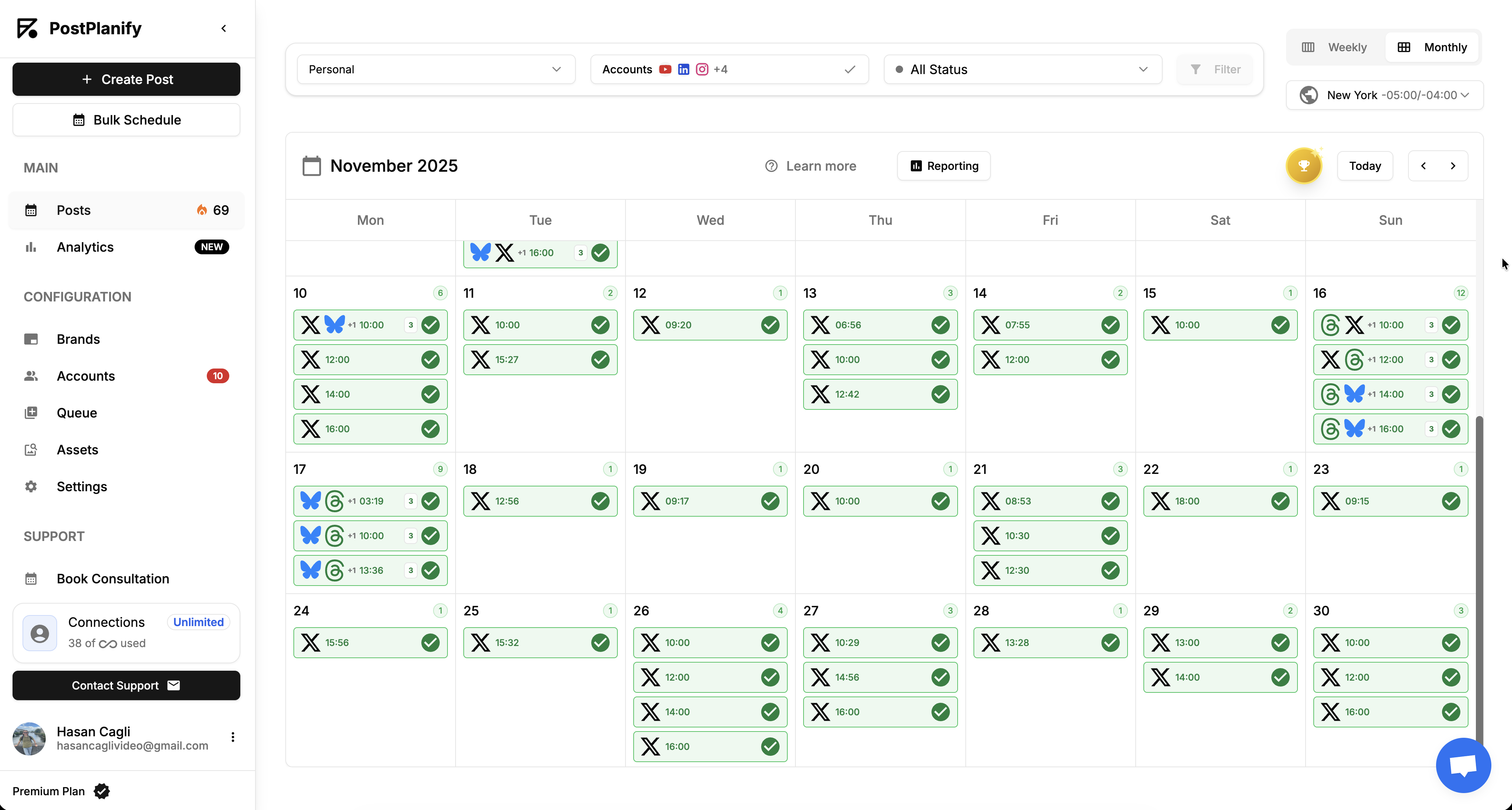
At a glance: PostPlanify
- Pricing: Per client workspace on a graduated scale: $39/mo for the first workspace on Growth, $155/mo for 5, $250/mo for 10, up to 100 workspaces. Premium from $99/mo and Scale from $199/mo per workspace. Unlimited team members on every plan, with yearly billing about 20% cheaper ($31/mo for the first workspace)
- Free option: 7-day free trial + 14-day money-back guarantee
- Video Pins: Yes, scheduled and auto-published alongside image Pins
- Accounts per workspace: 4 on Growth, 6 on Premium, 8 on Scale, so a client's Pinterest account sits alongside its other channels in one workspace
- Best for: Agencies and marketing teams running Pinterest as one traffic channel among several
Key features:
- Image and video Pin scheduling with direct publishing and full Pin customization
- AI titles and descriptions built for Pinterest SEO, plus AI image generation for Pin graphics (200 image credits a month on Growth, 400 on Premium, 800 on Scale)
- Pinterest analytics with outbound clicks and saves, the metrics that map to traffic
- Best-time suggestions calculated from your audience
- Canva and Google Drive imports, hashtag groups, visual calendar
- The team layer, from the entry plan: approval workflows with single-step and multi-step review, a social inbox, analytics, and bulk scheduling are all on Growth
- What the higher plans add: client reports with scheduled delivery and AI brand voice on Premium, and white-label dashboards, client emails, and reports on Scale
The honest drawback: PostPlanify has no equivalent of Tailwind's Communities, the peer-distribution network Pinterest-only creators use to amplify each other's Pins. If collaborative Pin swapping is core to your growth strategy, the specialist below still owns that feature.
Pricing
| Plan | Starts at | Includes | Each extra workspace | Social accounts |
|---|---|---|---|---|
| Growth | $39/mo | 1 workspace | from $29, cheaper as you add more | 4 per workspace |
| Premium | $99/mo | 3 workspaces | from $39, cheaper as you add more | 6 per workspace |
| Scale | $199/mo | 5 workspaces | from $39, cheaper as you add more | 8 per workspace |
Unlimited team members on every plan, no per-seat fees. Yearly billing saves 20%. All plans include a 7-day free trial with a 14-day money-back guarantee.
Verdict: The pick when Pinterest needs to be scheduled, optimized, measured, and reported alongside everything else you run. Pinterest-only creators should weigh Tailwind next.
 PostPlanify
All your social media in one simple dashboard
Schedule posts, track analytics, and reply to comments/DMs without switching tabs.

Engagement
+18%
Views
52.8k
2. Tailwind: Best Pinterest Specialist
Tailwind has been the Pinterest tool for a decade, and its specialist features are still unmatched: smart scheduling picks posting slots from your audience's activity, Tailwind Communities lets creators in the same niche redistribute each other's Pins, and Tailwind Create generates Pin designs from templates with AI copy. In 2026 it dropped the other networks entirely and became Pinterest only, which is either the whole point or a dealbreaker depending on how you work.
The trade-offs now live in the pricing model and the reviews. Tailwind rebuilt its pricing in 2026 into three separate Pinterest products you buy individually or bundle, each with its own monthly credit allowance, and scheduling a single Pin spends one credit. That makes the real cost a function of your pinning volume rather than a tier, and the review split is telling: 4.3/5 on G2 (141 reviews) against a polarized 3.5/5 on Trustpilot (302 reviews), where billing and cap complaints cluster.
At a glance: Tailwind
- Pricing: Three products, priced per Pinterest account: Pin Scheduling & Creation $29.99/mo ($17.99 billed yearly, 300 credits/mo) → Pinterest SEO $14.99/mo ($11.99 yearly, 50 credits) → Pinterest Engagement $14.99/mo ($11.99 yearly, 50 credits). All three bundled is $41.97/mo ($29.98 yearly). Annual saves 40%, and extra credits are 100 for $10
- Free option: Yes, free to start with no credit card
- Video Pins: Yes
- Platforms: Pinterest only, as of the 2026 restructure
- User ratings: 4.3/5 on G2 (141 reviews); 3.5/5 on Trustpilot (302 reviews, polarized)
- Best for: Pinterest-first creators and e-commerce sellers who want the specialist toolkit
Key features:
- Smart scheduling and Pin spacing from your audience's activity
- Tailwind Communities for collaborative Pin distribution
- Tailwind Create design templates and AI Pin copy, plus automated weekly Pin creation
- Pinterest keyword research and rank tracking in the SEO product, including the keywords Pinterest matched to your Pins
- Turbo Pins in the Engagement product, boosting Pins for up to 90 days
- SEO-optimized Pin filenames and website sync
The honest drawback: the credit model and the unbundling both work against you at volume. Scheduling costs a credit per Pin, so the 300 included with the scheduling product is your real monthly ceiling before top-ups, and keyword research and Pin boosting are separate subscriptions. Since the 2026 restructure Tailwind is also Pinterest only, so it cannot be your single tool if you post anywhere else.
Verdict: Still the deepest Pinterest-only toolkit, priced and capped accordingly. Learn more in our Tailwind pricing breakdown, Tailwind reviews roundup, and best Tailwind alternatives guide.
3. Later: Best for Visual Planning
Later brings its visual-first planning approach to Pinterest alongside Instagram and TikTok: plan the content visually, schedule it, check performance and best times. For brands whose Pinterest presence is an extension of a strong Instagram aesthetic, keeping both in one visual planner is the draw.

At a glance: Later
- Pricing: Starter $25/mo (1 social set, 30 posts/profile) → Growth $50/mo → Scale $110/mo; annual saves ~17%
- Free option: Trial on paid tiers
- Video Pins: Yes
- User ratings: 4.5/5 on G2 (347 reviews); 1.3/5 on Trustpilot
- Best for: Visual-first brands running Pinterest alongside Instagram
Key features:
- Visual content planning across Pinterest, Instagram, and TikTok
- Post performance analytics and best-time suggestions
- Link in Bio page with click tracking
The honest drawback: the 30-posts-per-profile cap on Starter is tight for Pinterest's volume game, and Pinterest gets less specialist depth than Instagram does.
Verdict: Pick it for the cross-platform visual workflow, not for Pinterest depth. Learn more in our Later pricing breakdown, Later reviews roundup, and best Later alternatives guide.
4. Planoly: Best for Creator Commerce
Planoly grew up as an Instagram and Pinterest visual planner and keeps that pairing at its core, with a twist the others don't have: Sellit, a built-in commerce layer for selling digital and physical products, plus a free Link in Bio on every plan. For creators whose Pins exist to sell something, the shortest path from Pin to purchase matters.
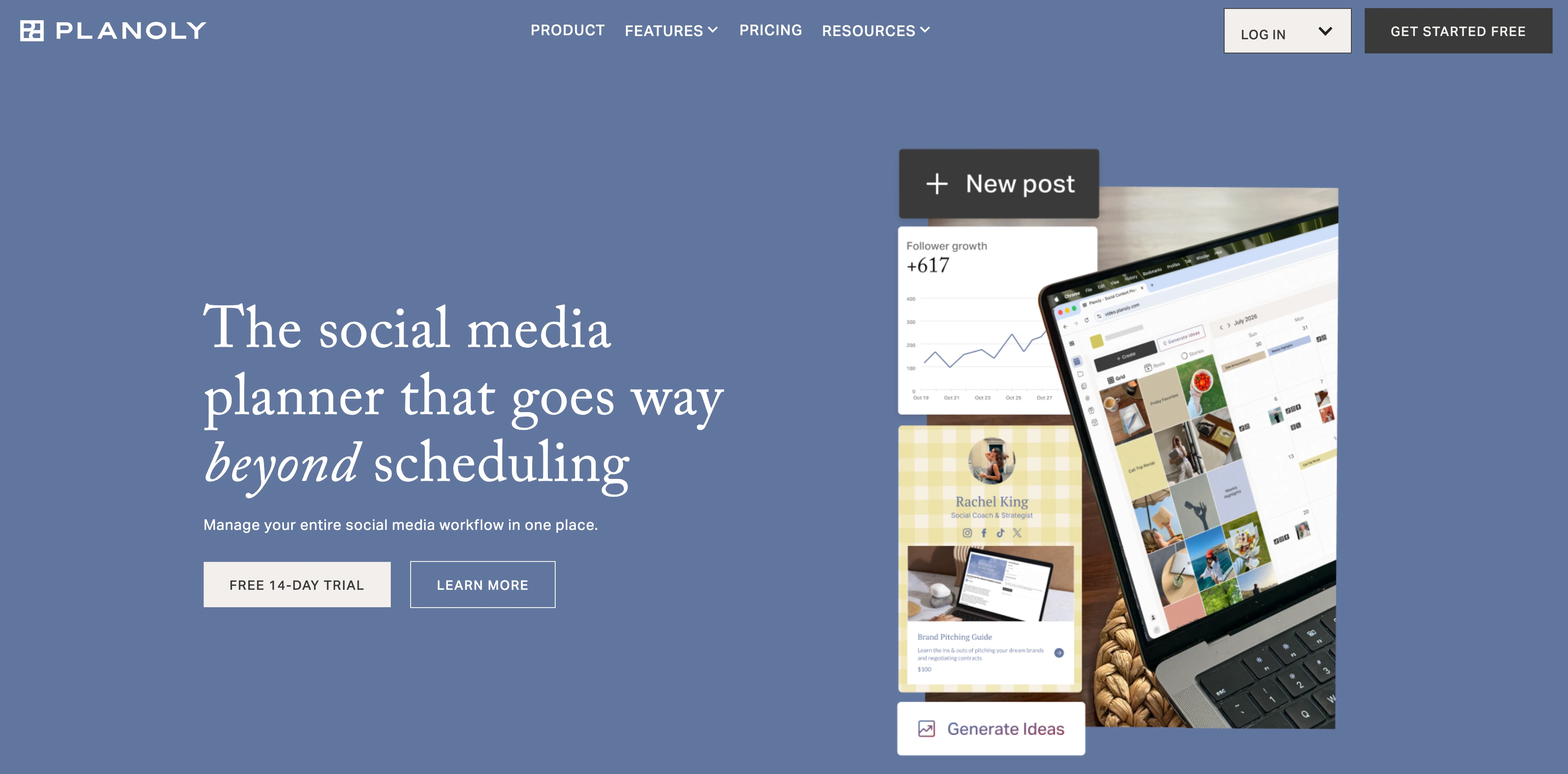
At a glance: Planoly
- Pricing: Starter $16/mo (1 user, 1 social set, unlimited uploads) → Growth $28/mo (2 users, 2 sets, extra sets $10 and extra users $5) → Pro $55/mo (6 users, 6 sets, extra sets $8 and extra users $3). Billed yearly those are $14, $24, and $47/mo, saving up to 15%
- Free option: Free plan on the mobile app, capped at 10 uploads per month
- Video Pins: Yes
- User ratings: 4.3/5 on G2 (67 reviews)
- Best for: Solo creators and small visual brands selling through their content (our roundup for creators covers that audience across every platform)
Key features:
- Drag-and-drop visual planner for Pinterest and Instagram
- Sellit commerce layer and a free link in bio page on every plan
- Instagram DM automation included
The honest drawback: the 60-uploads cap on Starter arrives fast at Pinterest volume, and team features are thin until the Pro tier.
Verdict: The creator-commerce angle is real; volume pinners should start at Growth, not Starter. Learn more in our Planoly pricing breakdown, Planoly reviews roundup, and best Planoly alternatives guide.
5. SocialBee: Best for Evergreen Recycling
SocialBee is quietly one of the best conceptual fits for Pinterest on this list. Its category-based queues recycle evergreen content automatically with variations, and Pinterest is the most evergreen platform there is: a seasonal recipe Pin or product guide belongs back in rotation every year, and SocialBee does that without anyone touching a calendar.
At a glance: SocialBee
- Pricing: Bootstrap $29/mo (5 profiles) → Accelerate $49/mo (10 profiles) → Pro $99/mo (25 profiles, 3 users); 14-day trial + 30-day money-back guarantee
- Free option: 14-day trial
- Video Pins: Yes, Pinterest among its supported platforms
- User ratings: 4.8/5 on G2 (472 reviews)
- Best for: Small businesses with an evergreen content library that should keep circulating
Key features:
- Category-based queues that refill and recycle automatically
- Post variations so recycled Pins don't repeat verbatim
- AI Copilot for content generation
- The most generous refund policy on this list (30 days)
The honest drawback: no Pinterest-specialist features (no Communities equivalent, lighter Pin-level analytics); the recycling engine is the reason to pick it.
Verdict: If your Pinterest strategy is a library, not a calendar, this is the sleeper pick. Learn more in our SocialBee pricing breakdown, SocialBee reviews roundup, and best SocialBee alternatives guide.
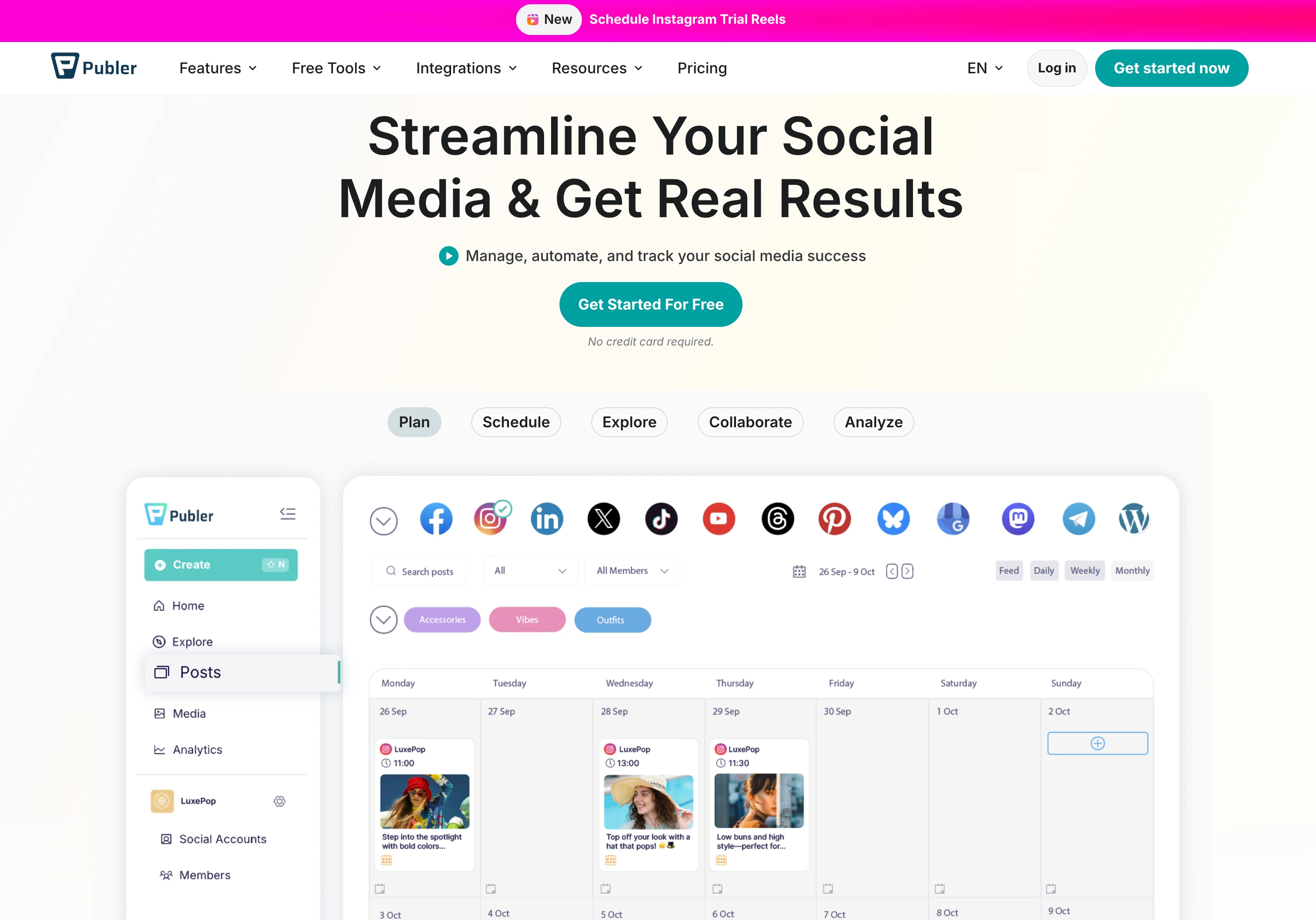
6. Publer: Best Budget Pick
Publer covers Pinterest inside one of the widest platform selections in the category (12+ networks) at the lowest serious price: free for 3 accounts, $12/month to go paid, with bulk scheduling, content recycling, and RSS auto-posting. The user ratings are outstanding for the price class: 4.7/5 on G2 and 4.8/5 on Trustpilot from 863 reviews.
At a glance: Publer
- Pricing: Priced per social account. Free (3 accounts, no X) → Professional $5/account/mo ($4 billed yearly, so $15/mo or $12/mo yearly for 3 accounts) → Business $10/account/mo ($8 yearly, so $30/mo or $24/mo yearly for 3 accounts, and it adds AI caption and image generation). Every 10th account is free
- Free option: Yes, 3 accounts with 10 scheduled posts each, plus a 7-day trial on Professional and 14 days on Business
- Video Pins: Yes
- User ratings: 4.7/5 on G2 (486 reviews); 4.8/5 on Trustpilot (863 reviews)
- Best for: Solopreneurs and small teams that want Pinterest plus everything else, cheaply
Key features:
- Bulk scheduling and content recycling
- RSS auto-posting, useful for blog-to-Pinterest pipelines
- 12+ platforms with per-account pricing (every 10th free)
The honest drawback: per-account pricing flips from cheap to expensive around 10 accounts, and Pinterest gets generalist treatment rather than specialist depth.
Verdict: The best price-to-coverage ratio here. Learn more in our Publer pricing breakdown, Publer reviews roundup, and best Publer alternatives guide.
7. Metricool: Best Analytics on a Budget
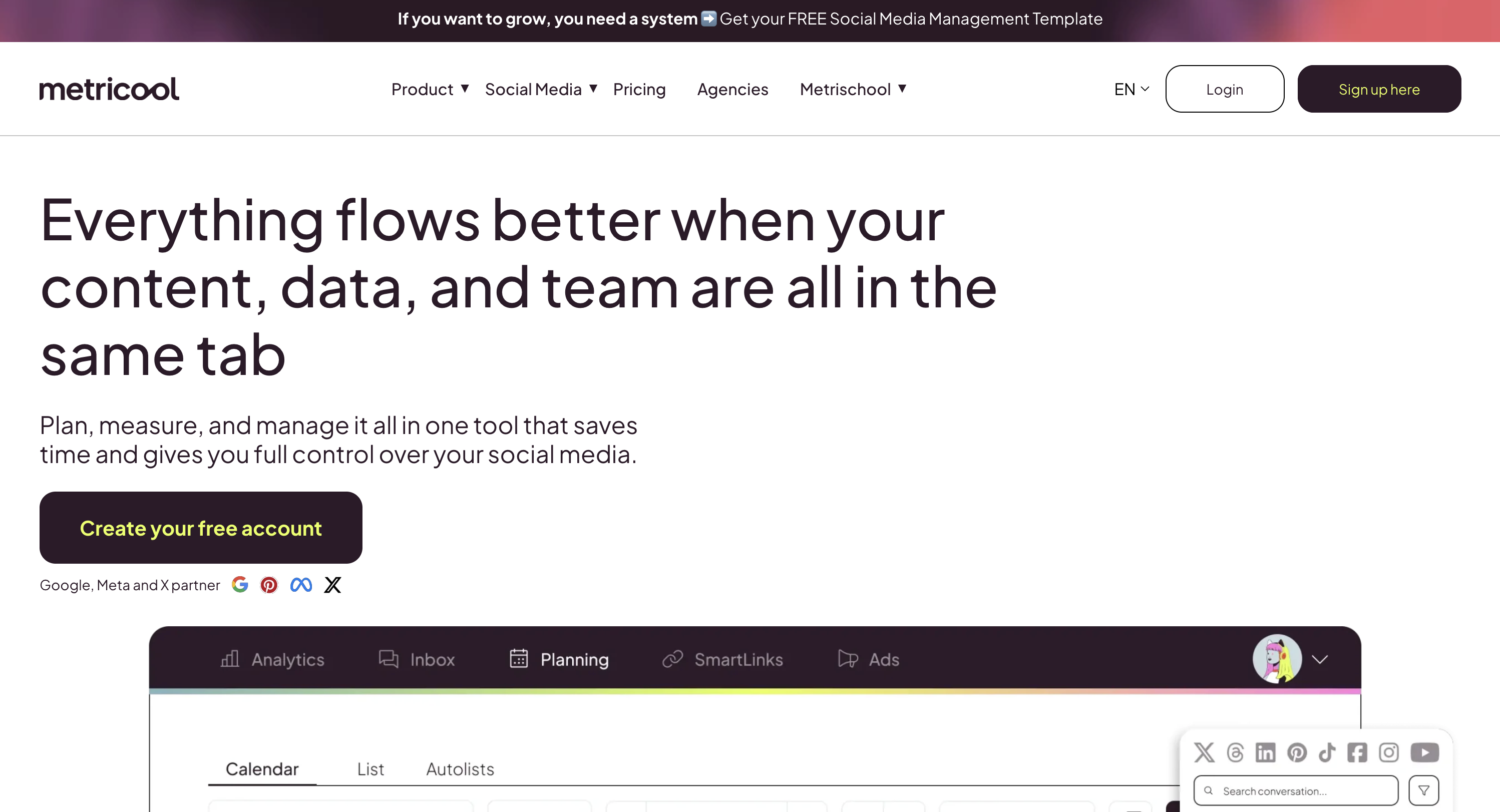
Metricool includes Pinterest even on its free plan, which makes it the cheapest way on this list to schedule Pins and store performance history in one place. Paid plans from $25/month add unlimited data history and competitor tracking, and the planner covers 11 platforms.
At a glance: Metricool
- Pricing: Free (1 brand, Pinterest included) → Starter from $25/mo (5 brands $25, 10 brands $45) → Advanced from $67/mo (15 brands $67, 25 brands $107, 50 brands $210) → Custom. Billed yearly, Starter is from $20 and Advanced from $53, saving up to 24%
- Free option: Yes, 1 brand including Pinterest, capped at 20 scheduled posts a month and excluding LinkedIn and X
- Video Pins: Yes
- User ratings: 4.5/5 on G2 (83 reviews); 4.2/5 on Trustpilot
- Best for: Data-driven marketers who want Pinterest measured, not just scheduled
Key features:
- Pinterest scheduling on the free plan
- Unlimited analytics history on paid plans, which is the deciding factor for most social media analytics buyers
- Competitor tracking and client reports (Advanced)
The honest drawback: Pinterest-specific depth is thin (no SEO tooling, no recycling), and the interface favors breadth over polish.
Verdict: Start free, keep your history, upgrade when the data earns it. Learn more in our Metricool pricing breakdown, Metricool reviews roundup, and best Metricool alternatives guide.
8. Buffer: Best for Simplicity
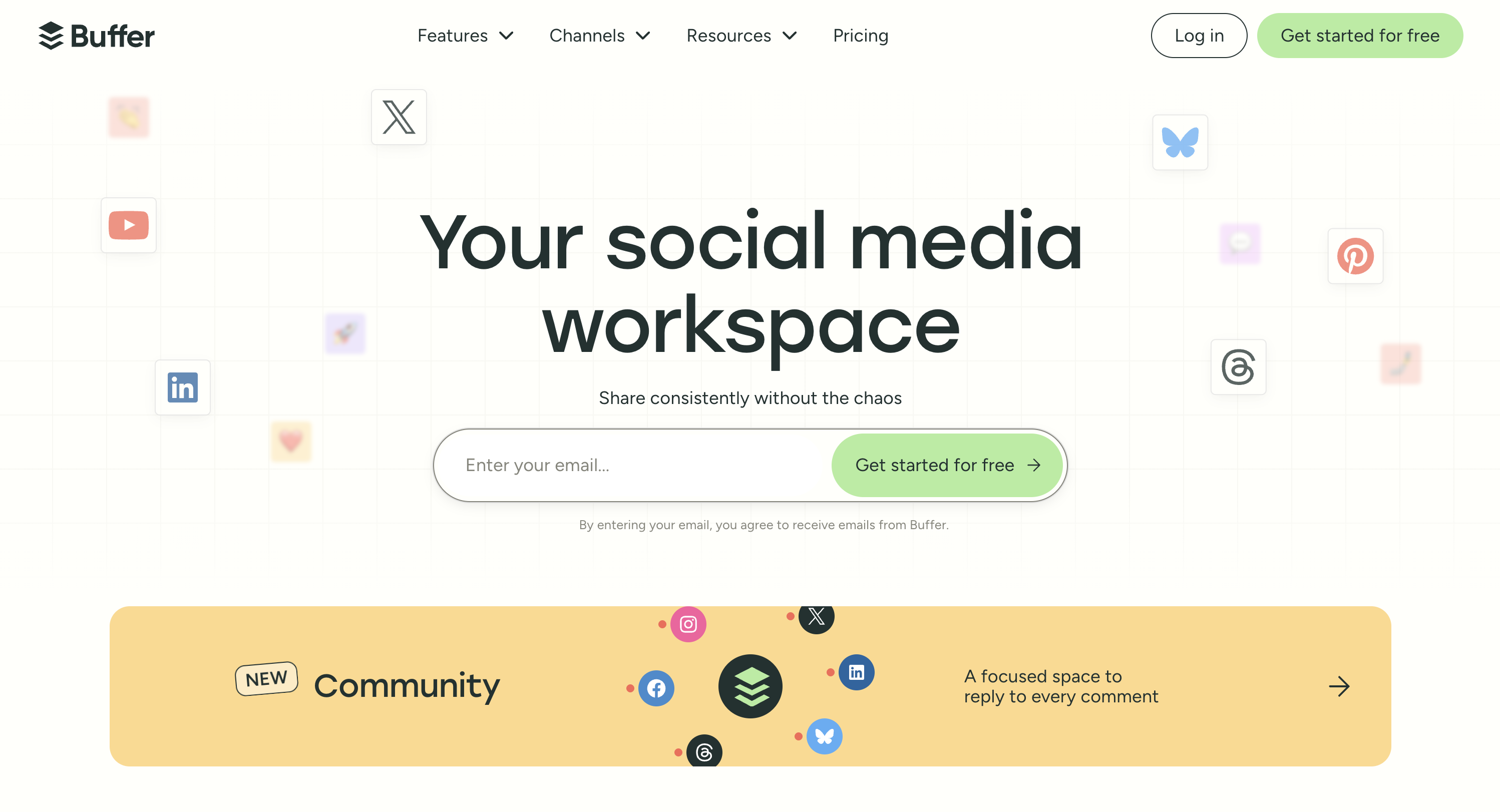
Buffer rounds out the list with the simplest queue workflow in the industry, Pinterest included among its channels. Free for 3 channels, then $6 per channel per month, with fifteen years of platform API stability behind it. The Trustpilot split (4.3/5 on G2 from 1,023 reviews vs 2.1/5 on Trustpilot) mostly reflects billing and support complaints rather than scheduling reliability.
At a glance: Buffer
- Pricing: Free (3 channels) → Essentials $6/channel/mo → Team $12/channel/mo
- Free option: Yes, 3 channels
- Video Pins: Yes
- User ratings: 4.3/5 on G2 (1,023 reviews); 2.1/5 on Trustpilot (93 reviews)
- Best for: Individuals who want Pinterest in a dead-simple queue
Key features:
- Queue-based scheduling, the easiest mental model in the category
- Permanent free plan with 3 channels
- AI Assistant for caption ideas on paid plans
The honest drawback: per-channel pricing climbs fast past a few accounts, and there's nothing Pinterest-specific: no SEO fields emphasis, no recycling, no specialist analytics. If Pins are one copy of a post you publish everywhere, our guide to social media cross-posting covers doing that without the duplicate-content penalty.
Verdict: Fine for casual pinning inside a simple multi-platform queue. Learn more in our Buffer pricing breakdown, Buffer reviews roundup, and best Buffer alternatives guide.
Pinterest Scheduling Tools Comparison Table
| Tool | Entry Price | Free Option | Video Pins | Bulk/Recycling | Pinterest SEO Help | Outbound-Click Analytics |
|---|---|---|---|---|---|---|
| Pinterest native | Free | ✅ | ✅ | ❌ (10-Pin queue) | ❌ | Native stats only |
| PostPlanify | From $39/mo per workspace | Trial + guarantee | ✅ | ✅ Bulk | ✅ AI titles & descriptions | ✅ |
| Tailwind | $29.99/mo per Pinterest account | ✅ (free to start) | ✅ | ✅ 300 credits/mo | ✅ Keyword research add-on | ✅ |
| Later | $25/mo | Trial | ✅ | ❌ | Limited | Limited |
| Planoly | $16/mo ($14 yearly) | ✅ (mobile only) | ✅ | ❌ | Limited | Limited |
| SocialBee | $29/mo | Trial | ✅ | ✅ Evergreen recycling | ❌ | Limited |
| Publer | $5/account/mo ($4 yearly) | ✅ | ✅ | ✅ Bulk + recycling | ❌ | Limited |
| Metricool | $25/mo ($20 yearly) | ✅ | ✅ | ❌ | ❌ | ✅ |
| Buffer | $6/channel/mo | ✅ | ✅ | ❌ | ❌ | Limited |
How to Choose the Right Pinterest Scheduling Tool
Start from what Pinterest is for you:
- "A traffic channel we run for clients or leadership" → PostPlanify: SEO-ready Pins, outbound-click analytics, and white-label client reports on Scale
- "My main platform, and I live here" → Tailwind, for Communities and the specialist toolkit, as long as Pinterest-only suits you and you can live inside its credit allowance
- "An evergreen library that should recycle itself" → SocialBee
- "Pins that have to sell product" → Planoly for Sellit, or see our ecommerce tool roundup for the wider stack
- "One channel among many, on a budget" → Publer at $4 per account billed yearly, or Metricool if data history matters most
- "Casual pinning" → Pinterest's own scheduler or Buffer's free plan
Whichever you pick, the workflow around it matters as much as the tool: our best times to post on Pinterest guide covers timing, the Pin image resizer and Pinterest caption generator handle the production side free, and if Pins ever silently fail to go out, our Pins not publishing troubleshooting guide covers the usual causes. The full cross-platform picture lives in the social media scheduling tools comparison.
Frequently Asked Questions
What is the best Pinterest scheduling tool in 2026?
For agencies and marketing teams, PostPlanify is the best Pinterest scheduling tool in 2026: image and video Pin scheduling with AI-generated Pinterest SEO titles and descriptions, analytics covering outbound clicks and saves, best-time suggestions, and 9 more platforms, priced per client workspace from $39/month ($31/month billed yearly) with unlimited team members. For Pinterest-only creators, Tailwind remains the deepest specialist, and Publer is the strongest budget option, at $4 per social account billed yearly.
Can you schedule Pins directly on Pinterest for free?
Yes. Pinterest business accounts include a native scheduler: create a Pin on desktop and choose "Publish at a later date." Per Pinterest's own documentation, it holds a maximum of 10 scheduled Pins at a time, up to 30 days ahead, added one by one. That covers casual use; consistent daily pinning outgrows the 10-Pin queue within days, which is when third-party Pinterest scheduling tools become worth it.
Is Tailwind still the best Pinterest tool?
Tailwind is still the deepest Pinterest-only specialist: smart scheduling, Communities, and its Create templates have no direct equivalent elsewhere. Whether it's the best choice depends on your setup. Its 2026 restructure split the product into three Pinterest subscriptions (scheduling at $29.99/mo, SEO at $14.99, engagement at $14.99, or $41.97 bundled) and meters each by credits, with scheduling one Pin costing one credit against the 300 included. It also dropped every network except Pinterest. Its Trustpilot rating (3.5/5 from 302 reviews) is notably more polarized than its 4.3/5 on G2. Multi-platform teams typically get more from an all-in-one tool and keep Tailwind only if Communities drives real referral traffic for them.
How far ahead should I schedule Pinterest Pins?
Further than on any other platform. Pins surface through search and can keep earning impressions for months, so seasonal content should be scheduled 30 to 60 days before the season peaks (Pinterest users plan early). Pinterest's native scheduler caps at 30 days ahead and 10 Pins; third-party tools remove both limits, which is what makes month-ahead batching practical.
Do video Pins perform better than image Pins?
Pinterest promotes video formats heavily and they typically earn strong impressions, but image Pins remain the backbone of search-driven, click-focused strategies because they read instantly as search results. The practical answer is to schedule both and compare outbound clicks, not impressions; every tool on this list supports both formats, and outbound-click analytics (PostPlanify, Tailwind, Metricool) is what settles the question for your account specifically.
Related Reading
- How to Schedule Pinterest Pins: The native flow step by step, and where it runs out
- Best Times to Post on Pinterest: Timing data to feed whichever scheduler you pick
- Pinterest Pins Not Publishing: What to check when a scheduled Pin silently fails
- How to Post Pictures on Pinterest: Image specs, boards, and Pin setup basics
- 12 Best Tailwind Alternatives: If Tailwind's 2026 Pinterest-only restructure pushed you to look elsewhere
- Best Social Media Management Tools for Ecommerce: When Pins have to drive product sales
- Best Social Media Management Tools for Creators: The creator-first view of the same tools
- Best Content Calendar Tools: Planning Pinterest alongside the rest of your calendar
- Best Social Media Scheduling Tools: The full cross-platform field, not just Pinterest
- Pinterest Caption Generator and Pin Image Resizer: Free production tools
Bottom line: Pinterest's native scheduler is real but tiny, Tailwind still owns the specialist crown with caveats its own reviews spell out, and the right tool depends on whether Pinterest is your platform or one of your platforms. PostPlanify covers the second case best: SEO-ready Pins, traffic-first analytics, and client-ready reporting in one dashboard, priced per client workspace from $39/mo. Try it free for 7 days, backed by a 14-day money-back guarantee.
PostPlanifyAll your social media in one simple dashboard
Schedule posts, track analytics, and reply to comments/DMs without switching tabs.
Engagement
+18%
Views
52.8k
About the Author

Hasan Cagli
Founder of PostPlanify, a content and social media scheduling platform. He focuses on building systems that help businesses, agencies, and teams plan, publish, and manage content and social media more efficiently across platforms.


