


A right social media management tool is the difference between scrambling across ten browser tabs every morning and running your whole social operation (publishing, analytics, inbox, and team approvals) from one dashboard. But "best" depends entirely on who you are: an agency juggling 30 client accounts needs something very different from a small business posting three times a week.
I compared the 11 leading tools on the things that actually matter: platform coverage, pricing model, analytics depth, inbox and engagement, team workflows, and real user ratings, so you can shortlist the right one fast.
The best social media management tool in 2026 is PostPlanify for social media agencies serving local business clients. It prices per client workspace from $39/month with unlimited team members, analytics across all 10 platforms, a social inbox, a brand-aware AI assistant, approval workflows, and white-label reports, with no per-seat or per-channel fees. Buffer is the simplest pick for creators and small businesses, Sprout Social leads on enterprise analytics and social listening, Agorapulse has the strongest unified inbox, and Metricool is best if analytics and paid ads matter most.
What Is a Social Media Management Tool?
A social media management tool lets you plan, schedule, publish, and analyze content across multiple networks (Instagram, Facebook, LinkedIn, TikTok, X) from one dashboard, instead of posting natively on each app. Most also include a content calendar, analytics, a social inbox for comments and DMs, and team collaboration features.
The difference between a scheduler and a management tool is everything after publishing. A scheduler queues posts. A management tool adds the analytics, the inbox, the approvals and the client reporting that turn posting into an operation.
Key Takeaways
- The pricing model matters more than the sticker price. The same job (3 people, 10 accounts) ranges from $50 to $747 a month, and almost all of that gap is per-seat versus per-workspace billing.
- Per-seat tools punish teams. Hootsuite at $249/seat and Sprout at $199/seat reach four figures before you have added a fourth person.
- Free plans cap out fast. Buffer, Metricool and Zoho Social all have one, and all of them stop being viable somewhere between 3 and 5 accounts.
- Agencies should shortlist on approvals and white label first, because those are the two things most tools hide behind their top tier.
- For agencies serving local business clients, PostPlanify is the pick, at $39/mo for the first client workspace with unlimited team members.
The 11 Best Social Media Management Tools at a Glance
| # | Tool | Best for | Standout feature | Starting price | Free plan/trial | G2 rating |
|---|---|---|---|---|---|---|
| 1 | PostPlanify | Agencies serving local business clients | One workspace per client, unlimited team members | $39/mo | 7-day trial | 5/5 |
| 2 | Buffer | Creators & small businesses | The cleanest publishing UI in the category | Free; $6/channel/mo | Free plan | 4.3/5 |
| 3 | Hootsuite | Large teams & enterprise | Enterprise governance and social listening | $249/seat/mo | 30-day trial | 4.3/5 |
| 4 | Sprout Social | Analytics & social listening | The deepest cross-channel reporting available | $199/seat/mo | 30-day trial | 4.4/5 |
| 5 | Agorapulse | Community management / inbox | Unified inbox with automated moderation rules | $99/user/mo | 30-day trial | 4.5/5 |
| 6 | Later | Visual-first brands (IG/TikTok) | Visual grid planner for Instagram feeds | $25/mo | 14-day trial | 4.5/5 |
| 7 | Sendible | Agencies (white-label reports) | White-label client dashboards | $29/mo | 14-day trial | 4.5/5 |
| 8 | SocialPilot | Budget-conscious agencies | Bulk upload of up to 500 posts by CSV | $30/mo | 14-day trial | 4.5/5 |
| 9 | Metricool | Analytics + ad management | Organic scheduling and paid ads in one place | Free; $25/mo | Free plan | 4.5/5 |
| 10 | Zoho Social | CRM-integrated SMBs | Native Zoho CRM integration | Free; $15/mo | 15-day trial | 4.6/5 |
| 11 | Nuelink | Content-first businesses | Auto-posts from blog, store and podcast feeds | $18/mo | 7-day trial | 4.8/5 |
Prices are monthly list prices verified in June 2026; many tools discount annual billing. Ratings are from G2 product pages.
How I Compared These Tools
Here is exactly how I evaluated each option:
- Feature and platform coverage. I checked which networks each tool publishes to directly (including Threads, Bluesky, and Google Business), and which post formats (Reels, Stories, carousels, Shorts) publish automatically versus via a manual reminder.
- Pricing model, not just headline price. A "$6/channel" tool and a "$49 per workspace" tool can cost the same at five accounts and wildly different at twenty. I weighed per-channel, per-seat, and flat-rate models at realistic team sizes.
- Analytics, inbox, and team workflows. Management is more than scheduling, so I looked at reporting depth, the unified inbox, approval workflows, and white-label reporting.
- Real user ratings. Every rating below is pulled from verified G2 and Trustpilot reviews, cross-referenced with Capterra and community feedback, not vendor marketing.
- Pricing verification. Every price was checked in September 2026. Where billing periods differ, monthly pricing is used unless noted. Where billing periods differ, I use monthly pricing unless noted.
1. PostPlanify: Best for Social Media Agencies Serving Local Business Clients

PostPlanify is a social media management platform built for agencies running social for local business clients, with the full stack in one place: publishing, analytics, a social inbox, a brand-aware AI assistant, and team collaboration, without per-seat or per-channel pricing.
Where most tools tier analytics, approvals, and reporting behind their most expensive plans, PostPlanify includes unified analytics across every connected platform on every account, and adds approval workflows and white-label PDF reports as you scale.
It publishes to 10 networks: Instagram, Facebook, X, TikTok, YouTube, LinkedIn, Threads, Pinterest, Bluesky and Google Business, and its social inbox pulls comments and messages from seven of them into one view, so publishing, engagement, and client reporting all live in a single dashboard instead of separate tools.
At a glance: PostPlanify
- Pricing: Per client workspace. $39/mo for the first, with the rate falling as you add more: $97/mo for 3 and $155/mo for 5. Every workspace includes 4 social accounts and unlimited team members. White label is included in the Scale plan; custom Enterprise
- Platforms: 10: Instagram, Facebook, X, TikTok, YouTube, LinkedIn, Threads, Pinterest, Bluesky, and Google Business
- Free trial: 7 days (14-day money-back guarantee)
- User ratings: 5/5 on G2
- Best for: Agencies running social for local business clients who want unified analytics, a social inbox, an AI assistant, and a bill that tracks client count rather than headcount
Key features:
- Analytics across all 10 platforms with historical trend charts and best-time-to-post suggestions
- Social inbox covering 7 platforms: Instagram, Facebook, LinkedIn, Google Business, YouTube, Threads, and Bluesky
- Brand-aware AI assistant that understands your brand context, plus AI image generation
- Team collaboration and multi-approver approval workflows on every account
- Client reports on every account, with full white label included on the Scale plan
- Content calendar, bulk scheduling, first-comment scheduling, and link in bio
- Native Canva and Google Drive import inside the media library
Pros:
- Priced per client workspace at a falling rate, with no per-seat or per-channel fees
- Nothing tier-gated: analytics, social inbox, AI assistant and approvals are on every account
- Multi-approver approval workflows and white-label reports for agencies
- Schedule to all 10 platforms, including Threads, Bluesky, and Google Business
Cons:
- No social listening
- Analytics depth doesn't match Sprout Social's enterprise reporting
- No mobile app yet (in development)
- Newer platform with a smaller user base than Hootsuite or Buffer
 PostPlanify
All your social media in one simple dashboard
Schedule posts, track analytics, and reply to comments/DMs without switching tabs.

Engagement
+18%
Views
52.8k
2. Buffer: Best for Simplicity

Buffer is one of the original social media management tools, launched in 2010 and still one of the most recognizable names in the category. It's known for a clean, beginner-friendly composer and a genuinely useful free plan, which together make it the easiest tool on this list to learn and a common first pick for individuals and very small teams.
Buffer covers 11 networks including Instagram, Facebook, TikTok, LinkedIn, X, Pinterest, YouTube, Google Business, Mastodon and Bluesky, and bundles scheduling, an AI Assistant for captions, a community inbox, and basic analytics into one tidy workflow. The catch is its per-channel pricing: costs climb quickly once you manage multiple brands, and its analytics and engagement tools stay shallow next to heavier platforms.
At a glance: Buffer
- Pricing: Free (3 channels) → Essentials $6/channel/mo → Team $12/channel/mo
- Platforms: 11, including Google Business, Mastodon, and Bluesky
- Free plan: Yes (3 channels, 10 posts each)
- User ratings: 4.3/5 on G2 (1,023 reviews) · 2.1/5 on Trustpilot (93 reviews)
- Best for: Creators and small businesses managing 1–5 channels who want simplicity
Key features:
- Generous free plan and clean, beginner-friendly composer
- AI Assistant for captions and a Start Page (link-in-bio)
- Community inbox (Instagram, Facebook, LinkedIn) on paid plans
- First-comment scheduling and a hashtag manager
Pros:
- One of the best free tiers in the category
- Very easy to learn and reliable for basic scheduling
- Broad platform support (11 networks)
Cons:
- Per-channel pricing compounds fast with multiple brands (10 channels = $60–$120/mo)
- Basic analytics and no social listening
- Community inbox is limited and excludes X and TikTok
For deeper analytics or multi-client work, see our Buffer alternatives, Buffer pricing breakdown, and Buffer reviews. Weighing it against the enterprise option? See Buffer vs Hootsuite.
3. Hootsuite: Best for Large Teams

Hootsuite is one of the oldest and most widely used social media management platforms in the world, with millions of users and a feature set built for large organizations. It combines publishing, a unified inbox, advanced analytics with benchmarking, and social listening in one mature ecosystem, and supports every major network plus a deep directory of app integrations.
That breadth comes at a premium. Hootsuite starts at $249 per seat per month and scales fast as you add users, and its multi-stream dashboard can feel heavy for smaller teams that just want to schedule posts. It's best suited to enterprises that need governance, approval workflows, and social listening at scale, and can justify the cost.
At a glance: Hootsuite
- Pricing: Standard $249/seat/mo → Advanced $499/seat/mo; custom Business/Enterprise
- Platforms: All major networks, plus Google Business and a large app directory
- Free trial: 30 days (no free plan)
- User ratings: 4.3/5 on G2 (6,615 reviews) · 1.8/5 on Trustpilot (511 reviews)
- Best for: Large teams and enterprises needing listening, governance, and broad integrations
Key features:
- Unified inbox, advanced analytics with benchmarking, and social listening
- OwlyWriter AI for captions and content repurposing
- Team roles, approval workflows, and extensive integrations
Pros:
- Mature, feature-rich all-in-one platform
- Strong analytics and social listening
- Broad network and app support
Cons:
- Expensive at $249/seat/mo, scaling fast per user
- Dashboard can feel heavy for smaller teams
- Support on lower tiers draws frequent complaints (1.8/5 on Trustpilot)
Smaller teams should compare Hootsuite alternatives, the Hootsuite pricing breakdown, and Hootsuite reviews. The closest head to head is Hootsuite vs Sprout Social.
4. Sprout Social: Best for Analytics & Listening

Sprout Social is the premium, analytics-first platform on this list, widely regarded as having the best reporting and the most polished interface in the category. Mid-market and enterprise teams choose it to prove social ROI with custom reports, competitive benchmarking, and a unified smart inbox that doubles as a customer-care tool.
It supports 11+ networks (including Reddit and WhatsApp) and layers AI-powered social listening and sentiment analysis on top of publishing and engagement. The trade-offs are cost and complexity: listening is a paid add-on and pricing starts at $199 per seat per month, which makes Sprout overkill for solo creators and small teams that don't need enterprise-grade analytics.
At a glance: Sprout Social
- Pricing: Standard $199/seat/mo → Professional $299/seat/mo → Advanced $399/seat/mo; custom Enterprise
- Platforms: 11+, including Reddit and WhatsApp
- Free trial: 30 days (no free plan)
- User ratings: 4.4/5 on G2 (5,731 reviews) · 2.2/5 on Trustpilot (75 reviews)
- Best for: Mid-to-large teams that need the deepest analytics and presentation-ready reporting
Key features:
- Best-in-class analytics, custom reports, and competitive benchmarking
- Unified smart inbox and customer-care workflows
- AI-powered social listening (paid add-on) and sentiment analysis
Pros:
- The strongest analytics and reporting in the category
- Clean, modern interface despite enterprise depth
- Excellent for proving ROI to stakeholders
Cons:
- Expensive per-seat pricing ($199+/seat)
- Social listening is a costly add-on
- Overkill for small teams and solo creators
Compare Sprout Social alternatives, Sprout Social pricing, and Sprout Social reviews. For the engagement-led comparison, see Sprout Social vs Agorapulse.
5. Agorapulse: Best for Community Management
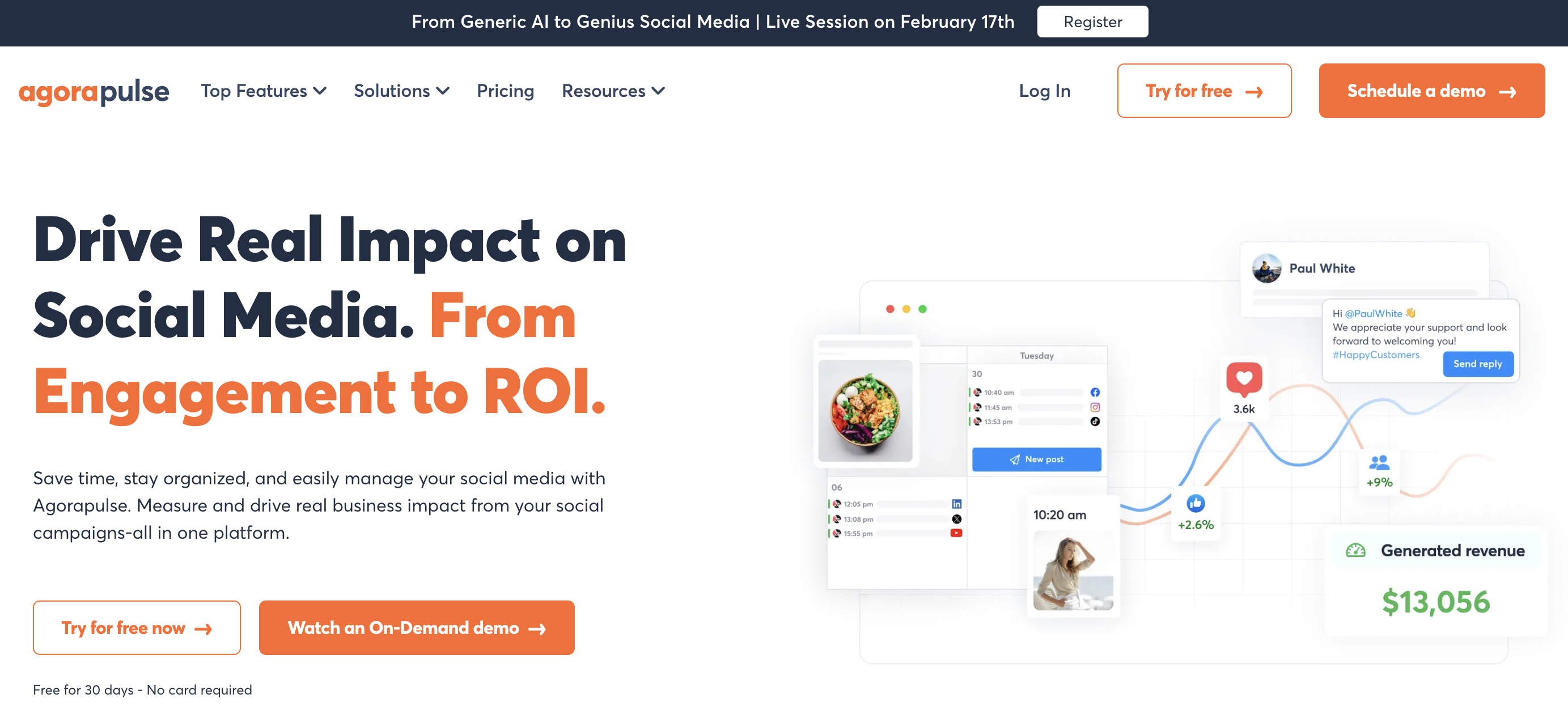
Agorapulse is an all-in-one social media management suite that stands out for its unified inbox and community management. If engagement volume is your bottleneck (comments, DMs, mentions, reviews, even ad comments across many platforms), its inbox, with automated moderation rules and post/inbox assignments, is the best on this list.
Agorapulse covers 11 networks (including Reddit, Bluesky, and Google Business) and adds ROI reporting that ties social activity to business outcomes, plus a 30-day free trial with no credit card. The main trade-off is per-user pricing that scales like Hootsuite's, so the bill grows with every team member you add, so it gets expensive fast for larger teams.
At a glance: Agorapulse
- Pricing: Standard $99/user/mo → Professional $149/user/mo → Advanced $199/user/mo; custom
- Platforms: 11, including Reddit, Bluesky, and Google Business
- Free trial: 30 days (no credit card)
- User ratings: 4.5/5 on G2 (967 reviews) · 4.0/5 on Trustpilot (57 reviews)
- Best for: Community and moderation teams that live in the inbox
Key features:
- Unified social inbox with automated moderation rules and ad-comment monitoring
- ROI reporting that ties social activity to business outcomes
- Approval workflows and a content queue
Pros:
- The strongest unified inbox for community management
- 30-day free trial with no credit card required
- Good support and ROI reporting
Cons:
- Per-user pricing scales like Hootsuite's
- Social listening is weaker than Sprout's
- Power reporting requires higher tiers
See Agorapulse alternatives, Agorapulse pricing, and Agorapulse reviews. For the agency angle, see Agorapulse vs Sendible.
PostPlanifyAll your social media in one simple dashboard
Schedule posts, track analytics, and reply to comments/DMs without switching tabs.
Engagement
+18%
Views
52.8k
6. Later: Best for Visual-First Brands

Later began life as an Instagram scheduler and remains the best visual planner in this roundup. Its drag-and-drop content calendar, Instagram grid preview, and Linkin.bio landing pages make it the go-to for Instagram- and TikTok-heavy brands, creators, and e-commerce stores that plan their feed visually before publishing.
It supports 8 networks (Instagram, Facebook, TikTok, Pinterest, LinkedIn, YouTube, Threads, and Snapchat, notably no X) and adds UGC collection and an AI caption writer. The downsides are real: monthly post limits on lower plans, thinner analytics than enterprise tools, and a low Trustpilot score driven mostly by billing and refund complaints.
At a glance: Later
- Pricing: Starter $25/mo → Growth $50/mo → Scale $110/mo
- Platforms: 8 (Instagram, Facebook, TikTok, Pinterest, LinkedIn, YouTube, Threads, Snapchat, no X)
- Free trial: 14 days
- User ratings: 4.5/5 on G2 (347 reviews) · 1.3/5 on Trustpilot (329 reviews)
- Best for: Visual-first brands and creators who plan their Instagram feed
Key features:
- Visual content calendar with Instagram grid preview
- Linkin.bio landing pages and UGC collection tools
- AI caption writer and creator/influencer features
Pros:
- Best-in-class visual planning for Instagram
- Linkin.bio is a genuine differentiator
- Clean, modern interface
Cons:
- Fewer platforms than rivals (8, and no X)
- Post limits on lower plans
- Low Trustpilot score driven by billing/refund complaints
Compare Later alternatives, Later pricing, and Later reviews. If simplicity is the deciding factor, see Buffer vs Later.
7. Sendible: Best for Agencies

Sendible is purpose-built for agencies managing many client accounts. Its standout strengths are white-label reporting, client-facing dashboards, a built-in Google Analytics integration, and a profile-based pricing model that scales cleanly as you take on more clients.
It covers 10 networks (including Google Business and WordPress) with approval workflows, a content library, and RSS automation, and it runs contract-free so you can cancel anytime. The interface is functional rather than modern, and its inbox and social listening features are less developed than dedicated engagement tools, but for branded client reporting it's hard to beat at the entry price.
At a glance: Sendible
- Pricing: Creator $29/mo (6 profiles) → Traction $89/mo (24) → Scale $199/mo (49) → Advanced $299/mo (100) → Enterprise $750/mo
- Platforms: 10, including Google Business and WordPress
- Free trial: 14 days
- User ratings: 4.5/5 on G2 (899 reviews) · 2.3/5 on Trustpilot (8 reviews)
- Best for: Agencies that need white-label client reporting
Key features:
- White-label reports and client dashboards
- Built-in Google Analytics integration
- Approval workflows, content library, and RSS automation
Pros:
- Strong white-label reporting for client-facing work
- Scales by profiles rather than seats
- No contracts, cancel anytime
Cons:
- Interface is functional rather than modern
- Inbox and listening are less developed
- Higher tiers get expensive
See Sendible alternatives, Sendible pricing, and Sendible reviews. For the budget comparison, see Buffer vs Sendible.
8. SocialPilot: Best for Budget-Conscious Agencies

SocialPilot delivers agency features (bulk scheduling, client management, approval workflows, white-label reports) at a noticeably lower price than Sendible or Sprout Social. Its account-to-price ratio is one of the best here: the $30/mo Essentials plan covers 7 accounts, and the $100/mo Premium plan covers 25, which is unusually generous for the price.
It publishes to all the major networks, including TikTok, Google Business, and Bluesky, and is built to handle high posting volume for teams juggling multiple brands. Analytics and the inbox are less deep than premium tools, and the interface is practical rather than polished, but for budget-conscious agencies the value is hard to argue with.
At a glance: SocialPilot
- Pricing: Essentials $30/mo (7 accounts) → Standard $50/mo (15) → Premium $100/mo (25) → Ultimate $200/mo (50); custom Enterprise
- Platforms: All major networks, including TikTok, Google Business, and Bluesky
- Free trial: 14 days
- User ratings: 4.5/5 on G2 (841 reviews) · 2.4/5 on Trustpilot (33 reviews)
- Best for: Budget-conscious agencies that need bulk scheduling and client management
Key features:
- Bulk scheduling and a content calendar built for volume
- Client management and white-label options (higher tiers)
- Team collaboration and approval workflows
Pros:
- Strong account-to-price ratio for agencies
- Solid bulk scheduling
- White-label available without enterprise pricing
Cons:
- Analytics and inbox are less deep than premium tools
- Interface is practical, not polished
- Lower Trustpilot score
Compare SocialPilot alternatives, SocialPilot pricing, and SocialPilot reviews. For the entry-level comparison, see Buffer vs SocialPilot.
9. Metricool: Best for Analytics & Ad Management
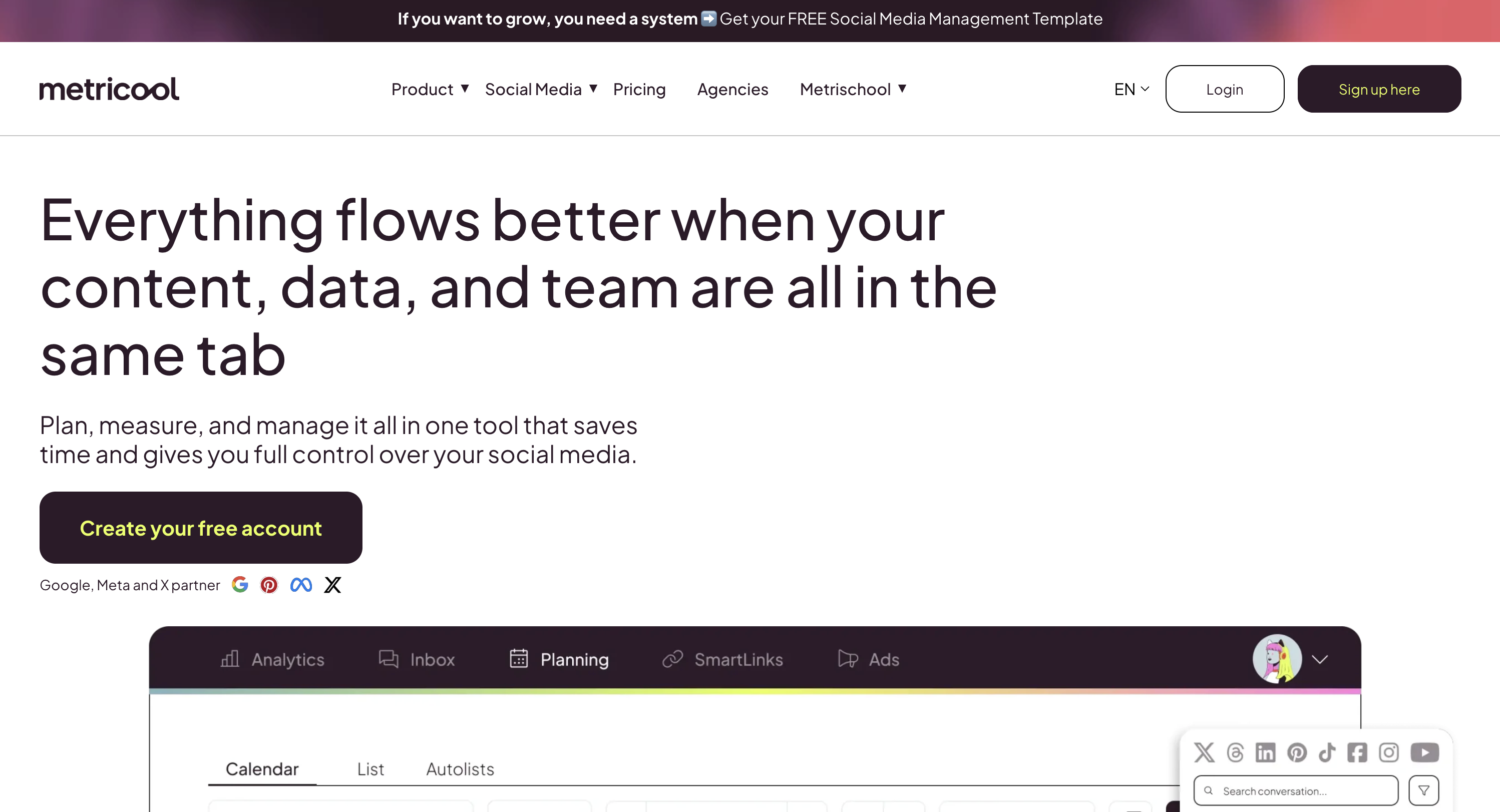
Metricool leans harder into analytics than any tool here except Sprout Social, and uniquely pairs organic scheduling with paid ad management for Meta, Google, and TikTok ads in the same dashboard. That combination makes it a favorite among data-driven marketers and freelancers who want one place to plan content, track cross-platform performance, and monitor campaign spend.
It supports 9+ platforms (including Google Business and Twitch) and has one of the most generous free plans in the category, which is why it's so frequently recommended in marketing communities. The main complaints: the dashboard can feel cluttered once you're managing many brands, and its inbox and team-collaboration features are lighter than rivals built around engagement.
At a glance: Metricool
- Pricing: Free (1 brand) → Starter from $25/mo (up to 10 brands) → Advanced from $54/mo (up to 50 brands); custom
- Platforms: 9+, including Google Business and Twitch
- Free plan: Yes (1 brand, 20 scheduled posts/mo)
- User ratings: 4.5/5 on G2 (83 reviews) · 4.2/5 on Trustpilot (519 reviews)
- Best for: Teams that want analytics and paid-ads reporting alongside scheduling
Key features:
- Deep cross-platform analytics and competitor tracking
- Paid ads management (Meta, Google, TikTok) in the same dashboard
- Scheduling, link-in-bio, and a clean visual calendar
Pros:
- Strong analytics plus ad management, an unusual combo
- Genuinely useful free plan and affordable paid tiers
- Broad platform support, including Twitch
Cons:
- Dashboard can feel cluttered when managing many brands
- Inbox and team collaboration are less robust than rivals
- Some support concerns noted in reviews
See Metricool alternatives, Metricool pricing, and Metricool reviews. On analytics depth, see Later vs Metricool.
10. Zoho Social: Best for CRM-Integrated SMBs
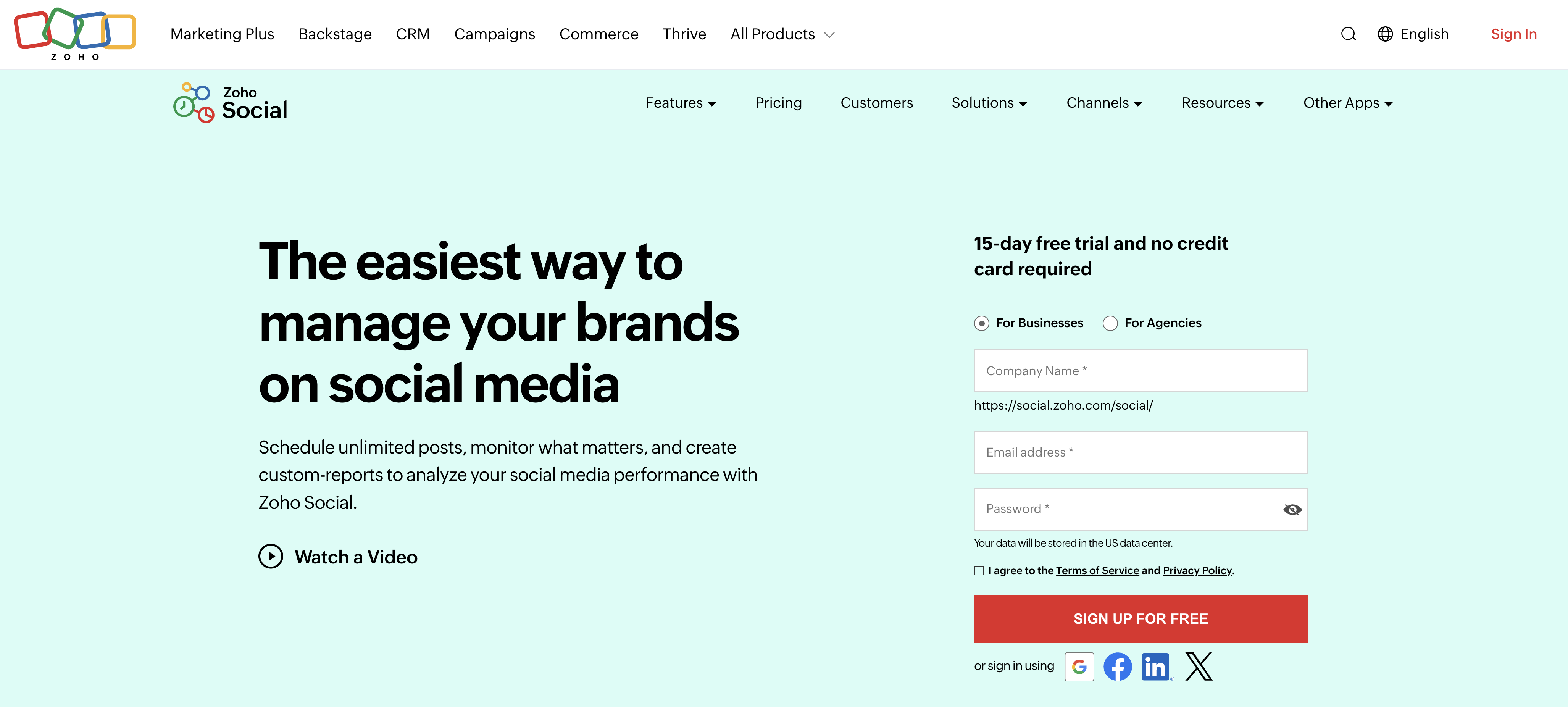
Zoho Social is the value pick, and an obvious choice if you already use the Zoho ecosystem. Its deep CRM integration links social interactions directly to leads and contacts in Zoho CRM, something no standalone scheduler can match natively, and its SmartQ feature recommends optimal posting times based on your audience's activity.
Standard pricing starts at just $15/month, with a free plan and the Zia AI assistant included, and it covers 9 networks including TikTok and Threads. The catch is that Zoho Social delivers the most value inside the wider Zoho suite; used on its own, the interface feels dated and third-party integrations are limited compared with standalone tools.
At a glance: Zoho Social
- Pricing: Free (1 brand) → Standard $15/mo → Professional $40/mo → Premium $65/mo; plus Agency tiers
- Platforms: 9, including TikTok and Threads
- Free trial: 15-day trial (free plan available)
- User ratings: 4.6/5 on G2 (2,870 reviews) · 4.0/5 on Trustpilot (parent-company score)
- Best for: SMBs in the Zoho ecosystem wanting social tied to CRM
Key features:
- Deep integration with Zoho CRM and Zoho Desk
- SmartQ for optimal posting times and a Zia AI assistant
- Social monitoring and team collaboration
Pros:
- Very affordable, especially on annual billing
- CRM integration adds real business value
- Free plan and strong G2 rating (4.6/5)
Cons:
- Most valuable inside the Zoho ecosystem
- Single brand on lower tiers
- Fewer third-party integrations and a dated interface
Compare Zoho Social alternatives, Zoho Social pricing, and Zoho Social reviews. For the value comparison, see Buffer vs Zoho Social.
11. Nuelink: Best for Content-First Businesses (Blogs, E-commerce, Podcasts)
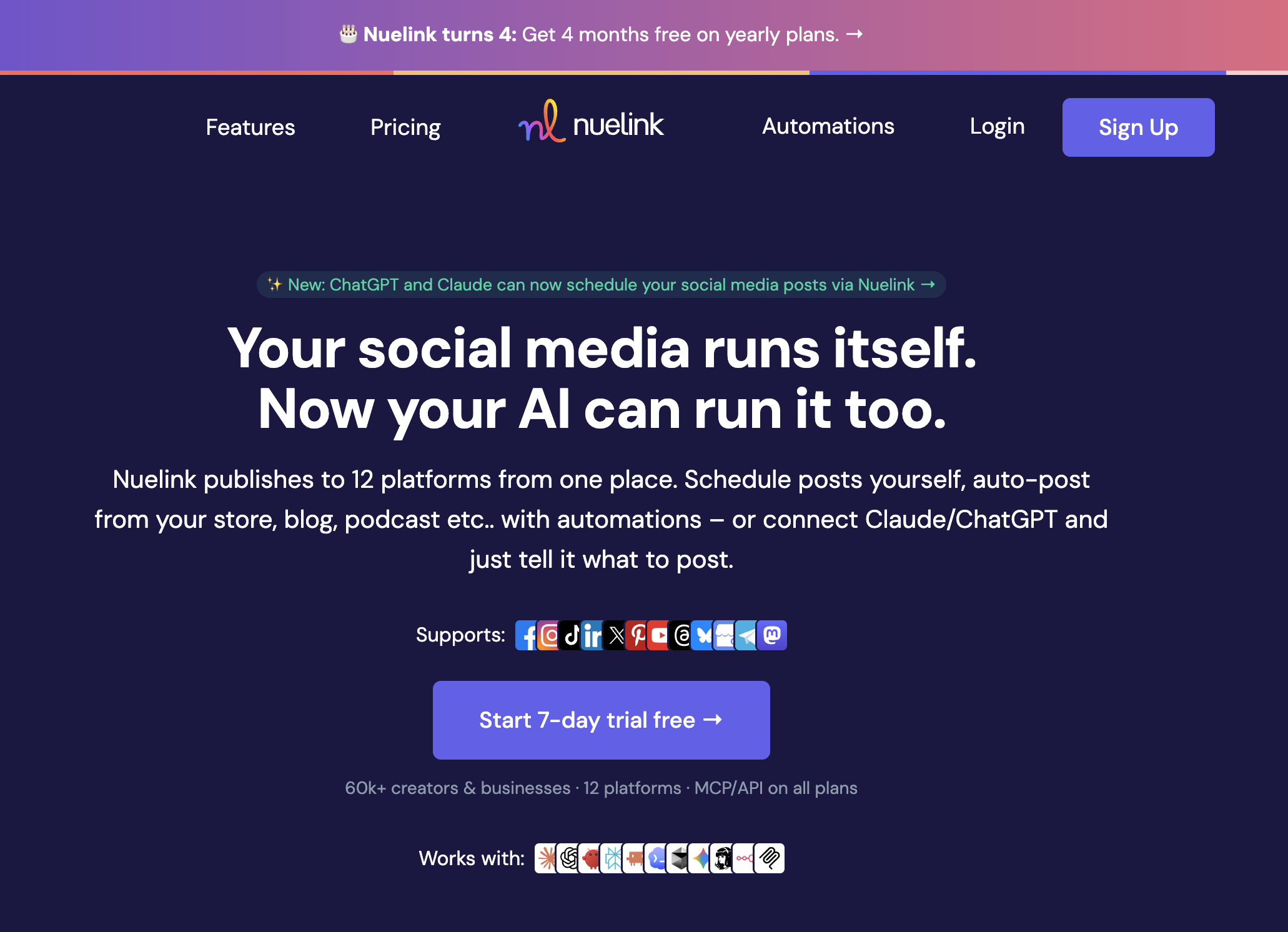
Nuelink is a social media management platform built for businesses whose social presence flows from content they already create elsewhere. Its defining feature is source automation: connect a blog RSS feed, YouTube channel, Shopify or Etsy store, or podcast, and Nuelink automatically converts new items into scheduled social posts, so publishing on your primary channel triggers promotion everywhere else.
Around that core it covers the essentials: a content calendar with collections for evergreen recycling, Nue AI for captions, a comments inbox, analytics, link in bio pages, and multi-brand workspaces. It publishes to 12 networks, including Bluesky, Mastodon, Telegram, and Google Business, with flat per-plan pricing that bundles brands, members, and channels together instead of charging per seat. The trade-offs are the ones you'd expect from a lean tool: no social listening, and analytics that inform rather than impress enterprise stakeholders.
At a glance: Nuelink
- Pricing: Standard $18/mo (10 channels, 1 brand, 1 member) → Premium $48/mo (30 channels, 3 brands, 3 members) → Business $78/mo (60 channels, 6 brands, 6 members) → Agency $128/mo (100 channels, 10 brands, 10 members) → Agency-Plus $228/mo (300 channels, 30 brands, 30 members); yearly billing gives 4 months free
- Platforms: 12, including Bluesky, Mastodon, Telegram, and Google Business Profile
- Free trial: 7 days, plus a 30-day money-back guarantee
- User ratings: 4.8/5 on G2 (47 reviews)
- Best for: Content-first businesses that want social promotion automated from their blog, store, or channel
Key features:
- Source automations that turn blog posts, videos, products, and podcast episodes into social posts automatically
- Collections for organizing and recycling evergreen content
- Nue AI credits for caption generation on every plan (500 to 30,000 per month by tier)
- Comments inbox, analytics, unlimited posts (Premium+), and multi-brand workspaces
- Link in bio pages (Nue.bio)
- API and MCP access included on all plans for custom and AI-agent workflows
Pros:
- Automates content sourcing, not just publishing; unique on this list
- Broad platform list, including niche networks like Mastodon and Telegram
- Flat pricing with brands and members bundled in; strong value per channel at every tier
- API and MCP access even on the entry plan
Cons:
- No social listening
- Analytics lighter than Sprout Social or Metricool
- Entry plan is single-user with a 365-post queue cap
Honorable Mentions
Four more tools worth knowing about. They didn't make the top 11 for a general audience, but each is a strong fit for a specific need:
- Sprinklr: an enterprise-grade unified customer-experience platform with deep social listening, publishing, and care modules. Powerful for large brands and big budgets, but complex and overkill for most teams.
- SocialBee: built around category-based scheduling and evergreen content recycling. A great value pick for solopreneurs and content-heavy creators who want to keep recycling their best posts on autopilot.
- Planable: collaboration- and approval-first, with a workspace-per-client structure and unlimited users on every plan. Ideal for agencies and teams whose work revolves around client review and sign-off.
- Vista Social: a modern, full-featured all-rounder with a generous free plan, strong review management, and DM automation. A rising option for agencies and creators who want a lot of features for the price.
What You'll Actually Pay (by Team Size)
Headline prices hide the real cost, because the pricing model, whether per channel, per seat, per brand or flat, decides how fast your bill grows. Here's what each tool costs for the same job: a 3-person team managing 10 social accounts.
| Tool | Pricing model | Plan that fits | Monthly cost |
|---|---|---|---|
| Metricool | Per brand | Starter | from $25* |
| SocialPilot | Tiered (accounts) | Standard: 15 accounts, 3 users | $50 |
| Zoho Social | Per brand | Premium: 3 users | $65 |
| PostPlanify | Per workspace | 2 workspaces: 10 accounts, unlimited users | $68 |
| Sendible | Tiered (profiles) | Traction: 24 profiles, 4 users | $89 |
| Later | Tiered (profiles) | Scale: 48 profiles, 4 users | $110 |
| Buffer | Per channel | Team: $12 × 10 channels, unlimited users | $120 |
| Agorapulse | Per seat | Standard: $99 × 3 users | $297 |
| Sprout Social | Per seat | Standard: $199 × 3 seats | $597† |
| Hootsuite | Per seat | Standard: $249 × 3 seats | $747 |
*Metricool's price varies with the number of brands and team members. †Sprout's Standard plan includes 5 social profiles per plan, so covering 10 accounts can require add-on profiles or the Professional tier, so $597 is a floor.
The same job ranges from about $50 to $747 a month, and the gap is almost entirely the pricing model. Tiered and per-workspace tools stay in the two-to-low-three-figure range, while per-seat tools (Agorapulse, Sprout Social, Hootsuite) multiply by every person you add: a 5-person team on Agorapulse Professional hits roughly $745/mo. PostPlanify's flat $99 Growth plan is the same price whether one person or three log in, and it includes analytics, a social inbox, and an AI assistant that several pricier tools charge extra for.
How to Choose the Right Social Media Management Tool
The best tool is the one that fits your workflow and budget, not the one with the longest feature list. Five things decide it:
- Pricing model. This matters more than the headline price. Per-channel pricing (Buffer) and per-seat pricing (Hootsuite, Sprout, Agorapulse) climb fast as you add accounts or people; per-workspace pricing (PostPlanify) moves only when your client count does and stays predictable. Calculate your real cost at the number of accounts and users you'll have in 12 months, not today.
- Platform coverage. Confirm the tool publishes directly to every network you use, including newer ones like Threads, Bluesky and Google Business, and that it auto-publishes the formats you rely on (Reels, Stories, carousels) instead of sending a manual reminder.
- Analytics and reporting. If you report to clients or stakeholders, you need cross-platform analytics and exportable, ideally white-label, reports. Sprout leads here; PostPlanify, Metricool, and Sendible cover it well at a fraction of the price.
- Inbox and engagement. If managing comments and DMs is a daily job, prioritize a unified inbox (Agorapulse and PostPlanify are strong) rather than a tool built only for outbound scheduling.
- Team workflows. Multiple people or client approvals? Look for approval workflows and role-based permissions, and check whether they cost extra per seat.
If you want a deeper buyer's guide, see our best social media management platform breakdown, and for scheduling specifically, our social media scheduling tools guide.
Frequently Asked Questions
What is the best social media management tool in 2026?
For agencies serving local business clients, PostPlanify is the best all-around choice thanks to per-workspace pricing with unlimited team members, analytics across all 10 platforms, a social inbox, an AI assistant, and approval workflows. Buffer is best for simplicity, Sprout Social for enterprise analytics, Agorapulse for community management, and Metricool for analytics plus paid ads. The right pick depends on your team size, budget, and whether engagement, analytics, or reporting matters most.
How much do social media management tools cost?
Most paid plans run from about $6/channel/mo (Buffer) up to $249/seat/mo (Hootsuite). Per-workspace platforms like PostPlanify start at $39/mo for your first client, with 4 accounts and unlimited team members and no per-user or per-channel fees, while per-seat tools like Sprout Social ($199/seat/mo) and Agorapulse ($99/user/mo) scale with team size. Free plans exist on Buffer, Metricool, and Zoho Social, but they cap accounts, posts, or features.
What is the best free social media management tool?
Metricool and Buffer have the strongest free plans. Metricool's free tier covers one brand with 20 scheduled posts per month across its platforms plus analytics, while Buffer's free plan allows 3 channels with 10 posts each. Zoho Social also offers a free plan. For a full-featured trial, PostPlanify includes a 7-day trial with unlimited scheduling. See our best free social media management tools guide for more.
What is the difference between a social media management tool and a scheduler?
A scheduler focuses on planning and auto-publishing posts. A full management tool adds engagement (a social inbox for comments and DMs), analytics and reporting, team approval workflows, and sometimes social listening. PostPlanify, Hootsuite, and Sprout Social are full management platforms; lighter tools lean toward pure scheduling.
What is the best social media management tool for agencies?
Agencies need white-label reporting, client approval workflows, and multi-brand workspaces. PostPlanify (client reports, multi-approver workflows, one workspace per client), Sendible (white-label client dashboards), SocialPilot (affordable agency tiers), and Agorapulse (unified inbox) are the strongest agency picks. See our best social media management tools for agencies guide for a deeper breakdown.
Can one tool manage social media for multiple clients?
Yes, but the pricing model decides whether it stays affordable. Tools that bill per client workspace or per brand (PostPlanify, Metricool, Zoho Social) grow with your client count. Tools that bill per seat (Hootsuite, Sprout Social, Agorapulse) grow with your headcount, so every extra person and every client reviewer adds to the bill. For agencies, check what ten clients costs before you check what one costs.
Do social media management tools include client approvals?
Most do, but usually not on the plan you were looking at. Approval workflows are one of the most commonly tier-gated features in the category, along with white-label reporting. PostPlanify includes approval workflows on every account; Sendible, SocialPilot and Sprout Social put them behind specific tiers; Buffer, Later and Metricool offer little or nothing.
Do social media management tools hurt reach or engagement?
No. Social platforms have confirmed that using an official, API-partnered tool does not reduce your reach. In practice these tools usually improve engagement by helping you post consistently at optimal times, which is exactly what algorithms reward.
Is it safe to connect my accounts to a management tool?
Yes, as long as the tool uses official API access through OAuth. A reputable platform never asks for your social media password. It redirects you to the network to grant permission, and you can revoke access anytime from your account's security settings. If a tool asks for your direct username and password, treat it as a red flag.
Related Reading
- Best Social Media Management Platform (2026)
- Social Media Scheduling Tools: The Complete Guide
- Best Free Social Media Management Tools
- Best Social Media Management Tools for Agencies
- Best Social Media Management Tools for Teams
- Best Social Media Analytics Tools
- Best Social Inbox Tools
- How to Create a Social Media Content Calendar
PostPlanifyAll your social media in one simple dashboard
Schedule posts, track analytics, and reply to comments/DMs without switching tabs.
Engagement
+18%
Views
52.8k
About the Author

Hasan Cagli
Founder of PostPlanify, a content and social media scheduling platform. He focuses on building systems that help businesses, agencies, and teams plan, publish, and manage content and social media more efficiently across platforms.


