


Social media automation isn't one feature, it's seven different jobs. Scheduling. AI captions. AI images. Content recycling. Inbox automation. Bulk publishing. And the connector layer that triggers all of it from outside your scheduler. Most "best automation tools" lists rank platforms generically and skip which automation type each one actually leads on. The right tool depends on which of those six layers your team needs most.
Quick Answer: What Is the Best Social Media Automation Tool in 2026?
PostPlanify is the most complete automation suite in one tool: scheduling across 10 platforms, AI captions with vision-powered understanding, AI image generation, a content calendar, a unified social inbox with AI replies, bulk scheduling, and approval workflow automation from the entry plan. Billed per client workspace from $39/mo with unlimited team members, so no per-seat or per-channel fees as the team grows.
For the specific automation layers PostPlanify doesn't lead on, pair or substitute by need. For pure evergreen content recycling, SocialBee and MeetEdgar are category specialists. For enterprise inbox + listening automation, Sprout Social and Agorapulse lead. For DM automation specifically, Vista Social is purpose-built.
For the cheapest entry into paid automation, Buffer at $6/channel/mo and Publer at $12/mo for 3 accounts win on price.
How I Evaluated These Social Media Automation Tools
I evaluated 14 tools across six weighted categories, mapped to the automation layers below, because a tool that does seven jobs badly isn't better than one that leads on the two you actually need.
| Criterion | Weight | What I looked at |
|---|---|---|
| Automation depth | 30% | How well the tool leads on its specialty layer (scheduling, AI, recycling, inbox, bulk, or workflow) |
| Pricing & value | 25% | Flat vs per-user/per-channel, and real cost as accounts and team grow |
| AI capabilities | 15% | Caption quality (vision/brand context), image generation, AI inbox |
| Inbox & engagement automation | 15% | Auto-replies, routing, tagging, DM automation |
| Bulk & workflow automation | 10% | CSV bulk volume and approval routing |
| Support & trust | 5% | Review base and third-party validation |
How I sourced the data:
- Pricing verification. I pulled every price from each vendor's official pricing page in June 2026. Per-user, per-channel, and per-account structures are spelled out so you can model real cost.
- Automation type mapping. I sorted each tool by which automation layer it leads on: scheduling, AI captions, AI images, content recycling, inbox automation, or bulk publishing.
- G2 ratings. Sourced from each tool's G2 product page (
g2.com/products/<tool>/reviews), not seller-aggregate pages that combine all vendor products and inflate counts. - Honest category fit. PostPlanify is positioned as the most complete suite, not as the best at every individual layer. SocialBee leads recycling, Vista Social leads DM automation, Publer leads AI image generation per credit: I call those out instead of forcing PostPlanify into every #1 slot.
Quick Comparison: 14 Social Media Automation Tools at a Glance
| Tool | Automation Strength | Starting Price | AI Captions | AI Images | Content Recycling | G2 Rating |
|---|---|---|---|---|---|---|
| PostPlanify | All-around suite | From $39/mo per workspace | Vision-powered | Included | Yes (queues) | 5/5 (3) |
| SocialBee | Category recycling | $24.20/mo (annual) | Yes | No | Category-based | 4.8/5 (472) |
| Buffer | Simple scheduling | $6/channel/mo | Yes (basic) | No | Limited | 4.3/5 (1,071) |
| Hootsuite | Enterprise + bulk | $99/user/mo | OwlyWriter AI | Yes (basic) | No | 4.3/5 (7,109) |
| Sprout Social | Enterprise inbox AI | $199/seat/mo | Unlimited | No | No | 4.4/5 (6,957) |
| Agorapulse | Inbox automation | $99/user/mo | AI Writing | No | Limited | 4.5/5 (967) |
| Vista Social | DM automation | $99/mo | AI captions | Yes | Yes | 4.8/5 (1,071) |
| Publer | AI content (GPT-4 + DALL-E 3) | $12/mo (3 accounts) | GPT-4 | DALL-E 3 | Yes | 4.7/5 (486) |
| SocialPilot | Bulk scheduling for agencies | $30/mo (7 accounts) | Yes (500 credits) | No | Limited | 4.5/5 (841) |
| Sendible | Queue-based scheduling | $35/mo (6 profiles) | Unlimited AI | No | Smart Queues | 4.5/5 (902) |
| Loomly | AI captions + post ideas | $65/mo (12 accounts) | Yes | No | Recurring posts | 4.6/5 (1,793) |
| MeetEdgar | Pure recycling specialist | $29.99/mo (5 accounts) | 15–50 credits | No | Core feature | 4.3/5 (57) |
| Planable | Approval workflow | $39/workspace/mo | No | No | No | 4.6/5 (937) |
| Nuelink | Source-based automation | $18/mo (10 channels) | Nue AI credits | No | Yes (collections) | 4.8/5 (47) |
The 6 Types of Social Media Automation
Most articles treat automation as one thing. It isn't. There are seven distinct types, and each maps to a different tool category. Buying for the wrong type is how teams end up with software that doesn't solve the problem they actually had.
- 1. Scheduling automation. The base layer: set posts to publish at the right time across multiple platforms. Every tool on this list does this. PostPlanify, Buffer, Hootsuite, SocialPilot, Publer all lead on scheduling depth and reliability.
- 2. AI content automation. AI-generated captions, hashtags, post variations, image generation. PostPlanify (vision-powered captions + AI image gen), Publer (GPT-4 + DALL-E 3), and Sprout Social (Enhance Post + Enhance Reply) lead this layer.
- 3. Content recycling automation. Evergreen content gets re-published automatically on a schedule. SocialBee (category-based with up to 50 categories) and MeetEdgar (Smart Evergreen Automation, their core product) are the specialists. Most other tools have basic recycling but don't lead.
- 4. Inbox automation. AI-suggested replies, DM auto-responses, comment routing, message tagging. Sprout Social (Enhance Reply AI), Vista Social (DM Automations), Agorapulse (Inbox Assistant), and PostPlanify (AI replies in the unified inbox) lead this layer.
- 5. Bulk publishing automation. Upload many posts at once via CSV or in-app. Hootsuite (350 posts bulk on Advanced), Publer (500-post CSV), SocialPilot (1,000+ post bulk), and PostPlanify (20-post bulk) lead.
- 6. Workflow automation. Approval routing, multi-stakeholder sign-off, post scheduling that triggers on approval. Planable (purpose-built around approvals), PostPlanify (multi-approver with rejection notes from the entry plan), and Loomly (workflow + roles) lead.
- 7. Agent and connector automation. The layer outside your scheduler: Zapier, Make and n8n wire social publishing into the rest of your stack, so a new blog post, Shopify order or CRM stage change triggers a post without anyone opening a calendar. Zapier now ships AI Agents across 9,000+ apps; n8n is open source, self-hostable via Docker, carries 500+ integrations and speaks MCP natively, with human-in-the-loop approval steps built in. None of these publish on their own: they need a scheduler or a social API underneath, which is why they sit alongside the tools below rather than replacing them. If you want an AI assistant driving the workflow directly, that is the MCP server route; if you are building it into your own product, see the social media APIs comparison.
The best stack picks one tool for each layer your team needs. The teams that buy "an automation tool" without naming which type usually end up using only 20% of what they bought.
1. PostPlanify: Best All-Around Automation Suite
PostPlanify covers five of the six automation types natively: scheduling, AI content, inbox, bulk publishing, and workflow approvals. It doesn't lead on pure content recycling the way SocialBee does, but content categories and post queues handle most evergreen use cases. Because billing is per client workspace with unlimited team members, adding people to run those automations never changes the price. That model suits agencies running automations across a roster of brands. Growth covers 4 social accounts per client workspace from $39/mo, with as many teammates as you want on it.
The advantage of one suite over a stack is fewer handoffs. Instead of exporting from a recycler into a scheduler, then pulling replies from a separate inbox, the calendar, AI, inbox, and approvals share the same data, so a post drafted with the AI assistant flows through approval and out to all 10 networks without leaving the tool. The flat price is what makes that consolidation worth it: you're not paying three subscriptions to automate three layers.
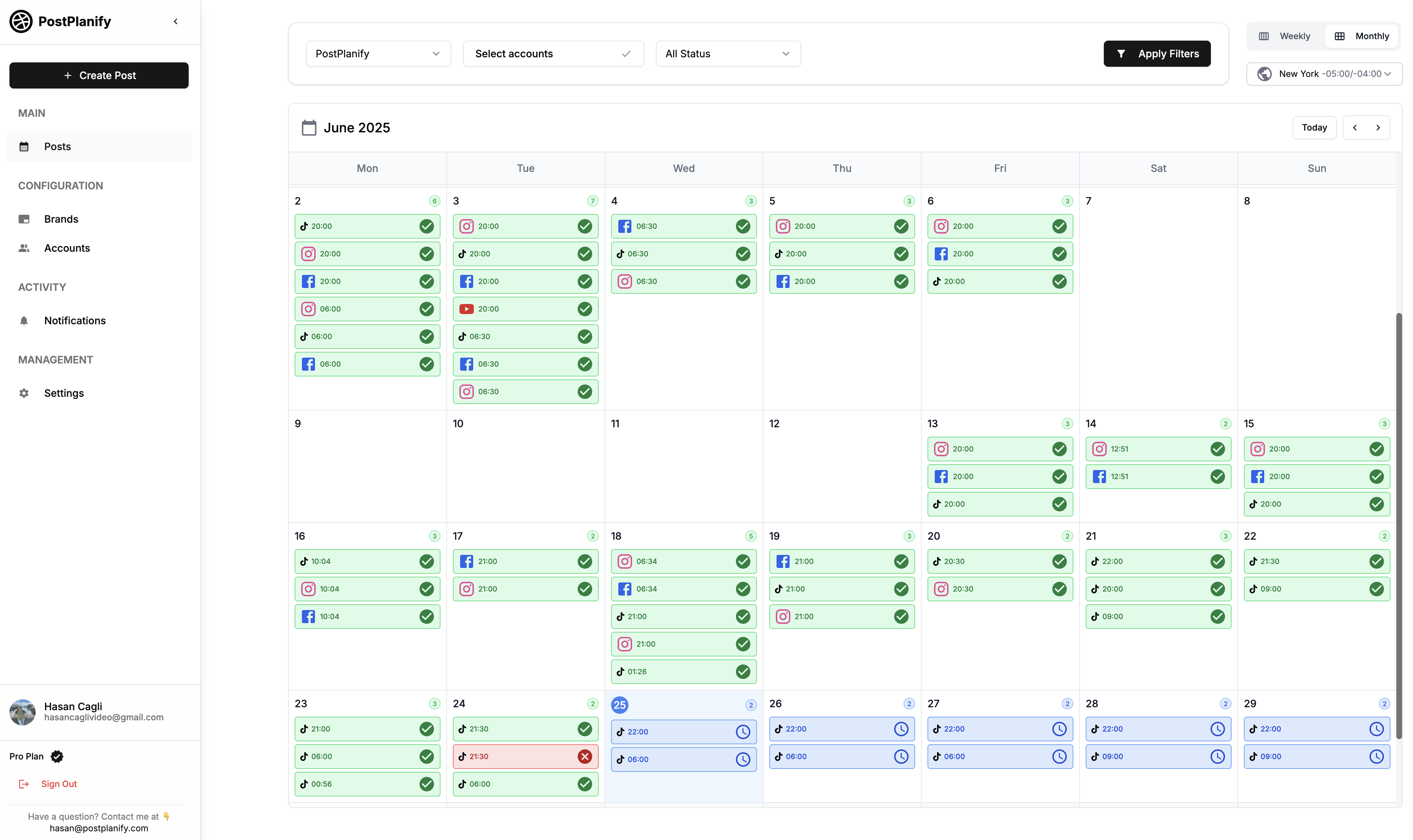
At a glance: PostPlanify
- Pricing: Per client workspace, not per seat. Growth from $39/mo → Premium from $49/mo → Scale from $59/mo, with the rate dropping as you add clients
- Team members: Unlimited on every plan
- Automation strengths: Scheduling + AI captions + AI images + content calendar + inbox + bulk + approval workflows
- Free trial: 7 days, 14-day money-back guarantee
- G2 rating: 5/5
Automation features
- Scheduling automation: content calendar with drag-and-drop scheduling across 10 platforms
- AI captions: vision-powered AI assistant reads the uploaded image/video and generates platform-specific captions, with an MCP server so Claude or ChatGPT can drive it
- AI image generation: native image generation included from the entry plan, where Buffer, Hootsuite and Sprout Social have none
- Inbox automation: social inbox for Instagram, Facebook, LinkedIn, Google Business, YouTube, Threads with AI-suggested replies
- Bulk scheduling: up to 20 posts at once
- Best time to post: AI-driven posting time recommendations per platform, with analytics across all 10 networks and client reports on Premium
- Media library: Canva, Google Drive and Dropbox assets reusable per workspace, plus a link-in-bio builder on every plan
- Approval workflow automation: single and multi-step approvals with multi-approver tracking and rejection notes, included from Growth
- Team collaboration: unlimited team members and client approvers on every plan, with comments and @mentions on Premium
- 10 platforms: Instagram, TikTok, Facebook, LinkedIn, X, YouTube, Threads, Pinterest, Bluesky, Google Business
Pricing
PostPlanify bills per client workspace rather than per seat, and the rate drops as you add clients, up to 100 on self-serve.
| Workspaces | Growth | Premium | Scale |
|---|---|---|---|
| 1 workspace | $39/mo | $49/mo | $59/mo |
| 3 workspaces | $97/mo | $127/mo | $157/mo |
| 5 workspaces | $155/mo | $205/mo | $255/mo |
| 10 workspaces | $250/mo | $350/mo | $450/mo |
| Social accounts per workspace | 4 | 6 | 8 |
Unlimited team members on every plan, no per-seat fees. Yearly billing saves 20%. All plans include a 7-day free trial with a 14-day money-back guarantee.
Pros
- Covers 5 of 6 automation types in one tool: most competitors cover 2–3
- Vision-powered AI captions actually read the image and generate context-aware text
- AI image generation included natively: Buffer, Hootsuite, and Sprout Social don't include this
- No per-seat or per-channel fees: the bill tracks client brands, not headcount
Cons
- Not the deepest pure content recycler (SocialBee leads on category-based recycling)
- Bulk scheduling caps at 20 posts (Hootsuite Advanced does 350, SocialPilot does 1,000+)
- Team comments and @mentions need Premium, though approvals themselves are on the entry plan
Best for: Agencies and marketing teams that want most automation types covered by one tool, billed per client brand rather than per seat, instead of stacking 3–4 specialist tools.
 PostPlanify
All your social media in one simple dashboard
Schedule posts, track analytics, and reply to comments/DMs without switching tabs.

Engagement
+18%
Views
52.8k
2. SocialBee: Best for Content Recycling
SocialBee is the category-based recycling specialist. You organize content into categories (offers, FAQs, behind-the-scenes, events, evergreen tips), upload posts to each category, and SocialBee cycles through them on a schedule. The Accelerate plan ($49/mo) gives 50 categories with 5,000 posts per category, enough to never run out of evergreen content if you front-load the library.
What makes the category model genuinely "automation" rather than just scheduling is that you stop touching the calendar at all. Once a category is loaded, SocialBee keeps the slot filled indefinitely, reshuffling and re-posting on its own. The flip side is that it's tuned for evergreen, not timely: reactive or breaking-news posts fight the system, and you won't find AI image generation or a deep inbox here.
At a glance: SocialBee
- Pricing: Bootstrap $29/mo ($24.20/mo annual) → Accelerate $49/mo ($40.80/mo annual) → Pro $99/mo ($82.50/mo annual) → Agency tiers Pro50 $179/mo, Pro100 $329/mo, Pro150 $449/mo
- Automation strength: Category-based content recycling (their specialty)
- Free trial: 14 days
- G2 rating: 4.8/5 (472 reviews)
Automation features
- Category-based content recycling: the core feature
- 10 categories on Bootstrap, 50 on Accelerate+
- 1,000 posts per category on Bootstrap, 5,000 on Accelerate+
- Engage Module inbox (LinkedIn, Facebook, Instagram, X, YouTube, Threads)
- AI text assistance + Canva integration
- RSS feed imports (10 on Bootstrap, 50 on Accelerate+)
- Analytics: 3 months (Bootstrap), 2 years (Accelerate+)
- 30-day money-back guarantee
Pros
- Best-in-class category-based content recycling: nothing else comes close
- 30-day money-back guarantee: longest in the category
- Agency-tier plans for managing 50–150 profiles
- 4.8/5 G2 rating with 472 reviews: strong third-party validation
Cons
- Bootstrap and Accelerate are single-user plans: no team collaboration until Pro ($99/mo)
- 3-month analytics on Bootstrap is restrictive
- Not built for ad-hoc/timely posts: the system favors evergreen content
- No AI image generation
Best for: Businesses with evergreen content strategies that benefit from category-based automated recycling (FAQs, offers, tips, behind-the-scenes).
For more details: SocialBee Pricing · SocialBee Reviews · SocialBee alternatives guide
3. Buffer: Best for Simple Scheduling Automation
Buffer is the cleanest, simplest scheduler in the category. AI Assistant generates basic captions; the Free plan covers 3 channels with 10 scheduled posts per channel. Per-channel pricing means automation cost stays predictable for solo creators and small teams but compounds fast at 10+ channels.
Buffer's automation philosophy is restraint: it nails reliable, set-and-forget scheduling and gets out of the way, which is exactly why solo creators stick with it. The cost of that simplicity is depth: the AI is text-only with no vision, the inbox stops at three networks, and per-channel pricing quietly turns a cheap tool into an expensive one once you cross ten channels.
At a glance: Buffer
- Pricing: Free (3 channels) → Essentials $6/channel/mo → Team $12/channel/mo
- Automation strength: Simple, reliable scheduling
- Free trial: Free plan available
- G2 rating: 4.3/5 (1,071 reviews)
Automation features
- Free plan with 3 channels and 10 scheduled posts per channel
- Unlimited scheduling on paid plans
- AI Assistant for caption generation (basic)
- Community inbox (Instagram, Facebook, LinkedIn only)
- Content approval workflows (Team plan)
- 11 platforms including Bluesky, Mastodon, Google Business
Pros
- Cleanest and most reliable scheduler in the category
- Free plan is genuinely useful for solo creators
- Lowest entry price for paid automation ($6/channel)
- Largest review base after Hootsuite (1,071)
Cons
- Per-channel pricing compounds fast (10 channels on Team = $120/mo)
- AI Assistant is basic: no image generation, no vision capability
- Community inbox limited to 3 networks
- Essentials is single-user only
Best for: Solo creators and small teams wanting simple, reliable scheduling automation at the lowest entry price.
For more details: Buffer Pricing · Buffer Reviews · Buffer alternatives guide
4. Hootsuite: Best for Enterprise Bulk Scheduling
Hootsuite is the enterprise incumbent. It moved to per-seat pricing in August 2026, and the Advanced plan ($399/user/mo) is where bulk scheduling and approval workflows unlock. OwlyWriter AI handles caption generation. DM automations (auto-replies, auto-routing) are built in.
Where Hootsuite earns its price is volume automation: 350-post bulk uploads, DM auto-routing, and OwlyWriter handling captions and images. The $99 entry looks approachable, but the automation you actually want (bulk, approvals, message routing) lives on Advanced at $399/user, so a five-person team is at $1,995/mo before those features unlock.

At a glance: Hootsuite
- Pricing: Standard $99/user/mo (10 accounts) → Professional $199/user/mo (unlimited accounts) → Advanced $399/user/mo (approvals) → Enterprise custom. All billed annually
- Automation strength: Enterprise bulk scheduling (350-post bulk) + DM automations
- Free trial: 30 days
- G2 rating: 4.3/5 (7,109 reviews)
Automation features
- Up to 10 social accounts on Standard, unlimited on Advanced
- Bulk scheduling up to 350 posts (Advanced)
- OwlyWriter AI for caption + image generation
- DM automations (Standard+)
- Auto-route and tag messages (Advanced)
- Saved message replies and auto-responses (Advanced)
- Team approval workflows (Advanced)
- Best time to post recommendations
- Largest G2 review base on this list (7,109)
Pros
- Bulk scheduling 350 posts is best-in-class for high-volume content teams
- OwlyWriter AI includes both caption and image generation
- DM automations are mature and reliable
- 30-day free trial (longest on this list)
Cons
- Automation you actually want sits at the top: approvals and bulk only arrive on Advanced at $399/user
- Per-user pricing compounds fast (5 users on Advanced = $1,995/mo)
- Bulk + approvals locked to Advanced ($399/user)
- No free plan since 2023
Best for: Enterprise marketing teams with budget for $99 to $399/user/mo who need bulk scheduling at scale.
For more details: Hootsuite Pricing · Hootsuite Reviews · Hootsuite alternatives guide
5. Sprout Social: Best for Enterprise Inbox AI
Sprout Social leads on inbox automation at enterprise scale. Enhance Post by AI (Professional+) rewrites posts for clarity and platform fit. Enhance Reply by AI (Advanced) generates inbox replies aligned with brand voice. Sentiment analysis runs across the Smart Inbox on Advanced+. For teams where inbox volume is the bottleneck, Sprout's AI features were built for this.
Sprout's automation is concentrated in the inbox, not the calendar: Enhance Reply drafts on-brand responses, sentiment scores incoming messages, and spike alerts flag when volume surges, the kind of layer that only pays off when conversations, not posts, are your bottleneck. It's enterprise-priced per seat, and the best of it (Enhance Reply, sentiment) sits on Advanced at $399/seat.
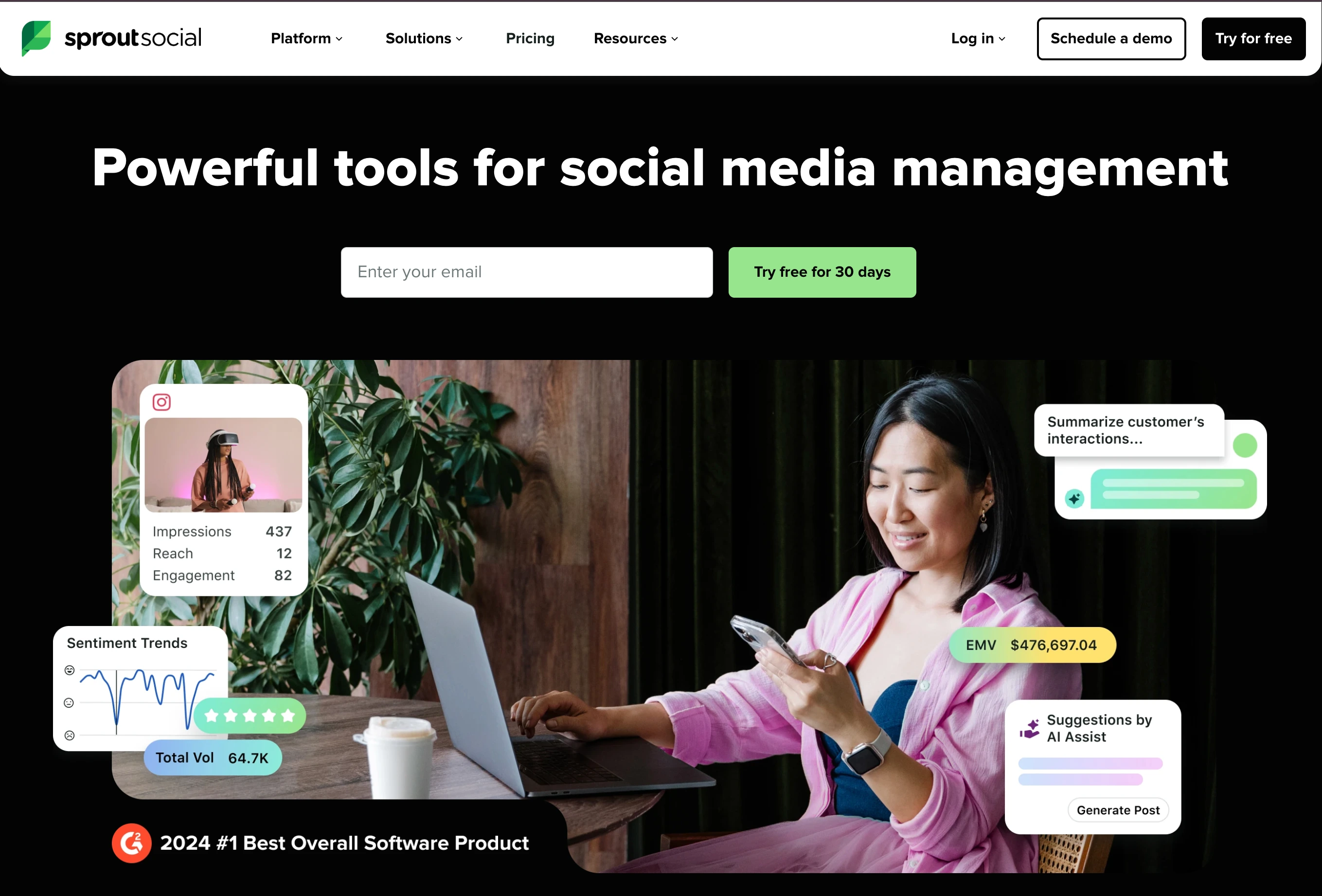
At a glance: Sprout Social
- Pricing: Essentials $99/seat/mo ($79 annually) → Standard $199/seat/mo → Professional $299/seat/mo → Advanced $399/seat/mo → Enterprise custom
- Automation strength: Enterprise inbox AI + analytics automation
- Free trial: Available
- G2 rating: 4.4/5 (6,957 reviews)
Automation features
- Unlimited AI-generated text on all plans
- Enhance Post by AI (Professional+): rewrites for platform fit
- Enhance Reply by AI (Advanced): generates branded inbox replies
- Sentiment analysis on Smart Inbox (Advanced+)
- Optimal send time recommendations
- Message tagging (Professional+)
- Message Spike Alerts (Advanced+)
- API access (Advanced+)
- #1 in 59 G2 Spring 2026 reports for social listening, analytics, customer service
Pros
- Best-in-class enterprise inbox AI (Enhance Reply)
- Sentiment analysis at scale for high-volume inboxes
- #1 across 59 G2 categories in Spring 2026
- Unlimited AI text generation on every plan
Cons
- Standard plan caps at 5 social profiles: most teams forced to Professional ($299/seat)
- Per-seat pricing: 5-seat team on Professional = $1,495/mo
- Enhance Reply AI locked to Advanced ($399/seat)
- No AI image generation
Best for: Enterprise teams with high-volume inboxes that need AI-driven reply automation and sentiment analysis.
For more details: Sprout Social Pricing · Sprout Social Reviews · Sprout Social alternatives guide
6. Agorapulse: Best for Inbox Automation
Agorapulse built its core platform around inbox automation. The unified Inbox Assistant covers messages and organic comments across 11 platforms with AI-suggested replies, automated rules for tagging and routing, and team-collaborative reply workflows. Per-user pricing is high but the inbox UX is the strongest in the mid-tier.
Agorapulse automates the messy part of social, the inbox, with auto-tagging, routing rules, and AI-drafted replies that keep a shared queue moving without anyone babysitting it. It's the mid-tier inbox to beat, but the economics are per-user (three people on Professional is ~$447/mo), and there's no permanent free plan anymore, just a 30-day no-credit-card trial.
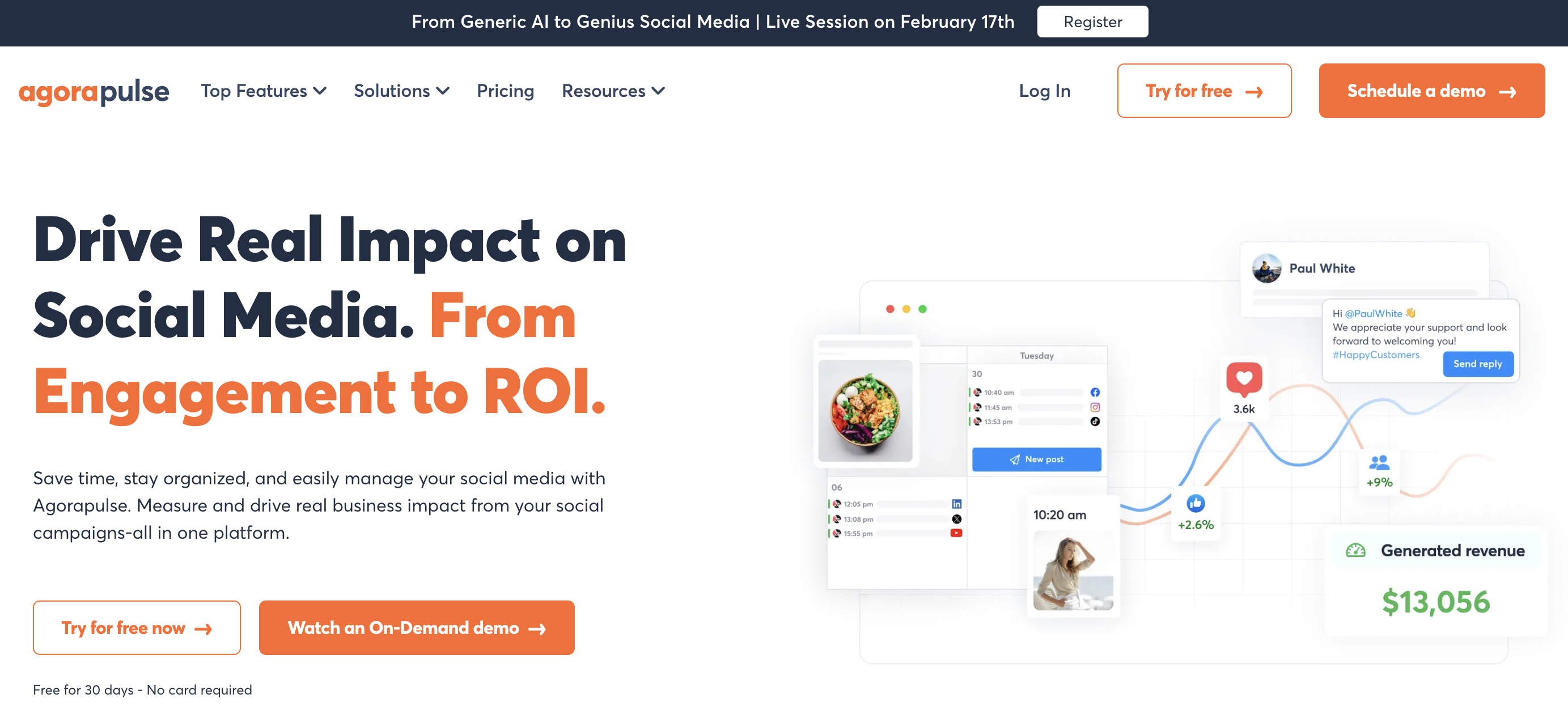
At a glance: Agorapulse
- Pricing: Standard $99/user/mo ($79 annual) → Professional $149/user/mo ($119 annual) → Advanced $199/user/mo ($149 annual) → Custom contact sales
- Automation strength: Inbox automation + AI Writing Assistant
- Free trial: 30 days, no credit card required (no free plan)
- G2 rating: 4.5/5 (967 reviews)
Automation features
- Unified inbox for messages + comments across 11 platforms
- AI Writing Assistant for caption generation
- AI Alt Text Generator
- Organization Context AI (Professional+)
- Inbox Assistant with auto-tagging
- Approval workflows (Professional+: one-step, multi-step on Custom)
- Best time to post recommendations
- Social listening (Advanced+)
Pros
- Best inbox UX in the mid-tier category
- Strong AI Writing Assistant with brand voice context
- Social listening and ROI tracking on higher tiers
- 30-day no-credit-card trial to test the inbox before committing
Cons
- Per-user pricing: 3 users on Professional = $447/mo (annual $357)
- 10 profile cap on every plan up to Advanced
- Approval workflows require Professional ($149/user)
- No AI image generation; no permanent free plan
Best for: Mid-size teams (3–10 people) with high comment + DM volume who need a strong inbox automation UX.
For more details: Agorapulse Pricing · Agorapulse Reviews · Agorapulse alternatives guide
PostPlanifyAll your social media in one simple dashboard
Schedule posts, track analytics, and reply to comments/DMs without switching tabs.
Engagement
+18%
Views
52.8k
7. Vista Social: Best for DM Automation
Vista Social leads specifically on DM automation. Every plan includes built-in DM Automations for auto-responses, keyword triggers, and message routing, features other tools either don't have or lock behind enterprise tiers. The Professional plan at $99/mo includes 15 profiles, 2 users, and 500 AI credits.
Vista Social is the rare tool that puts DM automation on every plan, with keyword triggers, auto-responses and routing, which makes it a natural fit for service businesses and e-commerce where conversations convert. Two caveats temper the value: X/Twitter is a paid add-on rather than included, and the deeper listening you might expect at this price is a separate $75/mo add-on.
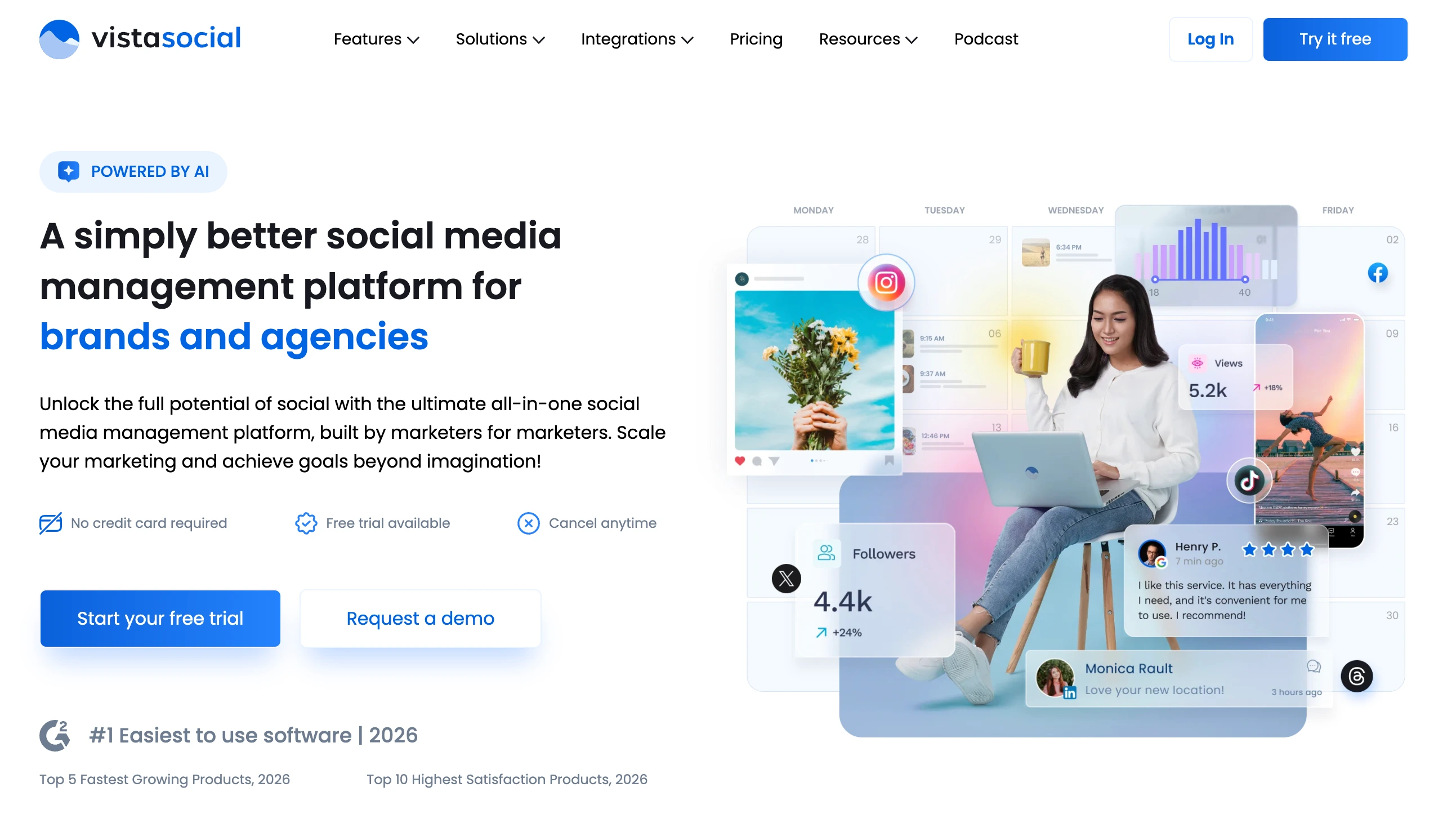
At a glance: Vista Social
- Pricing: Professional $99/mo ($79 yearly: 15 profiles, 2 users) → Advanced $199/mo (30 profiles, 3 users) → Scale $449/mo (70 profiles, 4 users) → Enterprise custom
- Automation strength: DM automation + review management
- Free trial: 14 days, no credit card required
- G2 rating: 4.8/5 (1,071 reviews)
Automation features
- DM Automations on every plan (auto-response, keyword triggers, routing)
- AI captions with 500/1,000/Unlimited credits per plan
- Multi-step approval workflows
- Review management automation
- Listening tools (basic mention monitoring on all plans)
- Vista Page (link in bio)
- 15+ platforms including review sites (Google Reviews, Trustpilot, Capterra, G2, Yelp)
- #1 Easiest to Use software in 2026 (G2)
Pros
- DM Automations on every plan (rare in this category)
- Highest G2 rating on this list at 4.8/5 (tied with SocialBee)
- 15+ platforms including review sites
- Annual billing saves 20%
Cons
- X (Twitter) requires a separate paid add-on: not included in any plan
- Listening tools are basic: advanced listening is $75/mo add-on
- Employee Advocacy is $199/mo add-on
- Scale plan jumps to $449 from Advanced $199, and users are capped at 2, 3 and 4 by tier
Best for: Teams where DM volume drives engagement: service businesses, e-commerce, and agencies with social-CRM needs.
For more details: Vista Social Pricing · Vista Social Reviews · Vista Social alternatives guide
8. Publer: Best for AI Content Generation
Publer has the deepest AI content stack in the budget tier, with GPT-4 for captions and DALL-E 3 for image generation on the Business plan. Per-account pricing (~$4/account on Professional, ~$7/account on Business) means scaling beyond 3 accounts adds up. Bulk scheduling supports 500 posts via CSV.
Publer packs the most AI per dollar, with GPT-4 captions and DALL-E 3 images on the $21 Business plan, where most competitors charge several times more or omit image generation entirely. The trade-off is structural: pricing is per account (so it climbs past ten), there's no real inbox, and the free plan leaves out X/Twitter.
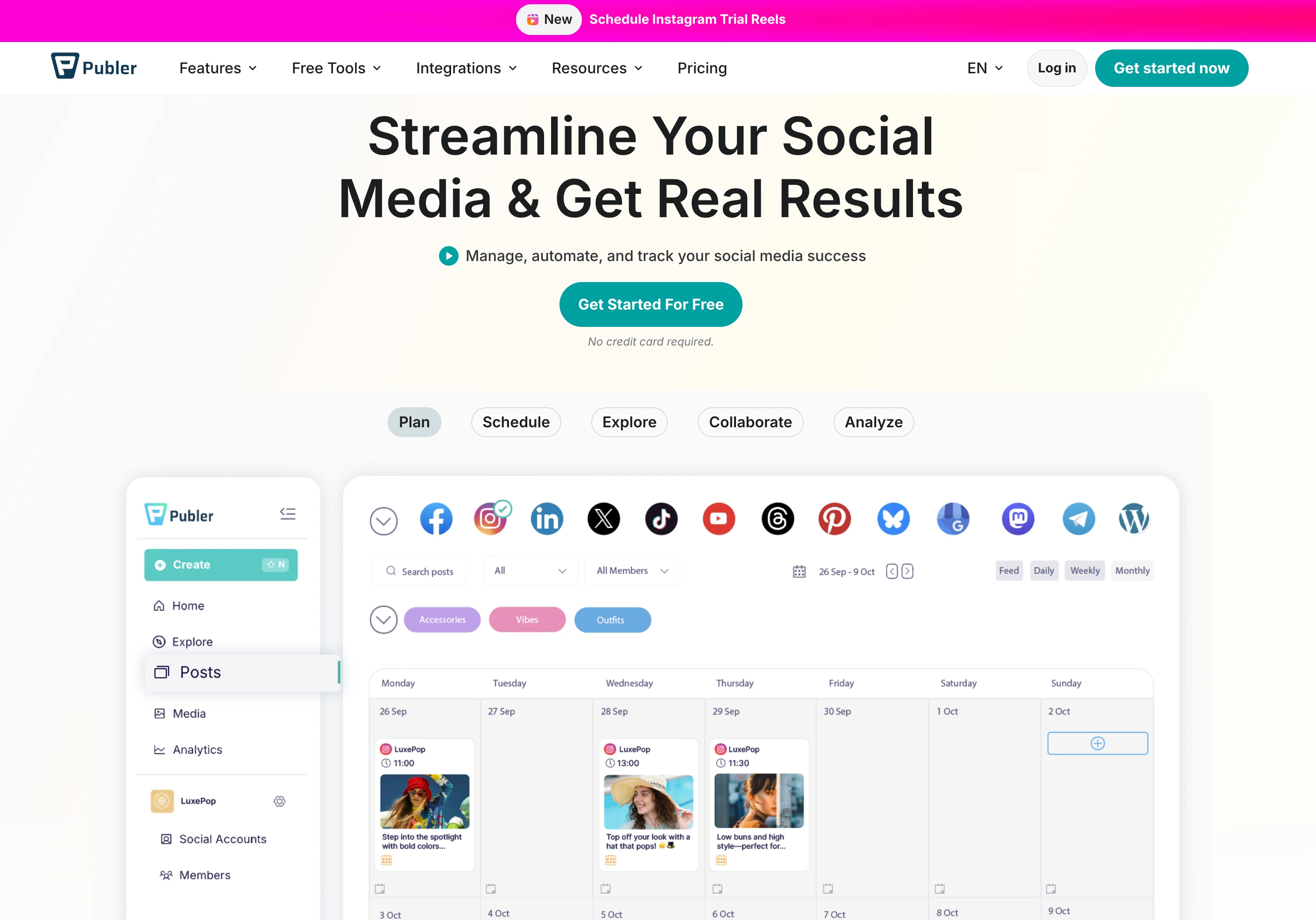
At a glance: Publer
- Pricing: Free (3 accounts, no X) → Professional $12/mo (3 accounts) → Business $21/mo (3 accounts) → Enterprise custom
- Automation strength: AI content automation (GPT-4 + DALL-E 3)
- Free trial: Free plan + trials on paid features
- G2 rating: 4.7/5 (486 reviews)
Automation features
- GPT-4 caption generation (Business plan)
- DALL-E 3 AI image generation (Business plan)
- Bulk scheduling up to 500 posts via CSV (Professional+)
- Unlimited RSS Feed automations (Professional+)
- Content recycling (Business+)
- Per-account pricing: every 10th account is free
- 12+ platforms including Mastodon, Telegram, WordPress
- Eternal post history (Professional+)
Pros
- GPT-4 + DALL-E 3 included on Business plan: deepest budget-tier AI
- Per-account pricing makes it cheaper than per-channel tools at low account counts
- Bulk 500-post CSV scheduling
- 4.7/5 G2 rating: strong satisfaction at this price point
Cons
- Free plan excludes X/Twitter
- AI features (GPT-4, DALL-E 3) require Business plan ($21/mo for 3 accounts)
- 24-hour post history on Free is restrictive
- Per-account pricing scales linearly past 10 accounts
Best for: Solo creators and small teams that prioritize AI caption + image generation at a budget price point.
For more details: Publer Pricing · Publer Reviews · Publer alternatives guide
9. SocialPilot: Best for Bulk Scheduling at Agency Scale
SocialPilot targets agencies with bulk scheduling and client approval workflows. Each plan includes AI credits (500–2,000+ depending on tier), client approval workflows (Standard+), and white-label reports (Premium+). Premium adds external client approval, and Ultimate scales to 50 accounts and unlimited users.
SocialPilot's automation sweet spot is agency throughput: CSV bulk uploads, AI credits, and a manager-then-client approval ladder that scales to 50 accounts on Ultimate. Watch the two meters that bite at scale: AI credits are capped per tier, and every account past your plan's allowance is another $4/mo.
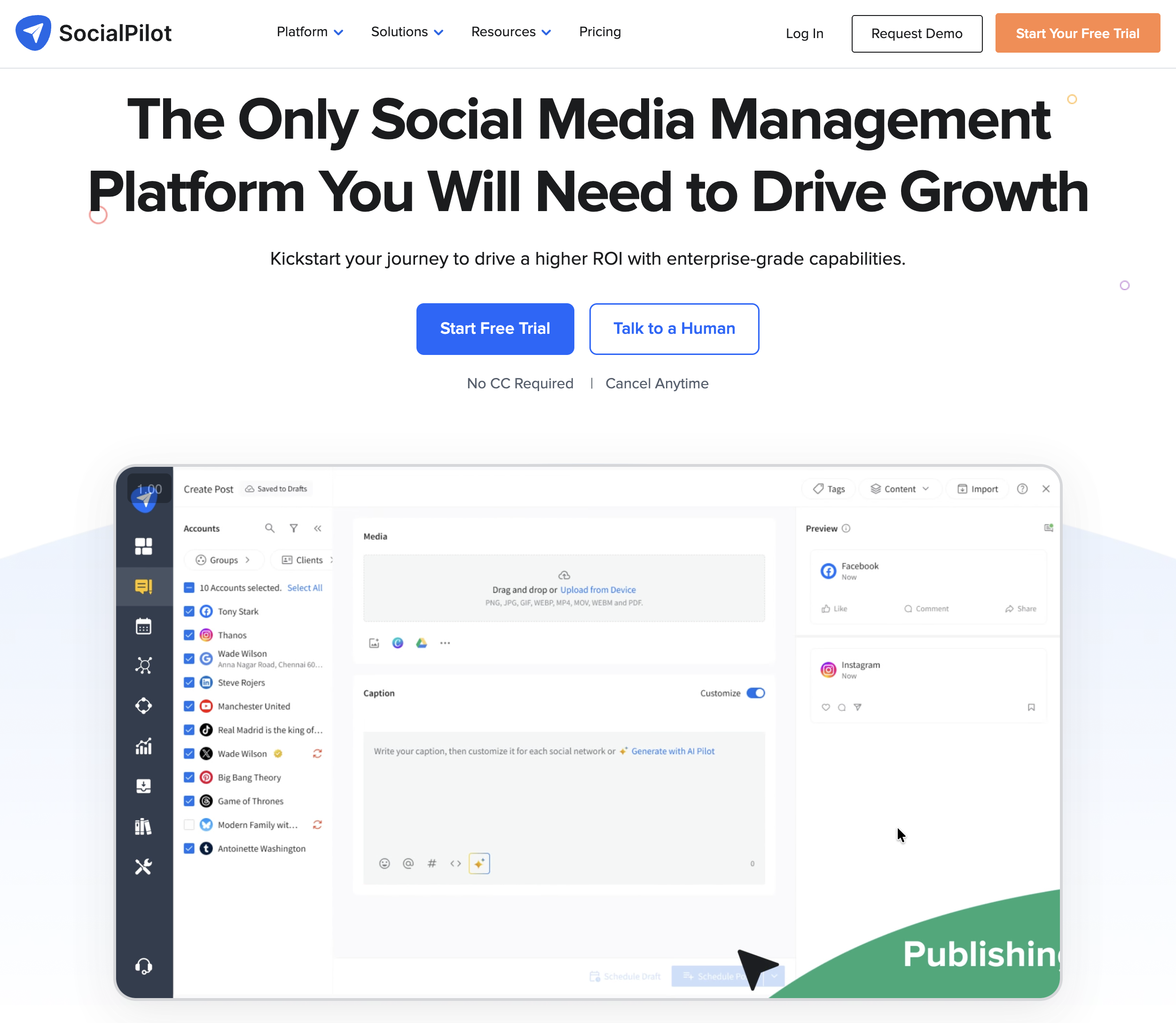
At a glance: SocialPilot
- Pricing: Essentials $30/mo (7 accounts) → Standard $50/mo (15) → Premium $100/mo (25) → Ultimate $200/mo (50) → Enterprise custom (15% annual discount)
- Automation strength: Bulk scheduling + agency client management
- Free trial: 14 days
- G2 rating: 4.5/5 (841 reviews)
Automation features
- Bulk scheduling (CSV)
- AI content generation (500/1,000/2,000+ credits per tier)
- Manager approval workflows (Standard+)
- Client approval workflows (Premium+)
- White-label reports (Premium+)
- Social inbox (Standard+)
- Best time to post recommendations
- $4/extra account per month on every plan
Pros
- Bulk scheduling on every paid plan
- Manager + client approval tiers: clear agency pathway
- White-label reports on Premium+
- Annual billing saves 15%
Cons
- Essentials plan is single-user with no inbox
- $4/extra account adds up with multi-client agencies
- AI credit caps can constrain content-heavy teams
- Premium needed for external client approval ($100/mo)
Best for: Mid-size agencies that need bulk scheduling, manager/client approvals, and white-label reporting at an accessible price.
For more details: SocialPilot Pricing · SocialPilot Reviews · SocialPilot alternatives guide
10. Sendible: Best for Queue-Based Scheduling
Sendible automates scheduling through Smart Queues, automated time slots that publish queued content on a schedule. The Core plan includes 10 Smart Queues; Enterprise scales to 300 profiles across 50 workspaces. Unlimited AI Assist credits and unlimited users are included on every plan.
Sendible automates the calendar through Smart Queues: you define time slots once and queued content flows into them automatically, which suits agencies recycling offers and evergreen posts across many clients. The agency layer (assignment, client dashboards, custom approvals) is strong, but white labeling is a paid add-on from Elite and there's no AI image generation.
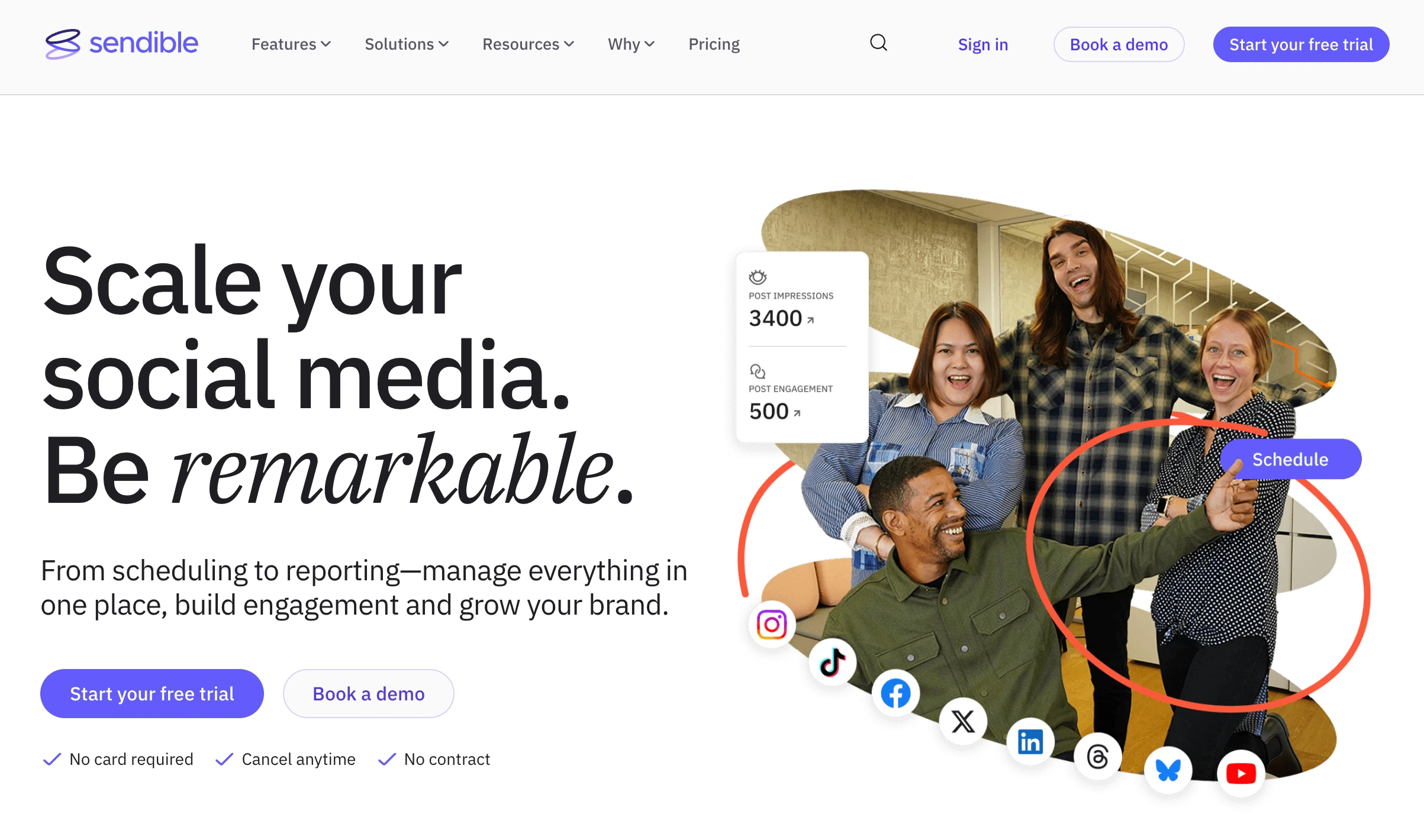
At a glance: Sendible
- Pricing: Core $35/mo (6 profiles, 1 workspace) → Plus $99/mo (18 profiles, 3 workspaces) → Premium $199/mo (42) → Elite $299/mo (90) → Enterprise $750/mo (300). Unlimited users on every plan
- Automation strength: Queue-based scheduling + agency workflows
- Free trial: 14 days, no credit card required
- G2 rating: 4.5/5 (902 reviews)
Automation features
- Smart Queues for time-slot-based automation
- Unlimited AI Assist caption credits on every plan
- Assignment and approval workflows (Plus and above)
- Client dashboards (Plus and above)
- Custom approval workflows (Scale+)
- White labeling is a paid add-on from Elite ($299/mo) upward
- 100–10,000 sends per day depending on plan
- Canva, Google Drive, Pexels integrations
Pros
- Smart Queues automate scheduling on time slots, not individual posts
- Unlimited AI captions on every plan (including Creator)
- Generous profile counts (18 on Plus, 42 on Premium, 90 on Elite) with unlimited users on every plan
- 14-day free trial without credit card
Cons
- Approval workflows require Plus ($99/mo), not Core
- White labeling costs extra on top of an Elite plan, so branded client access starts at $299/mo
- No AI image generation
- Steep jump from Core ($35) to Plus ($99), the first tier with approvals
Best for: Agencies that schedule recurring content (offers, FAQs, evergreen) and want time-slot queue automation instead of manual time-per-post setup.
For more details: Sendible Pricing · Sendible Reviews · Sendible alternatives guide
11. Loomly: Best for Post Ideas and AI Captions
Loomly automates content ideation alongside scheduling. Post ideas suggest content based on trending events, holidays, and date-specific prompts. AI caption suggestions help with copy. Approval workflows are included on every paid plan from Starter ($65/mo).
Loomly's distinctive automation is upstream of scheduling. Its post-idea engine generates prompts from trends and calendar dates, so the "what do we post" step is partly automated too, with approvals included from the entry plan. The structural catch is the cliff: there's no free plan (a 15-day trial only), and stepping past Starter's caps jumps you straight to Beyond at $332/mo.
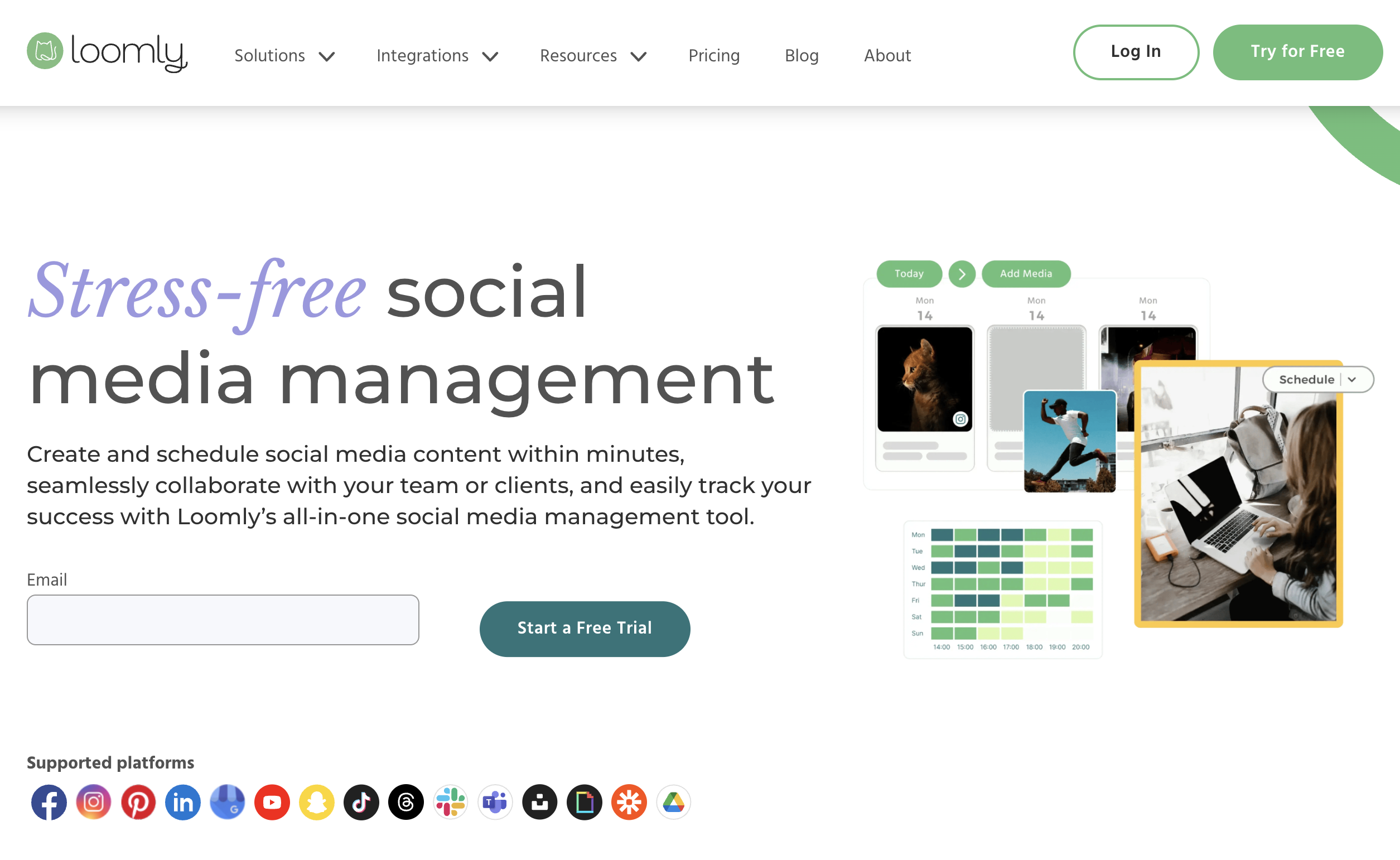
At a glance: Loomly
- Pricing: Starter $65/mo (12 accounts, 3 users) → Beyond $332/mo (60 accounts, unlimited) → Enterprise custom (~25% off annual)
- Automation strength: AI captions + post idea generation
- Free trial: 15-day trial, no credit card (no free plan)
- G2 rating: 4.6/5 (1,793 reviews)
Automation features
- AI caption suggestions (Starter+)
- Post ideas based on trends and date-specific prompts
- Approval workflows on every paid plan
- Bulk scheduling (Starter+)
- Recurring posts (Starter+)
- Interactions inbox (comments + DMs)
- Custom branding (Beyond+)
- Custom workflows and roles (Beyond+)
Pros
- Approval workflows on every paid plan (Starter at $65 includes them)
- Post idea generation is unique: automated content prompts
- Strong G2 rating (4.6/5, 1,793 reviews)
- Annual billing saves ~25%
Cons
- No free plan: only a 15-day trial (Buffer and Metricool still offer permanent free ones)
- Huge pricing cliff between Starter ($65) and Beyond ($332): a 410% jump
- Trustpilot rating is 1.7/5 (26 reviews): common support complaints
- Custom workflows require Beyond ($332/mo)
Best for: Small teams (2–3 users) that want approval workflows + AI captions + post idea generation at the cheapest entry point with approvals included.
For more details: Loomly Pricing · Loomly Reviews · Loomly alternatives guide
12. MeetEdgar: Best Pure Recycling Specialist
MeetEdgar is the pure recycling specialist. Smart Evergreen Automation cycles content automatically across platforms: set it up once and the system republishes from your library based on category schedules. Eddie ($29.99) covers 5 accounts and 4 content categories; Edgar ($49.99) scales to 25 accounts and unlimited categories with 1,000 weekly automations.
MeetEdgar does one automation type and does it better than anyone. Its Smart Evergreen engine republishes from a bottomless library on category schedules, hands-off, for years. That focus is also the limit: no AI image generation, no approvals, and an inbox that only does two-way replies on Facebook and Instagram. If recycling is the job, it's the specialist; if you need more layers, it isn't the tool.
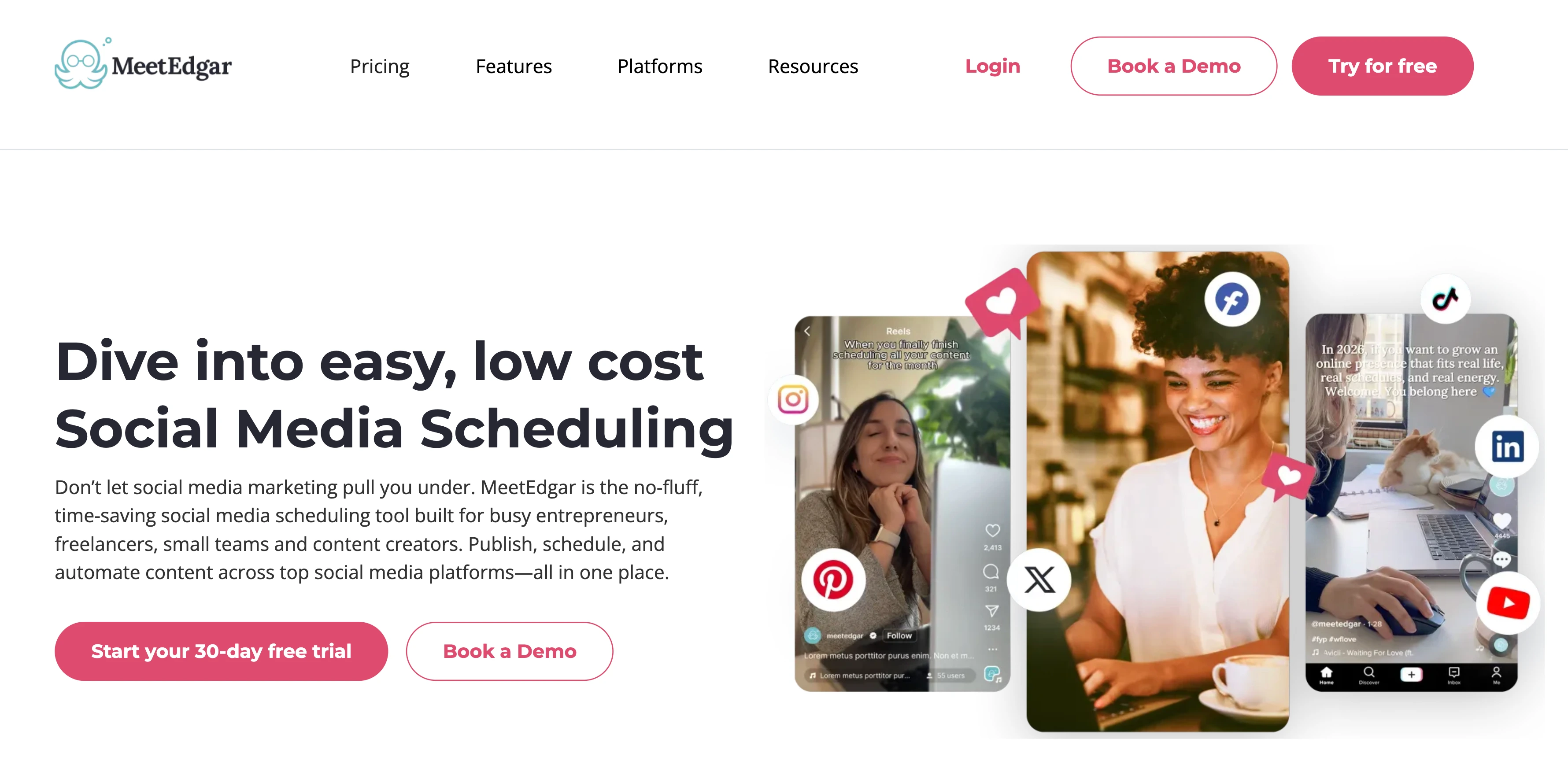
At a glance: MeetEdgar
- Pricing: Eddie $29.99/mo (5 accounts) → Edgar $49.99/mo (25 accounts)
- Automation strength: Smart Evergreen Automation (their core product)
- Free trial: 30 days
- G2 rating: 4.3/5 (57 reviews)
Automation features
- Smart Evergreen Automation (core product)
- Content categories (4 on Eddie, unlimited on Edgar)
- 10 weekly automations on Eddie, 1,000 on Edgar
- Unlimited content library on both plans
- Inky AI credits (15 on Eddie, 50 on Edgar)
- 20 team members on both plans (high for the price)
- Social inbox: Facebook + Instagram replies (view-only on other platforms)
- Canva, Bitly, Rebrandly, Shopify, Zapier integrations
- 10 platforms supported
Pros
- Purpose-built for evergreen recycling: none of this list does it better
- 20 team members included on both plans (unusual for the price)
- 30-day free trial (longest on this list alongside Hootsuite)
- Unlimited scheduled posts (cap is on weekly automations, not posts)
Cons
- Only 2 plans: Edgar at $49.99 is the cap
- 15 AI credits/mo on Eddie is restrictive
- No AI image generation
- No approval workflows, no white-label reports, no workspaces
Best for: Solo creators and small teams running an evergreen-content-first strategy that benefits from continuous content recycling.
For more details: MeetEdgar Pricing · MeetEdgar Reviews · MeetEdgar alternatives guide
13. Planable: Best for Approval Workflow Automation
Planable automates the approval-and-publish workflow. Content is reviewed visually (posts render exactly as they'll appear on each platform), approved by designated reviewers, and auto-published when all approvals clear. The Pro plan adds 3 approval workflow types; Enterprise unlocks multi-level approvals.
Planable automates the approval-to-publish handoff: content is reviewed on pixel-accurate previews, signed off by the right people, and auto-published the moment the last approval clears, eliminating the "is this approved yet?" back-and-forth. It's deliberately narrow, though: no AI captions, no image generation and no recycling, so it's a workflow layer to pair with a scheduler, not a full automation suite.

At a glance: Planable
- Pricing: Free (50 lifetime posts) → Basic $39/workspace/mo → Pro $59/workspace/mo → Enterprise custom
- Automation strength: Approval workflow automation
- Free trial: Free plan available
- G2 rating: 4.6/5 (937 reviews)
Automation features
- Visual content preview (renders as native post on each platform)
- 2 approval workflow types on Basic, 3 on Pro, multi-level on Enterprise
- Auto-publish on approval
- Unlimited users on all paid plans
- Feed, Calendar, Grid views (Pro+), List view (Enterprise)
- Analytics + Engagement available as add-ons ($9/$5 per workspace/mo)
Pros
- Best-in-class visual content preview for approval flows
- Strong approval workflow automation: auto-publish on sign-off
- Unlimited users on every paid plan
- Free plan with full collaboration features
Cons
- Per-workspace pricing punishes agencies with many small clients
- Strict post limits (60 Basic, 150 Pro): Enterprise required for unlimited
- No AI captions, no AI image generation, no content recycling
- Analytics + Engagement are paid add-ons
Best for: Agencies and teams where the daily workflow is content review and approval, and approval velocity is the primary bottleneck.
For more details: Planable Pricing · Planable Reviews · Planable alternatives guide
PostPlanifyAll your social media in one simple dashboard
Schedule posts, track analytics, and reply to comments/DMs without switching tabs.
Engagement
+18%
Views
52.8k
14. Nuelink: Best for Source-Based Automation (RSS, YouTube, Shopify)
Nuelink automates the step most tools ignore: where the content comes from. Instead of only scheduling posts you write, Nuelink connects to sources like your blog RSS feed, YouTube channel, Shopify store, Etsy shop, or podcast, and automatically turns new items into scheduled social posts. Publish a blog article, and Nuelink drafts and queues the promo posts across your channels without you touching the calendar.
The automation sits on top of a full scheduling suite: collections for evergreen recycling (similar in spirit to SocialBee's categories), AI caption generation with Nue AI credits, bulk scheduling, a comments inbox, and cross-posting across 12 platforms including Bluesky, Mastodon, Telegram, and Google Business. Pricing is flat per plan, so team members and brands don't multiply cost. Where it stops short of the enterprise tools is inbox depth and listening.
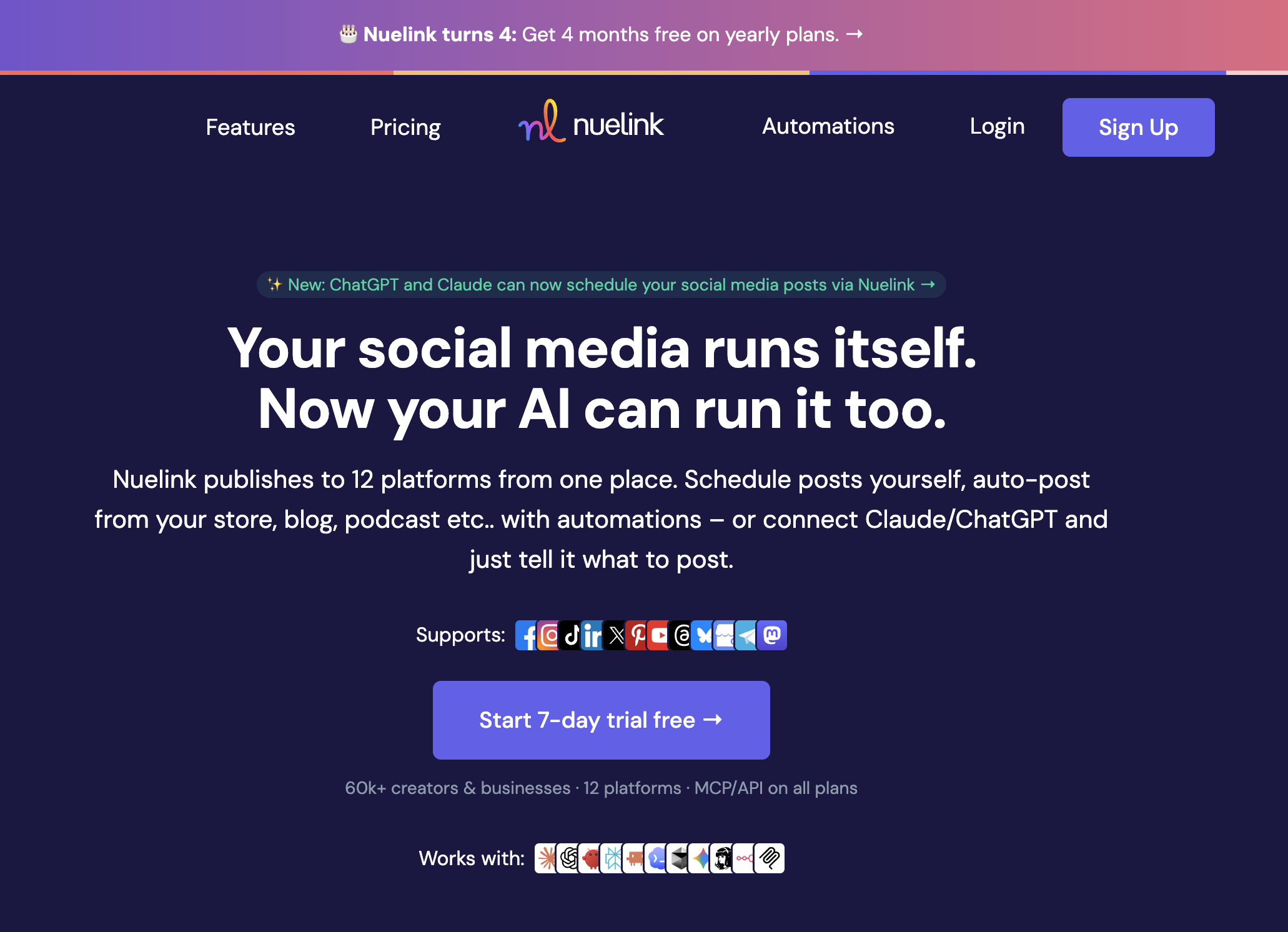
At a glance: Nuelink
- Pricing: Standard $18/mo (10 channels) → Premium $48/mo (30 channels) → Business $78/mo (60 channels) → Agency $128/mo (100 channels) → Agency-Plus $228/mo (300 channels); yearly billing gives 4 months free
- Automation strength: Source-based automation (RSS, YouTube, Shopify, podcasts) + content recycling
- Free trial: 7 days, plus a 30-day money-back guarantee
- G2 rating: 4.8/5 (47 reviews)
Automation features
- Source automations that auto-post from blog RSS, YouTube, Shopify, Etsy, WooCommerce, podcast feeds, and more (10 to 300 automations depending on plan)
- Collections for organizing evergreen content into categories that recycle automatically (10 to 300 per plan)
- Nue AI credits for caption generation, from 500/mo on Standard to 30,000/mo on Agency-Plus
- Unlimited posts on Premium and above (365 posts in queue on Standard)
- Cross-posting to publish once and adapt per platform automatically
- Inbox that pulls comments from your connected platforms into one view
- Link in bio pages (Nue.bio)
- 12 platforms including Instagram, TikTok, LinkedIn, X, YouTube, Threads, Pinterest, Bluesky, Mastodon, Telegram, and Google Business Profile
- API and MCP access on every plan, so you can automate posting from your own stack or AI agents even on the $18 tier (we compare the field in our guides to the best MCP servers and the best social media APIs)
Pros
- Only tool on this list that automates content sourcing, not just publishing; RSS, Shopify, and YouTube pipelines run hands-off
- Flat per-plan pricing with brands, members, and channels bundled in; no per-seat fees
- API and MCP access included on every plan, even the cheapest
- Collections handle evergreen recycling comparably to the recycling specialists
Cons
- Inbox covers comments only, without the AI reply depth of Sprout Social or Agorapulse
- No AI image generation
- Standard plan caps the queue at 365 posts and 1 member
Best for: Bloggers, e-commerce stores, YouTubers, and podcasters who publish content elsewhere first and want social promotion to run on autopilot, plus lean teams that want recycling and scheduling at flat pricing.
What to Look For in Social Media Automation Tools
The tools that survive past 90 days share six characteristics:
- Automation depth, not breadth. A tool that does seven automation types badly isn't better than one that leads on the two types you actually need. Pick by automation specialty: scheduling, AI content, recycling, inbox, bulk, or workflow.
- Pricing model that fits scale. Per-channel pricing (Buffer, Publer) is cheapest at 1–5 channels but expensive at 15+. Per-user pricing (Hootsuite, Sprout, Agorapulse) is cheapest for solo users but compounds fast with teams. Per-workspace and flat-tier pricing (PostPlanify, SocialBee, MeetEdgar) absorbs growth best.
- Free plan that's actually usable. Buffer, Publer, Vista Social, Metricool, and Planable have free plans that work for real use. Loomly's trial-only access, Agorapulse's discontinued free plan, and Hootsuite's discontinued free plan don't.
- AI features that match your content type. If you post mostly visuals, prioritize AI image generation (PostPlanify, Publer, Hootsuite). If you post mostly text, prioritize AI captions with vision (PostPlanify) or unlimited AI text (Sprout Social).
- Inbox automation if comments/DMs drive engagement. Service businesses and e-commerce need it; B2B content marketing usually doesn't. Sprout Social Advanced, Vista Social, Agorapulse, and PostPlanify cover this.
- Approval workflows if multiple stakeholders sign off. Planable, PostPlanify (from Growth), Loomly, SocialPilot, and Sendible (from Plus) all have native approval automation.
The trap is buying a "complete" tool when you actually needed depth in one layer. The teams that buy MeetEdgar for recycling get better recycling than the teams that buy Hootsuite for "everything."
Where Social Media Automation Breaks
Almost every guide to this category sells automation without mentioning what it costs you when it goes wrong. Four failure modes account for most of it, and all four are avoidable.
-
Publishing without a human gate. The most expensive automation failures are posts that went out exactly as configured, on a day when they should not have. A scheduled promotion during a news event, a recycled evergreen post that contradicts something you announced yesterday, a client's offer that expired last week. This is why an approval step matters more as automation increases, not less: the more you automate publishing, the more you need one person confirming the queue still makes sense. Tools that gate approvals behind a top tier, as Hootsuite does at $399/user, push teams into automating without that safety net.
-
Silent failures. A disconnected account, an expired token or a rejected API call can stop publishing without anyone noticing, and a queue that looks full in your dashboard is not the same as posts that actually went live. Check that your tool surfaces failures loudly, and if you are wiring things together through a connector like Zapier or n8n, build an error path rather than assuming success.
-
Recycling that outlives its content. Evergreen recycling is the automation type with the longest half-life and the least supervision. Category-based tools will happily republish a post about a discontinued product for years. Put a review date on recycled libraries and prune them, or the automation quietly turns into a misinformation engine about your own business.
-
Full auto-reply in the inbox. Automating replies outright is the one place where platforms actively penalise you, and both Meta and TikTok do. AI-suggested replies that a human reviews and sends are supported everywhere and carry none of that risk, which is why the inbox tools worth buying draft rather than send.
The pattern across all four is the same: automate the repetitive work, keep a human on the decisions. The tools that do this well make the human step cheap, by including approvals at the entry plan and surfacing failures where you will see them, rather than charging extra for the seatbelt.
FAQ: Social Media Automation Tools
What's the best social media automation tool in 2026?
For most teams, PostPlanify is the best all-around automation tool: it covers five of the six automation types (scheduling, AI content, inbox, bulk publishing, and approval workflows) in one platform from $39/mo per client workspace, so you're not stacking and paying for three specialist tools. From there it comes down to your lead layer: SocialBee for category-based recycling, Vista Social for DM automation, Sprout Social for enterprise inbox AI, and Publer for the deepest budget-tier AI.
What is social media automation?
Social media automation is using software to handle repetitive social media tasks: scheduling posts, generating captions with AI, recycling evergreen content, replying to comments and DMs automatically, bulk-publishing many posts at once, routing content through approval workflows, and triggering any of it from another system. It covers seven distinct types: scheduling, AI content, recycling, inbox, bulk publishing, workflow automation, and agent or connector automation.
Is social media automation worth it?
For any team posting 5+ times per week across 2+ platforms, yes. The math is straightforward: a tool that costs a few tens of dollars a month per brand replaces 5–15 hours per week of manual posting + caption writing + reply management. At even modest hourly rates, payback is under a month.
What's the cheapest social media automation tool?
Buffer Free covers 3 channels at $0. Buffer Essentials at $6/channel/mo is the lowest paid entry per channel. Publer Professional at $12/mo covers 3 accounts. PostPlanify starts at $39/mo per client workspace with unlimited team members, which makes it cheapest once several people need access.
Can AI write good social media captions?
Yes, but with caveats. Best AI captions come from tools that use vision (read your image/video) and brand-context (know your tone). PostPlanify's vision-powered AI assistant reads uploaded media and generates platform-specific captions. Sprout Social's Enhance Post rewrites for platform fit. Publer uses GPT-4 directly. Buffer and Hootsuite have lighter AI assistants that produce more generic output.
What's the difference between scheduling and automation?
Scheduling is a single automation type: publishing a pre-written post at a specific time. Full automation includes scheduling plus AI content generation, content recycling, inbox replies, bulk publishing, and approval workflows. Most tools start with scheduling and add other automation types in higher tiers.
Can I automate Instagram posts?
Yes. Most tools on this list support native Instagram automation including Reels, Stories, and carousel posts. PostPlanify, Buffer, Hootsuite, Later, SocialBee, and Vista Social all use Instagram's Graph API for direct publishing. Avoid tools that still require "send notification" for Stories, because that's not full automation.
What's the best AI image generator for social media?
PostPlanify includes native AI image generation from the entry plan. Publer Business plan uses DALL-E 3. Hootsuite OwlyWriter generates images via integrated AI. For dedicated AI image tools, Midjourney and DALL-E 3 directly produce higher-quality output but require manual upload to your scheduler.
Can I automate replies to comments and DMs?
Partially, since full auto-reply isn't recommended (Meta and TikTok penalize it). But AI-suggested replies that humans review and send are widely supported: Sprout Social Advanced (Enhance Reply), Vista Social (DM Automations), Agorapulse (Inbox Assistant), and PostPlanify (AI replies in unified inbox). These reduce inbox time 60–80% without triggering platform penalties.
How do I automate recurring social media posts?
Three approaches. (1) Content recycling: SocialBee or MeetEdgar cycle evergreen content automatically on category schedules. (2) Smart Queues: Sendible publishes content on automated time slots. (3) Recurring posts: Loomly and most schedulers let you set a post to repeat on a schedule. For evergreen-heavy strategies, SocialBee categories are the cleanest.
Related Reading
- PostPlanify Pricing
- Best ChatGPT Plugins for Social Media
- Best Social Media Scheduling Tools
- Best AI Social Media Management Tools
- Best Social Media Management Platform
- Best Content Repurposing Tools
- Best Content Calendar Tools
- Best Social Inbox Tools
- Automate Social Media Posting Guide
- Best Social Media Management Tools for Agencies
- Best Social Media Tools with Approval Workflows
- Best Social Media Tools With No Per-Seat Fees
- Best Social Media Collaboration Tools: comments, @mentions and review workflows across 14 tools
- Best White Label Social Media Management Tools: branded client dashboards and reports
- Best Hootsuite Alternatives: Hootsuite gates bulk and approvals to Advanced at $399/user
- Best MCP Servers for Social Media Management: hand scheduling to Claude or ChatGPT
- Best Social Media APIs for Developers: build the automation into your own product
- Social Media Cross-Posting Guide
- How to Schedule Social Media Posts
- Save Time on Social Media Management
- Social Media Management for Agencies: automating across a client roster
- Social Media Management for Multiple Accounts
- Browse by industry and by use case
- All Alternatives
- Best Social Media Management Tools for Teams
- Best Metricool Alternatives
PostPlanifyAll your social media in one simple dashboard
Schedule posts, track analytics, and reply to comments/DMs without switching tabs.
Engagement
+18%
Views
52.8k
About the Author

Hasan Cagli
Founder of PostPlanify, a content and social media scheduling platform. He focuses on building systems that help businesses, agencies, and teams plan, publish, and manage content and social media more efficiently across platforms.


