


Social media engagement isn't one job, it's four. Listening to mentions before someone tags you. Responding to comments, DMs, and reviews in time. Measuring whether the engagement actually drove business outcomes. Building community over the long term. The tools that lead on each pillar look very different, and most social engagement software roundups treat them as interchangeable. They aren't.
Quick Answer: What Is the Best Social Media Engagement Tool in 2026?
PostPlanify is the best engagement tool for agencies serving local businesses that want all four engagement pillars (listen, respond, measure, build) in one platform, from $39/mo per client workspace. The unified social inbox covers comments on 7 platforms (Instagram, Facebook, LinkedIn, Google Business, YouTube, Threads, and Bluesky) plus Instagram and Facebook DMs and Google reviews, with AI-suggested replies. You add a workspace per client, up to 100, so agencies keep each client's engagement separate. Analytics across 10 platforms measures engagement metrics on every plan, client reports land on Premium, and full white labeling closes the loop with stakeholders on Scale.
For enterprise inbox AI with sentiment analysis, Sprout Social leads. For deep social listening across the web, Brandwatch and Meltwater are the category specialists. For automated rule-based moderation at scale, NapoleonCat is purpose-built.
How I Tested These Engagement Tools
- Pricing verification. I pulled every price from each vendor's pricing page in September 2026. Enterprise tools (Brandwatch, Meltwater, Sprinklr) are sales-led, so I used industry-cited price ranges from current third-party trackers.
- Engagement-pillar mapping. I scored each tool against four pillars: Listen (mentions, keywords, sentiment), Respond (inbox, AI replies, moderation), Measure (engagement metrics, sentiment trends, share-of-voice), Build (community, advocacy, long-term relationships).
- G2 ratings. Every rating + review count came from each tool's G2 product page, not seller-aggregate pages.
- Honest category fit. PostPlanify is positioned where it actually leads, broad engagement coverage at a lower price point, rather than as the deepest listening tool (that's Brandwatch) or the deepest enterprise inbox (that's Sprout).
Quick Comparison: 13 Social Media Engagement Tools at a Glance
| Tool | Engagement Strength | Starting Price | Inbox | Listening | AI Replies | G2 Rating |
|---|---|---|---|---|---|---|
| PostPlanify | All-around engagement | From $39/mo per workspace | Yes (7 platforms) | Basic | Yes | 5/5 |
| Sprout Social | Enterprise inbox AI | $99/seat/mo | Smart Inbox | Yes (Advanced+) | Enhance Reply (Advanced) | 4.4/5 (6,957) |
| Hootsuite | Enterprise engagement | $99/user/mo | Yes | Talkwalker add-on | Yes | 4.3/5 (7,109) |
| Agorapulse | Mid-tier inbox UX | $99/user/mo | Yes | Yes (Advanced+) | AI Writing Assistant | 4.5/5 (967) |
| Vista Social | DM automation + reviews | $99/mo | Yes | Basic (advanced add-on) | DM Automations | 4.8/5 (1,071) |
| Brandwatch | Pure social listening | Custom ($20K+/yr) | No | Best-in-class | Limited | 4.4/5 (720) |
| Meltwater | Enterprise listening + PR | Custom ($25K+/yr) | Limited | Best-in-class | Yes | 4.1/5 (2,976) |
| Sprinklr Social | Enterprise CXM engagement | $2,800/user/yr | Yes | Sprinklr Insights | Sprinklr AI | 4.1/5 (1,180) |
| Sendible | Agency engagement workflows | $35/mo | Priority Inbox | Limited | Unlimited AI Assist | 4.5/5 (902) |
| SocialPilot | Budget agency engagement | $30/mo | Social inbox (Standard+) | Limited | Yes (500+ credits) | 4.5/5 (841) |
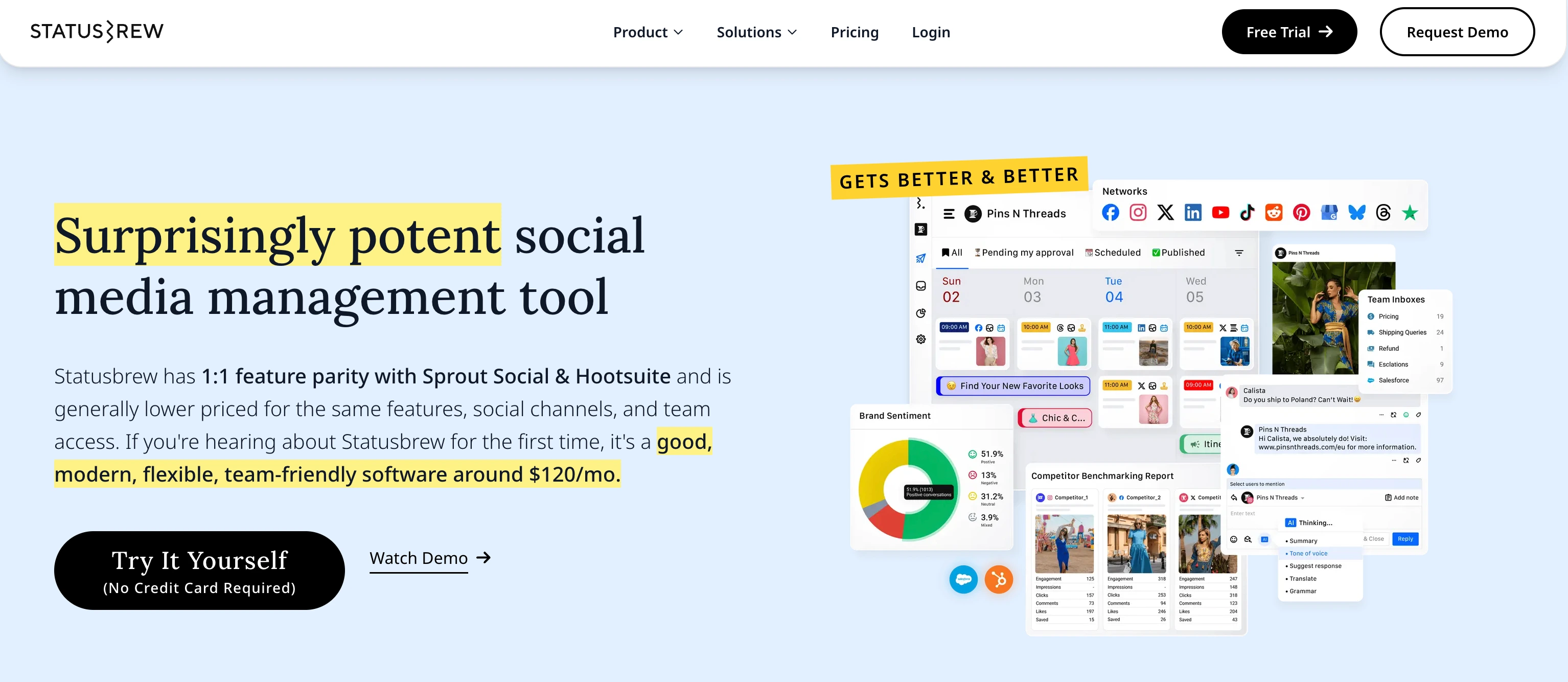
| Statusbrew | Rule-based moderation + AI sentiment | $89/mo | All-in-one Inbox | Yes (Premium) | Rule Engine | 4.8/5 (252) |
| NapoleonCat | Auto-moderation specialist | $89/mo | Yes (Pro+) | Limited | Auto-Moderation (Expert) | 4.7/5 (124) |
| Buffer | Lightweight engagement | $6/channel/mo | Community inbox (3 networks) | No | AI Assistant | 4.3/5 (1,071) |
The 4 Pillars of Social Media Engagement
Most "best engagement tools" lists treat engagement as one undifferentiated thing. It isn't. There are four pillars, and the right tool depends on which one your team needs most.
- 1. Listen. Find out what's being said about your brand, competitors, or topics, even when no one tags you. This is the job dedicated social listening tools do, and Brandwatch, Meltwater, and Sprinklr Insights lead this pillar. Sprout Social Advanced and Hootsuite (with Talkwalker) cover it as a secondary feature.
- 2. Respond. Reply to comments, DMs, reviews, and mentions in time. Social media inbox tools own this pillar, and PostPlanify, Sprout Social, Agorapulse, Vista Social, Statusbrew, and NapoleonCat lead it. The 7 platforms PostPlanify's inbox covers for comments (IG, FB, LinkedIn, GBP, YouTube, Threads, Bluesky), plus Instagram and Facebook DMs, sit alongside Sprout's Smart Inbox and Agorapulse's unified inbox as the practical answer for most teams.
- 3. Measure. Track engagement rates, sentiment trends, share-of-voice, and how engagement maps to business outcomes. Sprout Social Advanced, Hootsuite Advanced, Meltwater, and Brandwatch lead. PostPlanify covers cross-platform engagement metrics across 10 platforms.
- 4. Build community. Turn one-off engagement into long-term relationships: advocacy programs, community moderation, brand loyalty. This is where engagement tools overlap with community management software. Hootsuite Amplify (employee advocacy add-on), Sprinklr Social's role-based workspaces, and NapoleonCat's auto-moderation rules lead. PostPlanify's Client role + multi-workspace handles community management at the agency-client level.
The best teams pick one tool that covers 2-3 pillars and add specialists for any gap. The trap is buying one "engagement tool" expecting it to do all four: most tools lead on 1-2 pillars and fake the rest.
1. PostPlanify: Best All-Around Engagement Platform
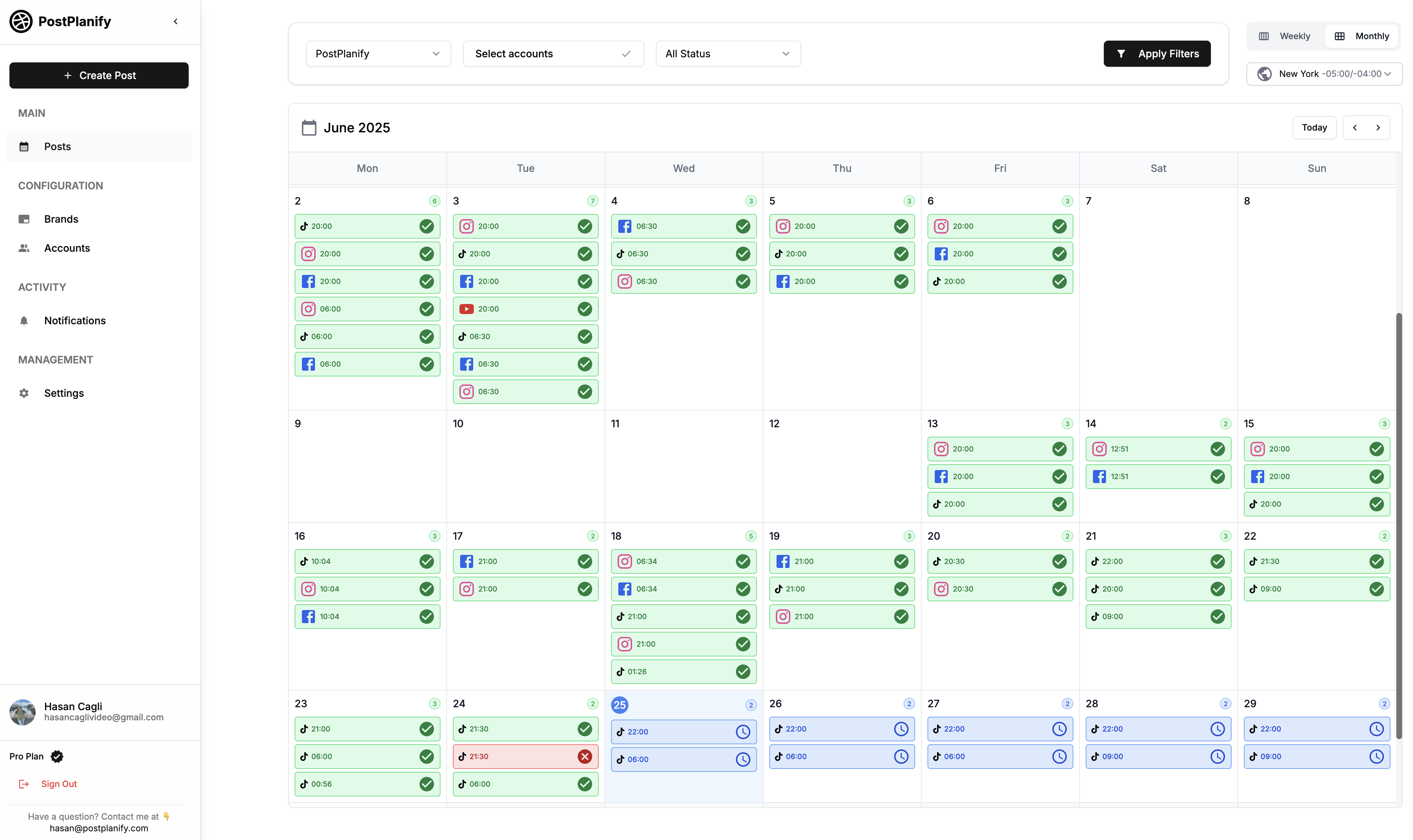
At a glance: PostPlanify
- Pricing: Per client workspace, from $39/mo (Growth), $49/mo (Premium), $59/mo (Scale)
- Engagement strength: All-around, covering the respond, measure, and build pillars (basic listen)
- Team members: Unlimited on every plan
- Free trial: 7 days, 14-day money-back guarantee
- Best for: Agencies serving local businesses that need inbox, reviews, and analytics per client
- G2 rating: 5/5
PostPlanify is a social media management platform built for agencies serving local businesses. Each client gets its own workspace, and it covers three of the four engagement pillars natively. For respond, the unified social inbox handles comments across Instagram, Facebook, LinkedIn, Google Business, YouTube, Threads, and Bluesky, plus Instagram and Facebook DMs and Google reviews, with AI-suggested replies. For measure, analytics tracks engagement metrics across all 10 platforms with historical trends. For build, multi-workspace setup with the dedicated Client role lets agencies manage community engagement across multiple clients without per-seat costs.
Engagement features
- Unified inbox: comments from Instagram, Facebook, LinkedIn, Google Business, YouTube, Threads, and Bluesky, plus Instagram and Facebook DMs, read and replied to from one place
- AI-suggested replies in the inbox, generated to match your brand voice
- GBP review management: read and reply to Google reviews from the same inbox (covers reputation engagement layer)
- Engagement analytics across all 10 platforms with historical trends
- Best time to post recommendations based on audience activity
- Multi-workspace + Client role for agencies managing engagement across clients, with team collaboration included
- Approval workflows, single and multi-step, for content review before engagement, included from the entry plan
- Unlimited team members and client approvers on every plan
- Client reports on Premium, fully white-labeled on Scale
- 10 platforms: Instagram, TikTok, Facebook, LinkedIn, X, YouTube, Threads, Pinterest, Bluesky, Google Business
Pricing
| Workspaces | Growth | Premium | Scale |
|---|---|---|---|
| 1 workspace | $39/mo | $49/mo | $59/mo |
| 3 workspaces | $97/mo | $127/mo | $157/mo |
| 5 workspaces | $155/mo | $205/mo | $255/mo |
| 10 workspaces | $250/mo | $350/mo | $450/mo |
| Social accounts per workspace | 4 | 6 | 8 |
Unlimited team members on every plan, no per-seat fees. Yearly billing saves 20%. All plans include a 7-day free trial with a 14-day money-back guarantee.
Learn more: PostPlanify pricing · PostPlanify features · social media management for agencies
Pros
- Covers 3 of 4 engagement pillars (respond, measure, build) on every plan
- Unified inbox + GBP review management in the same workflow
- AI-suggested replies match brand voice without per-seat AI credits
- Billed per client workspace with unlimited users, so the whole team can work the inbox at no extra cost
Cons
- Not the deepest social listening tool (Brandwatch/Meltwater lead pure-listening)
- AI sentiment analysis isn't as mature as Sprout Social Advanced
- Inbox covers 7 platforms rather than the 11+ Agorapulse and Vista Social reach
Best for: Agencies and freelancers running social for local-business clients that need inbox, reviews, analytics, and client community per client, without stacking 3-4 specialist tools.
 PostPlanify
All your social media in one simple dashboard
Schedule posts, track analytics, and reply to comments/DMs without switching tabs.

Engagement
+18%
Views
52.8k
2. Sprout Social: Best for Enterprise Inbox AI
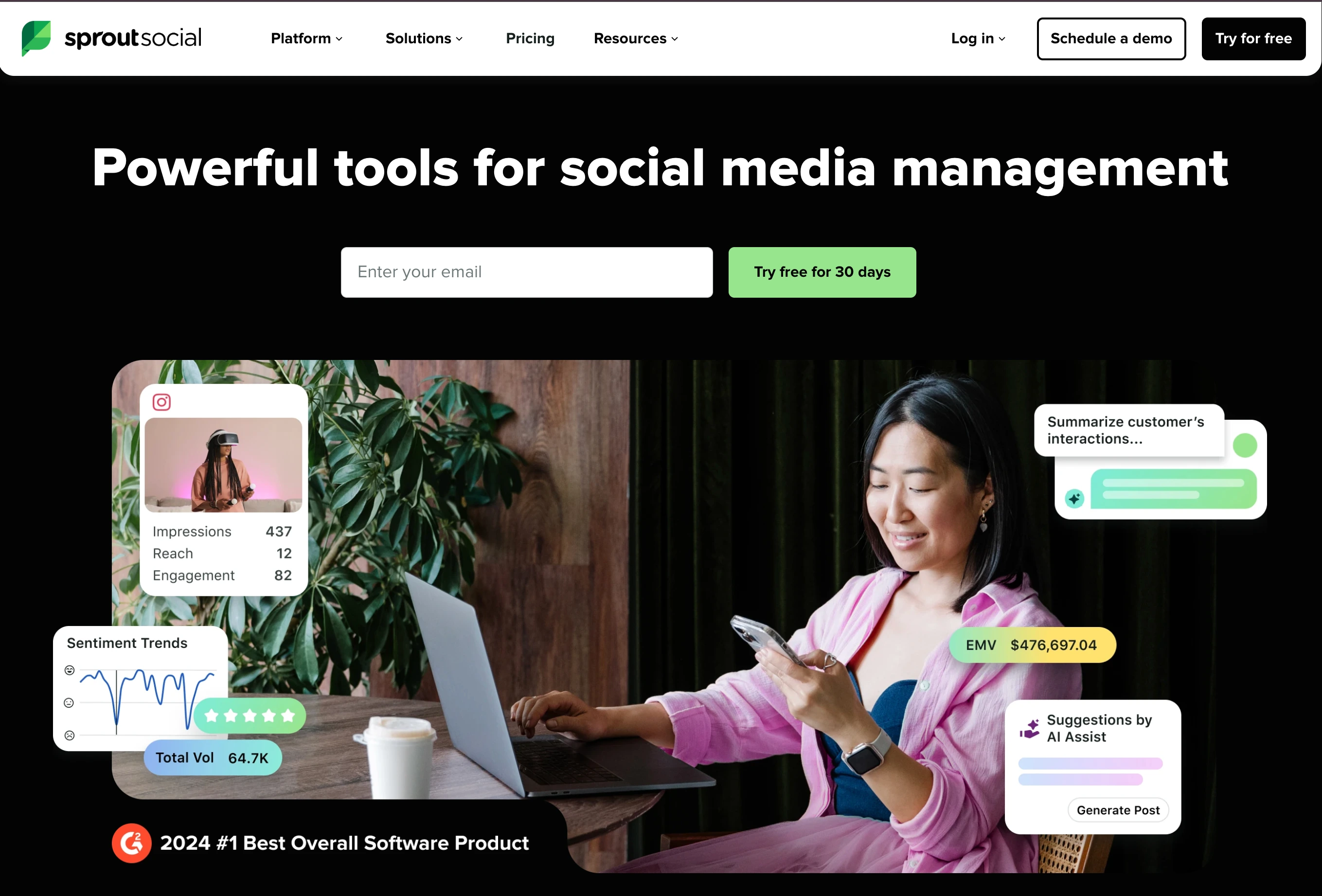
At a glance: Sprout Social
- Pricing: Essentials $99/seat/mo ($79 annual) → Standard $199/seat/mo → Professional $299/seat/mo → Advanced $399/seat/mo → Enterprise custom
- Engagement strength: Enterprise inbox AI with sentiment analysis
- Free trial: Available
- Best for: Enterprise teams with high inbox volume needing AI-driven response automation
- G2 rating: 4.4/5 (6,957 reviews)
Sprout Social leads on inbox automation at enterprise scale. Smart Inbox unifies messages across networks. Enhance Reply by AI (Advanced) generates branded inbox responses aligned with your tone. Sentiment analysis runs across the Smart Inbox on Advanced. For teams where inbox volume is the engagement bottleneck, Sprout's AI features were built for this exact problem.
Engagement features
- Unified Smart Inbox across networks
- Unlimited AI-generated text on all plans
- Enhance Post by AI (Professional+) rewrites posts for platform fit
- Enhance Reply by AI (Advanced): branded inbox replies
- Sentiment analysis on Smart Inbox (Advanced+)
- Optimal send time recommendations
- Message tagging (Professional+)
- Message Spike Alerts (Advanced+)
- #1 in 59 G2 Spring 2026 reports for social listening, analytics, customer service
Pricing
| Plan | Price (annual) | Social Profiles |
|---|---|---|
| Essentials | $99/seat/mo ($79 annual) | 5 |
| Standard | $199/seat/mo | 5 |
| Professional | $299/seat/mo | Unlimited |
| Advanced | $399/seat/mo | Unlimited |
| Enterprise | Custom | Unlimited |
Learn more: Sprout Social pricing · Sprout Social reviews · best Sprout Social alternatives
Pros
- Best-in-class enterprise inbox AI (Enhance Reply)
- Sentiment analysis at scale for high-volume inboxes
- #1 across 59 G2 categories in Spring 2026
- Unlimited AI text generation on every plan
Cons
- Standard caps at 5 social profiles, so most teams are forced to Professional ($299/seat)
- Per-seat pricing: 5 seats on Professional is $1,495/mo
- Enhance Reply AI locked to Advanced ($399/seat)
- No AI image generation
Best for: Enterprise teams with high-volume inboxes that need AI reply automation and sentiment analysis.
3. Hootsuite: Best for Enterprise Engagement + Listening
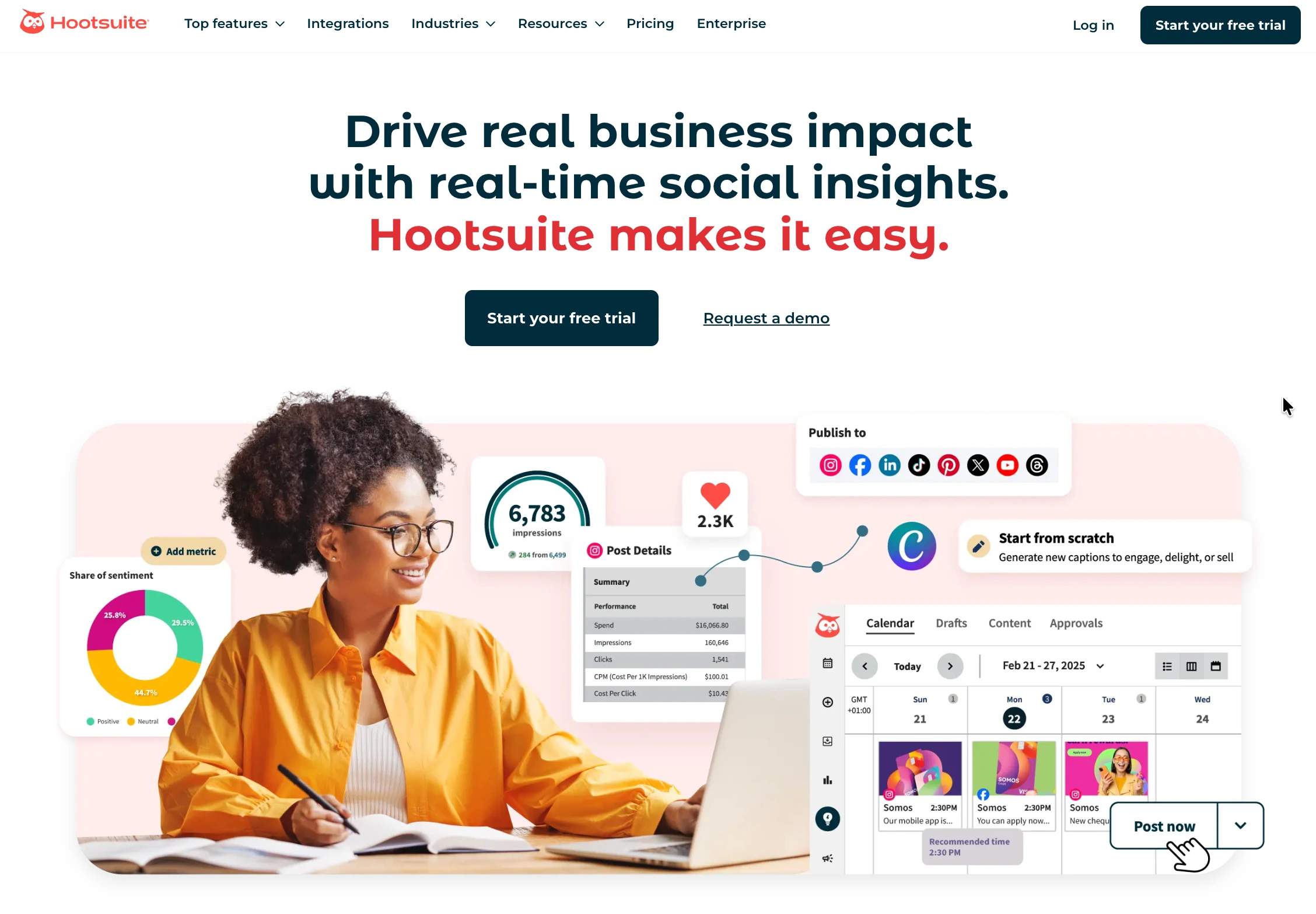
At a glance: Hootsuite
- Pricing: Standard $99/user/mo → Professional $199/user/mo → Advanced $399/user/mo → Enterprise custom
- Engagement strength: Enterprise engagement + listening with Talkwalker
- Free trial: 30 days
- Best for: Enterprise teams needing engagement + listening + advocacy in one stack
- G2 rating: 4.3/5 (7,109 reviews)
Hootsuite covers all four engagement pillars at enterprise tier. For listen, the Talkwalker integration adds deep social listening. For respond, the unified inbox has auto-routing and DM automations. For measure, Advanced analytics adds competitor benchmarking. For build, the Hootsuite Amplify add-on runs employee advocacy programs. Most expensive on this list, but the only tool that covers all four pillars in one platform.
Engagement features
- 10 social accounts on Standard, unlimited on Advanced
- Unified inbox with auto-routing (Standard+) and tagging (Advanced)
- DM automations
- Bulk scheduling up to 350 posts (Advanced)
- Team approval workflows (Advanced)
- Brand and competitor monitoring (7-day Standard, 30-day Advanced)
- Add-ons: Listening (Talkwalker), Employee Advocacy (Amplify), Review Management, Salesforce integration
- OwlyWriter AI for caption + image generation
Pricing
| Plan | Price | Social Accounts | Users |
|---|---|---|---|
| Standard | $99/user/mo | 10 | 1 (extra $99) |
| Professional | $199/user/mo | Unlimited | 1 (extra $199) |
| Advanced | $399/user/mo | Unlimited | 1 (extra $399) |
| Enterprise | Custom | Custom | Custom |
Learn more: Hootsuite pricing · Hootsuite reviews · best Hootsuite alternatives
Pros
- Only tool on this list that covers all 4 engagement pillars at enterprise scale
- Talkwalker integration adds best-in-class listening
- Amplify employee advocacy program for community building
- 30-day free trial (longest on this list)
Cons
- Approval workflows only start on Advanced at $399/user/mo
- Per-user pricing compounds fast (5 users on Advanced = $2,495/mo)
- Listening + Advocacy are paid add-ons on top of plan
- No free plan since 2023
Best for: Enterprise marketing teams with budget for $99-$399/user/mo plus add-ons who want all four engagement pillars unified.
4. Agorapulse: Best for Mid-Tier Inbox UX
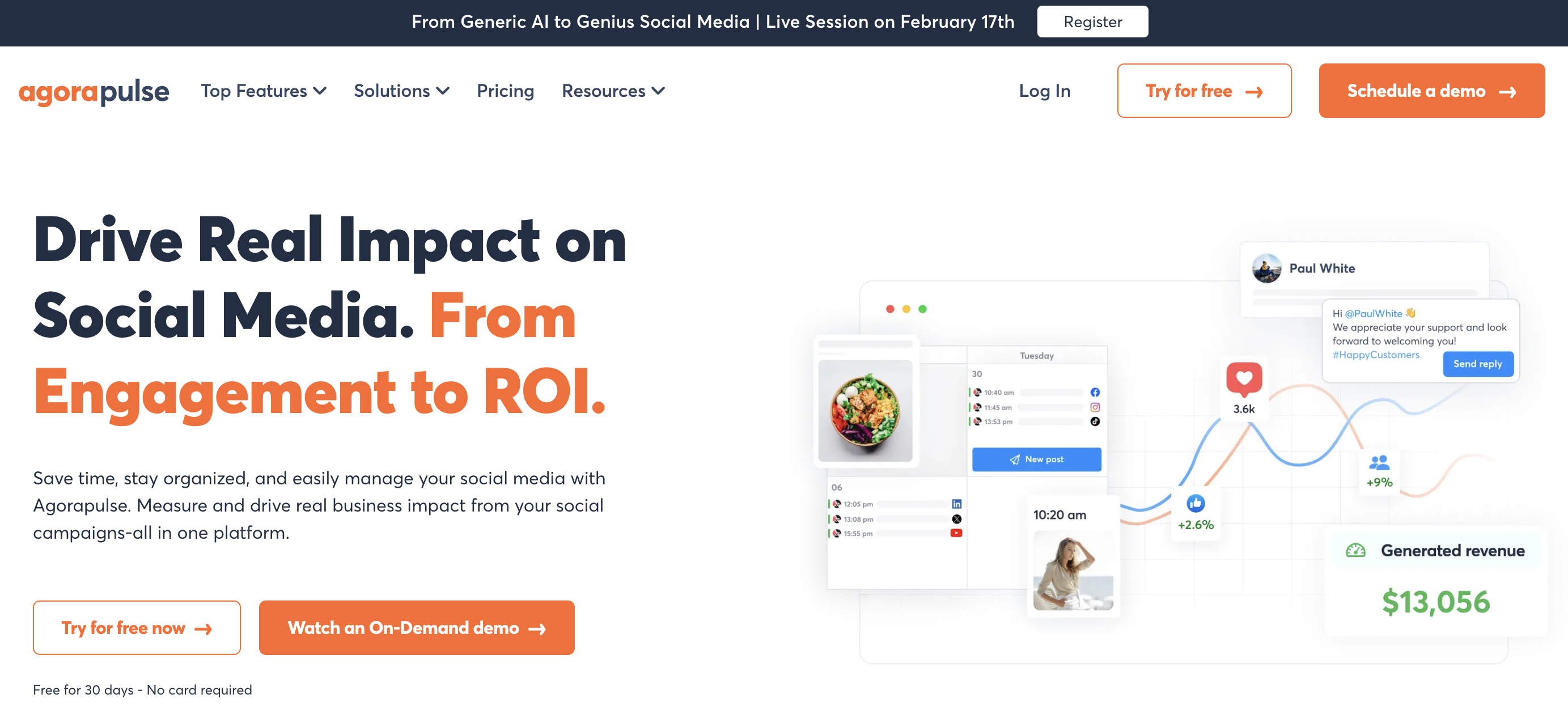
At a glance: Agorapulse
- Pricing: Standard $99/user/mo ($79 annual) → Professional $149/user/mo ($119 annual) → Advanced $199/user/mo ($149 annual) → Custom. The free plan ended in July 2026, leaving a 30-day trial
- Engagement strength: Mid-tier unified inbox with cleanest UX
- Free trial: 30 days
- Best for: Mid-size teams (3-10 people) with high comment + DM volume
- G2 rating: 4.5/5 (967 reviews)
Agorapulse built its platform around the inbox. The unified Inbox Assistant covers messages and organic comments across 11 platforms with AI-suggested replies, automated rules for tagging and routing, and team-collaborative reply workflows. Per-user pricing is high but the inbox UX is the strongest in the mid-tier category.
Engagement features
- Unified inbox for messages + comments across 11 platforms
- AI Writing Assistant for replies
- AI Alt Text Generator
- Organization Context AI (Professional+)
- Inbox Assistant with auto-tagging
- Social listening (Advanced+)
- Approval workflows (Professional+ one-step, multi-step on Custom)
- Free plan with 3 profiles + 10 scheduled posts/mo
Pricing
| Plan | Monthly | Annual | Profiles | Users |
|---|---|---|---|---|
| Standard | $99/user/mo | $79/user/mo | 10 | Per user |
| Professional | $149/user/mo | $119/user/mo | 10 | Per user |
| Advanced | $199/user/mo | $149/user/mo | 10 | Per user |
Learn more: Agorapulse pricing · Agorapulse reviews · best Agorapulse alternatives
Pros
- Best inbox UX in the mid-tier category
- Free plan covers 3 profiles + 10 scheduled posts/mo
- Strong AI Writing Assistant with brand voice context
- 30-day free trial (no credit card required)
Cons
- Per-user pricing: 3 users on Professional is $447/mo (annual $357)
- 10 profile cap on every plan up to Advanced
- Listening requires Advanced ($199/user)
- No AI image generation
Best for: Mid-size teams with high comment + DM volume that prioritize inbox UX over enterprise feature depth.
5. Vista Social: Best for DM Automation + Reviews
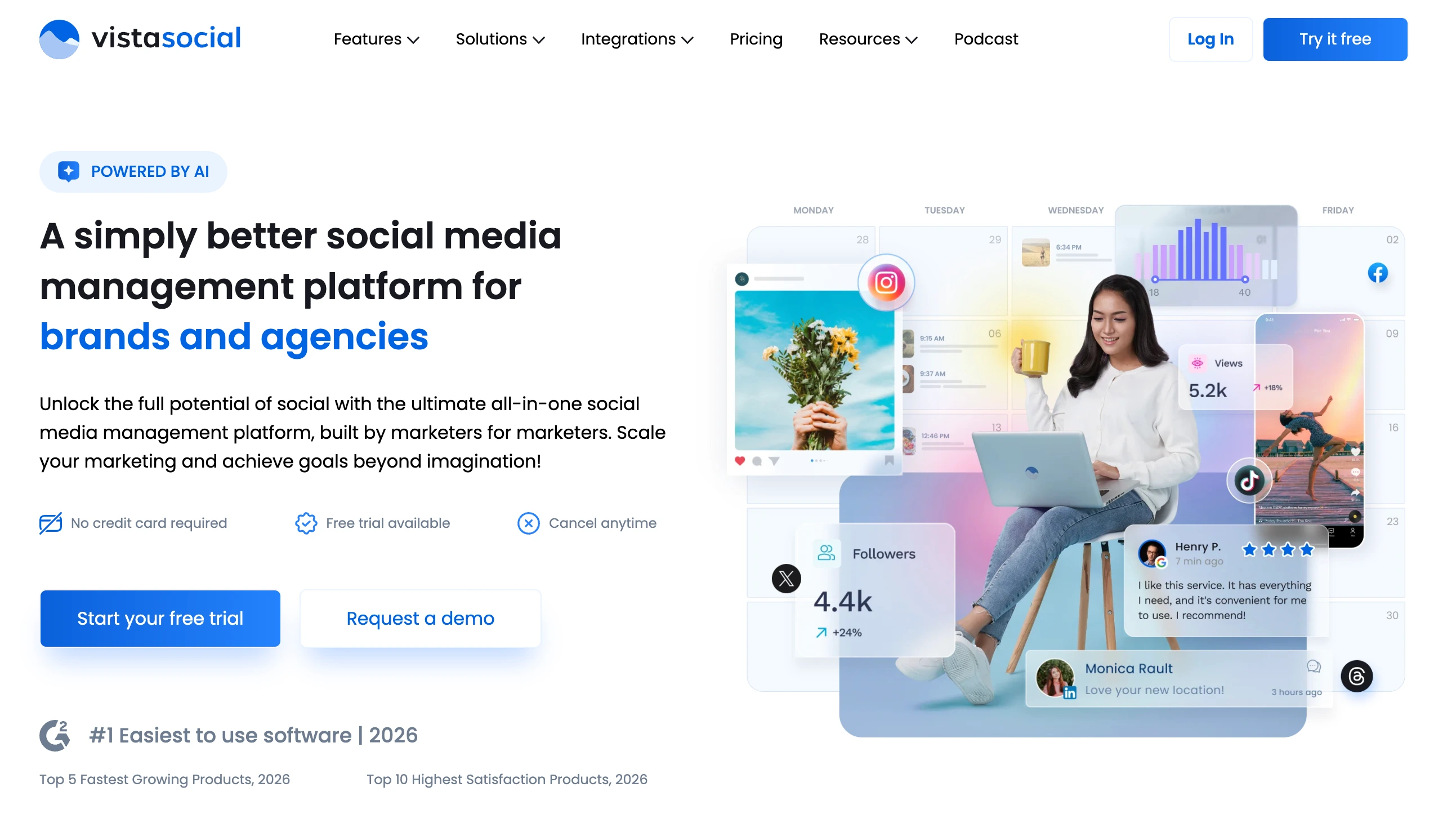
At a glance: Vista Social
- Pricing: Professional $99/mo ($79 yearly) → Advanced $199/mo ($159 yearly) → Scale $449/mo ($359 yearly) → Enterprise custom
- Engagement strength: DM automation + review management
- Free trial: 14 days, no credit card required
- G2 rating: 4.8/5 (1,071 reviews)
Vista Social leads specifically on DM automation across the engagement category. Every plan includes built-in DM Automations for auto-responses, keyword triggers, and message routing. Review management is included for 15+ platforms including Google Reviews, Trustpilot, Capterra, G2, and Yelp. For service businesses where most engagement happens in DMs or reviews, Vista Social was built for this.
Engagement features
- DM Automations on every plan (auto-response, keyword triggers, routing)
- Unified inbox across 15+ platforms including review sites
- AI captions with 500/1,000/Unlimited credits per plan
- Review management automation (Google Reviews, Trustpilot, Capterra, G2, Yelp)
- Listening tools (basic mention monitoring on all plans)
- Multi-step approval workflows
- Vista Page (link in bio)
- #1 Easiest to Use software in 2026 (G2)
Pricing
| Plan | Monthly | Social Profiles | Users | AI Credits |
|---|---|---|---|---|
| Professional | $99 ($79 yearly) | 15 | 2 | 1,000 |
| Advanced | $199 ($159 yearly) | 30 | 3 | 2,000 |
| Scale | $449 ($359 yearly) | 70 | 4 | 3,500 |
| Enterprise | Custom | Unlimited | Unlimited | Unlimited |
Learn more: Vista Social pricing · Vista Social reviews · best Vista Social alternatives
Pros
- DM Automations on every plan (rare in this category)
- Highest G2 rating on this list at 4.8/5
- 15+ platforms including review sites
- Annual billing saves 20%
Cons
- X (Twitter) requires a separate paid add-on
- Advanced listening is a $75/mo add-on
- Employee Advocacy is a $199/mo add-on
- Scale jumps to $449 from Advanced at $199
Best for: Service businesses where DM volume + reviews drive engagement (auto, HVAC, healthcare, retail).
6. Brandwatch: Best Pure Social Listening
At a glance: Brandwatch
- Pricing: Custom (sales-led, typically $20,000-$45,000/year mid-market, $60,000-$150,000+/year enterprise)
- Engagement strength: Pure social listening + consumer intelligence
- Free trial: Demo only
- Best for: Brands and enterprises where understanding conversations matters more than replying
- G2 rating: 4.4/5 (720 reviews for the Consumer Intelligence product)
Brandwatch is the category leader for social listening, now owned by Cision. Consumer Intelligence (their core listening product) tracks 100M+ social and online sources to surface mentions, sentiment, trends, and competitor activity. For brands where engagement starts with understanding what's being said, before replying, Brandwatch is the standard.
Engagement features
- Listening across 100M+ social and online sources
- AI-enriched sentiment analysis
- Audience segmentation and consumer insights
- Competitor and category trend tracking
- Influencer identification
- Topic and theme analysis
- Crisis monitoring with real-time alerts
- Official partner status with FB, IG, YouTube, X, Reddit, LinkedIn
- Separate Social Media Management product available (publishing + analytics)
Pricing
| Tier | Annual Price |
|---|---|
| Pro / Mid-Market | $20,000-$45,000/year |
| Enterprise | $60,000-$150,000+/year |
| Full suite + listening + SMM | Custom |
Pros
- Best-in-class consumer intelligence and social listening depth
- 100M+ data sources, broader than most competitors
- Official partner with all major networks
- Used by Fortune 500 brands and agencies
Cons
- No public pricing, with a sales-led, multi-month procurement cycle
- Steep learning curve
- Not built for inbox or reply workflows, since it is listening only
- Custom pricing means smaller teams can't access it
Best for: Enterprise brands and consumer research teams where listening is the primary engagement workflow.
PostPlanifyAll your social media in one simple dashboard
Schedule posts, track analytics, and reply to comments/DMs without switching tabs.
Engagement
+18%
Views
52.8k
7. Meltwater: Best Enterprise Listening + PR
At a glance: Meltwater
- Pricing: Custom (sales-led, typically $16,000-$25,000/year SMB, $50,000-$100,000+/year enterprise)
- Engagement strength: Enterprise listening + PR + influencer
- Free trial: Demo only
- Best for: PR teams, communications departments, brands tracking earned media
- G2 rating: 4.1/5 (2,976 reviews)
Meltwater combines social listening with PR and media monitoring: earned media tracking, journalist relations, and share-of-voice analytics. Where Brandwatch leans consumer insights, Meltwater leans communications and PR. For teams measuring earned media impact alongside social engagement, Meltwater is the deeper fit.
Engagement features
- Social listening across global sources
- News and editorial media monitoring
- Journalist and influencer database
- Share-of-voice analytics
- AI sentiment analysis
- Crisis monitoring and alerts
- Customizable dashboards and reports
- #1 in G2 Media Monitoring categories (multi-year)
- Named to G2's 2026 Best Software Awards
Pricing
| Tier | Annual Price |
|---|---|
| SMB | ~$16,000-$25,000/year |
| Enterprise | $50,000-$100,000+/year |
| Social listening add-on | $10,000-$30,000/year additional |
Pros
- Deepest journalist + PR database in the category
- Named to G2's 2026 Best Software Awards
- Strong share-of-voice analytics across earned media
- Long-term users find sources more comprehensive than competitors
Cons
- No public pricing, only sales-led custom quotes
- Some users report Explore feature has article-discovery delays
- Not strong on hyper-local journalist targeting (national/state level)
- G2 rating (4.1/5) lower than several competitors
Best for: PR teams, communications departments, and enterprises tracking earned media + social as one engagement program.
8. Sprinklr Social: Best Enterprise CXM Engagement
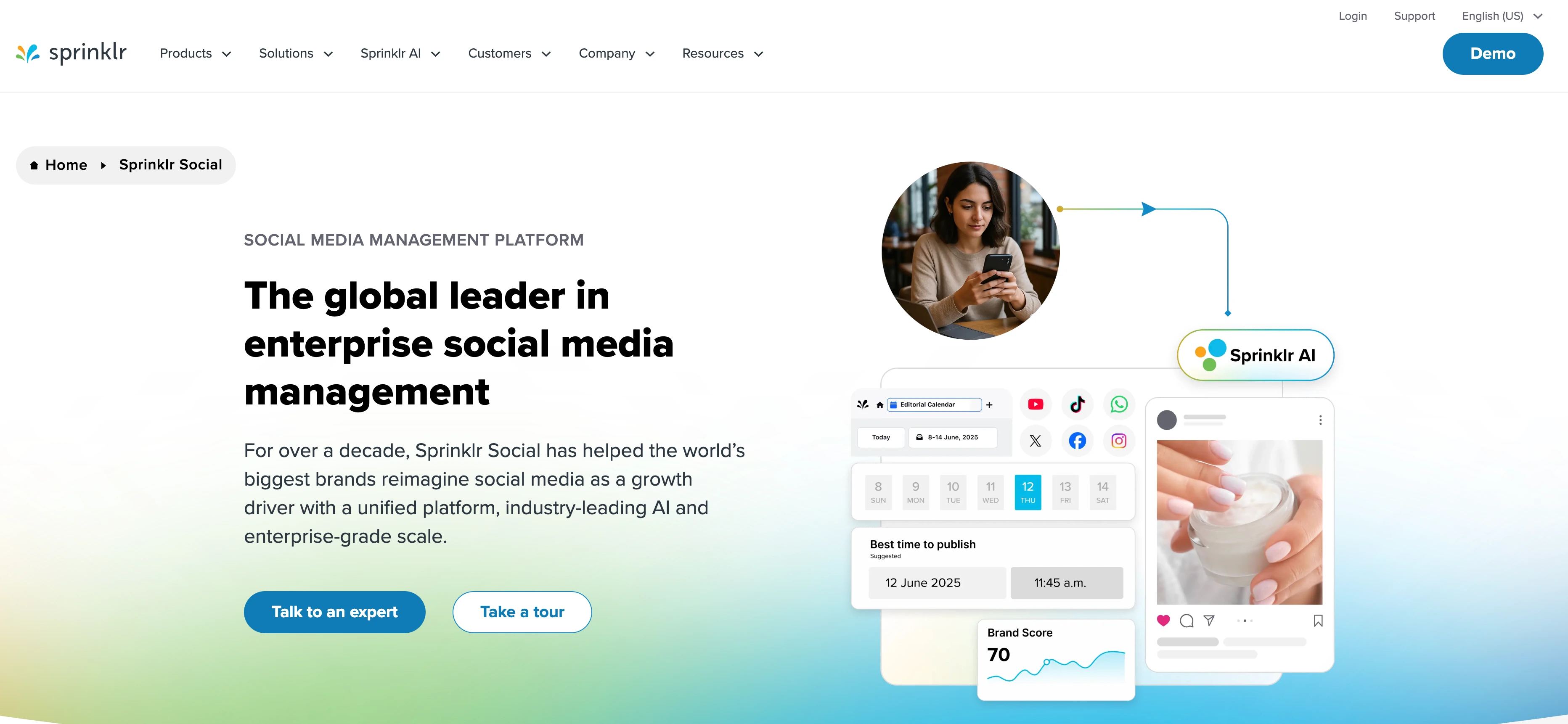
At a glance: Sprinklr Social
- Pricing: Essentials Growth $2,800/user/year → Essentials Enterprise $4,700/user/year → Full Unified-CXM custom
- Engagement strength: Enterprise CXM engagement across 30+ channels
- Free trial: Demo only
- Best for: Fortune 500 brands and global enterprises with multi-business-unit engagement
- G2 rating: 4.1/5 (1,180 reviews)
Sprinklr Social is the social product within Sprinklr's Unified-CXM Platform. Engagement spans 30+ channels with role-based workspaces by brand, geography, and business unit. Used by Microsoft, Ford, LG, Prada. Annual contracts only, no self-service signup. For global enterprises that need a single platform for engagement + customer service + marketing, Sprinklr's Unified-CXM model is the standard.
Engagement features
- Publishing + engagement across 30+ channels
- Unified inbox with automated and custom approval workflows
- Role-based workspaces by brand, geography, business unit
- Sprinklr Insights for listening (separate product)
- Sprinklr AI Agents + Sprinklr Copilot
- AI+ Studio for content optimization
- Competitor benchmarking
- Integration with Salesforce, HubSpot
Pricing
| Package | Annual Price | Per-User-Month Equivalent |
|---|---|---|
| Essentials to Growth | $2,800/user/year | ~$233/user/month |
| Essentials to Enterprise | $4,700/user/year | ~$392/user/month |
| Full Unified-CXM Platform | Custom | Custom |
Learn more: Sprinklr pricing · Sprinklr reviews · best Sprinklr alternatives
Pros
- 30+ channels (broadest in the category)
- Role-based workspaces handle multi-brand, multi-region orgs
- Mature AI suite for engagement and customer service
- Used by Fortune 500 brands
Cons
- 10-user team on Growth = $28,000/year minimum (annual contract only)
- No self-service trial or signup
- Steep learning curve commonly noted in reviews
- Performance issues noted by some users (slowness, bugs, data inconsistencies)
Best for: Fortune 500 brands and global enterprises that need engagement unified with customer service and marketing in one CXM platform.
9. Sendible: Best for Agency Engagement Workflows
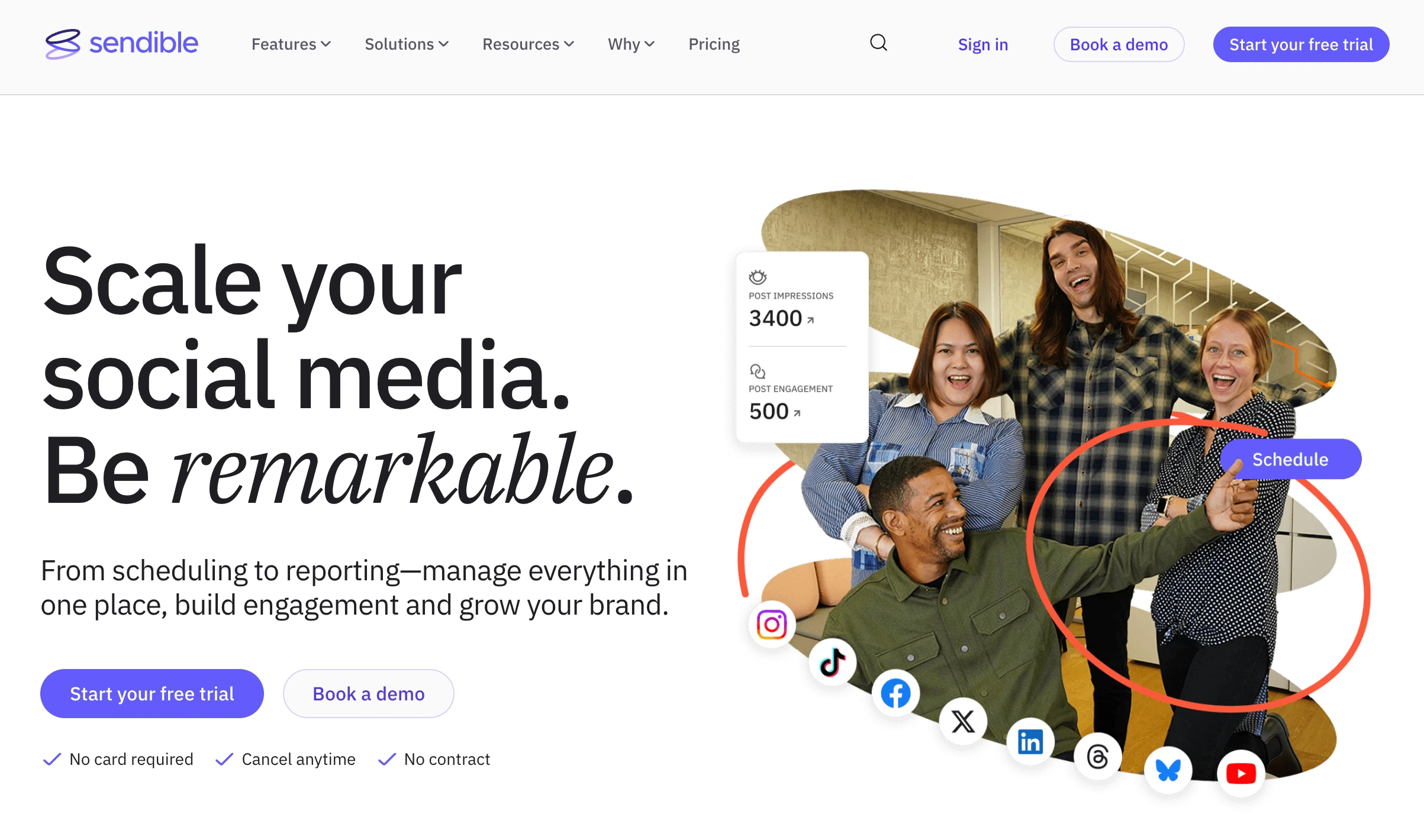
At a glance: Sendible
- Pricing: Core $35/mo → Plus $99/mo → Premium $199/mo → Elite $299/mo → Enterprise $750/mo, with unlimited users on every tier
- Engagement strength: Agency engagement workflows with Priority Inbox
- Free trial: 14 days, no credit card required
- G2 rating: 4.5/5 (902 reviews)
Sendible automates engagement through a Priority Inbox + Smart Queues + assignment workflows built for agencies managing multiple clients. Unlimited AI Assist credits on every plan. Client dashboards (Traction+) make engagement reporting cleaner for agency-to-client communication.
Engagement features
- Priority Inbox across 10 platforms
- Unlimited AI Assist caption credits on every plan
- Smart Queues for time-slot-based scheduling
- Assignment and approval workflows (Plus and above)
- Client dashboards (Plus and above)
- Custom approval workflows (Scale+)
- White-label add-on (Advanced+, $240/mo extra)
- 100-10,000 sends per day depending on plan
- Canva, Google Drive, Pexels integrations
Pricing
| Plan | Monthly | Profiles | Workspaces |
|---|---|---|---|
| Core | $35 | 6 | 1 |
| Plus | $99 | 18 | 3 |
| Premium | $199 | 42 | 7 |
| Elite | $299 | 90 | 15 |
| Enterprise | $750 | 300 | 50 |
Learn more: Sendible pricing · Sendible reviews · best Sendible alternatives
Pros
- Priority Inbox + Smart Queues for agency engagement workflows
- Unlimited AI captions on every plan including Creator
- Users are unlimited on every tier, so team size never moves the price
- 14-day free trial without credit card
Cons
- Custom approval workflows require Scale ($199/mo)
- White-label is a $240/mo add-on
- No AI image generation
- Steep price jump from Scale ($199) to Advanced ($299)
Best for: Agencies that need queue-based scheduling + Priority Inbox + multi-client dashboards for engagement at agency scale.
10. SocialPilot: Best Budget Agency Engagement
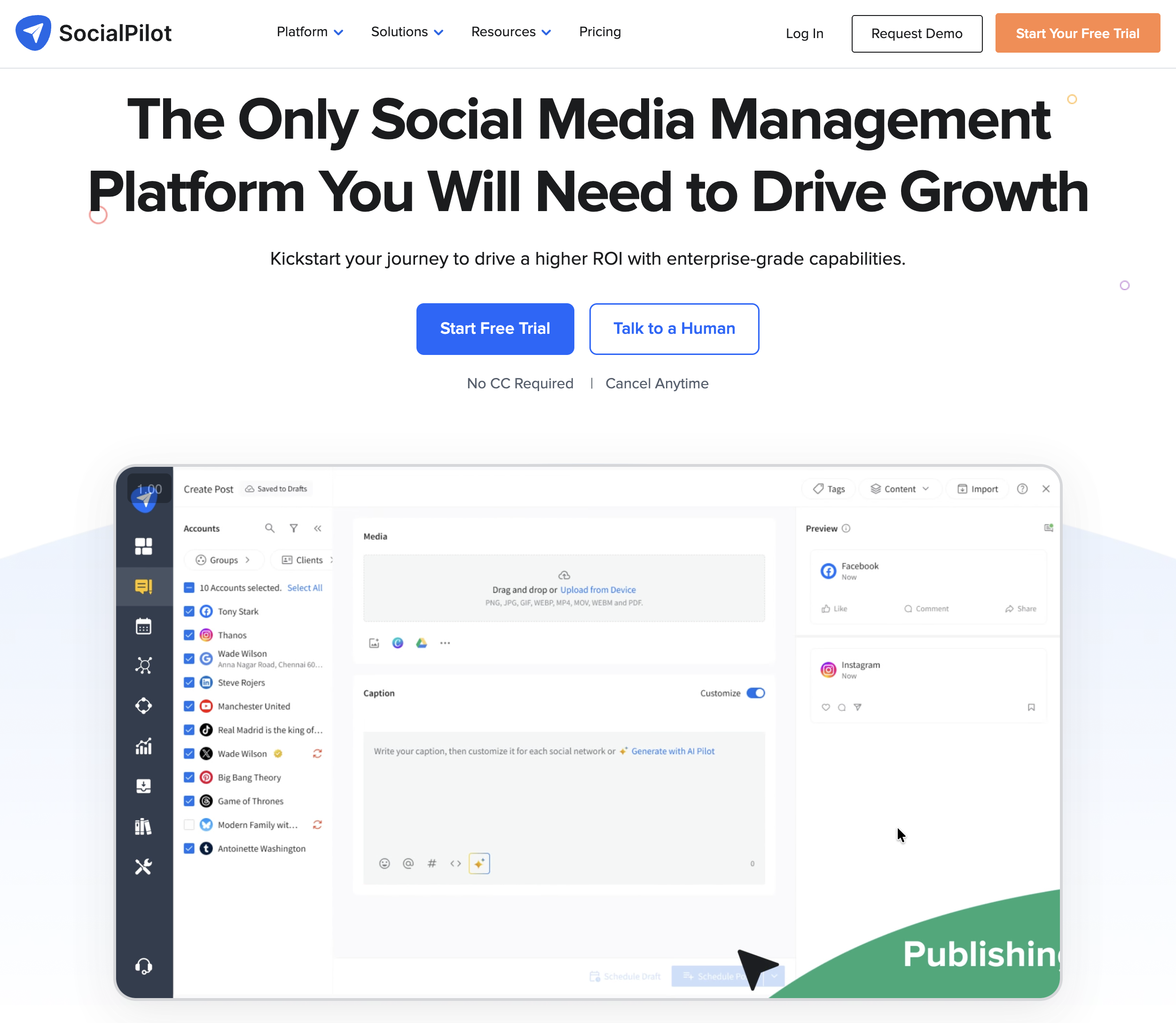
At a glance: SocialPilot
- Pricing: Essentials $30/mo → Standard $50/mo → Premium $100/mo → Ultimate $200/mo → Enterprise custom (15% annual discount)
- Engagement strength: Budget agency engagement with white-label
- Free trial: 14 days
- G2 rating: 4.5/5 (841 reviews)
SocialPilot targets agencies that need engagement workflows without enterprise pricing. Social inbox unlocks on Standard ($50/mo). Manager approval workflows on Standard+, client approval workflows on Premium+, white-label reports on Premium+. AI credits scale from 500 (Essentials) to 2,000+ on higher tiers.
Engagement features
- Social inbox (Standard+)
- AI content generation (500-2,000+ credits per tier)
- Manager approval workflows (Standard+)
- Client approval workflows (Premium+)
- White-label reports (Premium+)
- Bulk scheduling (CSV)
- Best time to post recommendations
- $4/extra account per month on every plan
Pricing
| Plan | Monthly | Annual (/mo) | Accounts | Users |
|---|---|---|---|---|
| Essentials | $30 | $25.50 | 7 | 1 |
| Standard | $50 | $42.50 | 15 | 3 |
| Premium | $100 | $85 | 25 | 6 |
| Ultimate | $200 | $170 | 50 | Unlimited |
Learn more: SocialPilot pricing · SocialPilot reviews · best SocialPilot alternatives
Pros
- Social inbox + approvals at agency-budget pricing
- White-label reports on Premium ($100/mo)
- Clear manager → client approval upgrade path
- Annual billing saves 15%
Cons
- Essentials plan has no inbox or team users
- $4/extra account adds up at multi-client scale
- AI credit caps can constrain content-heavy teams
- Premium needed for external client approval
Best for: Mid-size agencies wanting inbox + approval + white-label engagement at $50-$100/mo, not enterprise pricing.
11. Statusbrew: Best for Rule-Based Moderation + AI Sentiment
At a glance: Statusbrew
- Pricing: Lite $89/mo → Standard $179/mo → Premium $299/mo → Enterprise custom
- Engagement strength: Rule Engine for automated comment moderation + AI sentiment
- Free trial: 14 days, no credit card required
- G2 rating: 4.8/5 (252 reviews)
Statusbrew positions itself as "1:1 feature parity with Sprout Social & Hootsuite" at lower price. The Rule Engine (Standard+) automates comment management with auto-hide, auto-reply, and auto-route rules based on keywords. AI Sentiment analysis and social listening unlock on Premium ($299/mo). For teams that want enterprise engagement features without enterprise pricing, Statusbrew is the practical alternative.
Engagement features
- All-in-one Social Inbox across 7+ platforms
- Rule Engine for automated comment moderation (Standard+)
- Hide organic comments on FB + IG (all plans)
- AI Sentiment Analysis (Premium+)
- Social & Web Listening (Premium+)
- Assignment & Approval Workflows (Premium+)
- Competitor Benchmarking (Premium+)
- Team & SLA Reporting (Premium+)
- MCP support for Claude/ChatGPT/Gemini/Copilot (Enterprise)
Pricing
| Plan | Monthly | Users | Social Profiles |
|---|---|---|---|
| Lite | $89 | 1 | 5 |
| Standard | $179 | 3 | 10 |
| Premium | $299 | 6 (can add) | 15 (can add) |
| Enterprise | Custom | Unlimited | Unlimited |
Learn more: Statusbrew pricing · Statusbrew reviews · best Statusbrew alternatives
Pros
- Highest G2 rating on this list (4.8/5)
- Rule Engine automated moderation at $179/mo (cheaper than competitors)
- AI Sentiment + Listening at $299/mo (vs $400+ on Sprout)
- MCP support for AI assistants on Enterprise
Cons
- Approval workflows require Premium ($299/mo) rather than Standard
- Lite at $89/mo is 1-user/5-profile only
- Smaller review base (252), so less third-party validation than Sprout
- No AI image generation
Best for: Teams wanting Sprout/Hootsuite-grade engagement features (Rule Engine, listening, sentiment) at 30-50% lower cost.
12. NapoleonCat: Best for Auto-Moderation
At a glance: NapoleonCat
- Pricing: Standard $89/mo ($79 annual) → Pro $109/mo ($89 annual) → Expert $139/mo ($119 annual) → Enterprise from $465/mo
- Engagement strength: Auto-Moderation rule engine + Social Inbox
- Free trial: 14 days
- G2 rating: 4.7/5 (124 reviews)
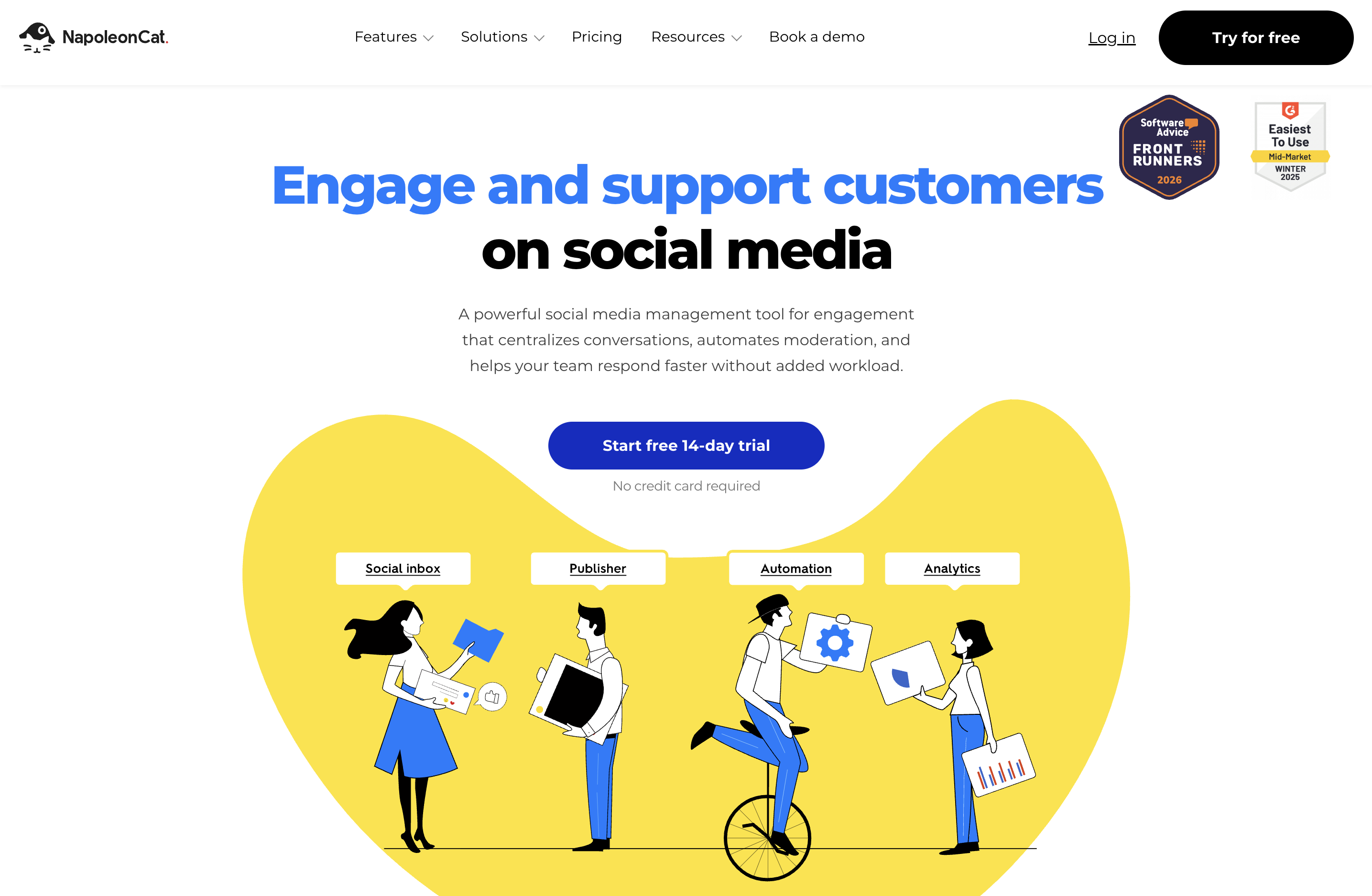
NapoleonCat is the moderation specialist. The Social Inbox (Pro+) covers comments, DMs, ad comments, App Store/Play Store reviews. Auto-Moderation (Expert) uses rules to auto-reply, hide, or escalate comments at scale. Built for brands and agencies handling high comment volume, especially on Facebook and Instagram ads where moderation is critical.
Engagement features
- Social Inbox across 7 platforms (FB, IG, LinkedIn, X, YouTube, TikTok, GBP) on Pro+
- Ad-comments moderation (Facebook, Instagram, TikTok) on Pro+
- App Store and Play Store reviews on Pro+
- Saved replies on Pro+
- Auto-Moderation rule engine: Expert
- AI sentiment tagging on Expert
- Custom and white-label-style reports on Expert
- Bundle-based pricing rather than per-user, so adding profiles or users moves you to a larger bundle
Pricing
| Plan | Monthly | Yearly (/mo) | Base bundle |
|---|---|---|---|
| Standard | $89 | $79 | 2 users / 5 profiles |
| Pro | $109 | $89 | 2 users / 5 profiles |
| Expert | $139 | $119 | 2 users / 5 profiles |
| Enterprise | From $465 | Custom | Custom |
Learn more: NapoleonCat pricing · NapoleonCat reviews · best NapoleonCat alternatives
Pros
- Best-in-class ad-comment moderation (FB, IG, TikTok)
- Auto-Moderation rule engine at $139/mo (cheaper than Statusbrew's $179)
- App Store + Play Store reviews included in inbox
- Ease of Use 9.4/10 and Support 9.6/10 on G2
Cons
- Social Inbox not included on Standard ($89), since Pro is required
- Auto-Moderation only on Expert ($139)
- No Pinterest, Threads, or Bluesky publishing
- Smaller G2 review base (124), so less third-party validation
Best for: Brands and agencies running paid ads on Facebook/Instagram/TikTok that need automated comment moderation at scale.
13. Buffer: Best for Lightweight Engagement
At a glance: Buffer
- Pricing: Free (3 channels) → Essentials $6/channel/mo → Team $12/channel/mo
- Engagement strength: Lightweight engagement for solo + small teams
- Free trial: Free plan available
- G2 rating: 4.3/5 (1,071 reviews)
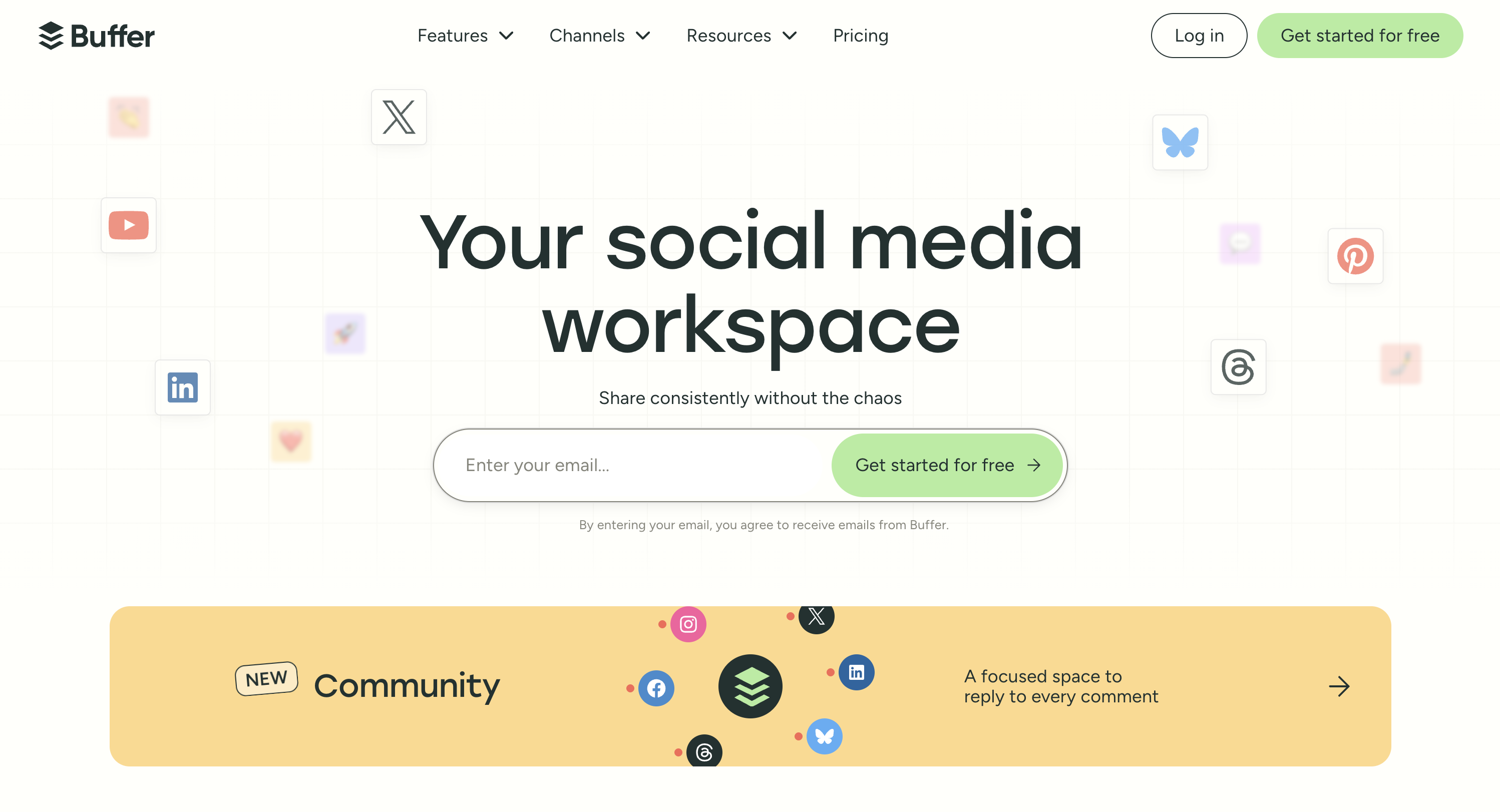
Buffer is the simplest engagement entry point. Community inbox covers Instagram, Facebook, LinkedIn (not GBP, X, or TikTok). AI Assistant generates replies. Per-channel pricing makes engagement cheap at small scale (1-3 channels) but expensive at agency scale (15+ channels).
Engagement features
- Community inbox (Instagram, Facebook, LinkedIn only)
- AI Assistant on all plans
- Unlimited scheduling on paid plans
- Content approval workflows (Team plan)
- 11 platforms total including Bluesky, Mastodon, Google Business
Pricing
| Plan | Price | Channels | Users |
|---|---|---|---|
| Free | $0 | 3 | 1 |
| Essentials | $6/channel/mo | Unlimited | 1 |
| Team | $12/channel/mo | Unlimited | Unlimited |
Learn more: Buffer pricing · Buffer reviews · best Buffer alternatives
Pros
- Free plan with community inbox (3 networks)
- Lowest entry price for paid engagement ($6/channel)
- Clean, fast UX
- Unlimited users on Team plan
Cons
- Community inbox limited to IG, FB, LinkedIn (no GBP, X, TikTok)
- Per-channel pricing compounds (10 channels on Team = $120/mo)
- AI Assistant is basic, with no sentiment and no vision
- Essentials is single-user only
Best for: Solo creators and small teams wanting lightweight engagement at the lowest per-channel cost.
PostPlanifyAll your social media in one simple dashboard
Schedule posts, track analytics, and reply to comments/DMs without switching tabs.
Engagement
+18%
Views
52.8k
What to Look For in Social Media Engagement Tools
Six criteria separate tools that solve engagement problems from tools that just have an inbox feature:
- Inbox platform coverage. How many networks does the inbox cover? PostPlanify (7 for comments, plus IG and FB DMs), Agorapulse (11), NapoleonCat (7), Vista Social (15+). The platforms your customers actually use matter more than the total count.
- AI reply quality. Is the AI brand-voice-trained, or generic? Sprout Social Advanced (Enhance Reply) and PostPlanify (vision-powered) lead on context. Most "AI replies" are generic templates.
- Listening depth (when needed). If you need to find conversations where you're NOT tagged, Brandwatch, Meltwater, Sprinklr Insights, or Hootsuite plus Talkwalker are the only real answers. Most all-in-one tools have basic mention monitoring, not true listening.
- Moderation automation. Rule engines (Statusbrew, NapoleonCat) auto-hide, auto-reply, auto-route. Critical if you run paid ads and get high comment volume.
- Sentiment analysis maturity. Statusbrew Premium, NapoleonCat Expert, Sprout Social Advanced, Brandwatch, and Meltwater all do sentiment, but accuracy varies. Test on a sample of your real data before committing.
- Pricing scale fit. Per workspace (PostPlanify) vs flat tiers (Statusbrew) vs per-user (Sprout, Hootsuite, Agorapulse) vs per-channel (Buffer) vs custom (Brandwatch, Meltwater, Sprinklr). Match the model to your growth path.
Teams that buy social media management engagement features without picking based on these criteria usually end up with a feature they don't use and missing one they actually need.
PostPlanifyAll your social media in one simple dashboard
Schedule posts, track analytics, and reply to comments/DMs without switching tabs.
Engagement
+18%
Views
52.8k
FAQ: Social Media Engagement Tools
What are social media engagement tools?
Social media engagement tools help teams handle the four pillars of engagement: listening (finding mentions and conversations), responding (replying to comments, DMs, and reviews), measuring (tracking engagement metrics and sentiment), and building community (long-term relationship management). The category spans unified inbox tools (PostPlanify, Agorapulse, Sprout Social), pure listening tools (Brandwatch, Meltwater), moderation specialists (NapoleonCat, Statusbrew), and enterprise CXM platforms (Sprinklr).
What's the best social media engagement tool?
Depends on which engagement pillar matters most. For all-around engagement (inbox + analytics + community), PostPlanify (from $39/mo per client workspace). For enterprise inbox AI with sentiment, Sprout Social Advanced. For pure social listening, Brandwatch or Meltwater. For automated comment moderation, NapoleonCat or Statusbrew. For lightweight engagement at the cheapest entry, Buffer Free or Essentials.
What's the difference between an engagement tool and a social inbox tool?
Social inbox tools focus narrowly on one pillar, responding (managing comments, DMs, and mentions in one inbox). Engagement tools cover the broader four pillars: listening, responding, measuring, building. Most modern engagement platforms include inbox functionality plus listening, analytics, and community features. See my guide to social inbox tools for the narrower category.
How much does an engagement tool cost?
Pricing ranges from free (Buffer Free, Publer Free) to $20,000+/year (Brandwatch, Meltwater enterprise). Most mid-market teams pay $39-$299/mo on platforms like PostPlanify, Agorapulse, or Statusbrew. Enterprise platforms (Sprinklr, Sprout Social, Hootsuite) start at $200-$500/user/mo.
Can AI handle social media engagement automatically?
Partial AI automation works well; full auto-reply doesn't. AI-suggested replies that humans review (Sprout Social Enhance Reply, PostPlanify AI replies, Agorapulse Inbox Assistant) reduce reply time 60-80% without triggering platform penalties. Fully automated replies (NapoleonCat Auto-Moderation, Statusbrew Rule Engine) work for specific rule-based scenarios such as auto-hiding spam or auto-thanking specific keywords, but not for general inbox work.
What's the best engagement tool for agencies?
For agencies, the criteria differ: multi-workspace, client approval, white-label reports. PostPlanify (a workspace per client, a dedicated Client role, and unlimited users), Sendible (Priority Inbox + client dashboards), SocialPilot (white-label + manager/client approvals), and Statusbrew (agency-tier engagement at $179-$299) fit best. See my guide to social media tools for agencies for the agency-specific breakdown.
Which engagement tool has the best social listening?
Pure listening: Brandwatch (Consumer Intelligence) for consumer insights at scale, Meltwater for earned media + PR. Listening as a feature inside an SMM platform: Sprout Social Advanced (built-in), Hootsuite + Talkwalker add-on, Statusbrew Premium, Sprinklr Insights. Mention monitoring only (lightweight): most all-in-one tools.
Do I need a dedicated engagement tool if I already use a scheduler?
Yes if your scheduler doesn't have an inbox. Buffer's community inbox covers only 3 networks; Loomly has basic interactions inbox; PostPlanify includes a full unified inbox on every plan. Most modern social media management platforms now include engagement features, so the question is usually "does my current tool's inbox cover the networks where my audience actually engages?"
What's the best engagement tool for handling Instagram + Facebook comments at scale?
NapoleonCat's Auto-Moderation (Expert plan $139/mo) is purpose-built for high-volume Instagram + Facebook comment moderation, including ad comments. Statusbrew Rule Engine (Standard+ $179/mo) is the closest alternative. Sprout Social Advanced and Agorapulse handle volume well but without automated rule-based moderation.
How do I measure social media engagement?
Beyond likes and shares: track engagement rate (interactions ÷ reach), sentiment trend (positive/neutral/negative), response time (avg time to reply to inbound), share-of-voice (your mentions vs competitors), and engagement-to-conversion (clicks, sign-ups, sales from engaged users). PostPlanify analytics tracks engagement rate across 10 platforms. Sprout Social Advanced + Hootsuite Advanced add sentiment trends + share-of-voice. Brandwatch and Meltwater do the deepest measurement.
Related Reading
-
8 Best Threads Scheduling Tools: Reply chains and reply routing are the whole Threads engagement surface
PostPlanifyAll your social media in one simple dashboard
Schedule posts, track analytics, and reply to comments/DMs without switching tabs.
Engagement
+18%
Views
52.8k
About the Author

Hasan Cagli
Founder of PostPlanify, a content and social media scheduling platform. He focuses on building systems that help businesses, agencies, and teams plan, publish, and manage content and social media more efficiently across platforms.


